
Scenario:
Adam tries to apply leave, but the AC Payroll apps, suddenly close.
Answer:
This happens because there is no leave entitlement given to the employee.
To check on the leave entitlement:
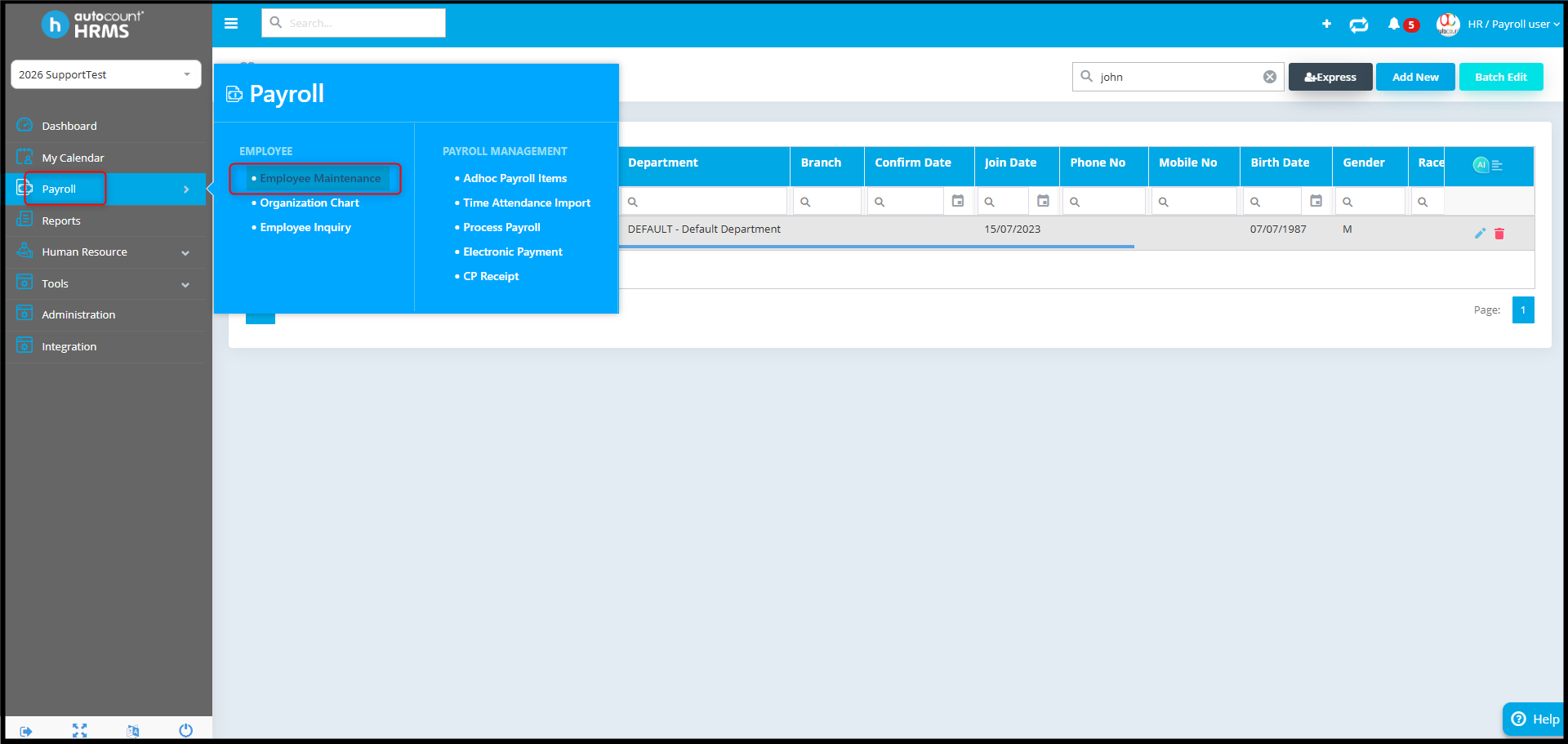
1. Go to Payroll > Employee Maintenance.
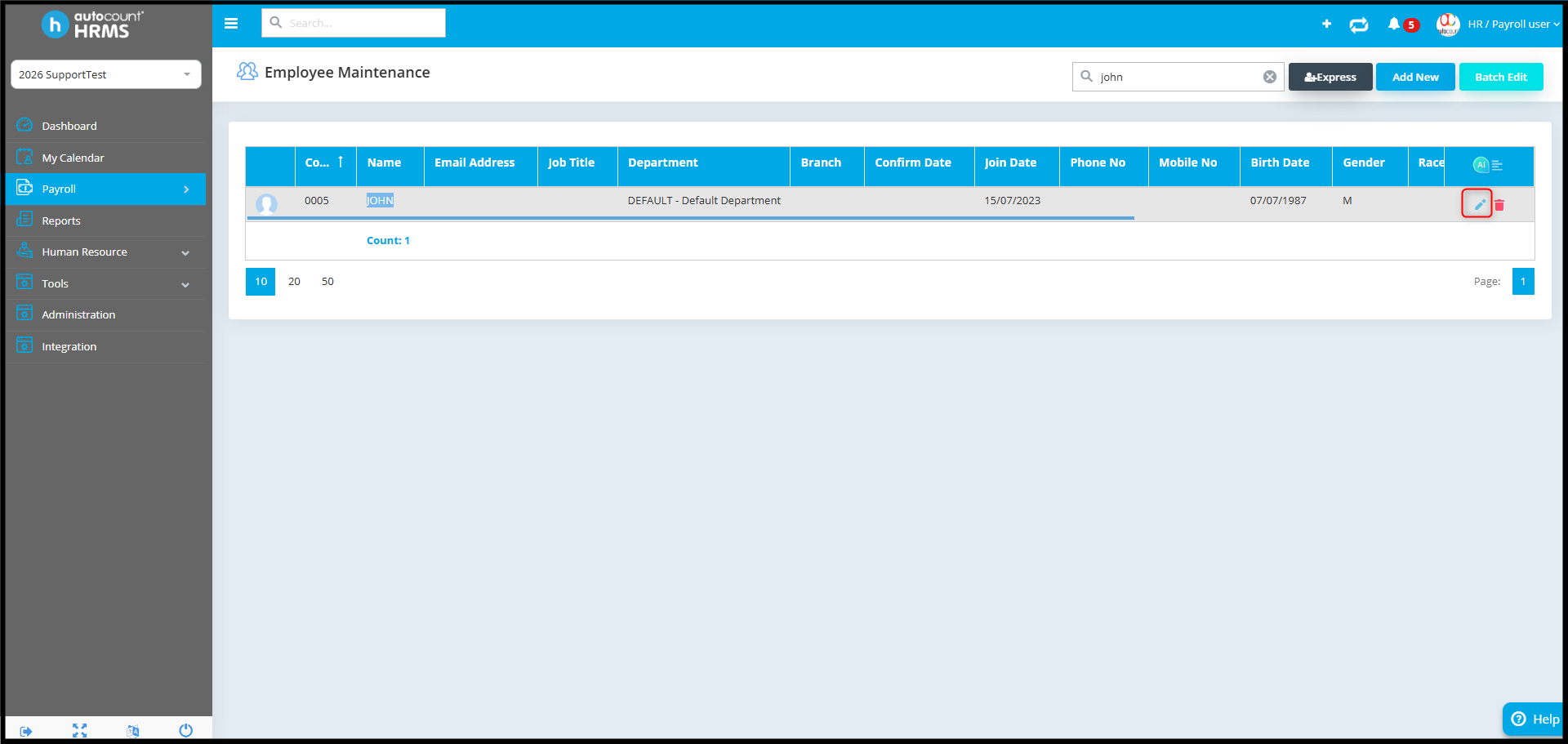
2. Select and edit the employee.
3. Under Employment Detail, look for the “Entitlement Group”.
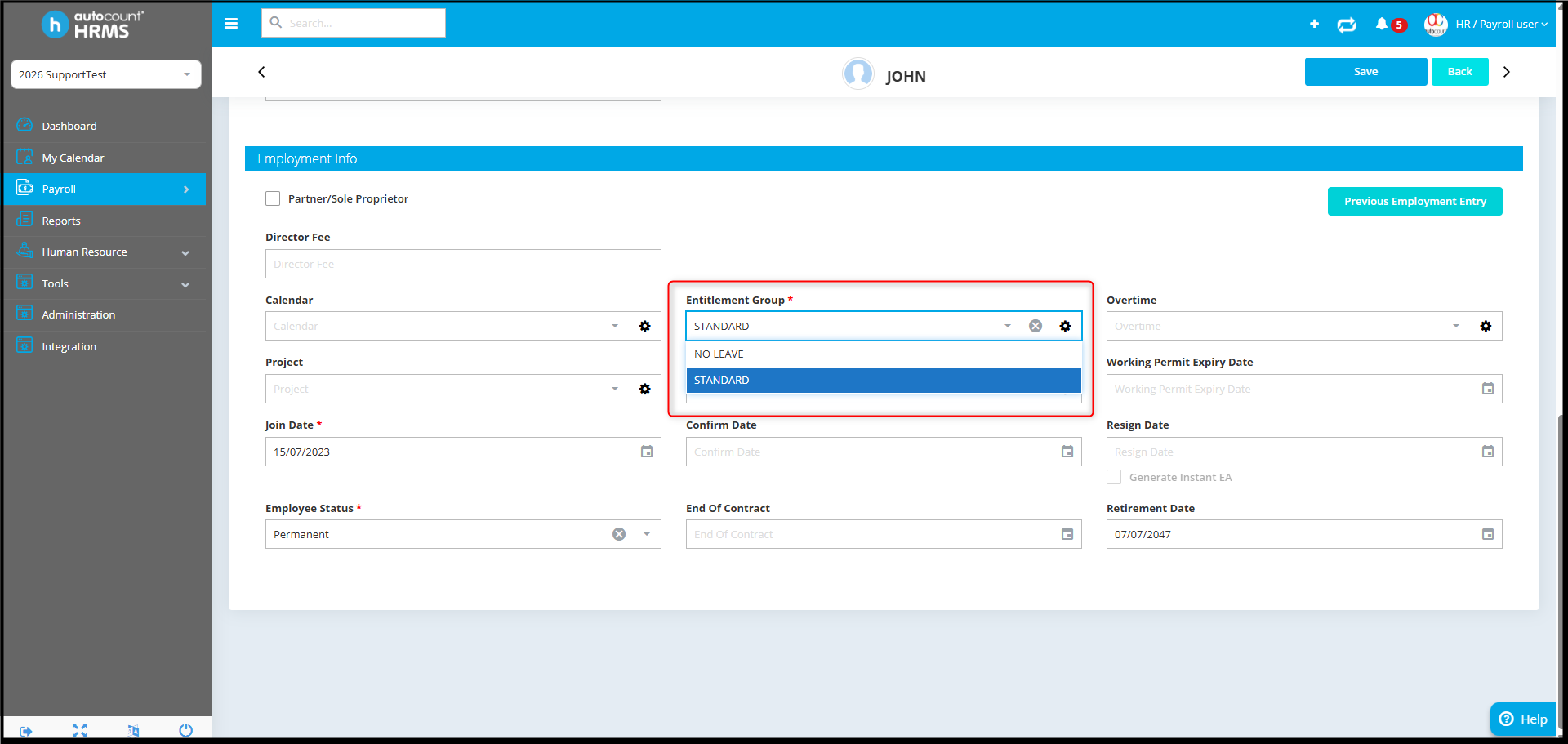
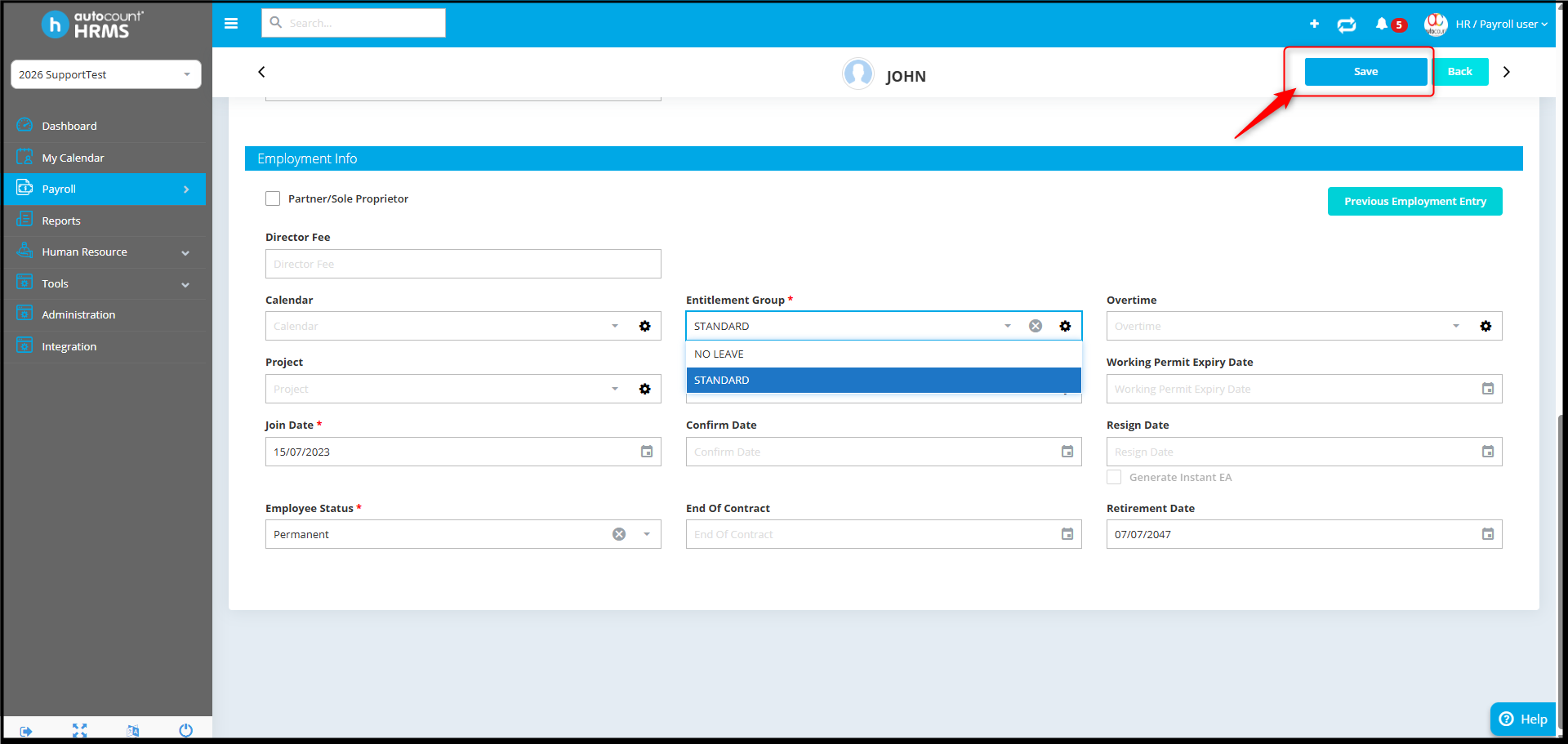
4. Make sure the Entitlement Group is assigned correctly, then click Save.
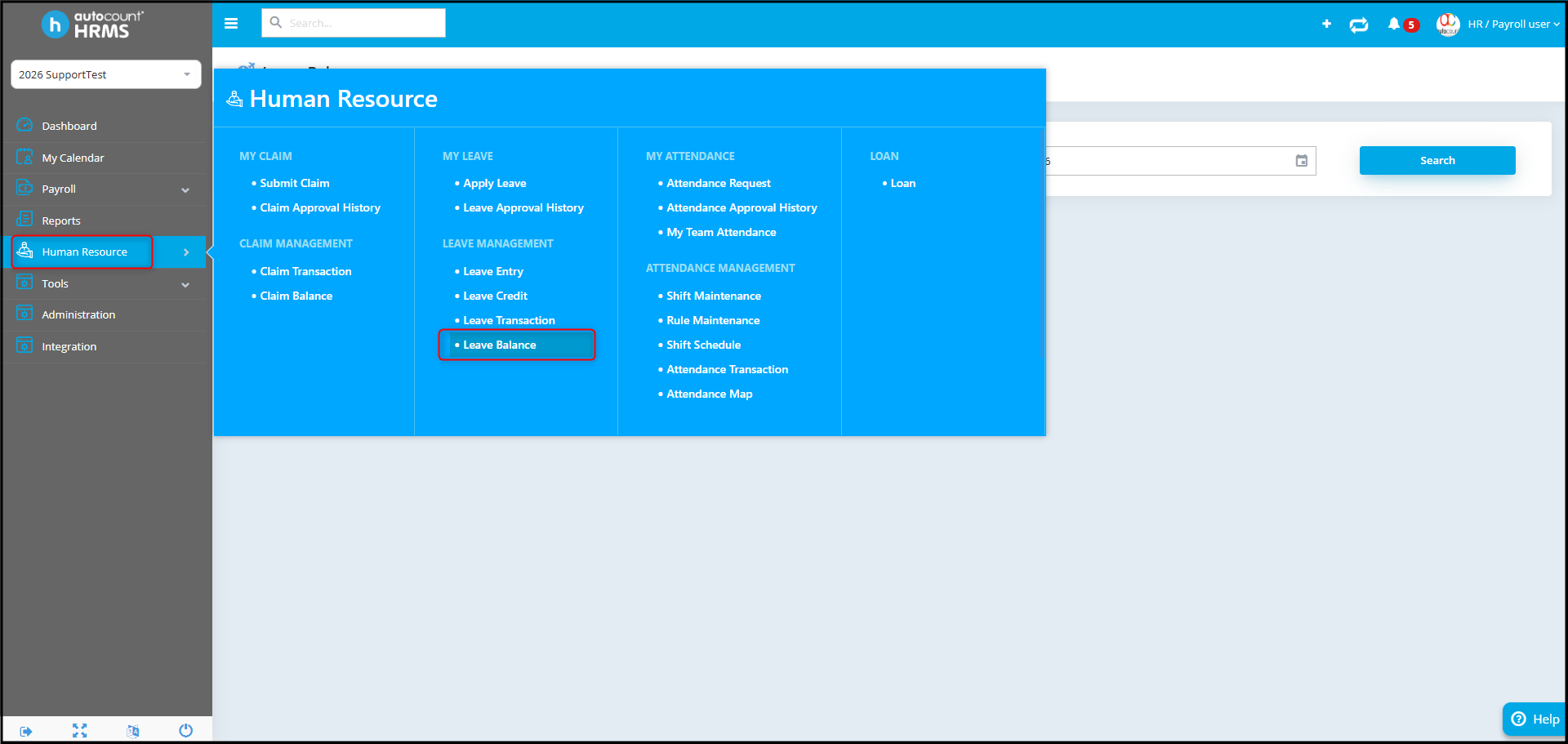
5. Next, go to Human Resource > Leave Balance.
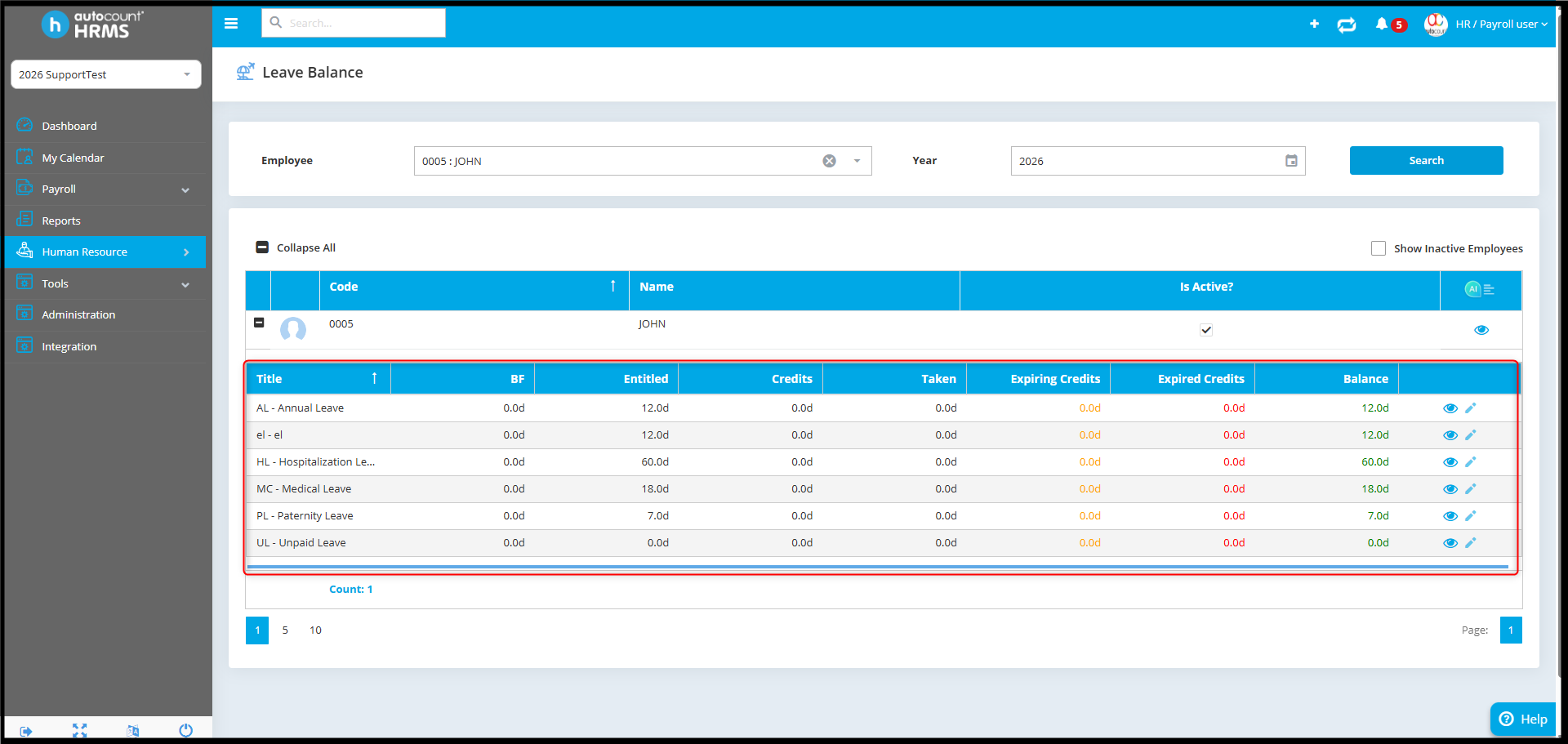
6. Verify that the employee’s leave entitlement is displayed correctly.
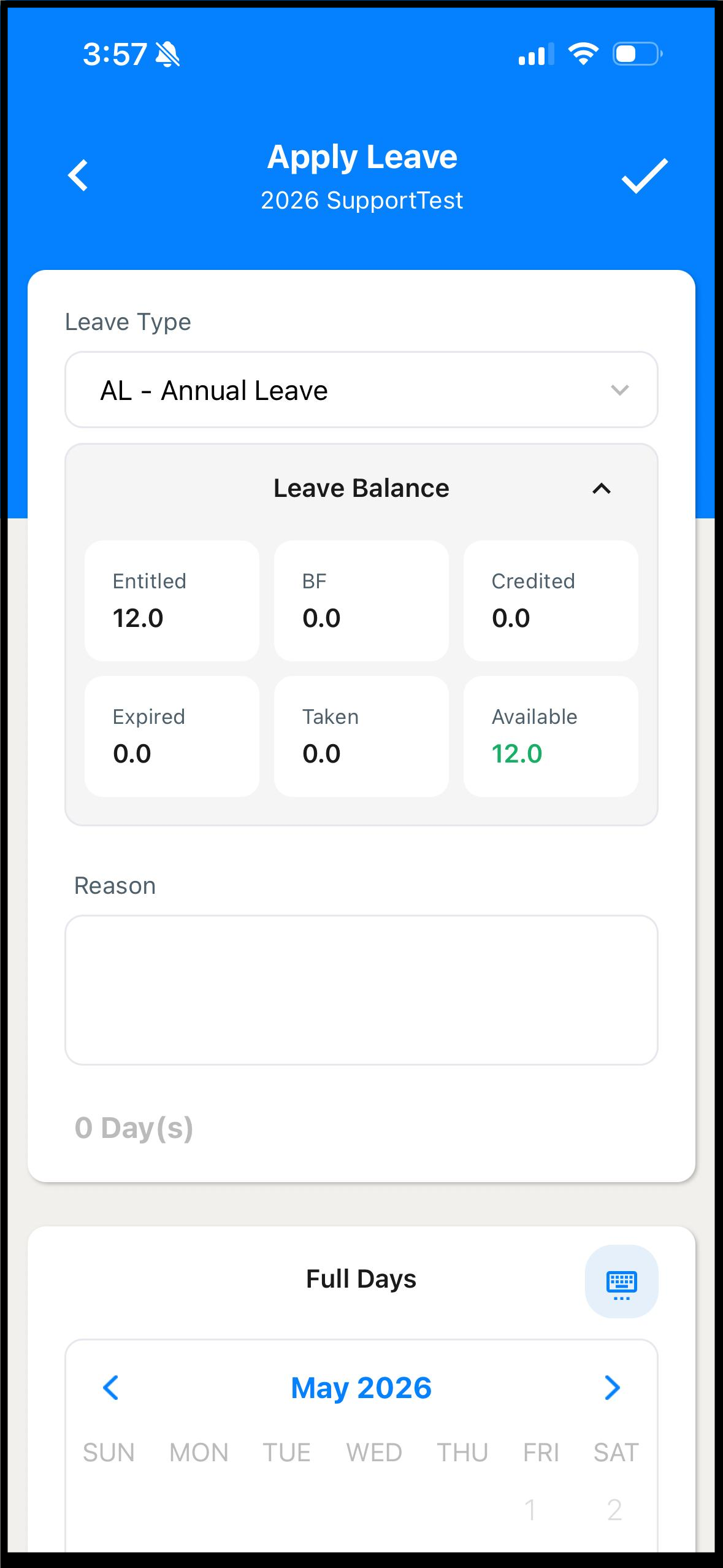
7. After confirming the entitlement is available, ask the employee to apply leave again in the AC Payroll app.
By Azirah 260522