
This guide will assist you in applying the default overtime setting to multiple employees.
To assign a default Overtime setting to multiple employees, follow the steps below:
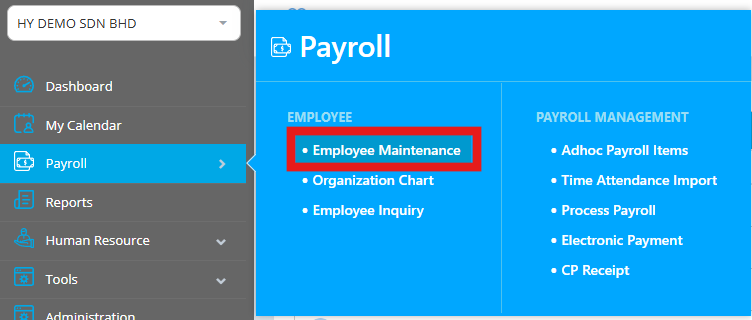
1. Go to Payroll > Employee Maintenance.
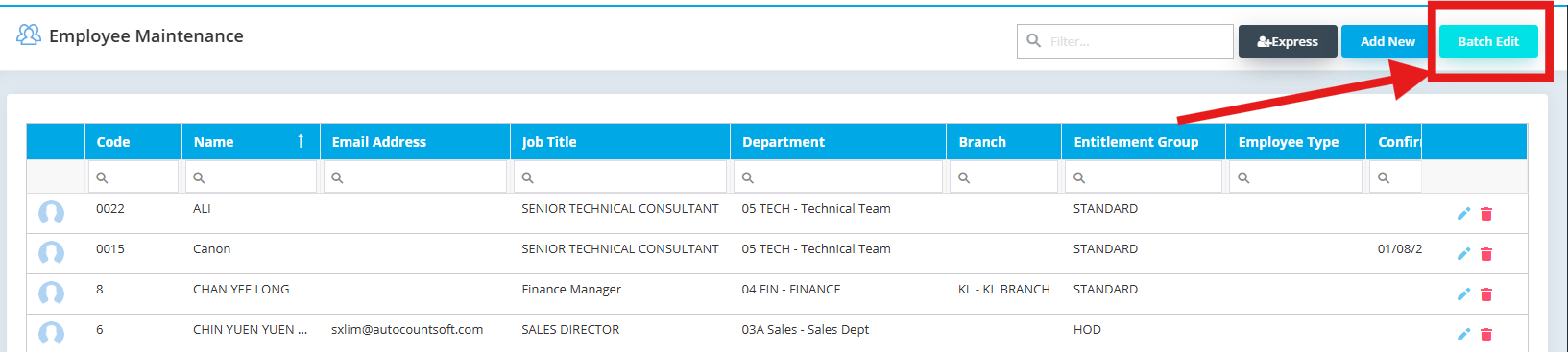
2. Click the Batch Edit button in the top right corner.
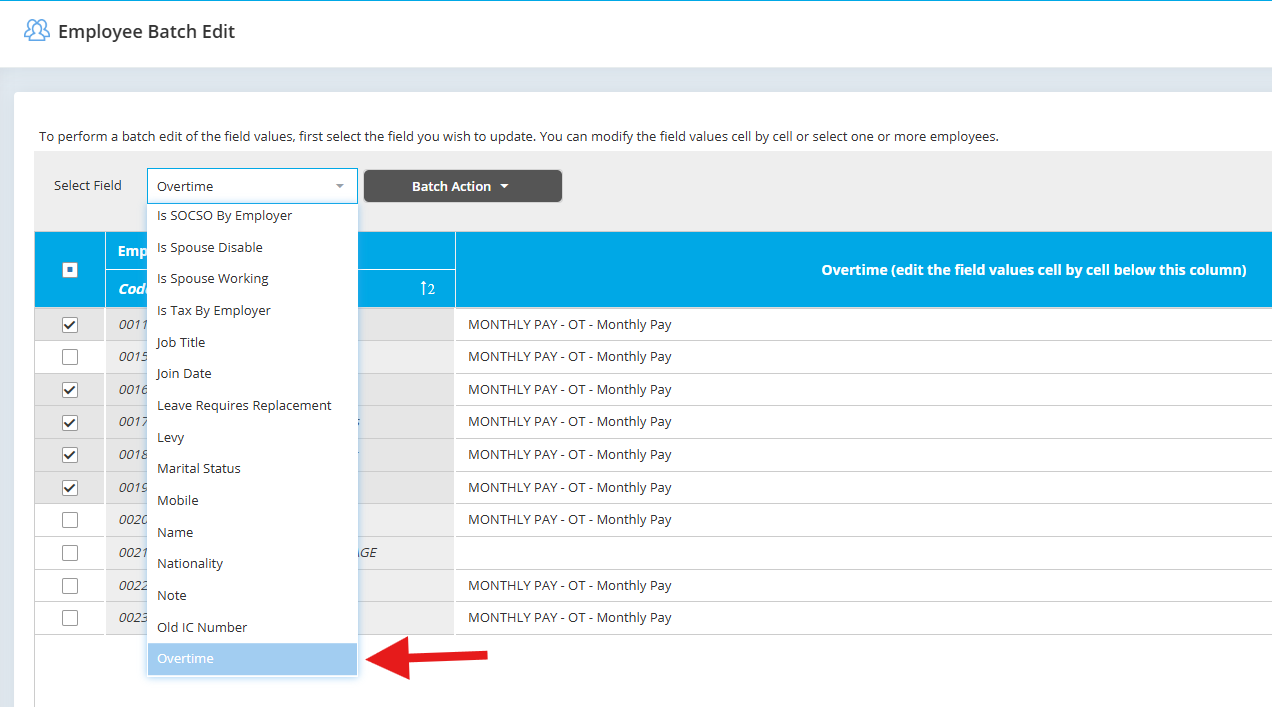
3. Select field "Overtime"
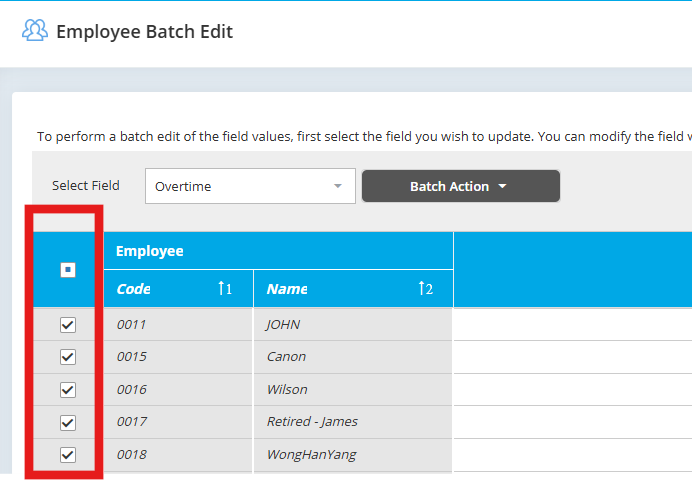
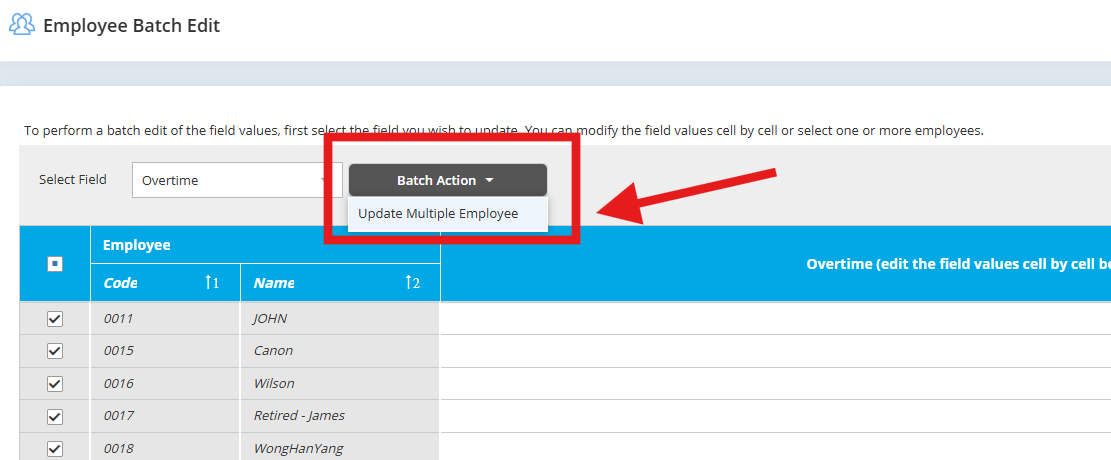
4. Tick the employees who need to be assigned Overtime.
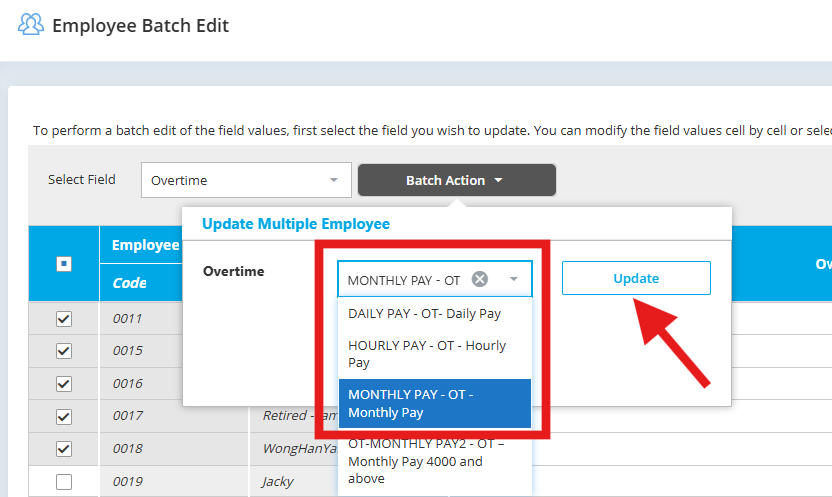
5. Click Batch Action > Update Multiple Employees, choose Overtime, and click Update to apply the changes.
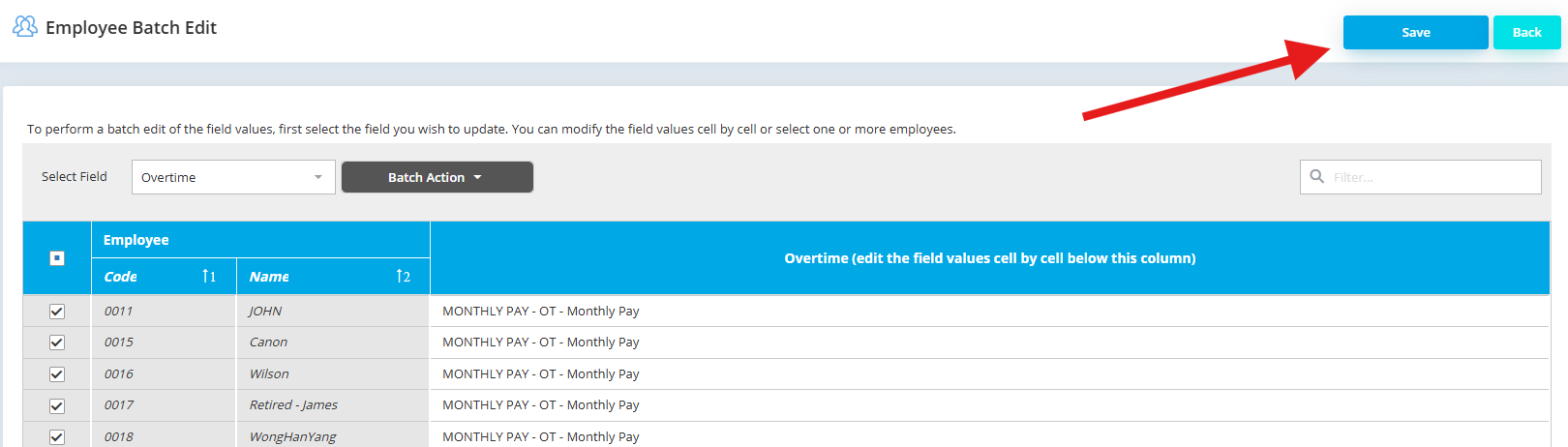
6. Click Save after the changes made.
By HanYang 250725, Azirah 250731