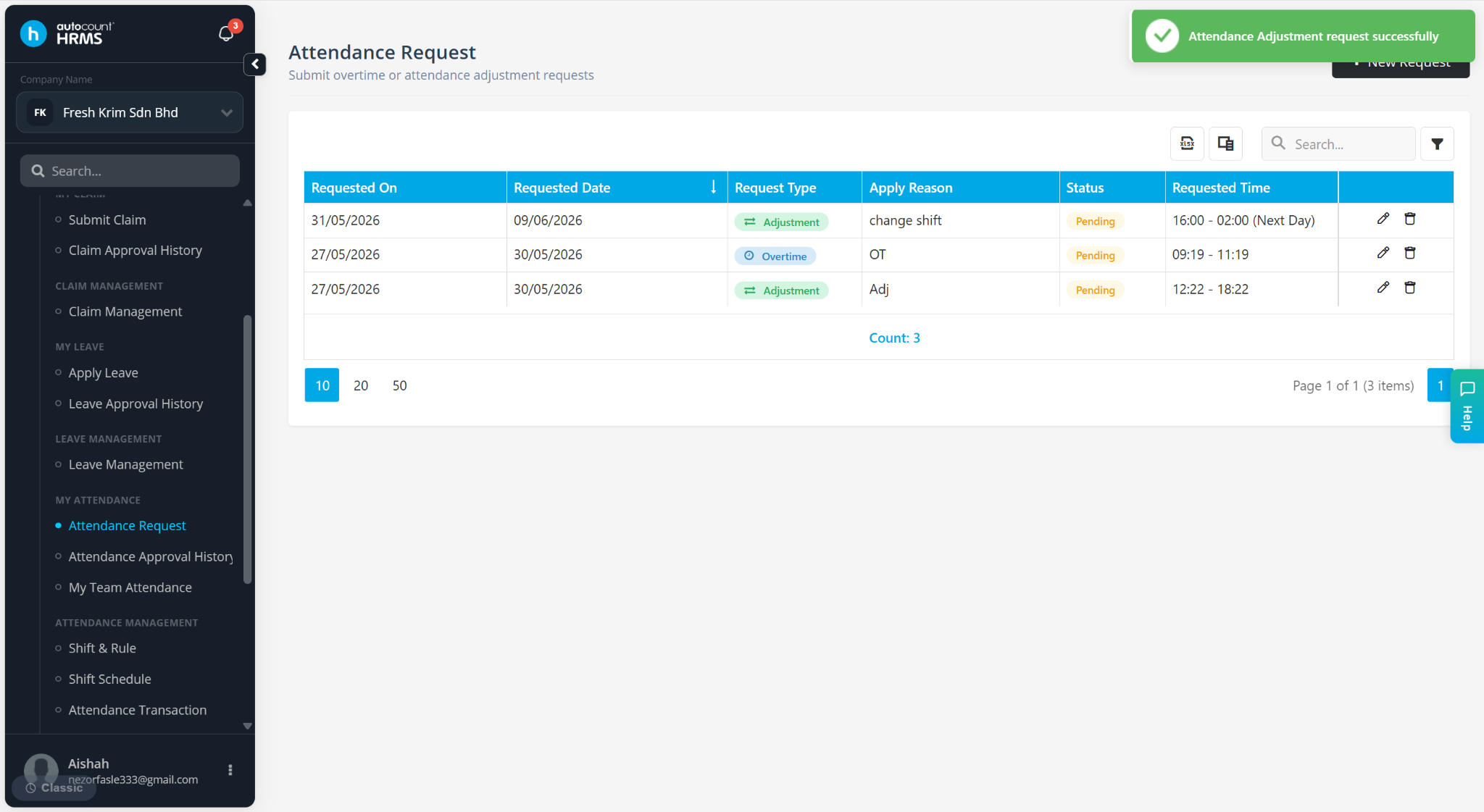
Employees can submit overtime (OT) requests through the Employee Self Service (ESS) module.
Steps to Request for Overtime via ESS:
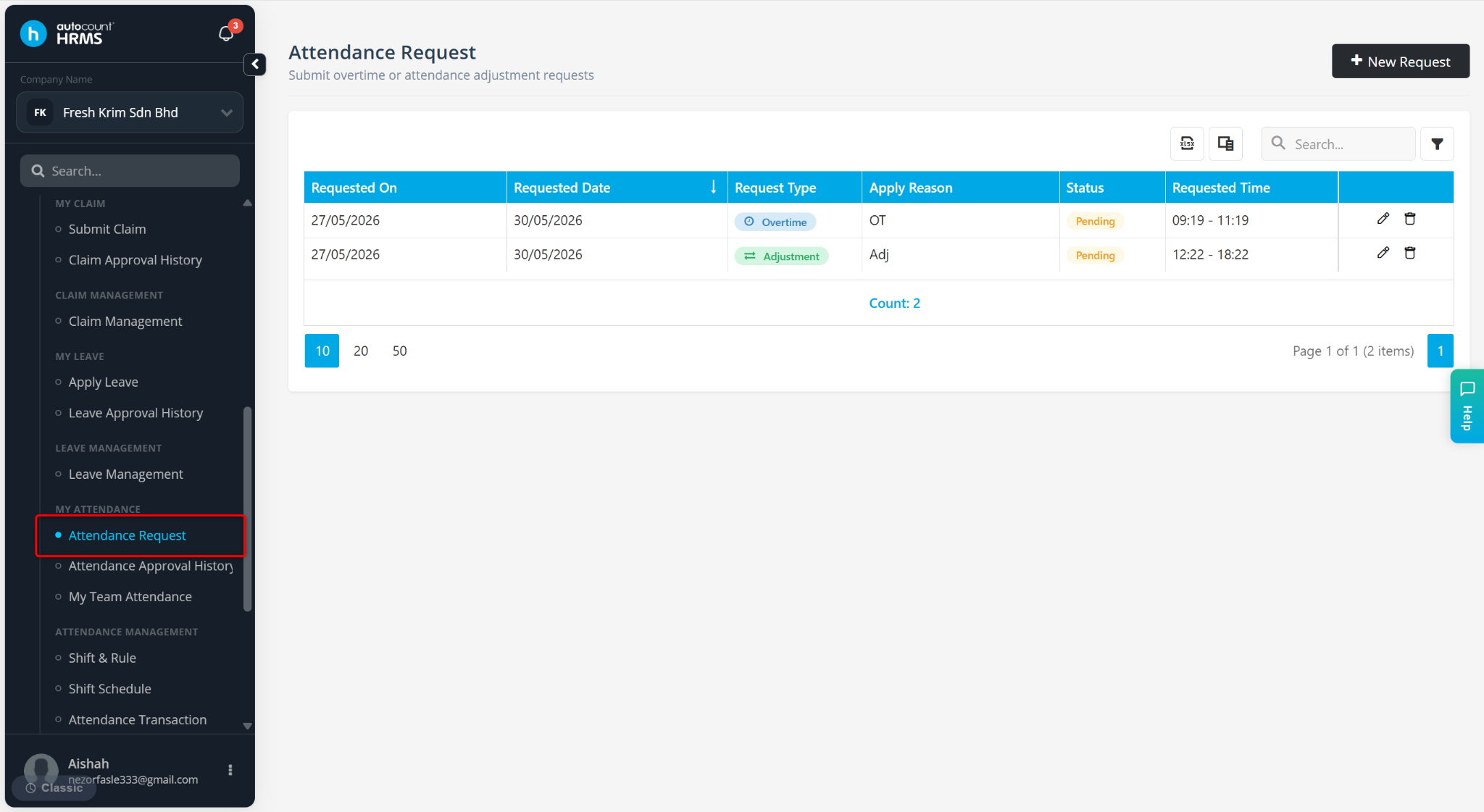
Go to Attendance Request.
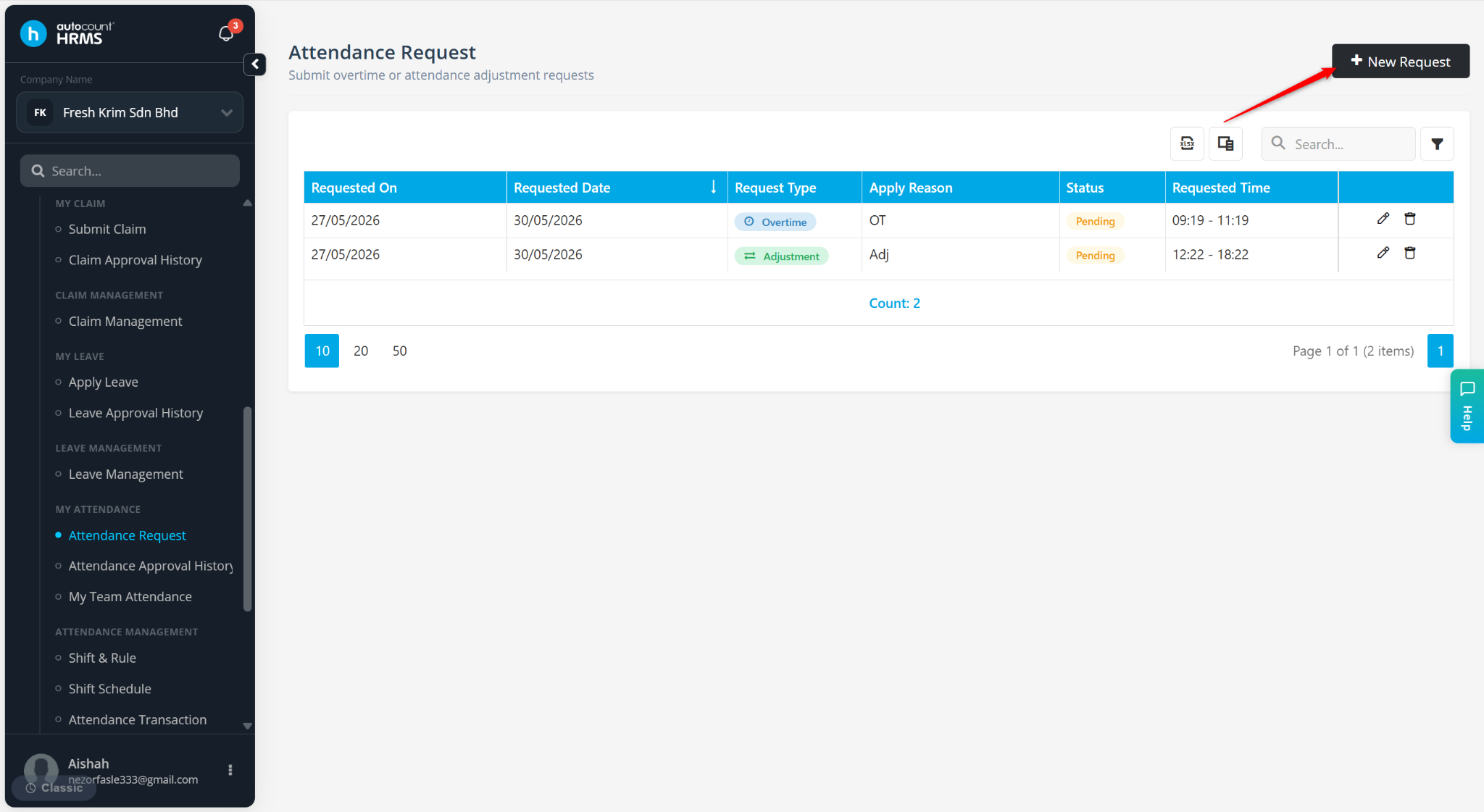
Click + New Request.
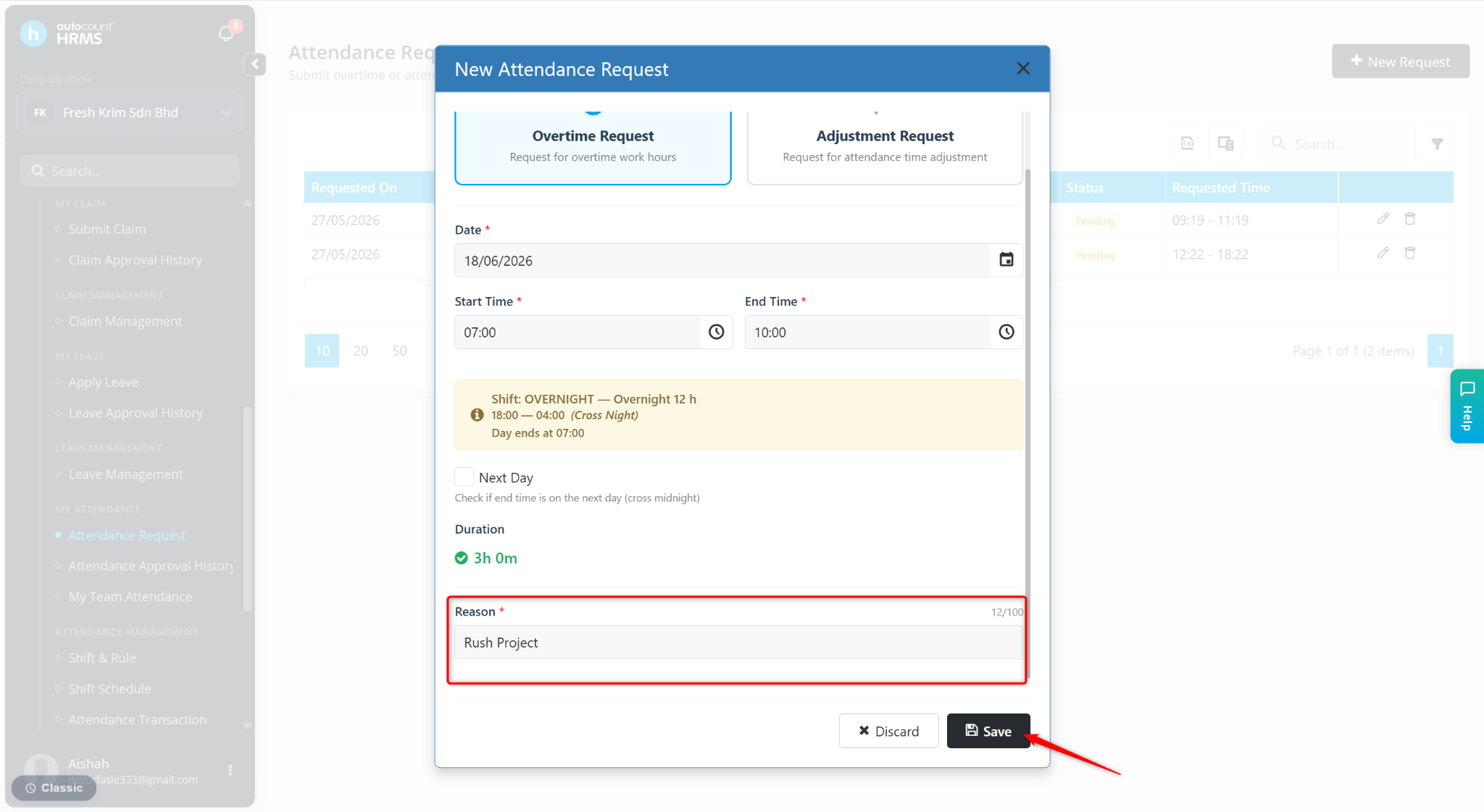
Select Overtime Request.
Enter the details:
Date – Select the overtime date.
Start and End Time – Enter the overtime duration.
Next Day – Tick this option if overtime ends on the next day.
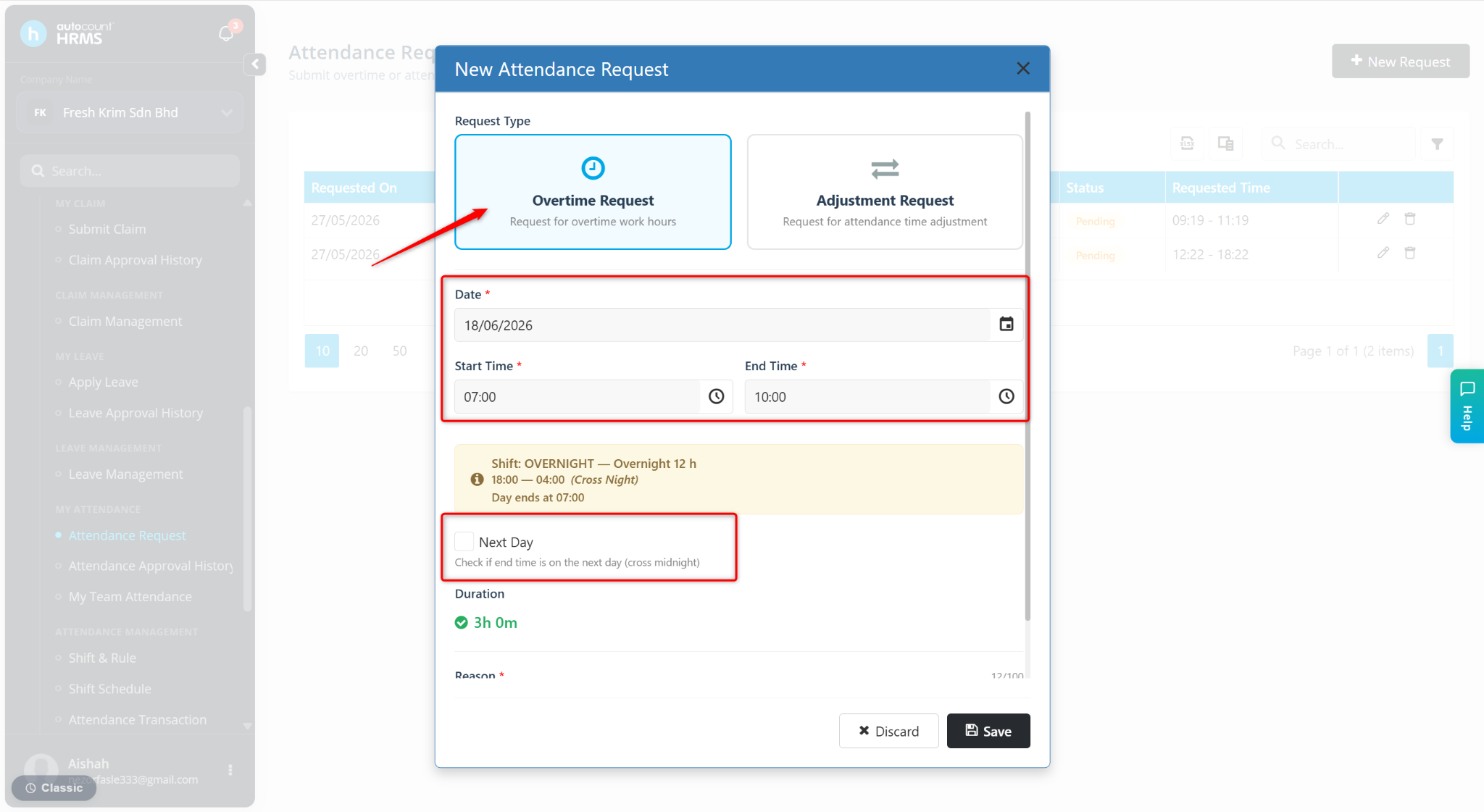
Reason – Provide the reason for working overtime.
Click Save.
The shift adjustment request will be submitted for approval and the status will be shown as Pending.