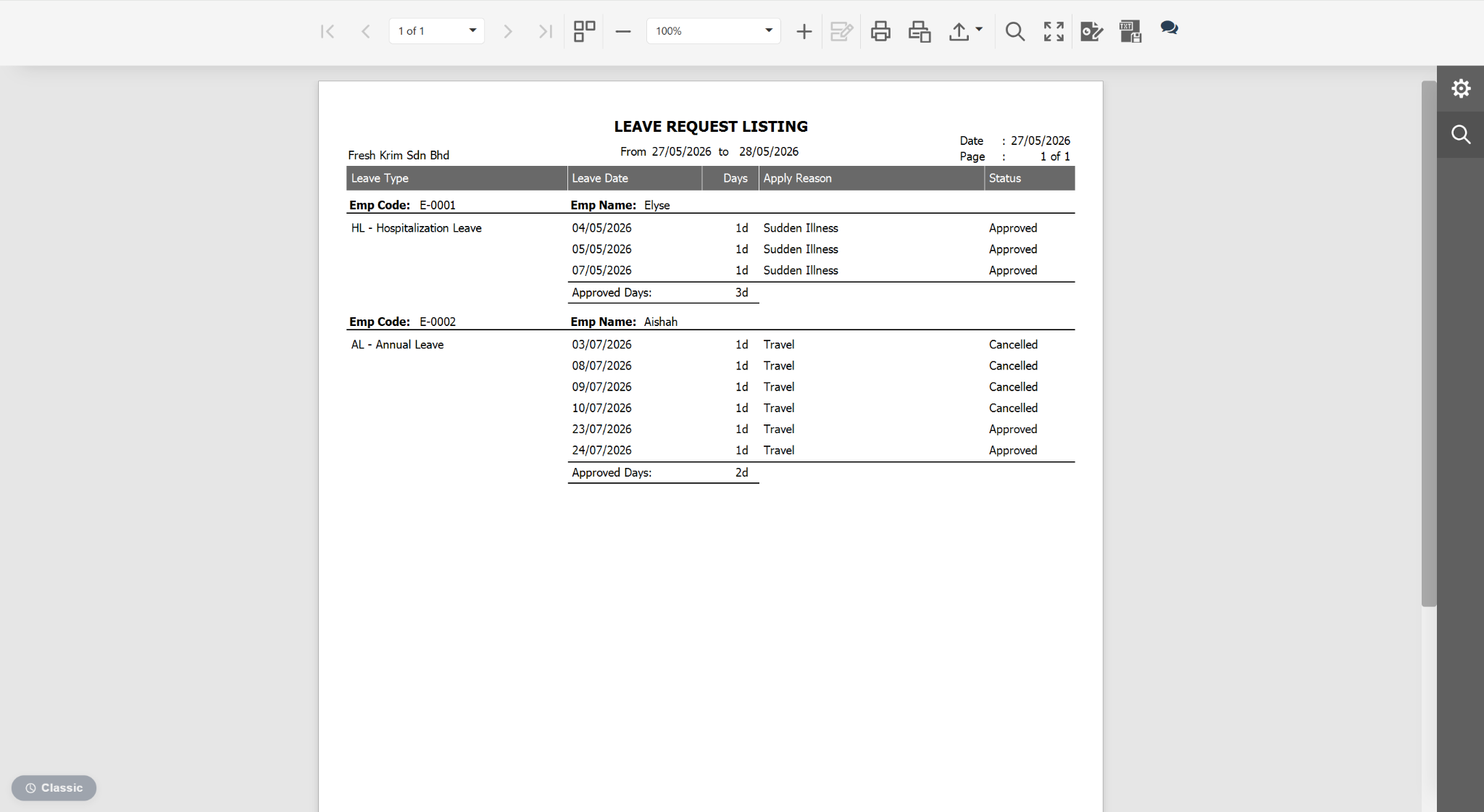
Users may customise the Leave Request Listing report to display the leave application reason, making it easier to review and verify leave requests.
Steps to Include Leave Application Reason in Leave Report:
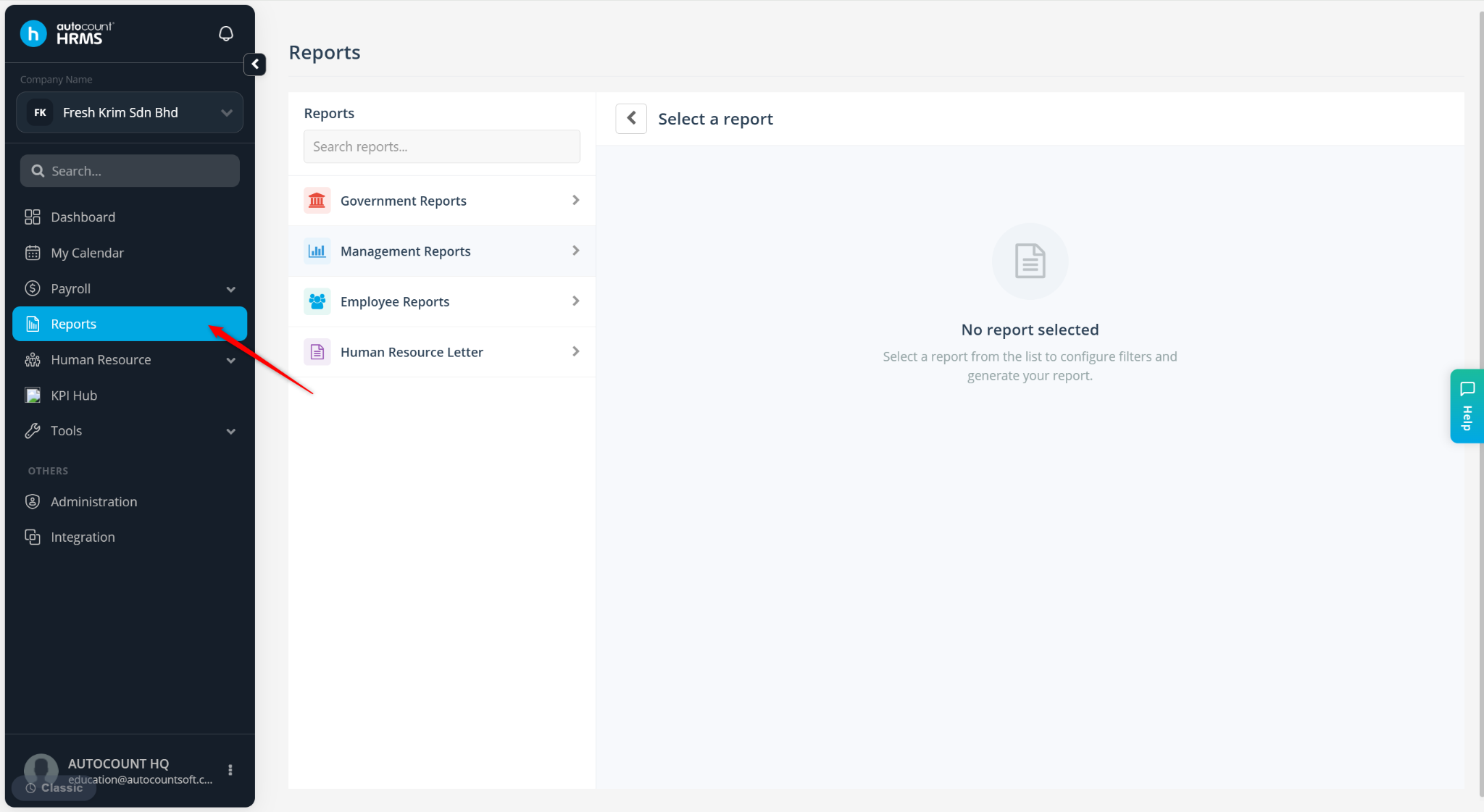
Go to Reports.
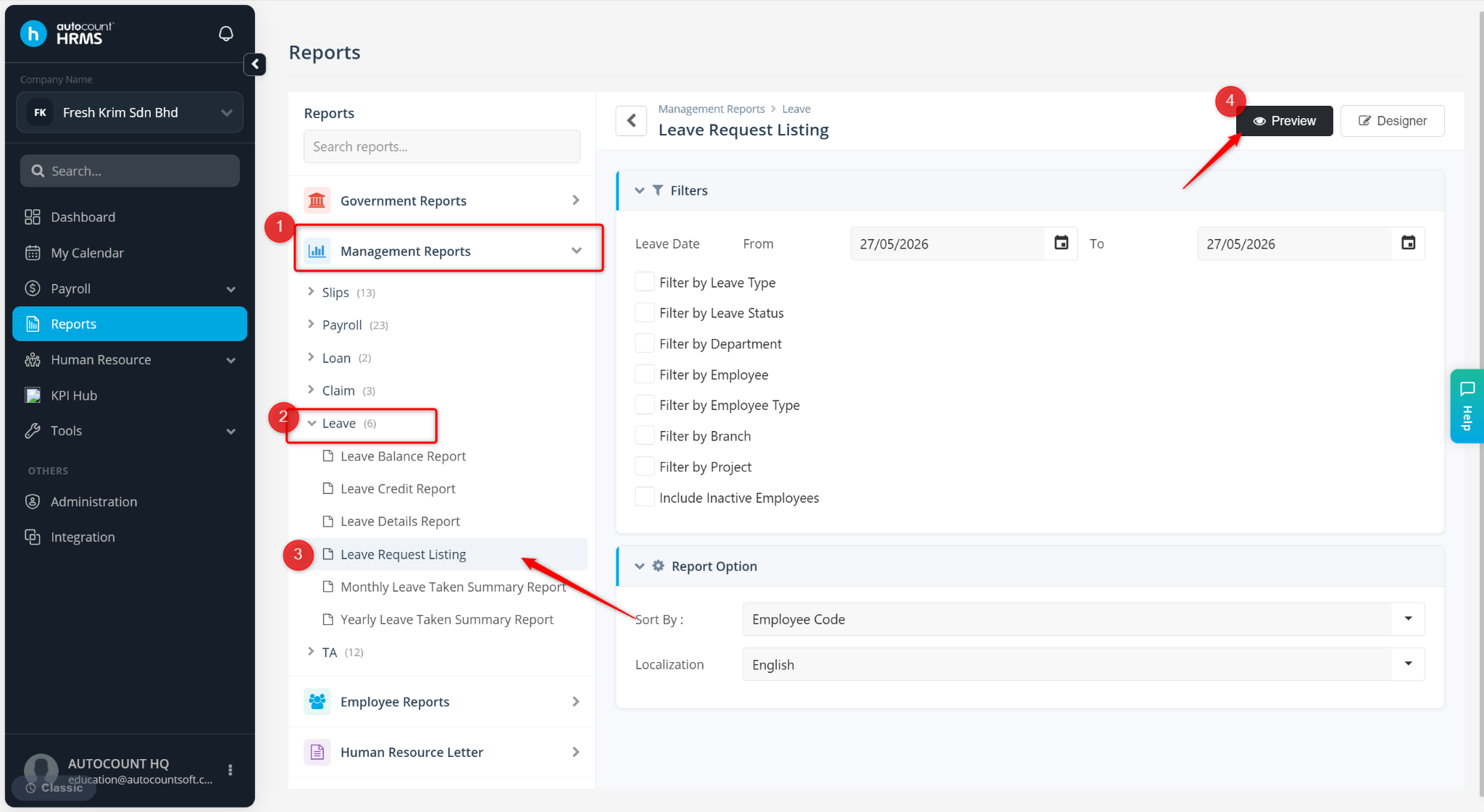
Expand Management Reports > Leave, select Leave Request Listing.
Click Preview.
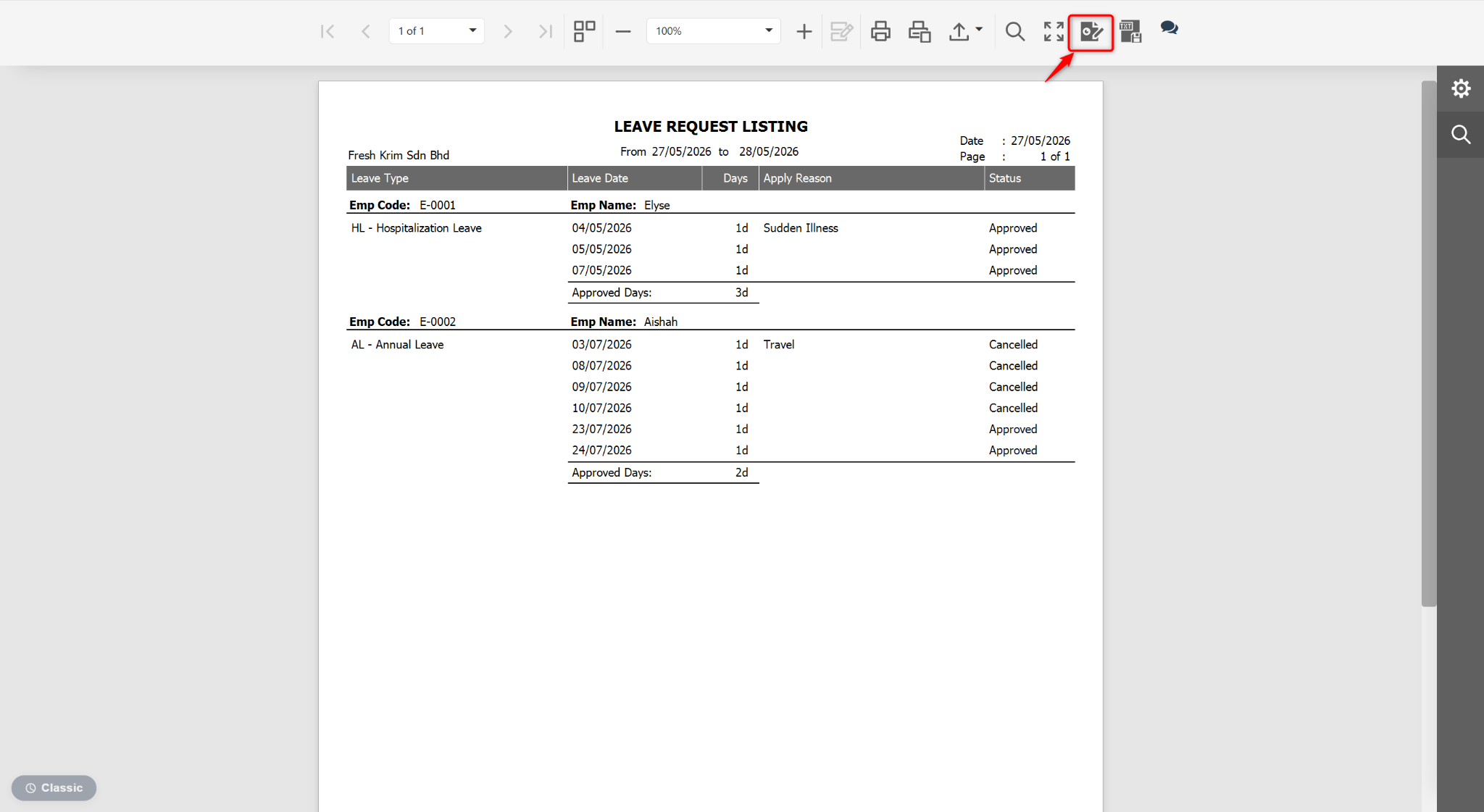
At the Preview page, click the edit icon.
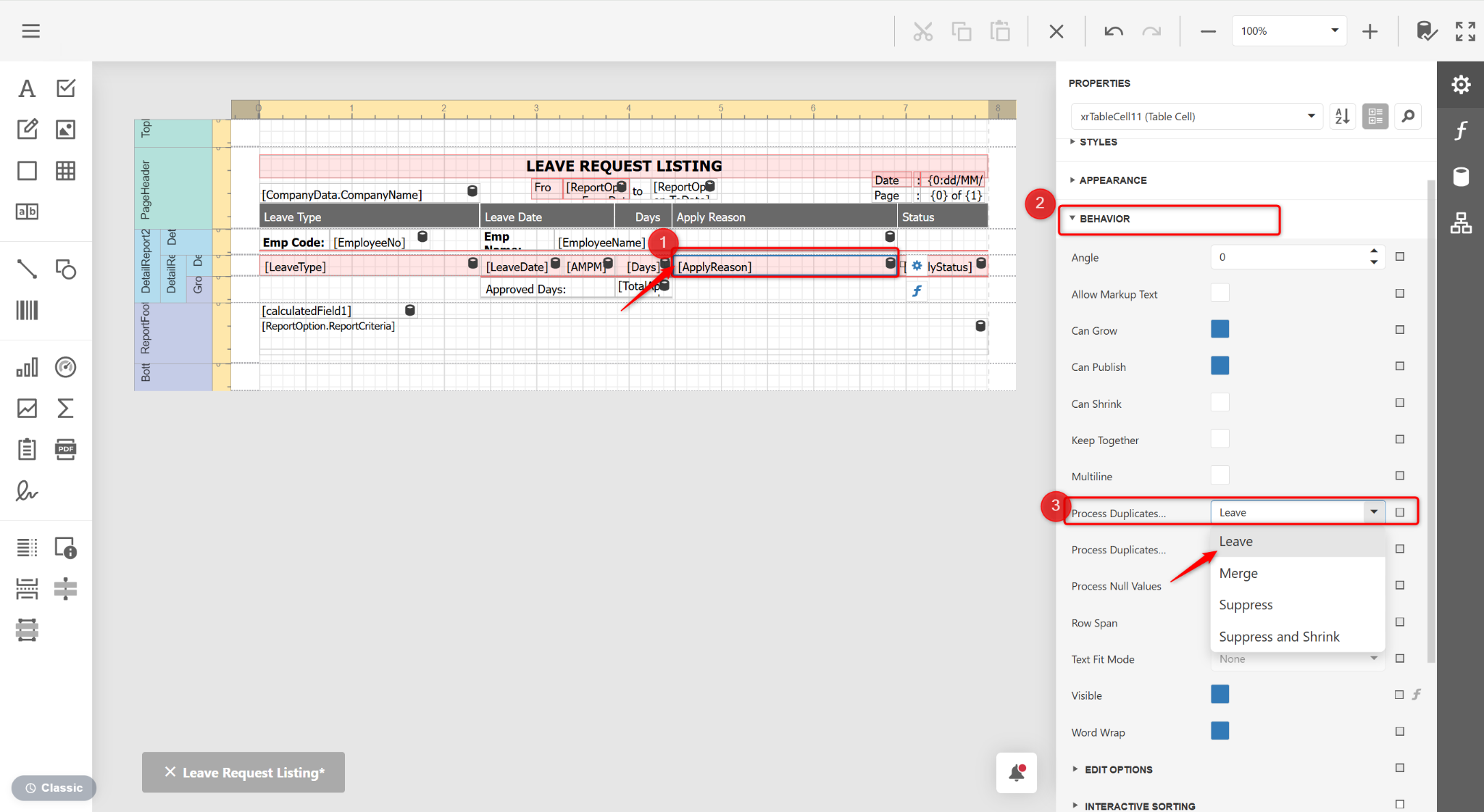
Click the Apply reason column, expand BEHAVIOR, and select Leave at the Process Duplicates Mode field.
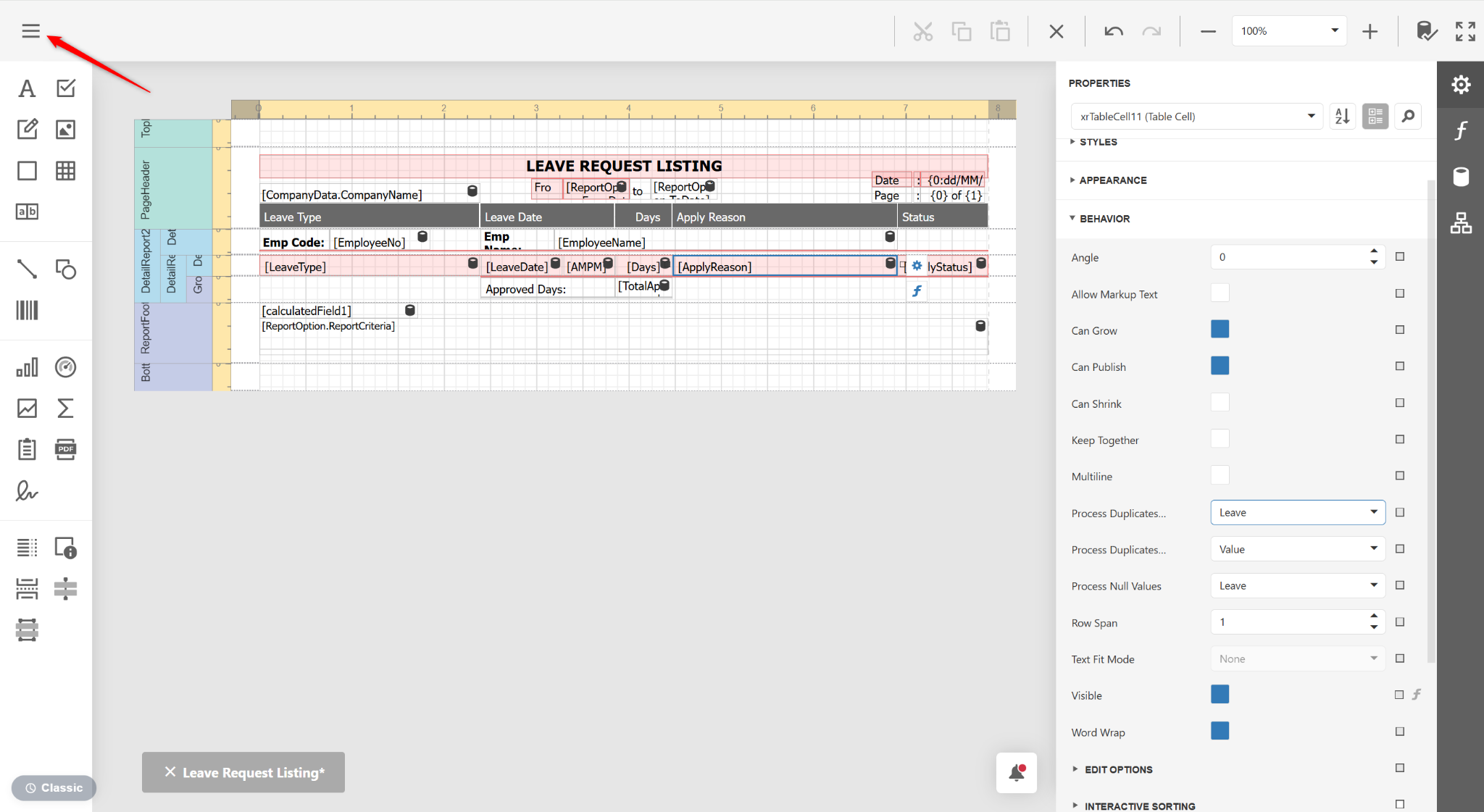
Click the three horizontal lines icon.
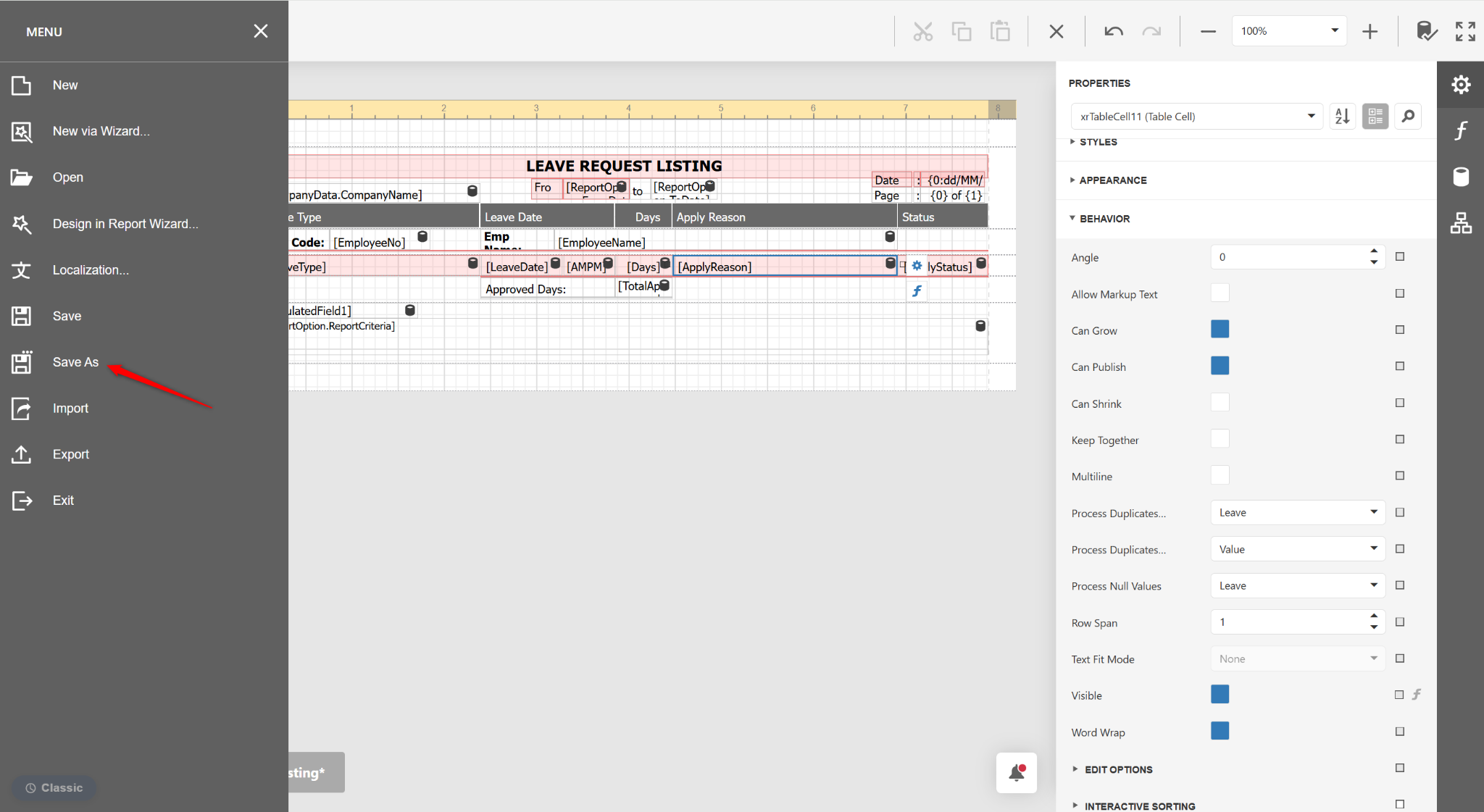
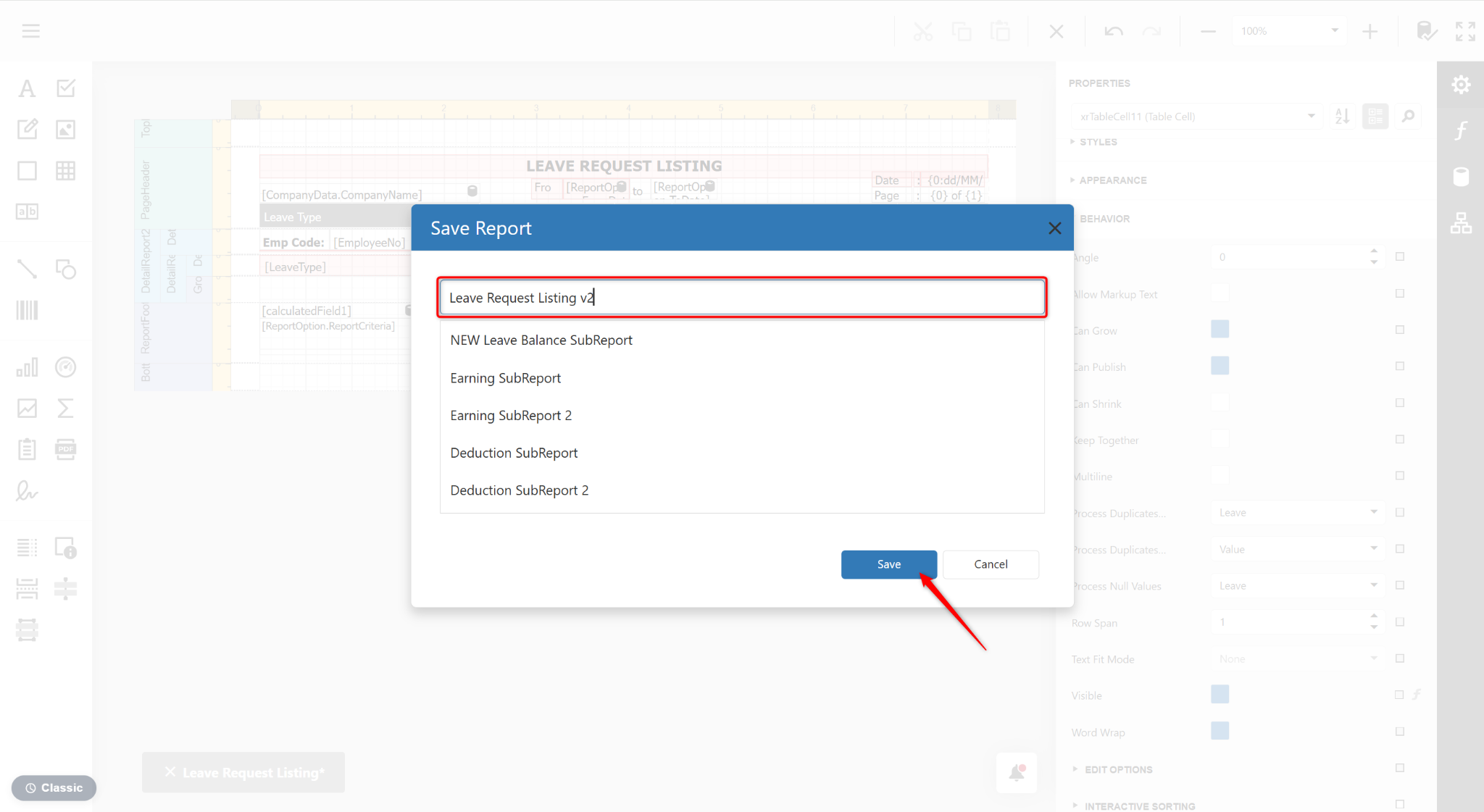
Select Save As.
Enter a new report name and click Save.
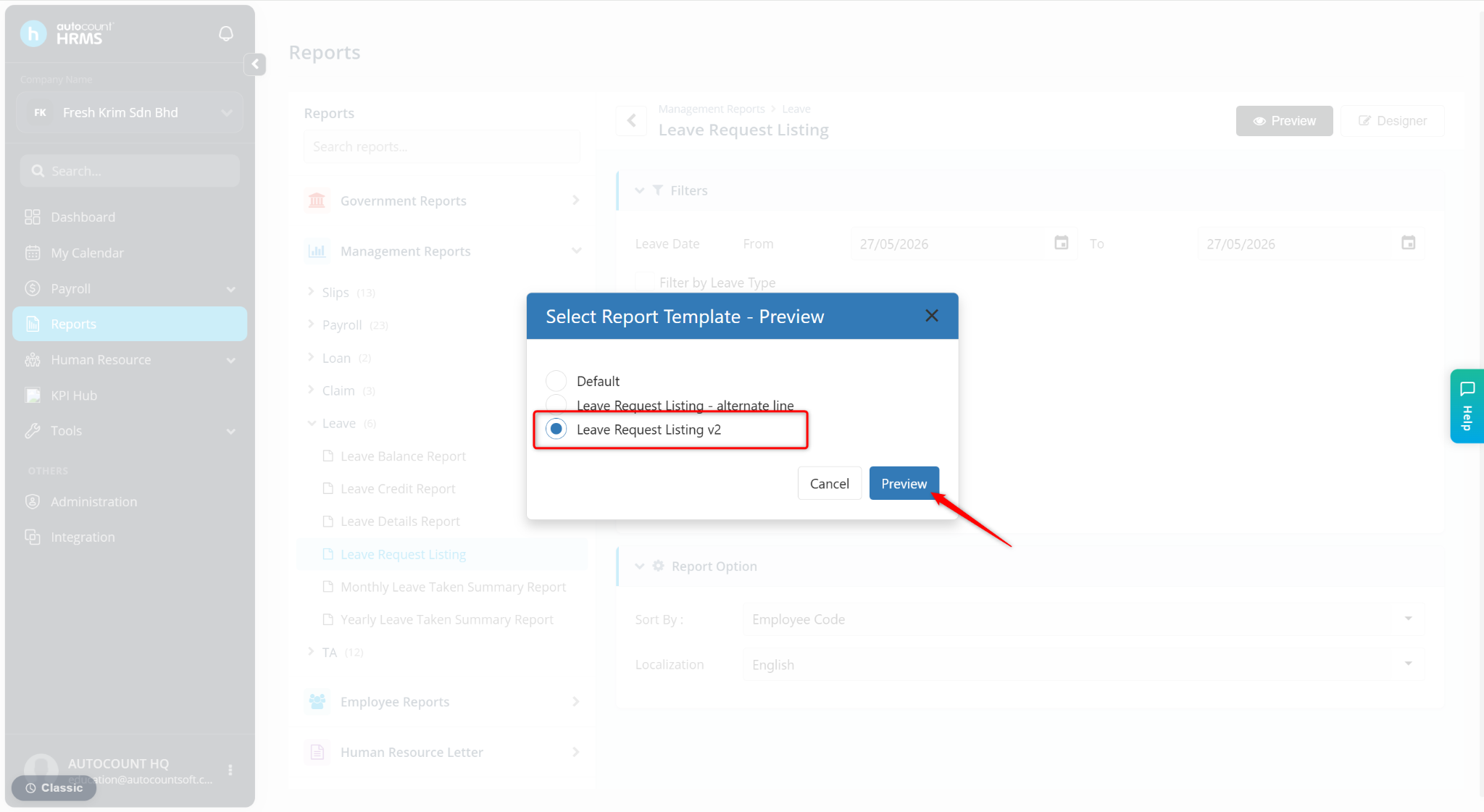
Return to the Reports page and click Preview.
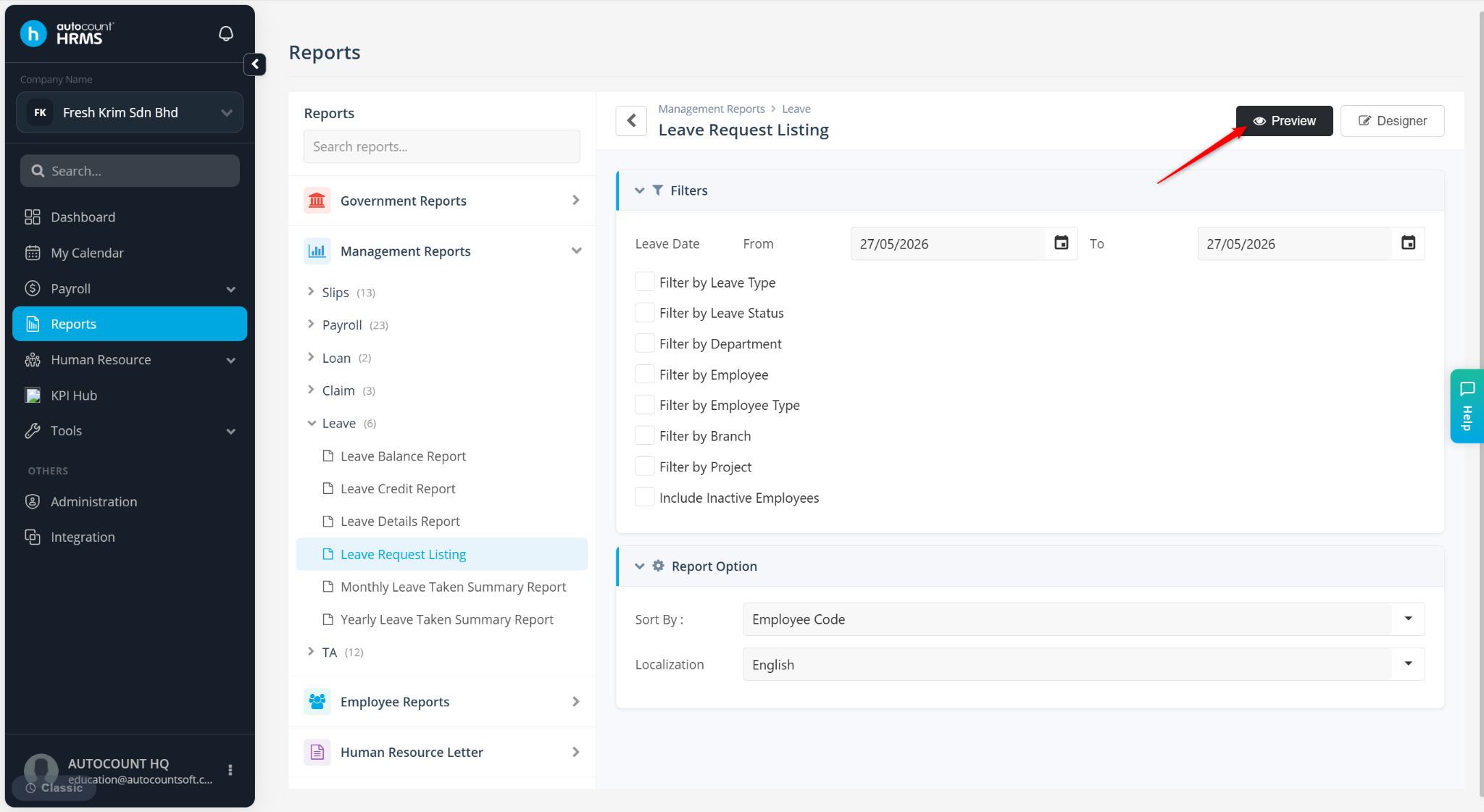
Select the newly customised report and click Preview.