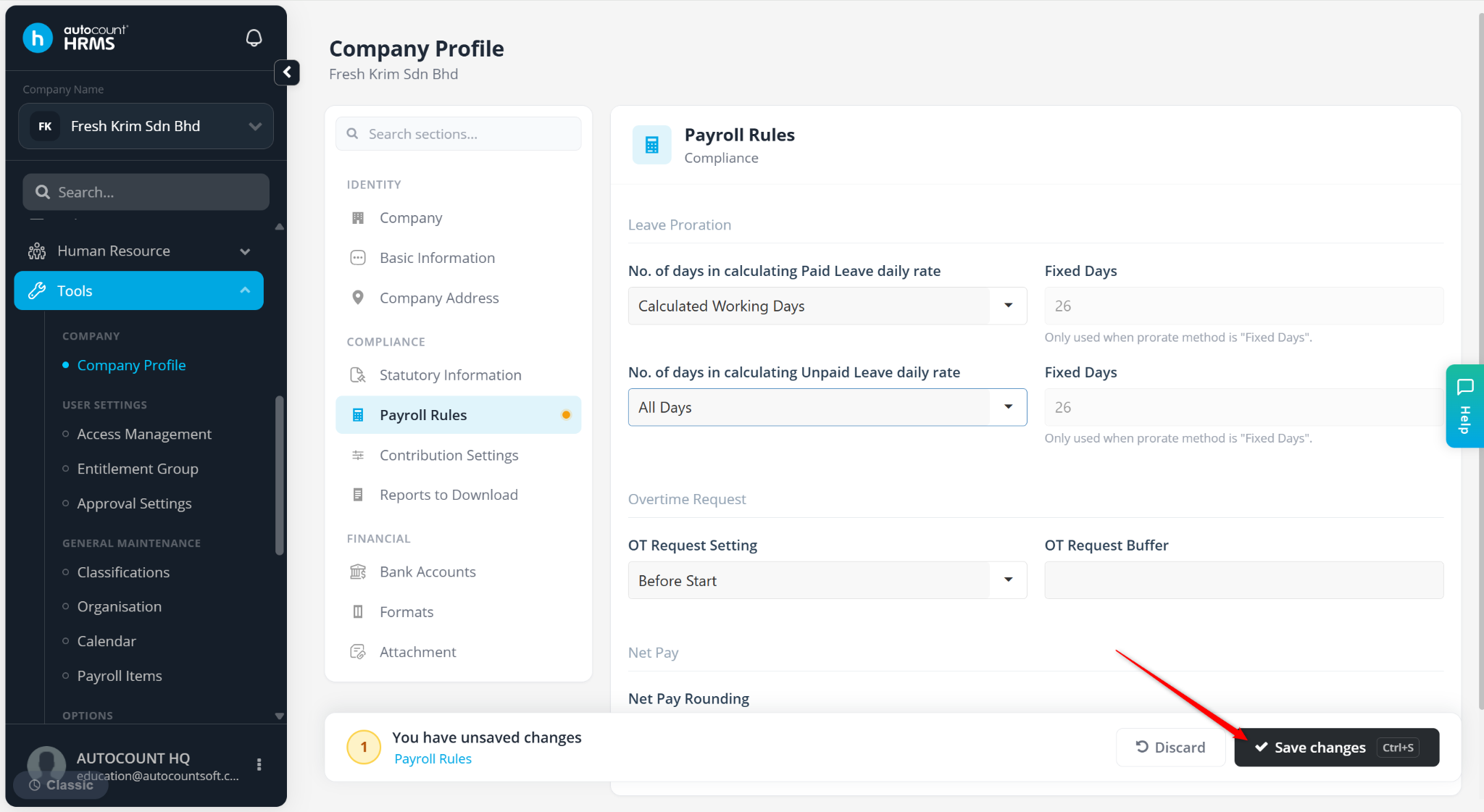
This feature allows users to define the calculation method used to determine employees’ daily salary rate for paid and unpaid leave processing.
Steps to Maintain Paid and Unpaid Leave Daily Rate Calculation Setting:
Go to Tools > Company Profile.
Go to Payroll Rules.
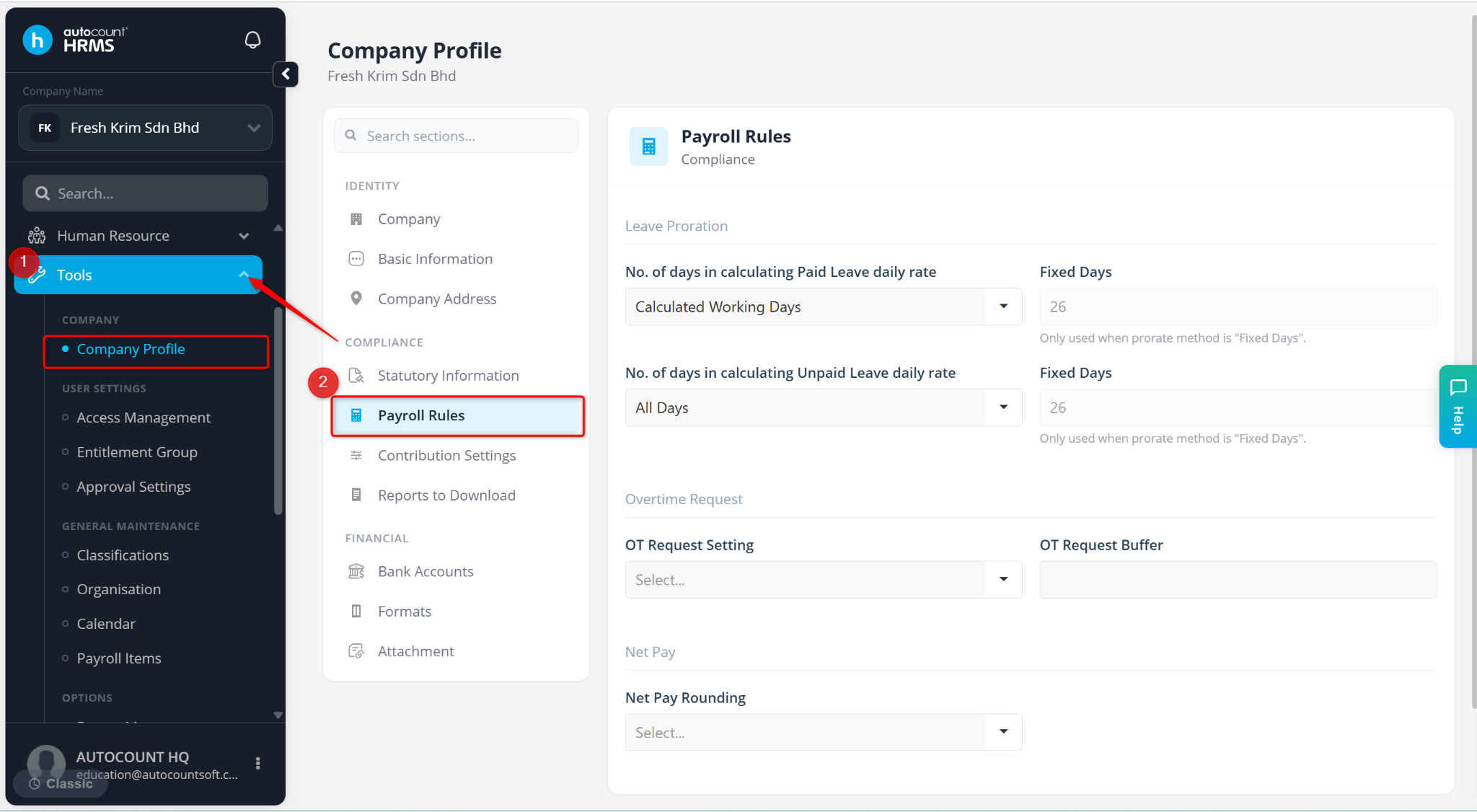
At the No. of days in calculating Paid Leave daily rate and No. Of days in calculating Unpaid Leave daily rate field, select:
Calculated Working Days – Formula: Basic Salary / Working Days in the Month
All Days – Formula: Basic Salary / Total Calendar Days in the Month.
Fixed Days – Formula: Basic Salary / Fixed Number of Days
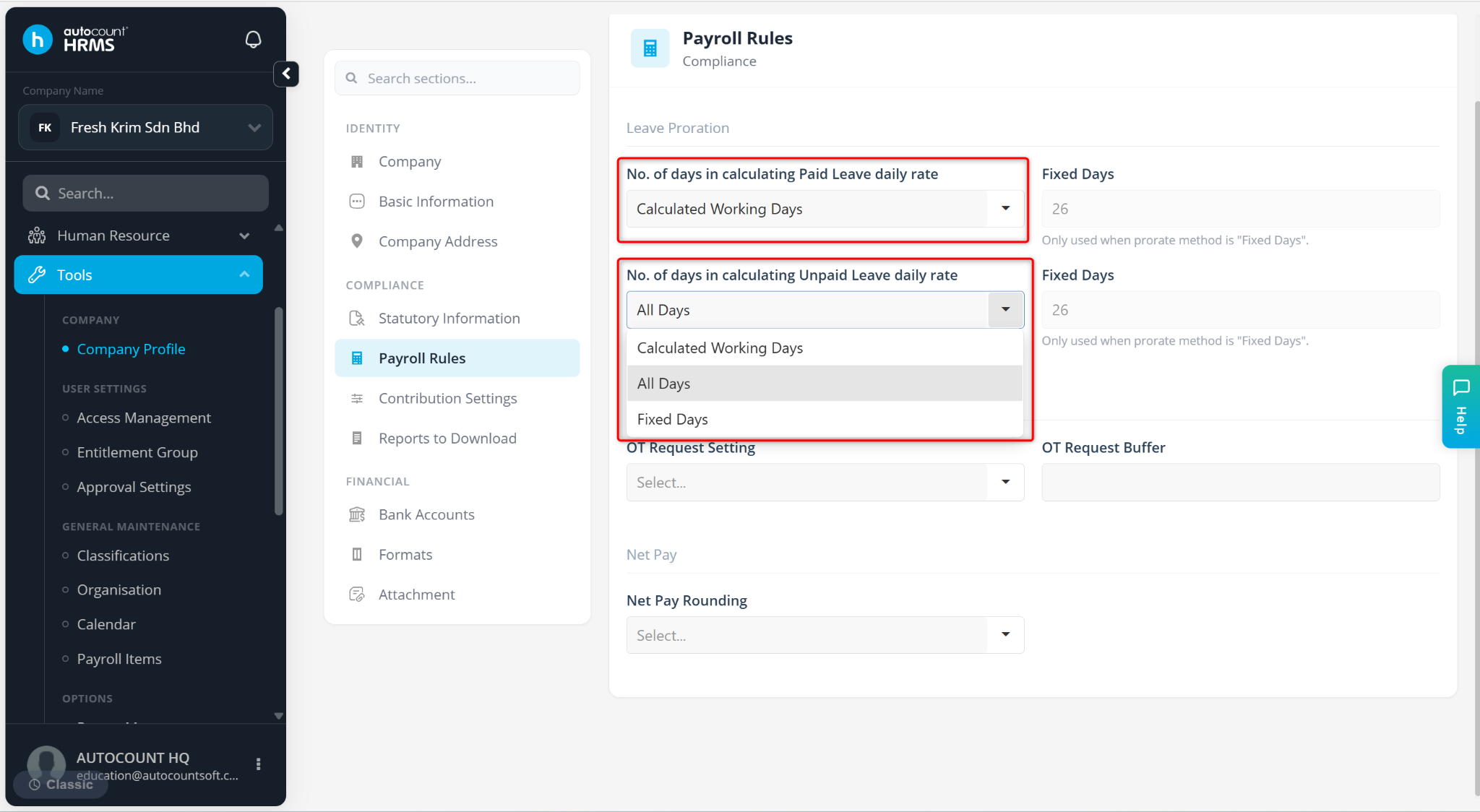
Click Save changes to apply.