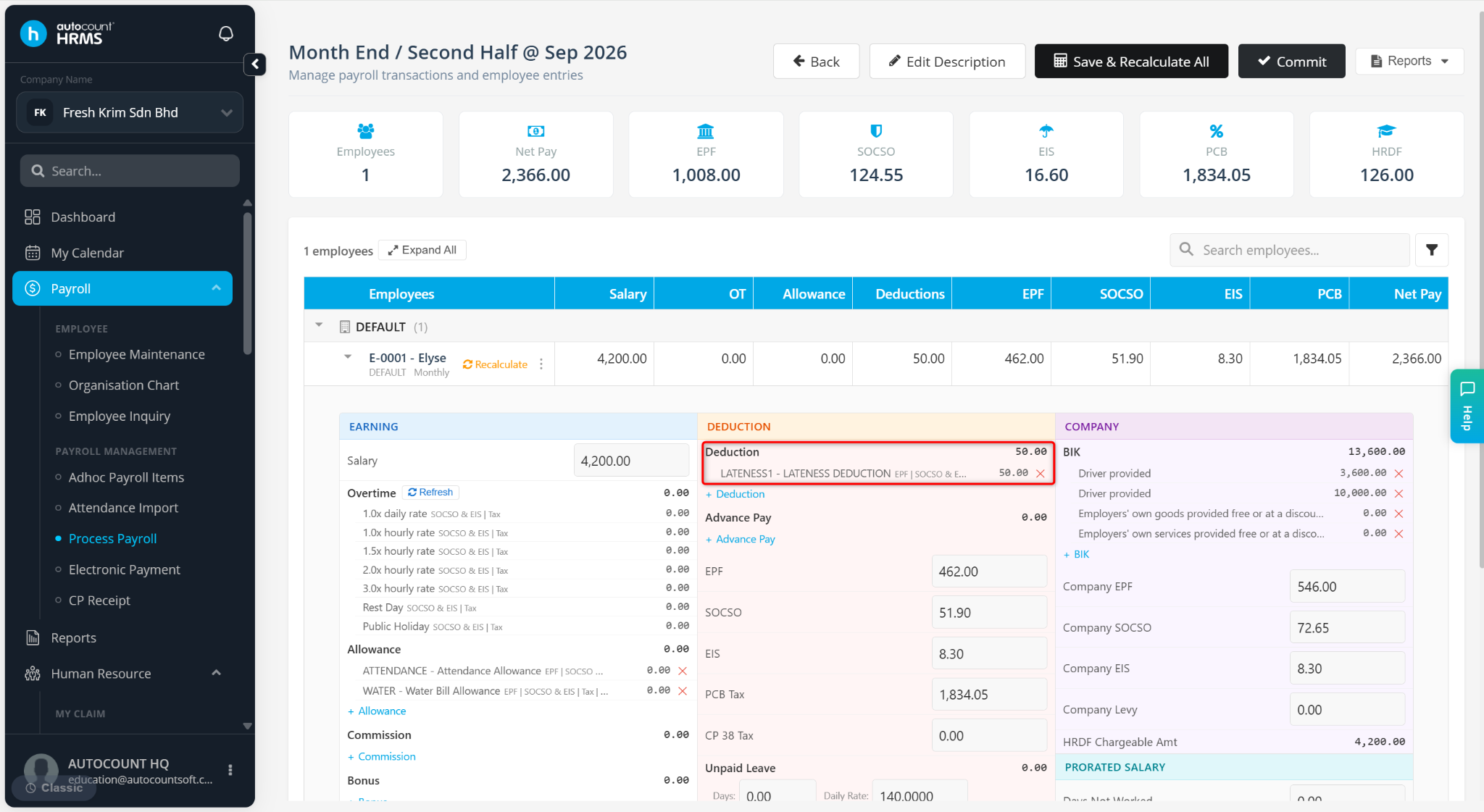
This setup is used to create a deduction based on employee lateness duration, where different deduction amounts are applied depending on how late the employee is.
Step to Set Lateness Formula using IF ELSA Function in Deduction:
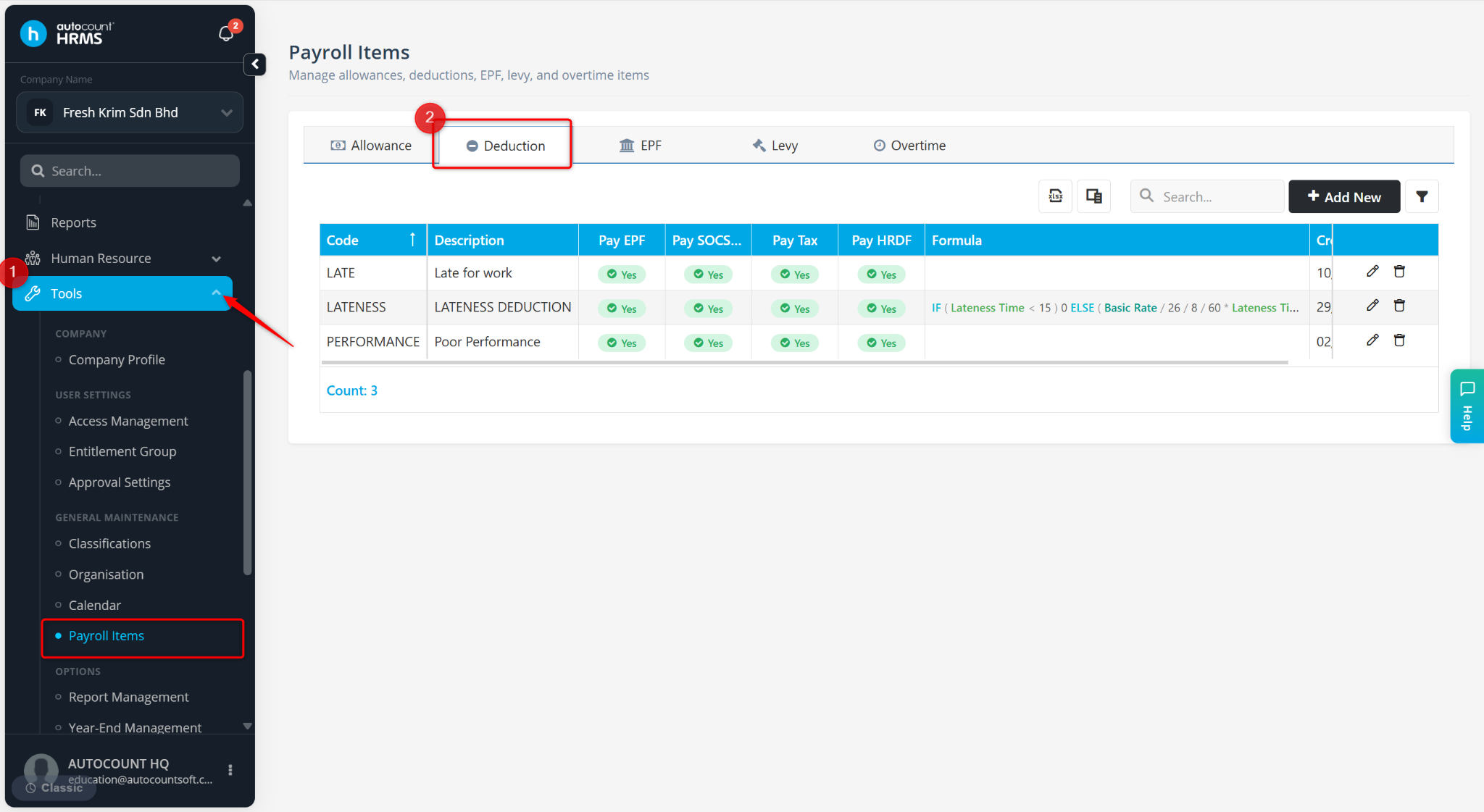
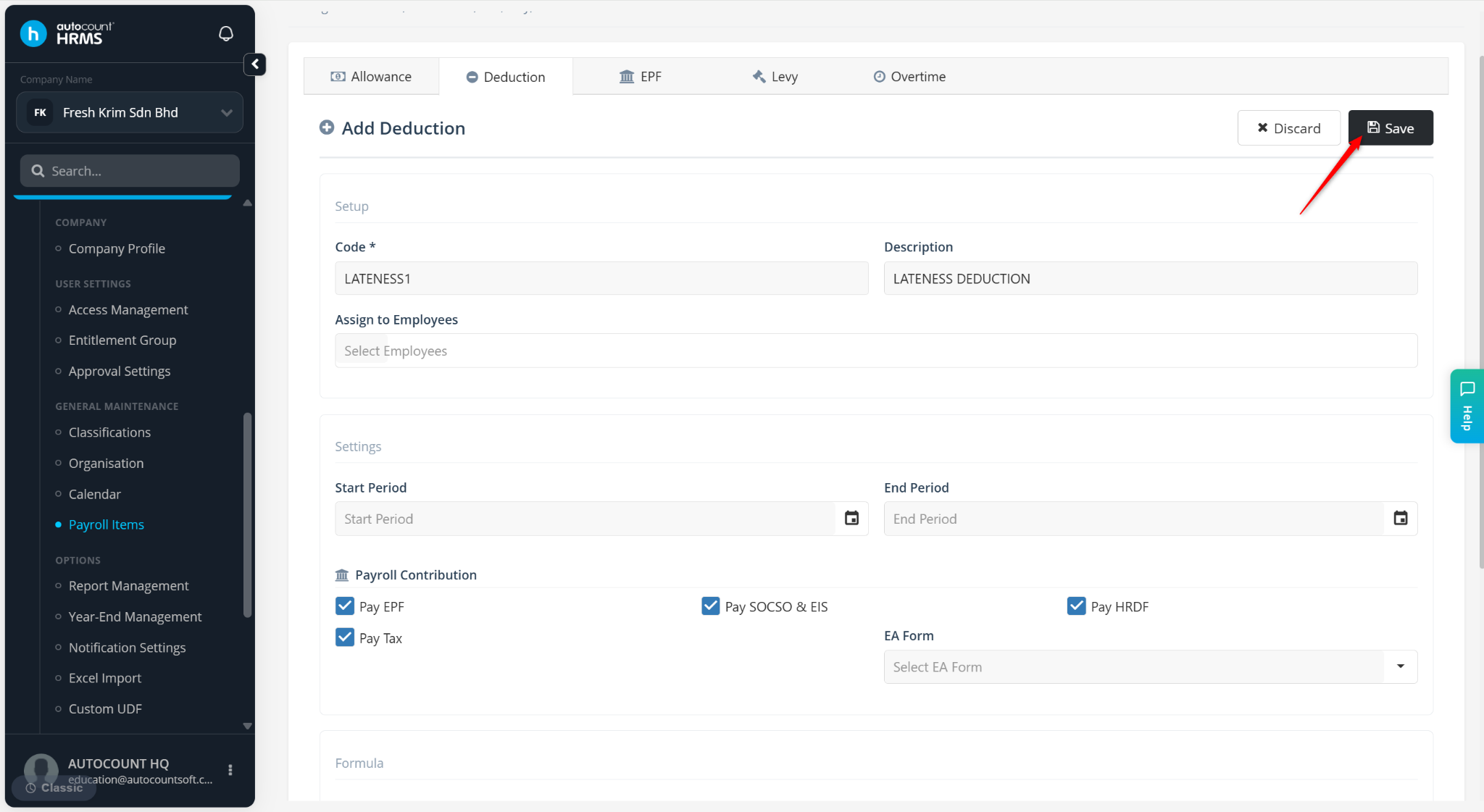
Go to Tools > Payroll Items.
Go to Deduction.
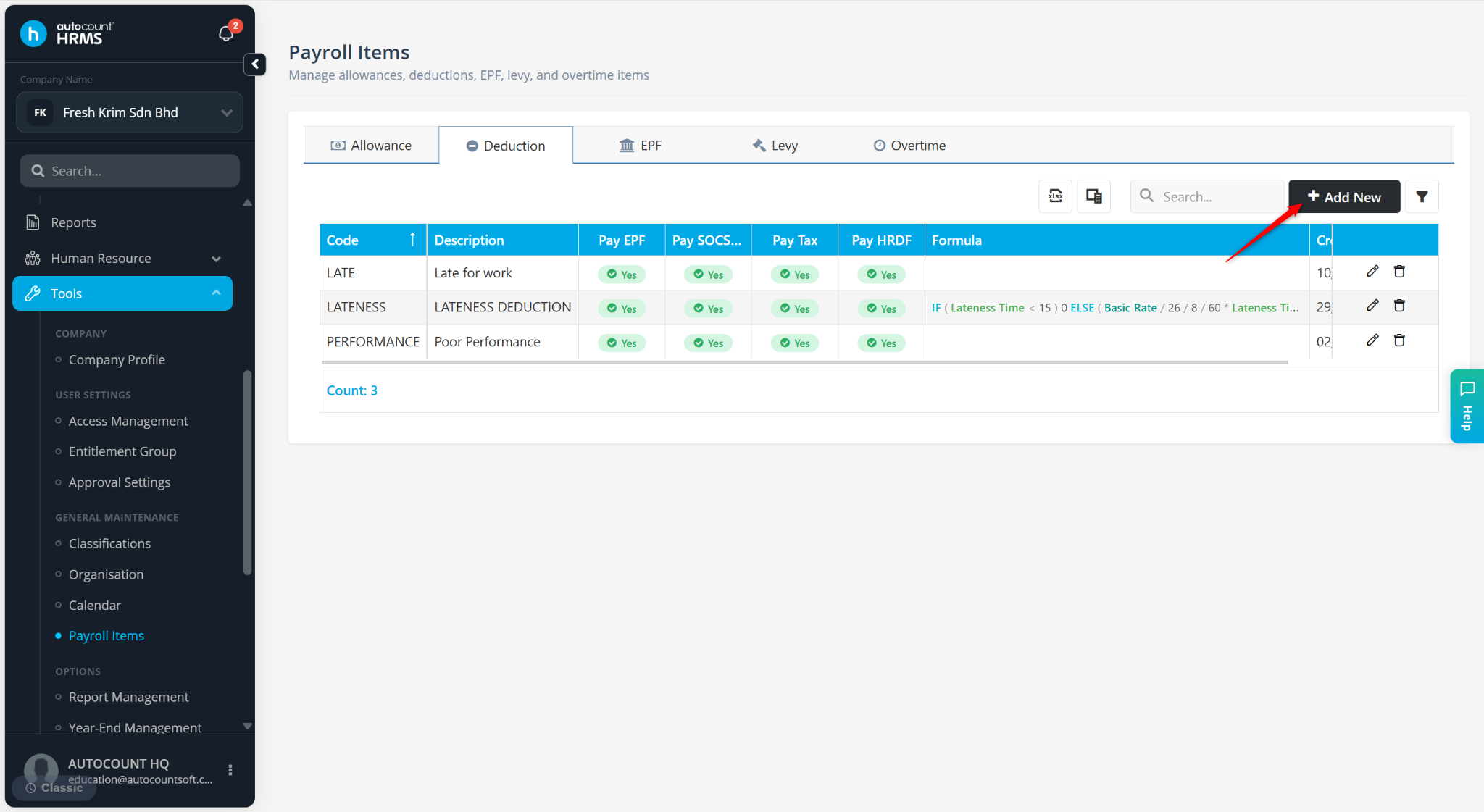
Click + Add New.
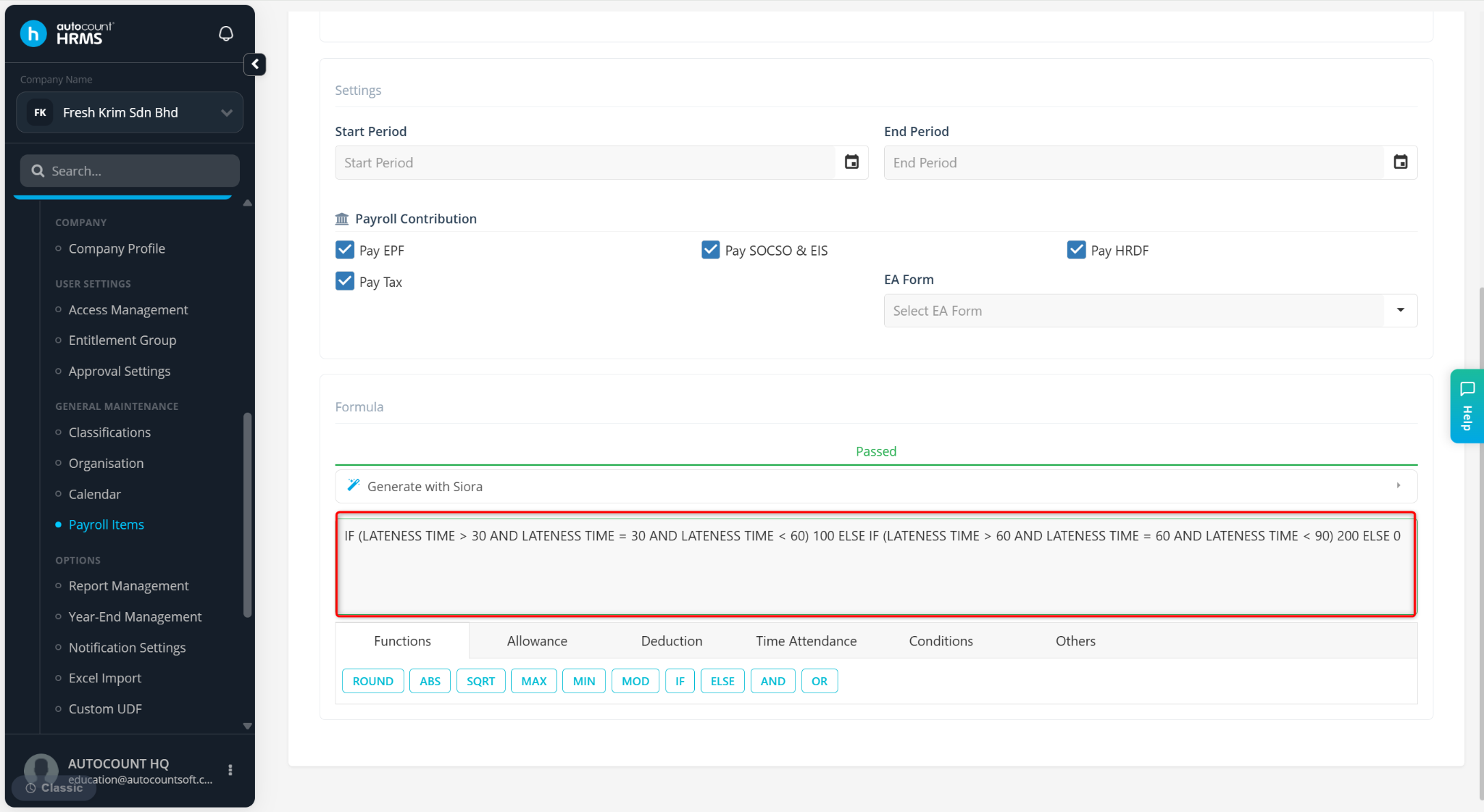
Enter the Code, Description and determine the settings.
Enter the formula as below.
IF (Lateness Time <= 30 AND Lateness Time < 60) 100 ELSE IF (Lateness Time >= 60 AND Lateness Time < 90) 200 ELSE 0
Click Save.
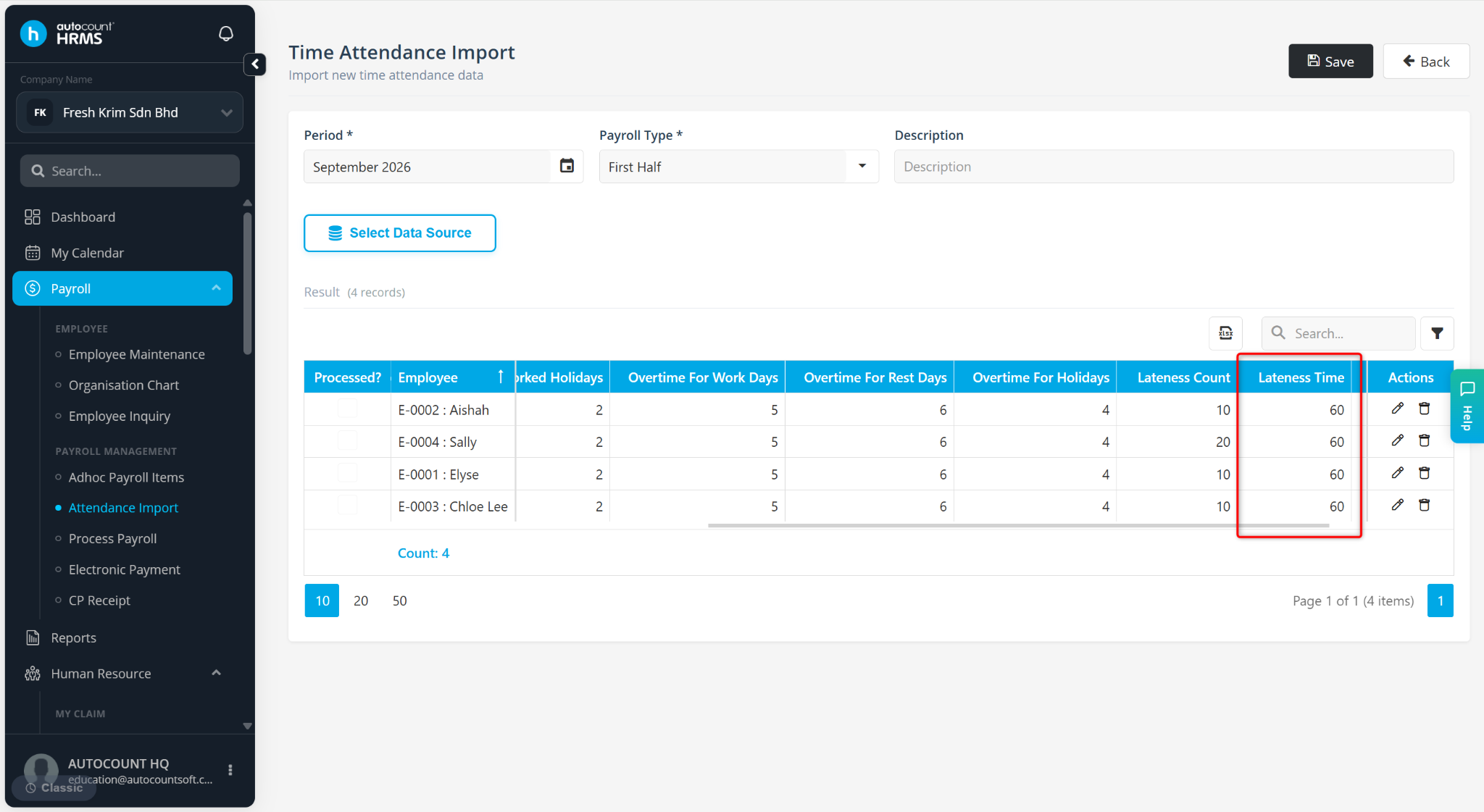
Ensure Lateness Time has been properly extracted in Time Attendance Import.
Process the employee’s payroll. The deduction should be reflected.