This setup is used to calculate an allowance based on overtime hours, where a fixed threshold and hourly rate are applied using a system formula.
Steps to Convert Overtime Hour to Allowance Using Fixed Hourly Rate:
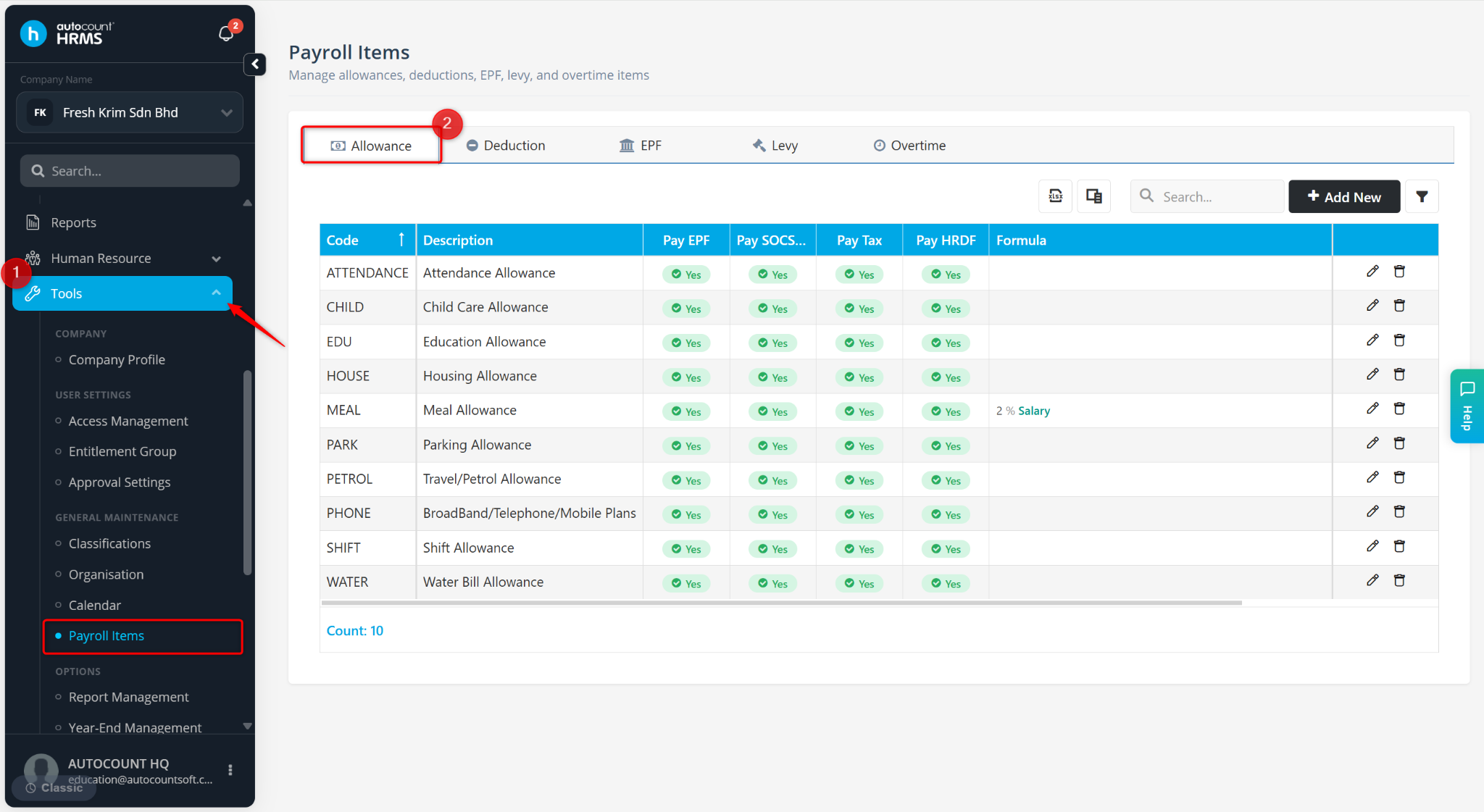
Go to Tools > Payroll Items.
Go to Allowance.
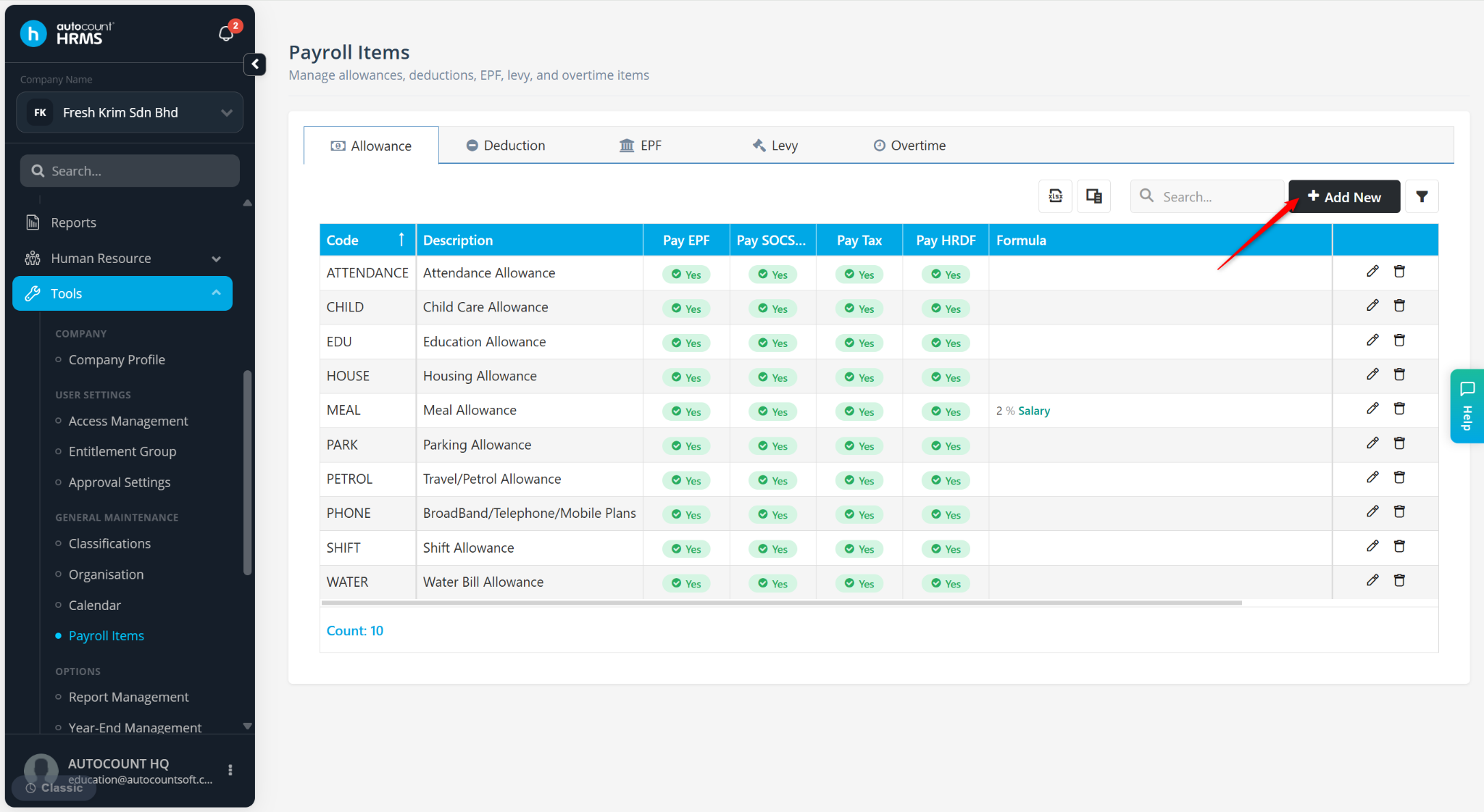
Click + Add New.
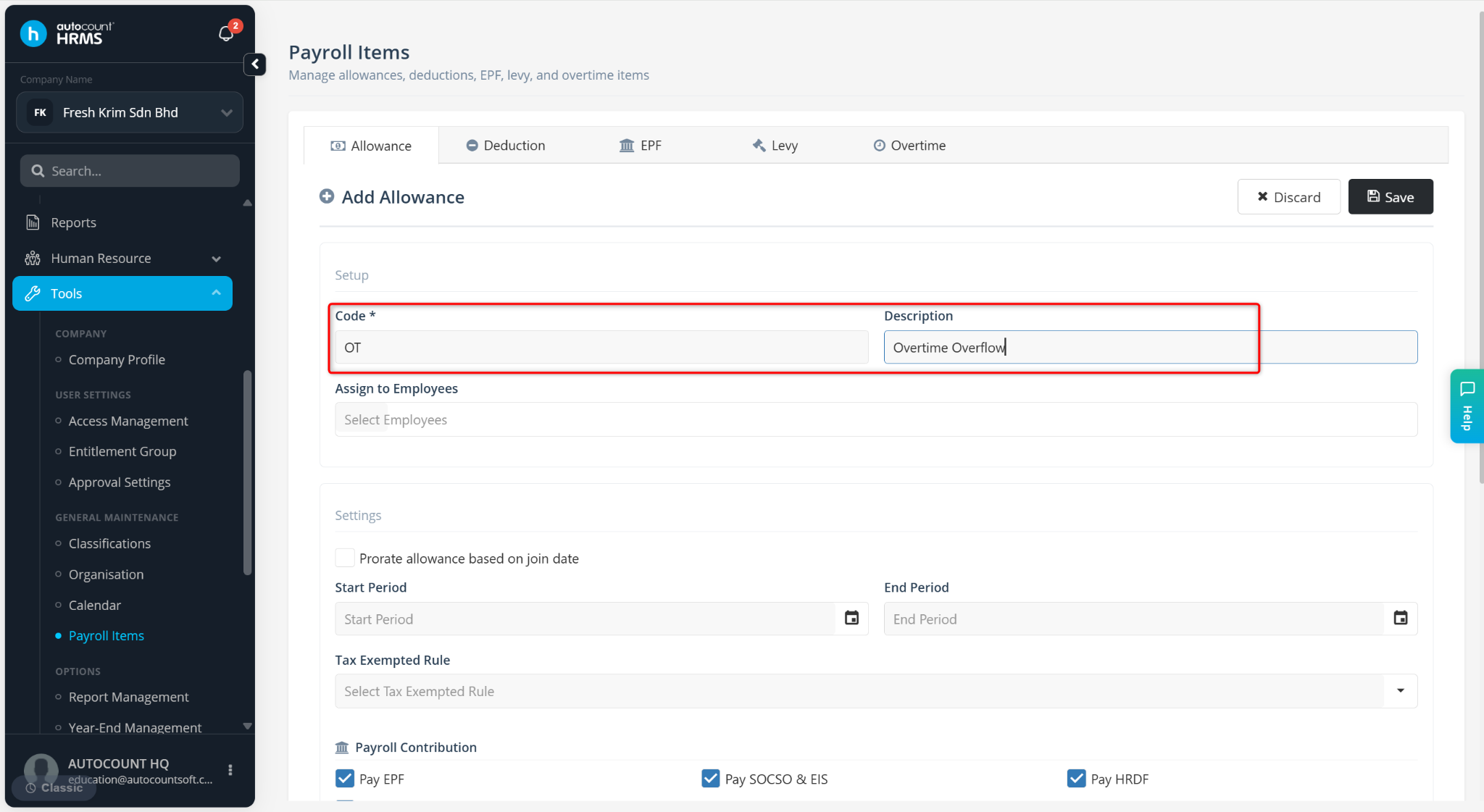
Enter the Code and Description of the item.
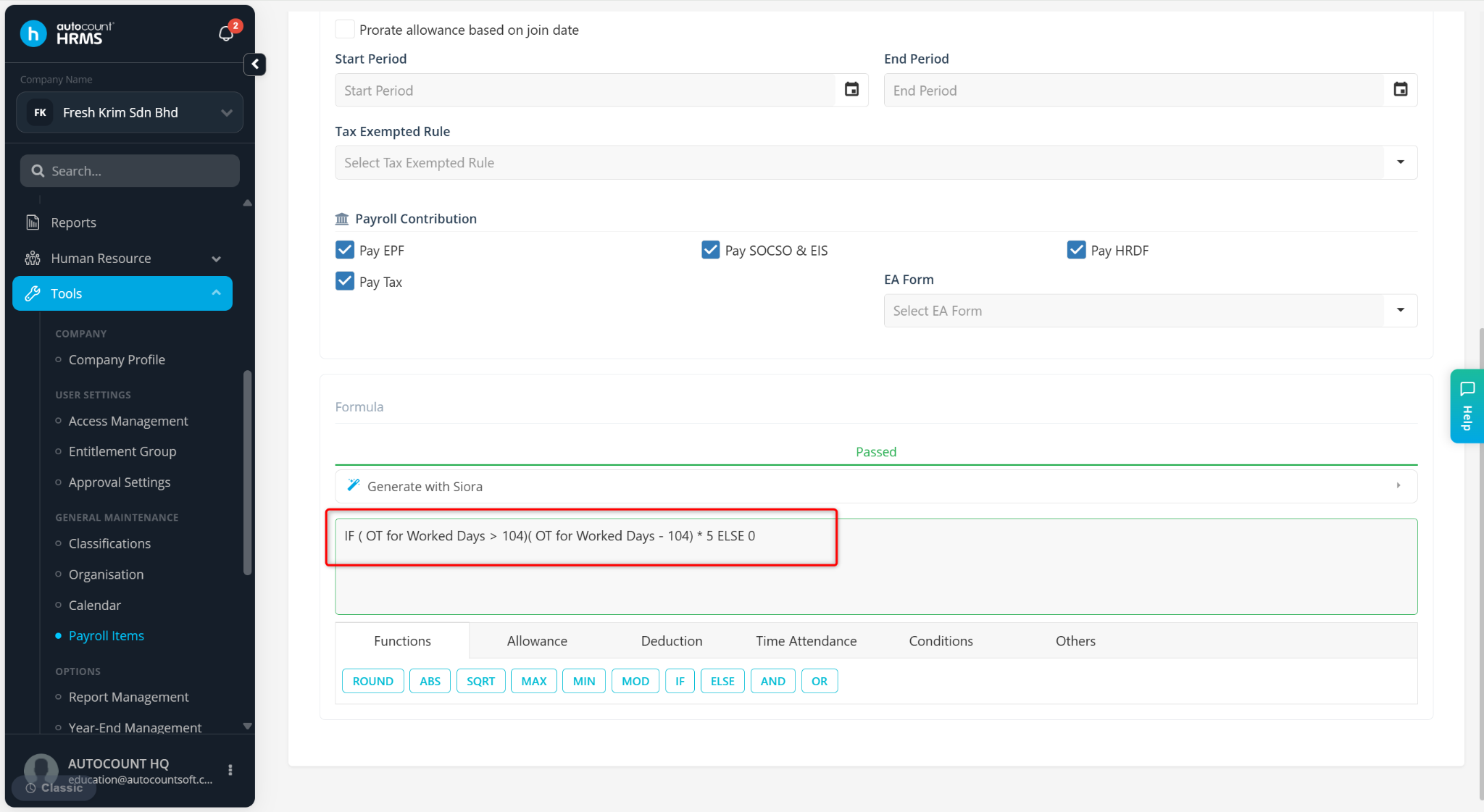
Enter the Formula as below:
IF (OT for Worked Days > 104) (OT for Worked Days – 104) * 5 ELSE 0
The threshold limit of overtime hours is 104 hours. Only overtime hours above 104 hours will be considered. Each eligible overtime hour is paid at RM 5 per hour.
If OT ≤ 104 → Allowance = 0
If OT > 104 → Allowance = (Excess OT Hours) × 5
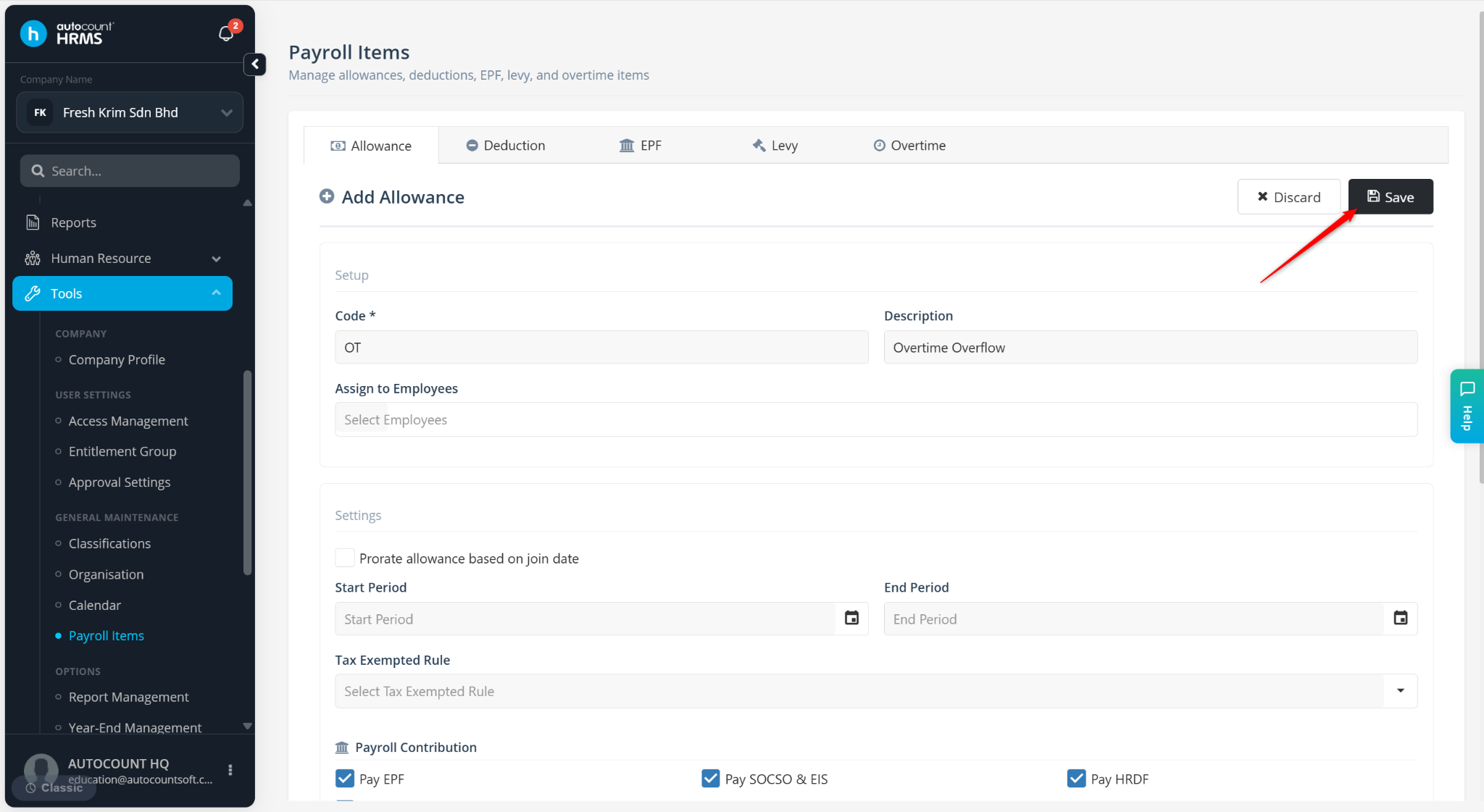
Click Save.