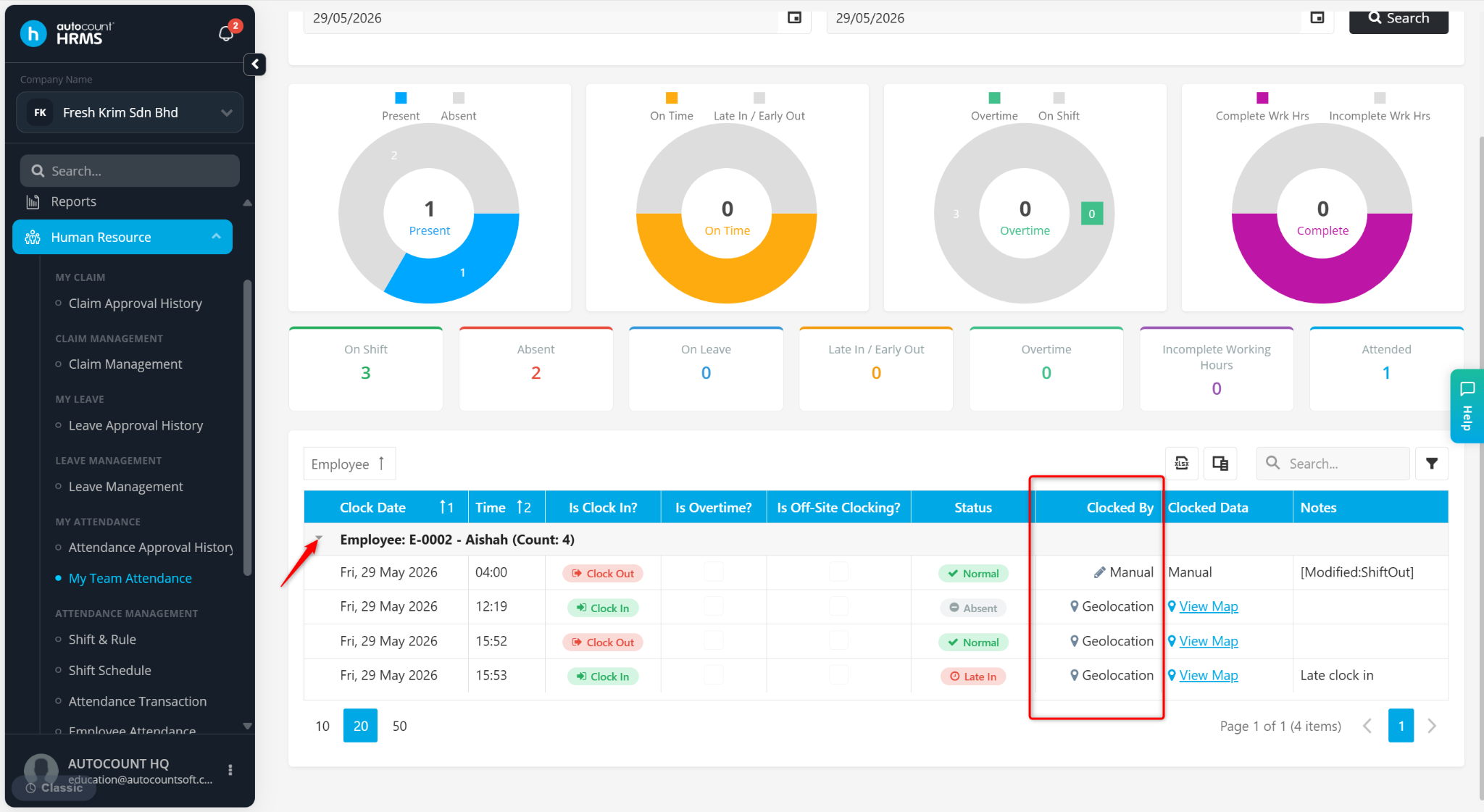
The Clocking Method feature allows administrators to view how employees recorded their attendance when performing clock-in and clock-out activities. This helps verify attendance records and monitor compliance with company attendance policies.
Depending on the system configuration, employees may clock in or out using methods such as through mobile app, Wi-Fi, Bluetooth, geolocation, or face recognition methods.
Steps to View Employee’s Clocking Method:
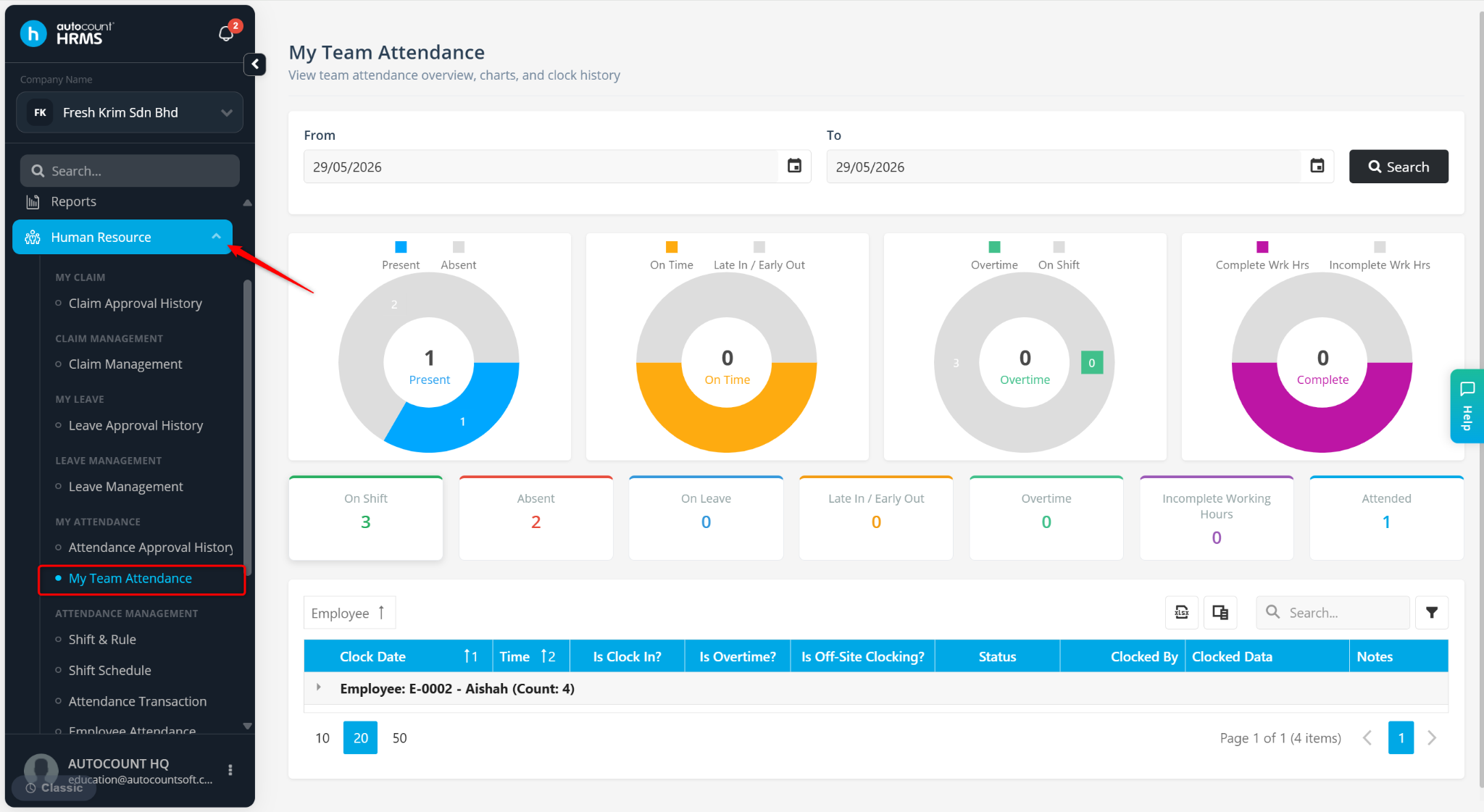
Go to Human Resources > My Team Attendance.
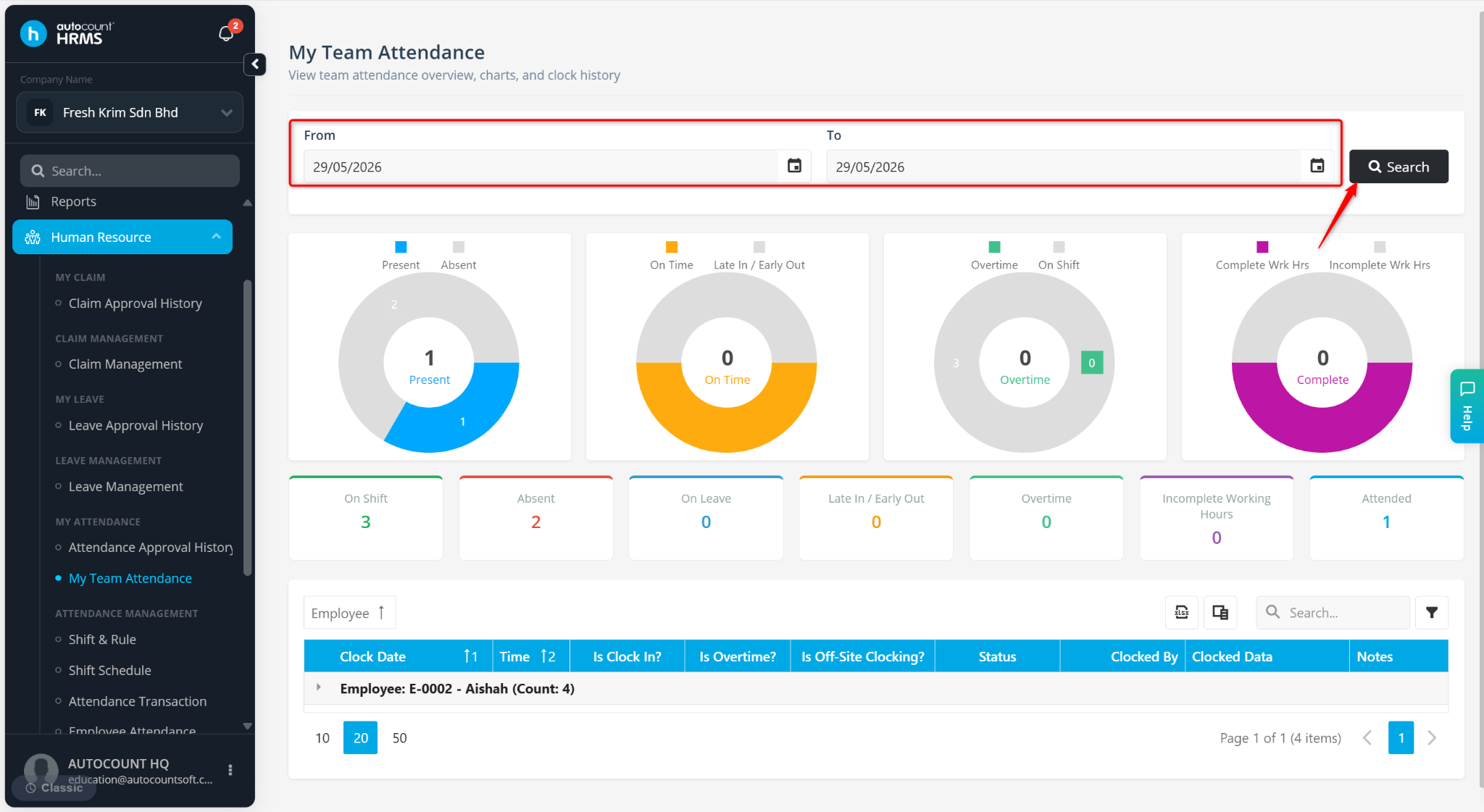
Filter the From and To date. Then, click Search.
Click the > icon to expand the employee’s attendance details.
View the clocking method under Clocked By column.