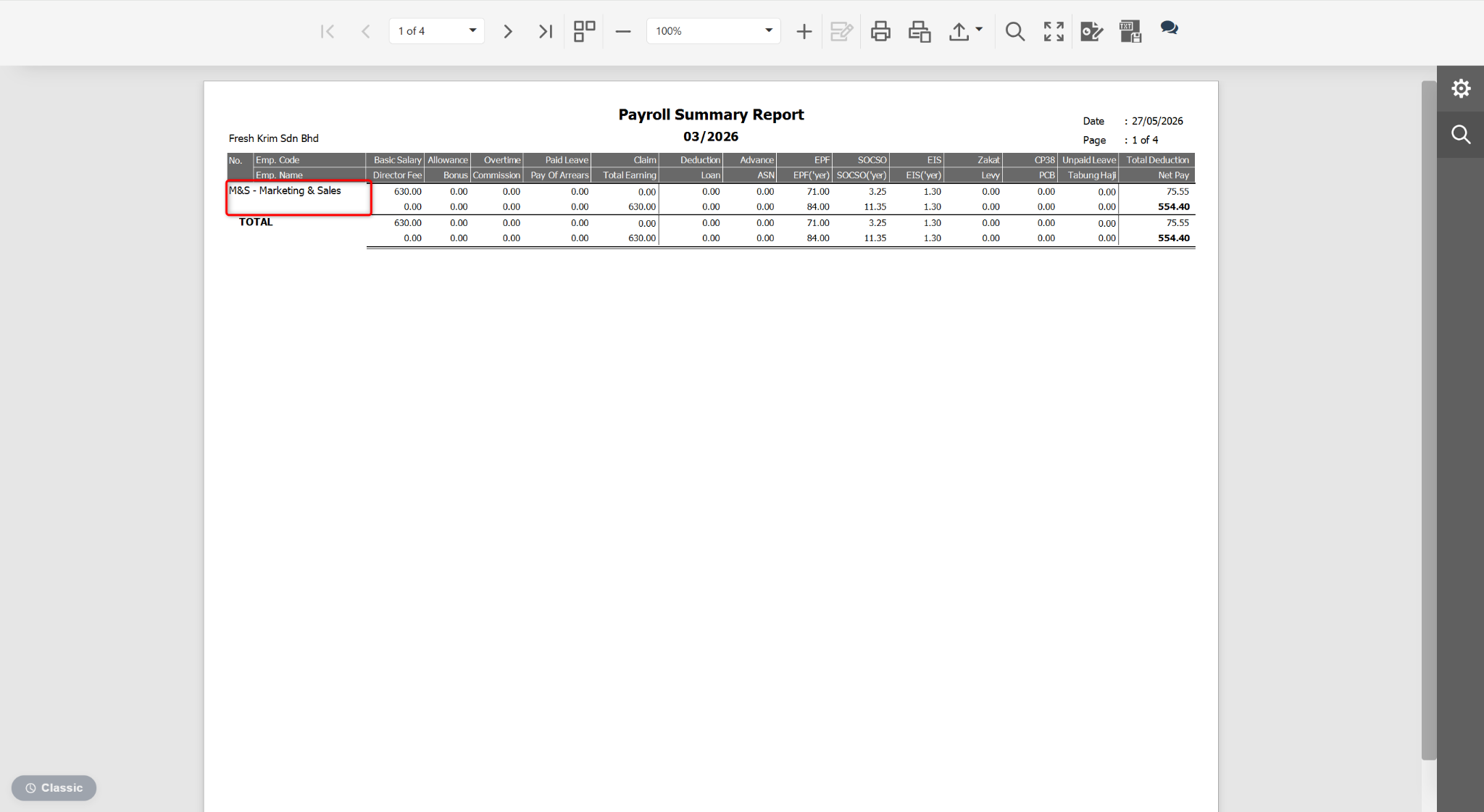
Users may customise the Payroll Summary Report to display only department-level information.
Steps to Show Department Only in Payroll Summary Report:
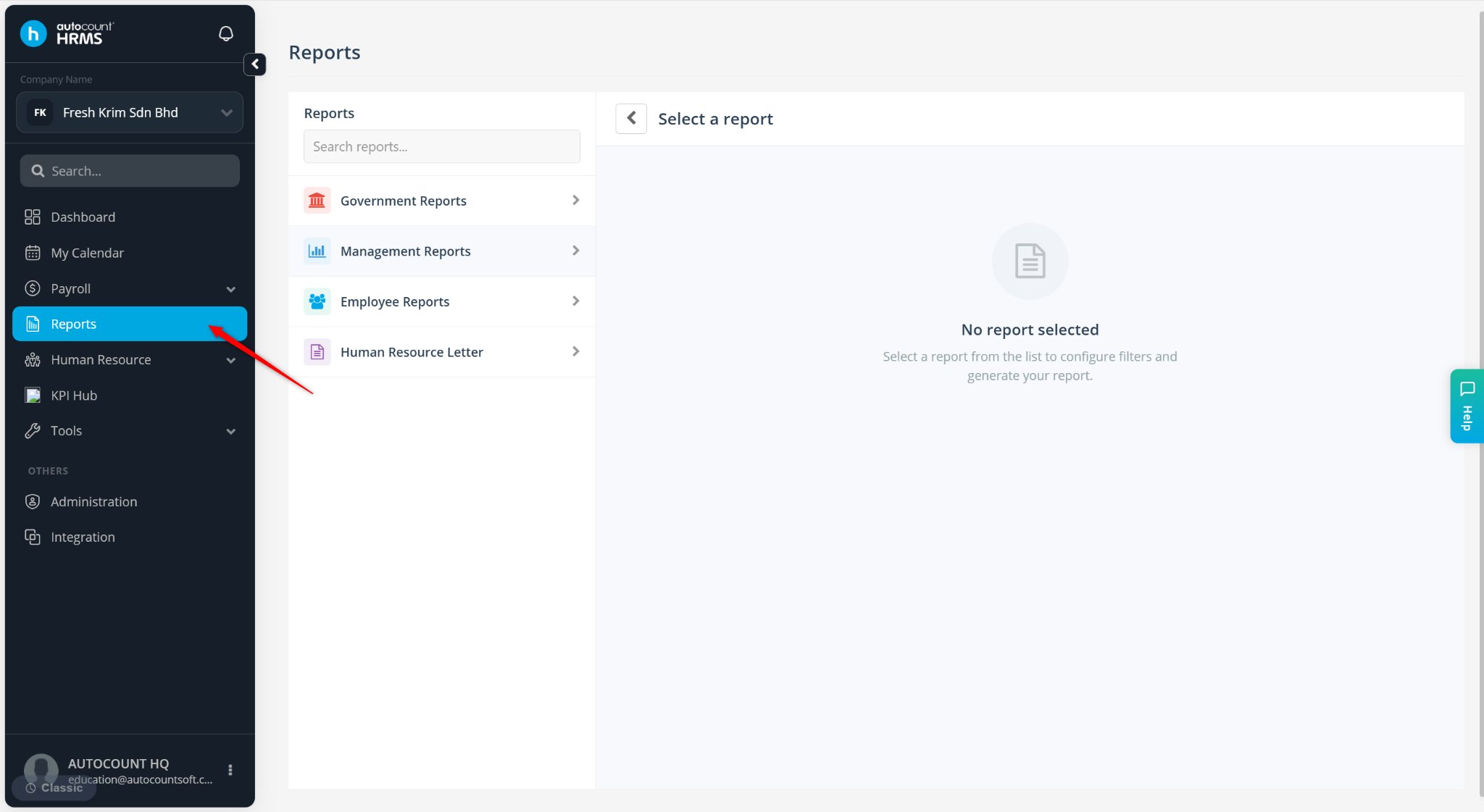
Go to Reports.
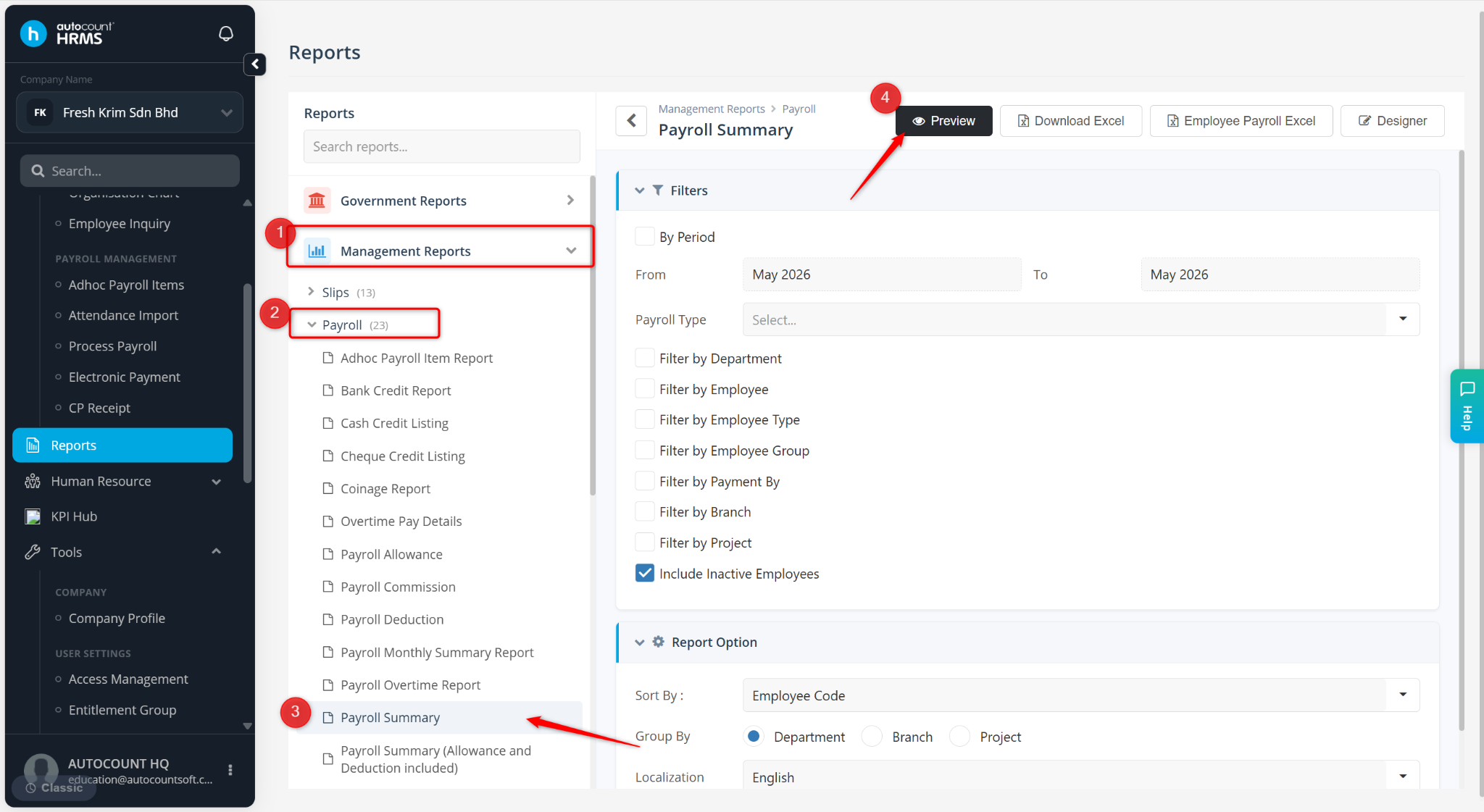
Expand Management Reports > Payroll, select Payroll Summary and click Preview.
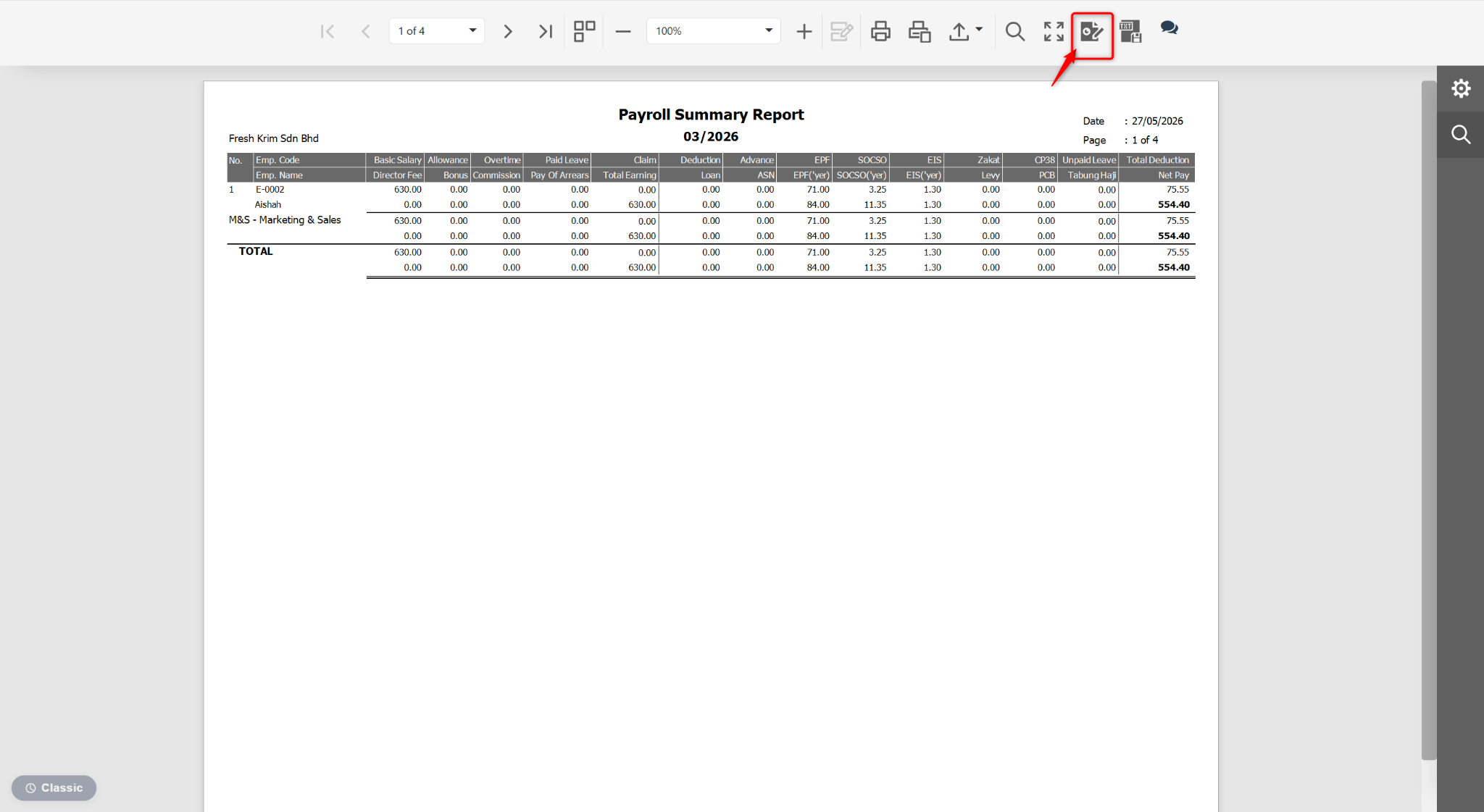
At the Preview page, click the edit icon.
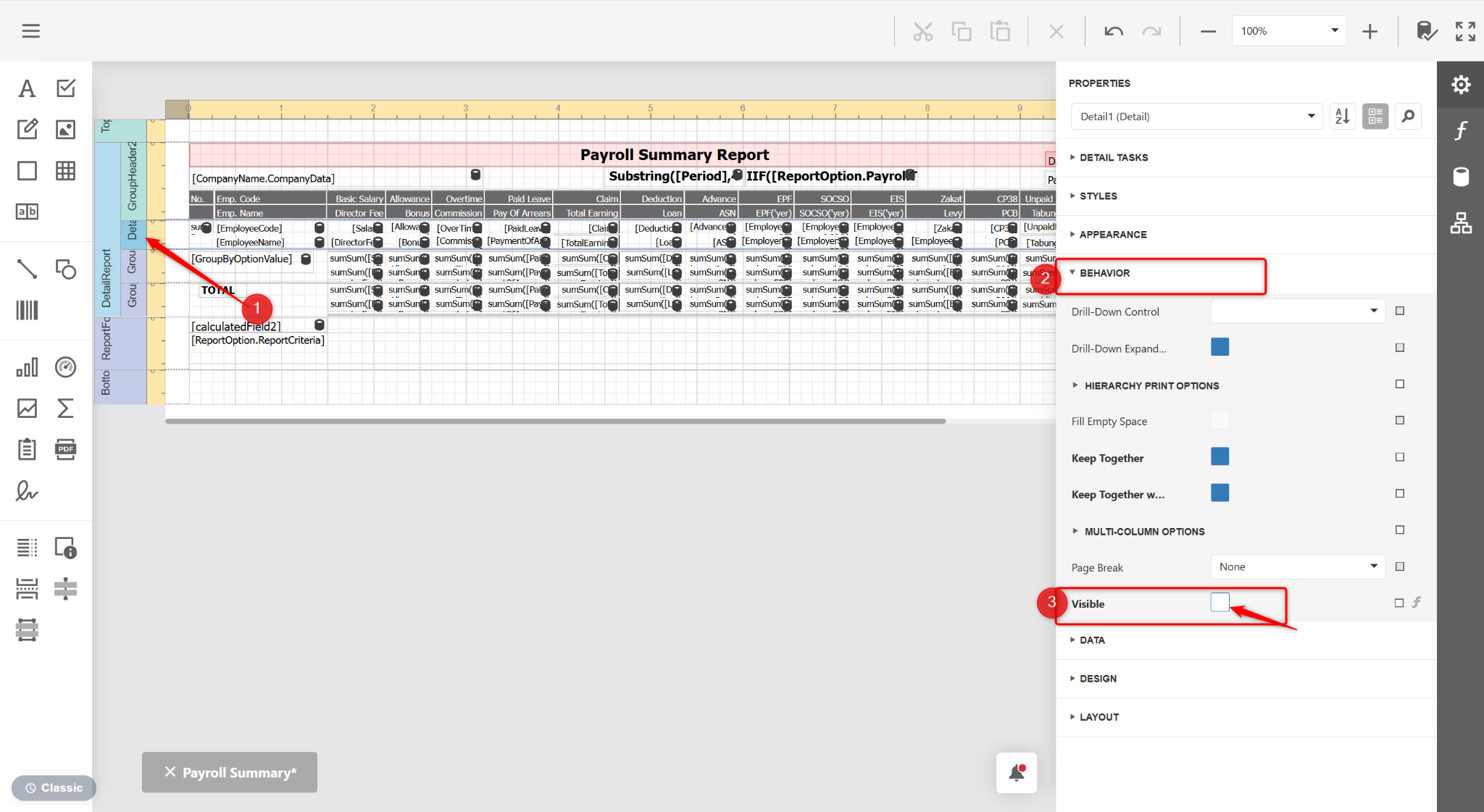
Click the Detail1 (Detail) column, expand BEHAVIOR and untick Visible.
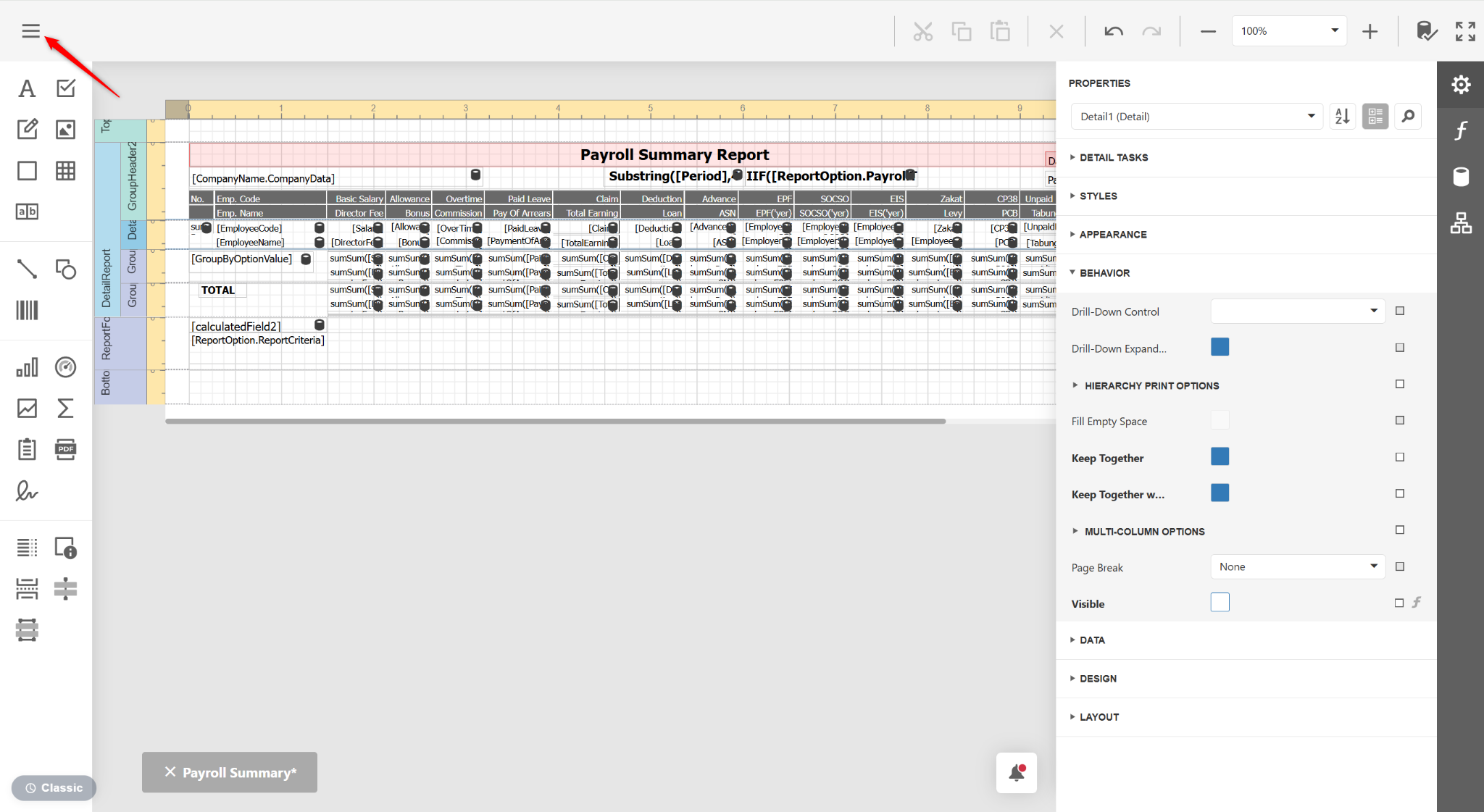
Click the three horizontal lines icon.
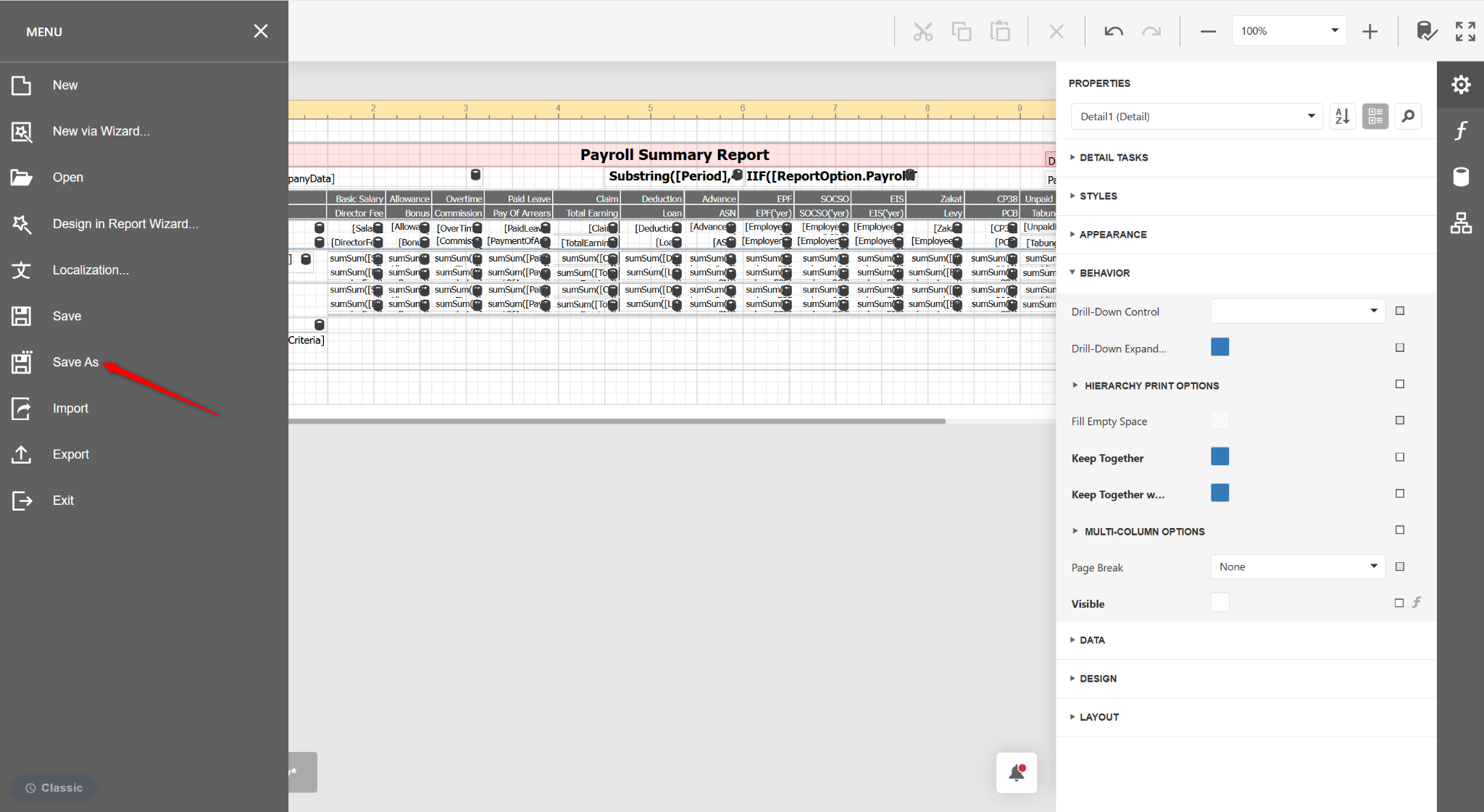
Select Save As.
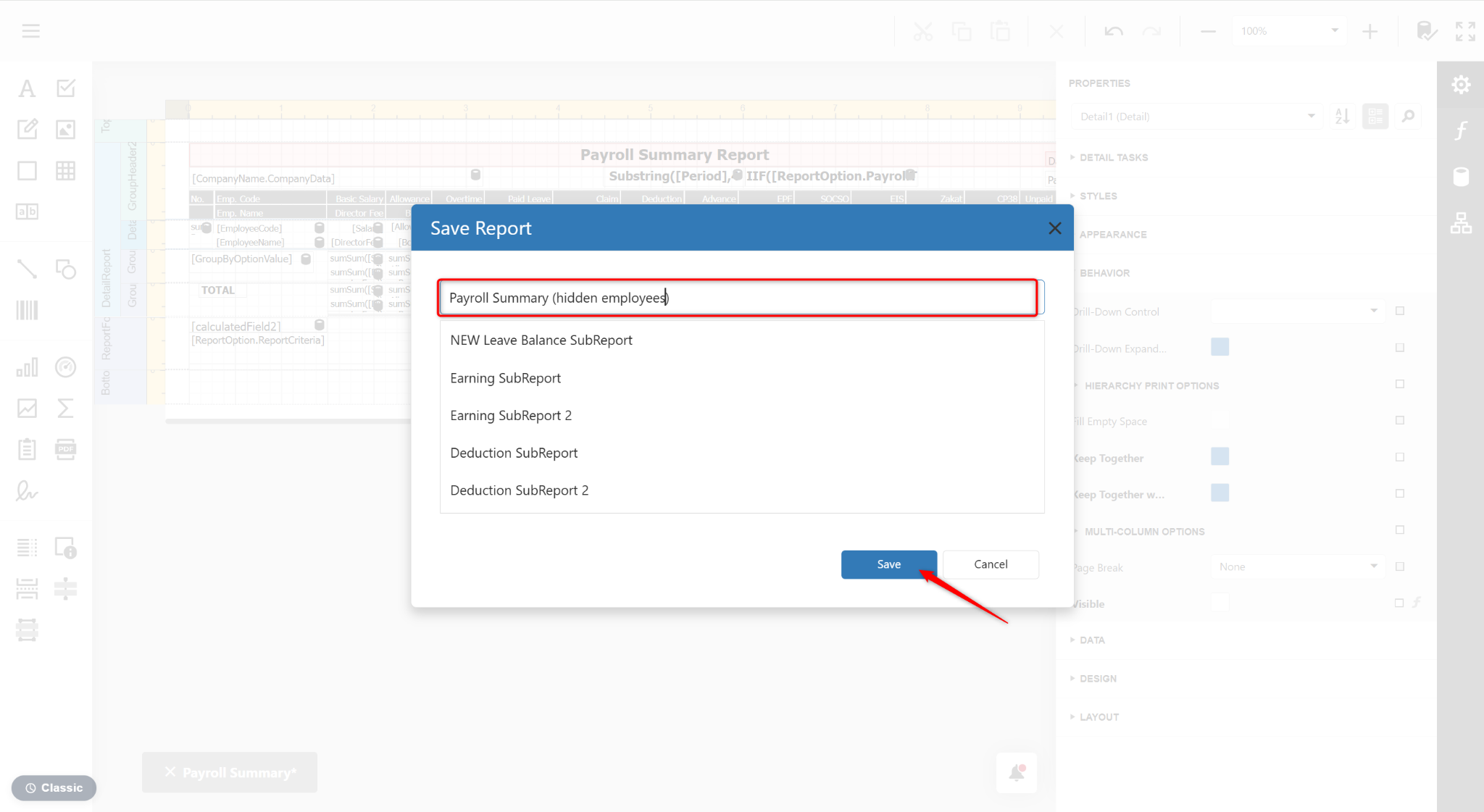
Enter a new report name and click Save.
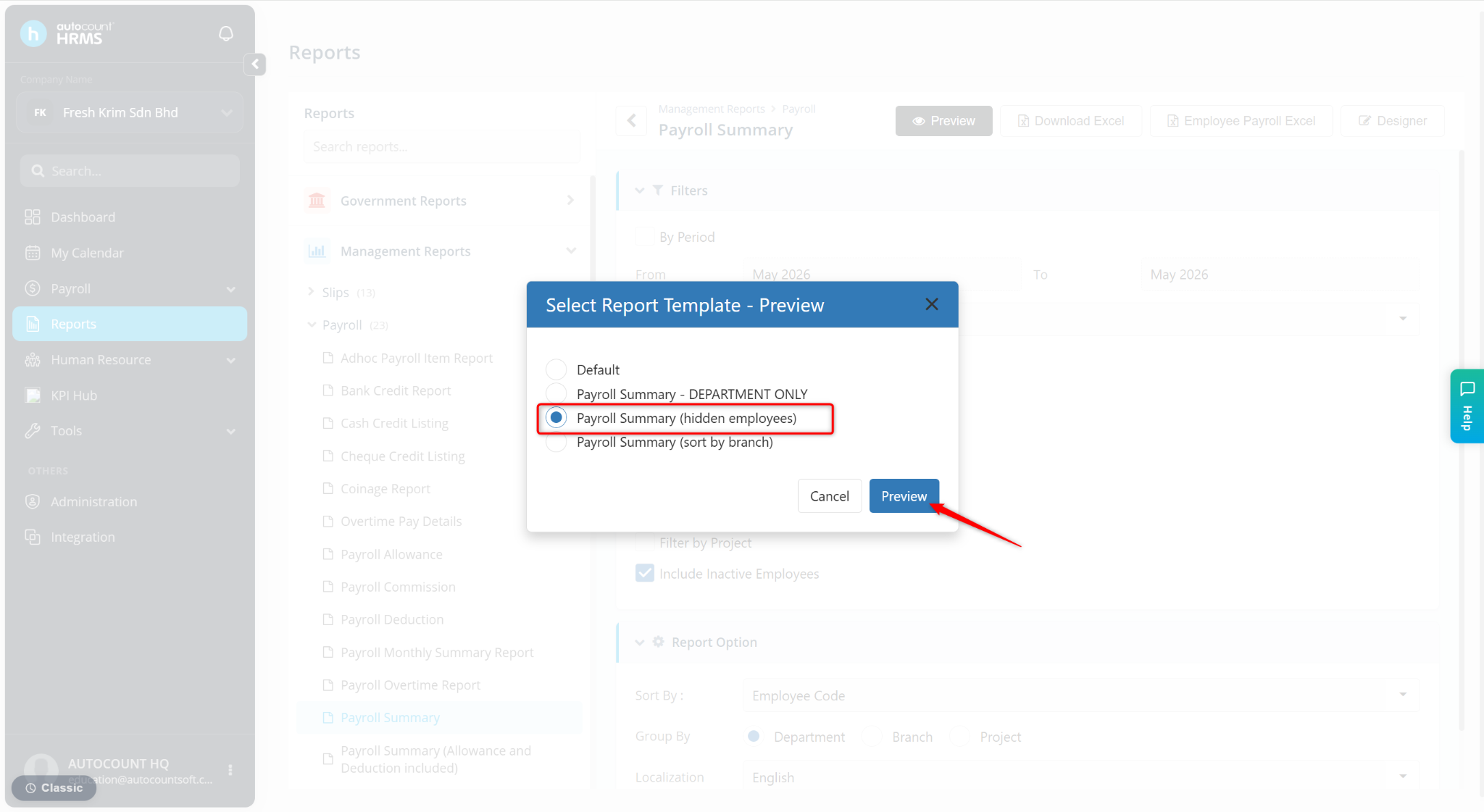
Return to the Reports page and click Preview.
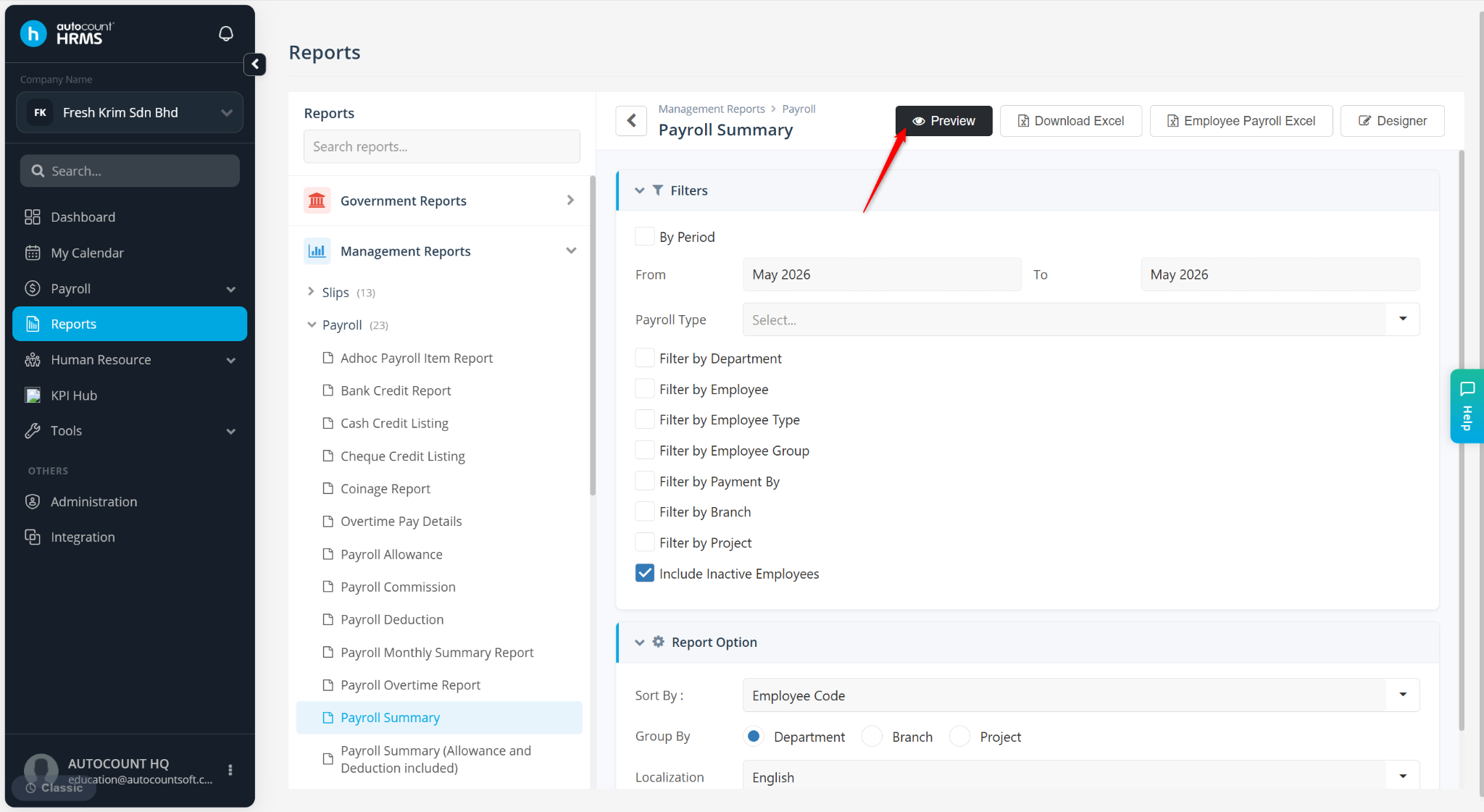
Select the newly customised report and click Preview.