This feature allows users to define the rounding method applied to employees’ final net pay during payroll processing. The selected rounding rule helps standardise salary payouts according to company policy.
Steps to Maintain Net Pay Rounding:
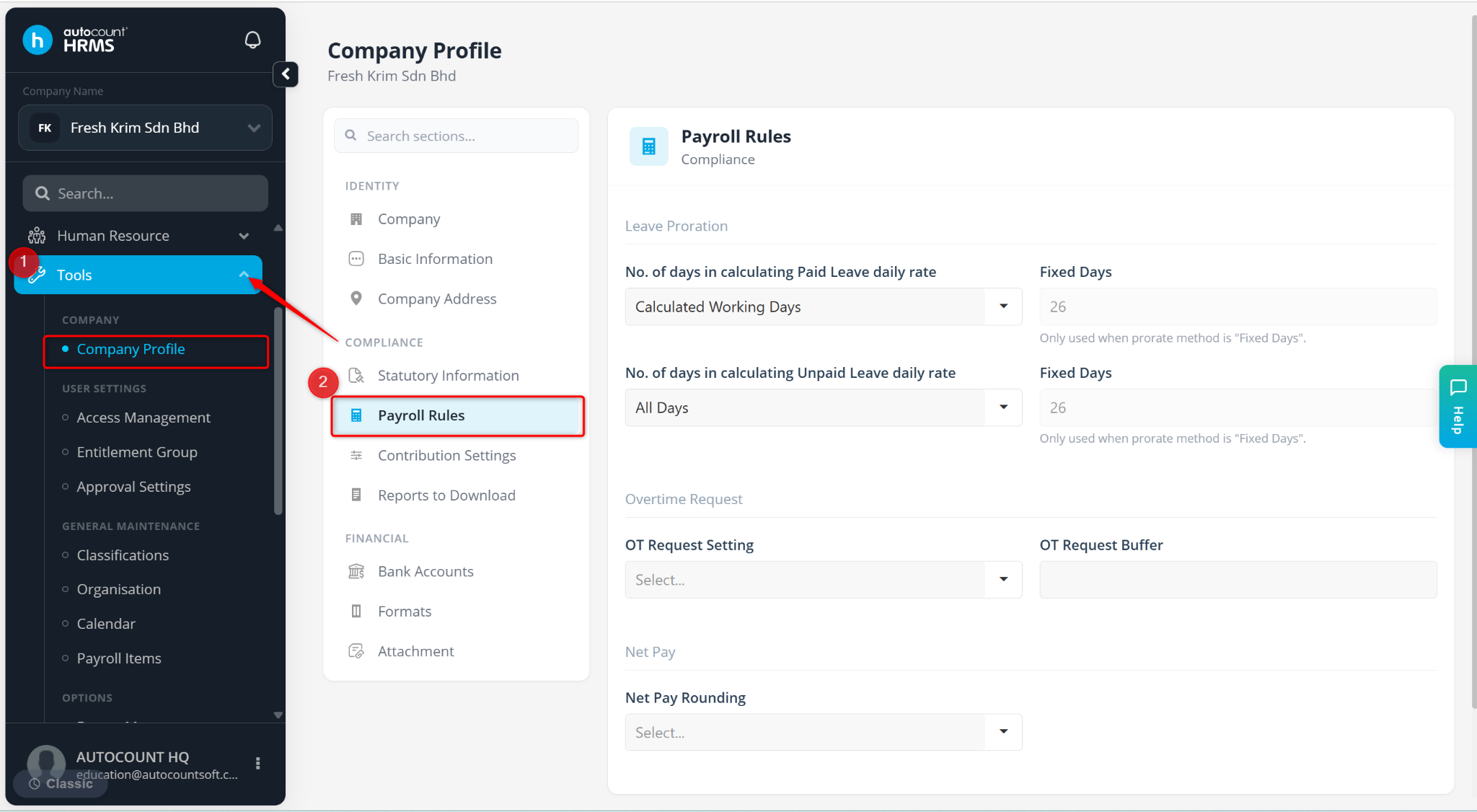
Go to Tools > Company Profile.
Go to Payroll Rules.
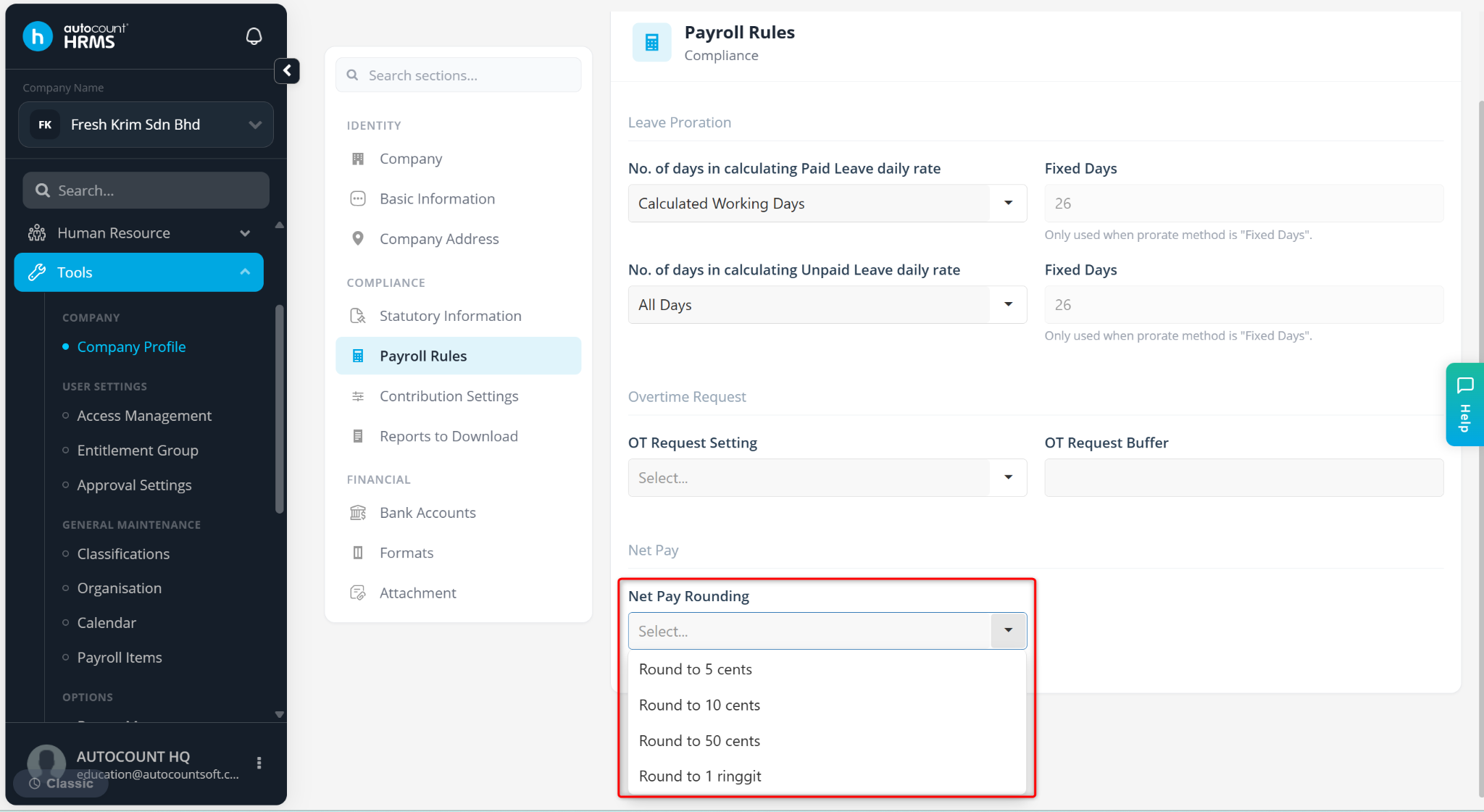
At the Net Pay Rounding field, select Round to 5 cents, Round to 10 cents, Round to 50 cents or Round to 1 ringgit.
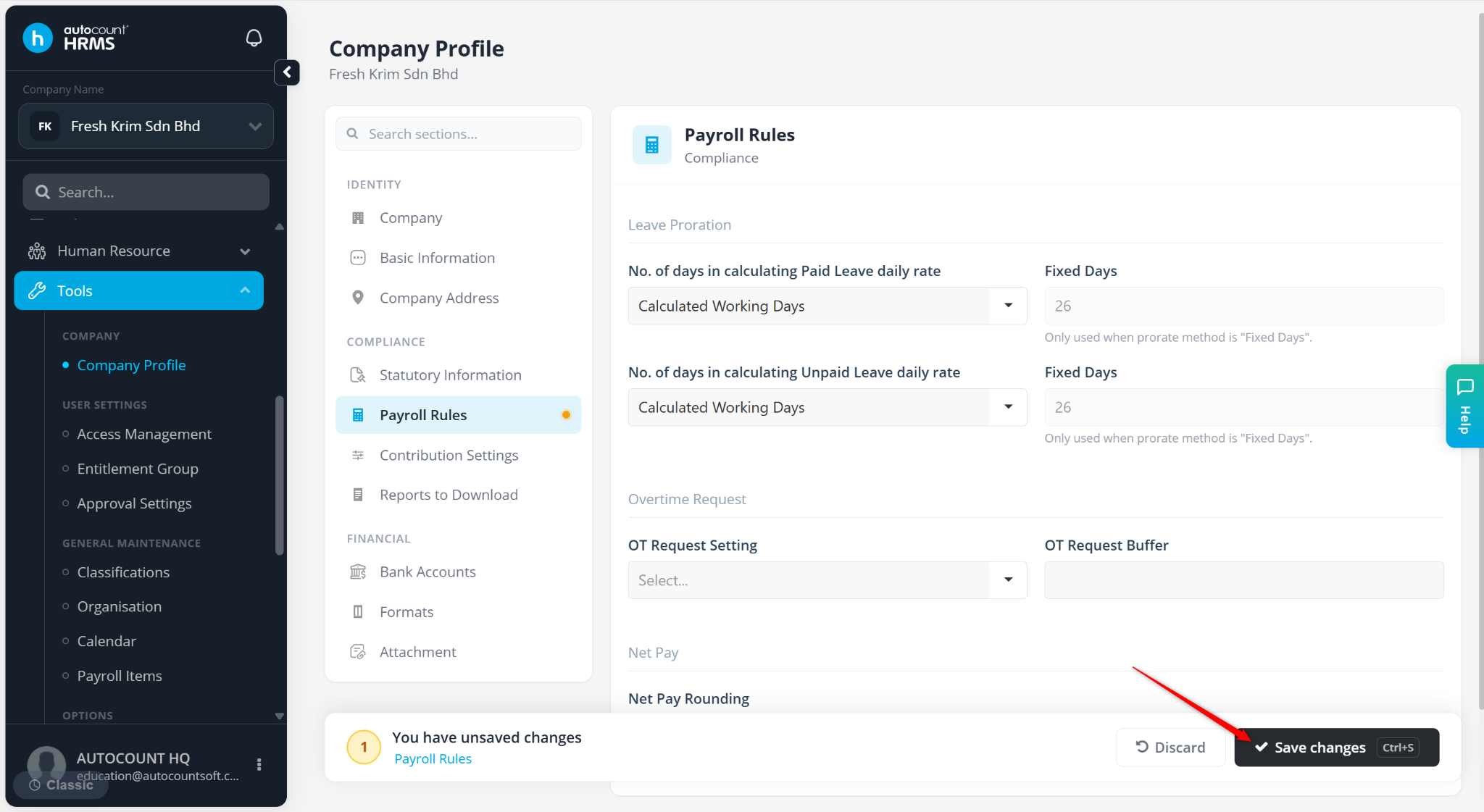
Click Save changes to apply.