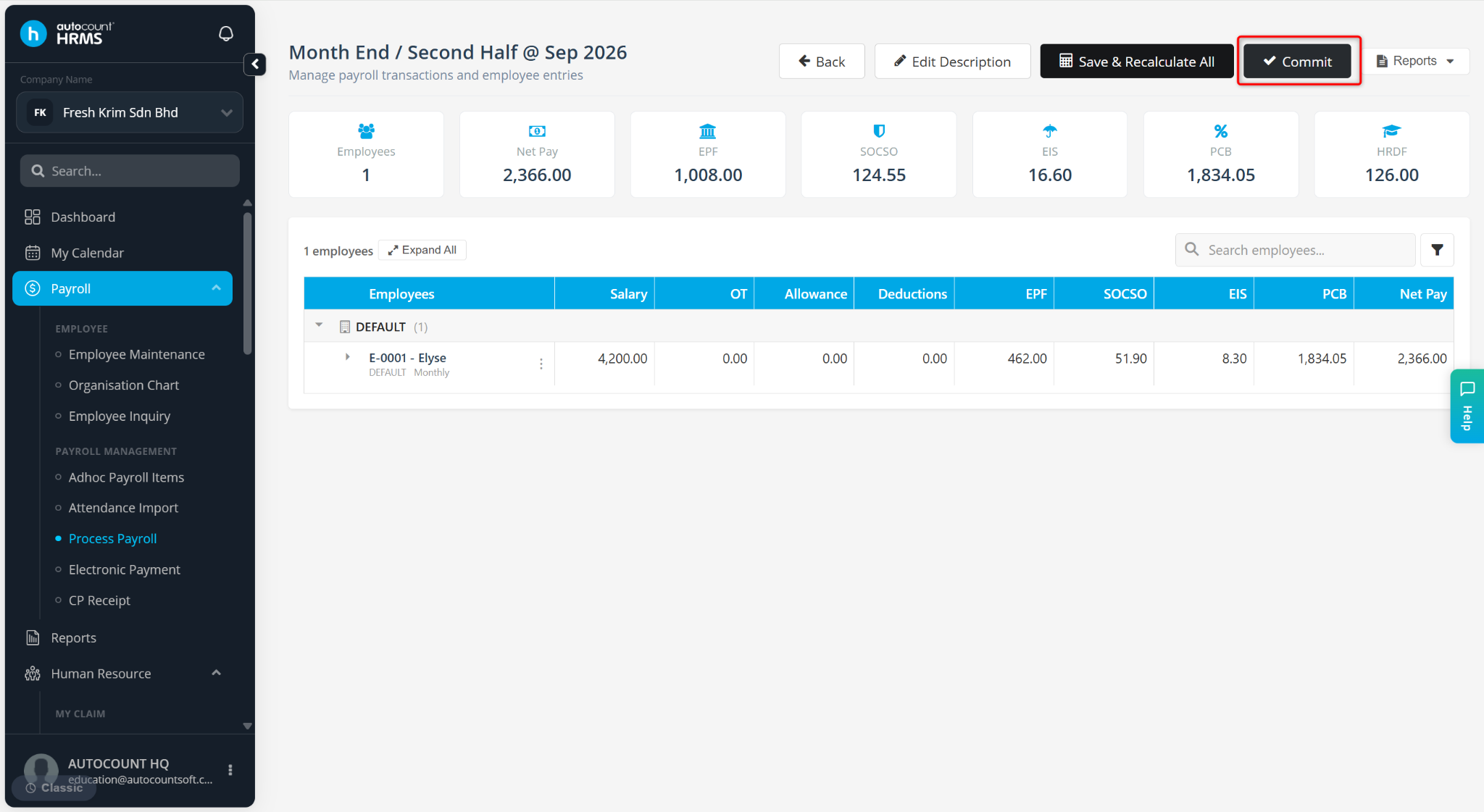
The Commit button in the Payroll Closing (Year-End Process) is used to finalise and release employees' EA Forms after the year-end payroll information has been reviewed and verified.
Once the payroll closing is committed:
EA Forms are officially released to employees.
Employees can view their EA Forms through Employee Self Service (ESS).
Employees can preview and download their own EA Forms.
The year-end process is completed and the EA Forms are published for employee access.
Process of the Commit Function:
After verifying the EA form during Payroll Closing, click Commit.
Once committed, the EA forms are sent to employees.
Employees can then access and download their EA forms via ESS (Employee Self Service).