Claim Closing is a year-end process used to carry forward eligible claim balances from the current year to the next year. It ensures that unused claim entitlements are transferred according to the carry-forward rules defined in the employees' entitlement groups.
Before performing Claim Closing, all pending claim applications must be processed to ensure accurate claim balances.
Steps to Maintain Claim Closing:
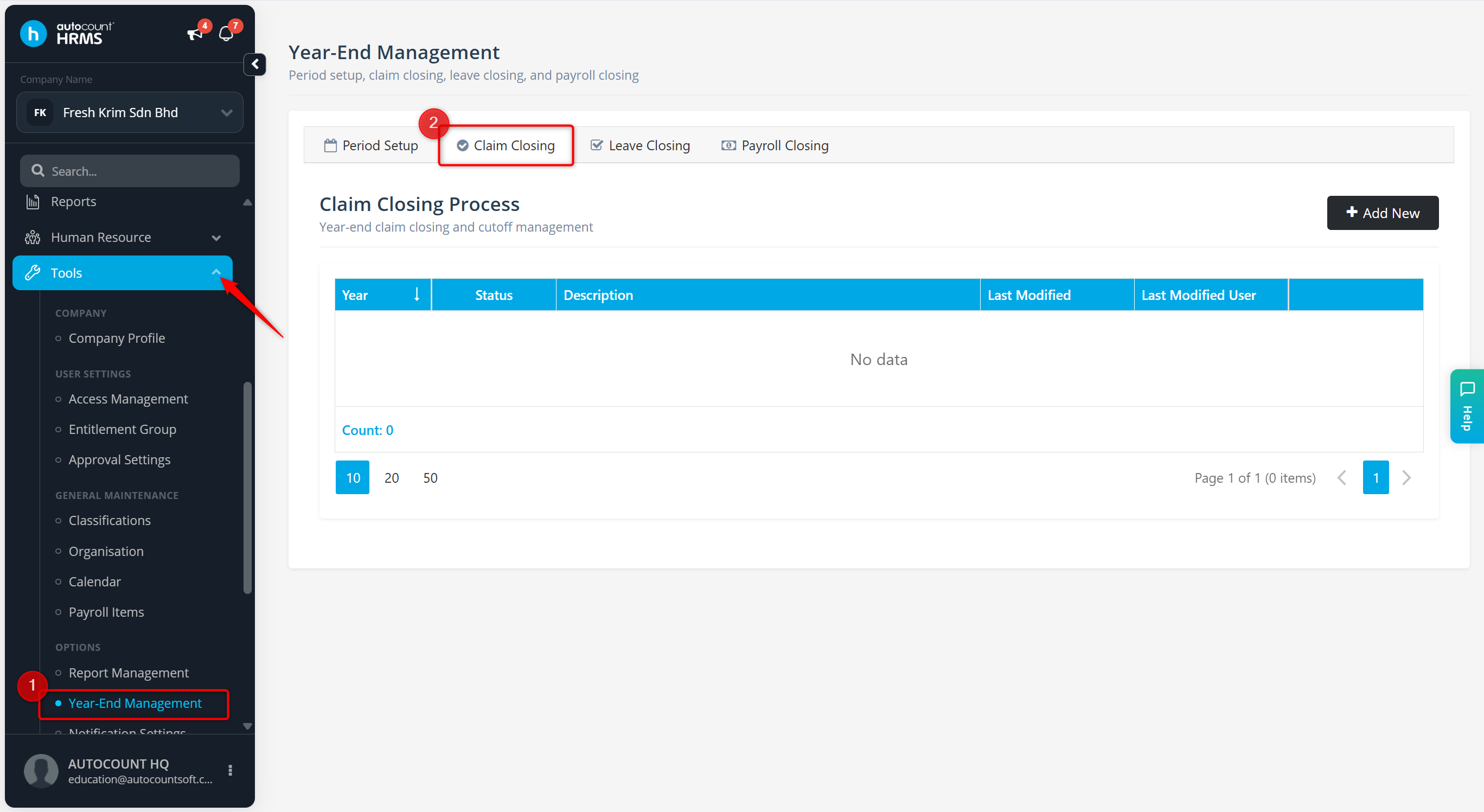
Go to Tools > Year-End Management.
Go to Claim Closing.
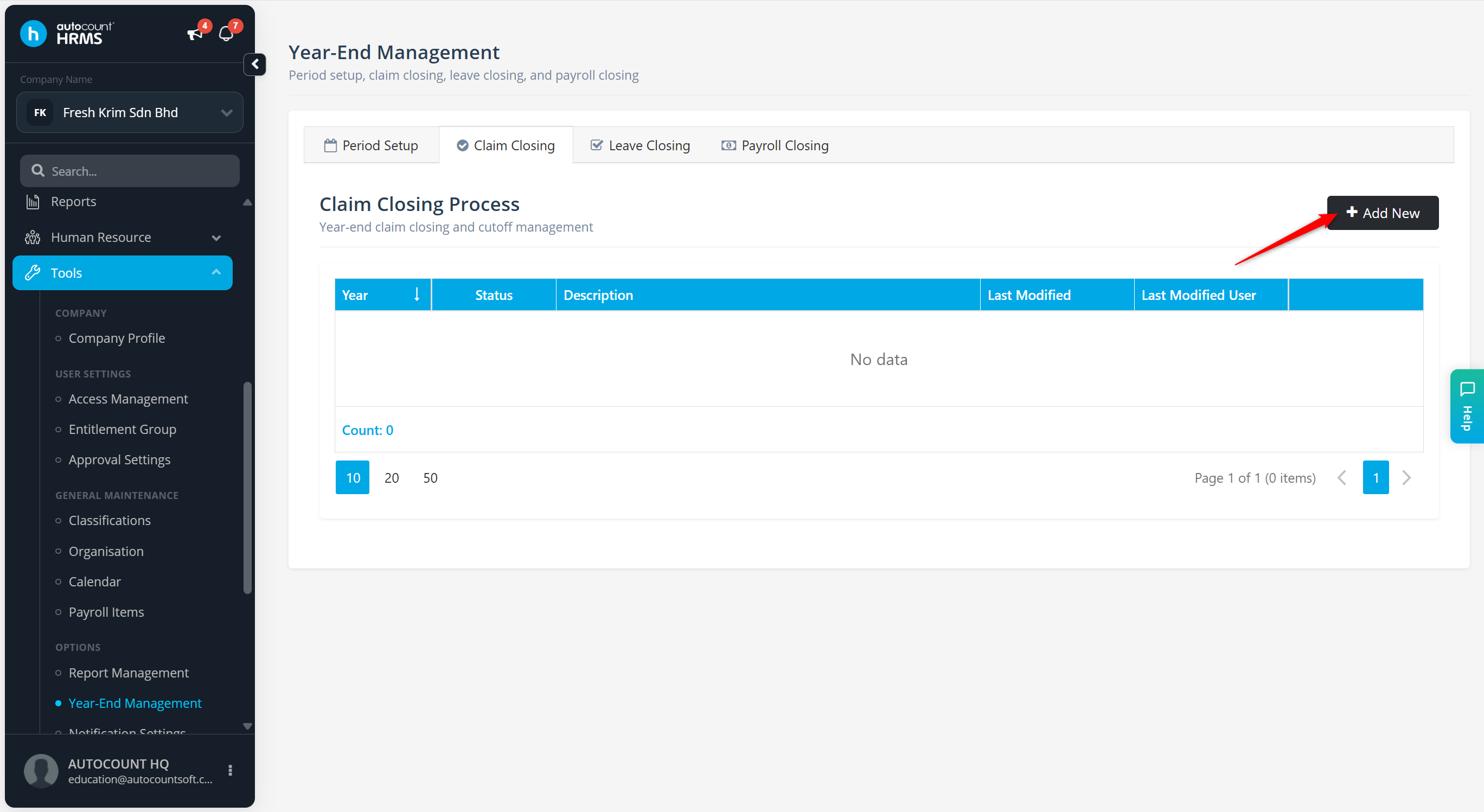
Click + Add New.
Enter the Year and Description.
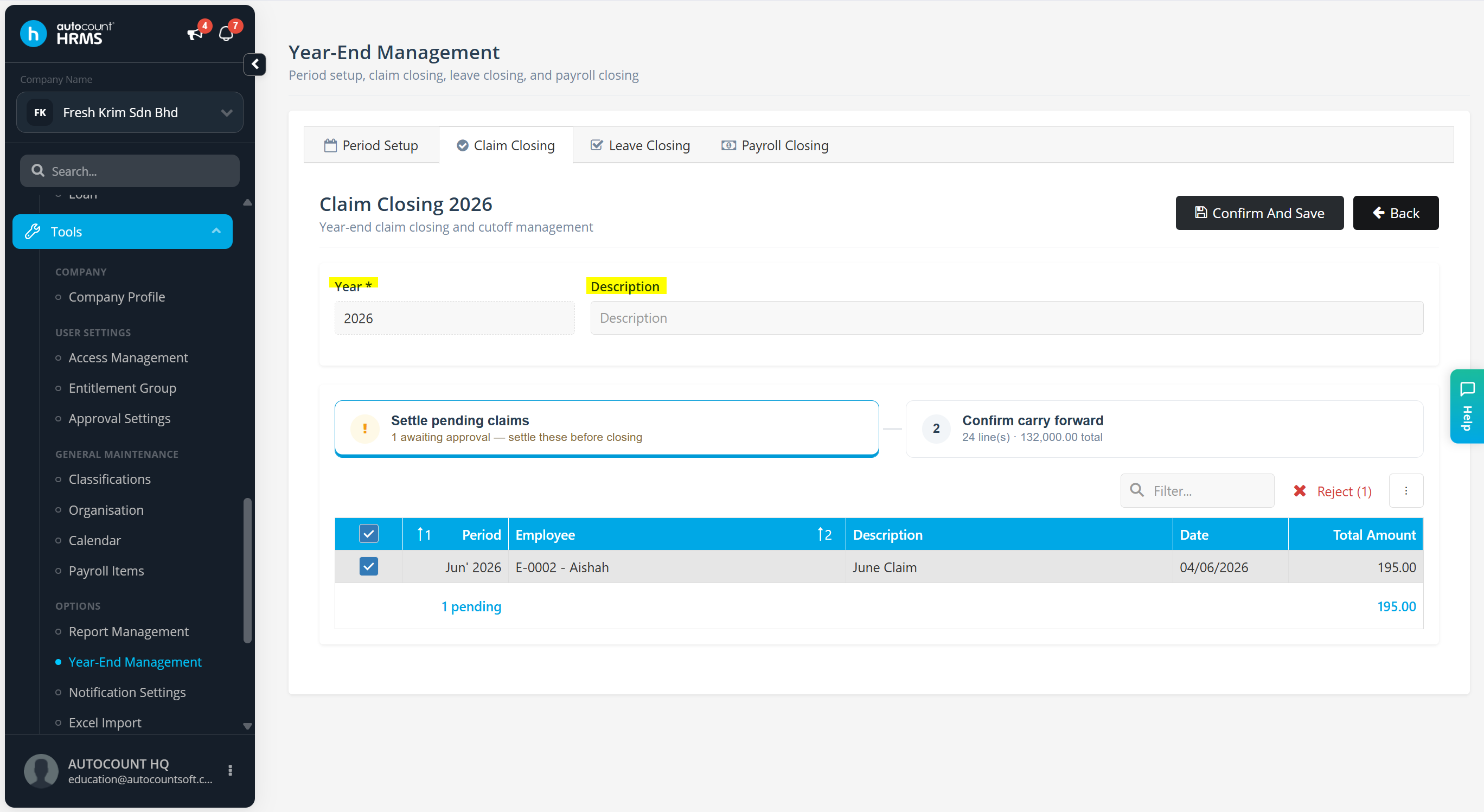
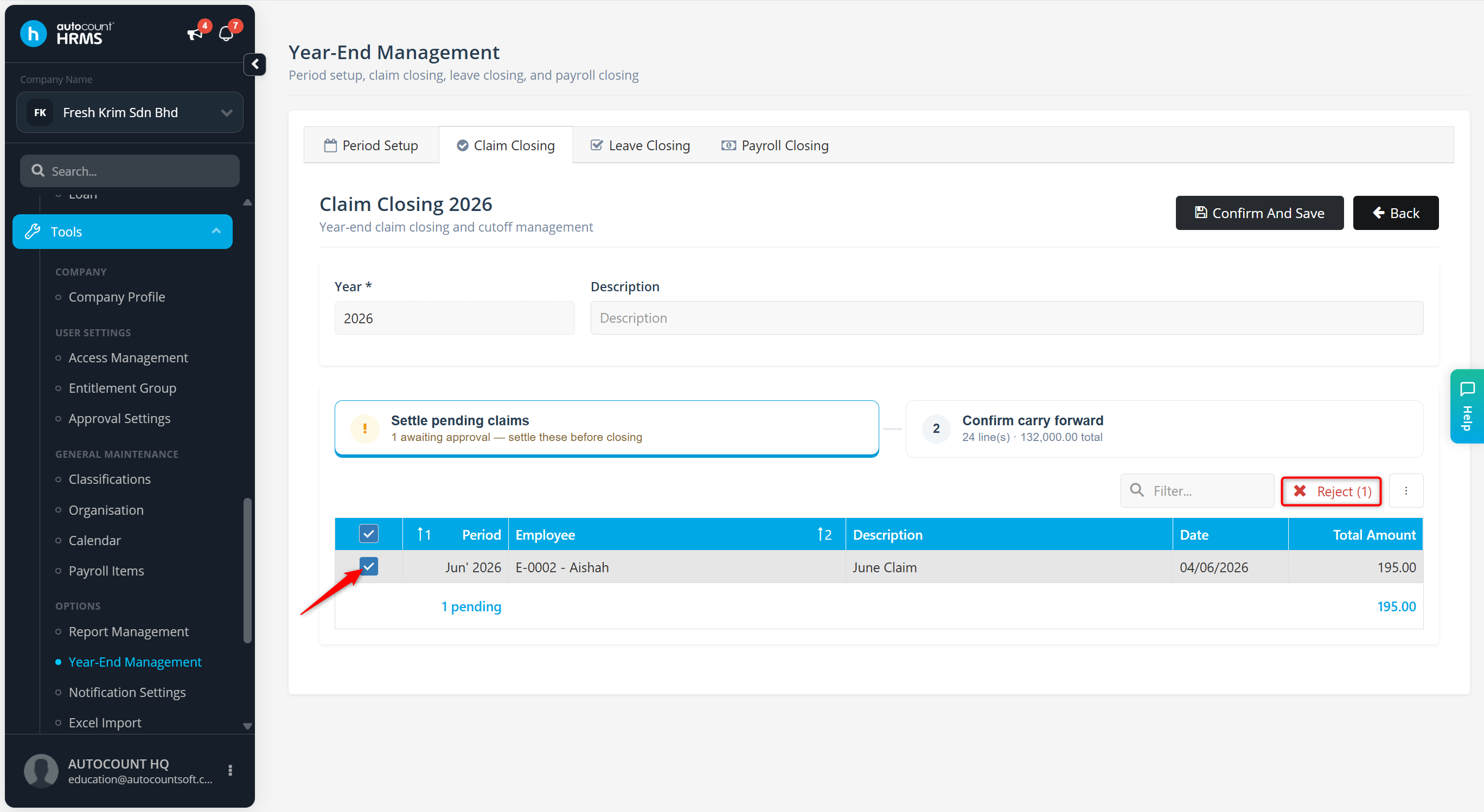
Review the list of pending claim requests. All pending claim applications must be approved or rejected before Claim Closing can proceed.
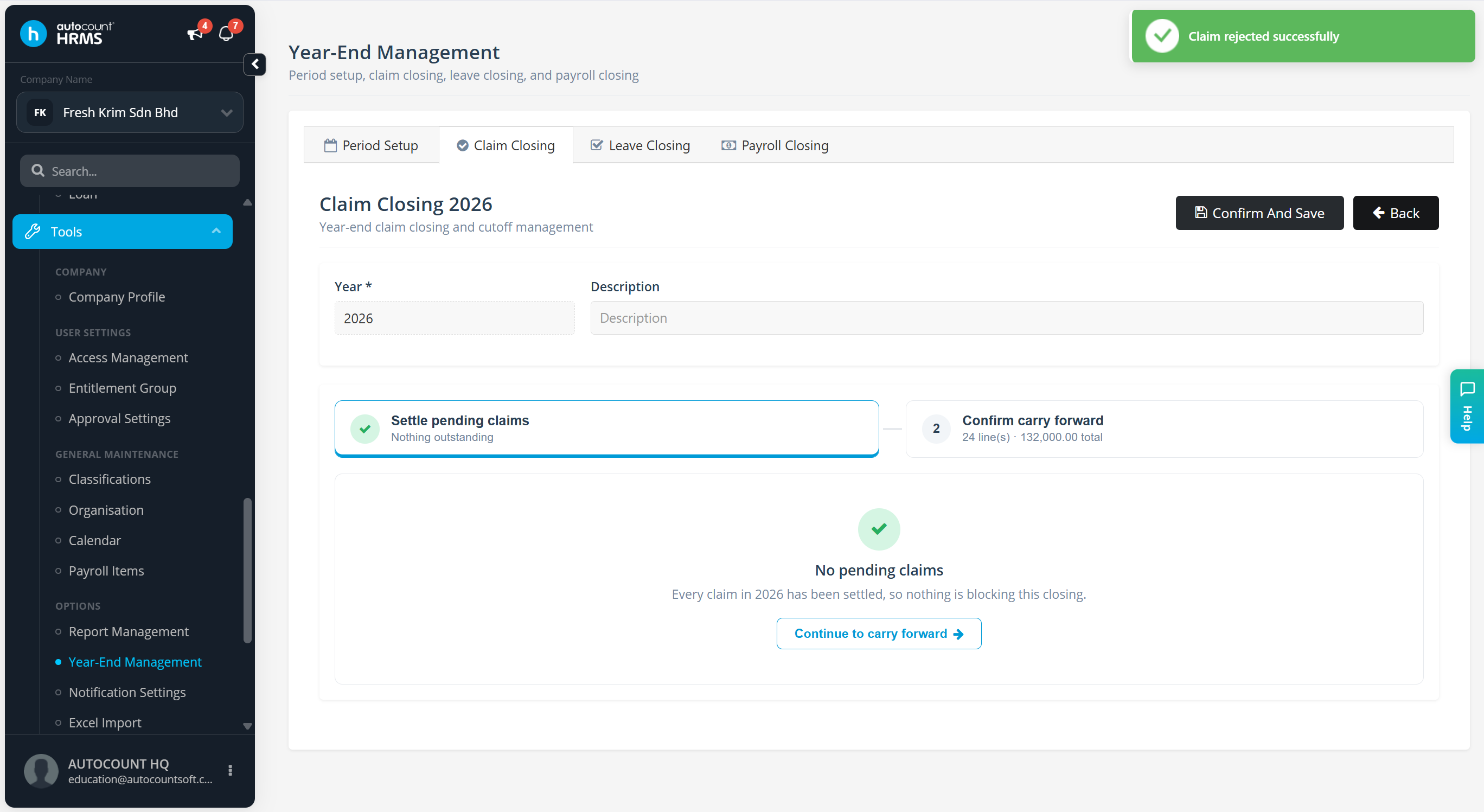
Click Continue to carry forward.
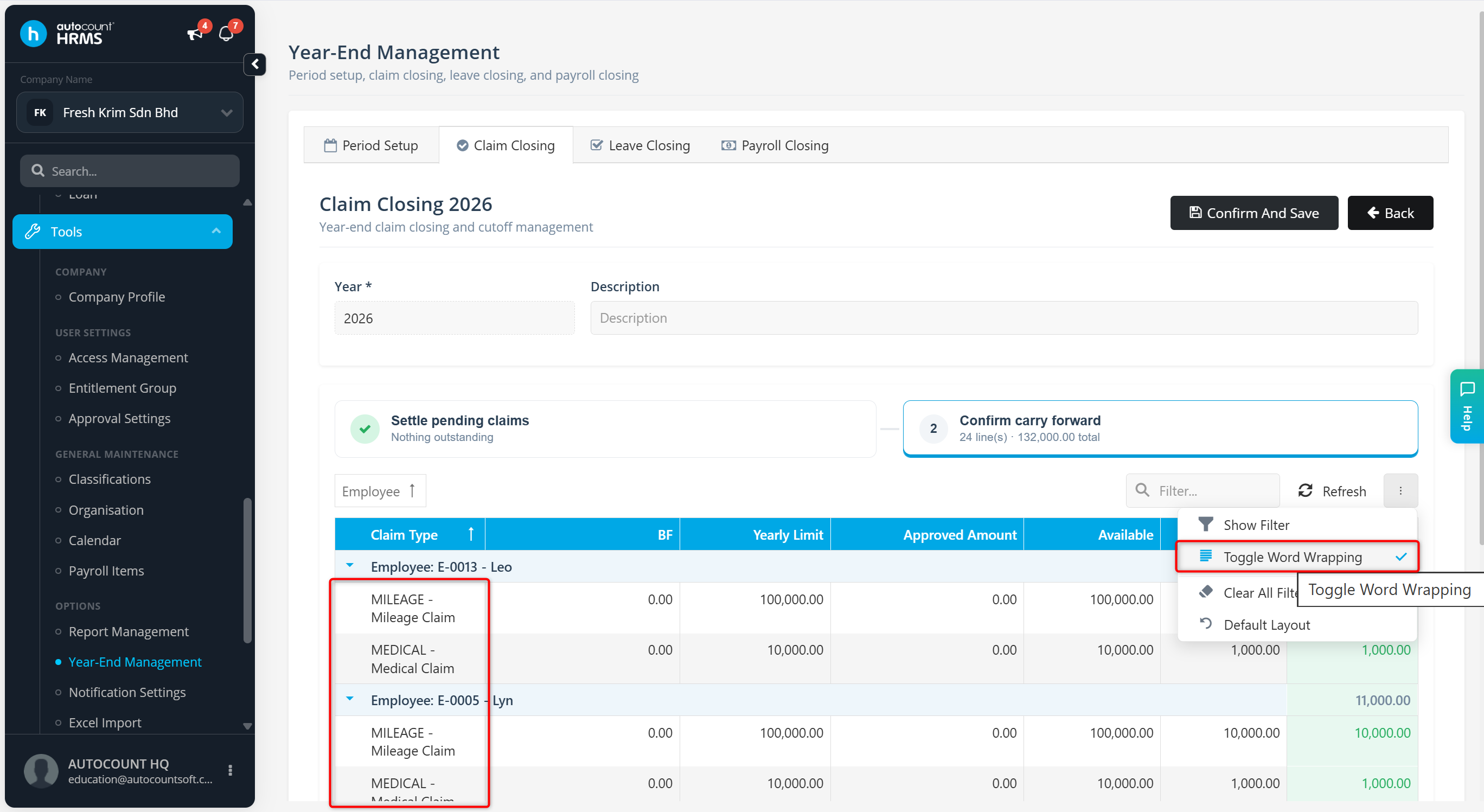
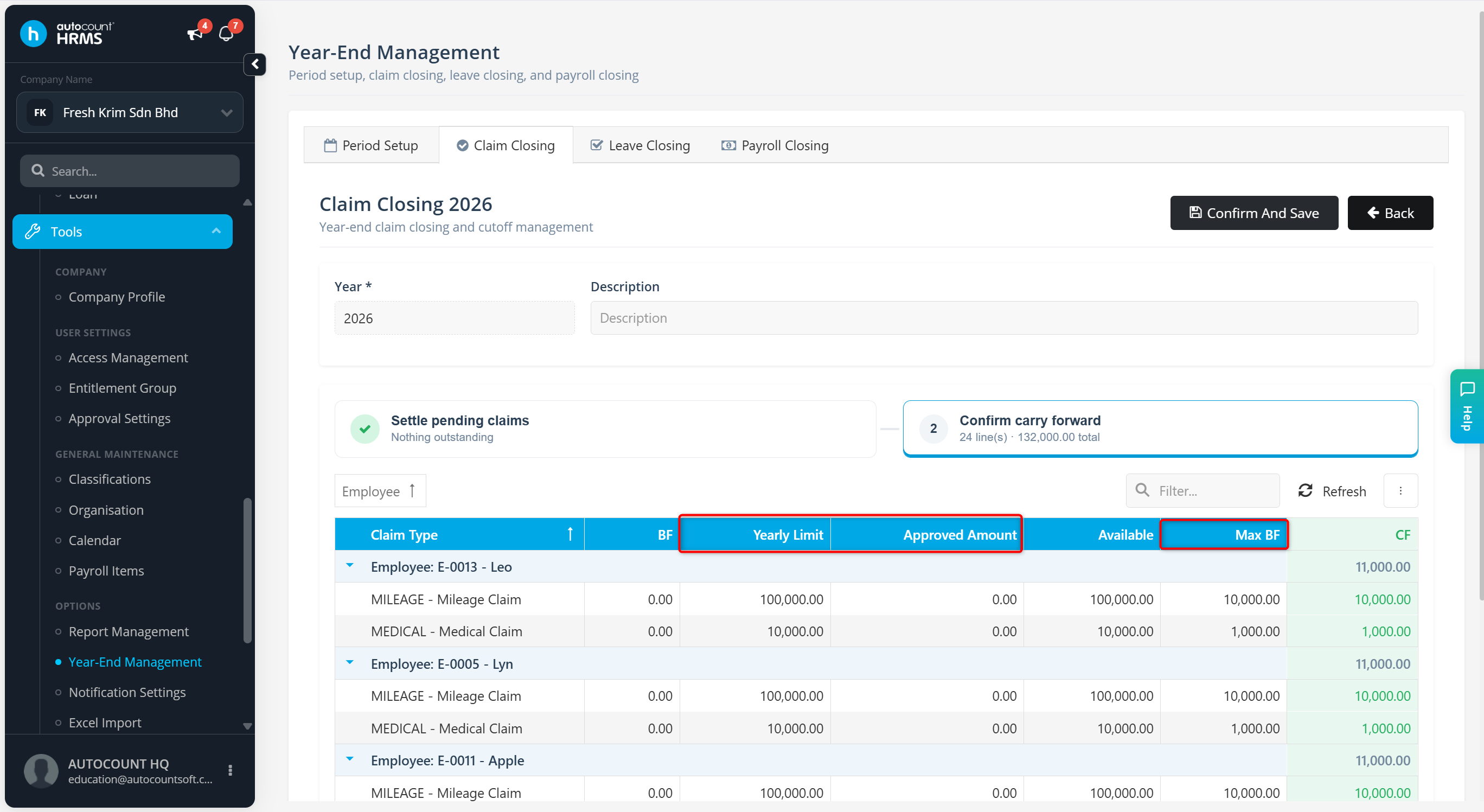
Review the claim cut-off information:
Yearly Limit – Total claim entitlement allocated to employees for the year.
Max BF – Maximum claim balance that can be carried forward to the following year.
Approved Amount – Total claim amount approved for employees during the current year.
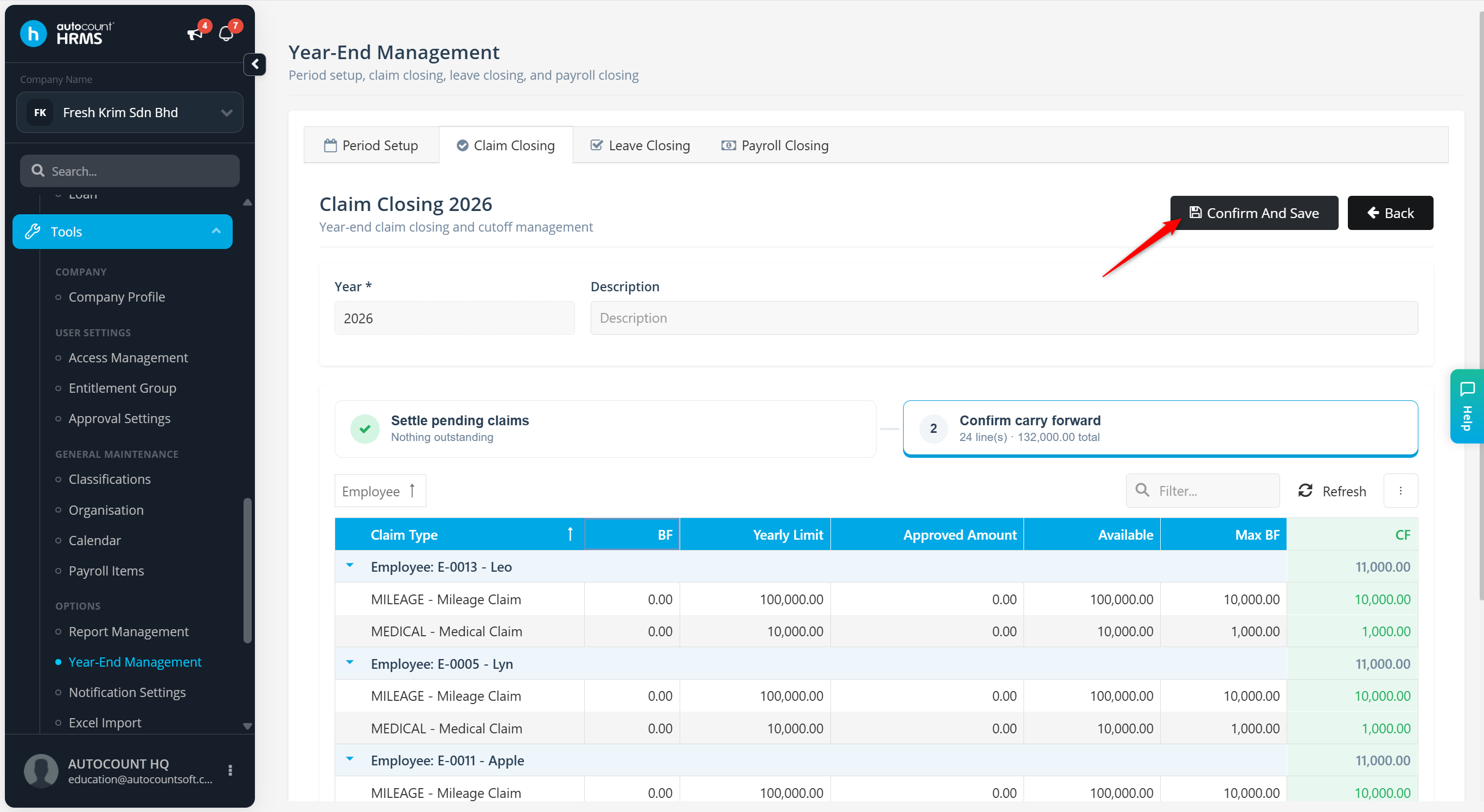
Click Confirm & Save.
Click Yes to review the information again, or No to proceed.
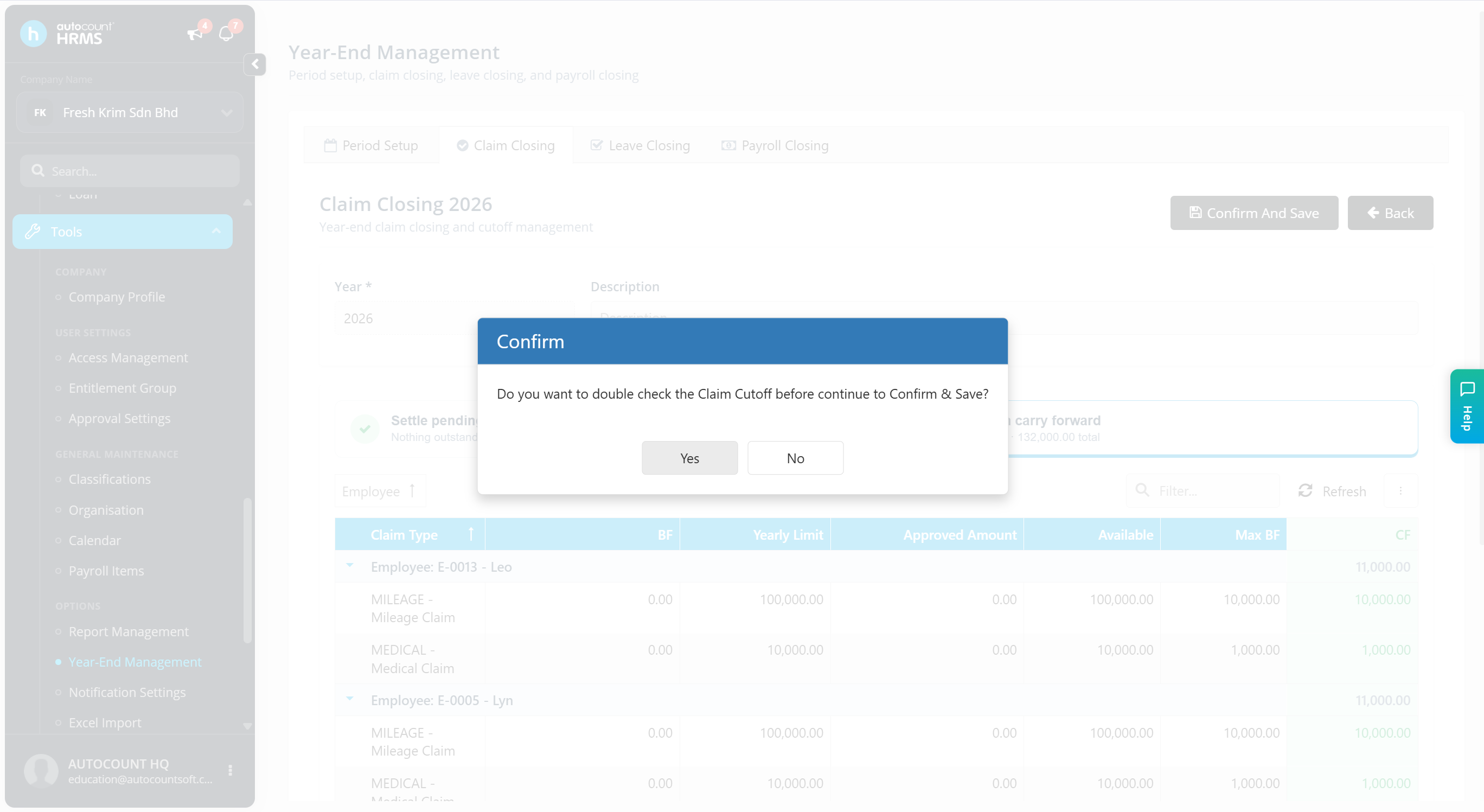
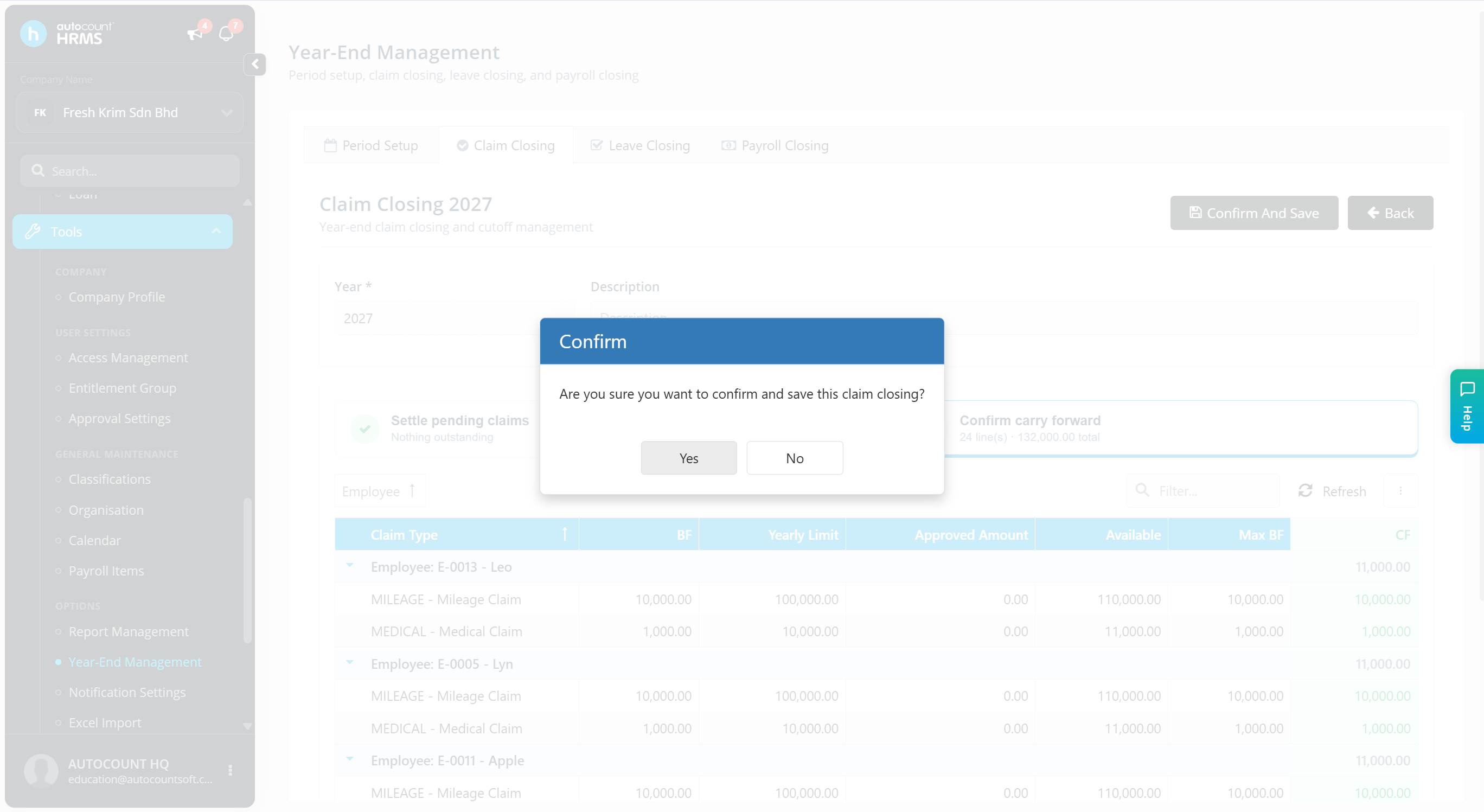
Click Yes to confirm and complete the process.
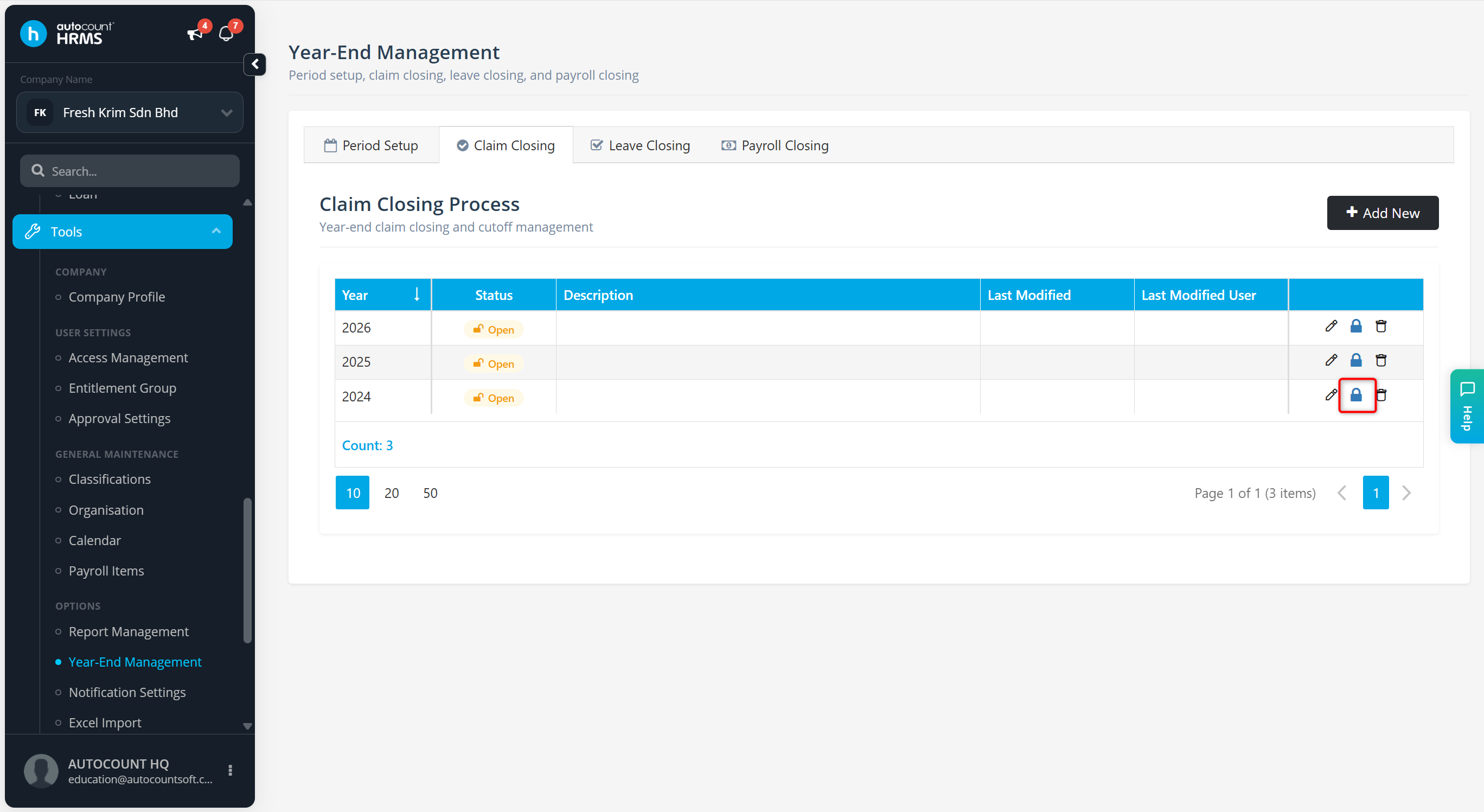
The claim closing will be created. Click the lock icon to commit the Claim Closing.
ℹ️ Note: Click the vertical ellipsis icon (⋮) and select Toggle Word Wrapping to wrap the details in the column.