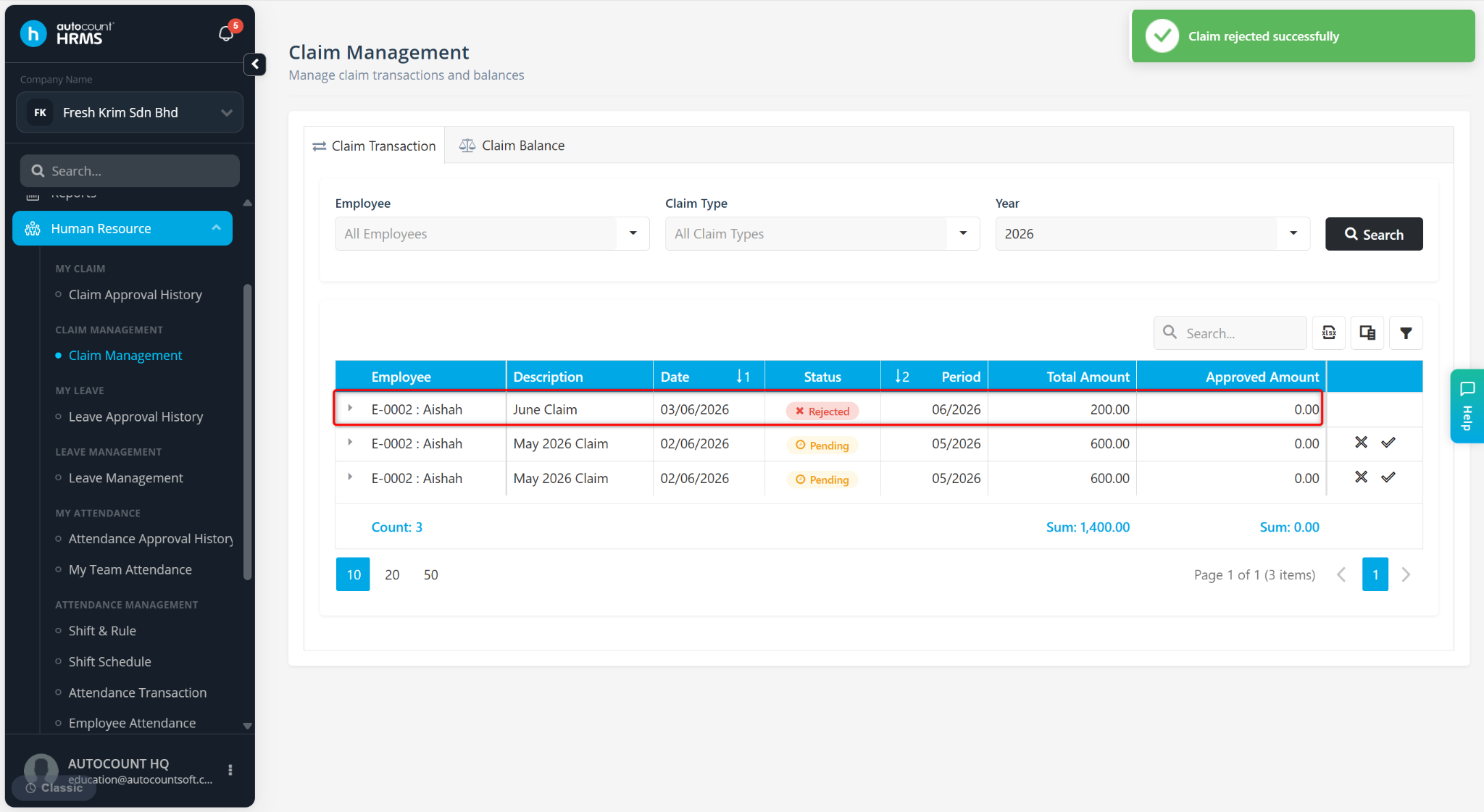
Users can cancel an approved claim application through the Claim Transaction page. Once cancelled, the claim status will be updated to Rejected, and the claim will no longer be included in claim processing or payroll reimbursement.
Steps to Cancel E-Claim:
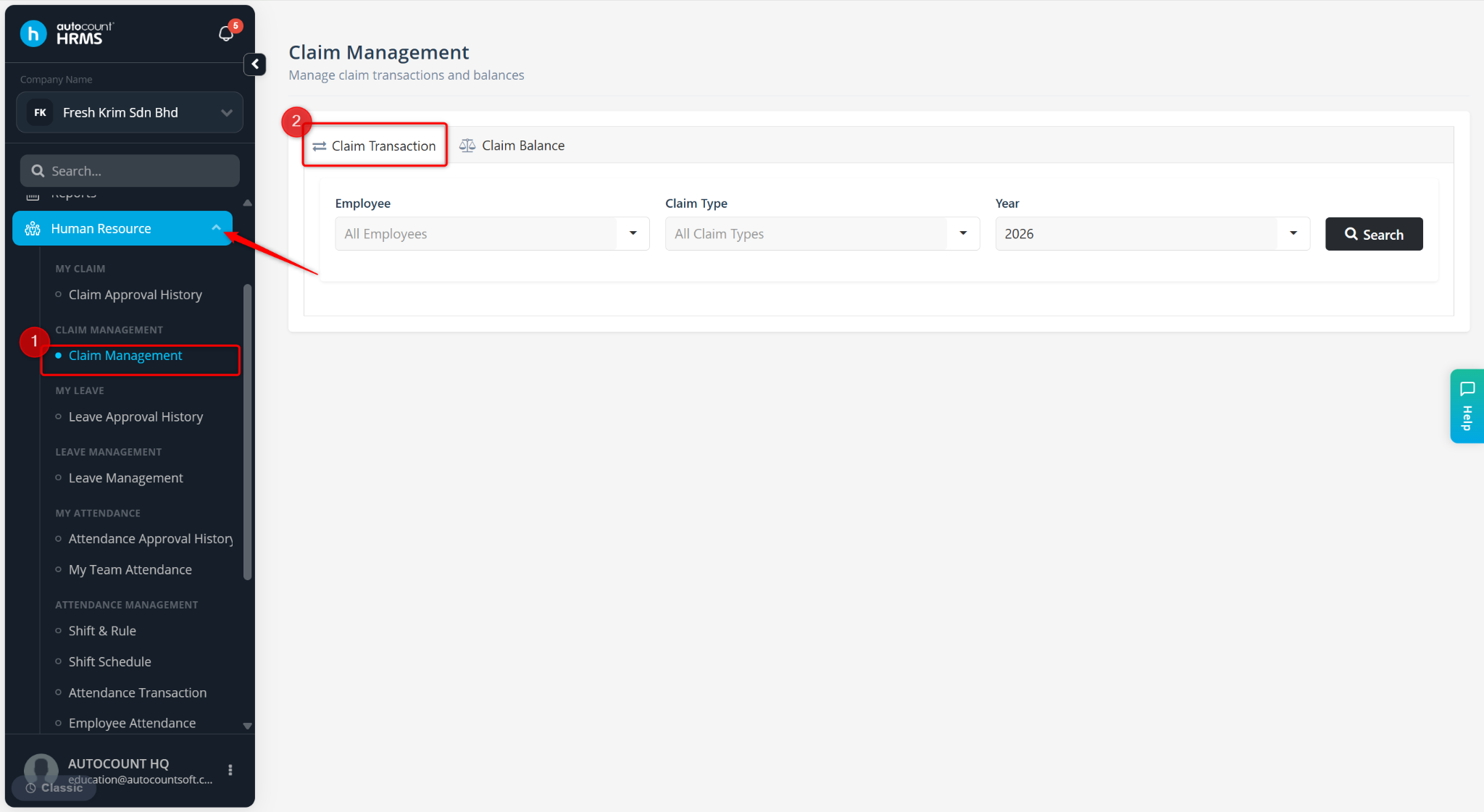
Go to Human Resource > Claim Management.
Go to Claim Transaction.
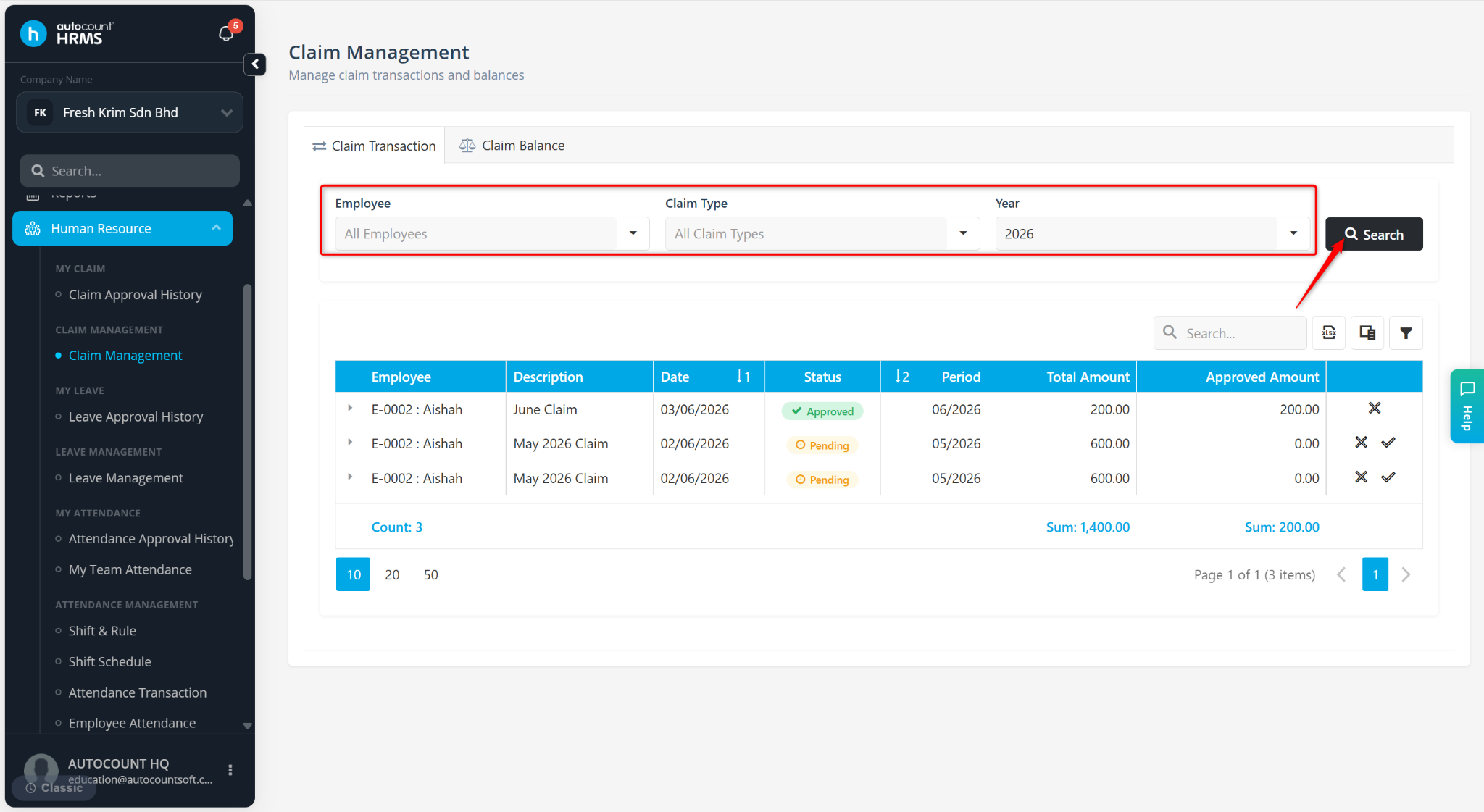
Filter by Employee, Claim Type and Year, then click Search.
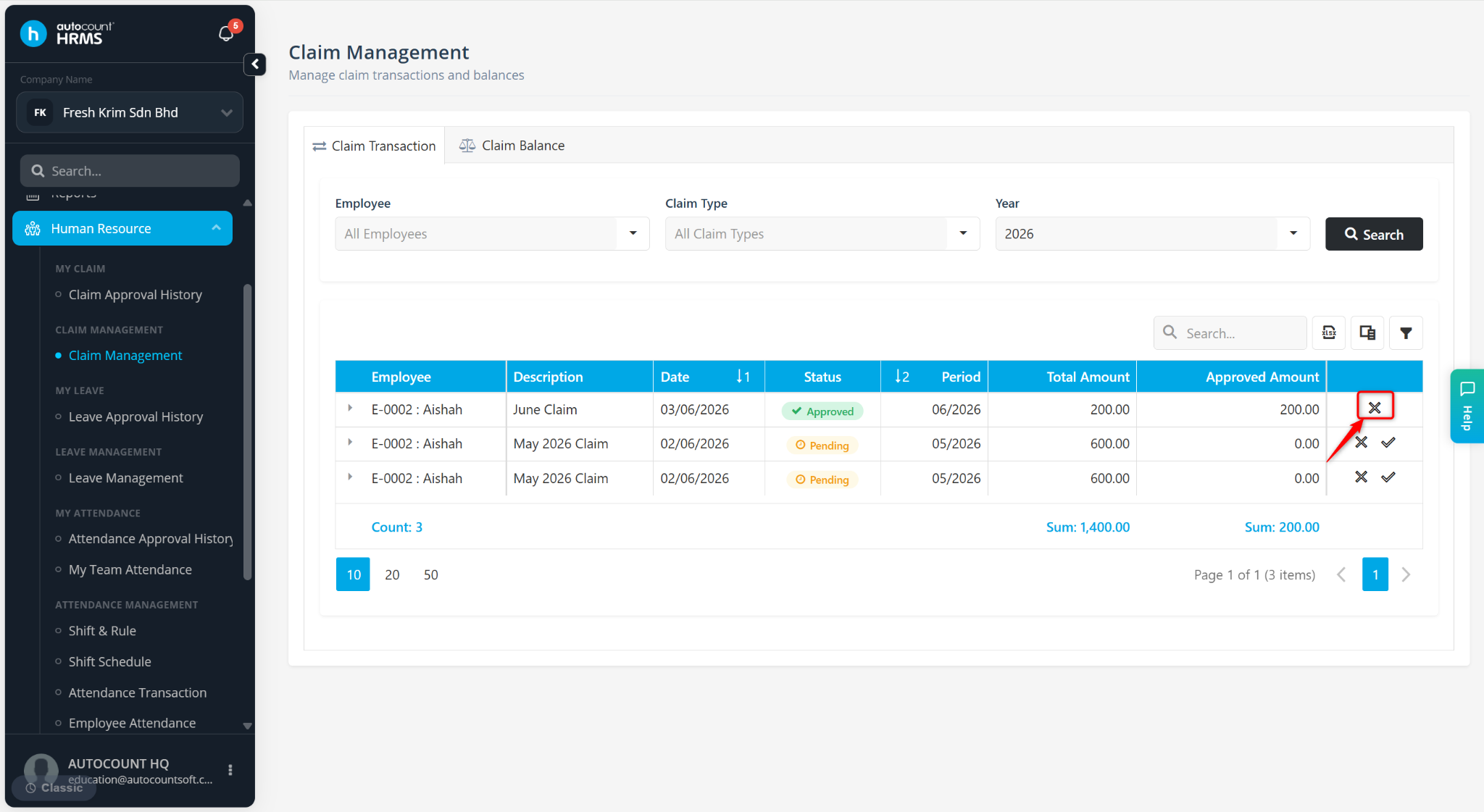
Locate the approved claim application and click the cross icon.
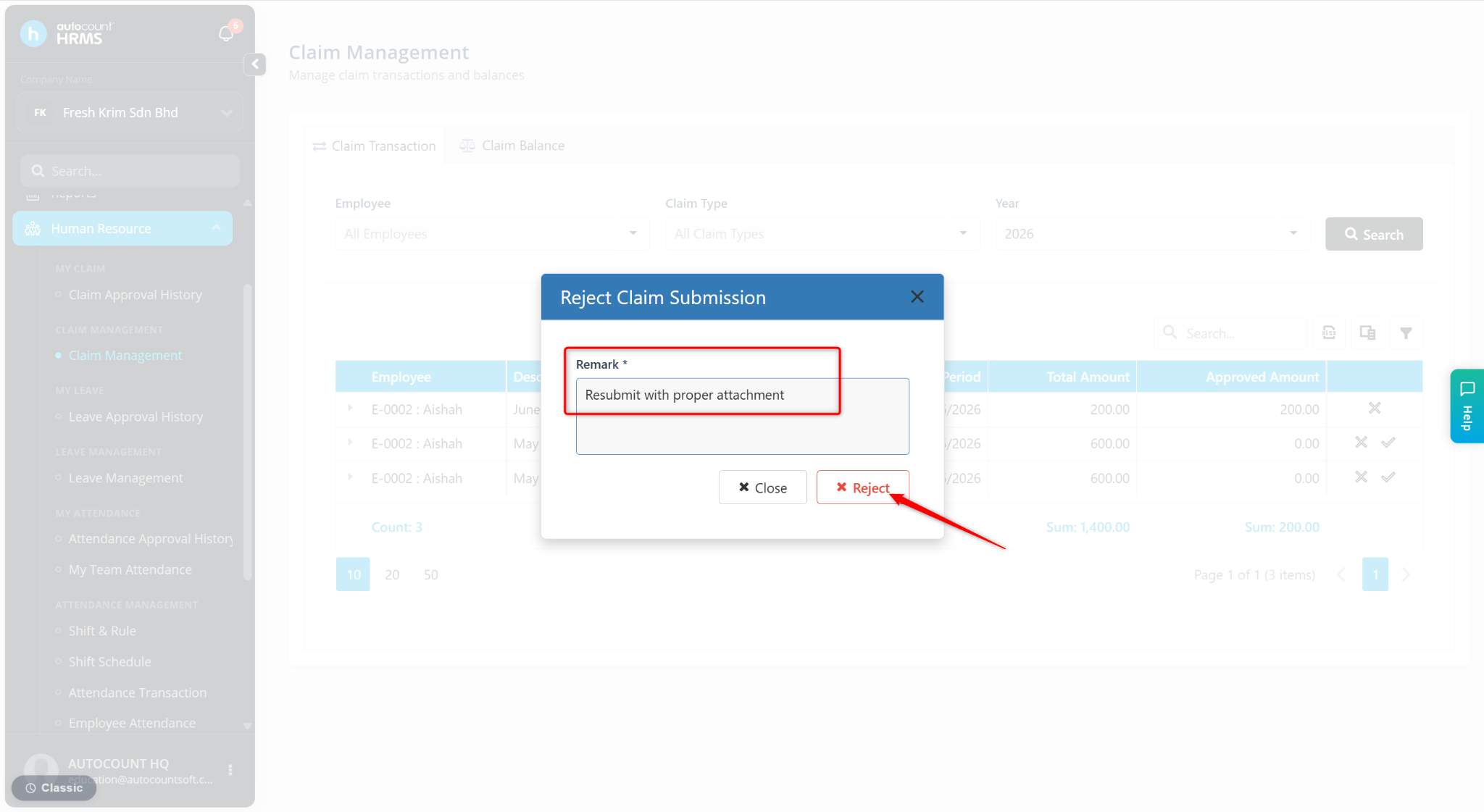
Enter the Remark and click Reject.
The status of the cancelled claim application will be updated to rejected.