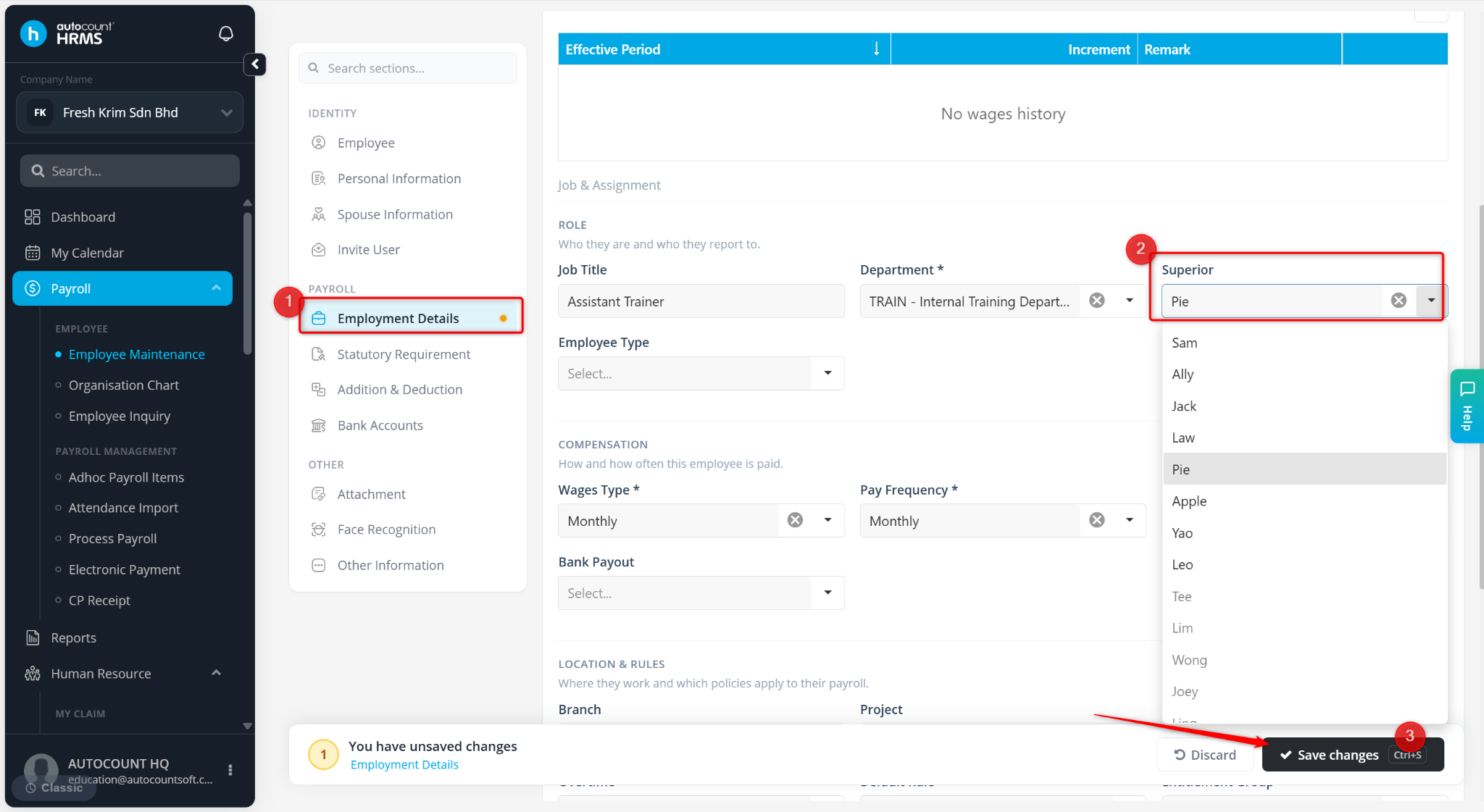
If your company uses Approval by Organisation Chart (Hierarchy), you can change an employee's approver by updating the organisation chart and the employee's reporting structure.
Steps to Change an Employee's Approver at Organisation Chart:
Go to Tools > Approval Settings.
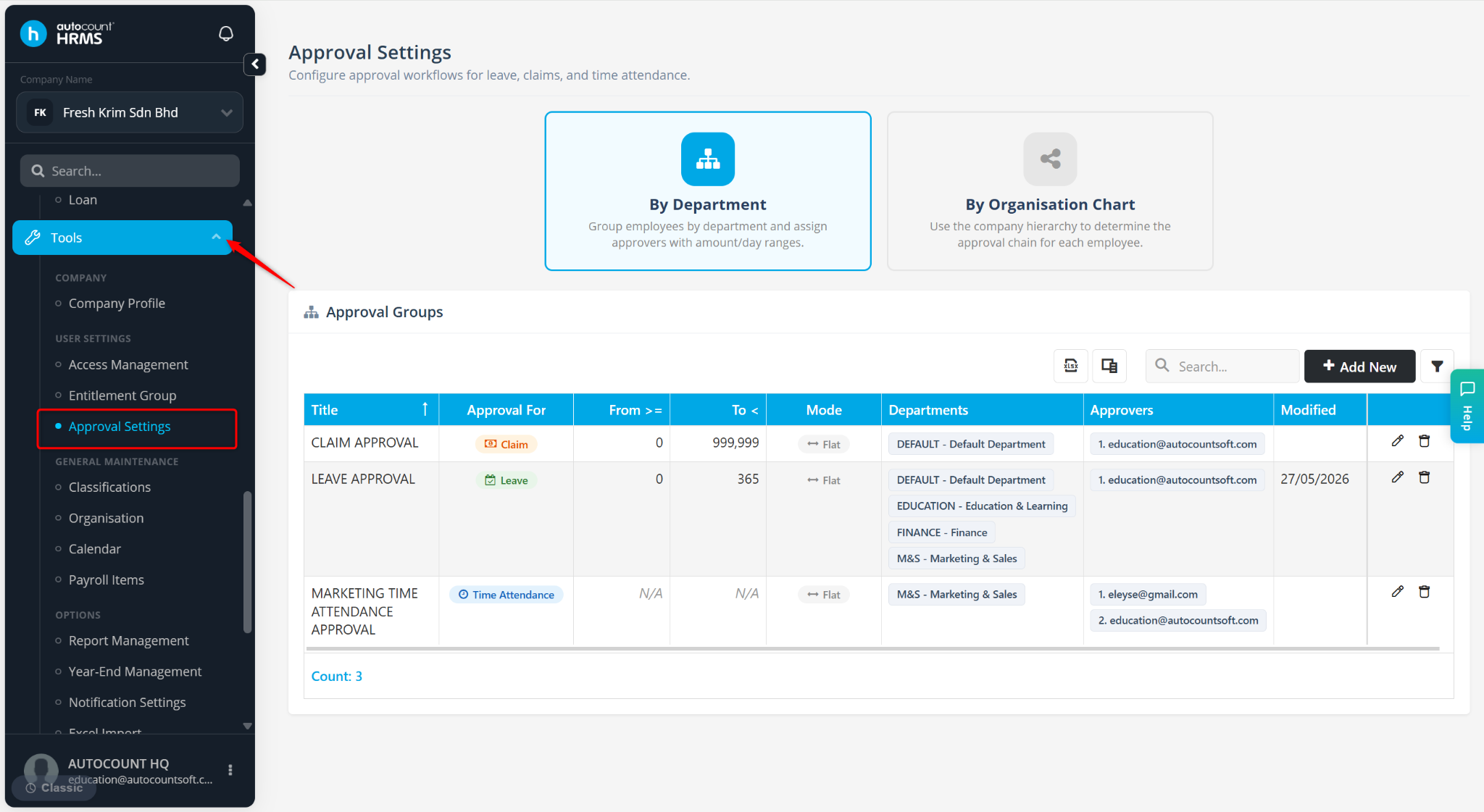
Select By Organisation Chart.
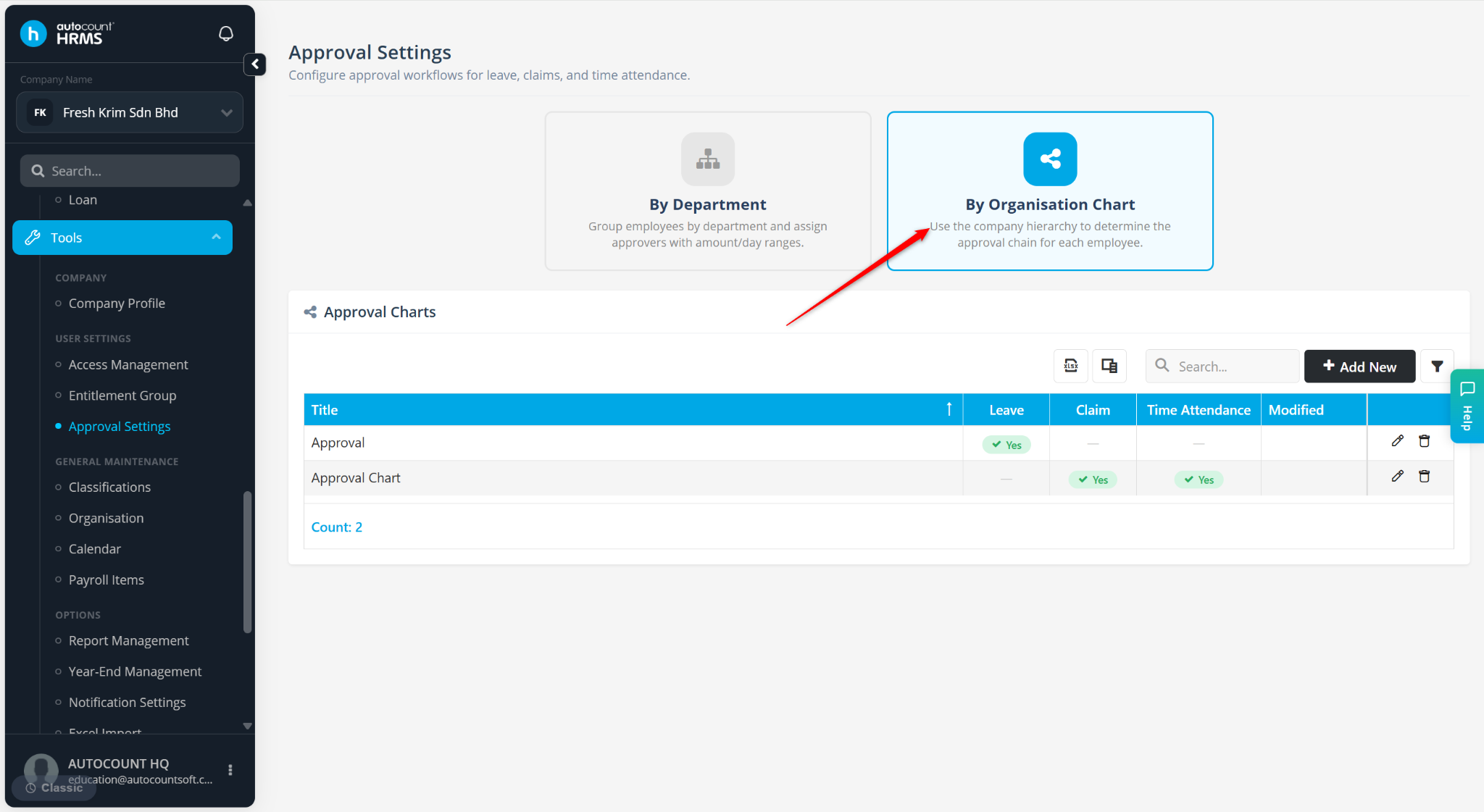
Locate the approval chart and click the pencil icon.
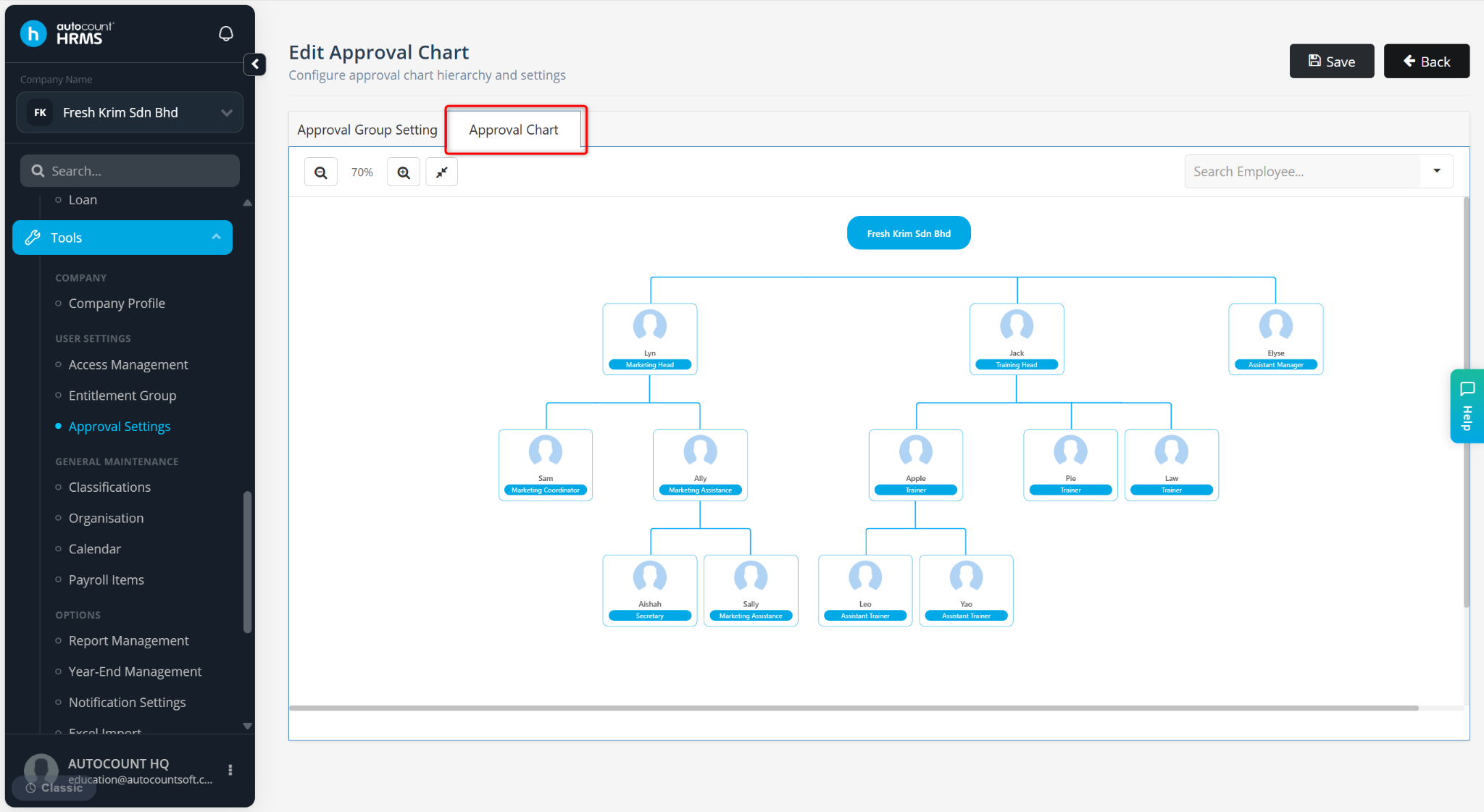
Go to the Approval chart.
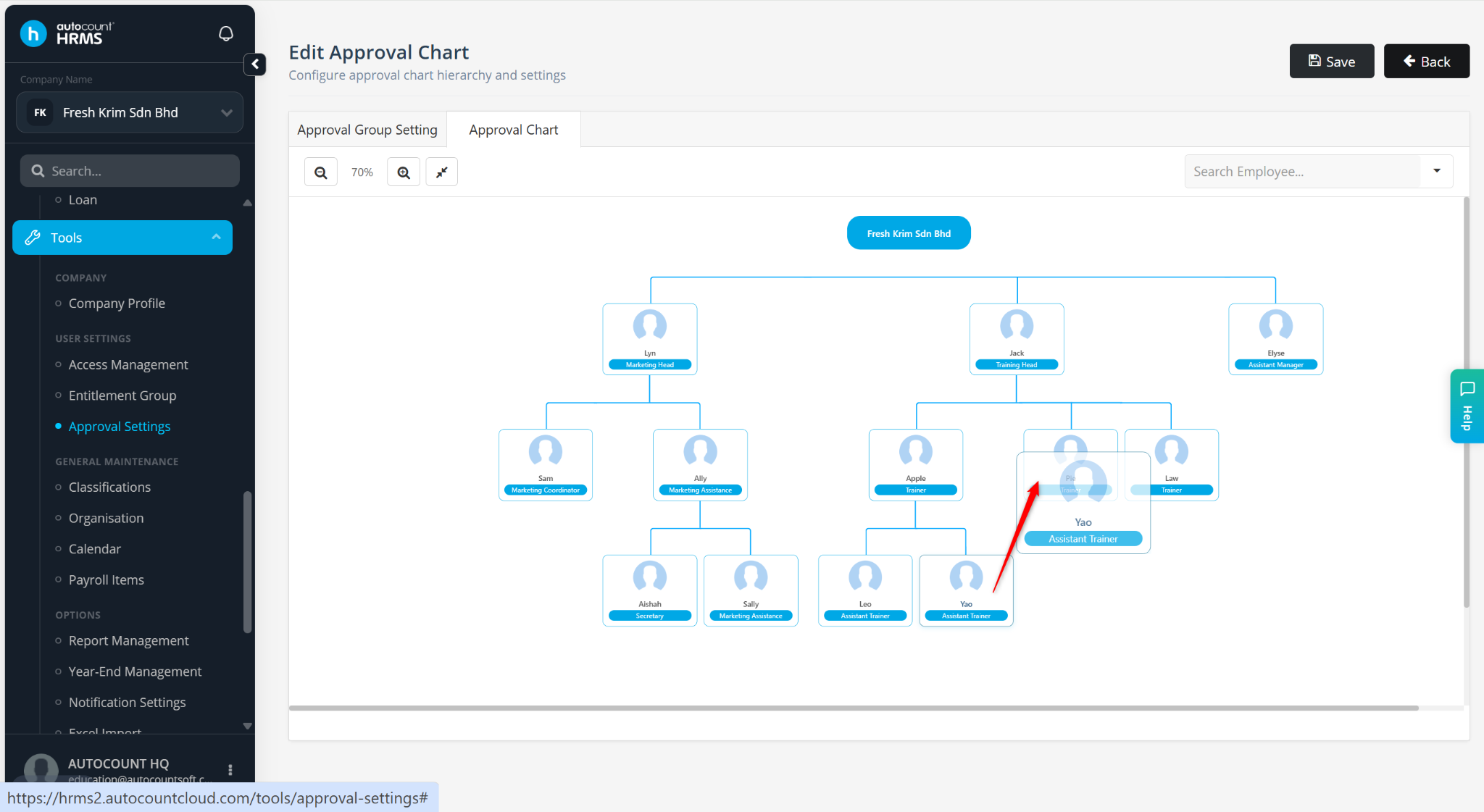
Click the employee and drag and drop them to the new approver.
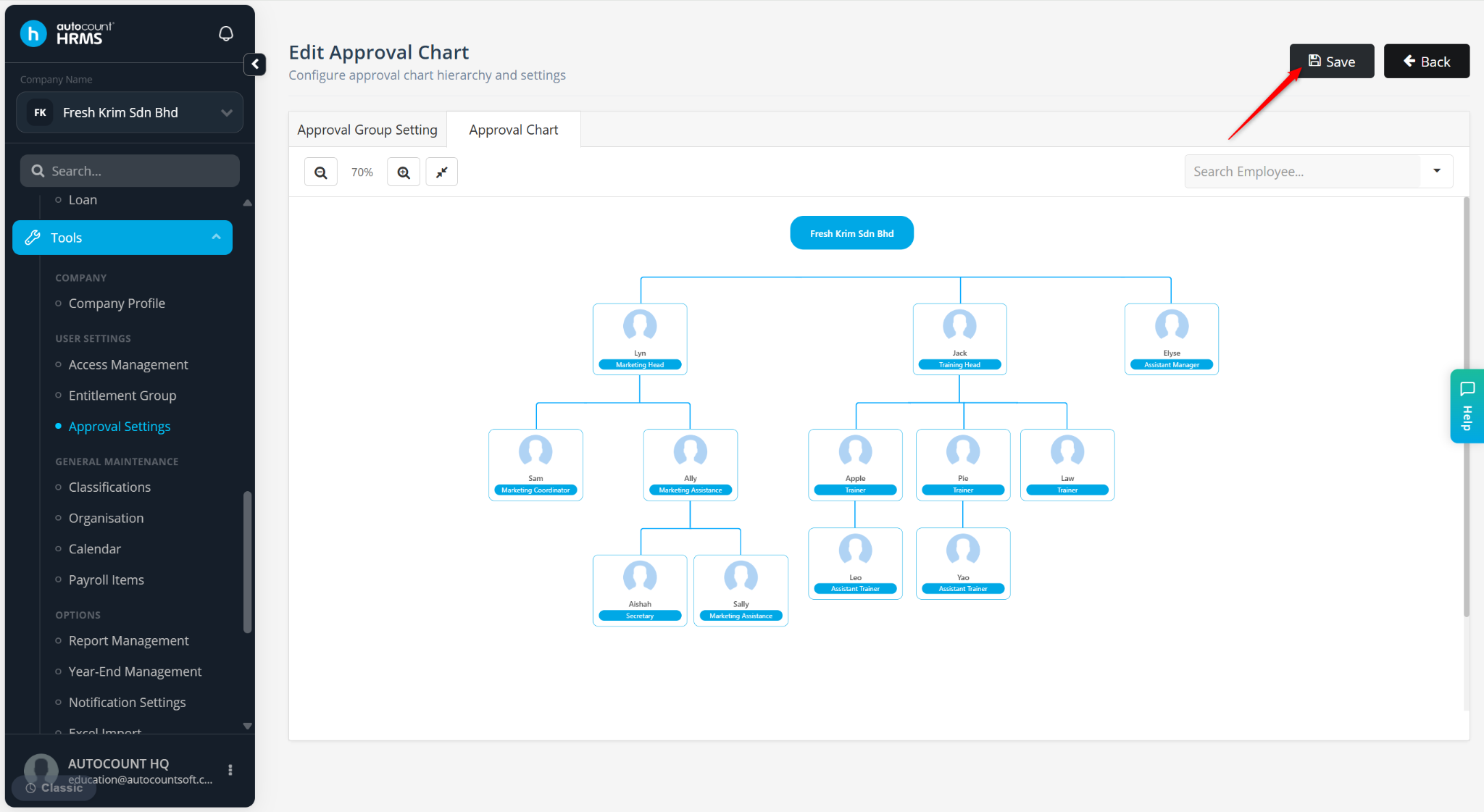
Click Save.
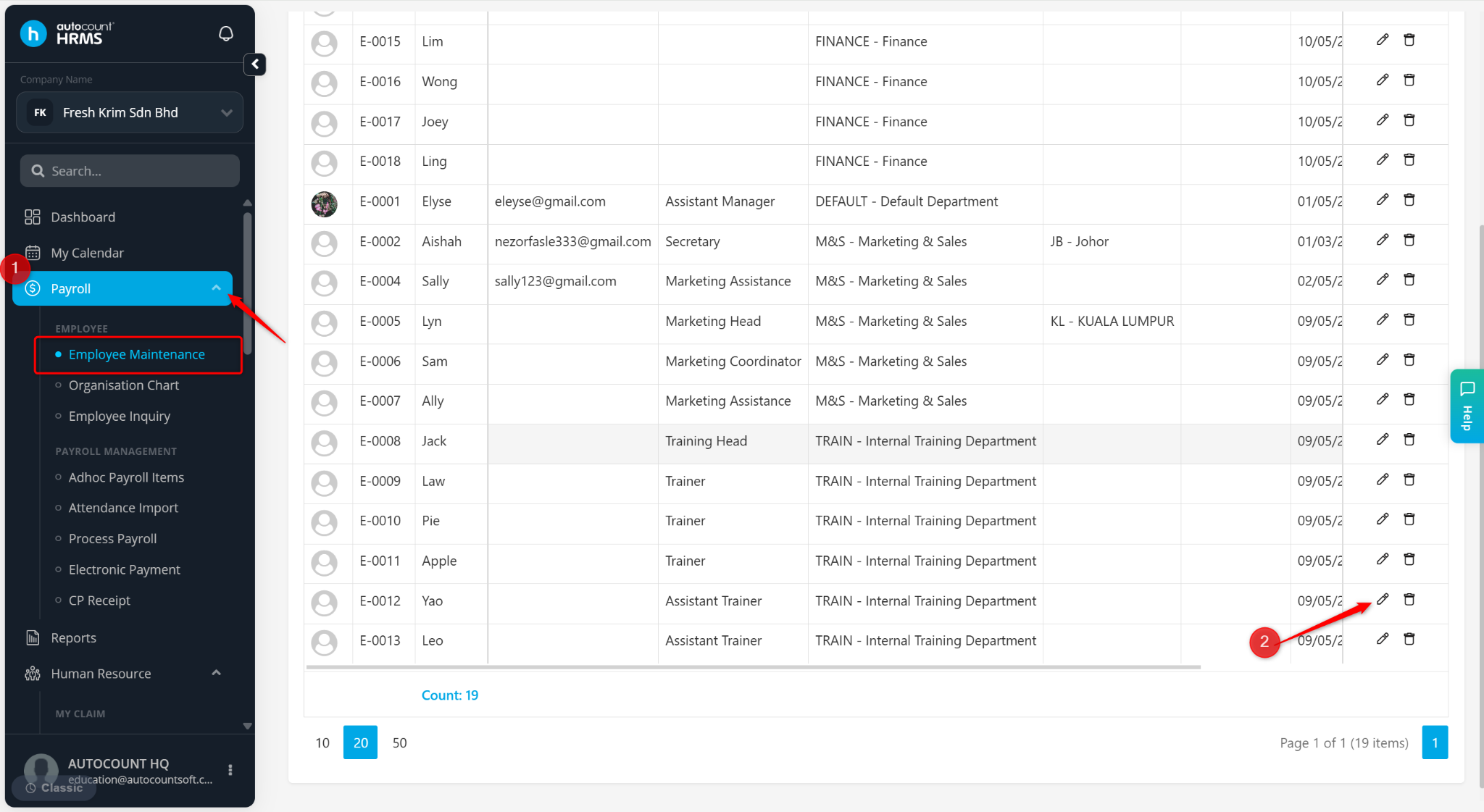
Go to Payroll > Employee Maintenance.
Locate the employee and click the pencil icon.
Go to Employment Details.
Change the Superior field to the new approver.