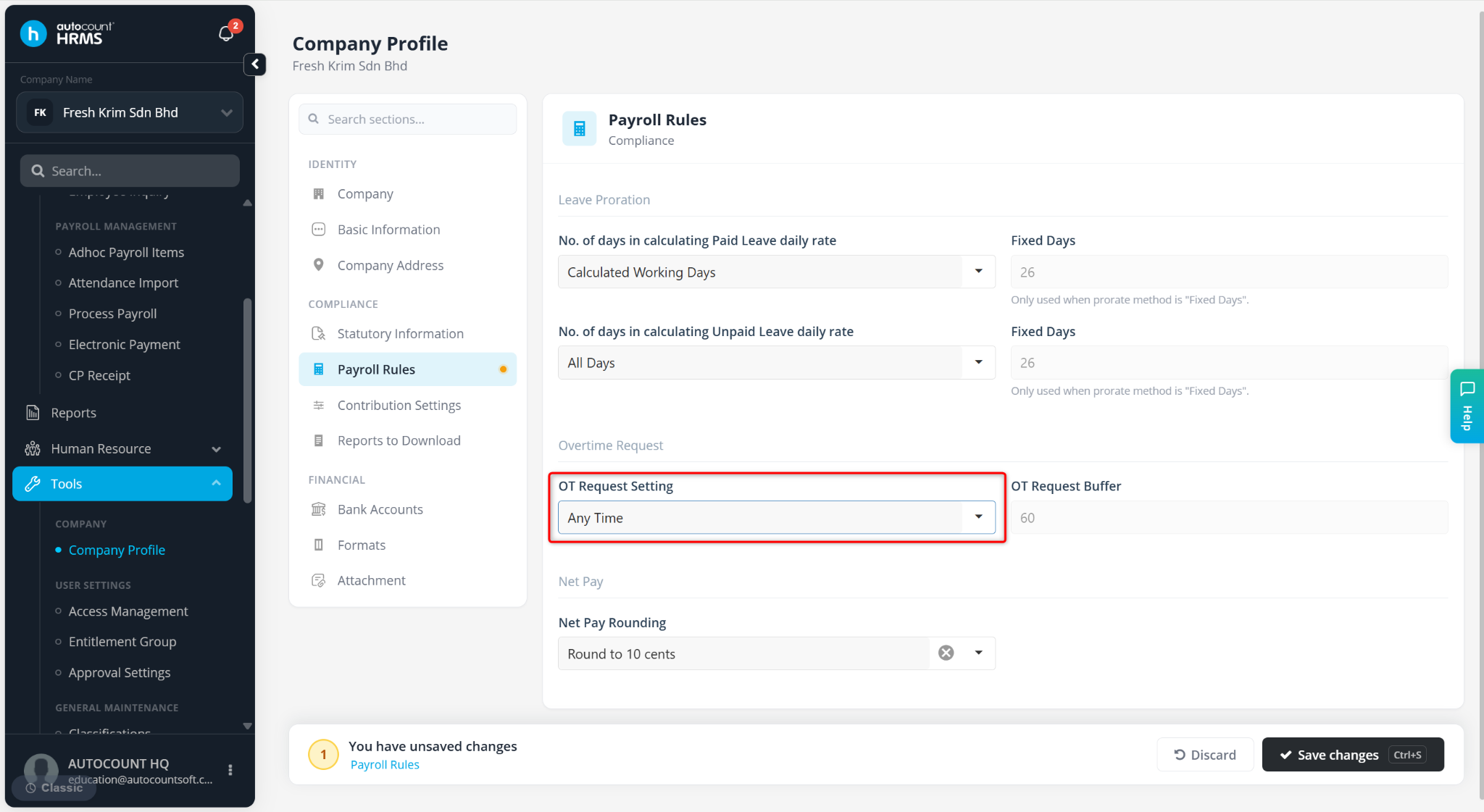
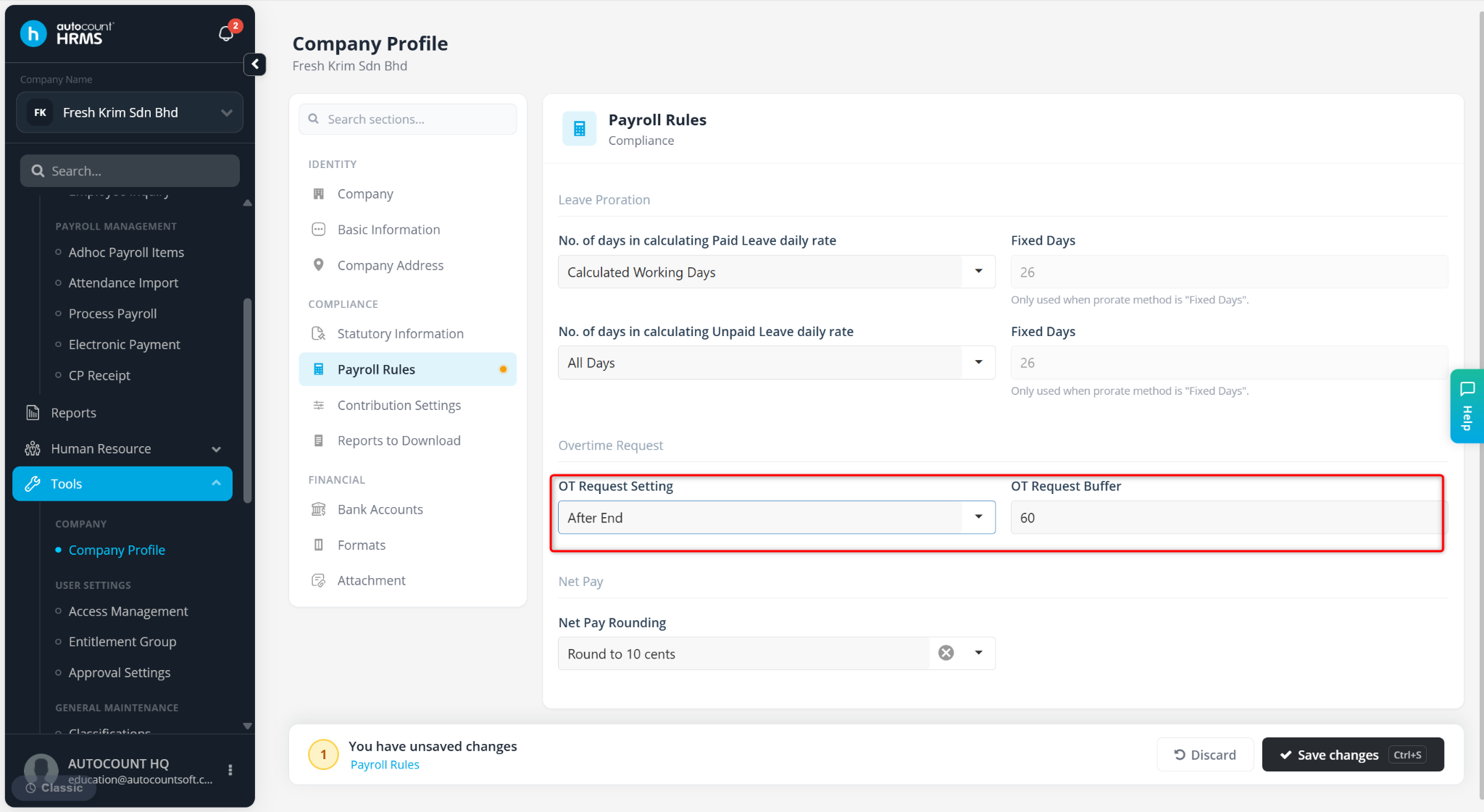
The Overtime Request setting determines when employees are allowed or required to submit overtime (OT) requests. Companies can configure OT requests to be submitted before the overtime starts, after the overtime ends, or at any time.
A Buffer can also be configured to limit the time window during which an OT request can be submitted.
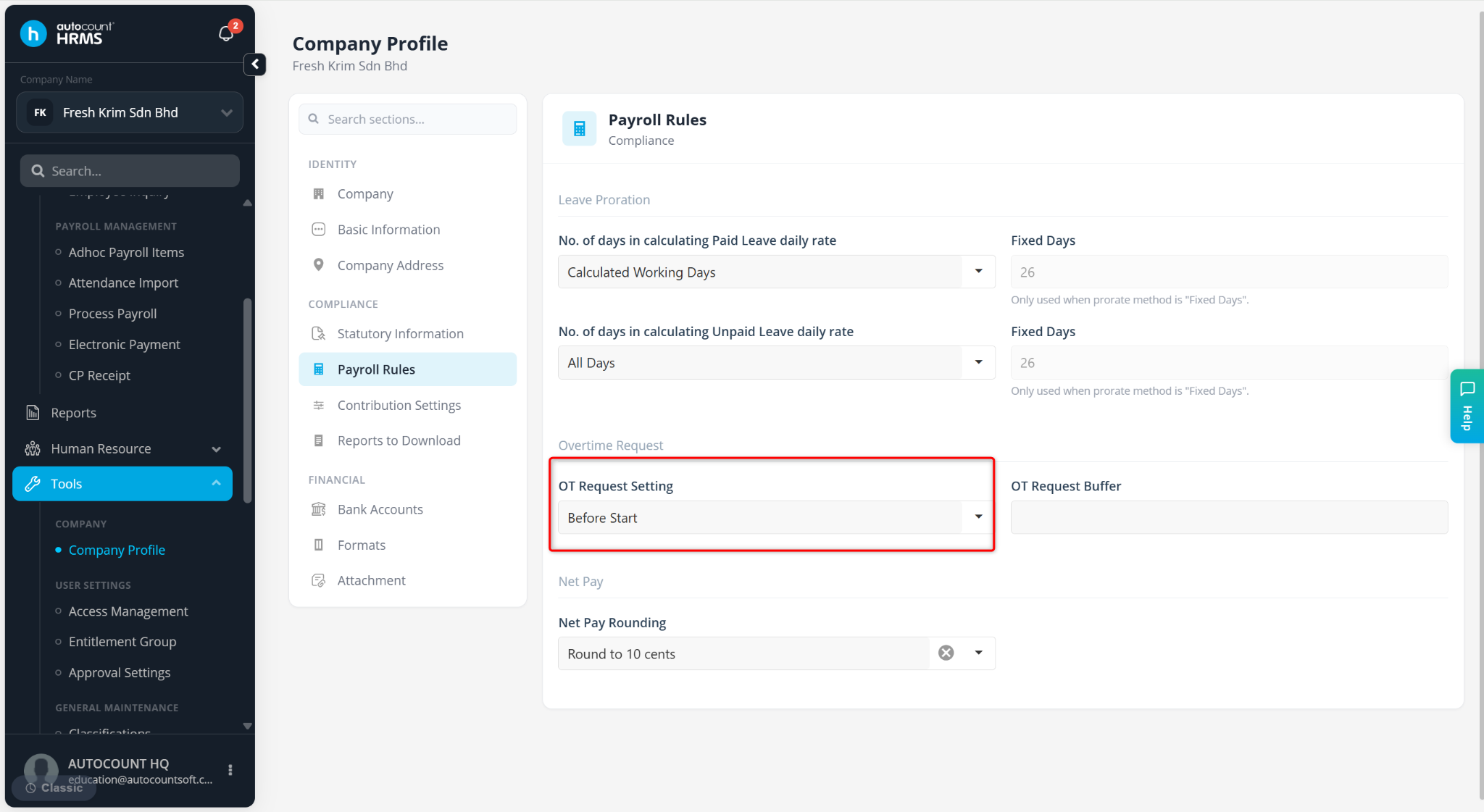
A) Before Start (Without Buffer)
Employees can submit an OT request at any time before the overtime begins.
No buffer restriction is applied.
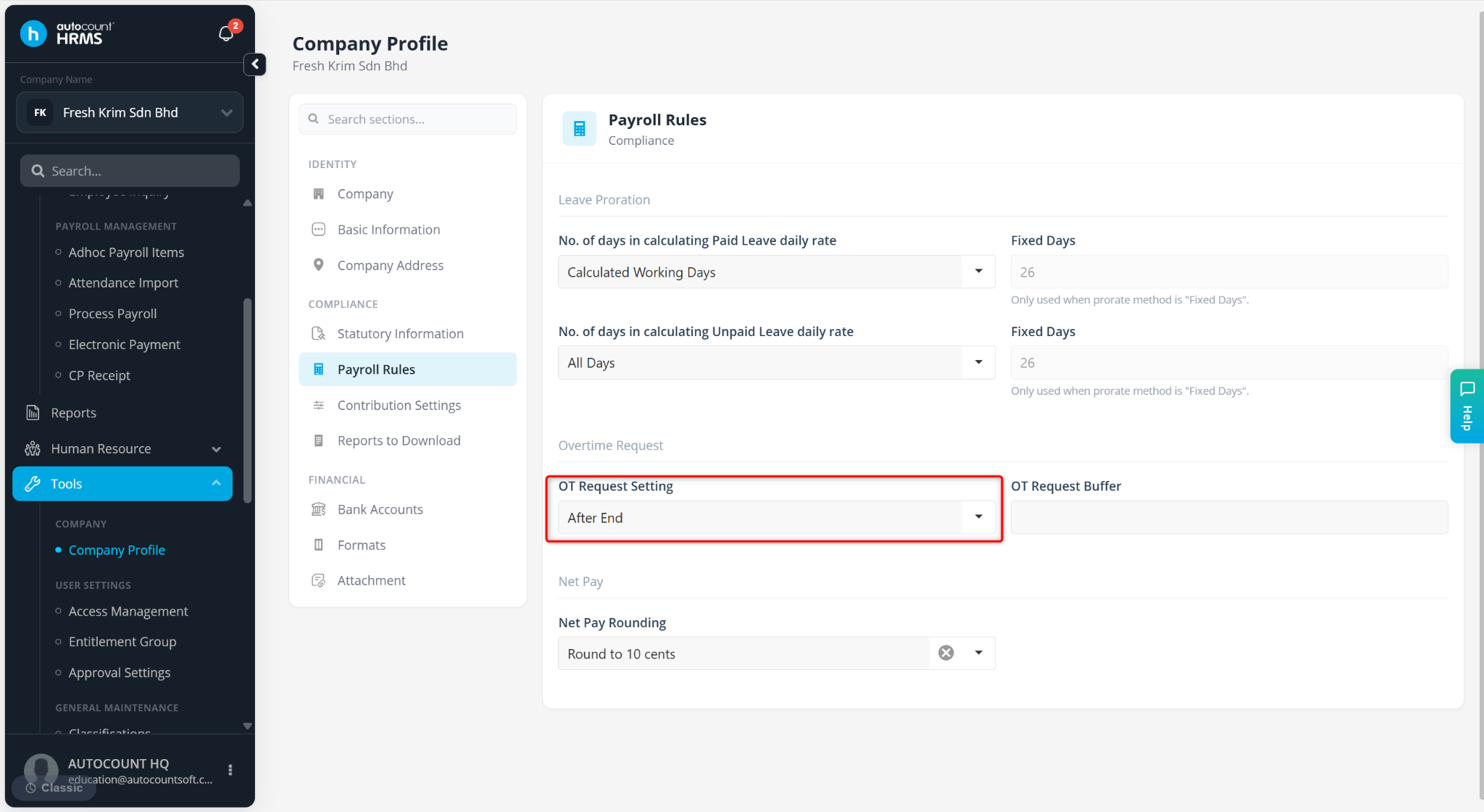
B) After End (Without Buffer)
Employees can submit an OT request at any time after the overtime has ended.
No buffer restriction is applied.
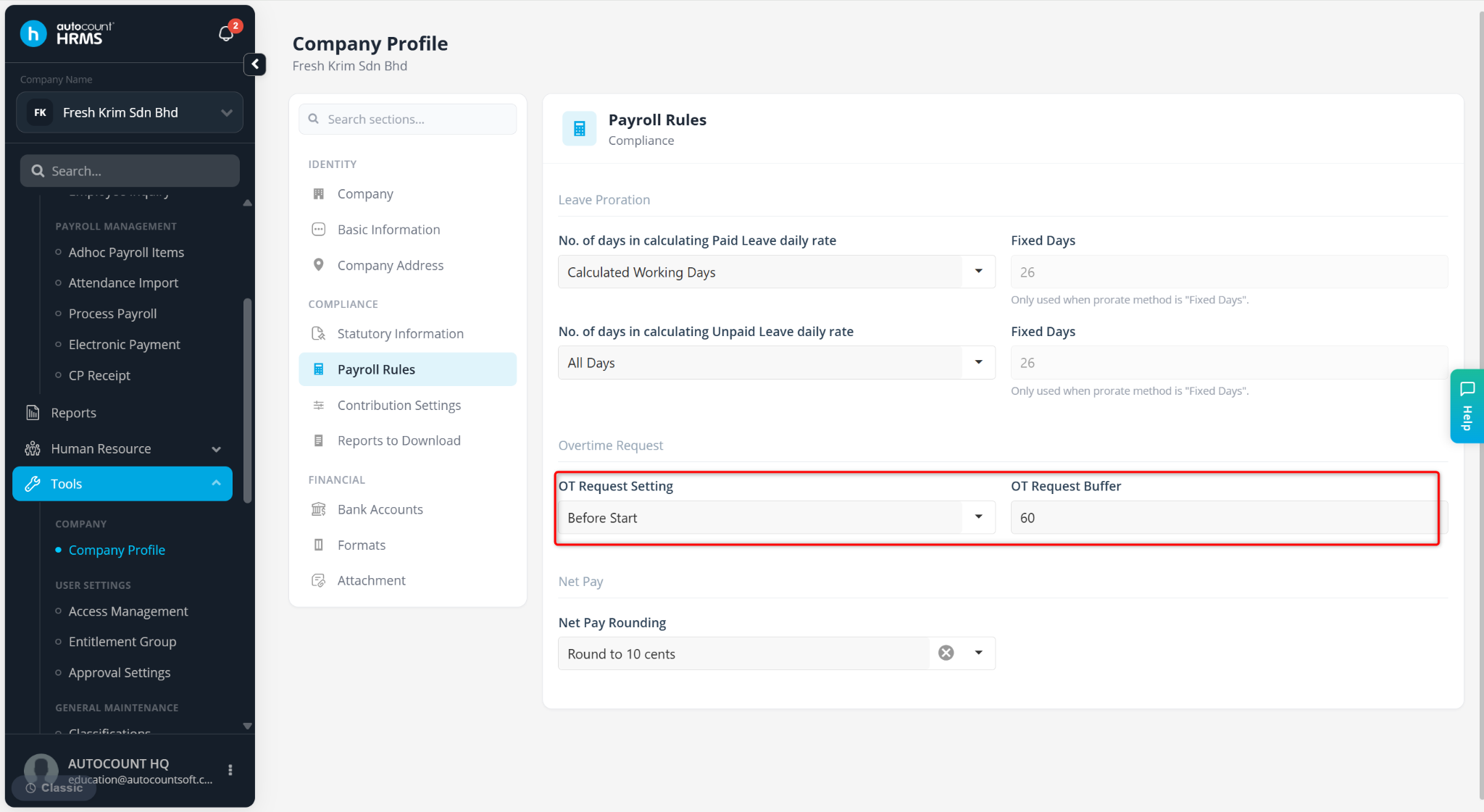
C) Before Start (With Buffer)
Employees must submit the OT request within the specified buffer period before the overtime starts.
Example:
Shift: 9:00 AM – 6:00 PM
Overtime: 6:00 PM – 7:00 PM
Buffer: 60 minutes
The employee must submit the OT request between 5:00 PM and 6:00 PM.
D) After End (With Buffer)
Employees must submit the OT request within the specified buffer period after the overtime ends.
Example:
Shift: 9:00 AM – 6:00 PM
Overtime: 6:00 PM – 8:00 PM
Buffer: 60 minutes
The employee must submit the OT request between 8:00 PM and 9:00 PM.
E) Any Time
Employees can submit OT requests at any time, either before or after the overtime period.
Any configured buffer time will be ignored.