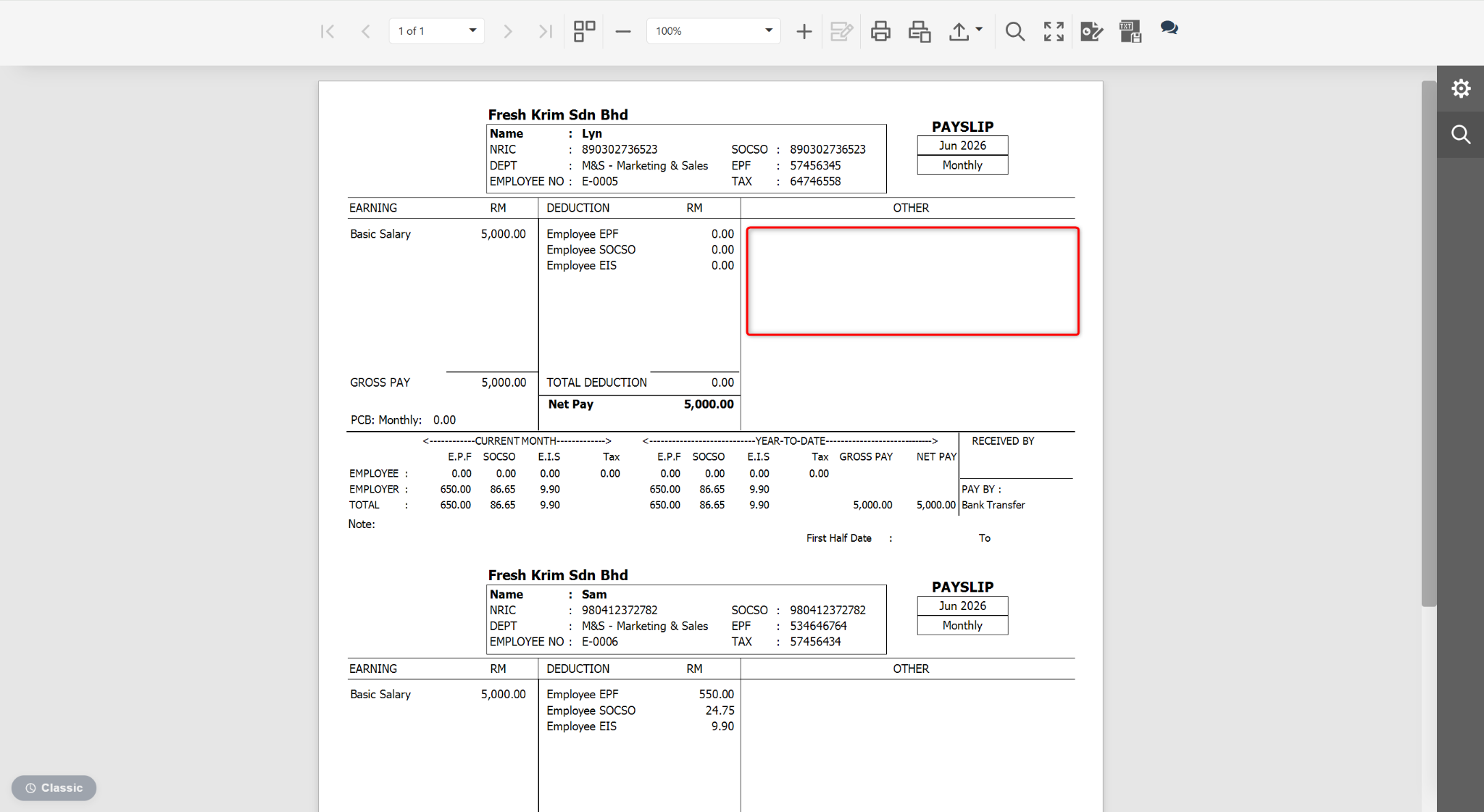
Users may remove unnecessary subreports from report templates to simplify the report layout and display only the required information. This is commonly used when customising payslip templates or management reports.
Steps to Delete a Subreport:
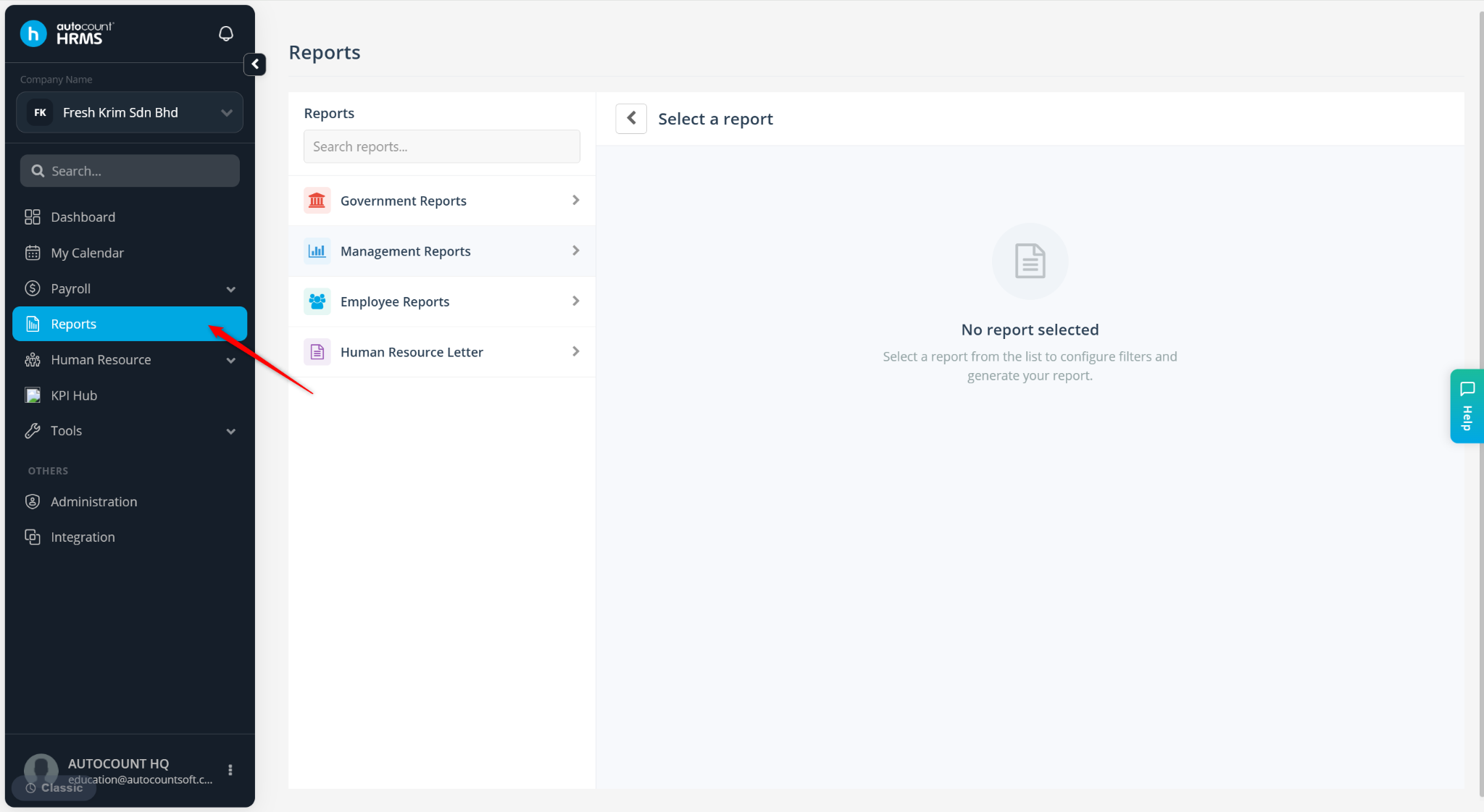
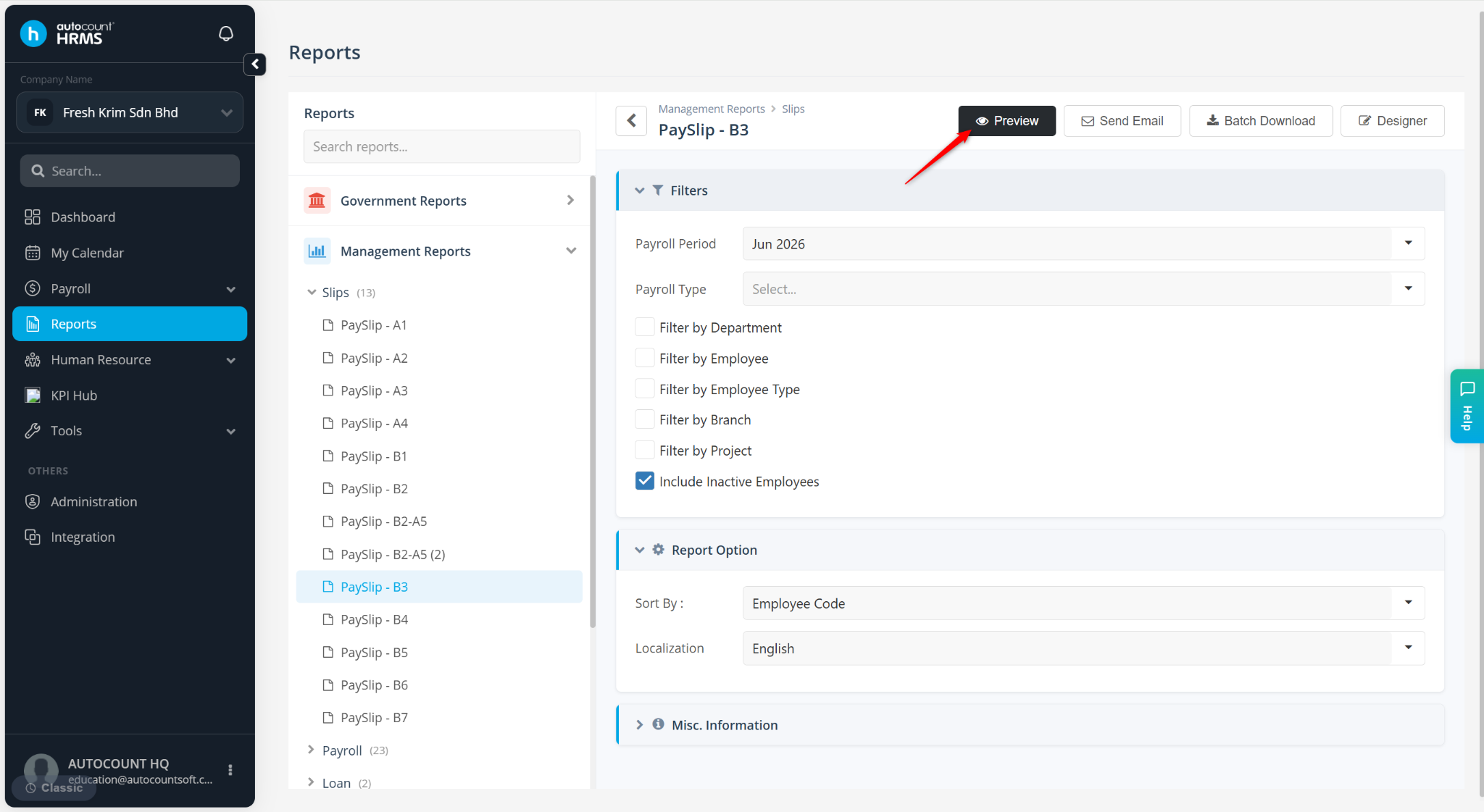
Go to Reports.
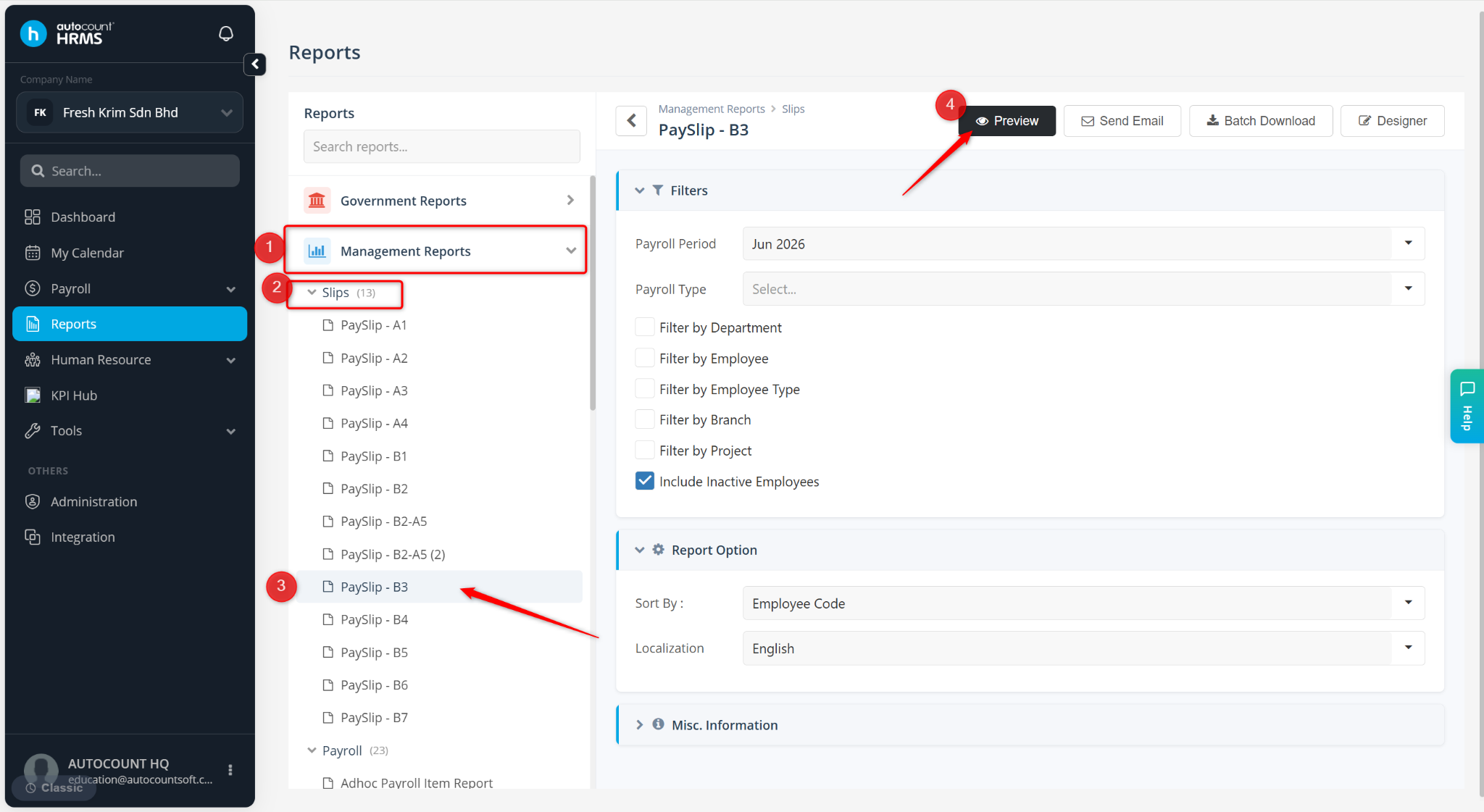
Expand Management Reports > Slips, and select a payslip.
Click Preview.
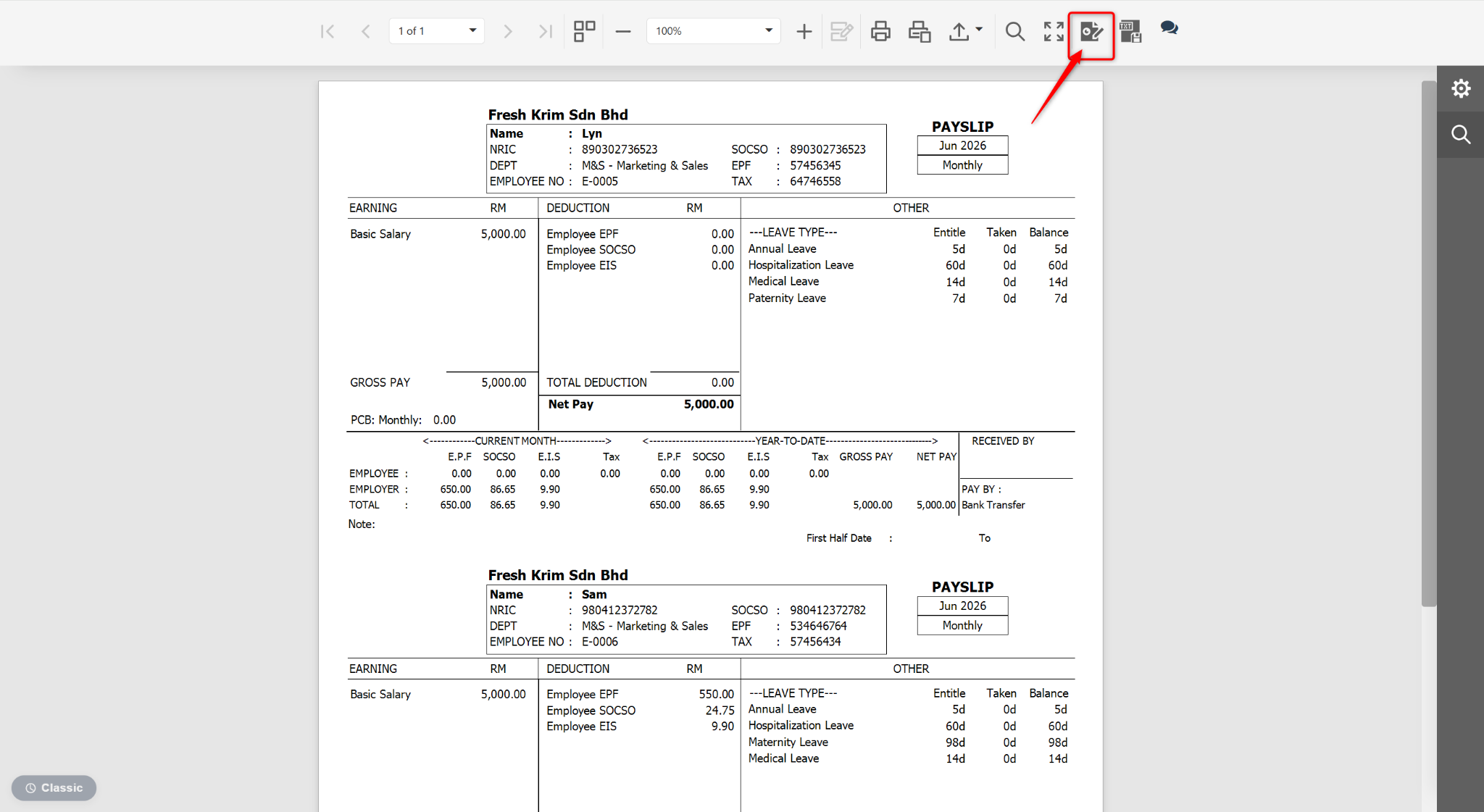
At the Preview page, click the edit icon.
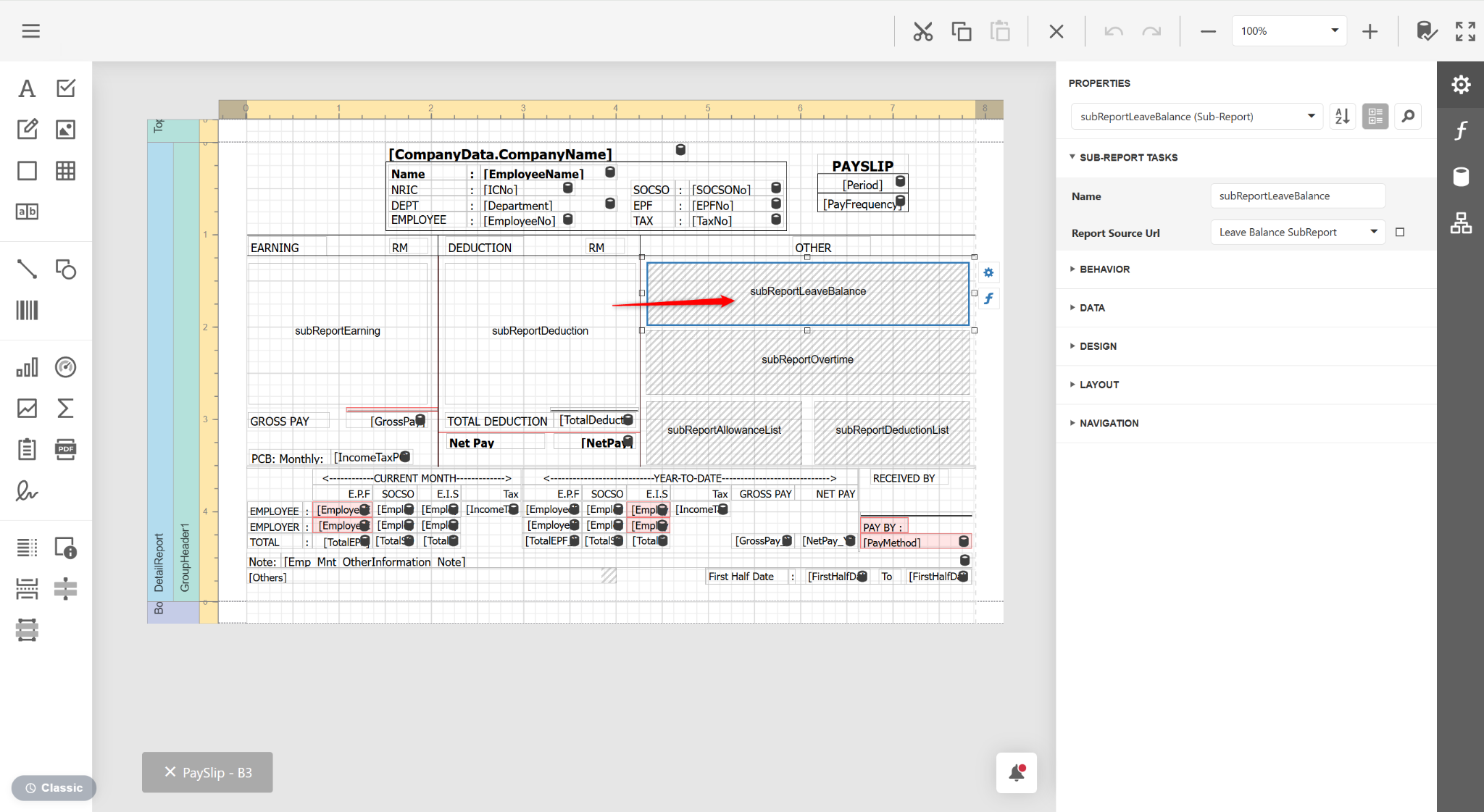
Click a Subreport column and click del on your keyboard.
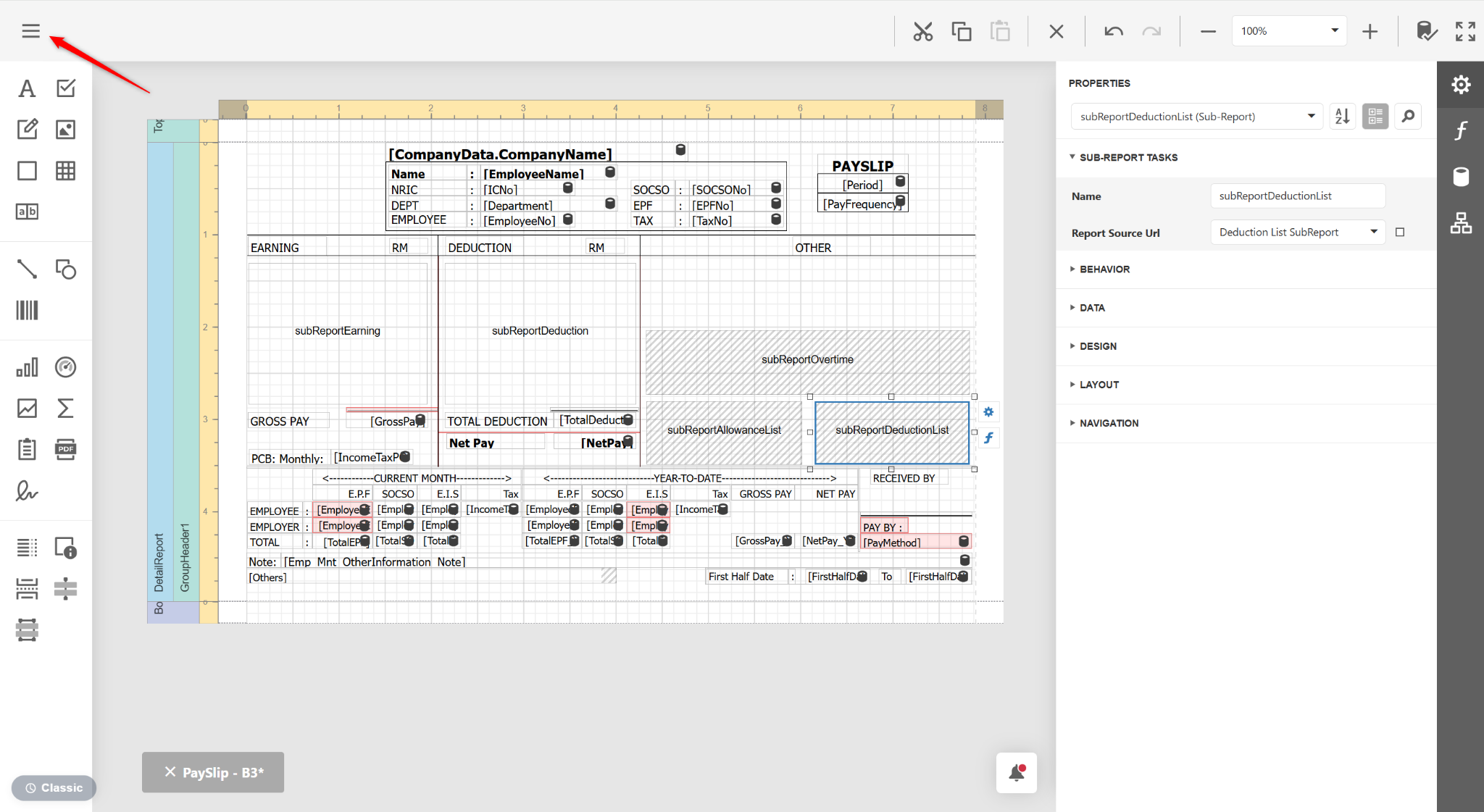
Click the three horizontal lines icon.
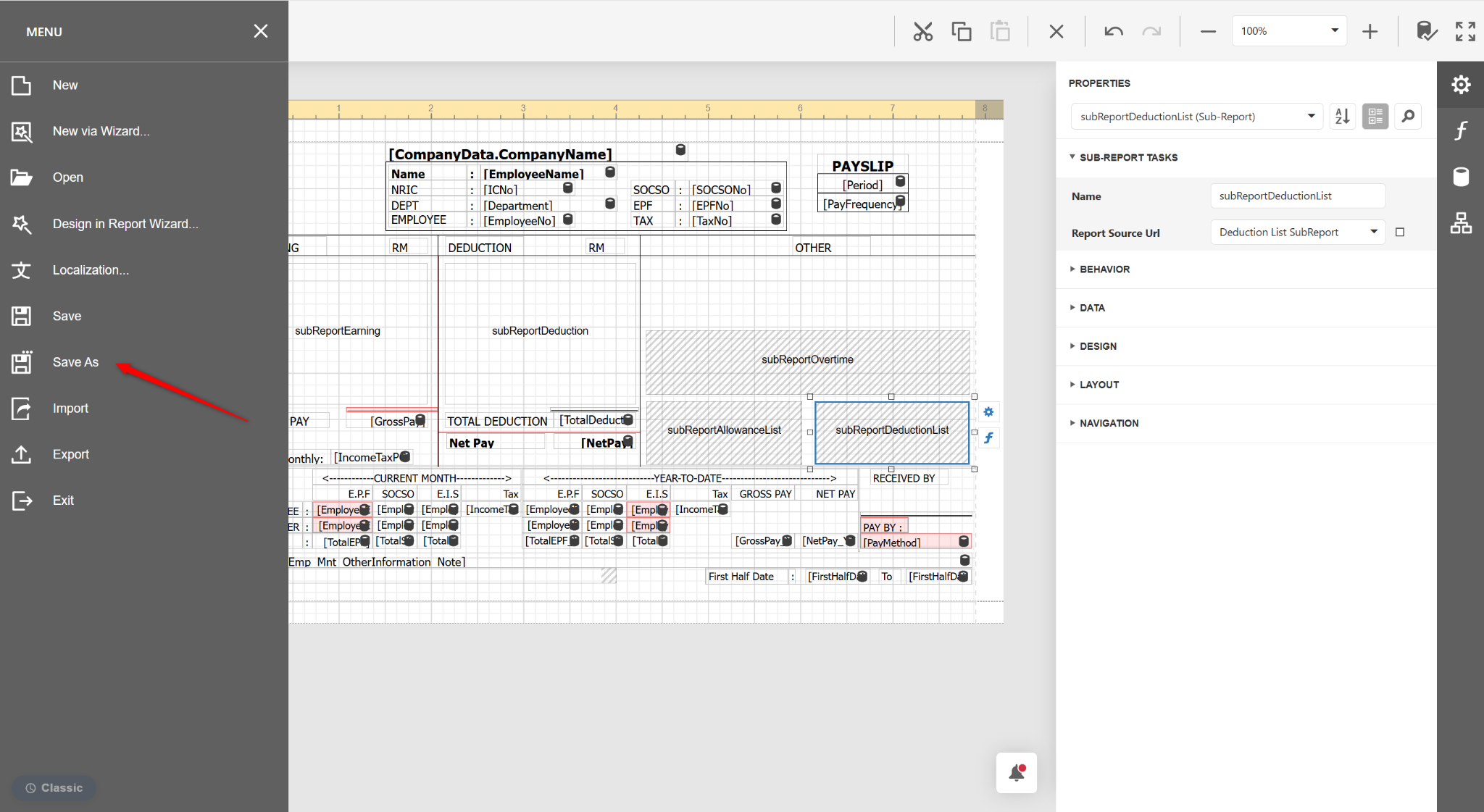
Select Save As.
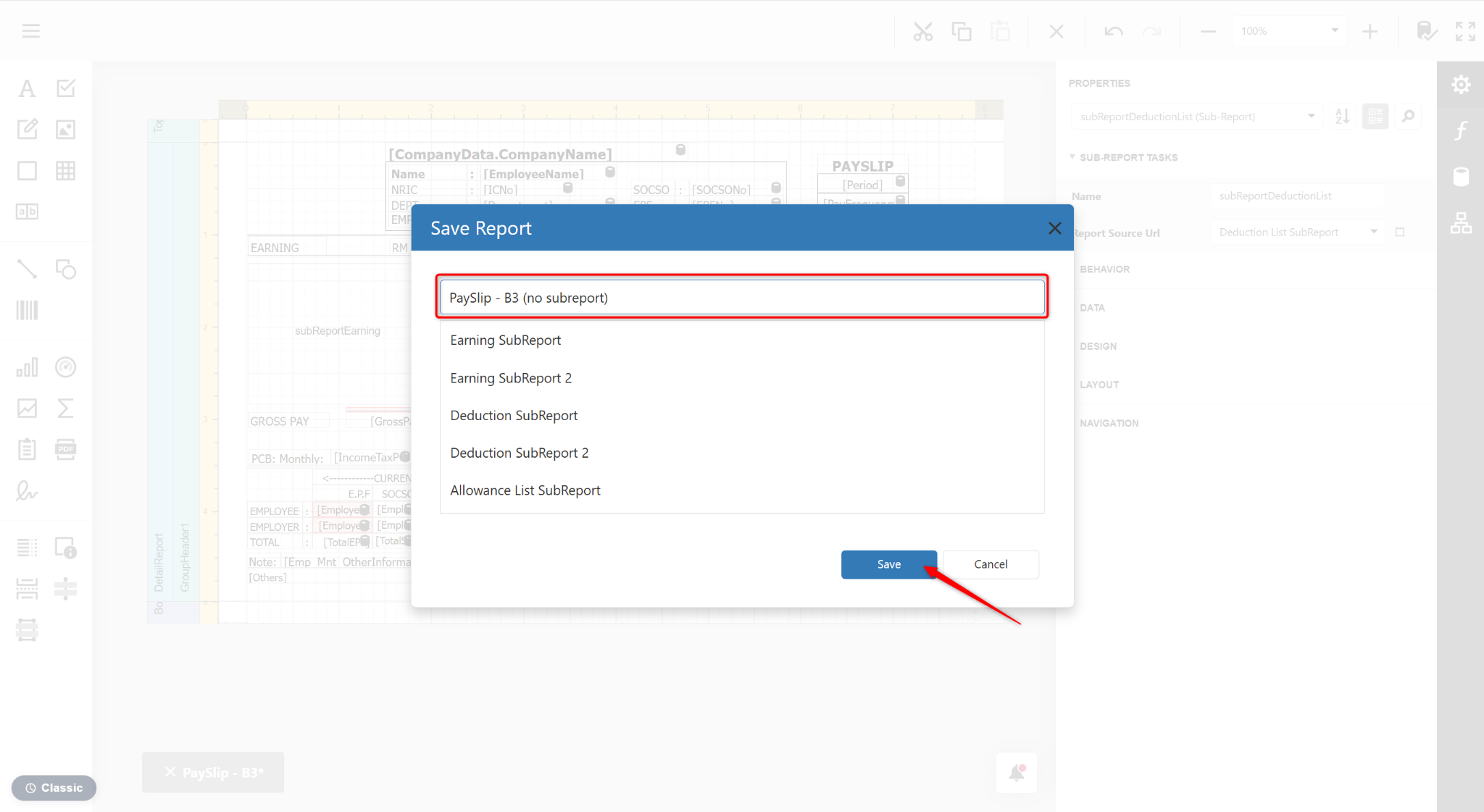
Enter a report name and click Save.
Return to the Reports page and click Preview.
Select a report template and click Preview.
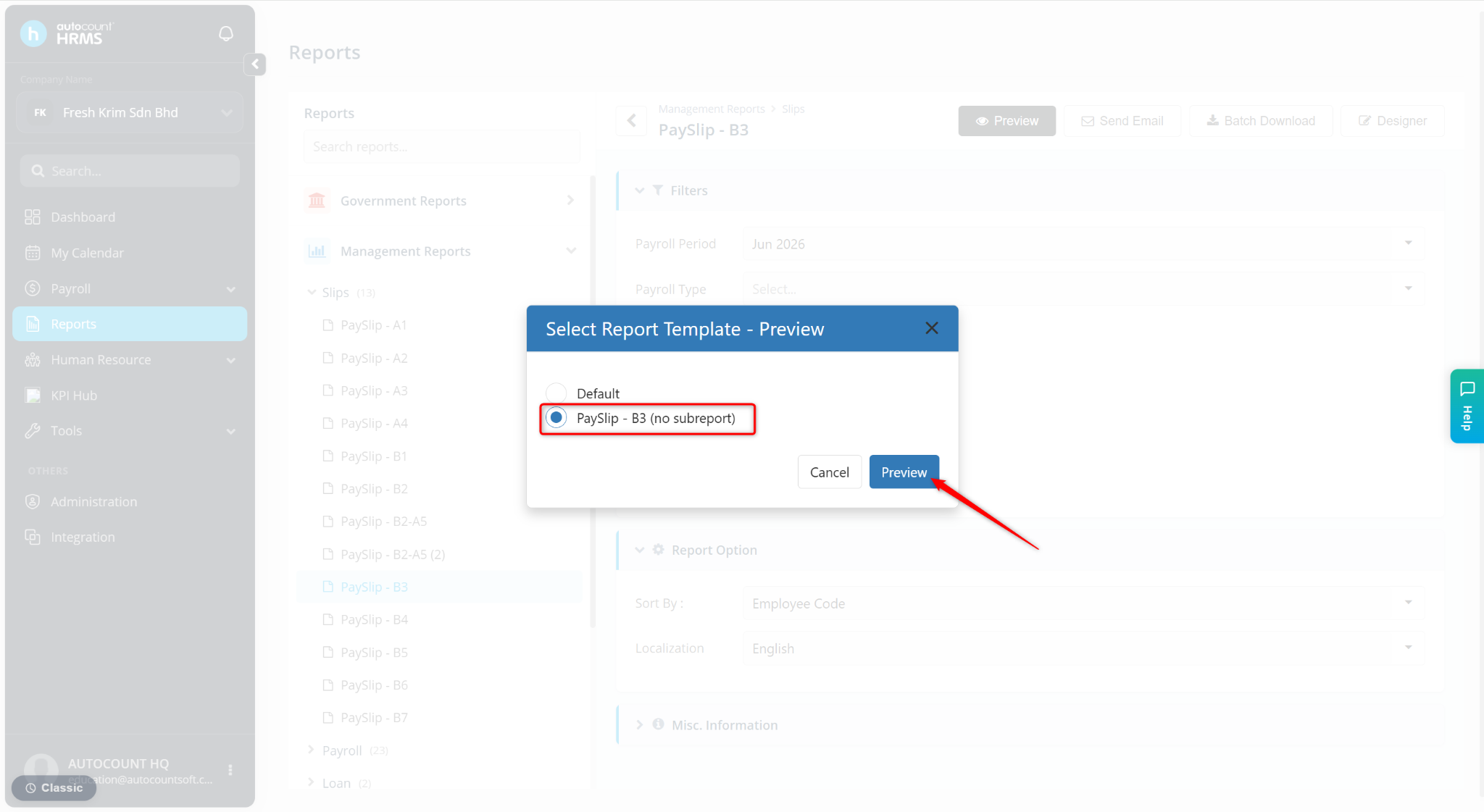
The selected subreport will be removed from the report layout.