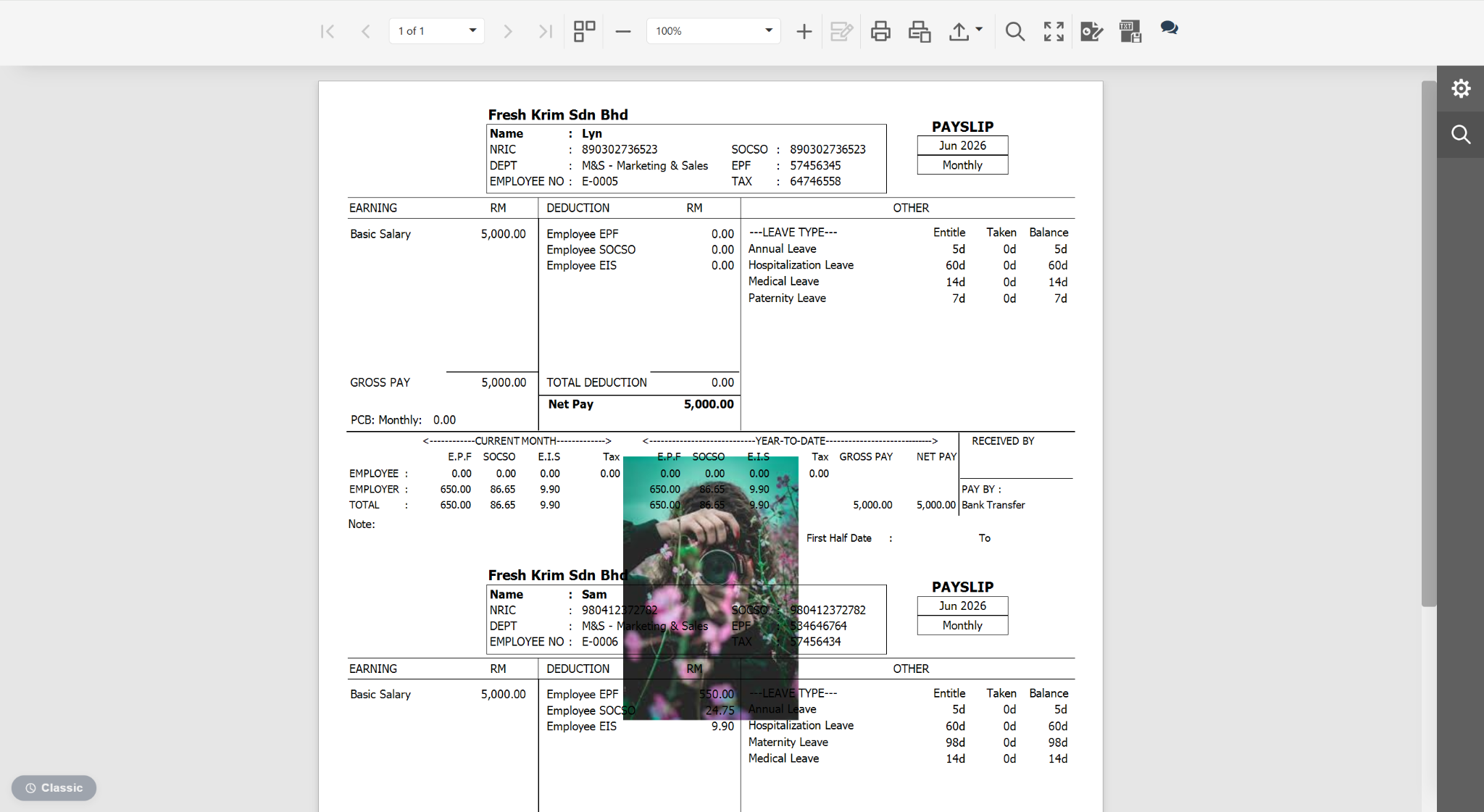
Users may insert a watermark into reports to protect document content, indicate confidentiality, or enhance branding.
Steps to Insert Watermark on a Report:
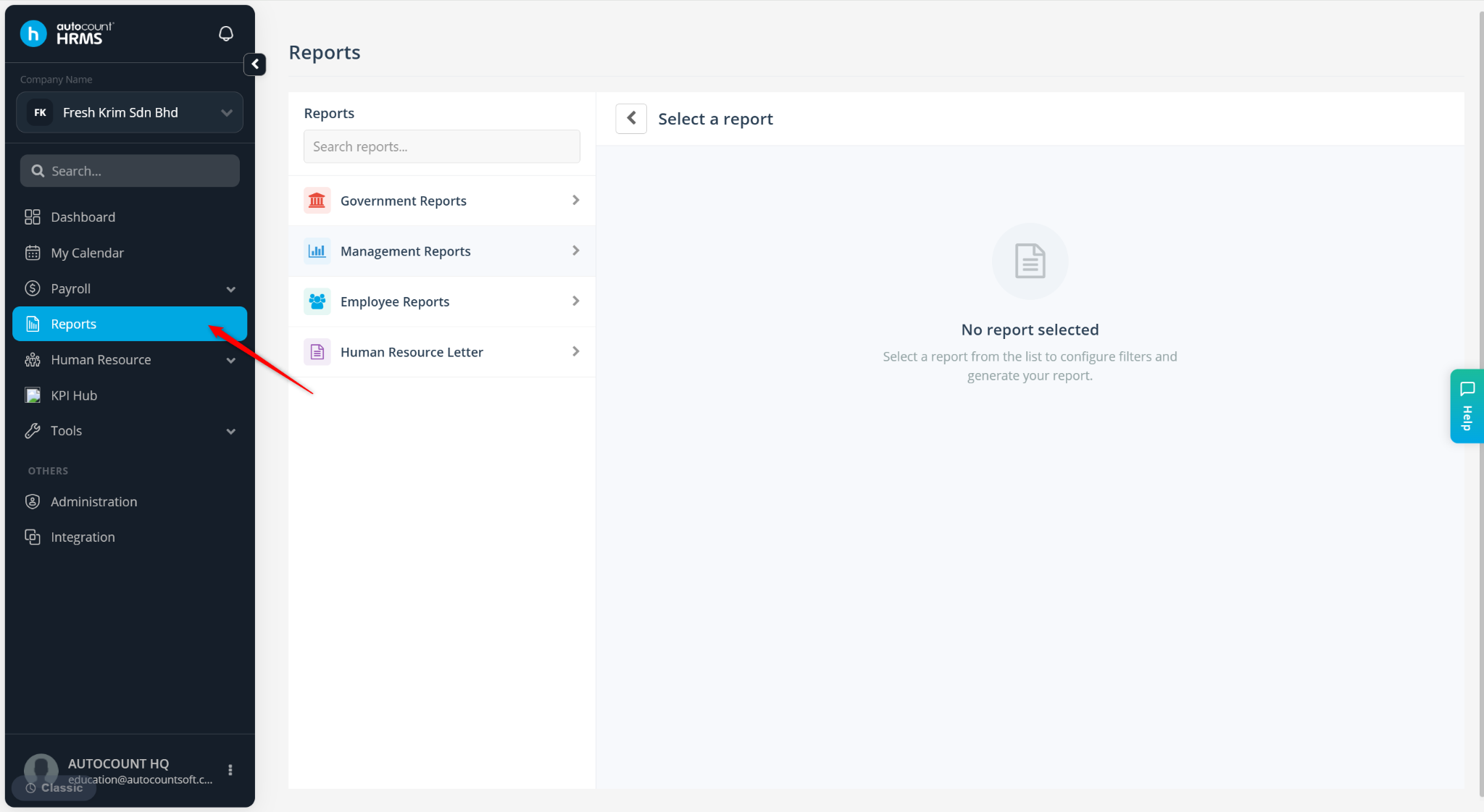
Go to Reports.
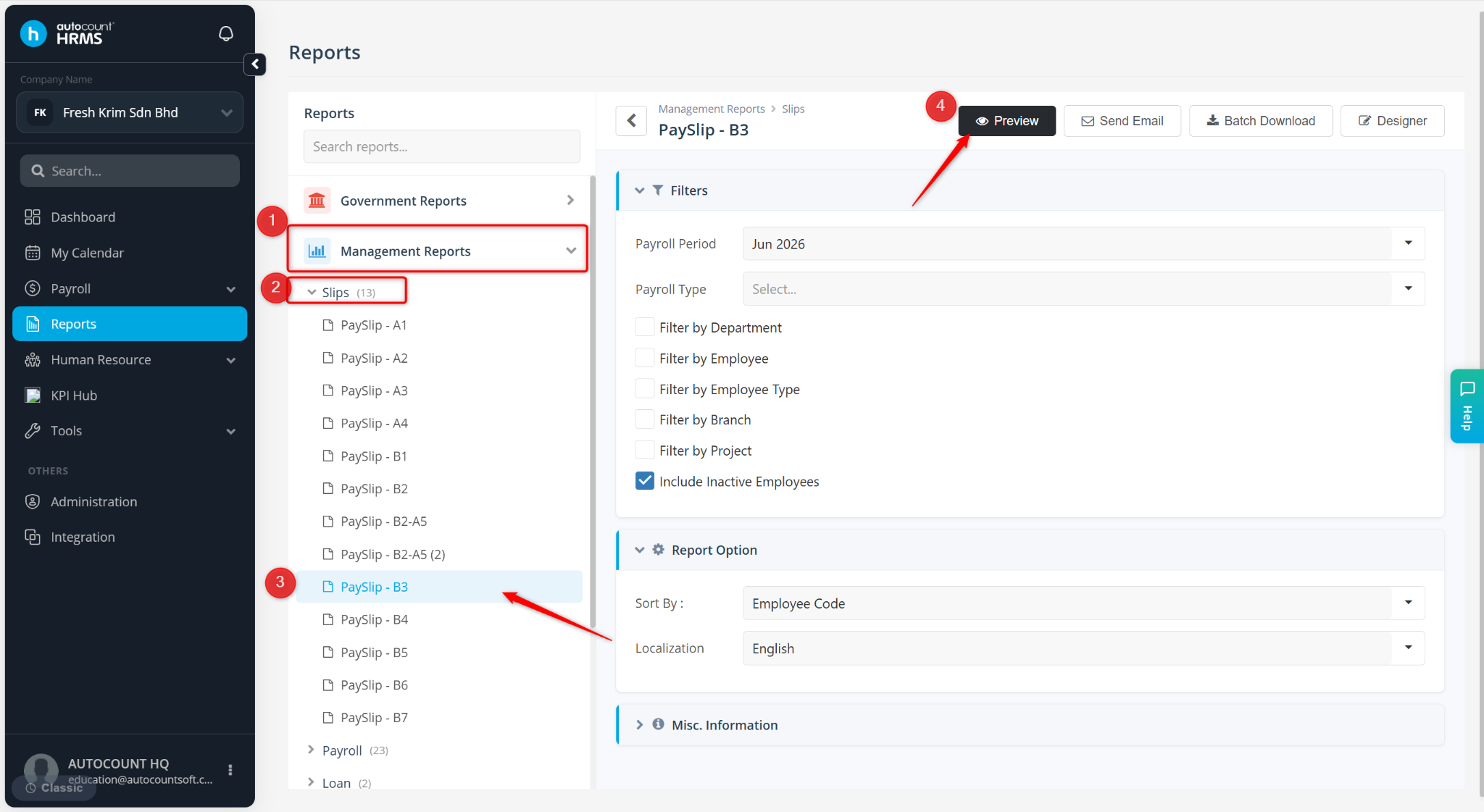
Select a report.
Click Preview or Designer.
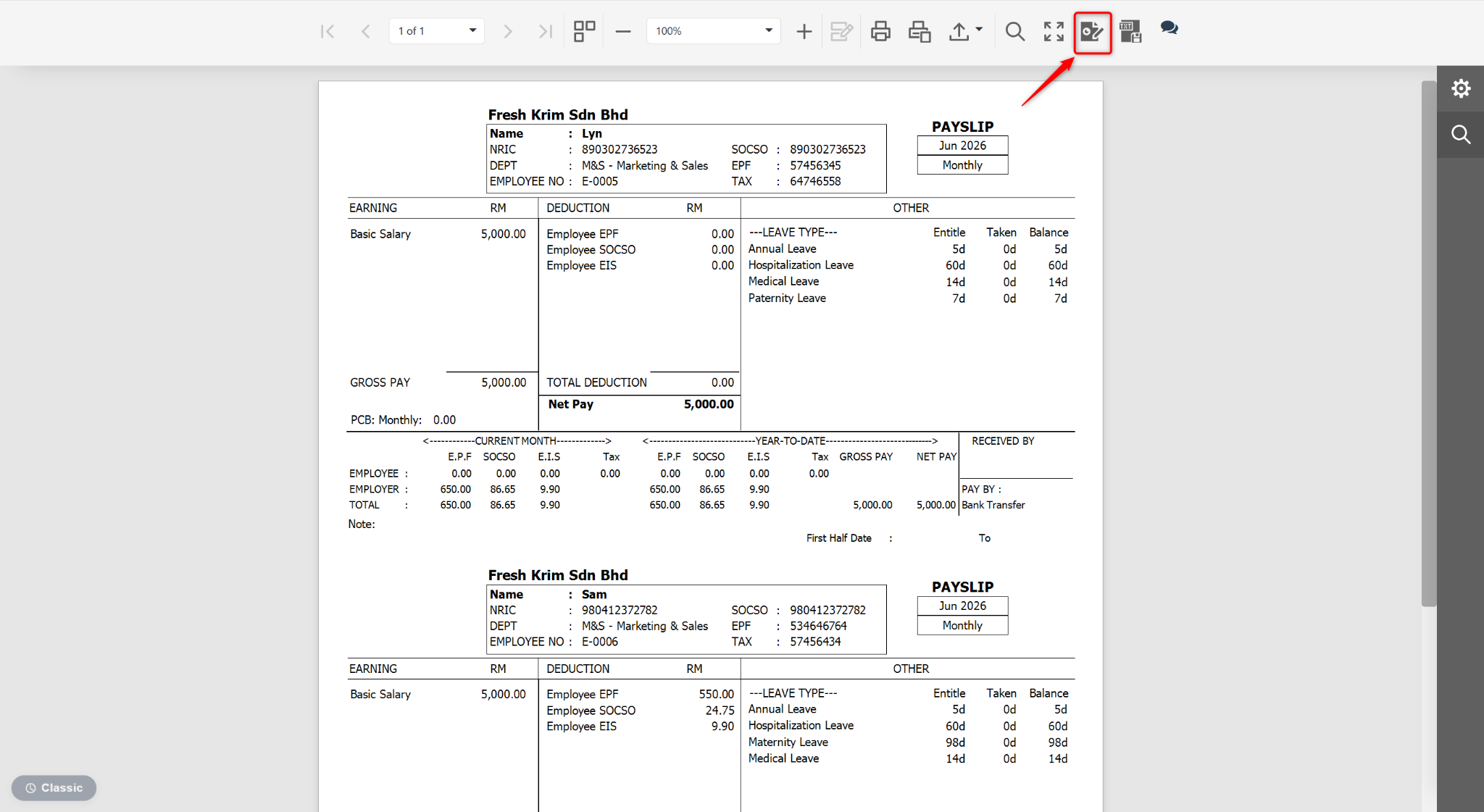
At the Preview page, click the edit icon.
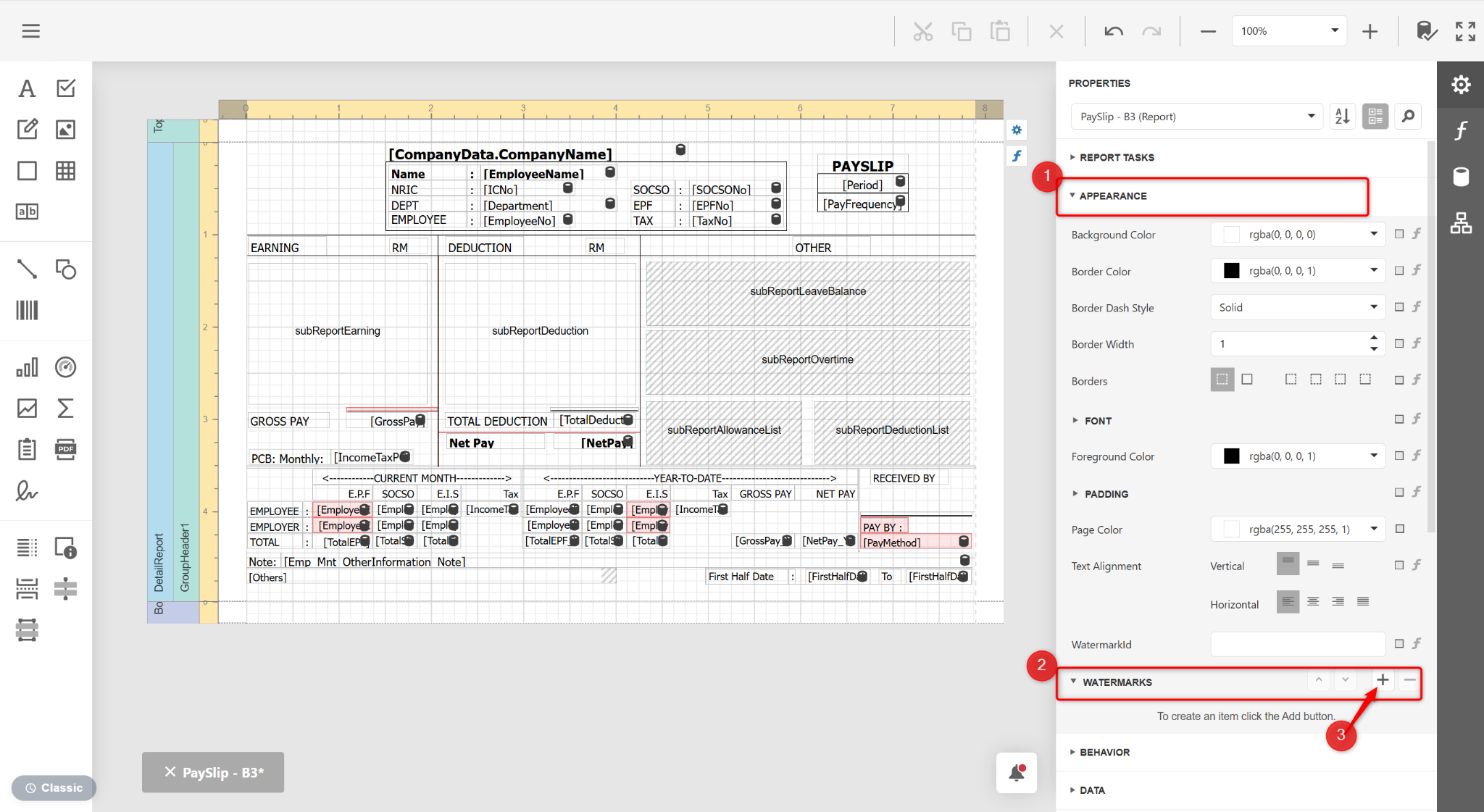
Expand APPEARANCE > WATERMARKS.
Click the + icon.
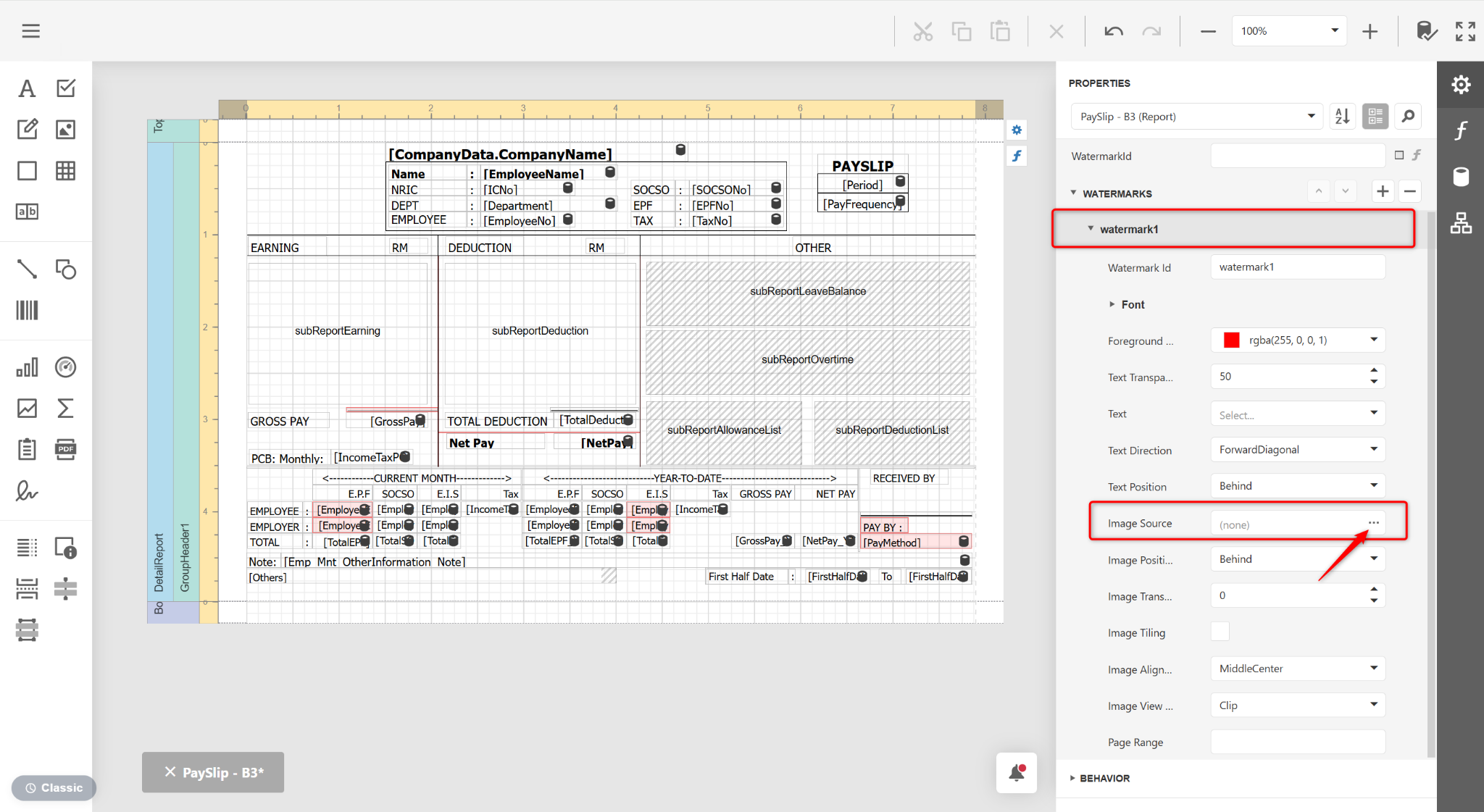
Expand WATERMARKS, click the … icon at Image Source.
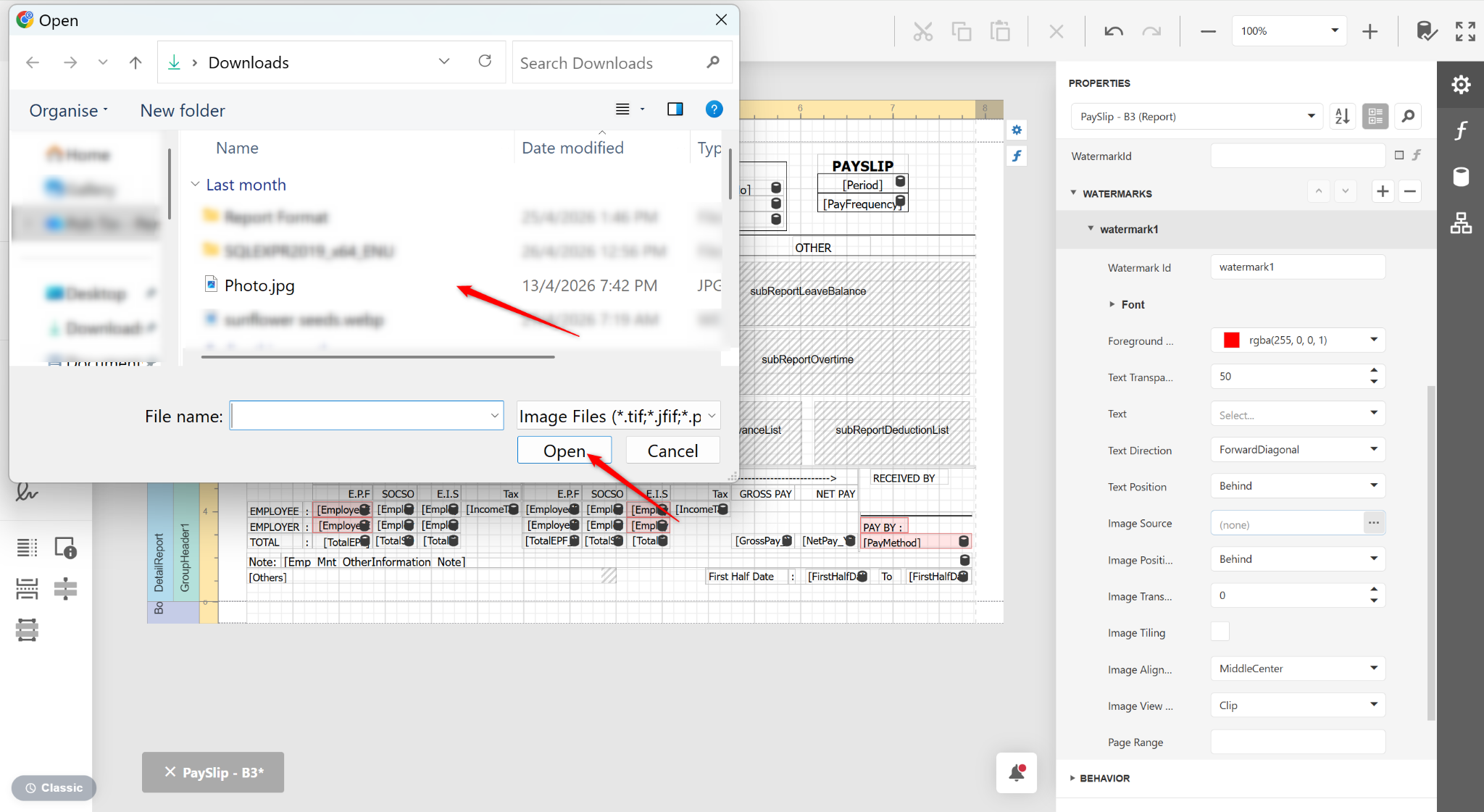
Select the file and click Open.
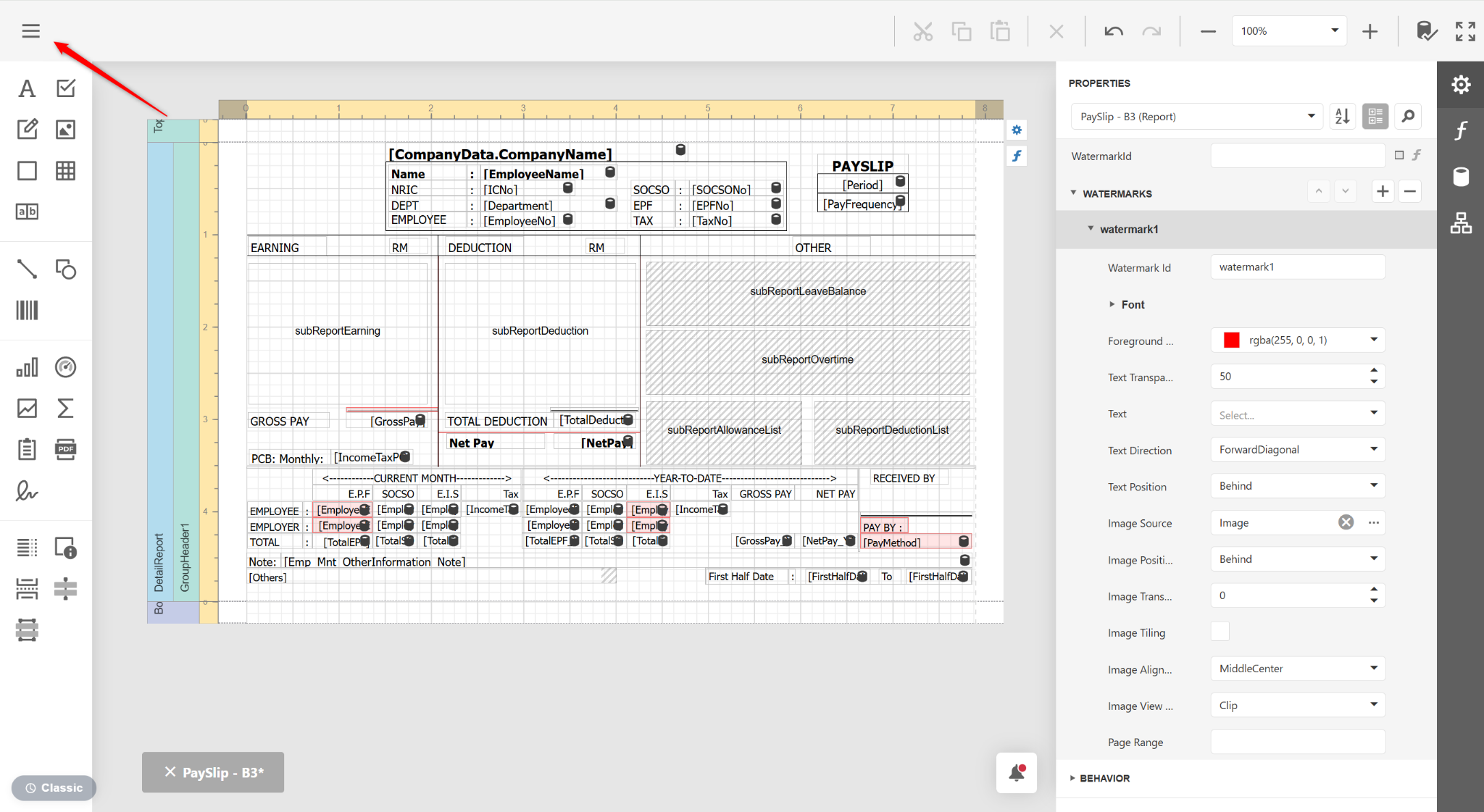
Click the three horizontal lines icon.
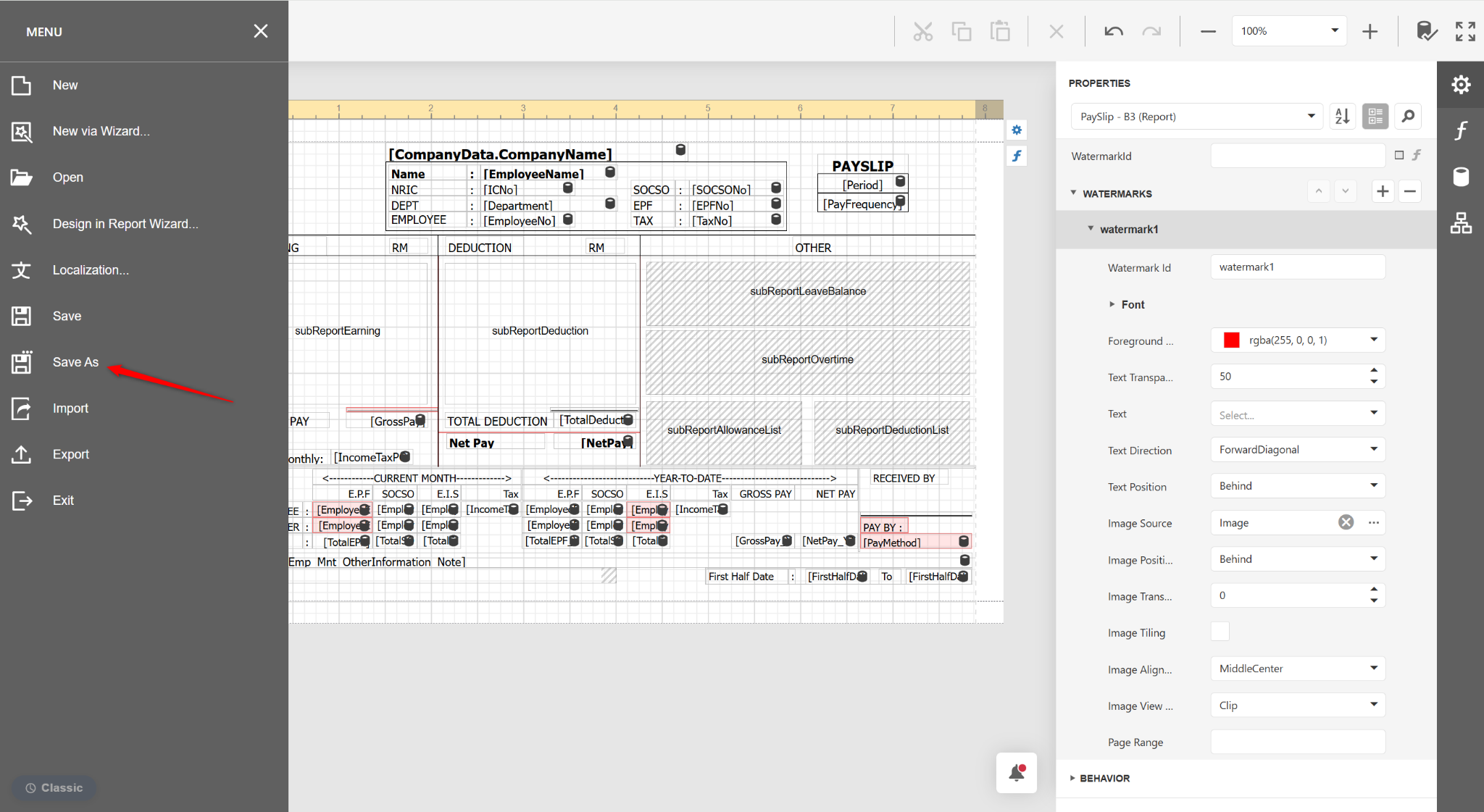
Select Save As.
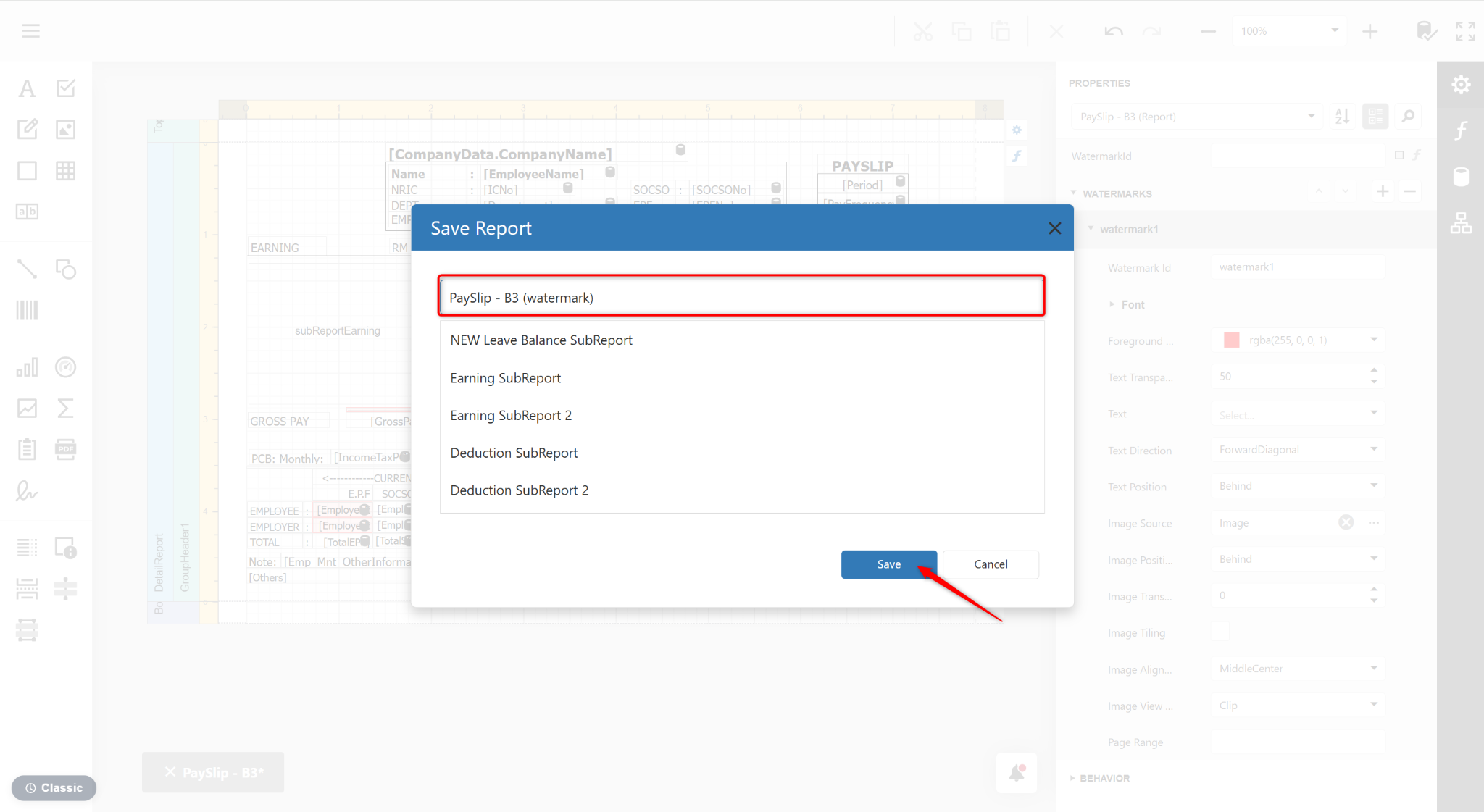
Enter a new report name and click Save.
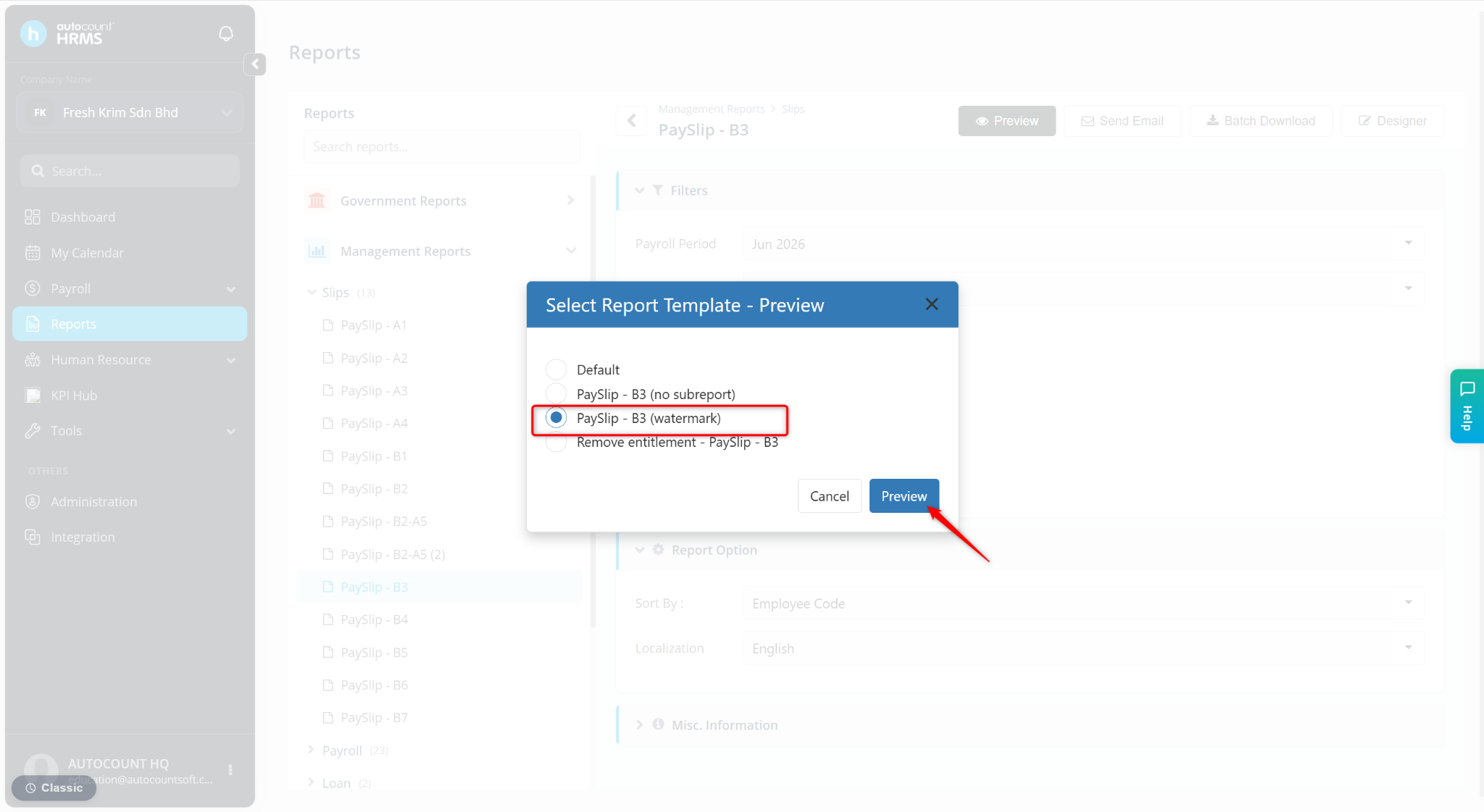
Return to the reports page and click Preview.
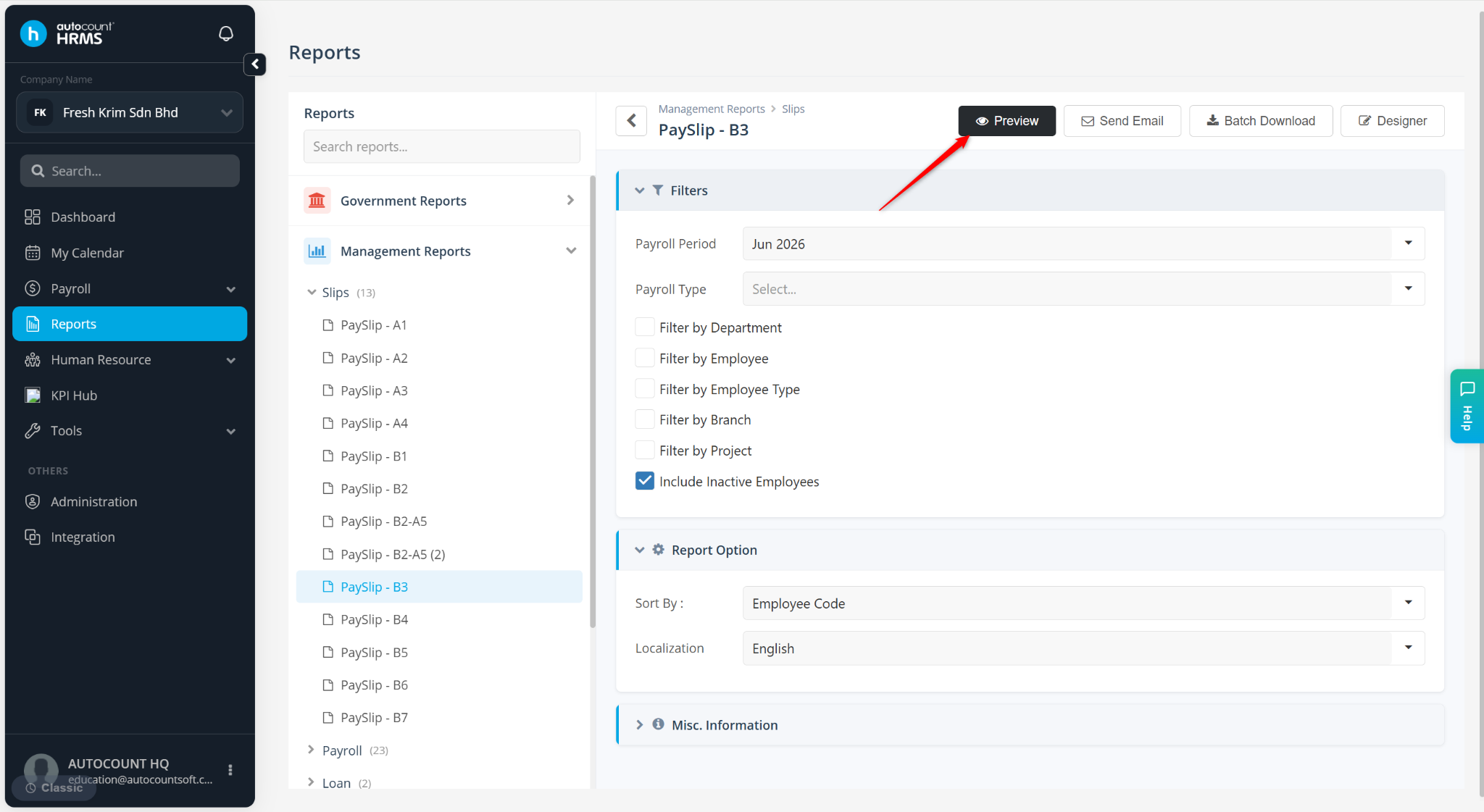
Select the new customised report and click Preview.