
By default, the system excludes inactive or resigned employees from report outputs. Users can adjust the report settings to include them.
Steps to Include Inactive Employees in a Report:
Go to Reports.
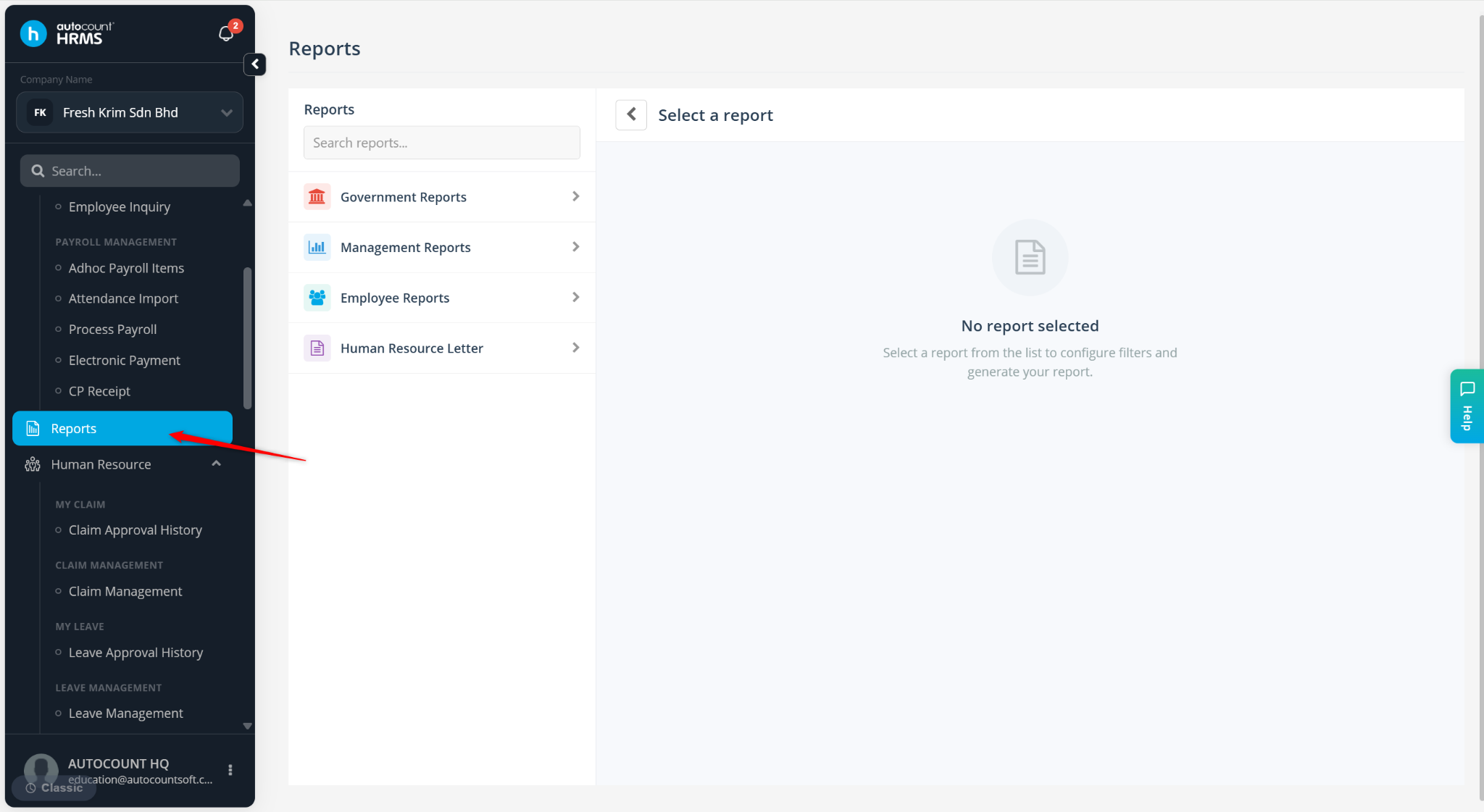
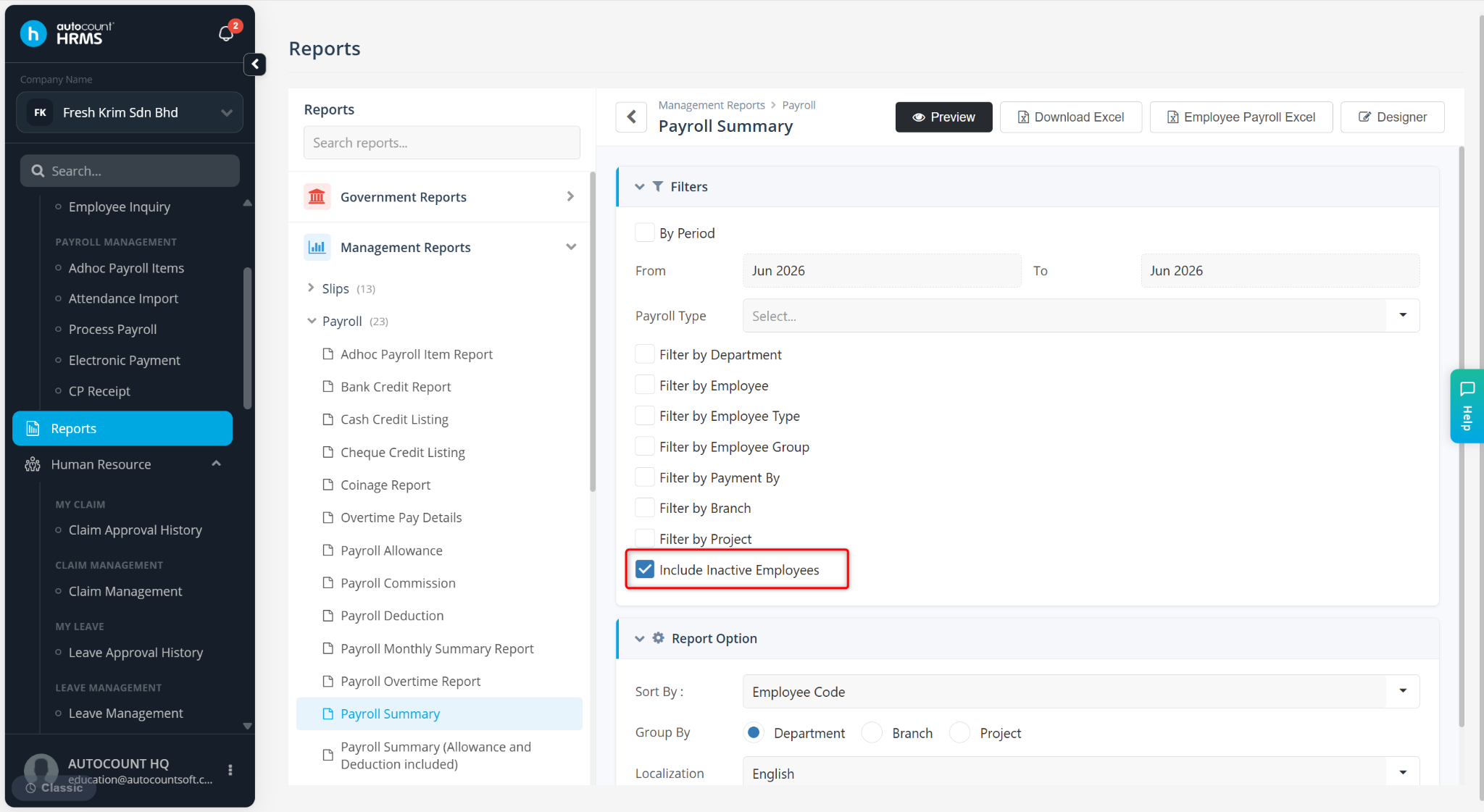
Locate and select the report you wish to view.
Enable the option Show Inactive Employees.
Click Preview to generate the report.
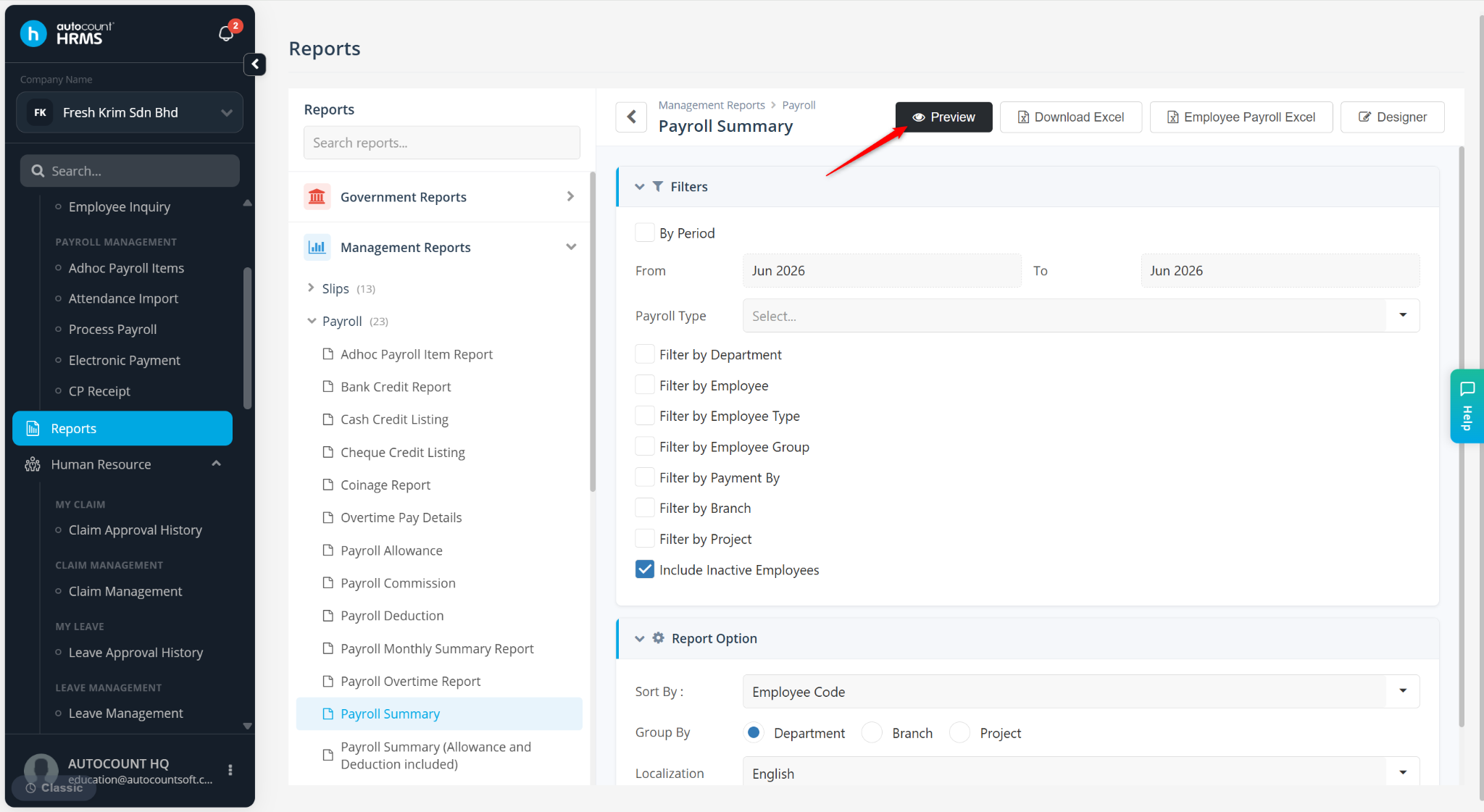
The report will include both active and inactive (resigned) employees in the output.