
Users may print bank reports such as Bank Credit Report from the system.
Steps to Print Bank Report From the System:
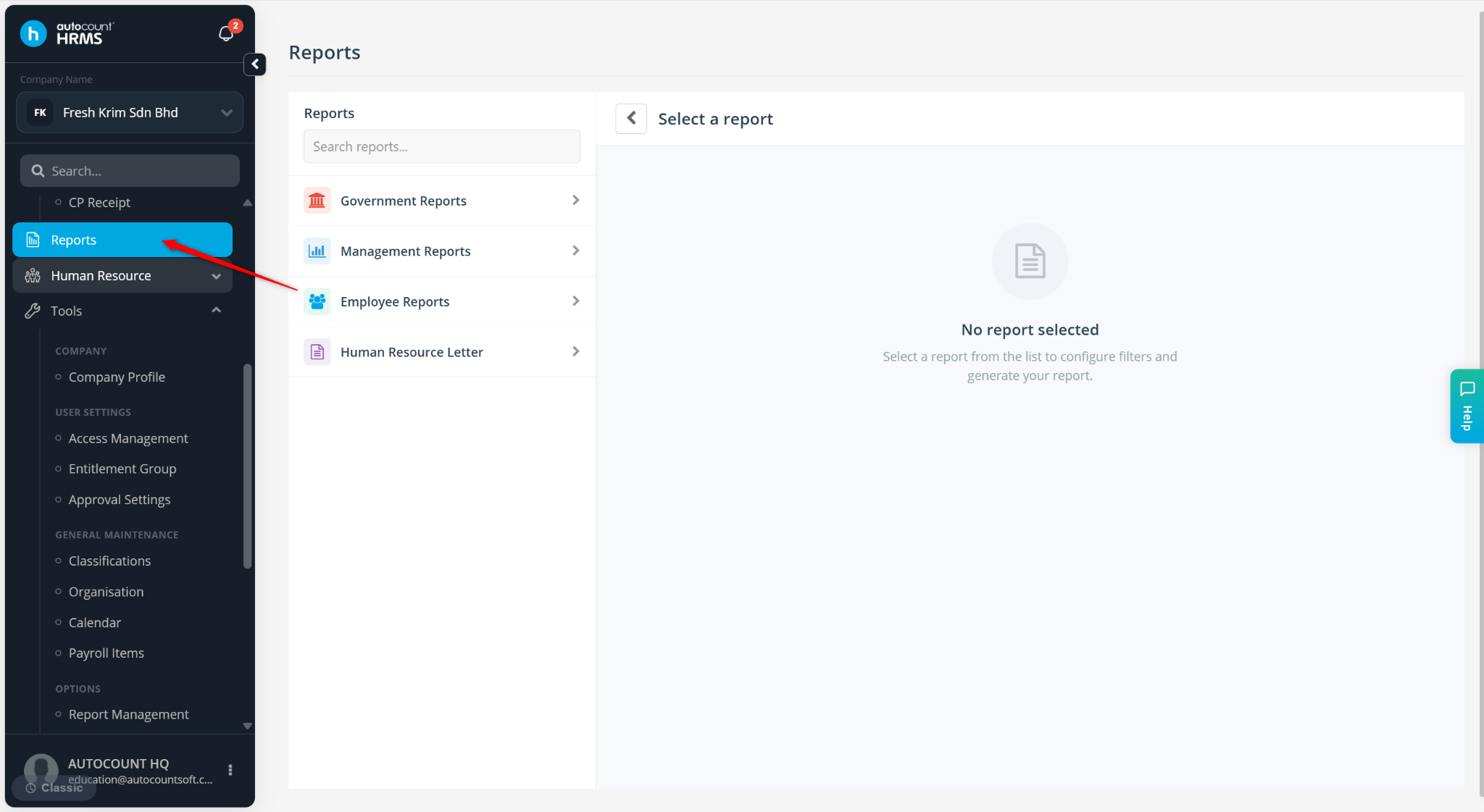
Go to Reports.
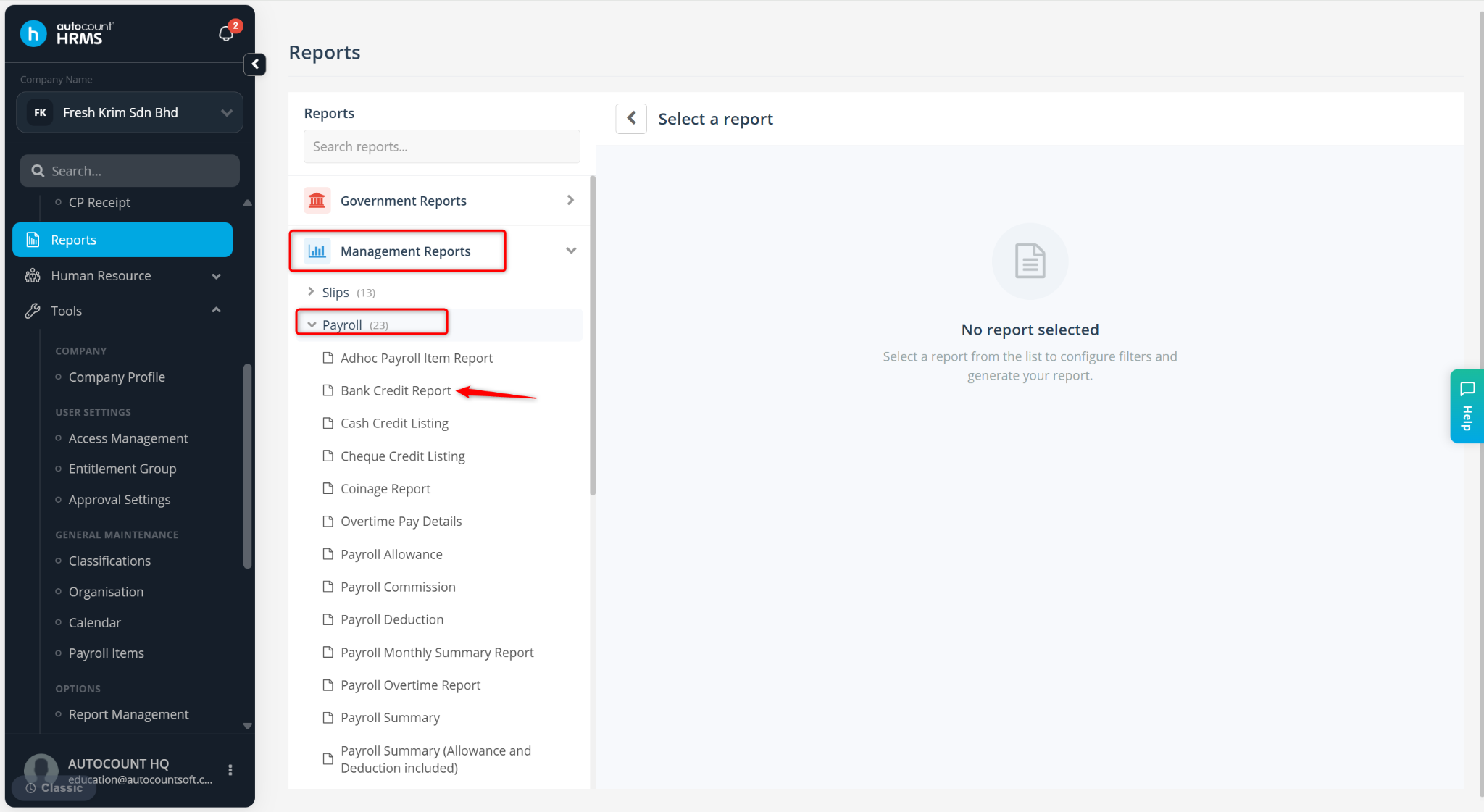
Expand Management Reports > Payroll and select Bank Credit Report.
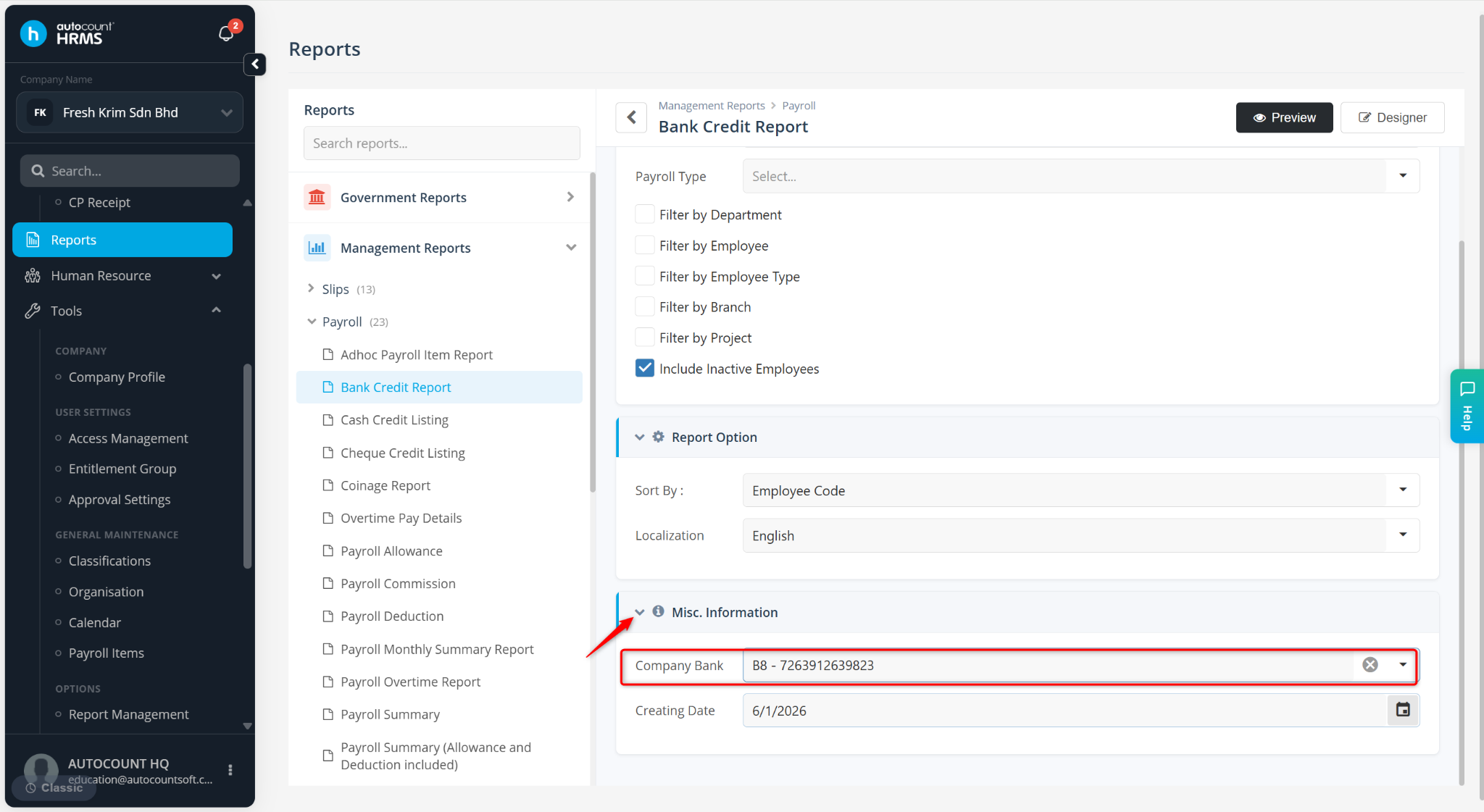
Define the filter options if required and select the Company Bank under Misc. Information.
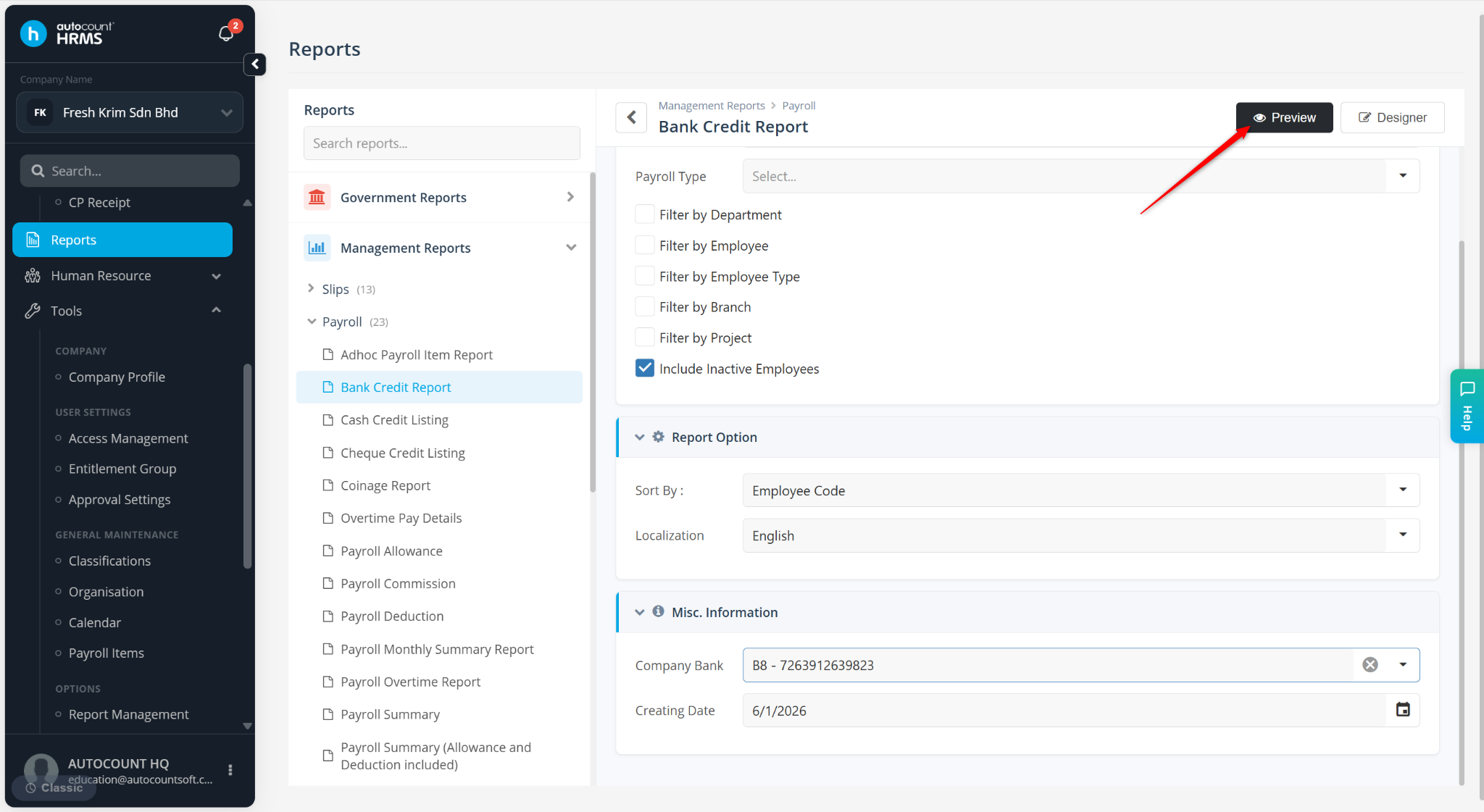
Click Preview.
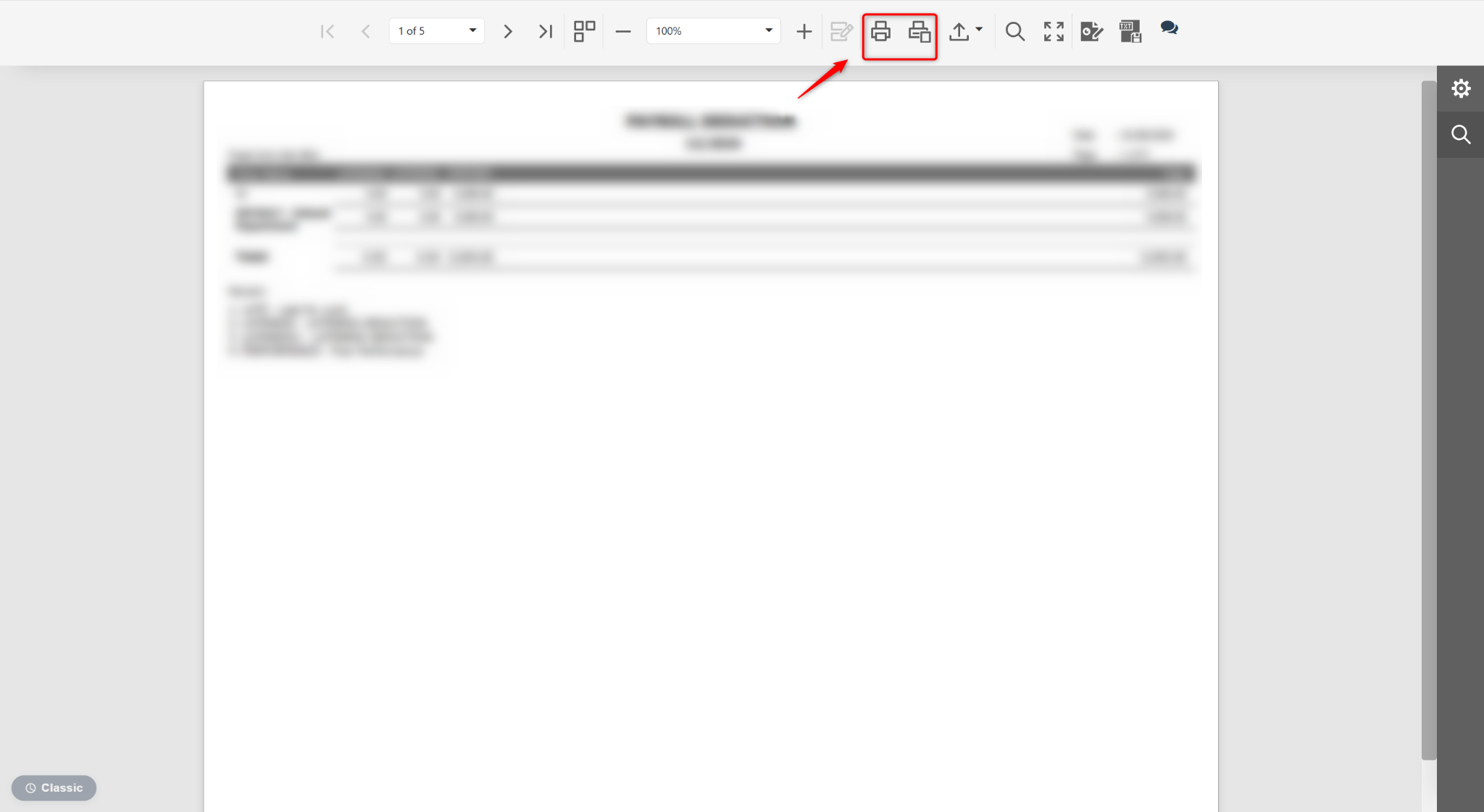
Click the Printer icon to print the report.
Written by: Azirah (20250619)