
Users can copy or import a report from another company by exporting the report as an .rpt file from the source company and importing it into the target company.
Steps to Copy or Import a Report from Another Company:
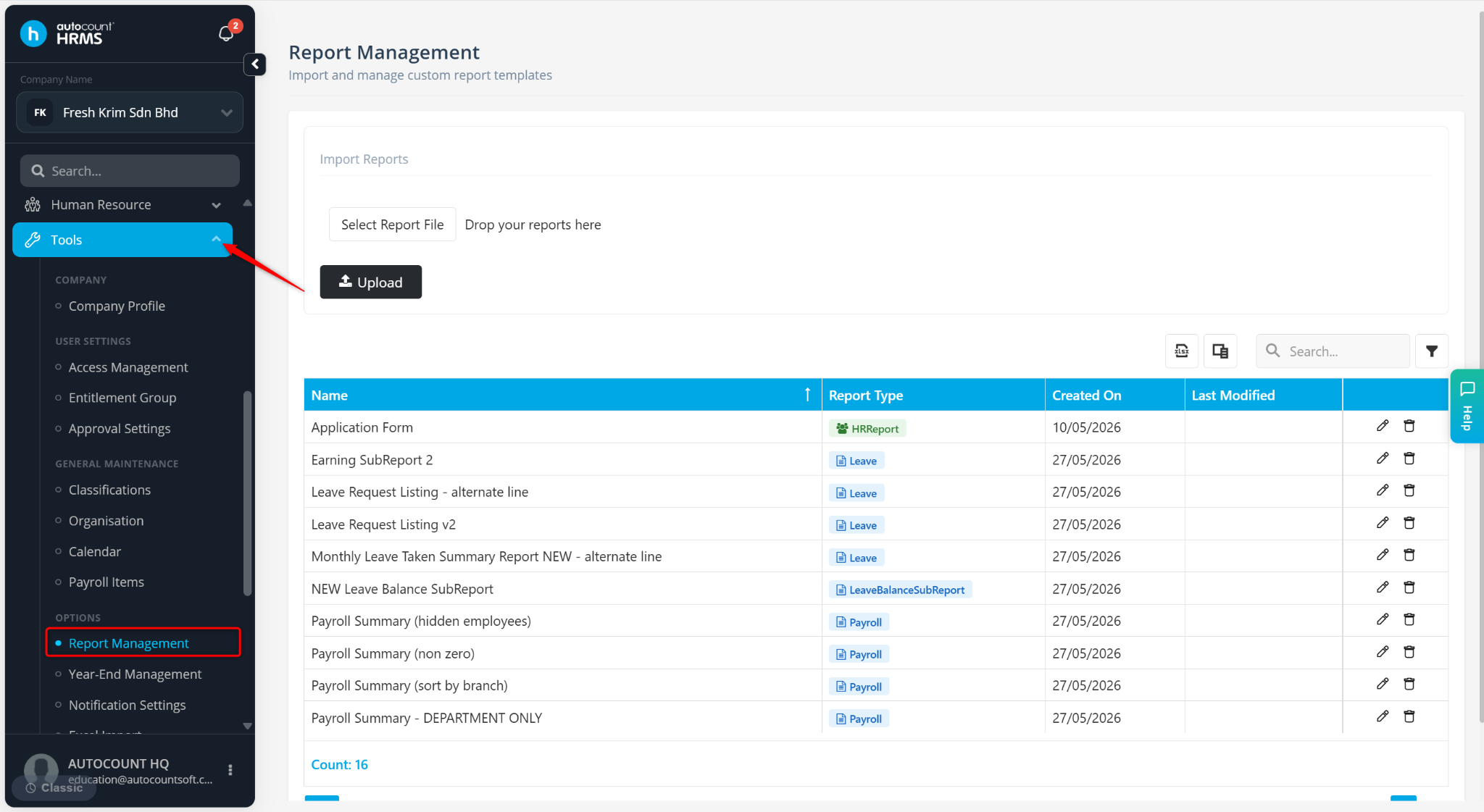
Go to Tools > Report Management.
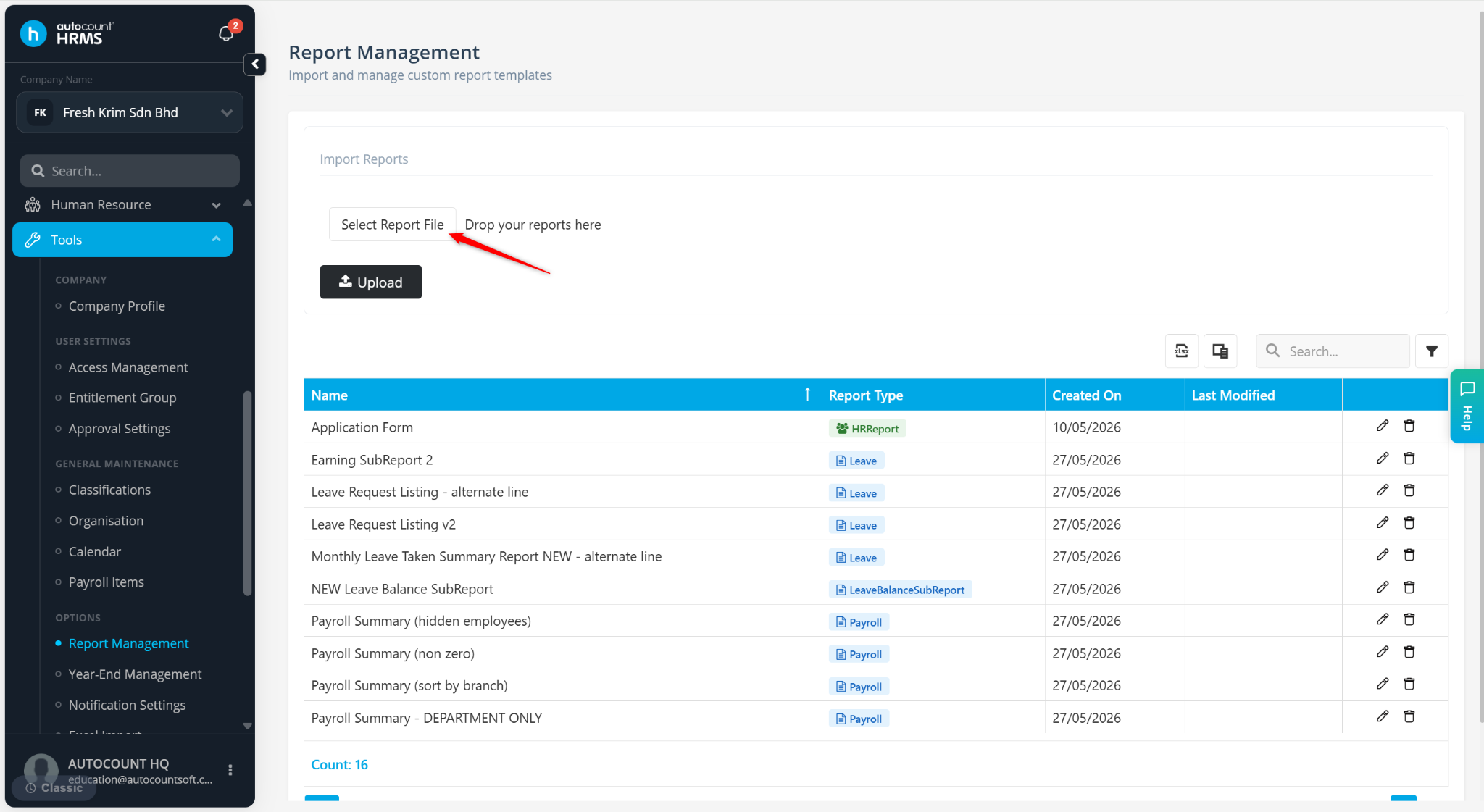
Click Select Report File.
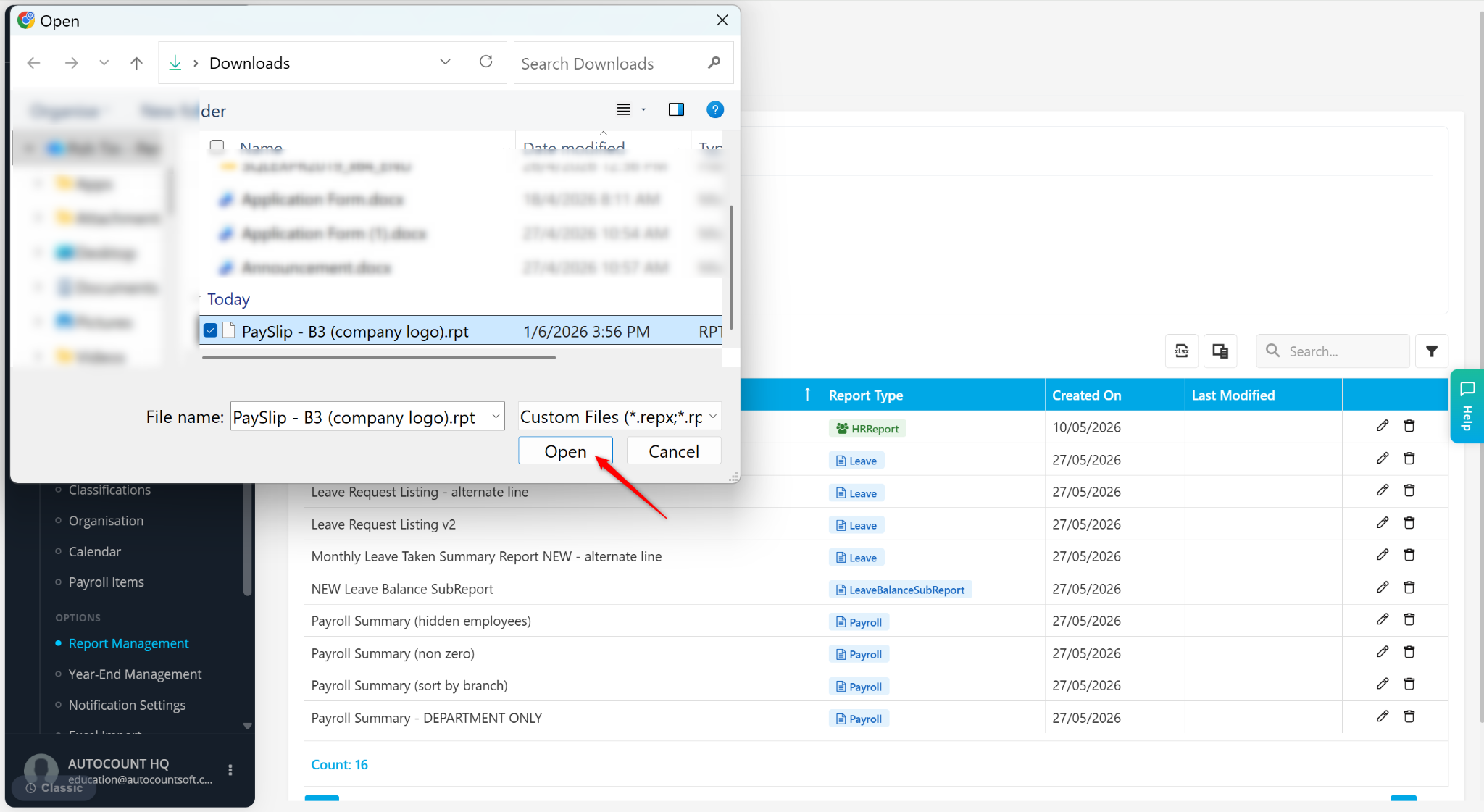
Select the report (.rpt) file and click Open, or drag and drop the file into the upload box.
Click Upload.
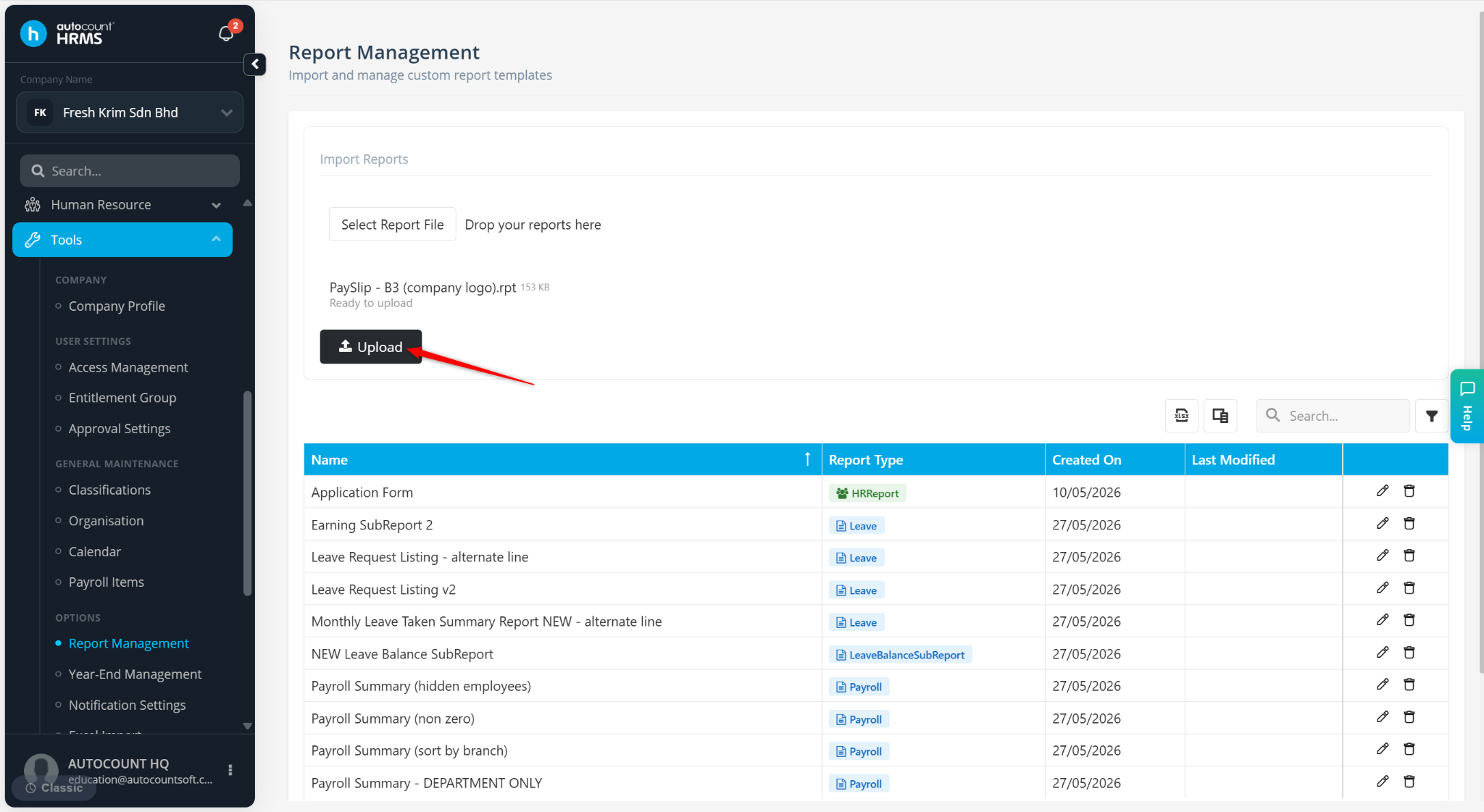
The uploaded report will appear in the list.
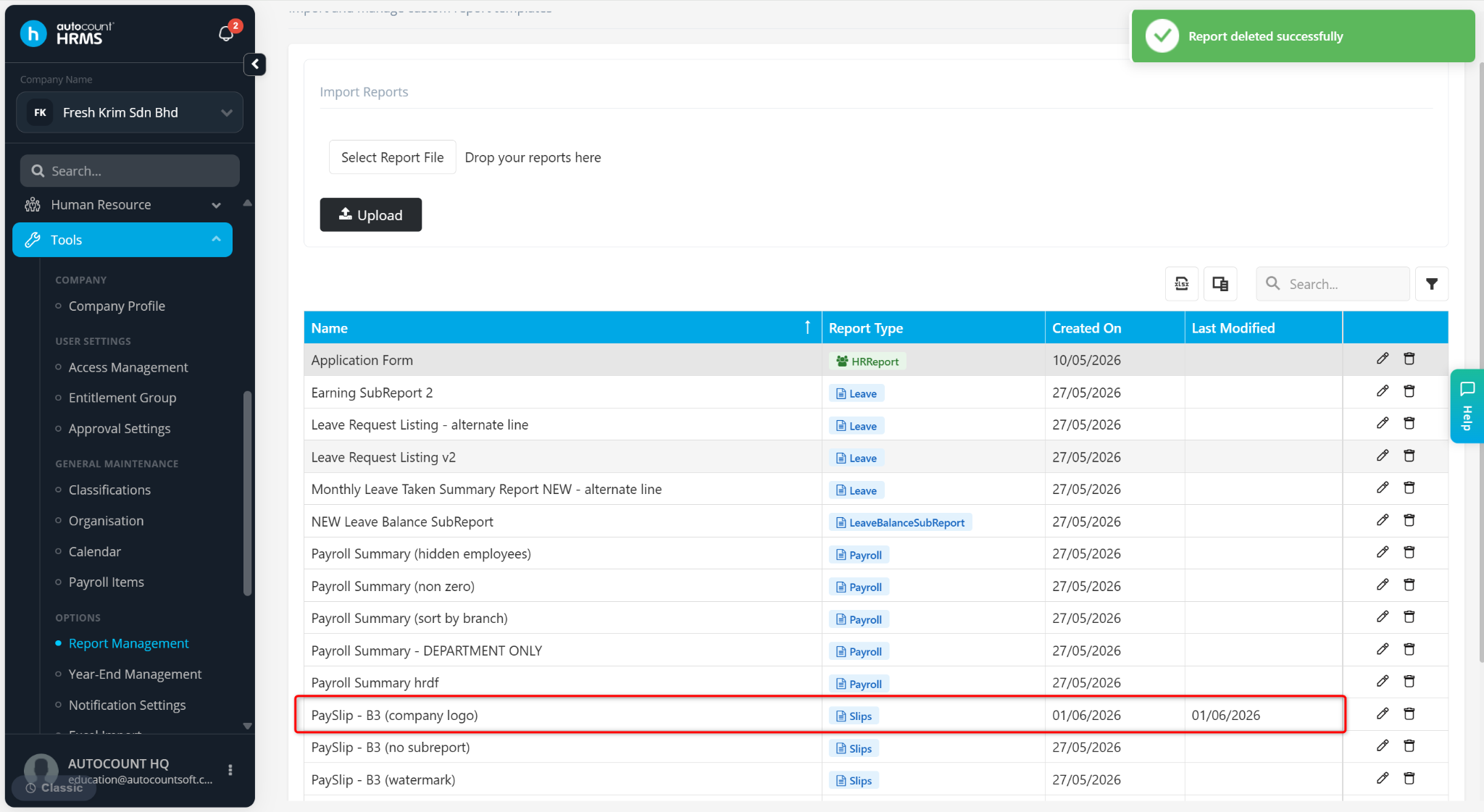
You can now access and use the report in the system.
Written by: Azirah (20260416)