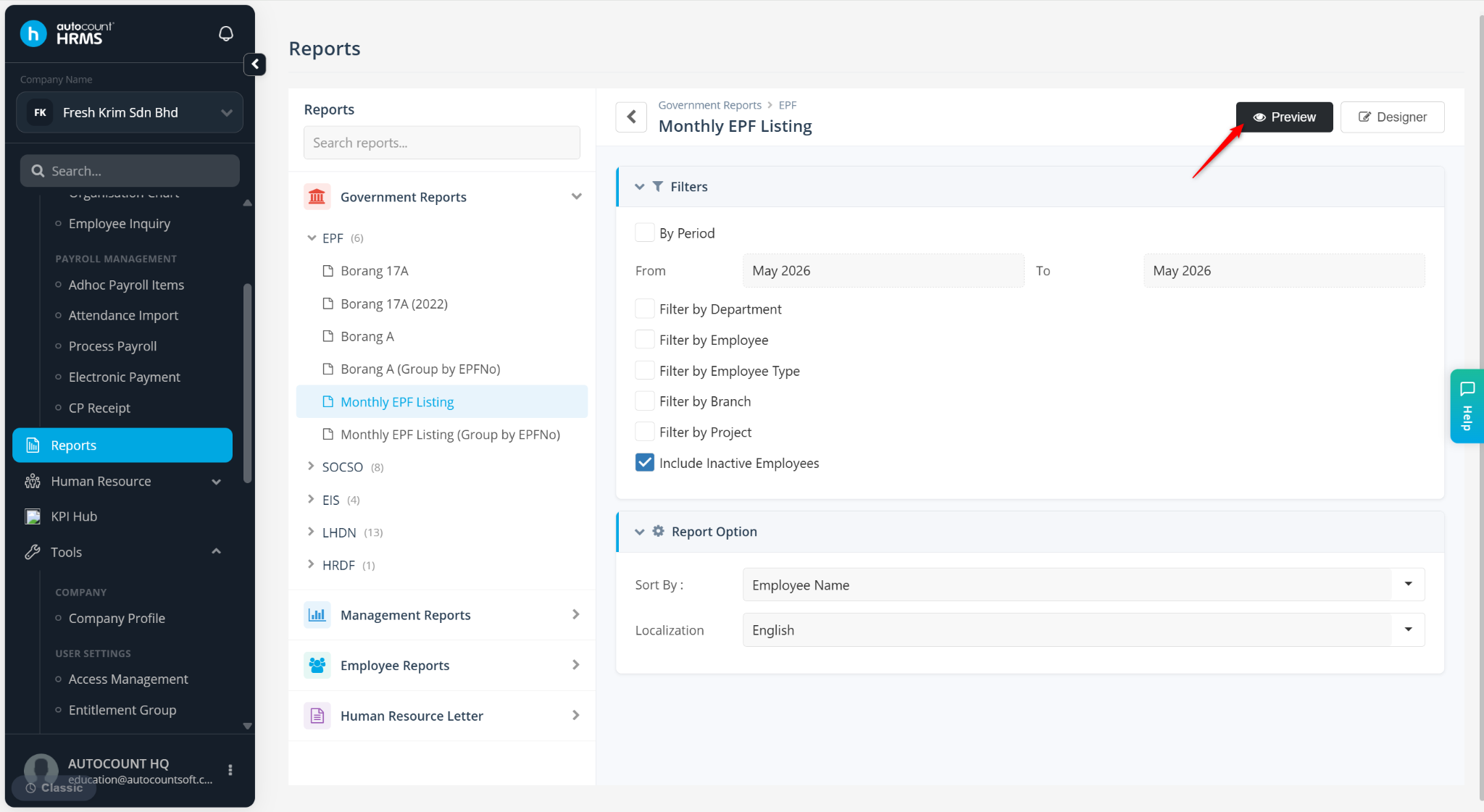
Users may sort report data by employee name or employee code to improve readability and organisation.
Steps to Sort Report by Name or Code:
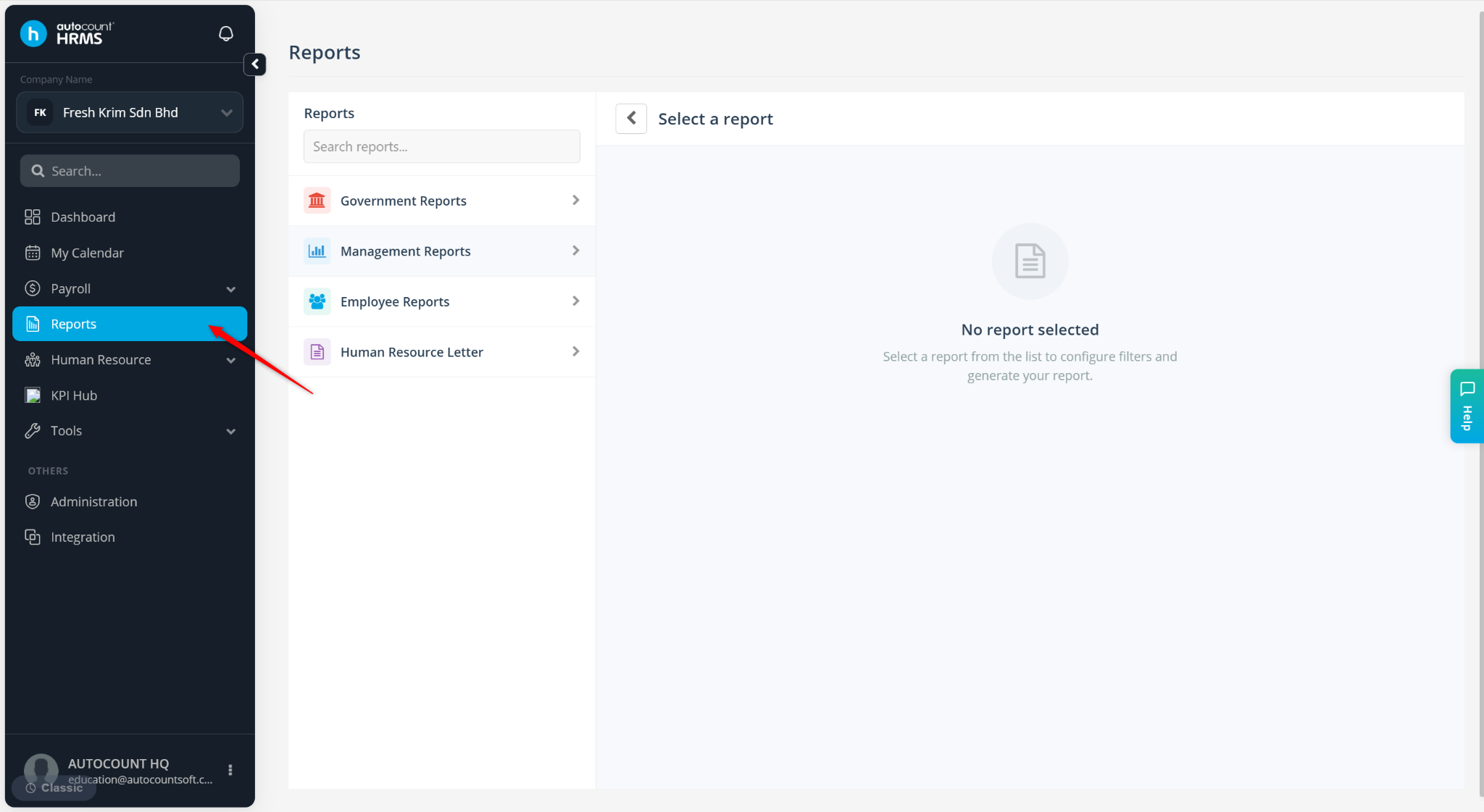
Go to Reports.
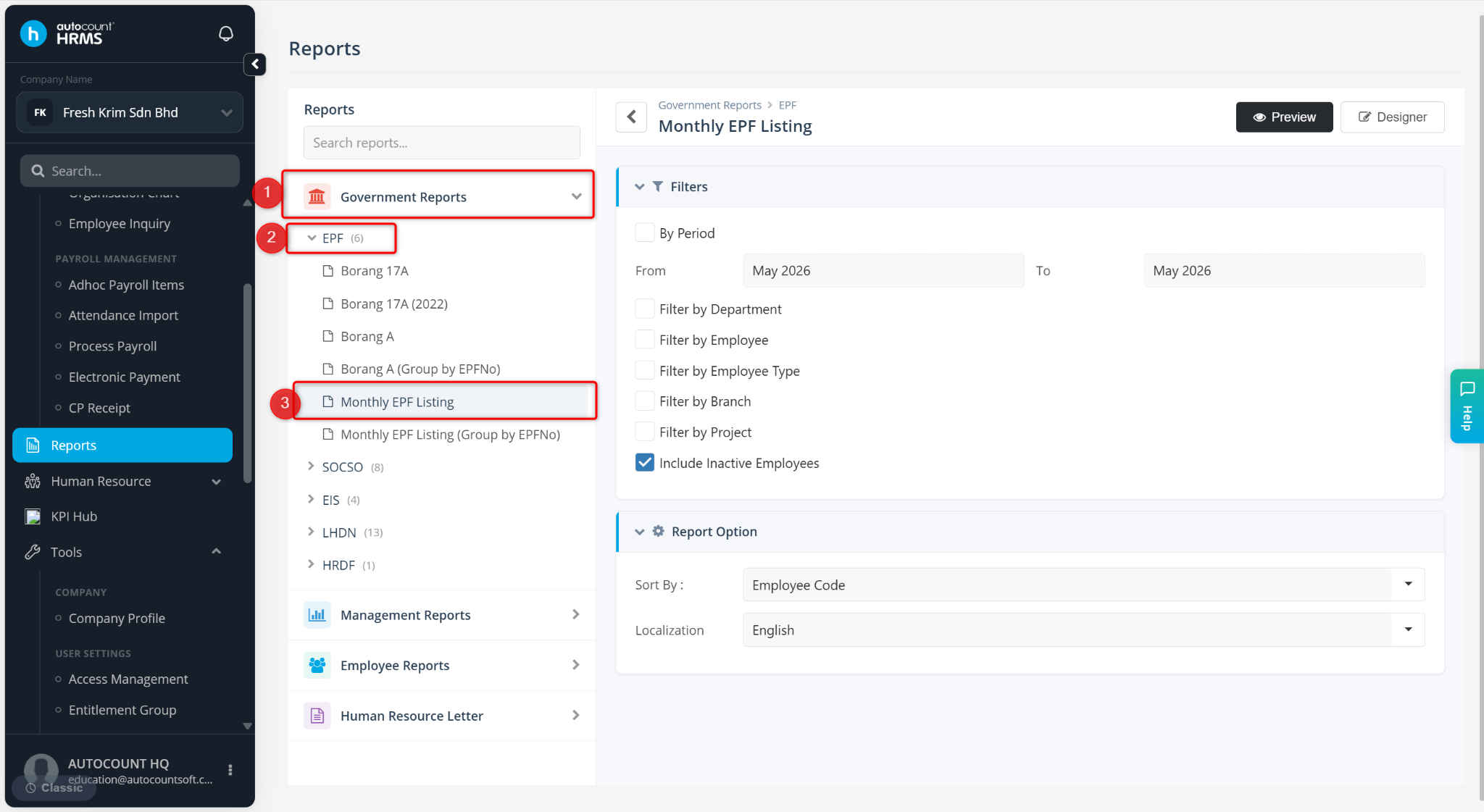
Expand Government Reports > EPF, select Monthly EPF Listing.
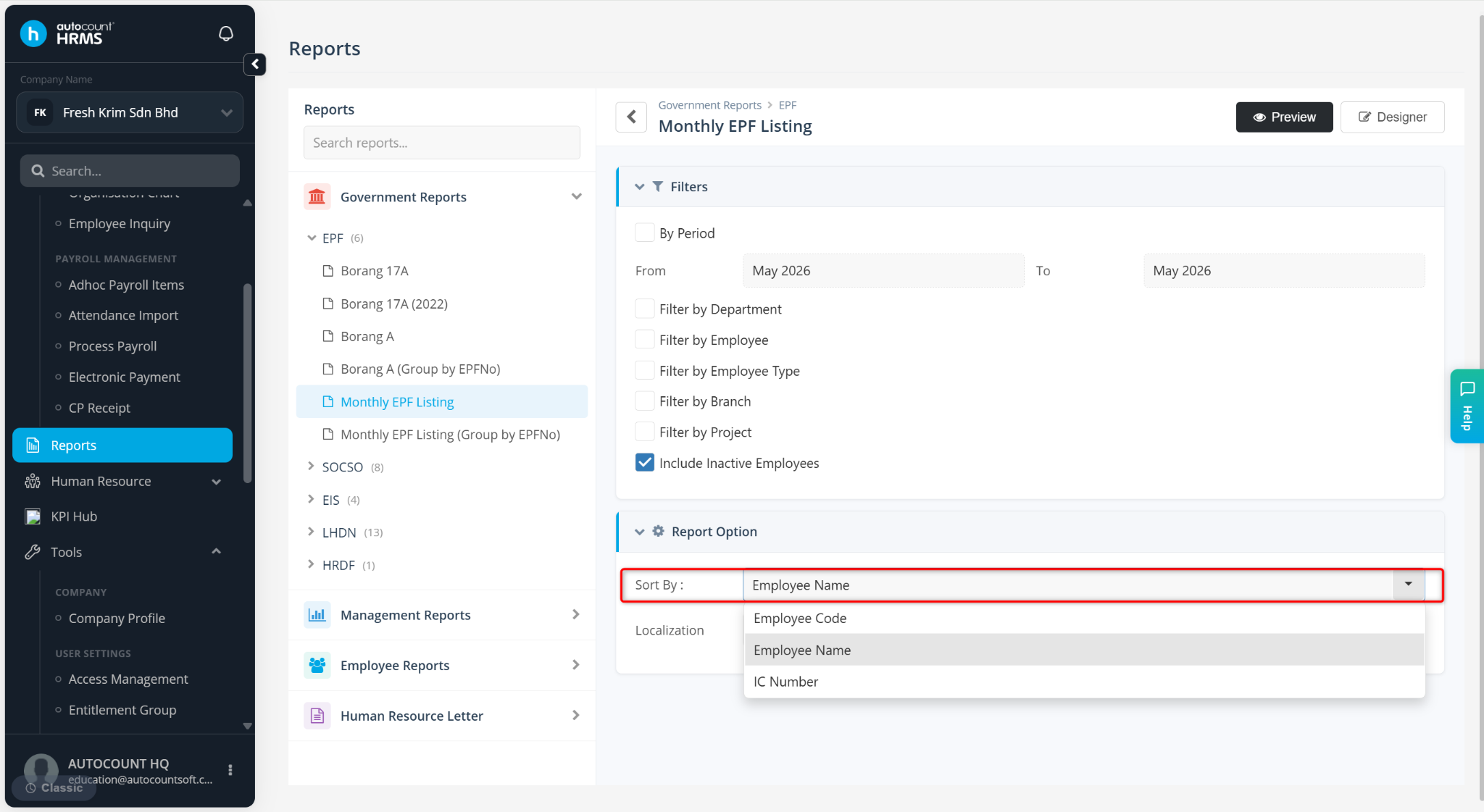
Under Report Option, select Employee Name or Employee Code at the Sort By field.
Click Preview.