
Users can print the EA Form and export the CP8D file from the system. Please ensure Payroll Closing has been completed before proceeding.
Steps to Print EA Form:
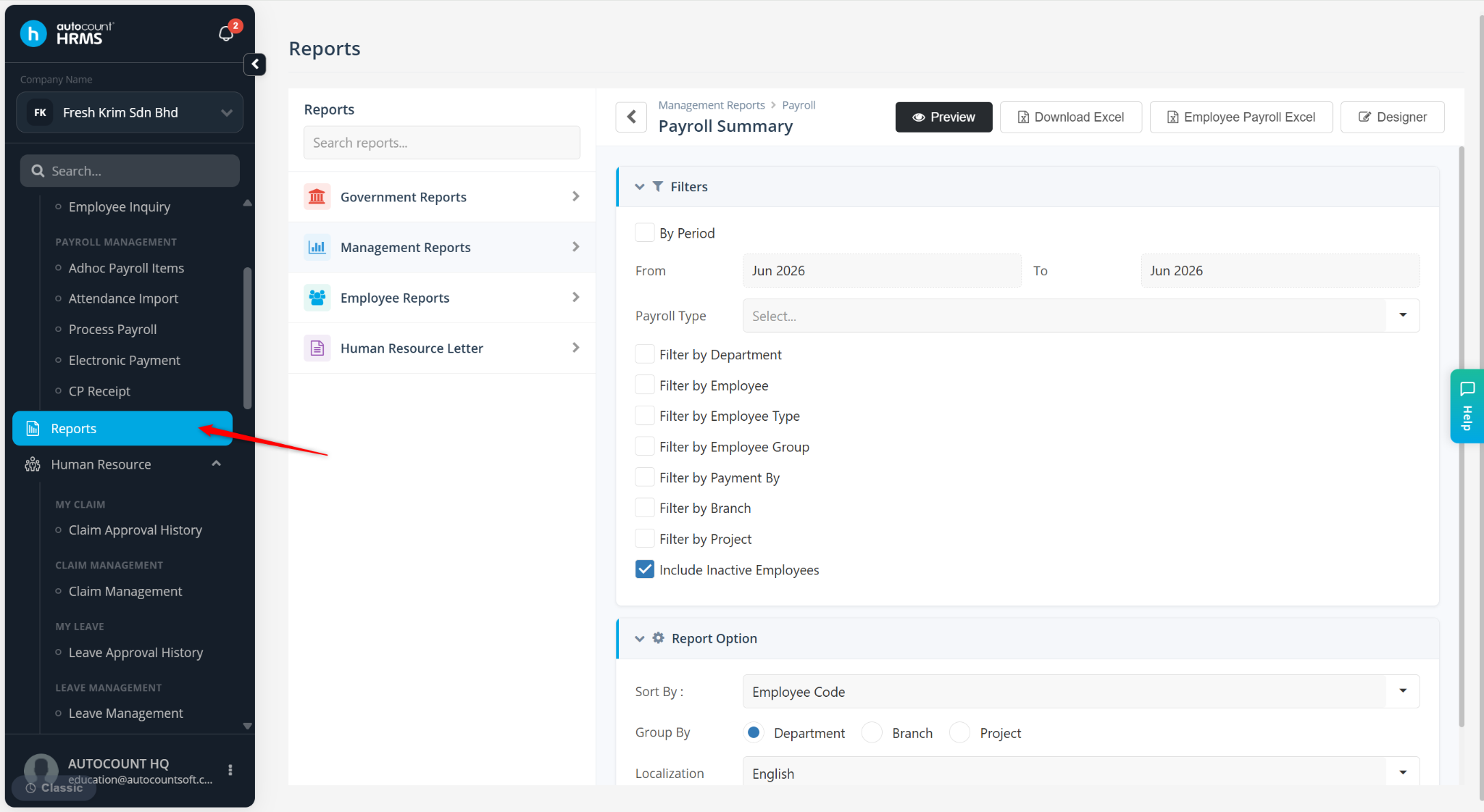
Go to Reports.
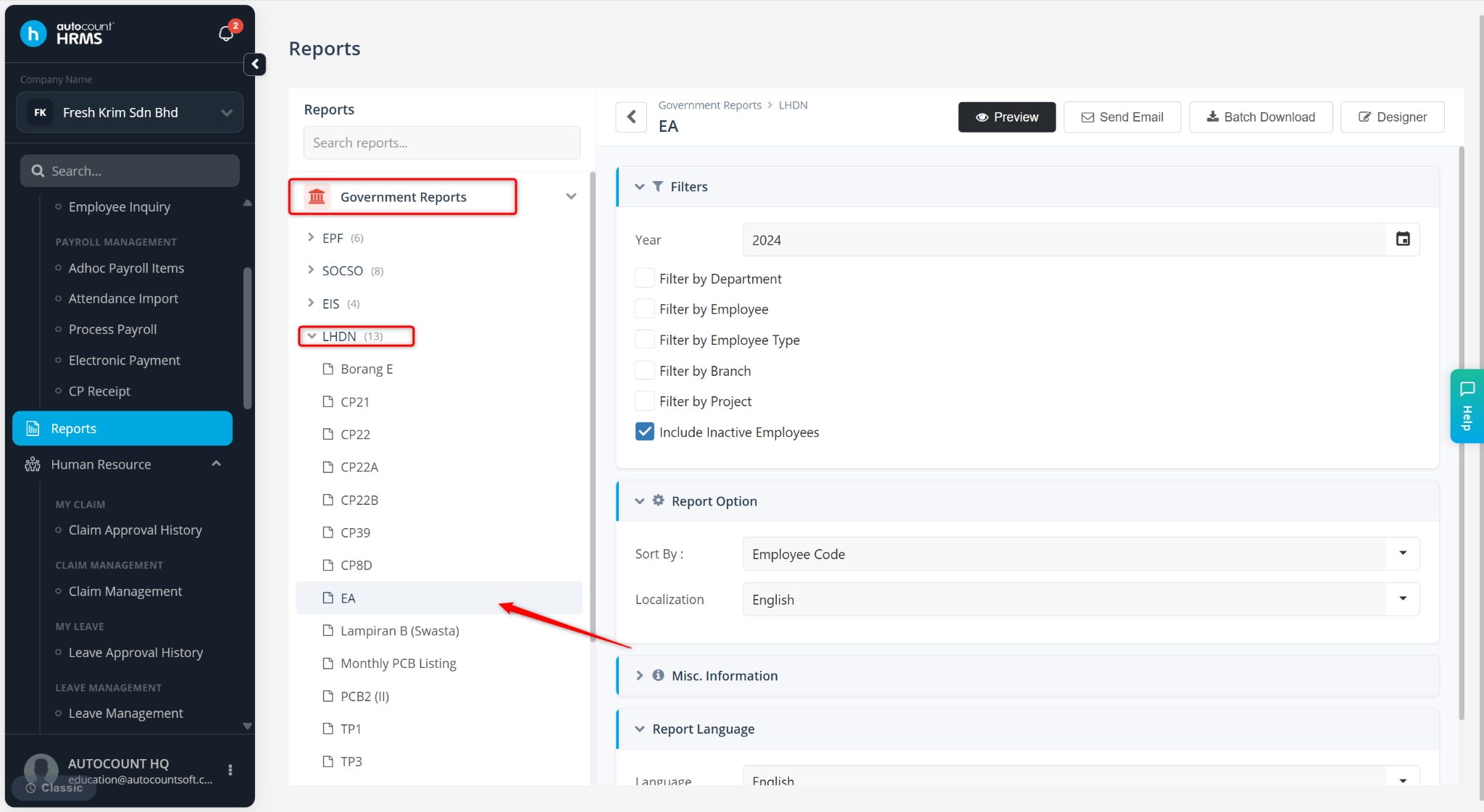
Navigate to Government Reports > LHDN > EA.
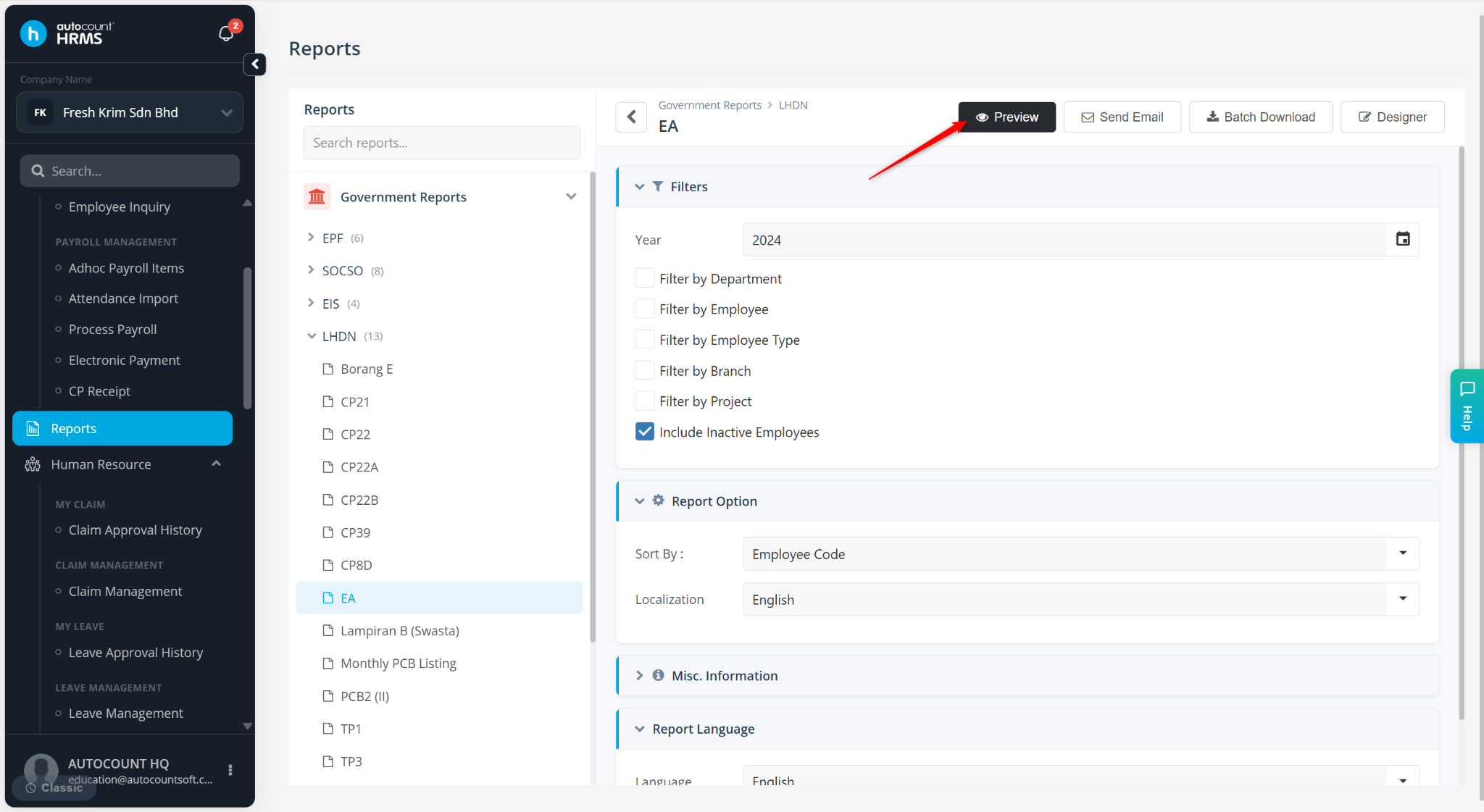
Select the report year and click Preview.
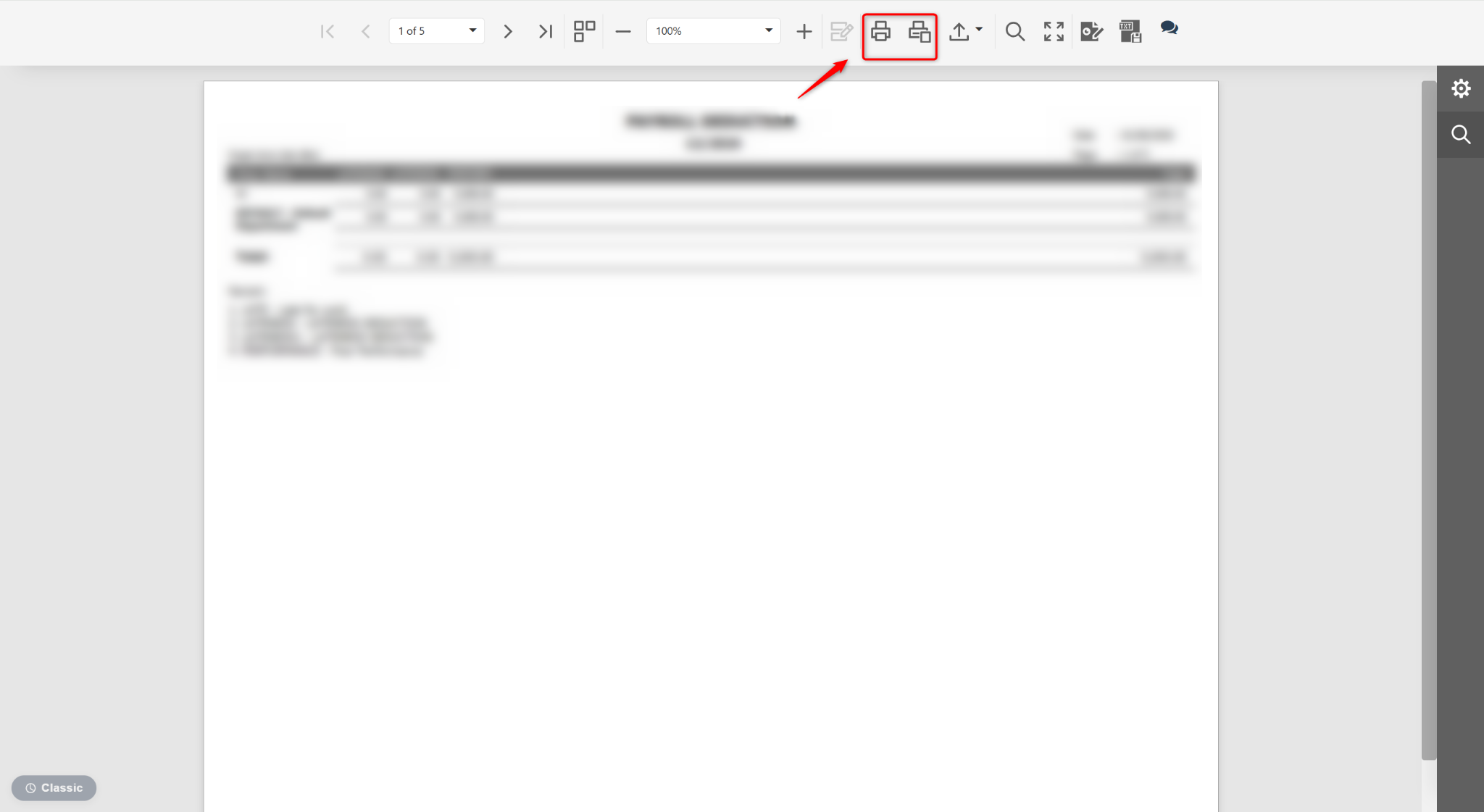
Click the Printer icon to print the EA Form.
Steps to Export CP8D Text File:
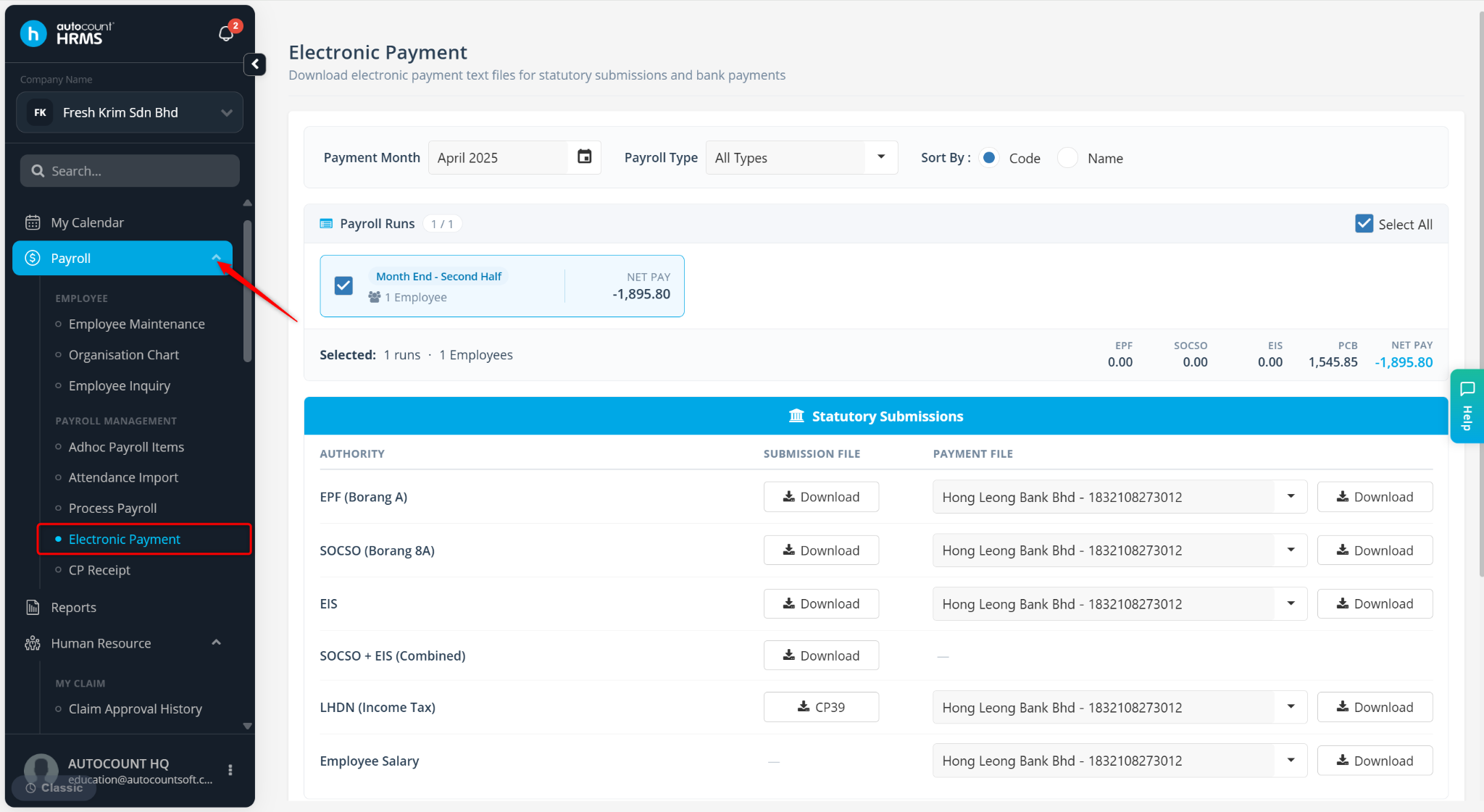
Go to Payroll > Electronic Payment.
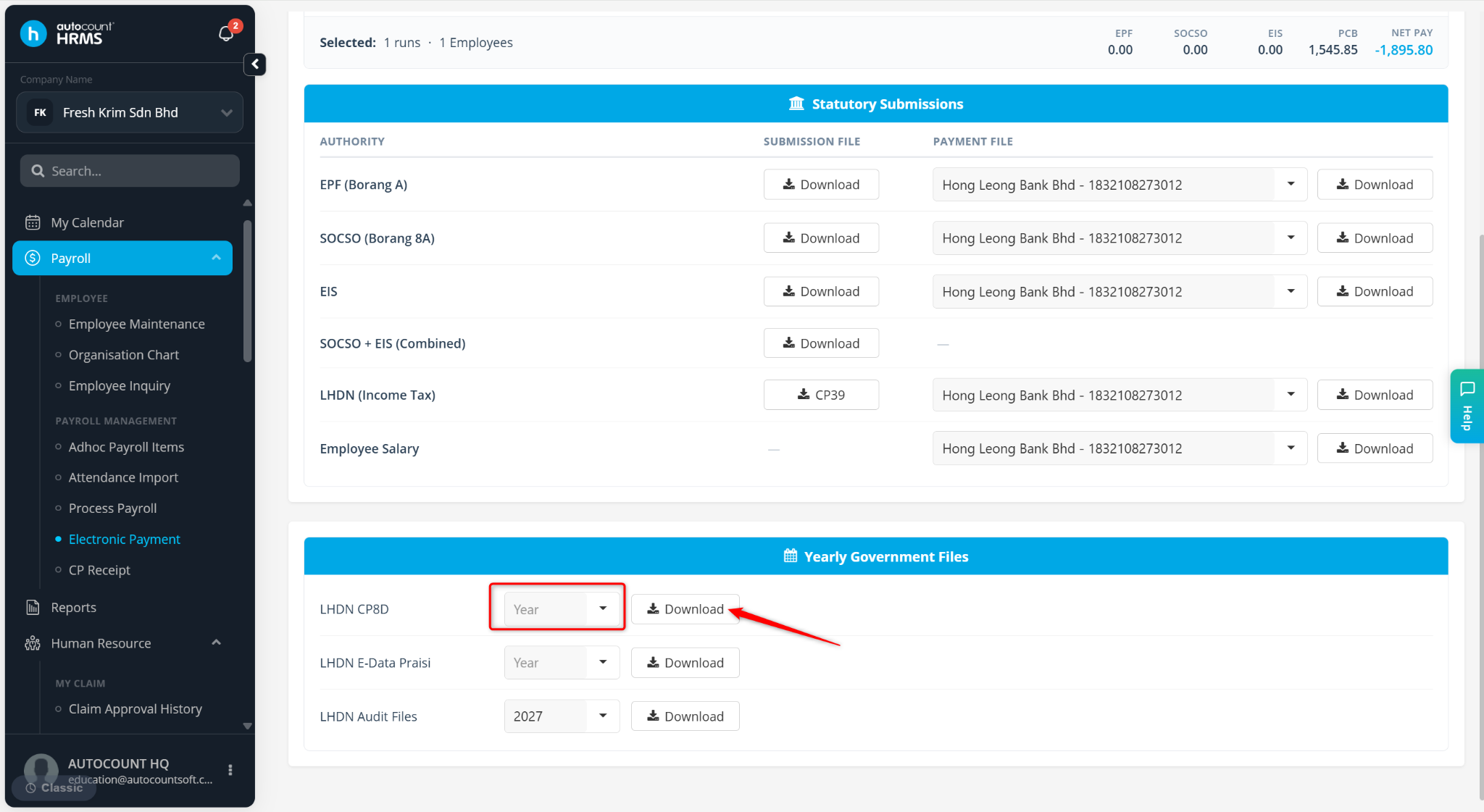
Filter and select the year, then click Download.
The system will generate a ZIP file.
Open the downloaded file and select Extract all.
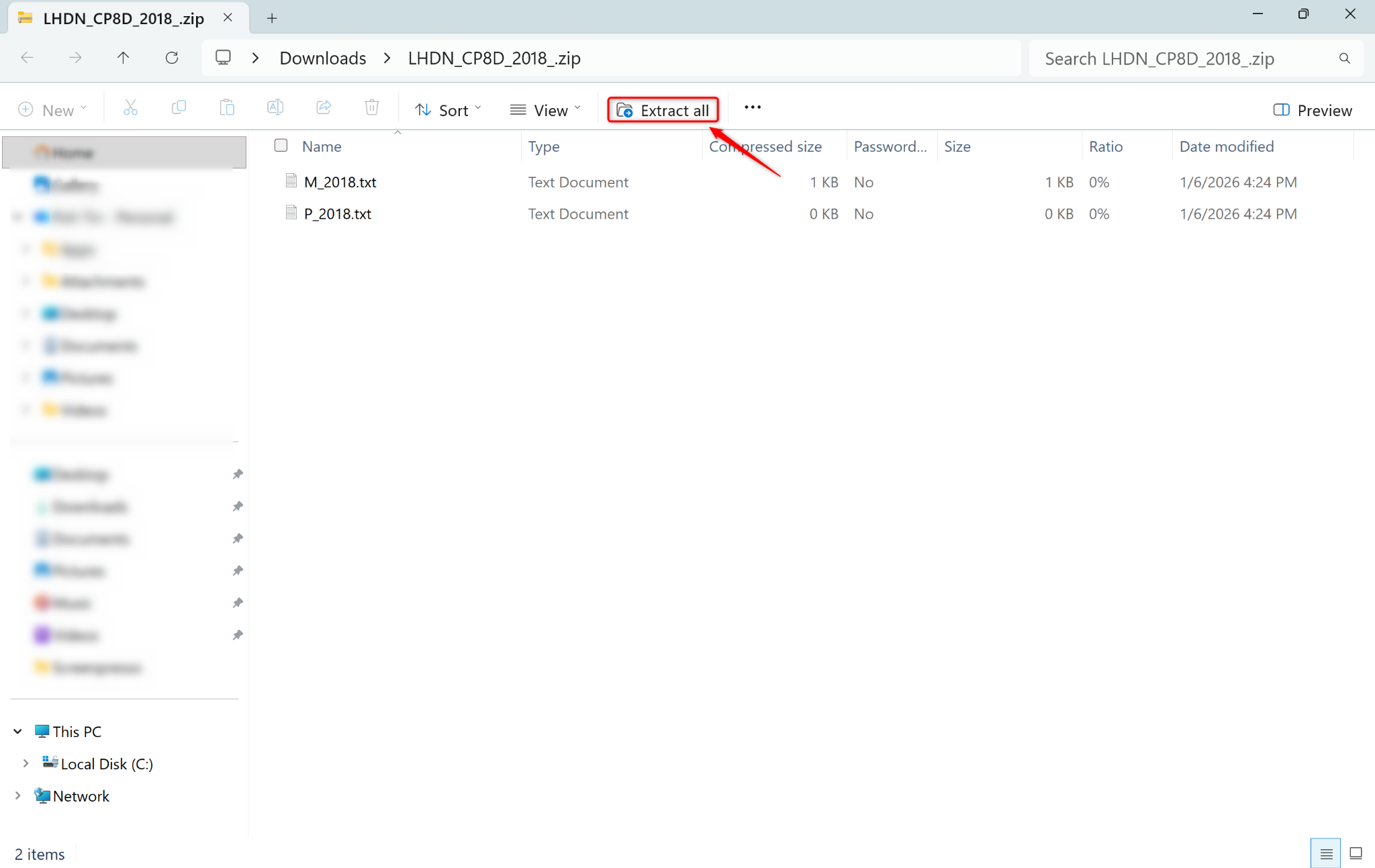
After extraction, two files will be available for preview or submission.