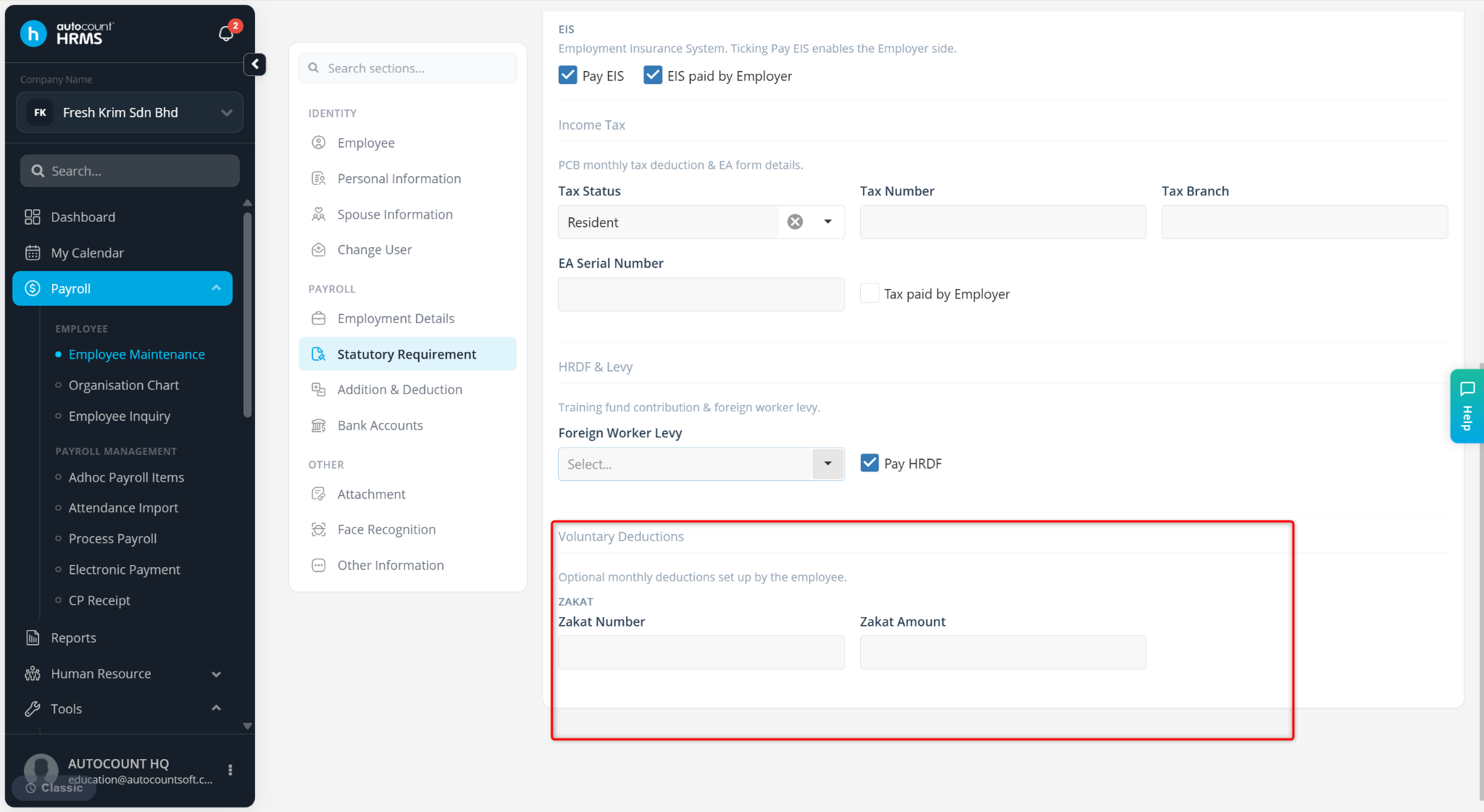
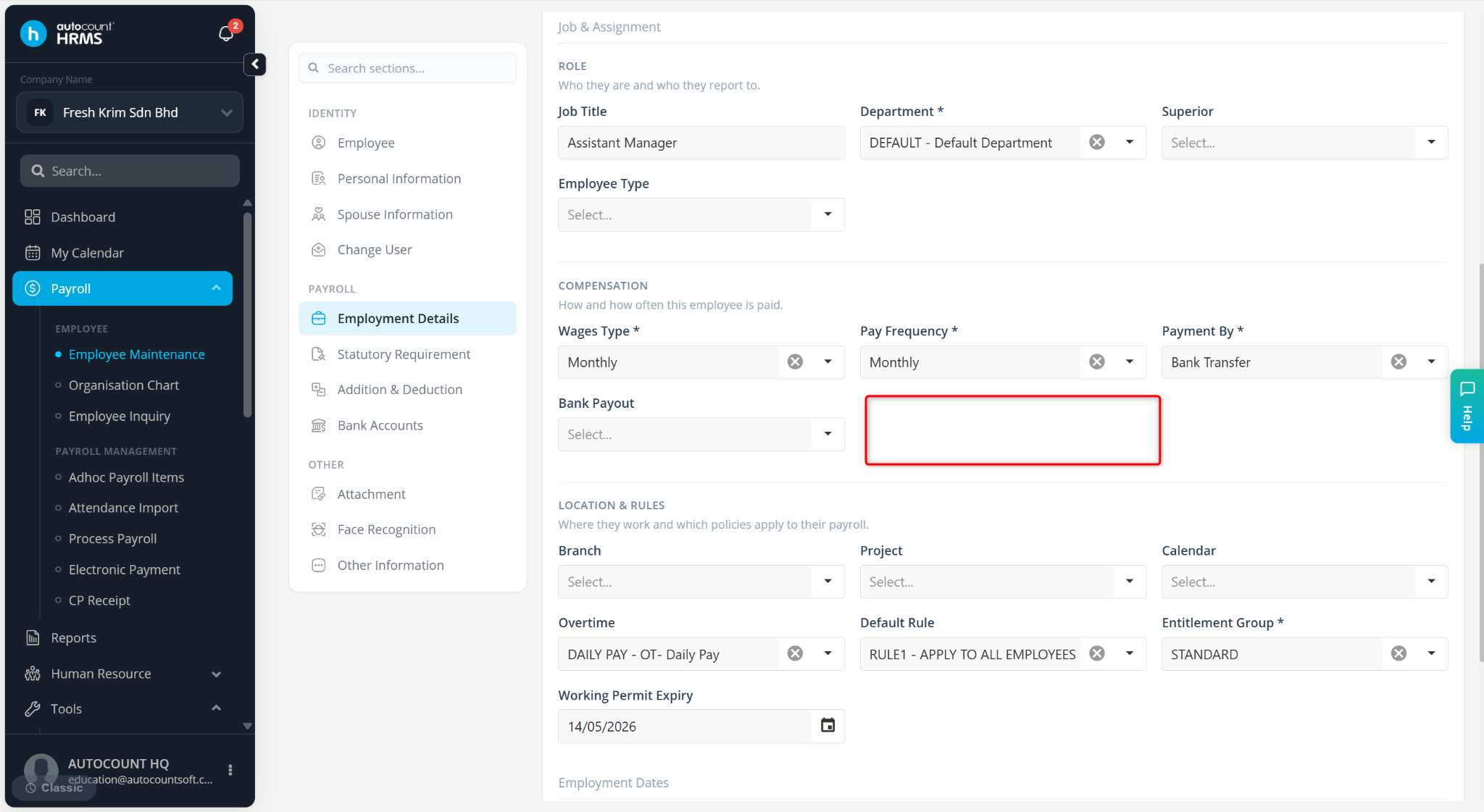
This feature allows users to hide unused contribution fields in Employee Maintenance to simplify the interface and reduce unnecessary data entry.
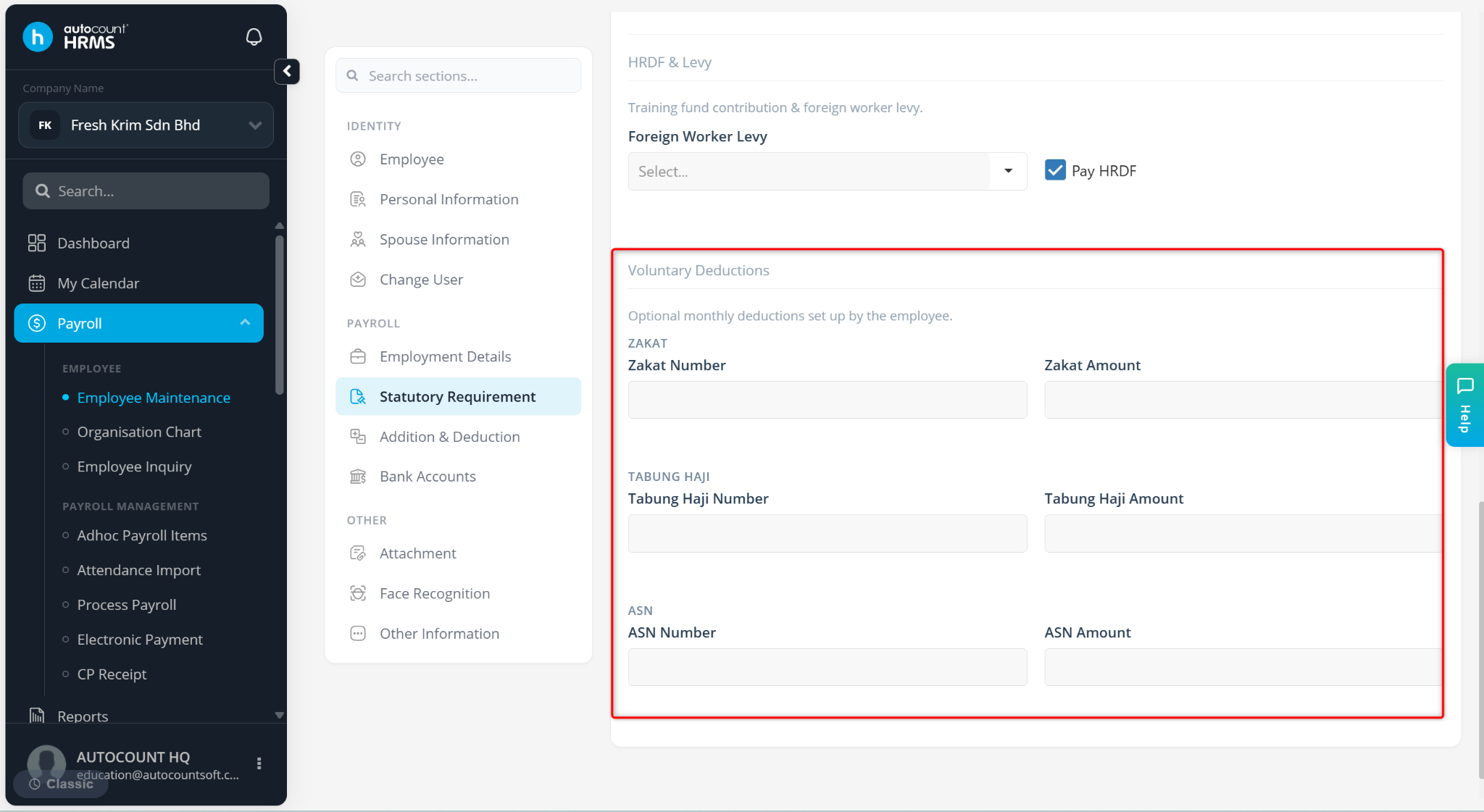
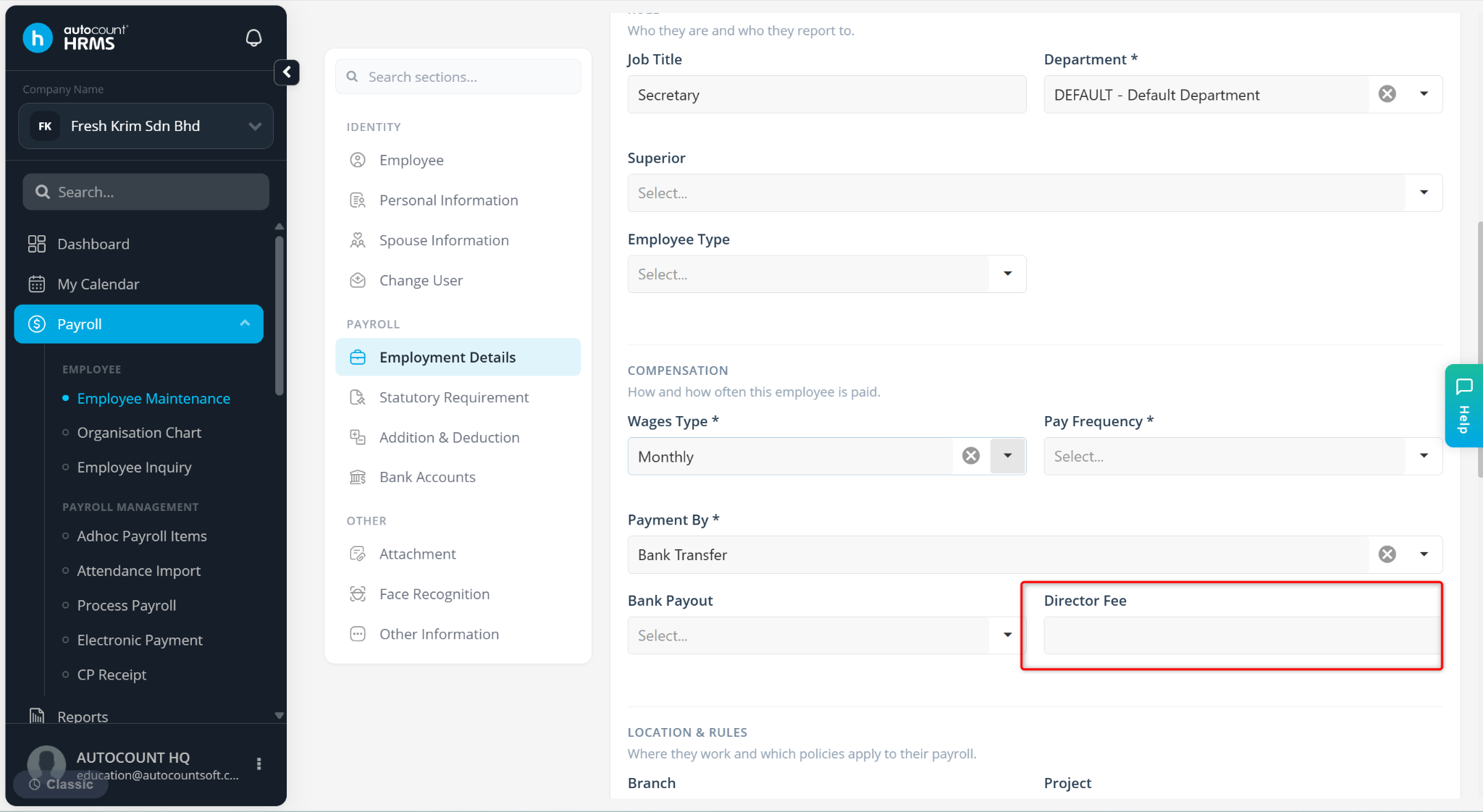
Steps to Hide Zakat, Director Fees, Tabung Haji and ASN Fields:
Go to Tools > Company Profile.
Go to Contribution Settings.
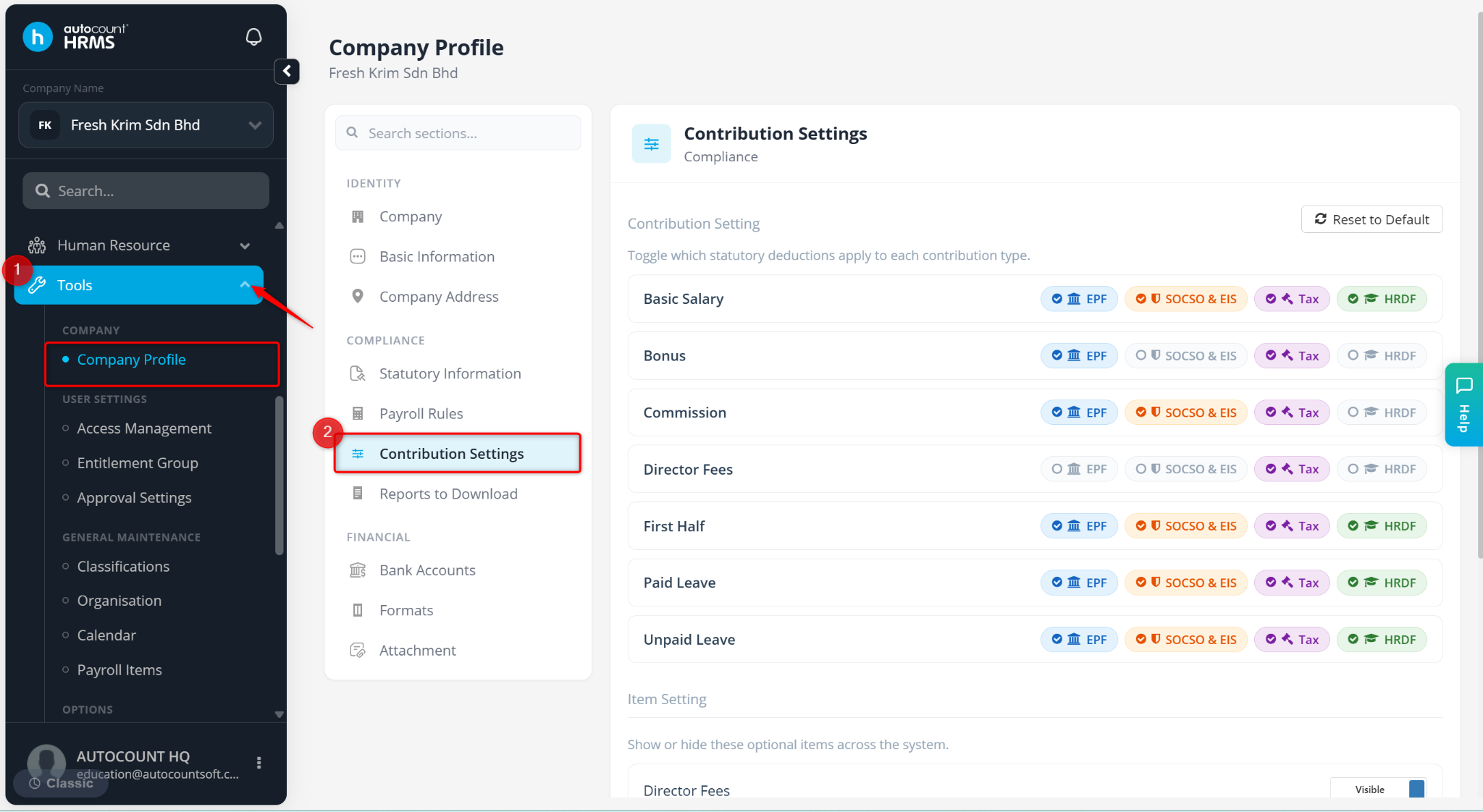
Scroll down to Item Setting.
Toggle the relevant fields to Hidden to hide the fields.
Click Save changes.
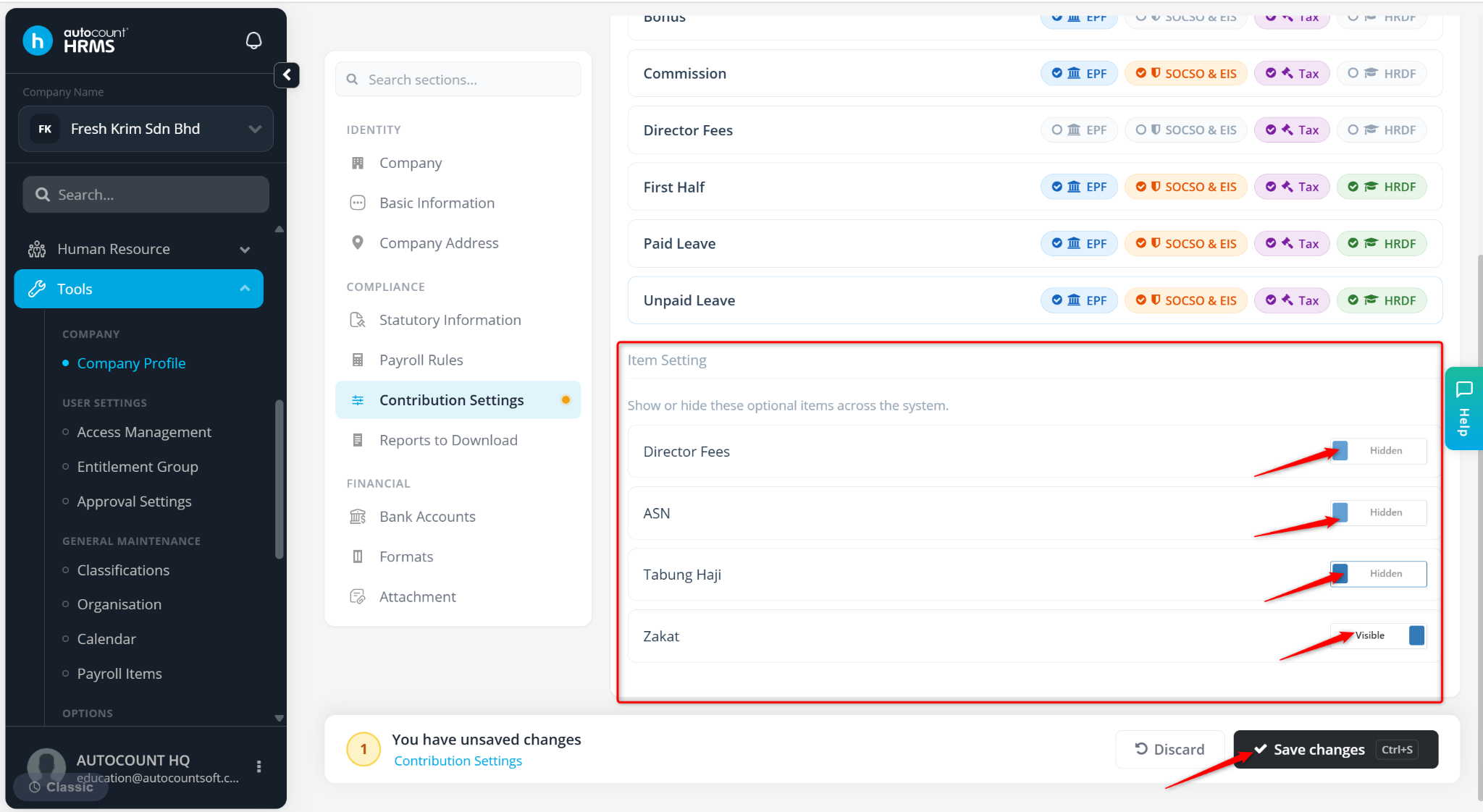
The selected fields will no longer appear in the Employee Maintenance.