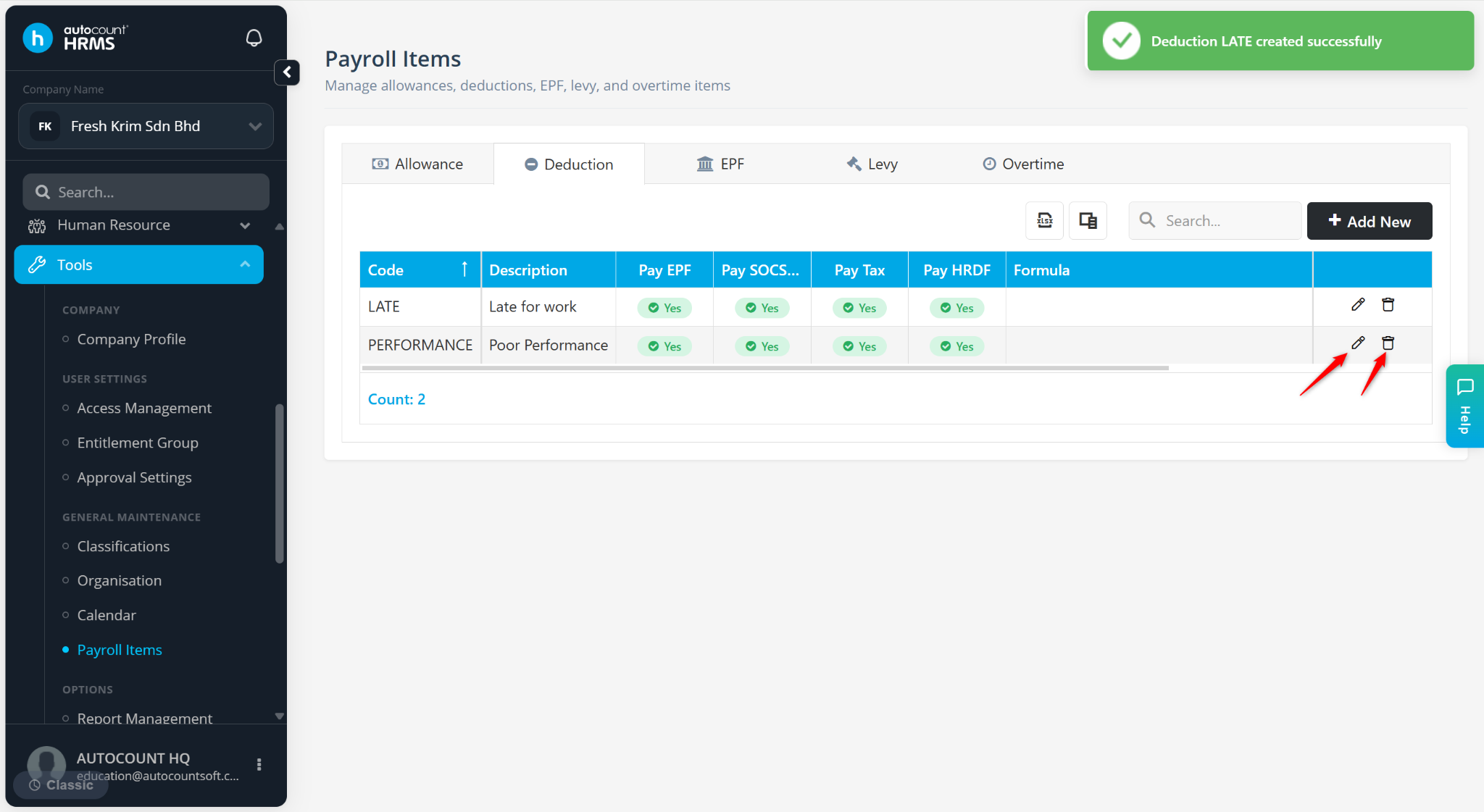
The Deduction feature in Payroll Items is used to create and manage payroll deduction items, such as unpaid leave, salary advances, loan repayments, or other deductions based on company policies. These deduction items can be assigned to employees and applied automatically during payroll processing.
Steps to Create a New Deduction Item:
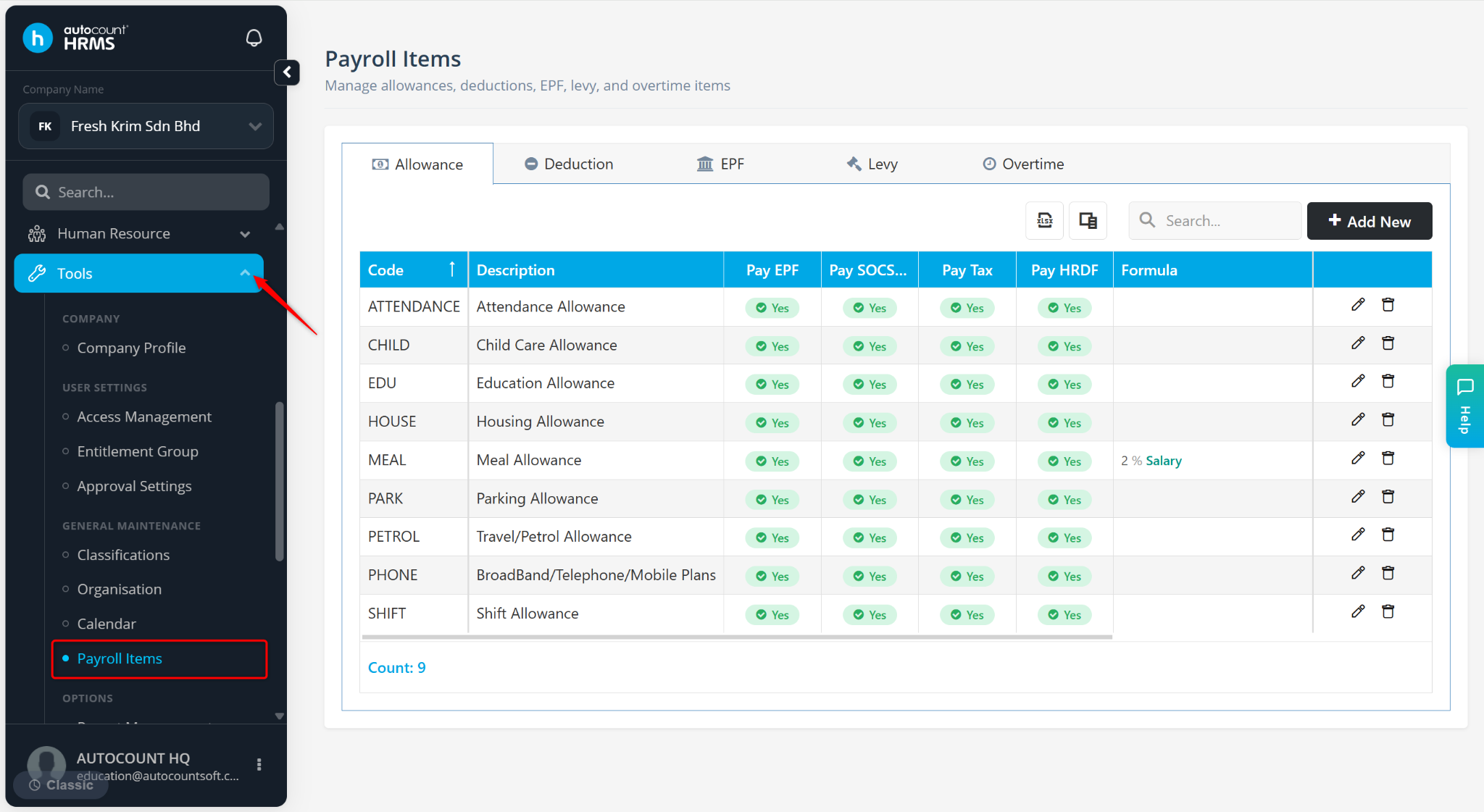
Go to Tools > Payroll Items.
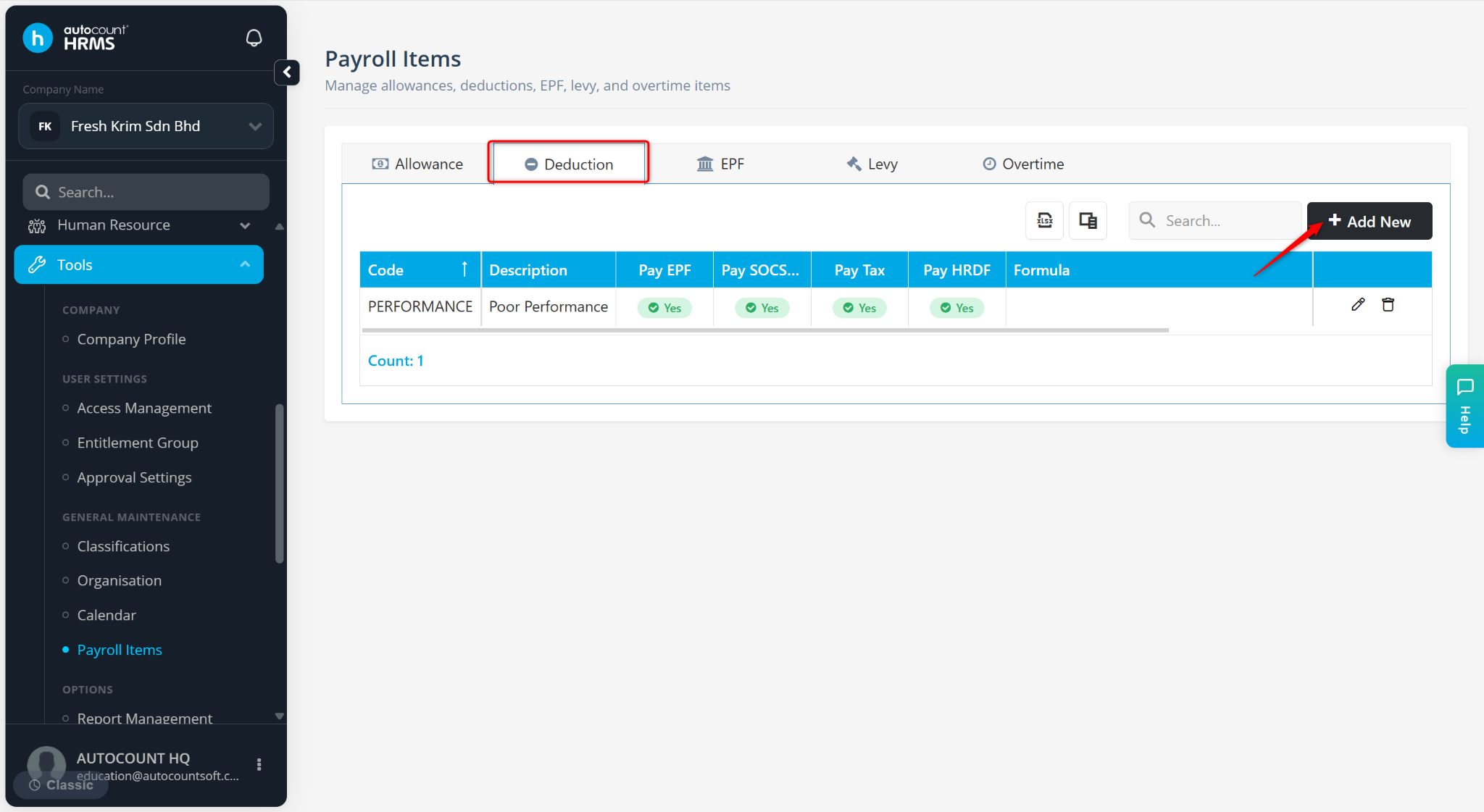
Go to the Deduction tab.
Click Add New.
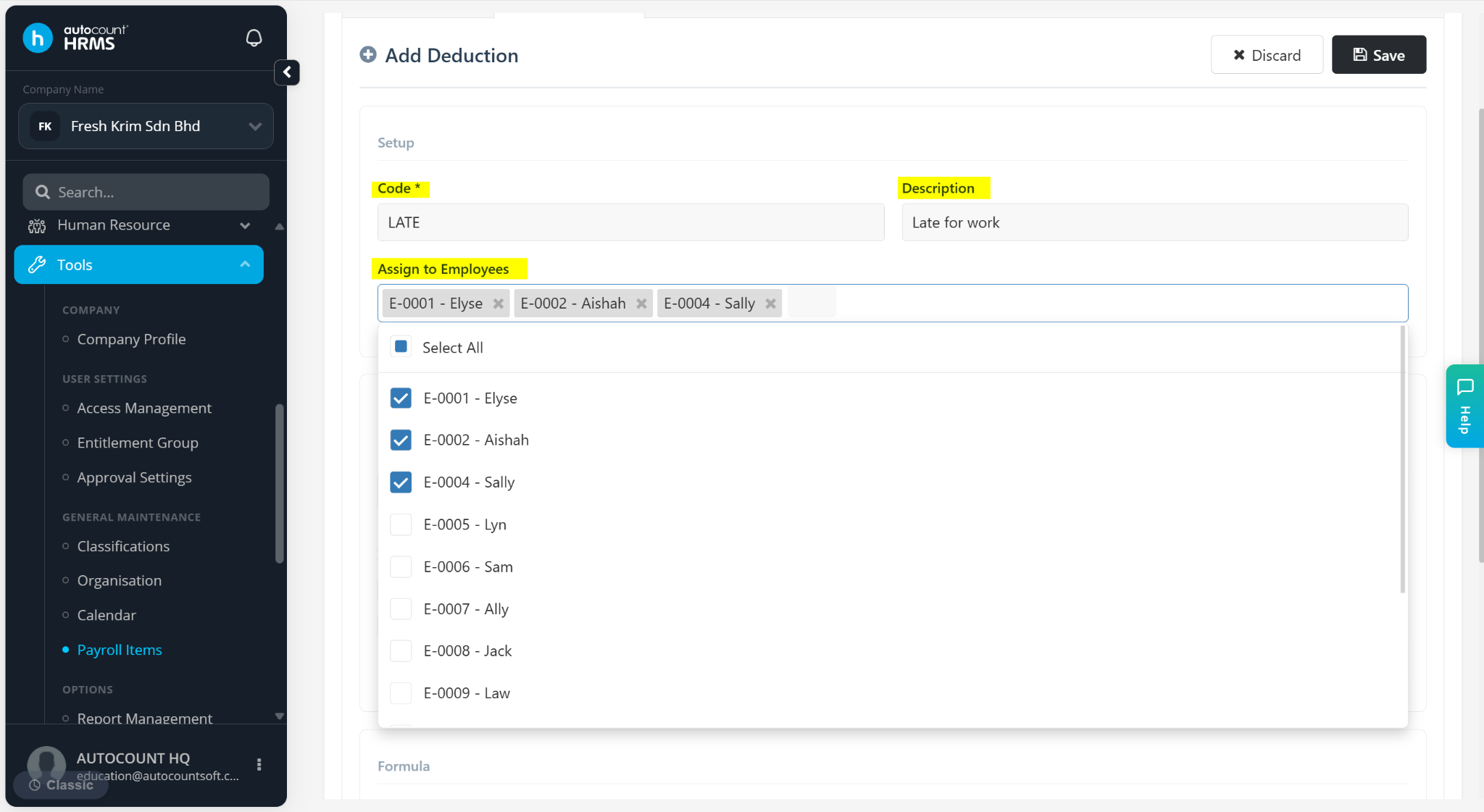
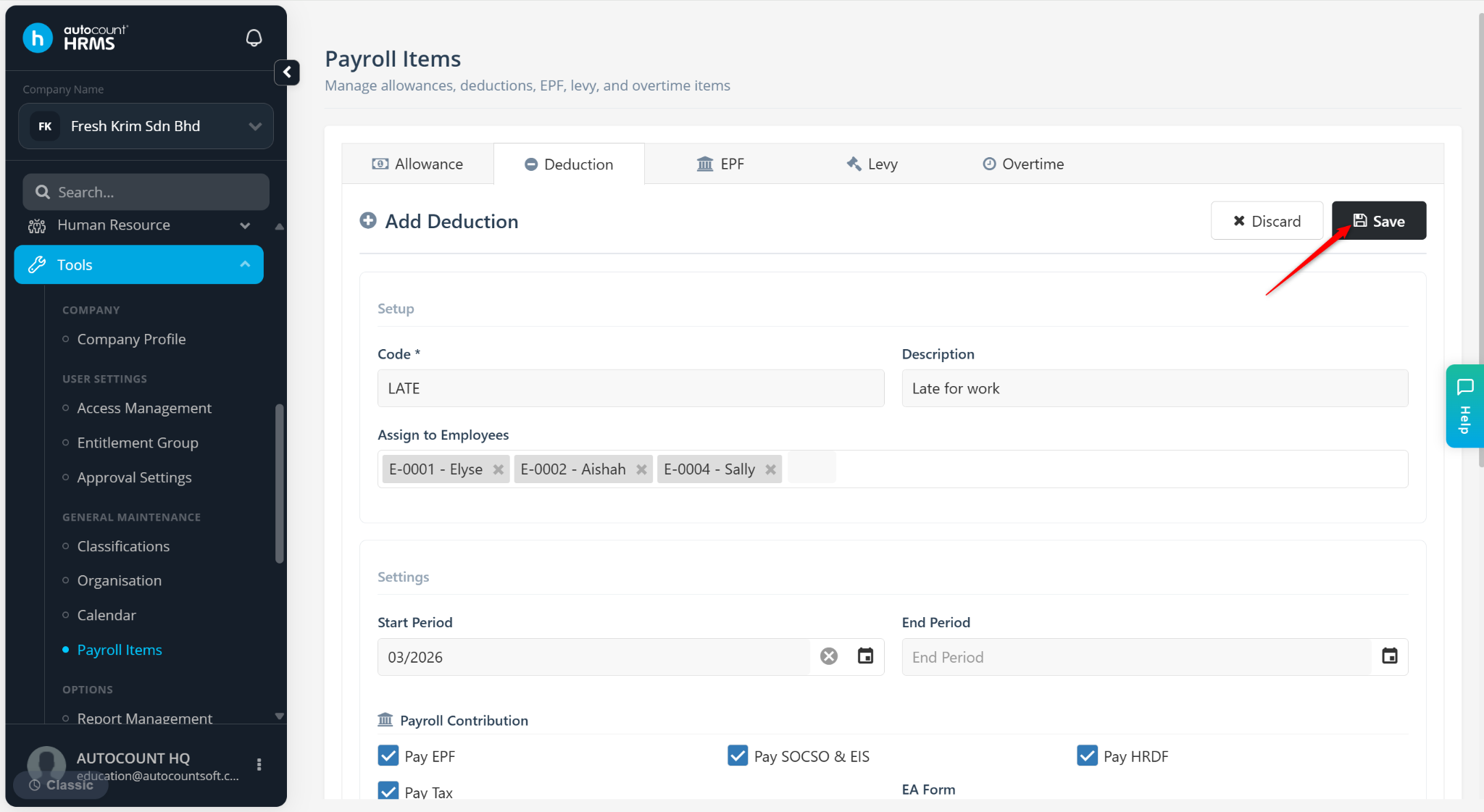
Under the Setup section, enter the Deduction Code and Description. Then, assign the employee to add the deduction as a fixed deduction in the employee’s profile for payroll processing.
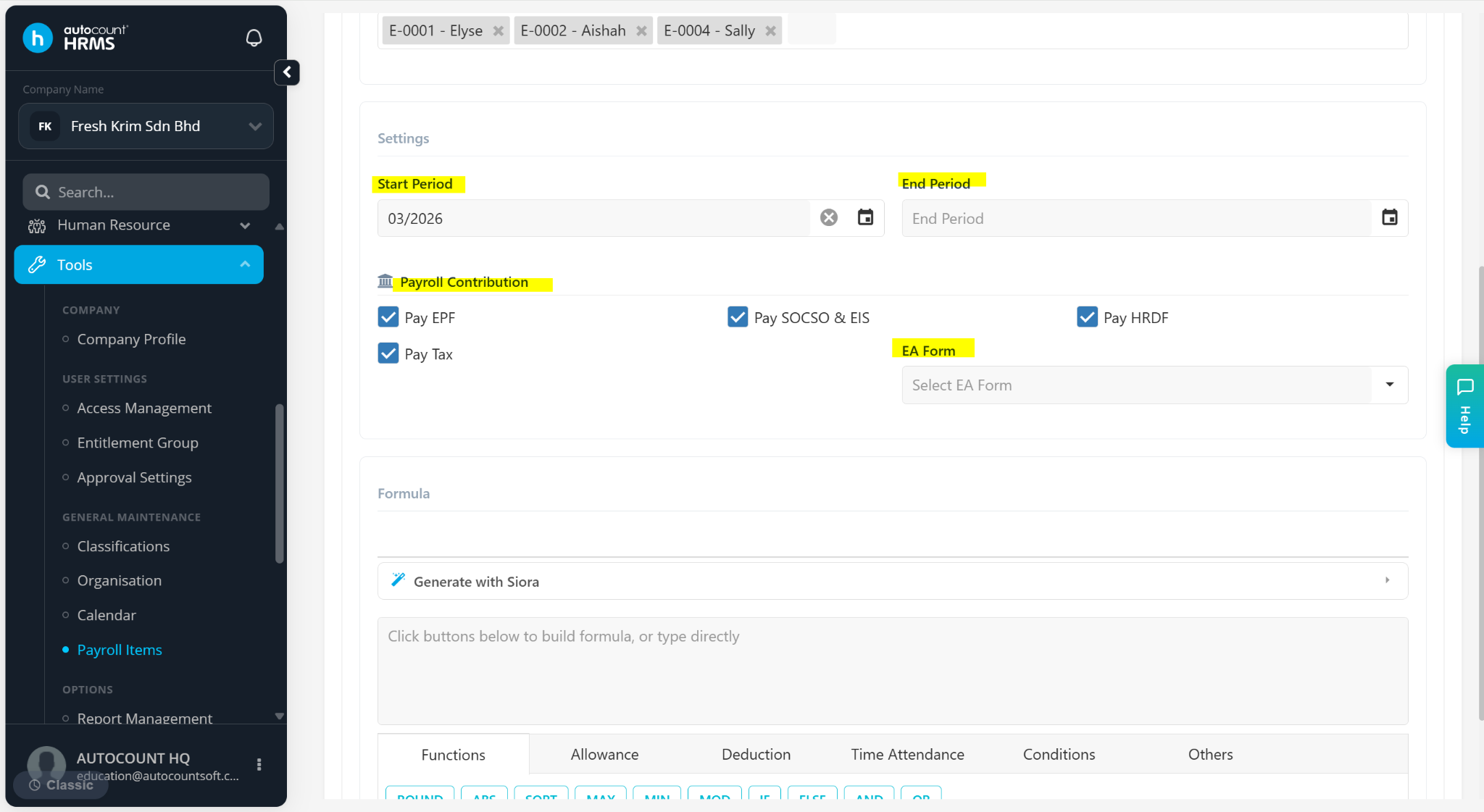
Under Settings section:
Start / End Period – Set the start and end period accordingly if the deduction is period based.
Payroll Contribution – Tick the relevant contribution checkboxes (EPF, SOCSO & EIS, HRDF, Tax).
EA Form – Select the corresponding EA form field where the deduction should appear (require Pay Tax to be checked).
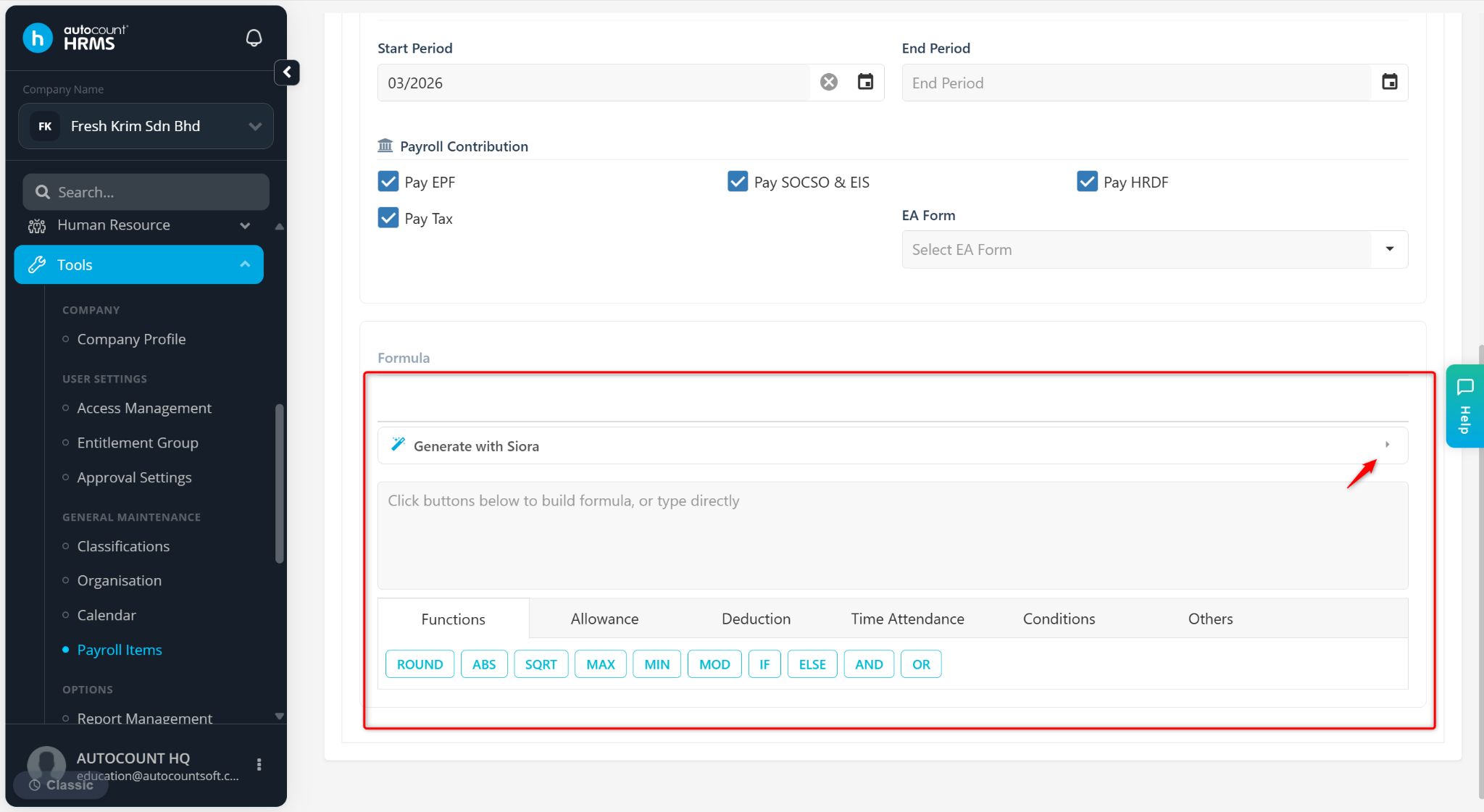
Under the Formula section, enter manually or generate a formula with Siora.
Click Save.
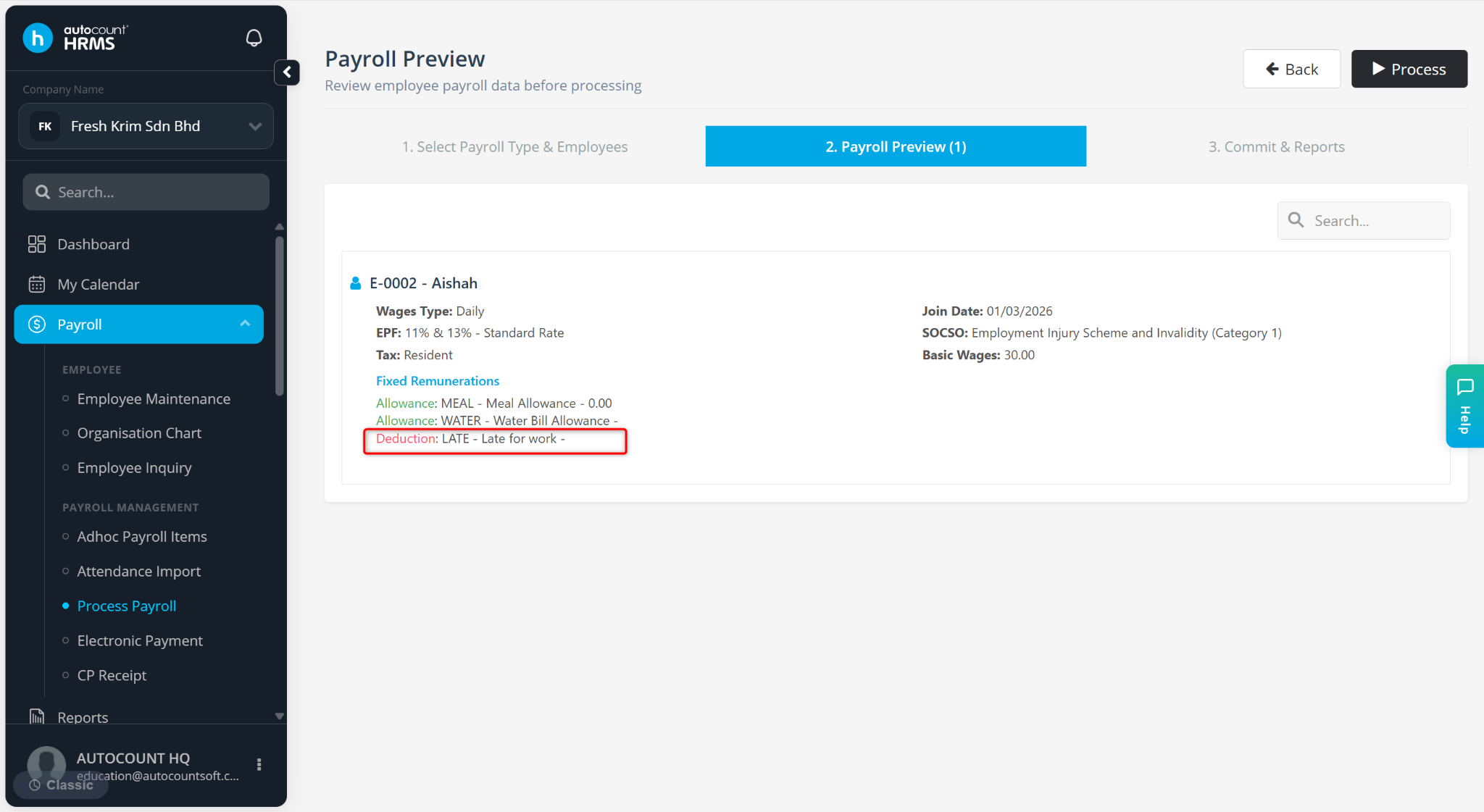
The deduction will be reflected in the payroll process.
ℹ️ Tip:
Click the pencil icon to edit the deduction item.
Click the trash bin icon to delete the deduction item.