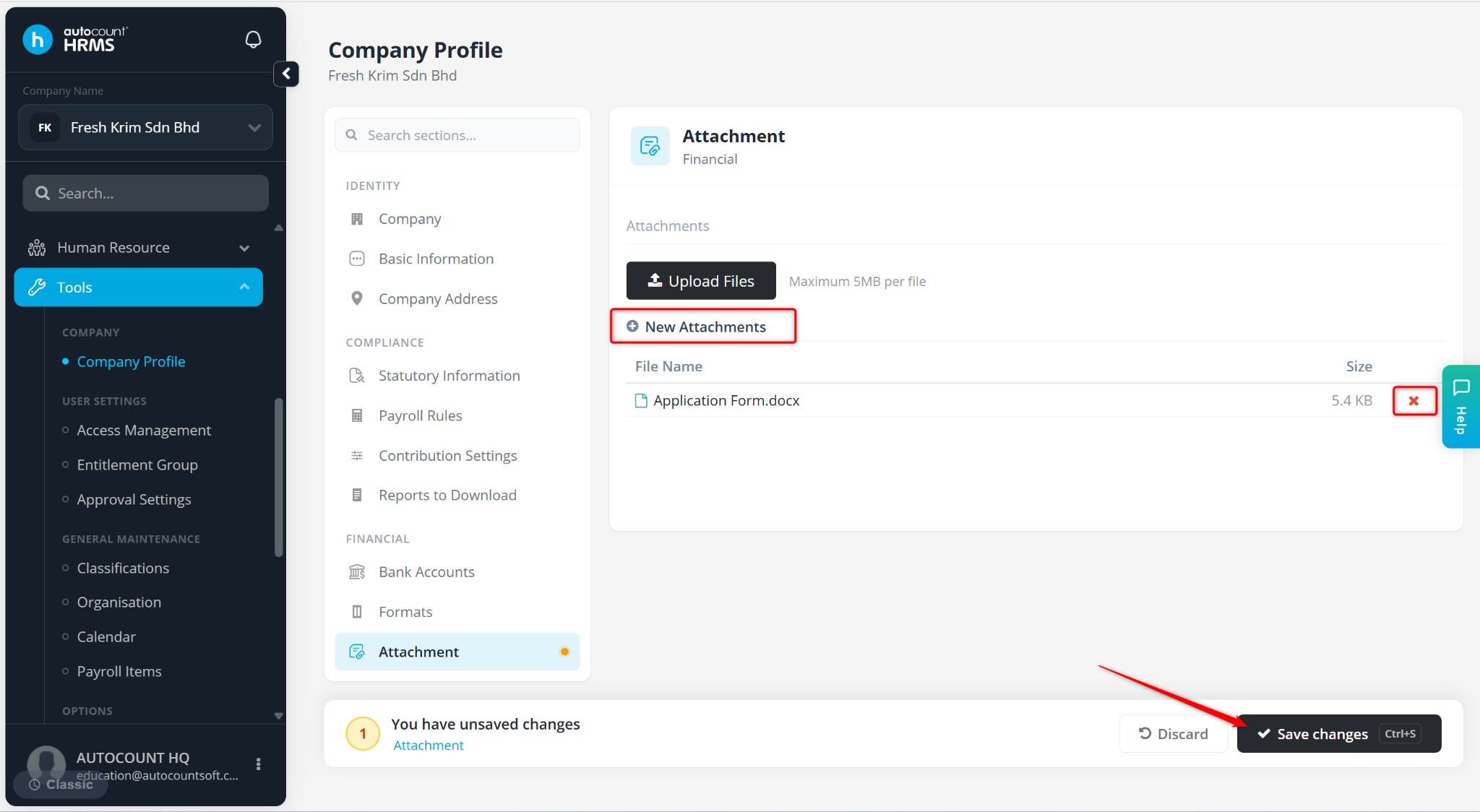
The Attachment feature allows users to store and manage important company documents, such as company policies, employee handbooks, internal guidelines, and statutory or compliance-related documents. Uploaded files can be viewed or downloaded by employees through the Employee Self Service (ESS) portal.
Steps to Upload an Attachment:
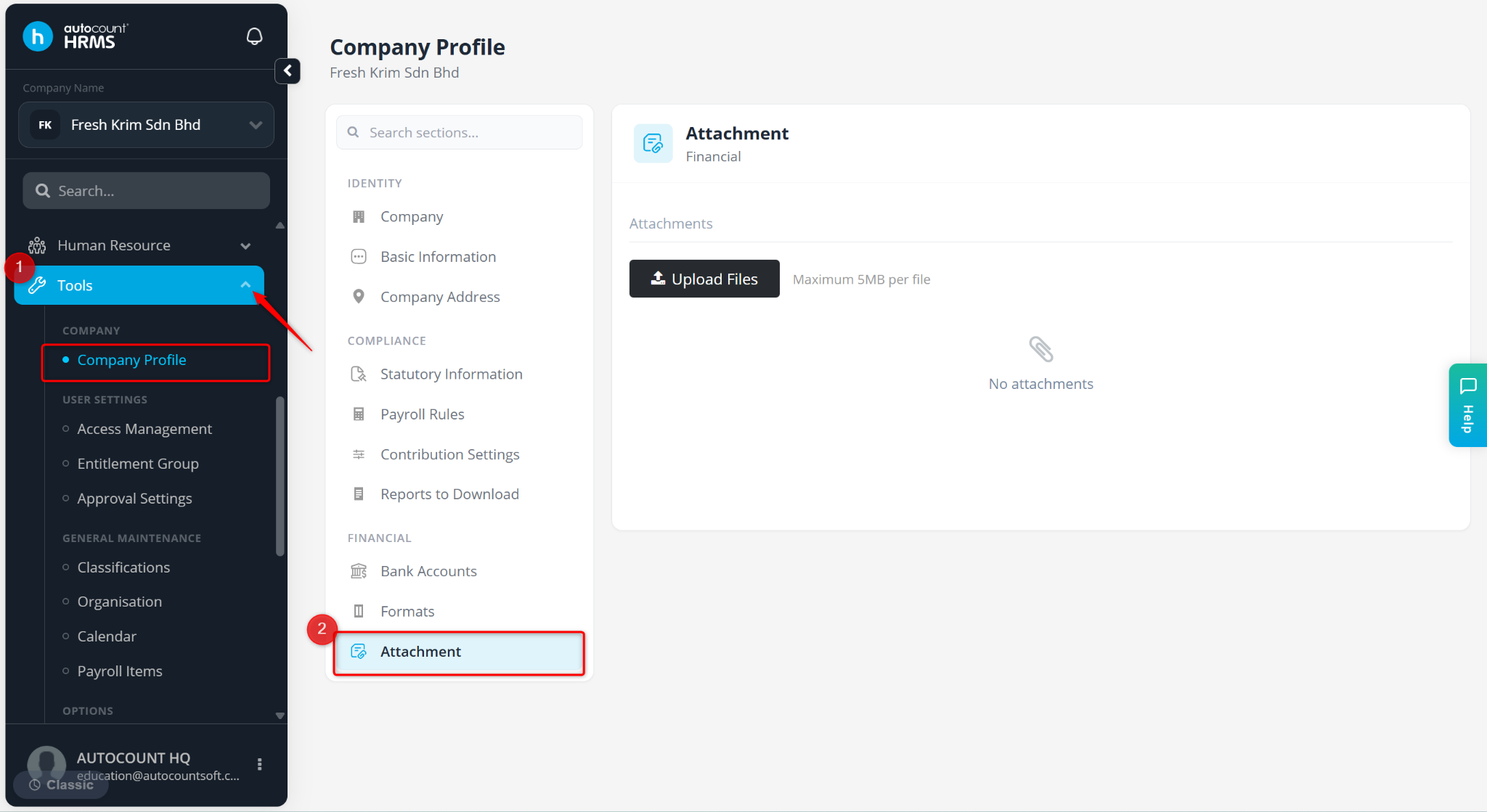
Go to Tools > Company Profile.
Go to Attachment.
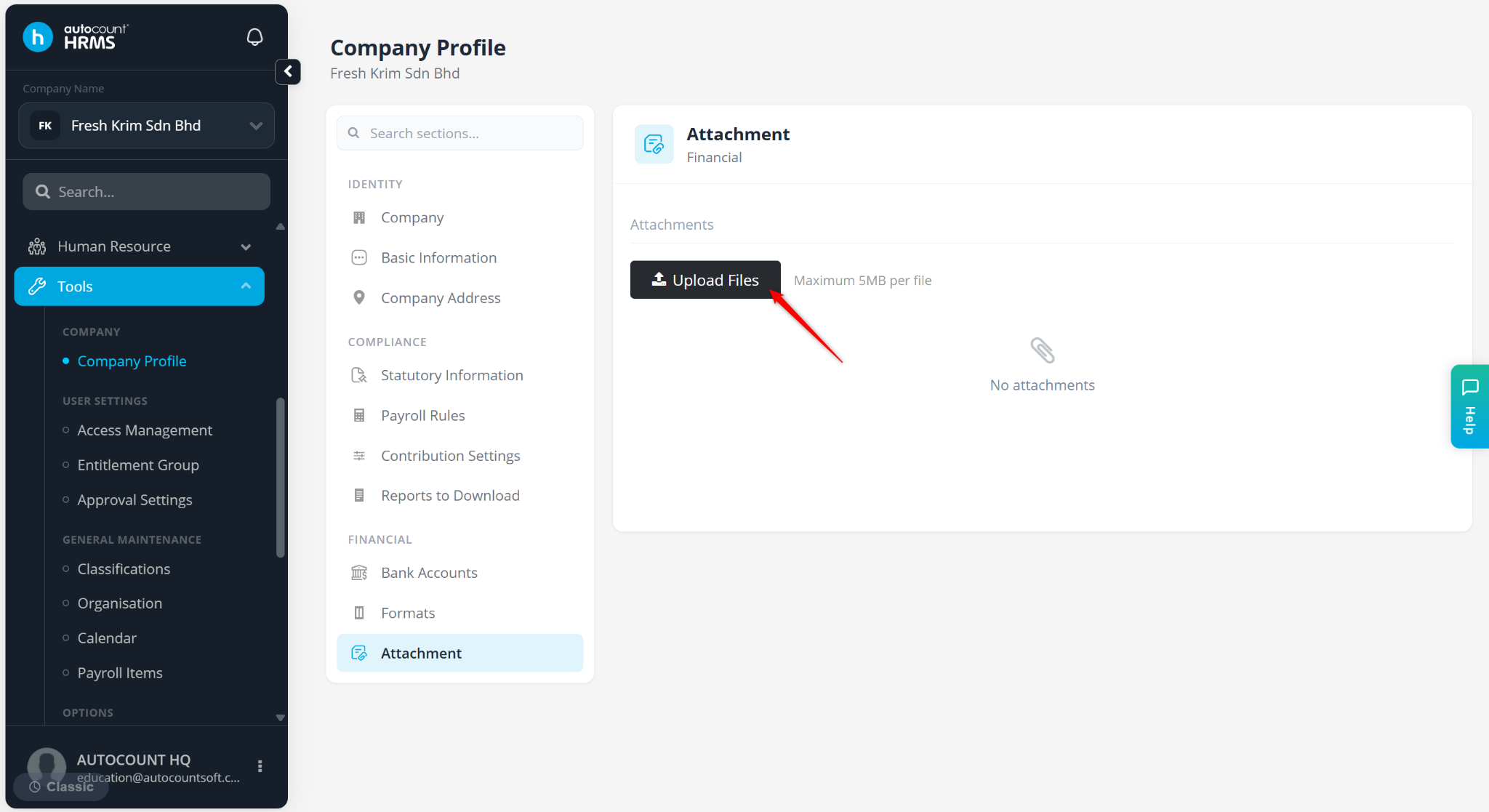
Click Upload Files.
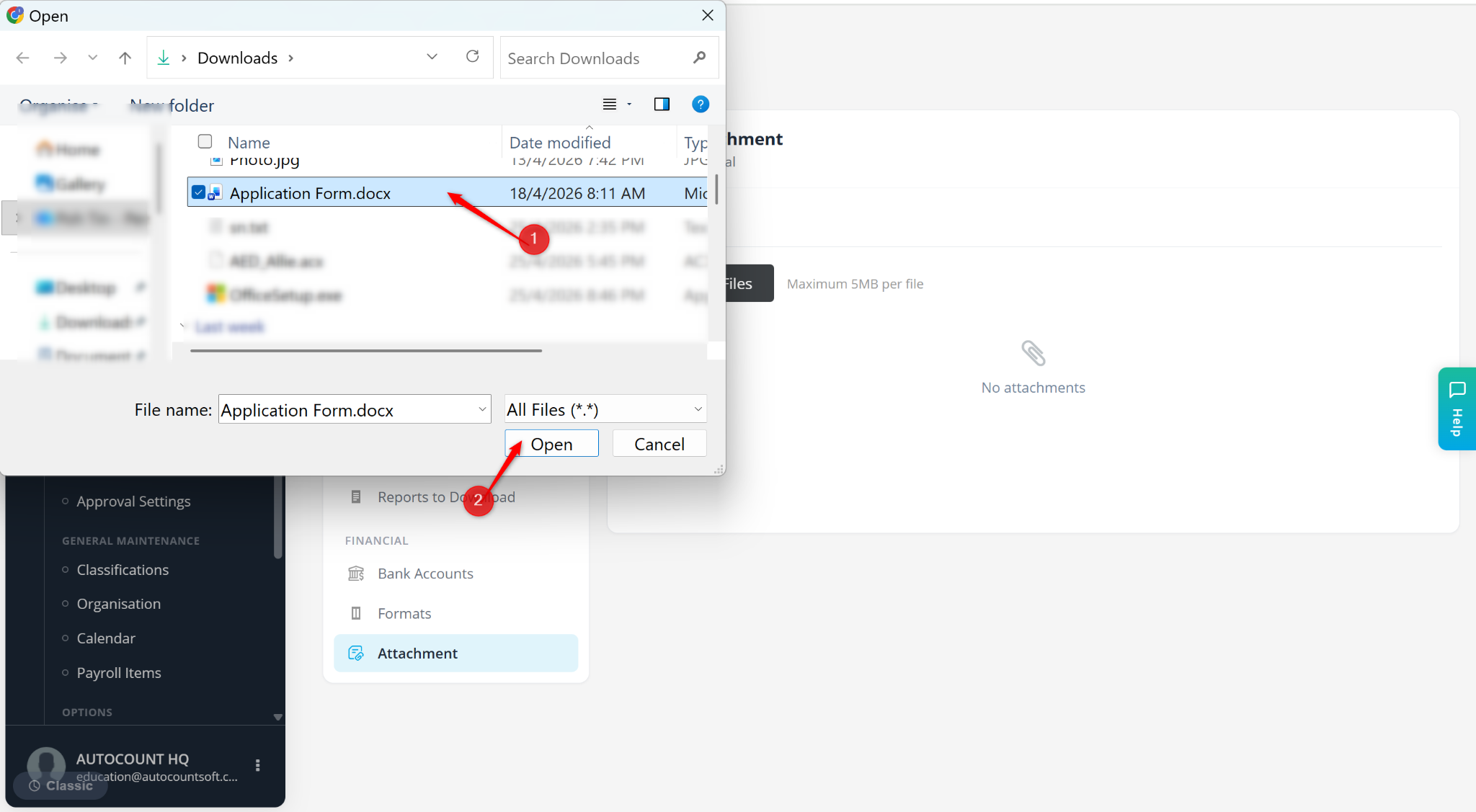
Select the document and click Open.
Click New Attachments to upload more files.
Click Save changes.