
The Other Information tab is used to maintain additional employee details that are not covered in other sections of Employee Maintenance. This information serves as a reference for HR records, employee profiling, and internal documentation.
Steps to Maintain Employee’s Other Information:
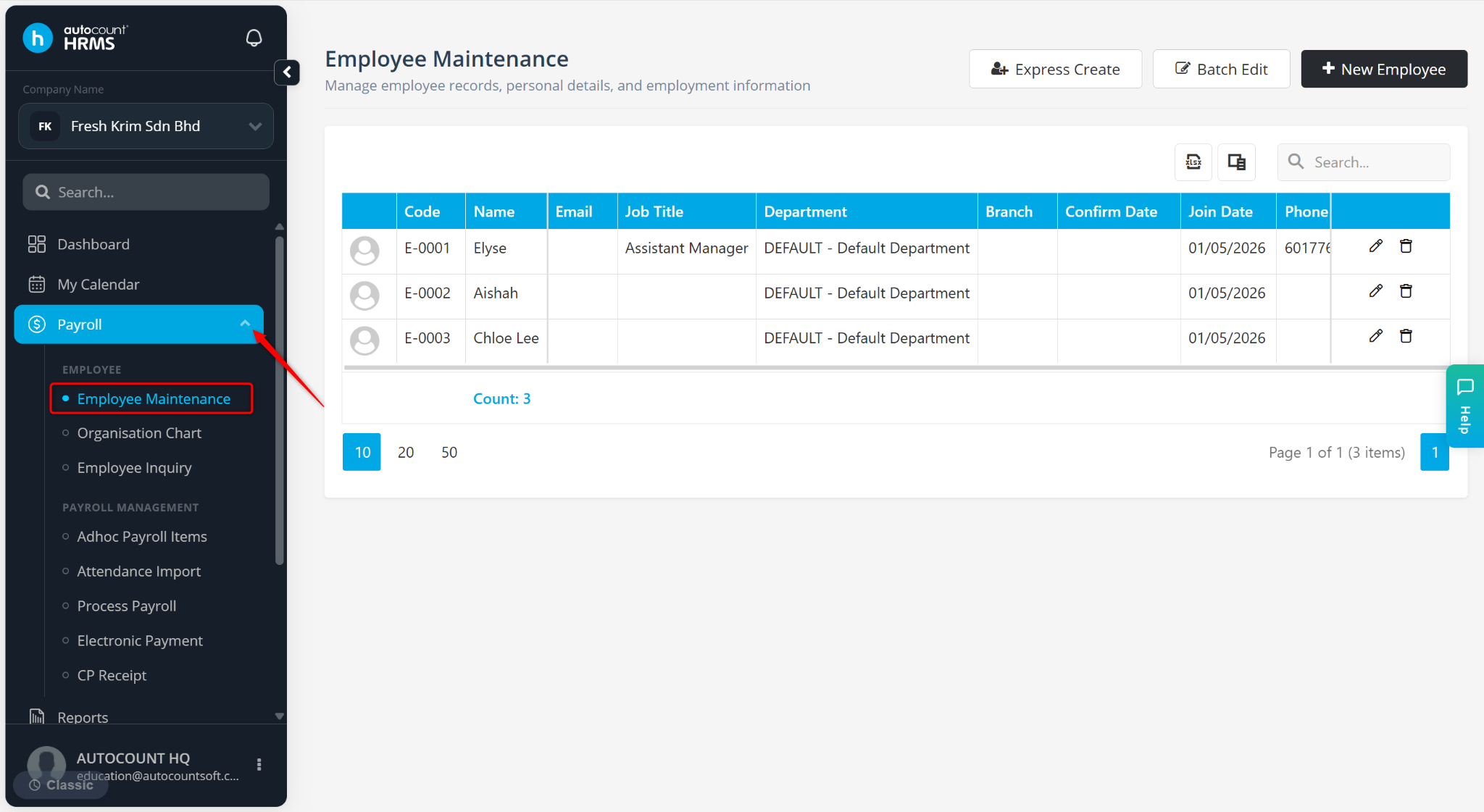
Go to Payroll > Employee Maintenance.
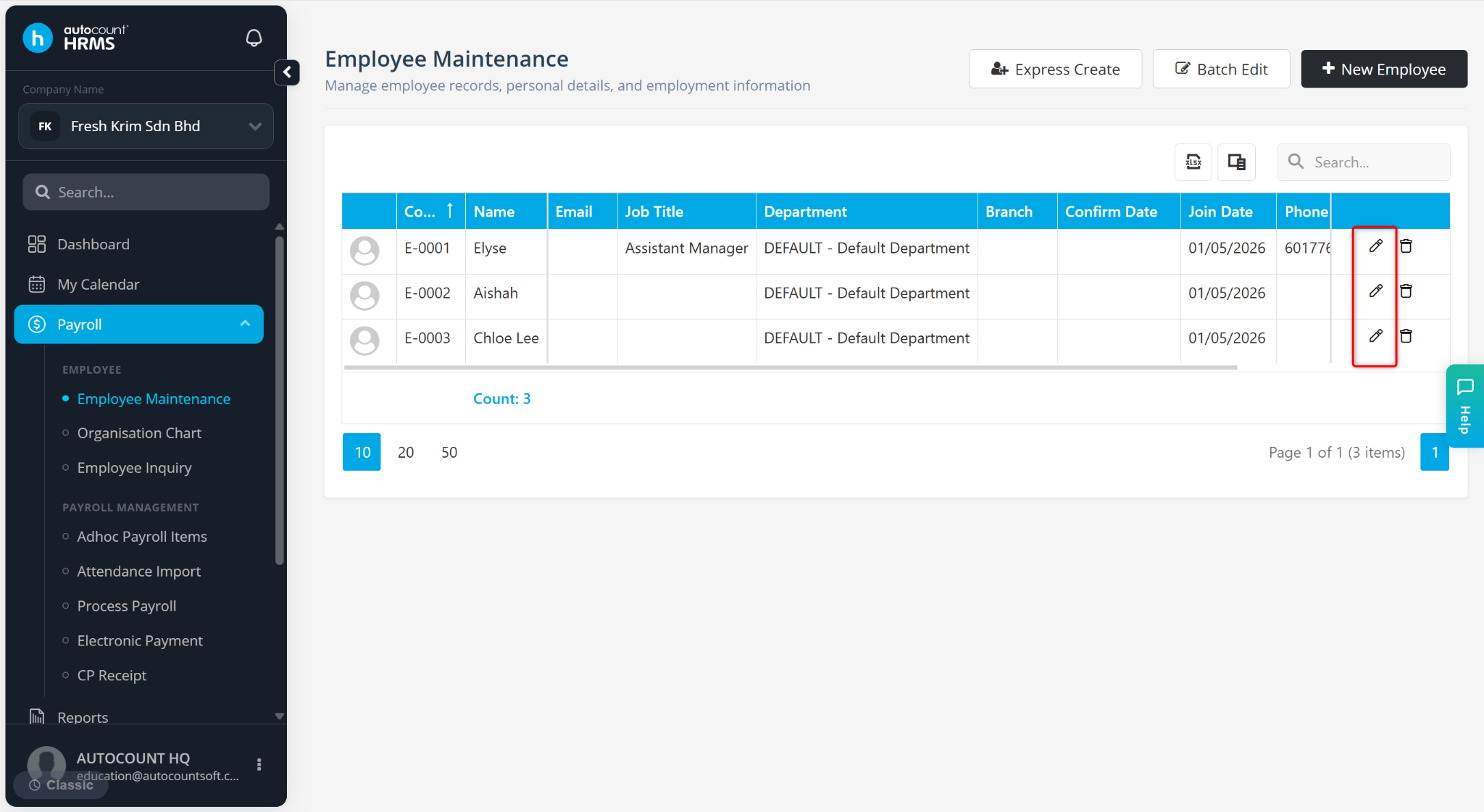
Click on the pencil icon next to the employee’s name.
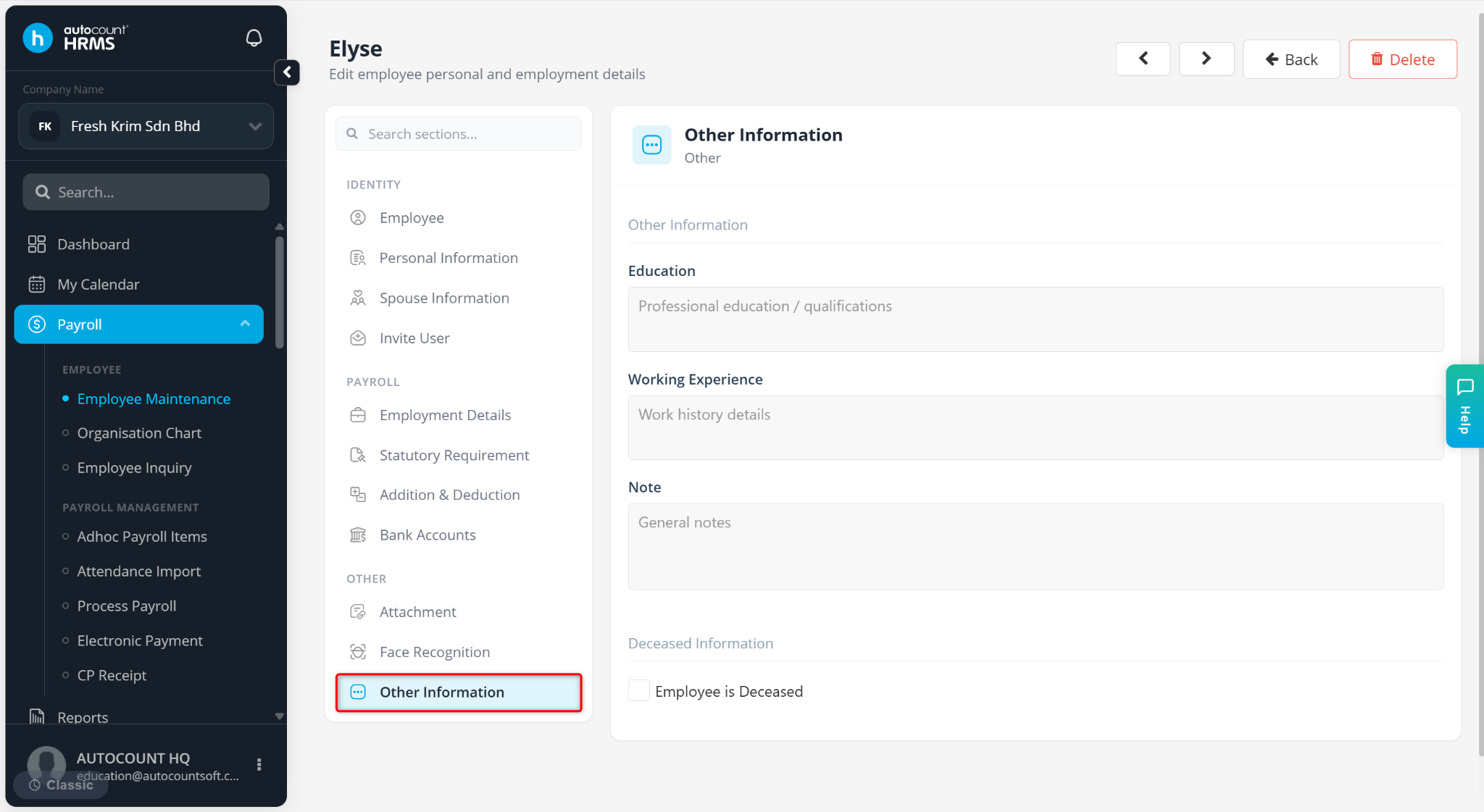
Go to the Other Information tab.
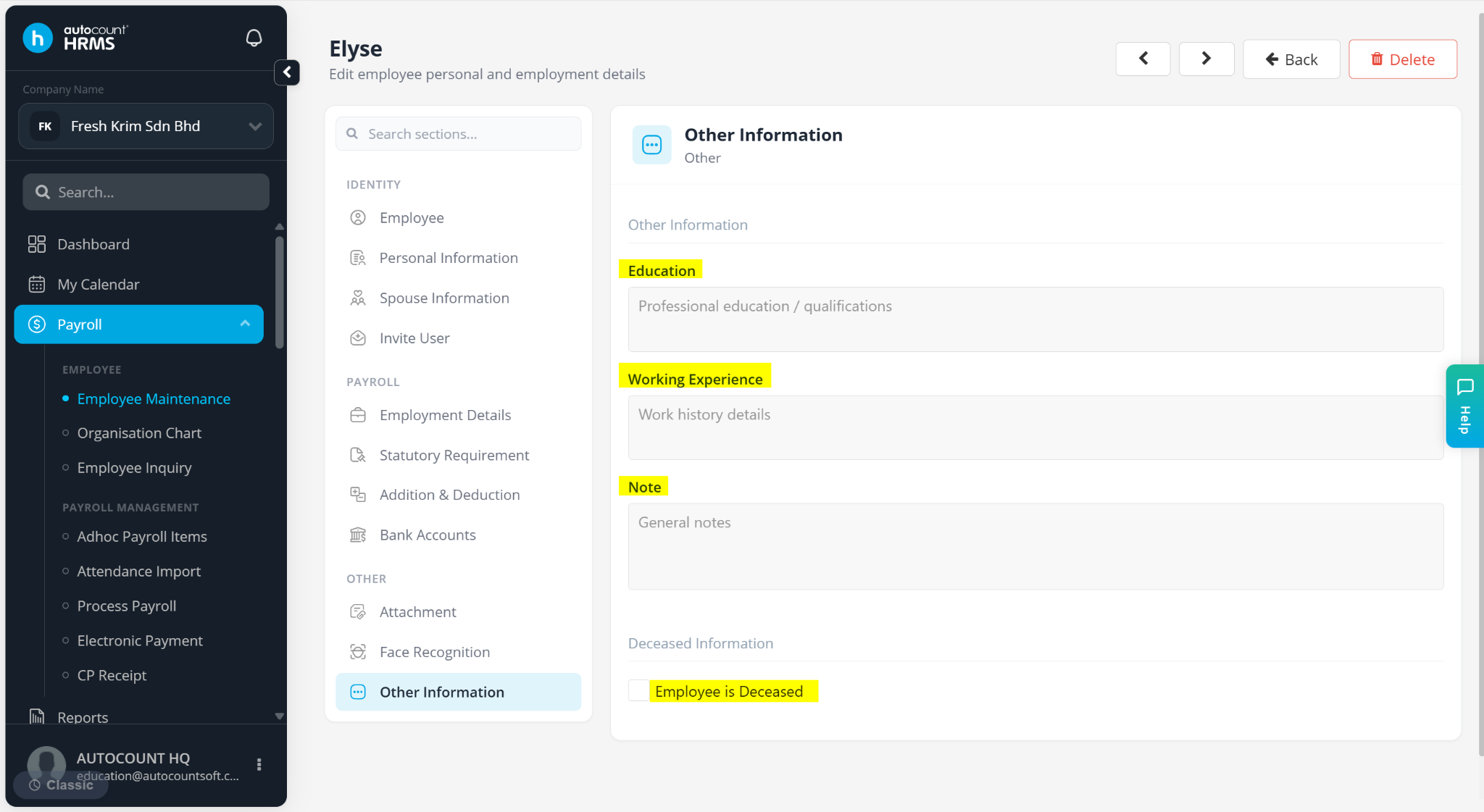
Enter the available fields:
Education – Enter the employee’s education background (e.g., university, qualifications)
Working Experience – Enter employee’s previous employment history (e.g., companies worked for).
Note – Add any additional remark of the employee.
Employee is Deceased – Check this option only if the employee passed away. This will stop further payroll processes.
Click Save changes to apply and store the updates.