The Attendance Map allows admin users to view employees’ clocking locations based on their attendance records. It helps verify where employees clock in and clock out using geolocation data.
Steps to View Attendance Map:
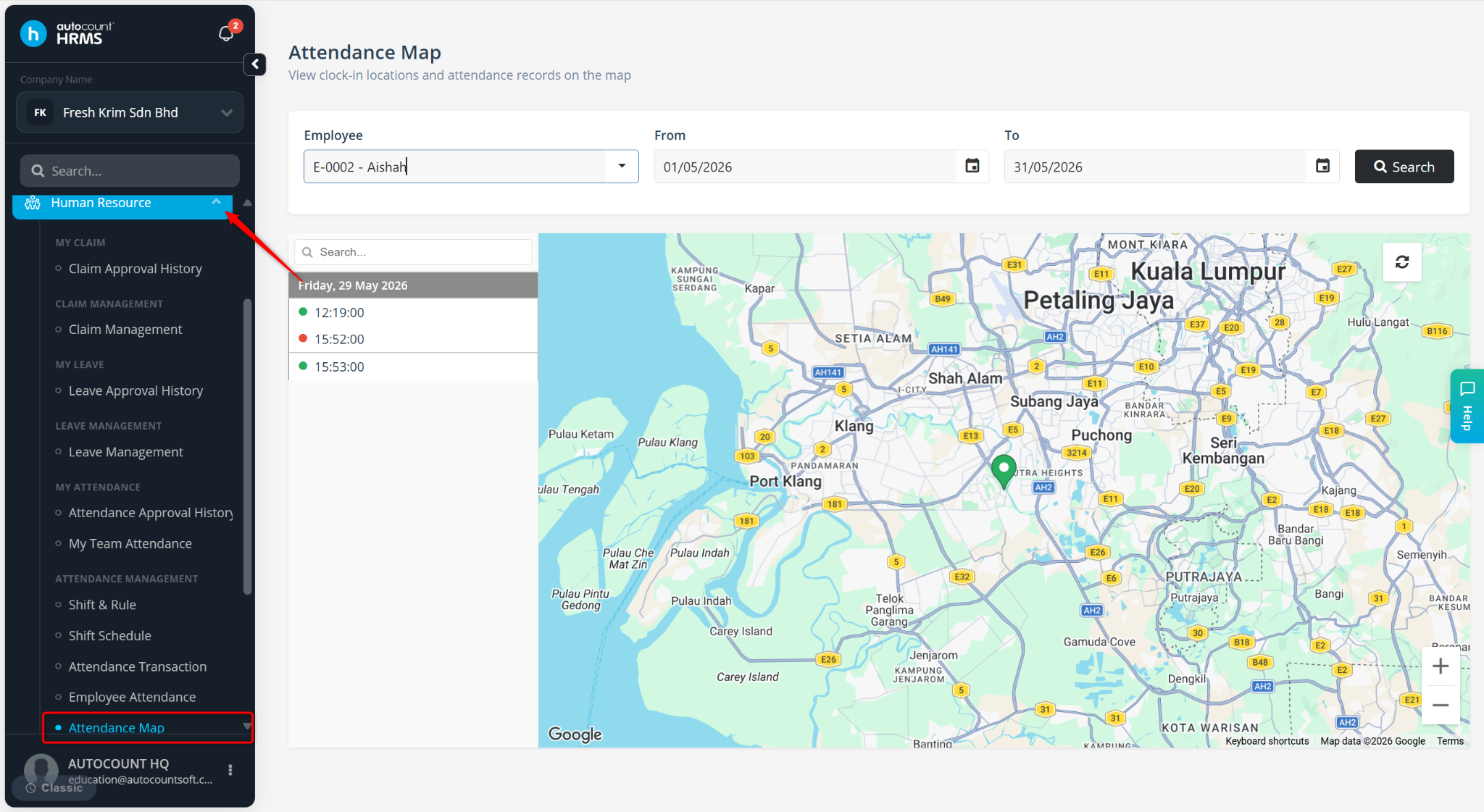
Go to Human Resources > Attendance Map.
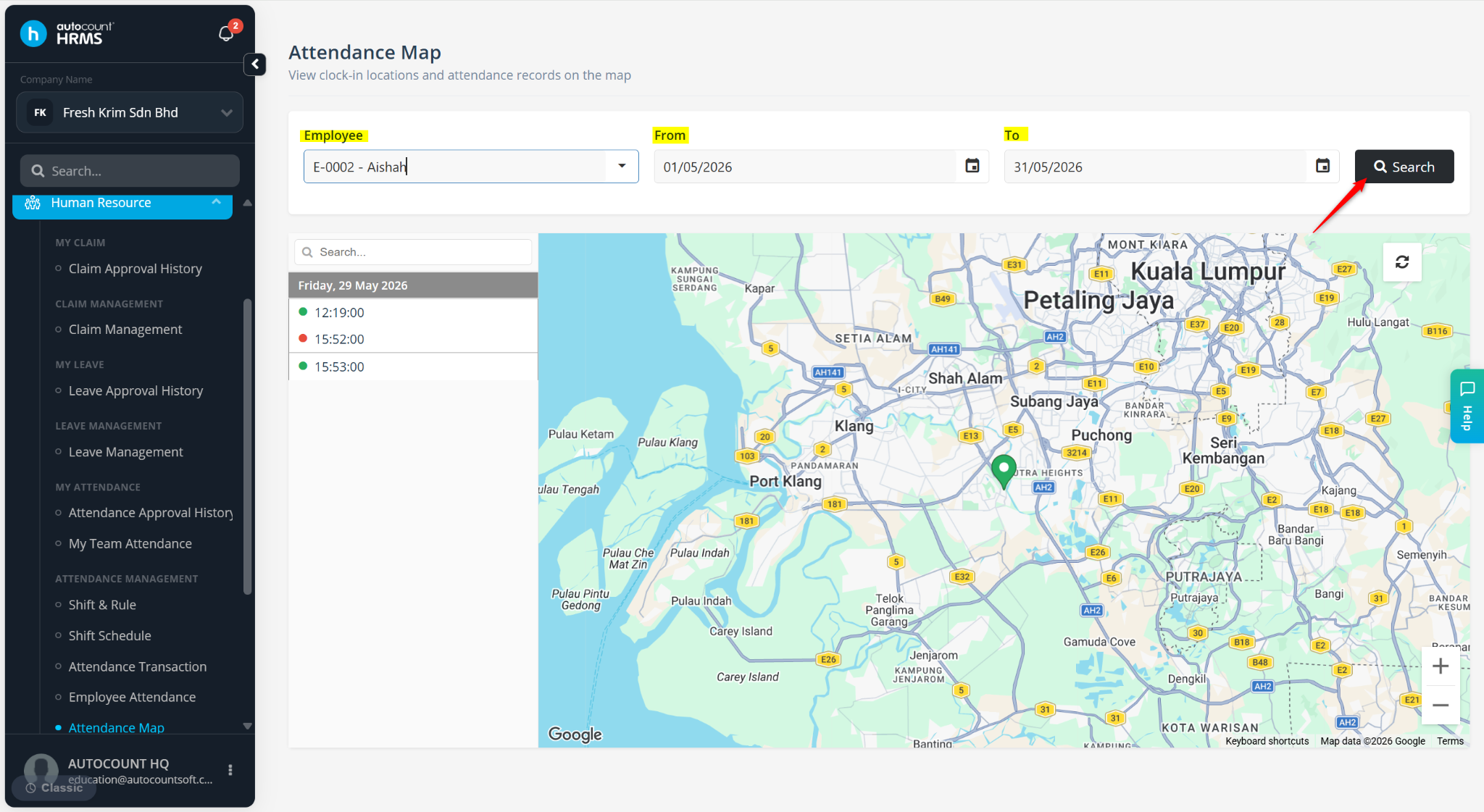
Select the employee and filter by the From and To date range of the attendance transaction.
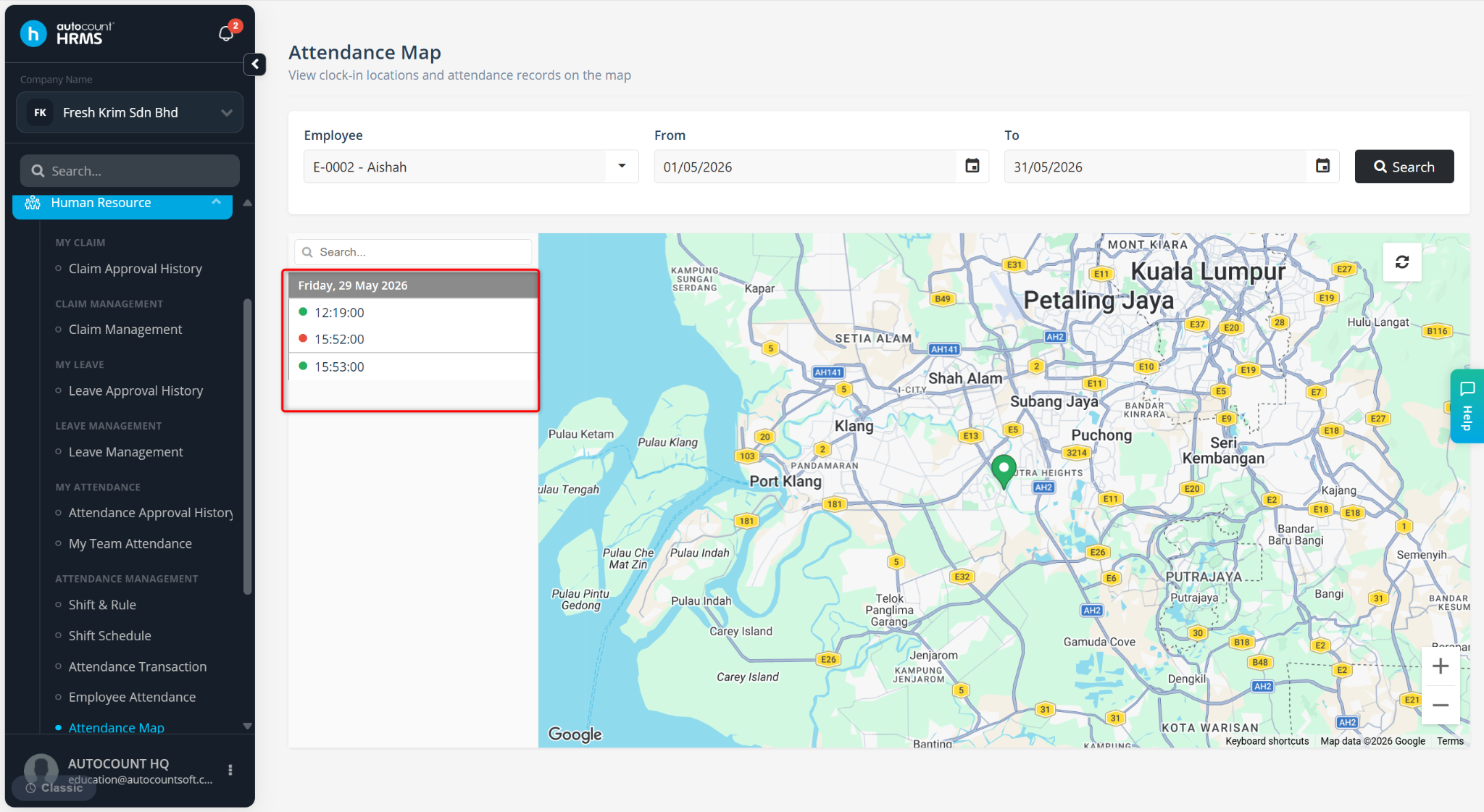
The attendance timeline will be displayed on the left panel showing clock-in and clock-out records.
Red Dot – Clock Out
Green Dot – Clock in
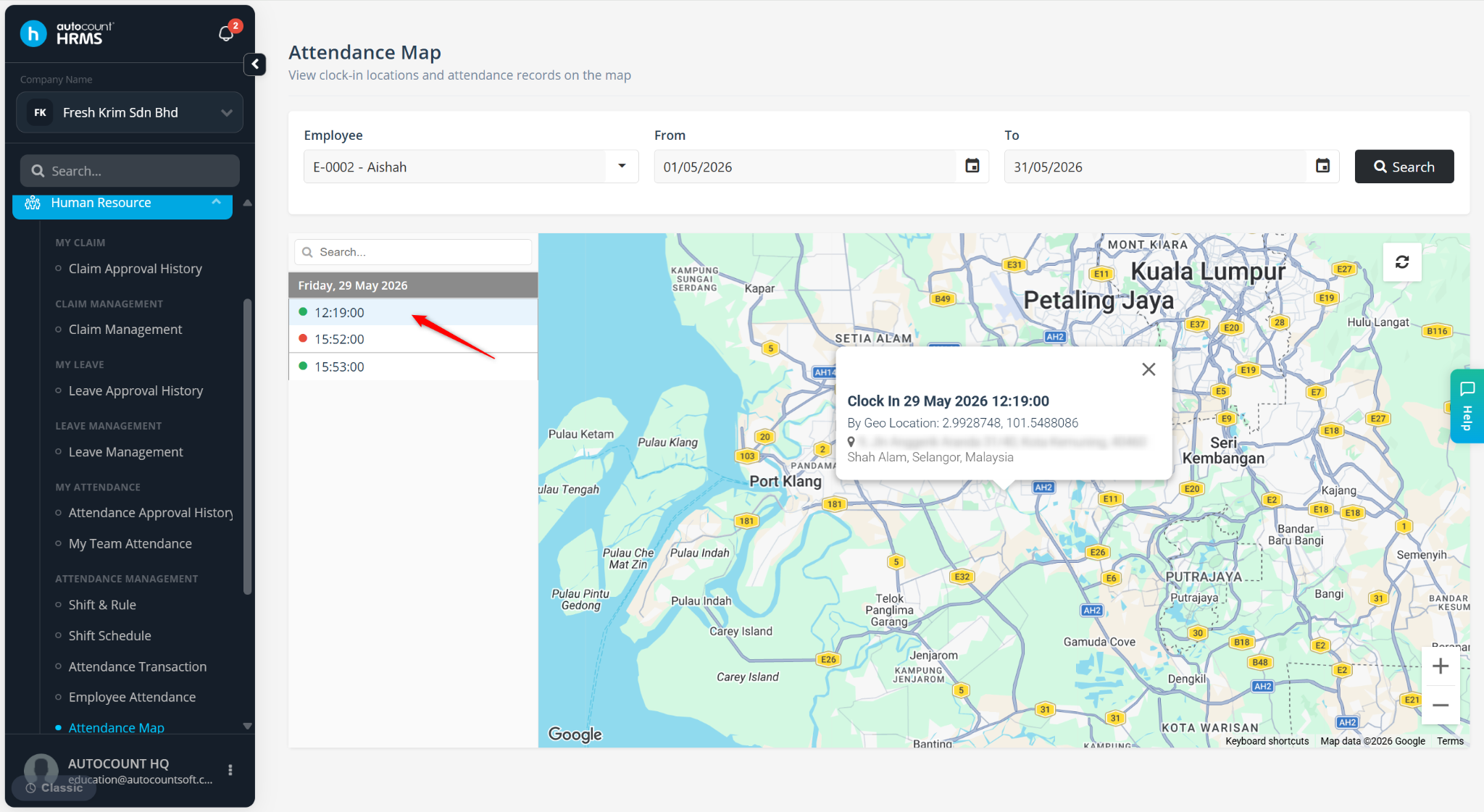
Click on the map points (dots) to view additional information, including clocking notes and clocking coordinates (location data).