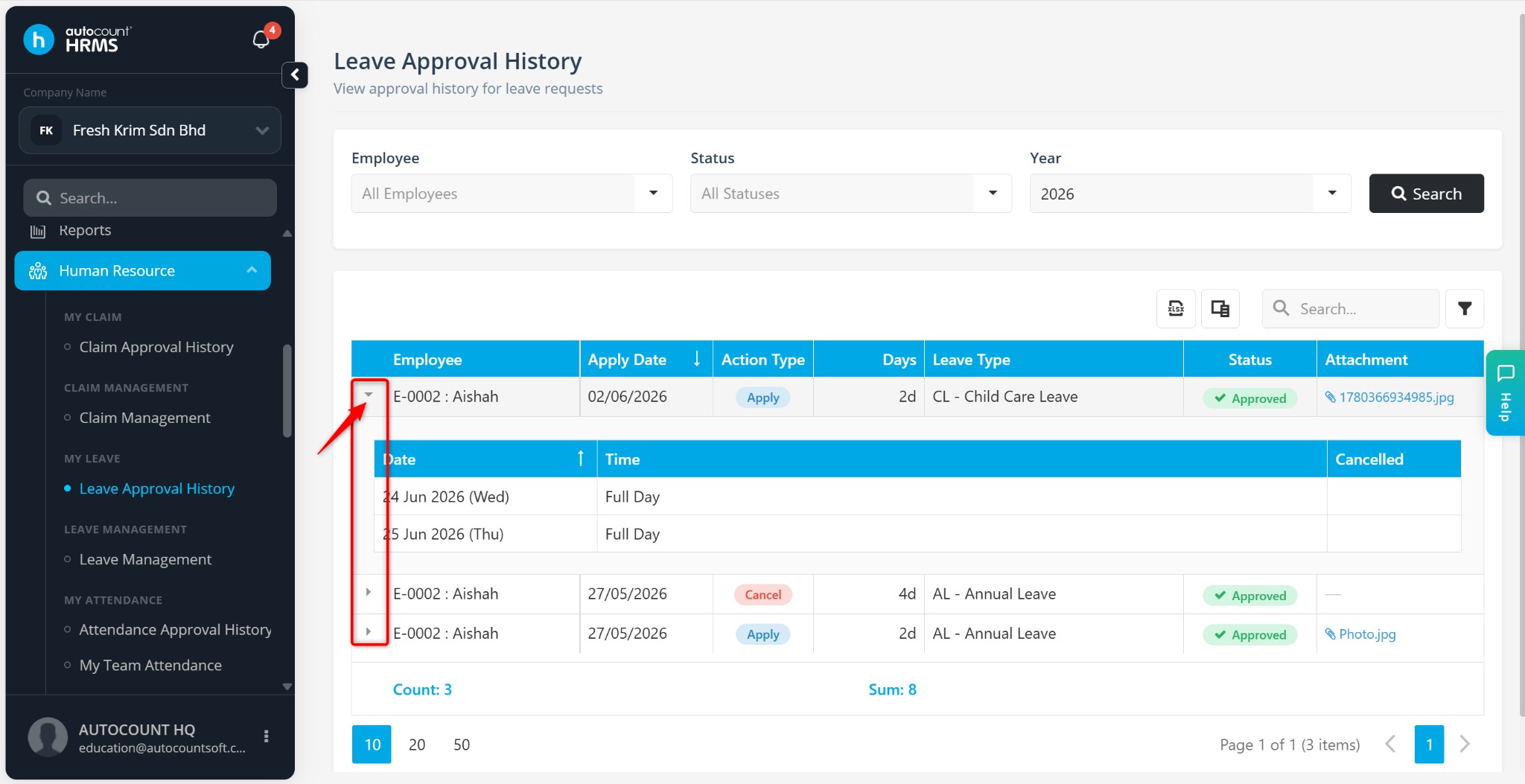
The Leave Approval History feature allows users to review the approval history of claim applications. This helps administrators and HR personnel track approval actions, review approver decisions, and maintain an audit trail of claim requests.
Steps to View Approval History:
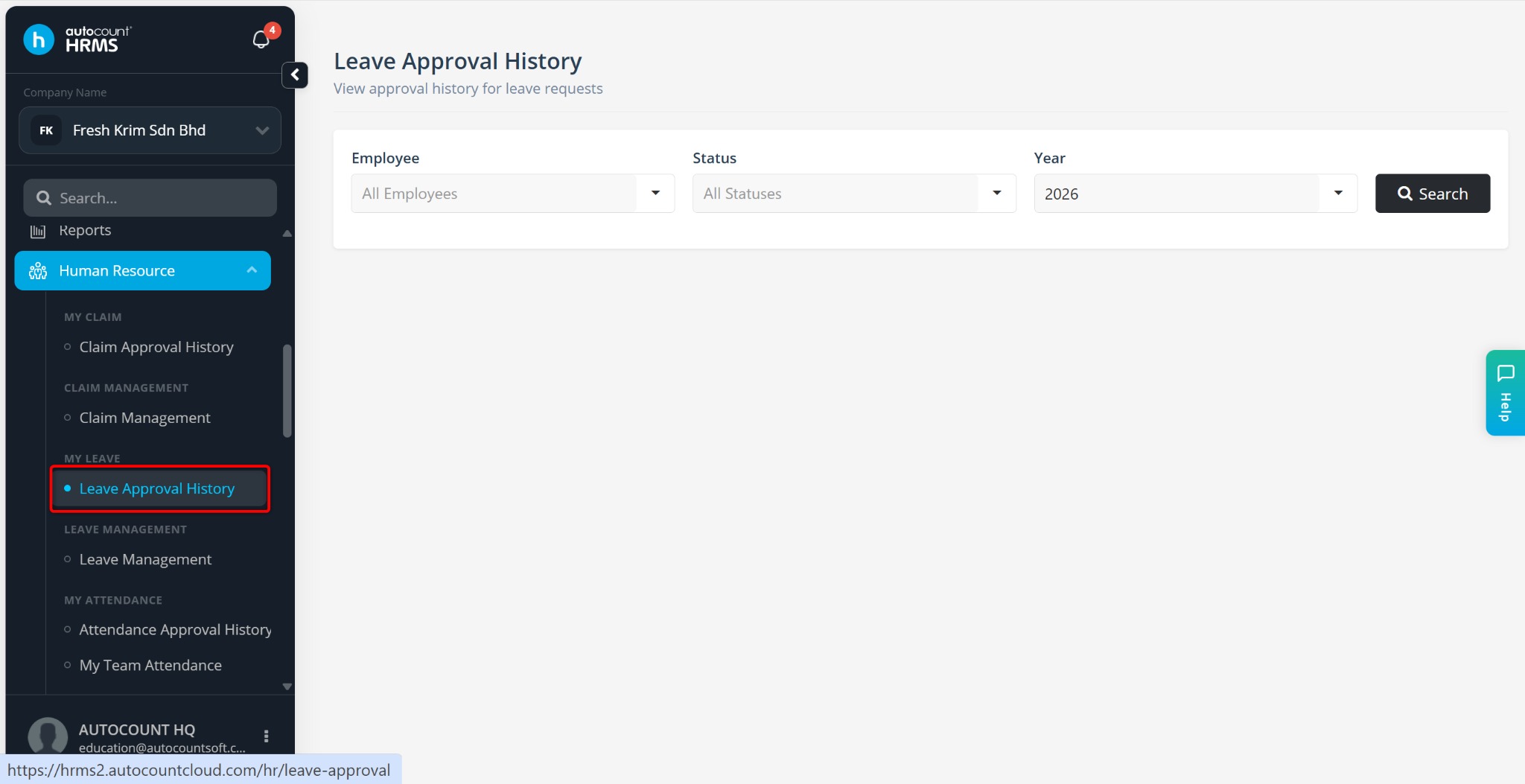
Go to Human Resources > Leave Approval History.
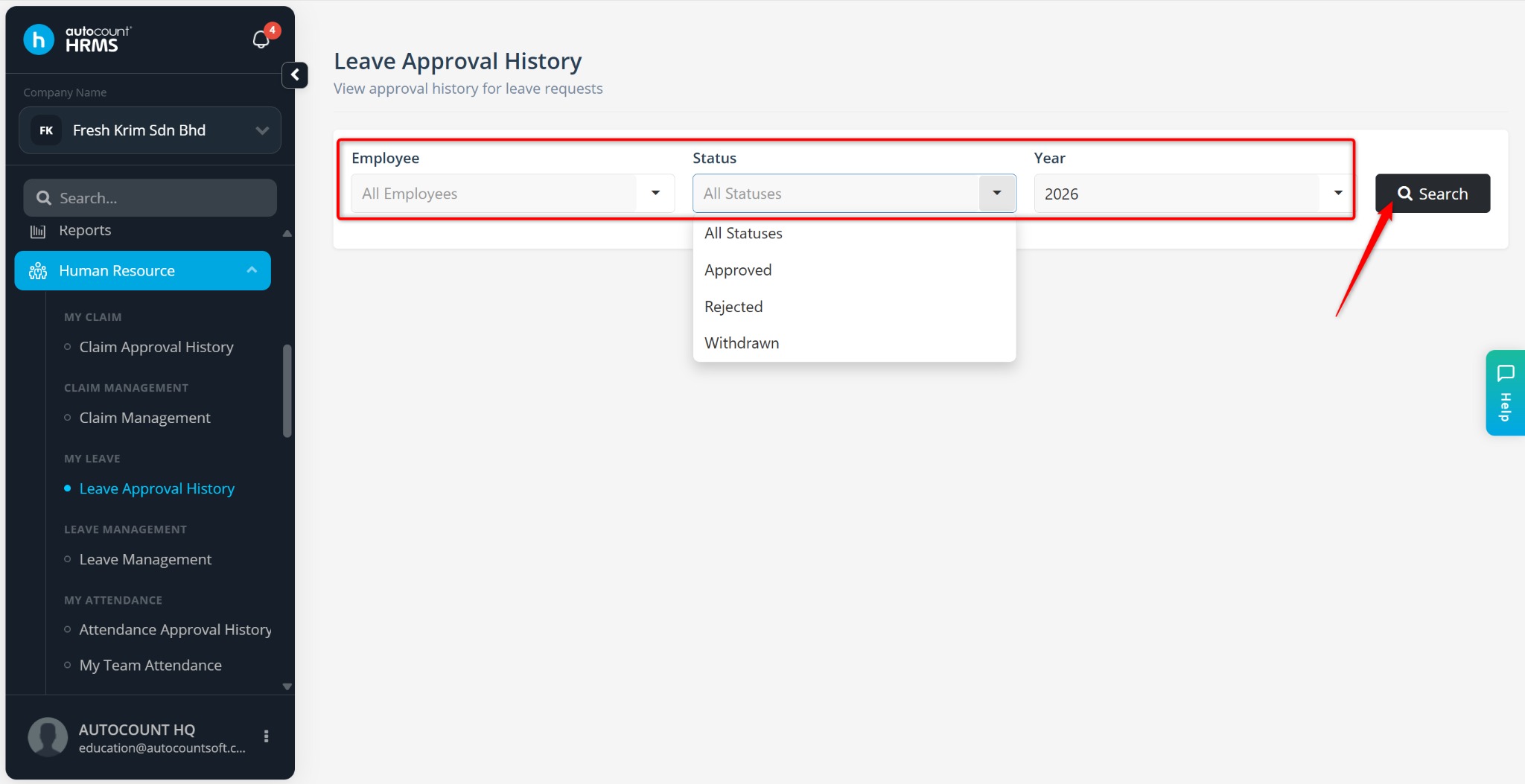
Define the filters if required:
Employee
Status
Year
ℹ️ Note: Leave the filters blank to view approval history for all employees and claim types.
Click Search to load the records.
Locate the leave request you wish to review.
The claim approval history will be displayed accordingly.