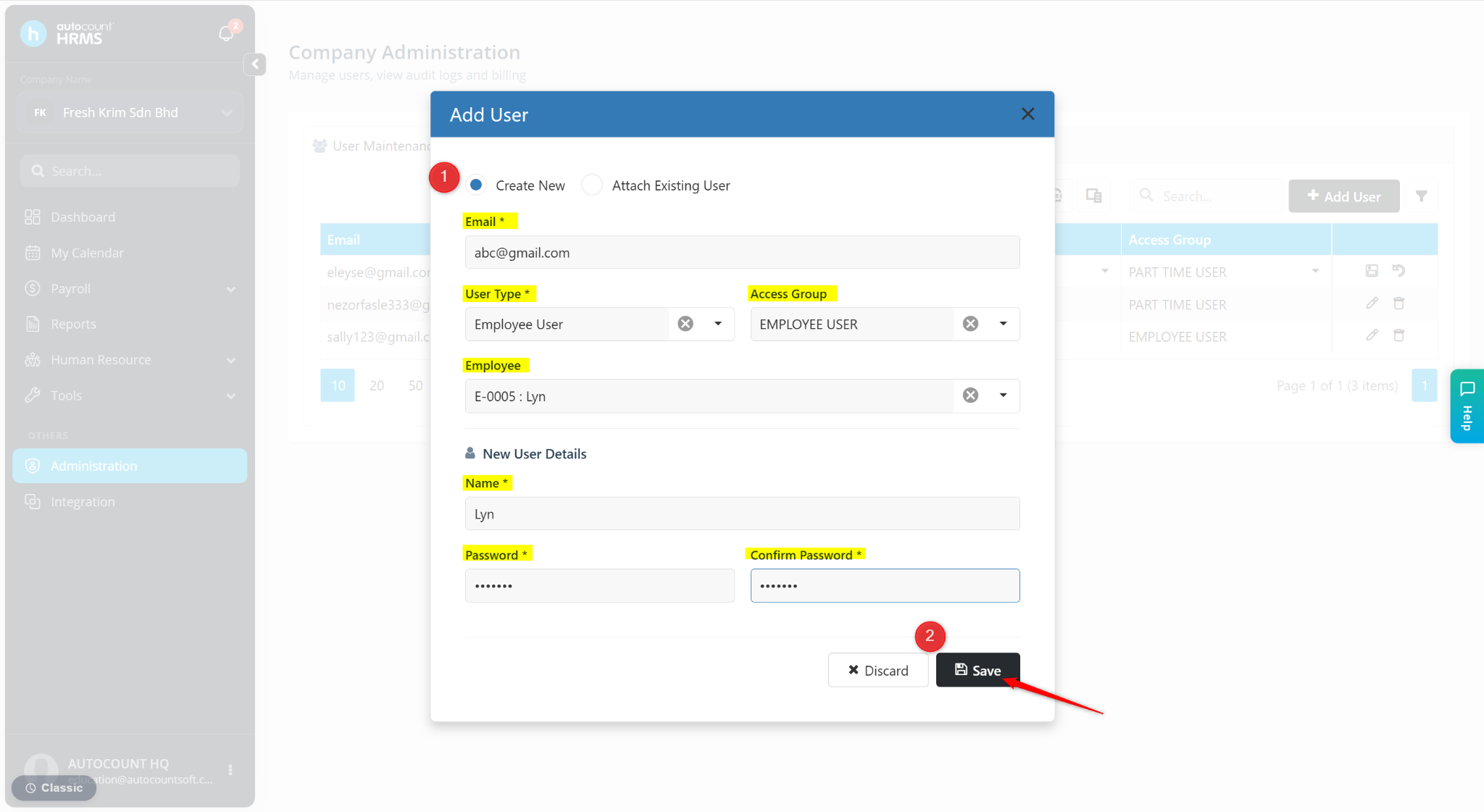
Users can be invited in Administration by the Subscriber to grant access to the HRMS system as an employee or payroll user.
Steps to Invite a New User:
Go to Administration.
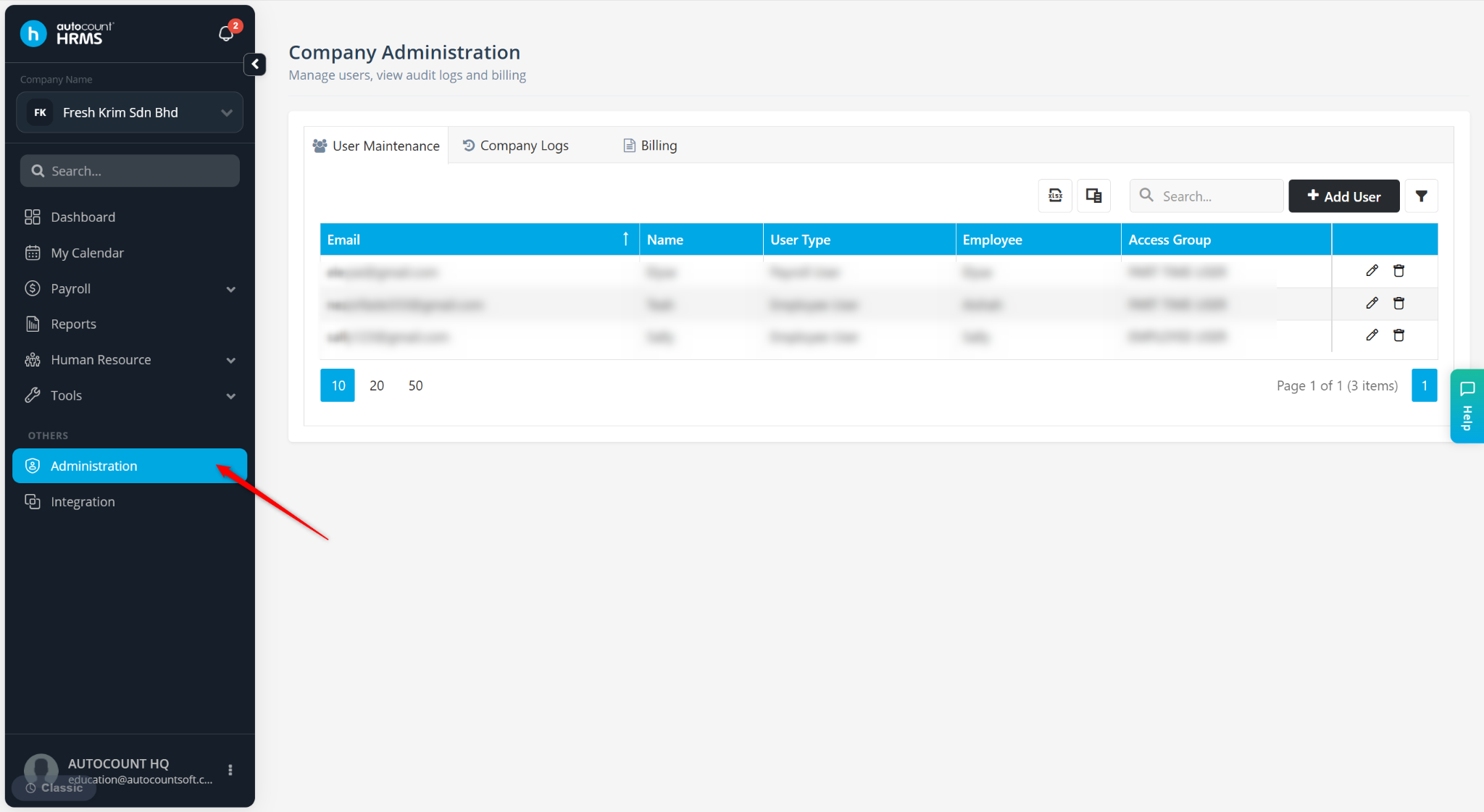
Go to User Maintenance.
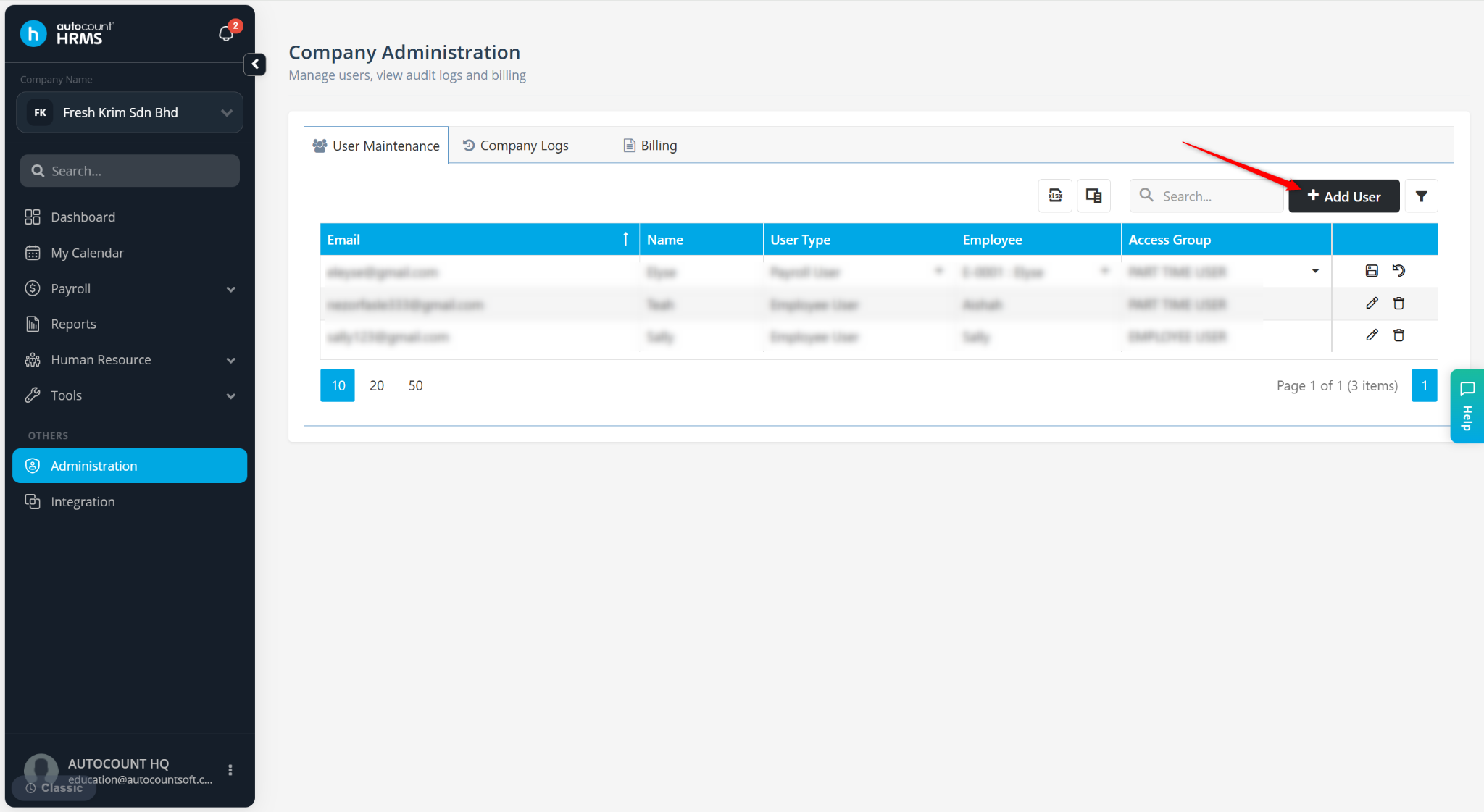
Click + Add User.
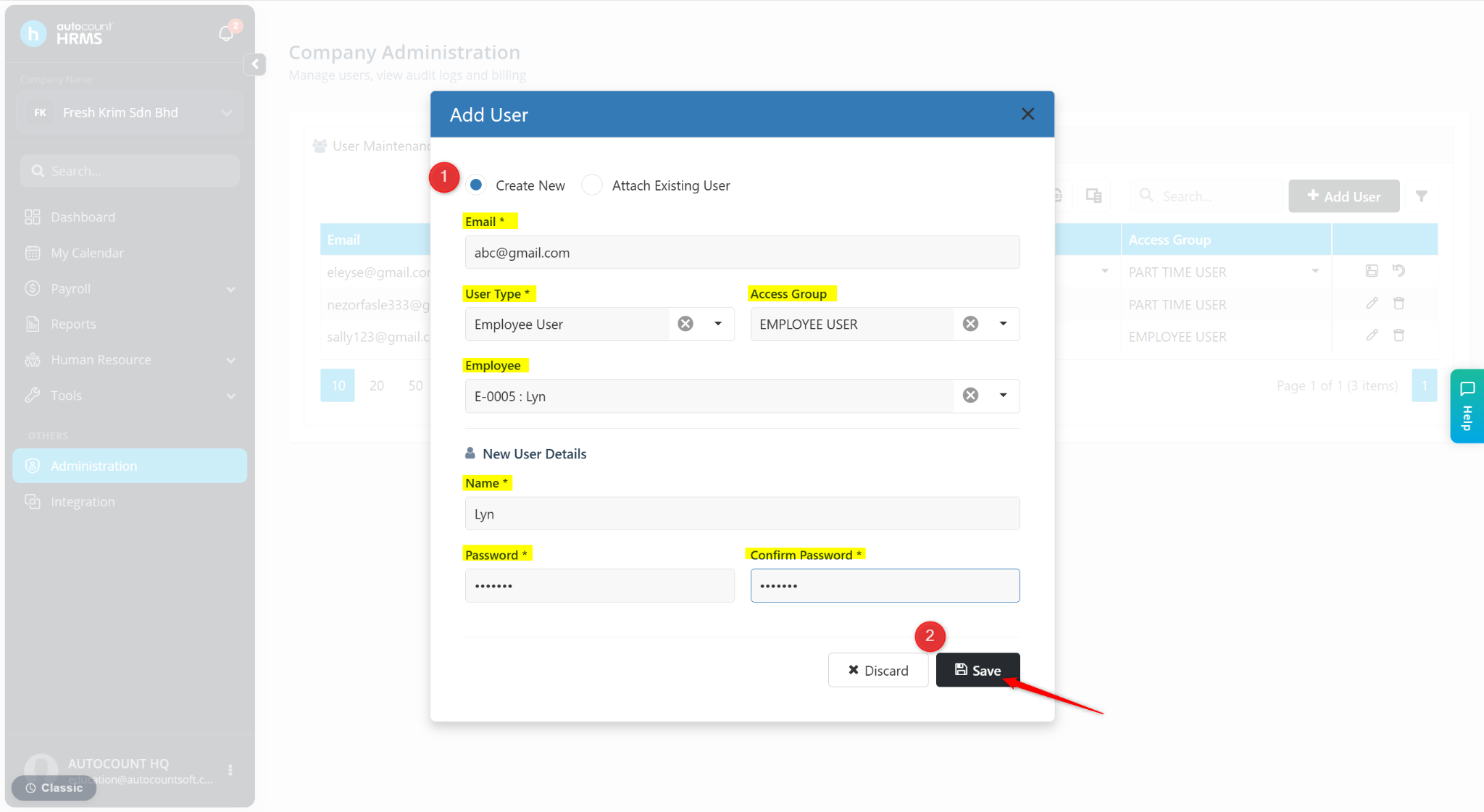
Choose one of the following options:
Create New – Select if the email has not been registered in the AutoCount Cloud Portal.
Attach Existing User – Select if the email is already registered in the AutoCount Cloud Portal and needs to be linked to this company.
Enter the user details:
Email – Enter the user’s email address
User Type – Select:
Employee User
Payroll User
Access Group – Select the appropriate access group.
Employee – Link the user to an employee record.
Name – Required only for Create New.
Password – Required only for Create New.
Confirm Password – Required only for Create New.
Click Save.
After Invitation is sent, new users will receive a confirmation email and must verify before logging in. Existing users will receive an invitation to join the company and can log in using their existing AutoCount credentials.