The Remark feature allows users to add employee-specific notes during payroll processing. These remarks can be used to display payroll-related messages, explanations, or other relevant information on the employee's payslip.
Steps to Maintain Employee’s Remark:
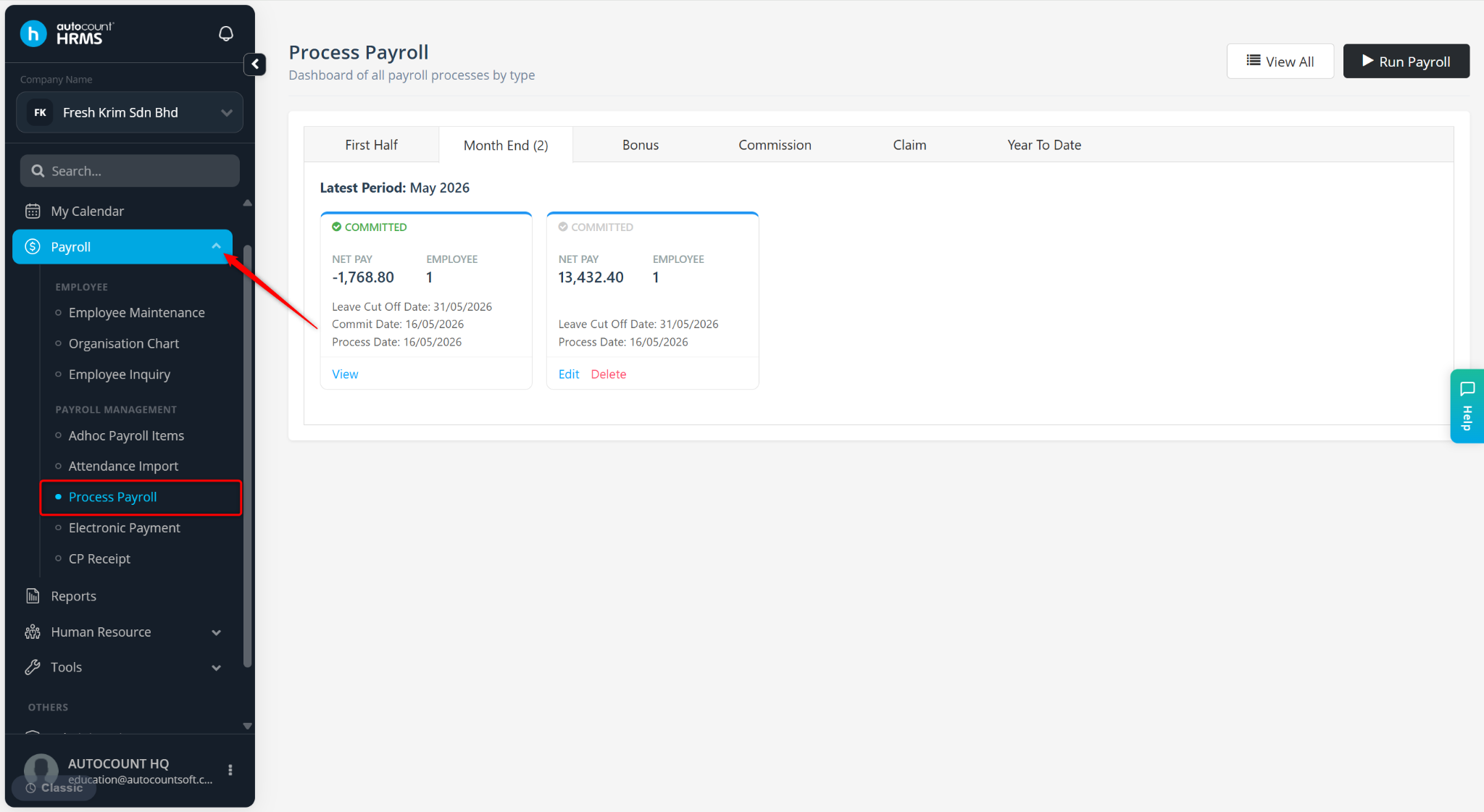
Go to Payroll > Process Payroll.
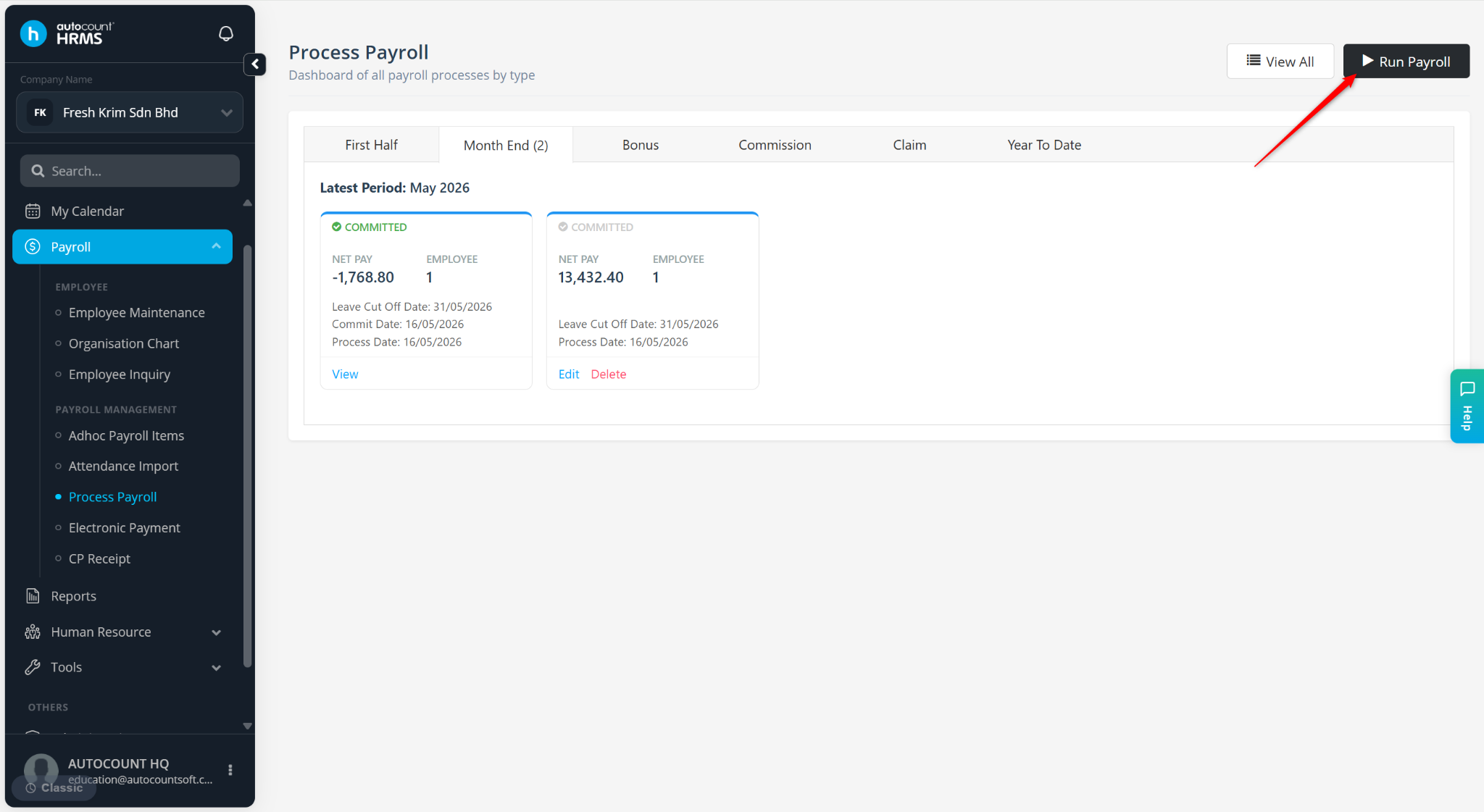
Click Run Payroll.
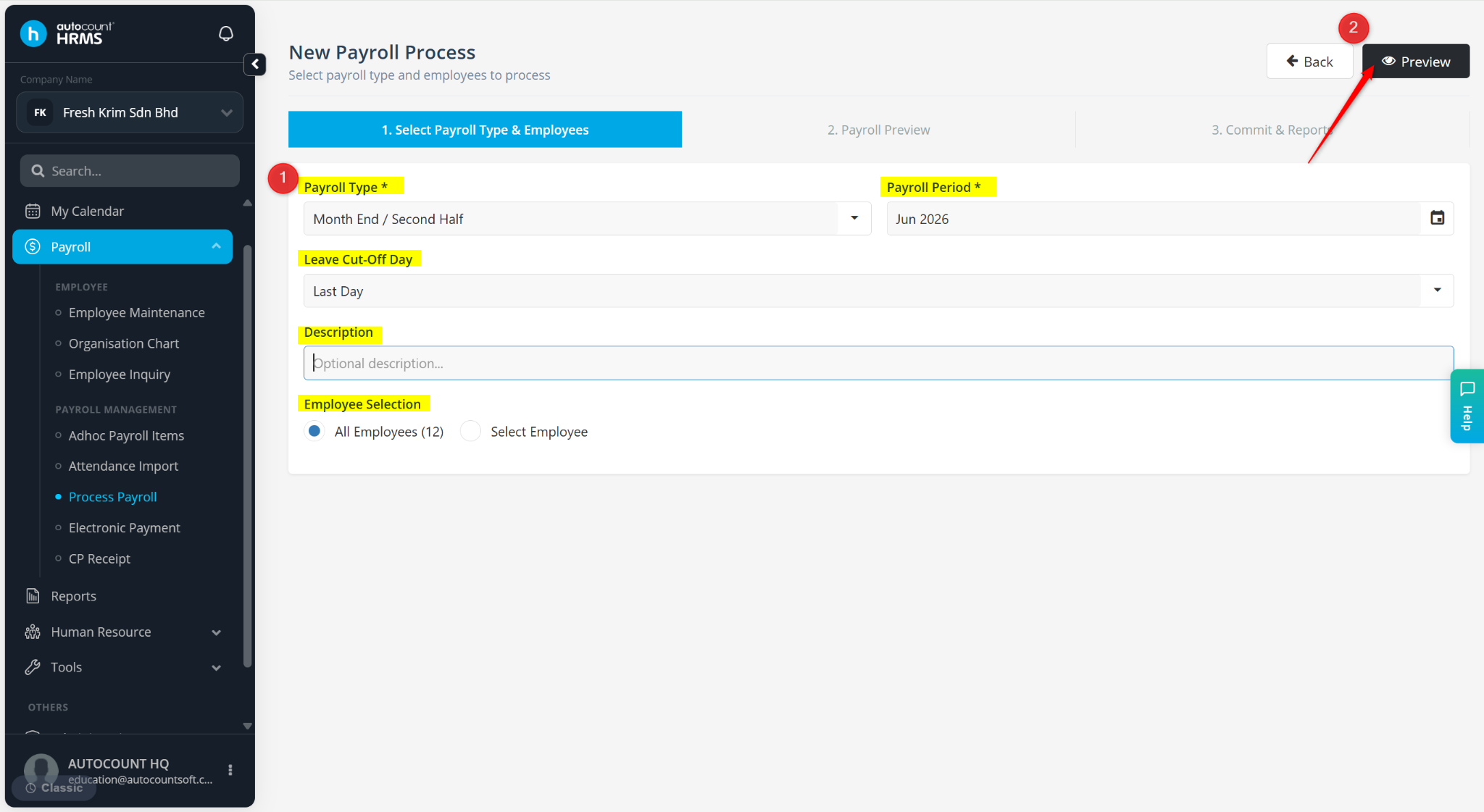
Select the Payroll Type, Payroll Period, Leave Cut-Off Day and Description (Optional).
Select the employees to be included in this payroll run.
Click Next.
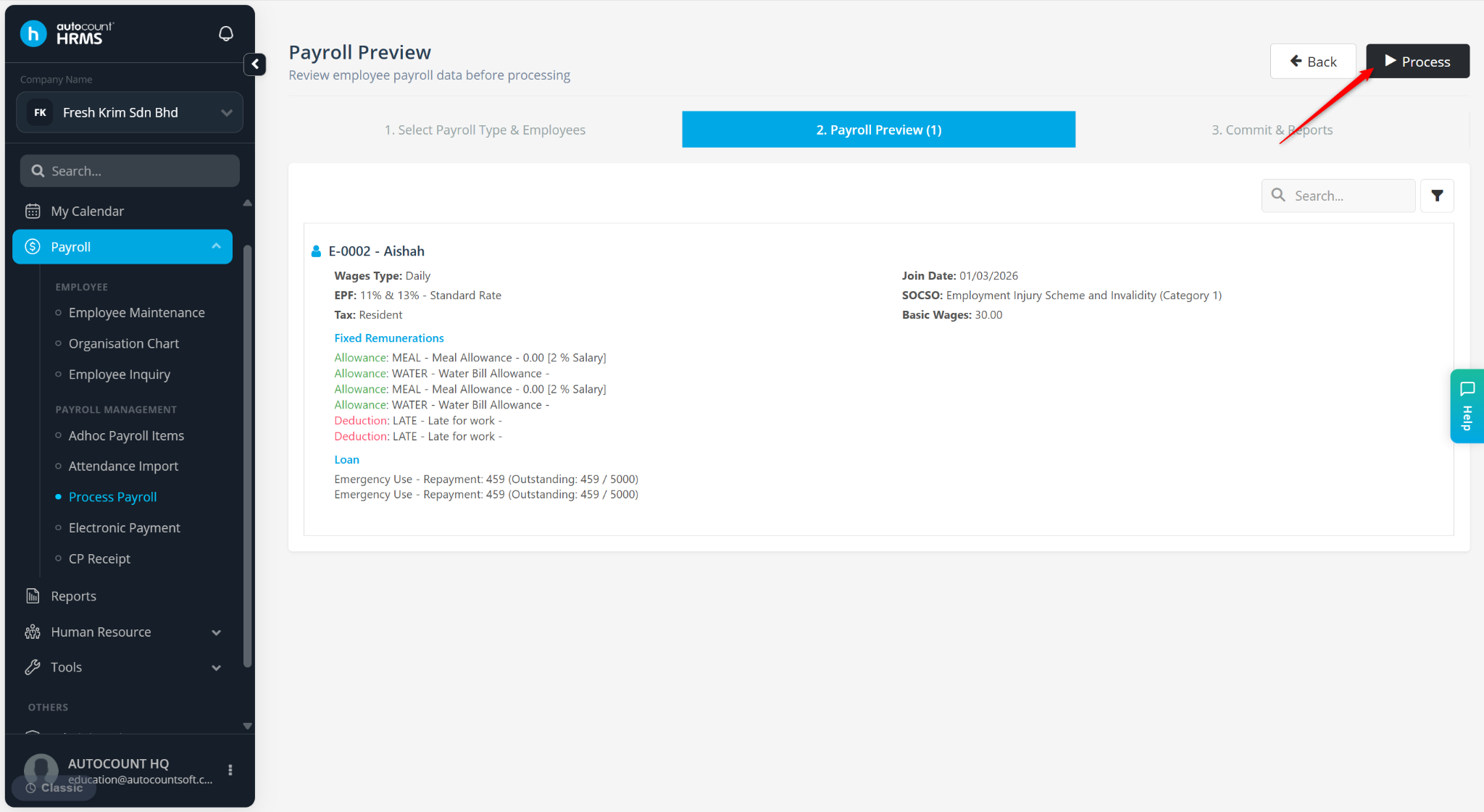
Click Preview.
Click Process.
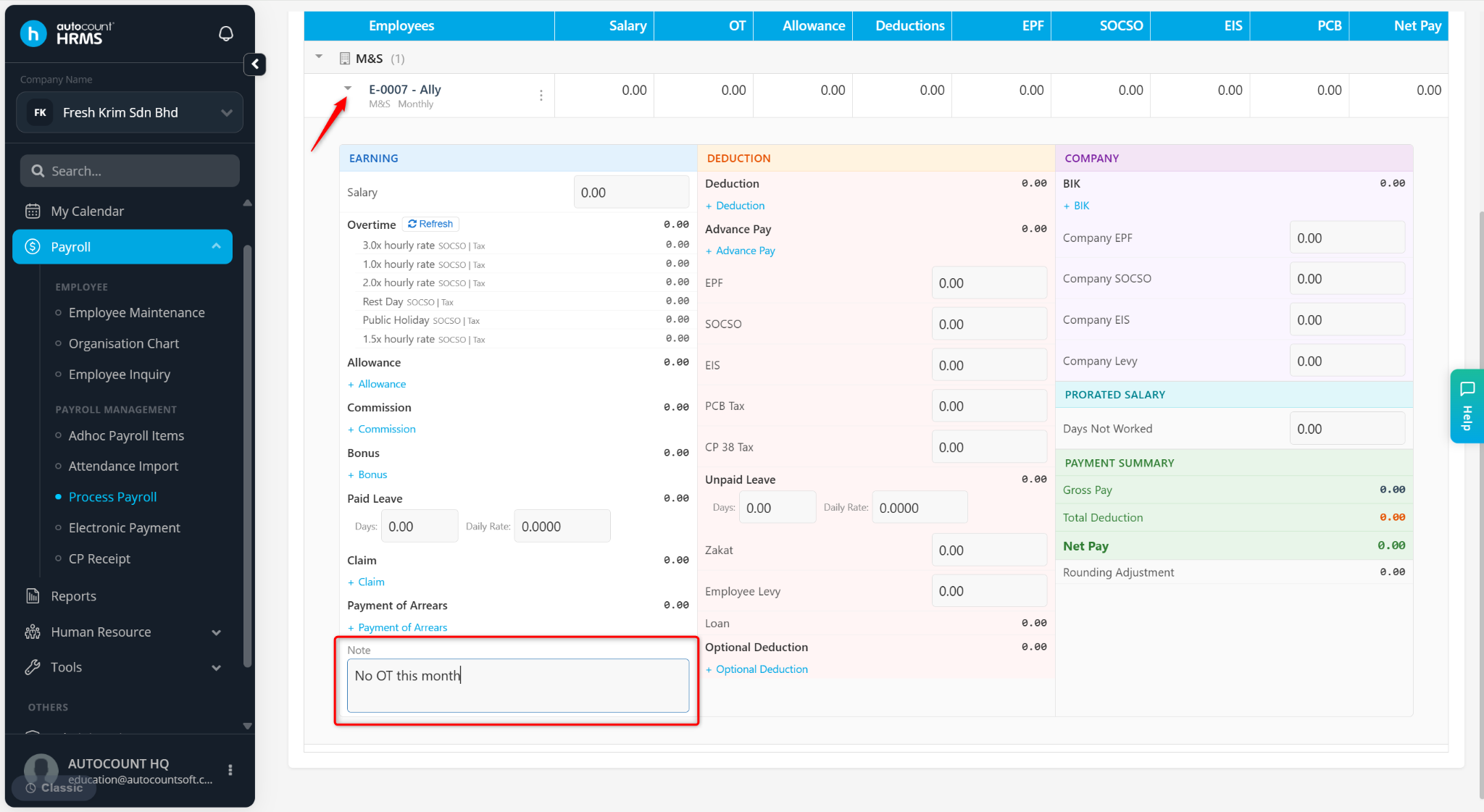
Expand the employee and enter a remark at the Note column.
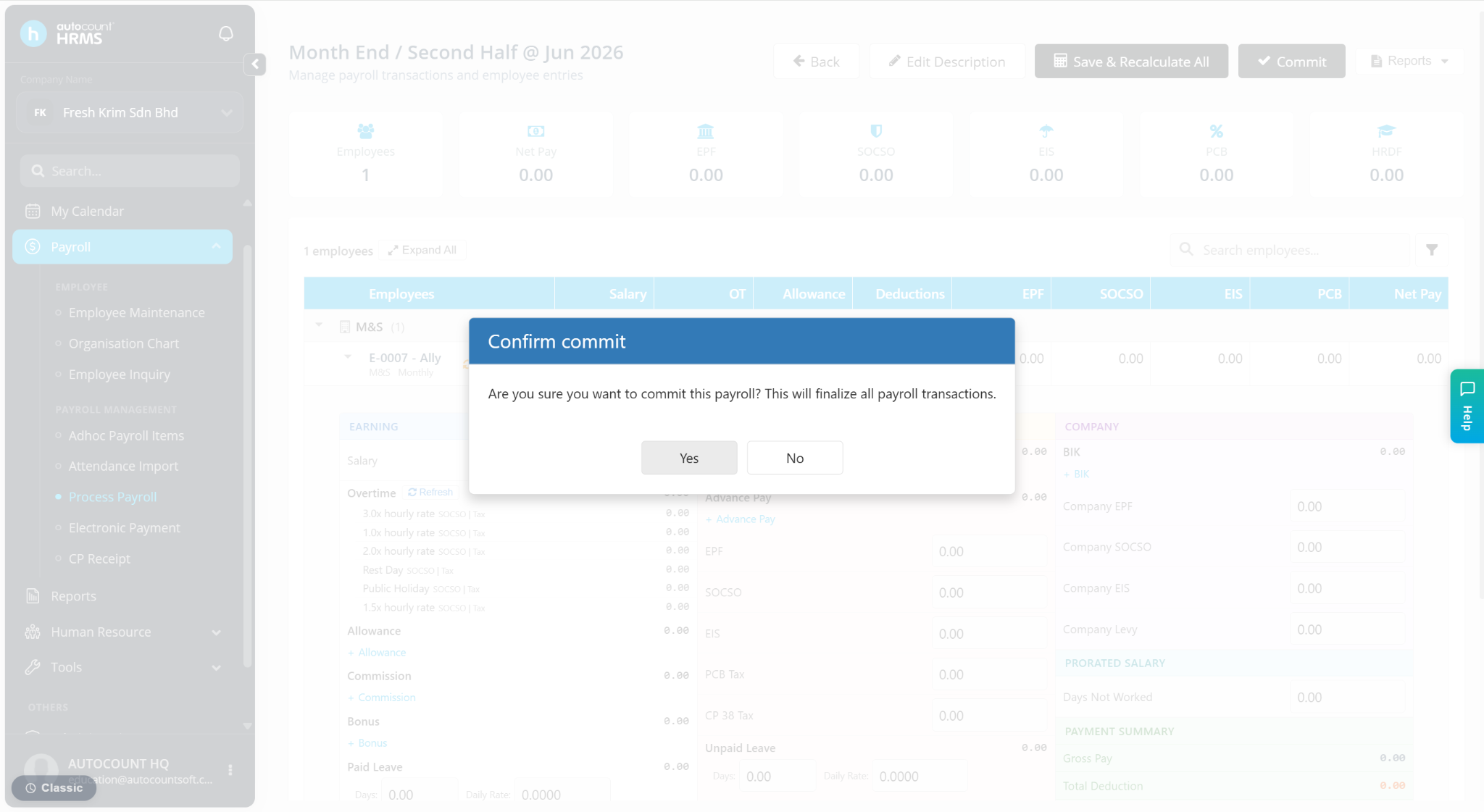
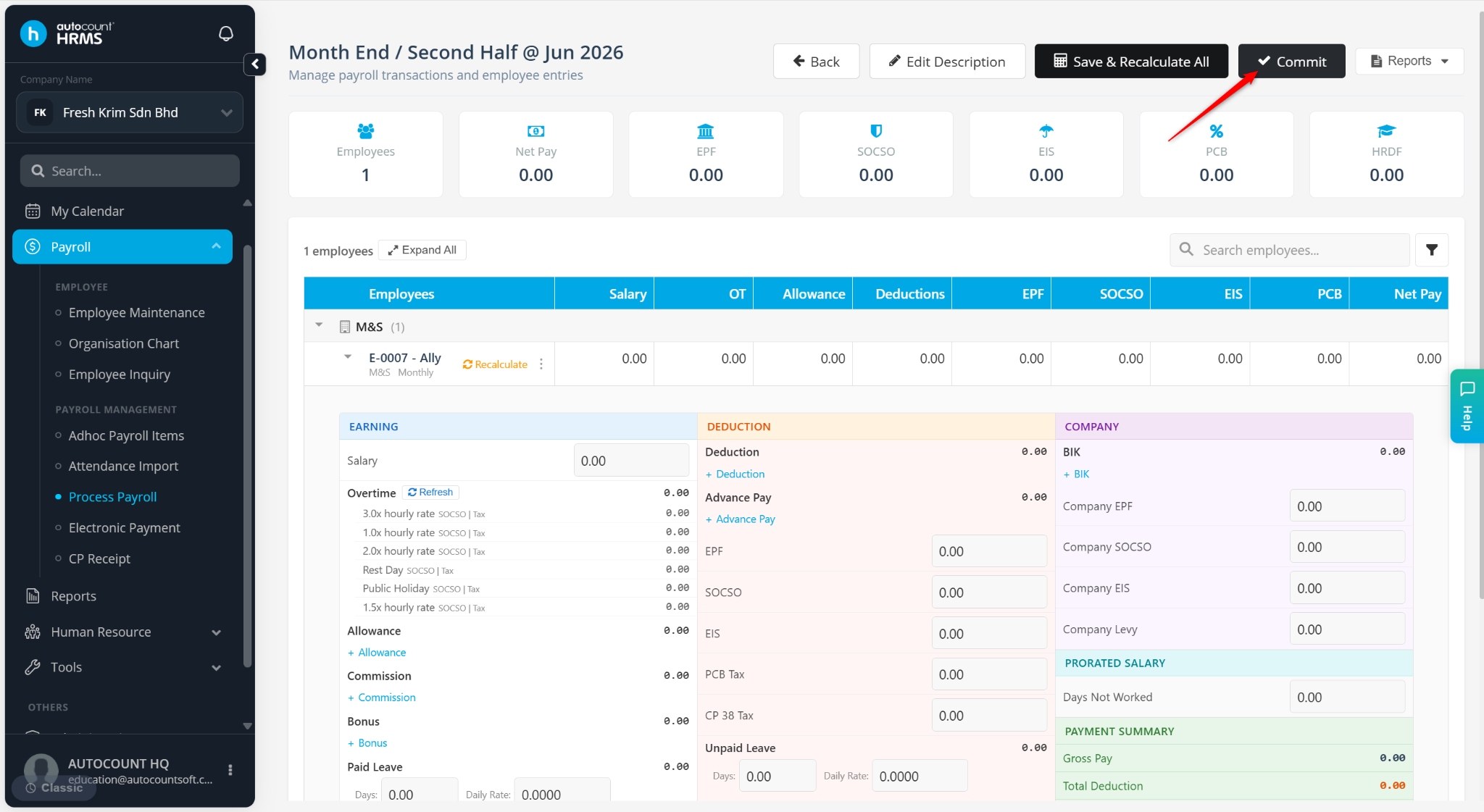
Click Commit.
Click Yes to confirm. Editing will be restricted after commit.