
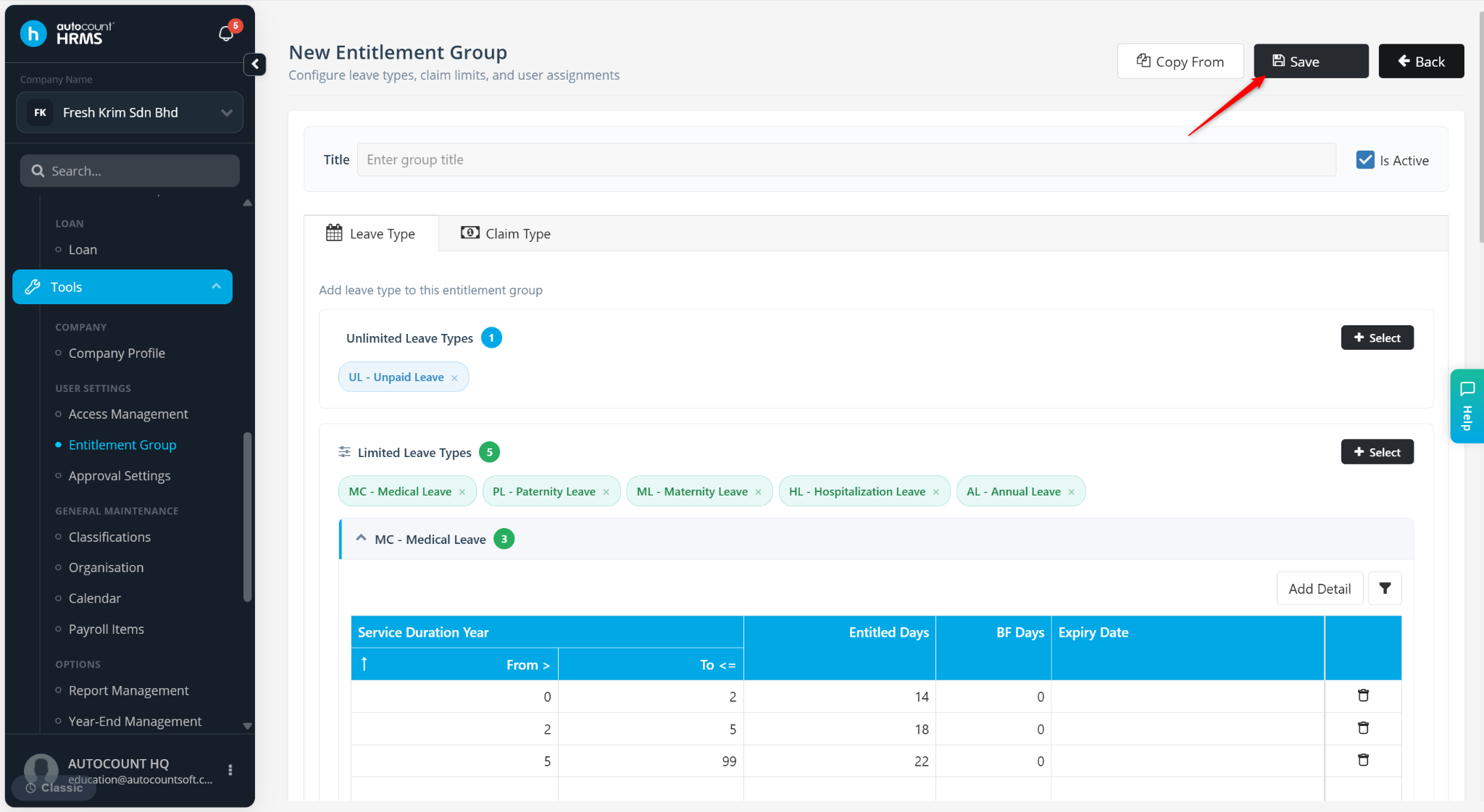
The Copy From feature allows users to create a new Entitlement Group by duplicating an existing one. This helps save time by reusing existing leave and claim entitlement settings instead of configuring a new entitlement group from scratch.
Steps to Create an Entitlement Group via Copy From:
Go to Tools > Entitlement Group.
Click Add New.
Click Copy From.
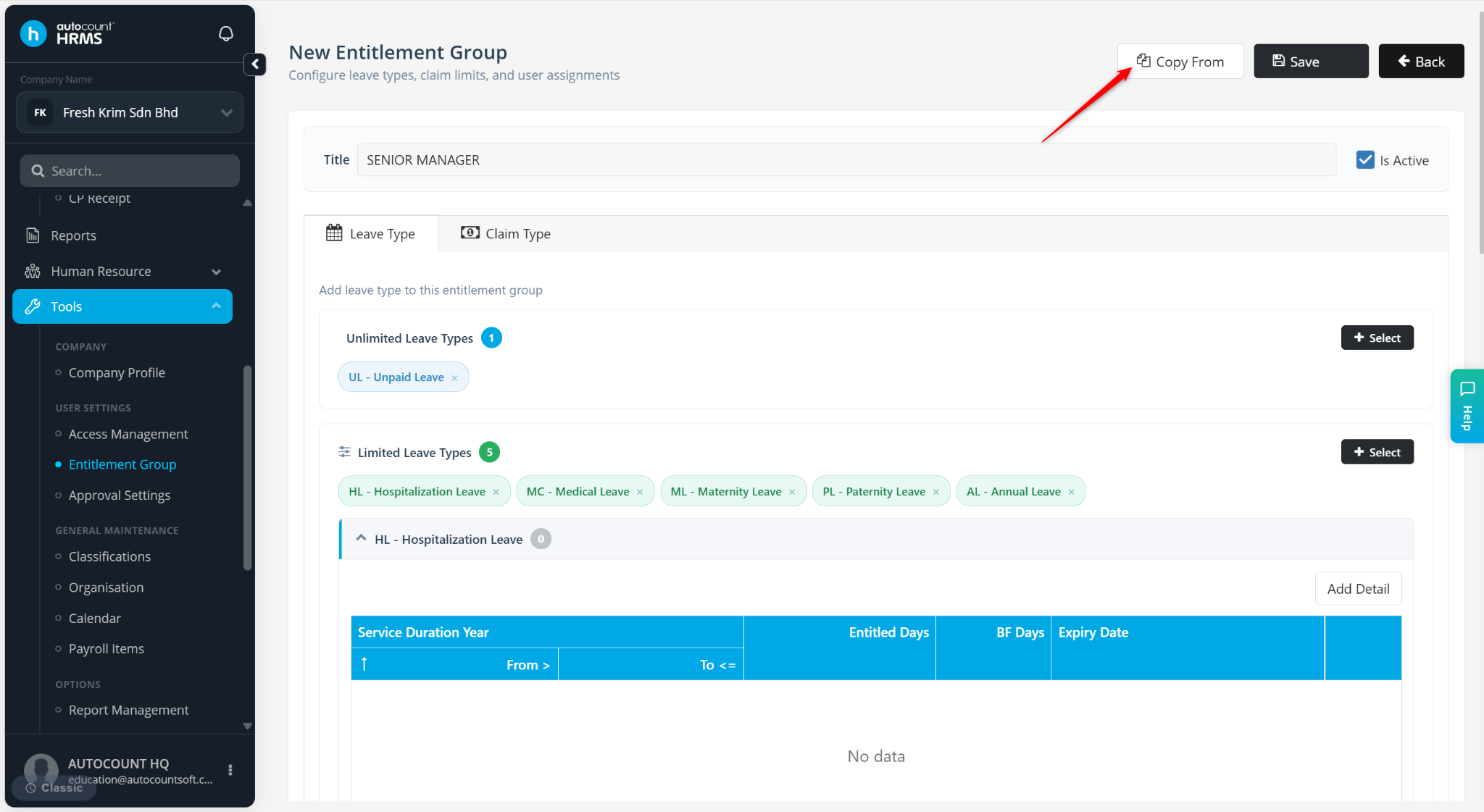
Select an existing Entitlement Group from the dropdown list.
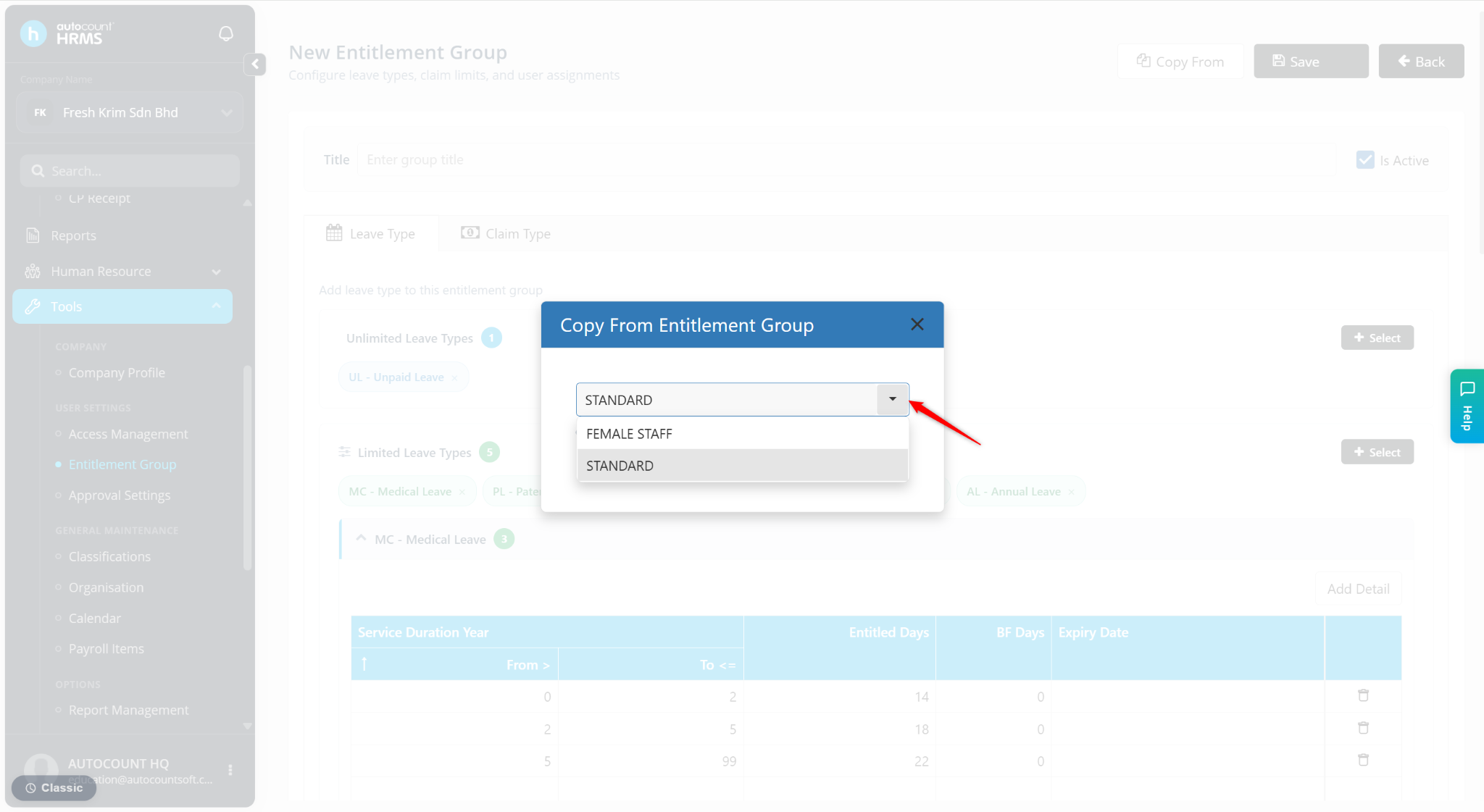
The entitlement details from the selected entitlement group will appear.
Enter the Title.
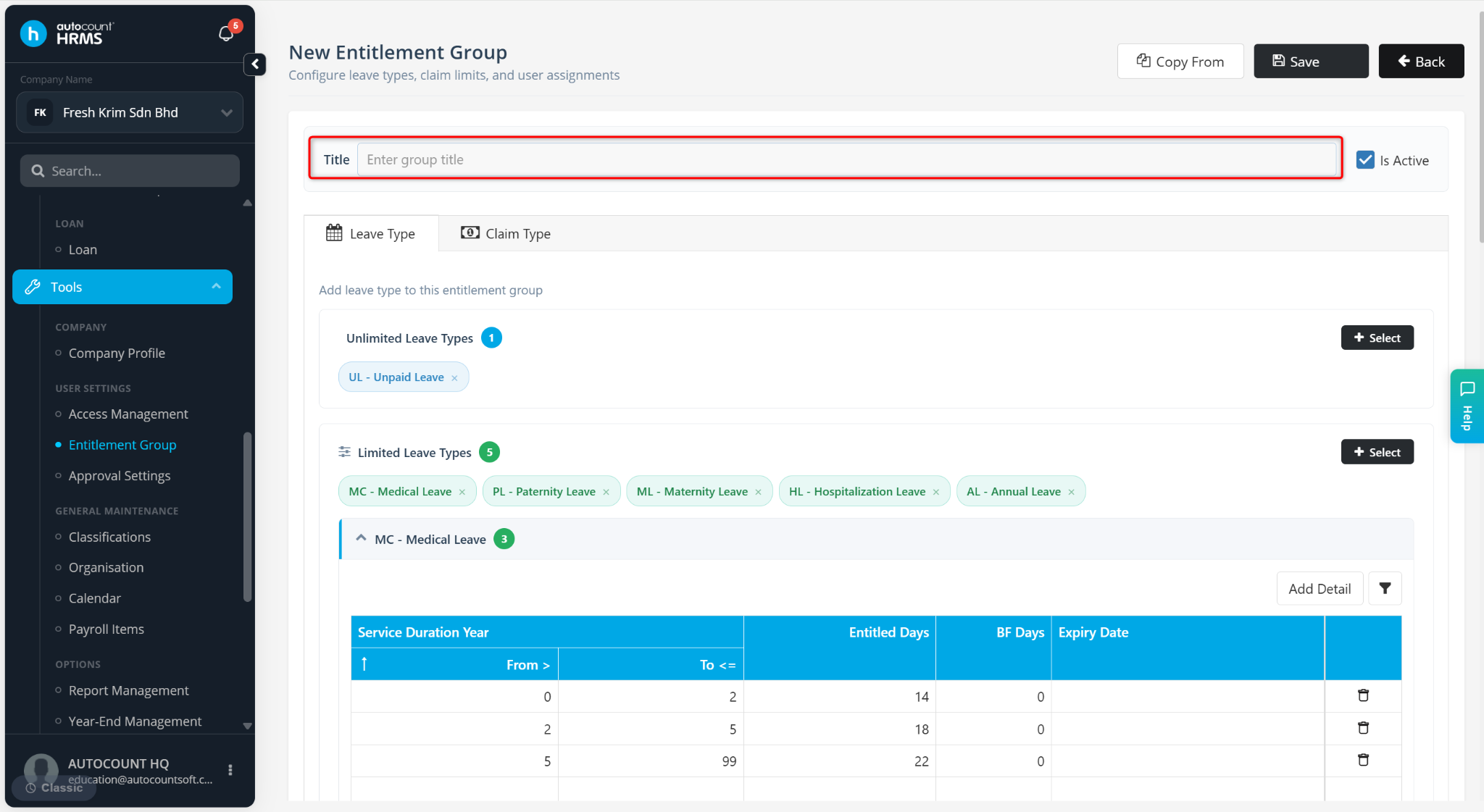
Make necessary adjustments and select the users entitled to this entitlement group at the Users in this Entitlement Group column.
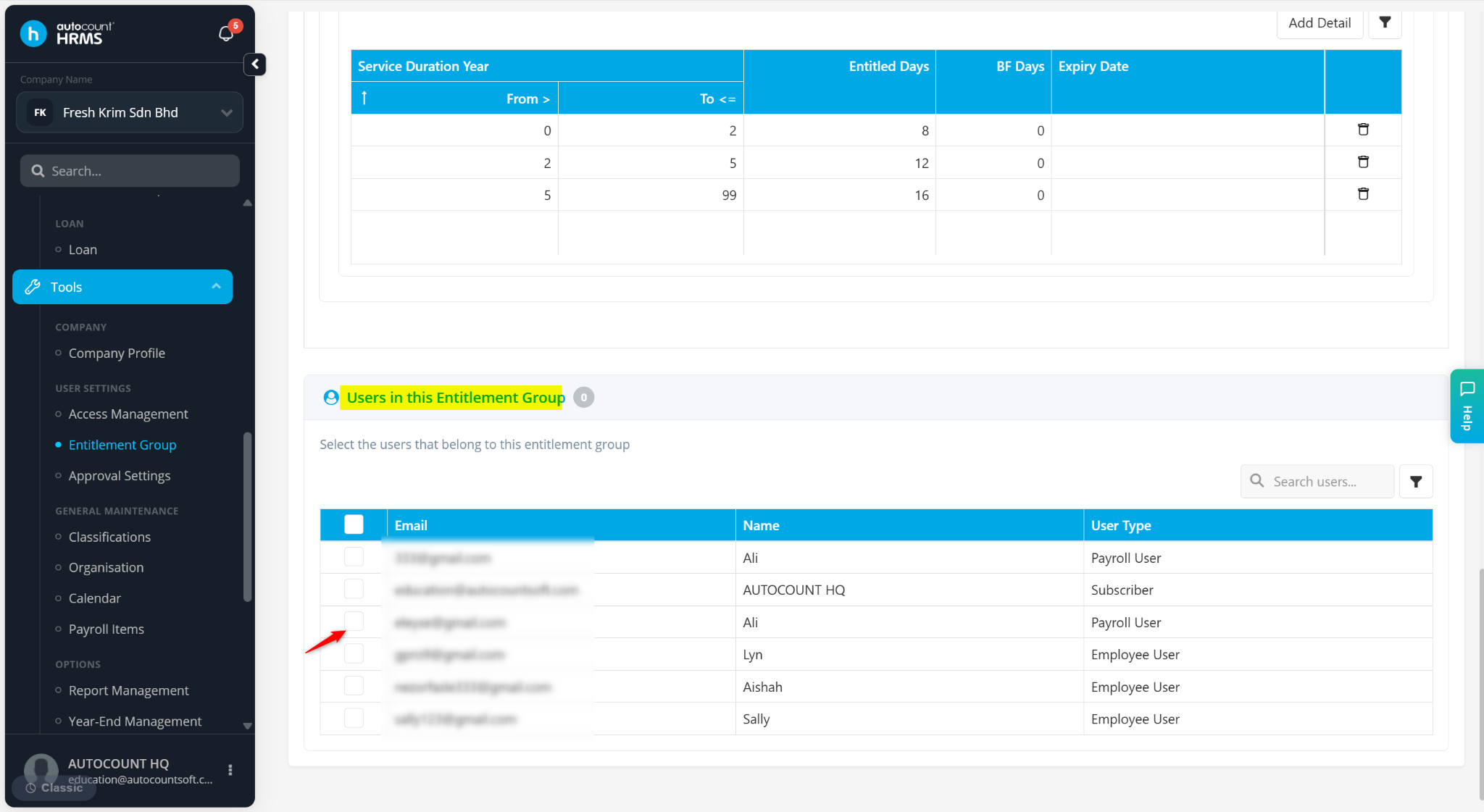
Click Save.
ℹ️ Note: Refer to Leave Entitlement and Claim Entitlement for detailed information on configuring entitlement rules and limits.