
Carry Forward (CF) Leave refers to unused leave from the previous year that is brought forward to the following year. Users may maintain CF Leave(s) via Entitlement Group.
Steps to Configure Leave Carry Forward:
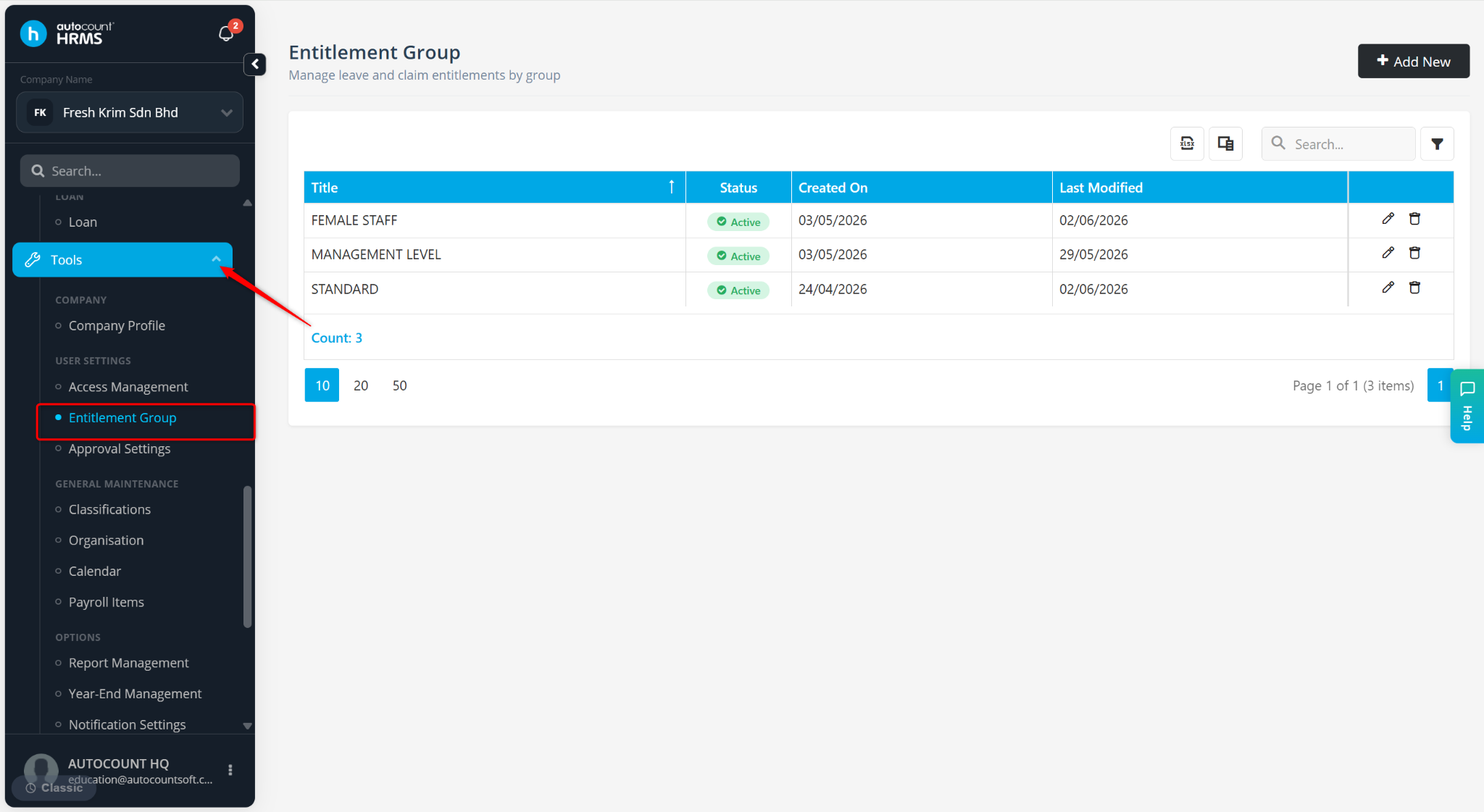
Go to Tools > Entitlement Group.
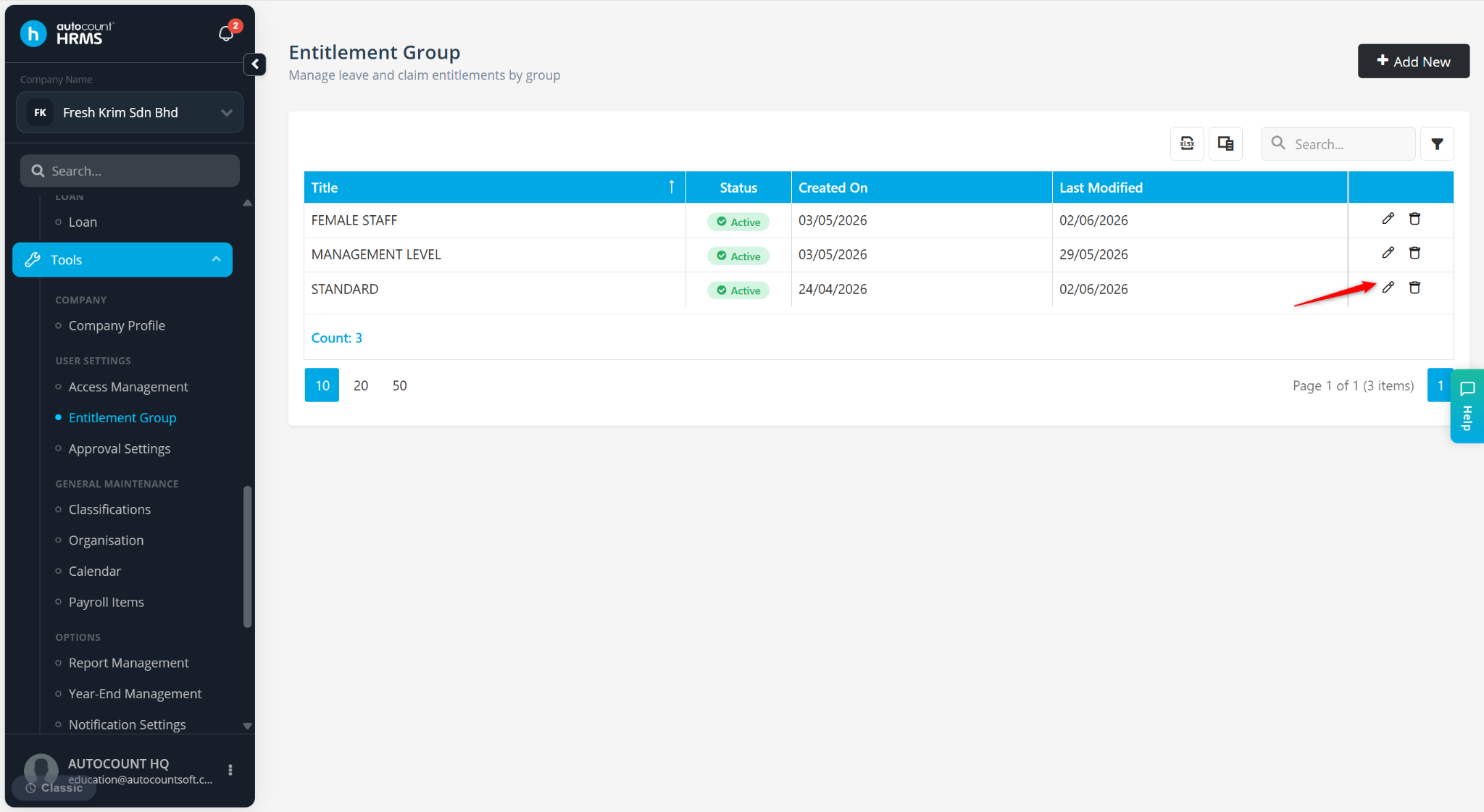
Locate the Entitlement Group and click the pencil icon.
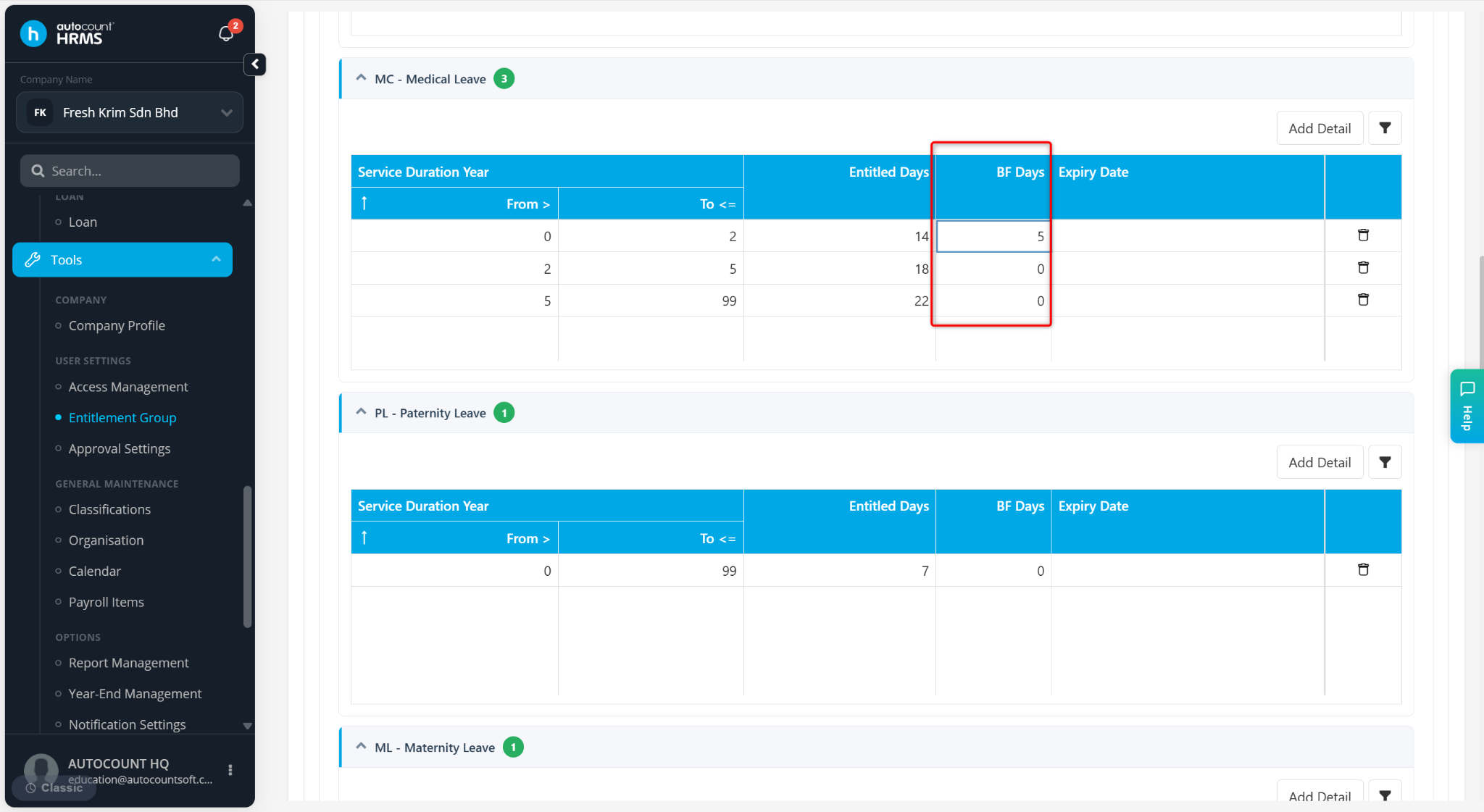
Navigate to the Leave Type.
Enter the Carry Forward leave days at the BF Days column.
Click Save.
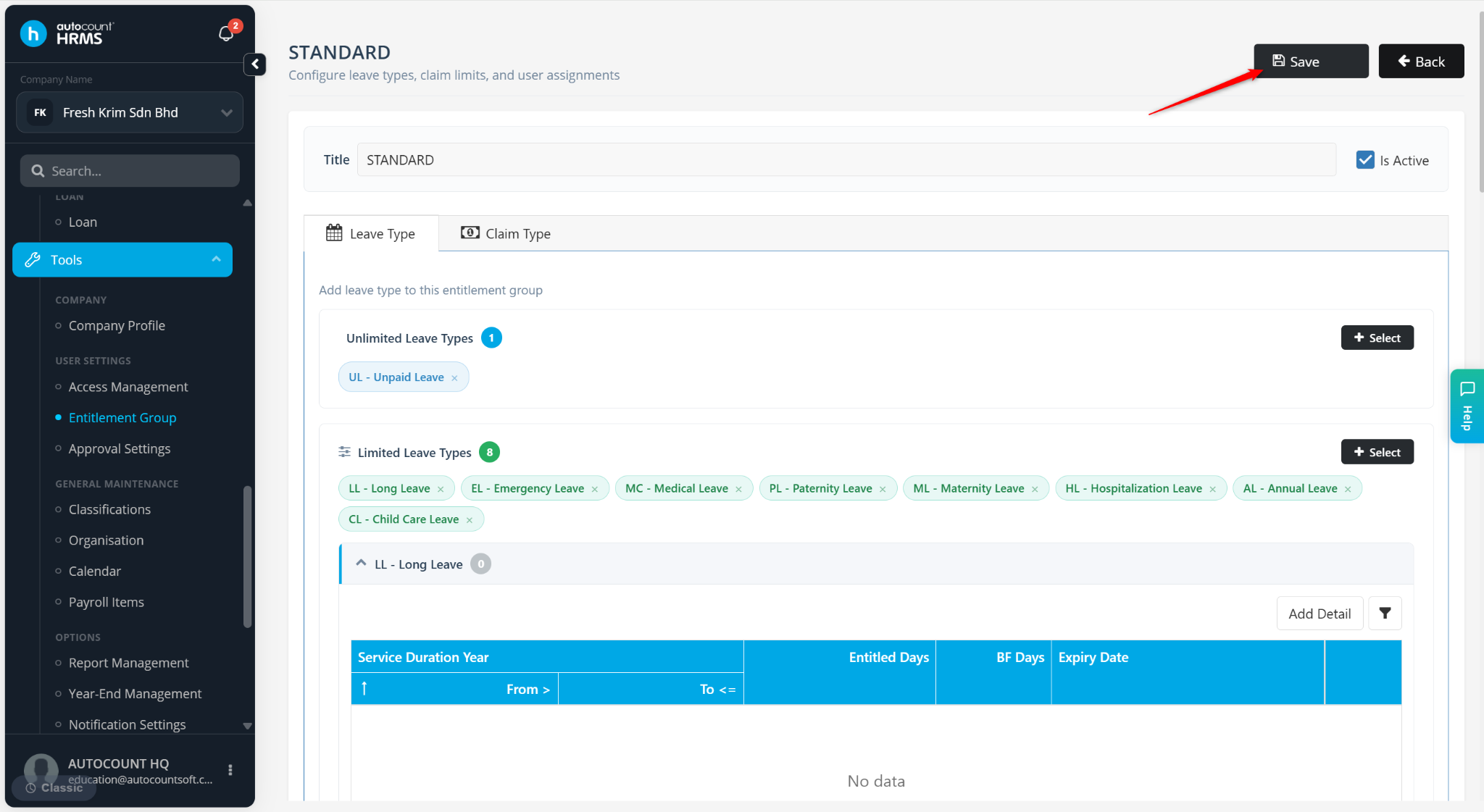
Employees assigned to the entitlement group will have the specified number of leave days carried forward into the new leave year.