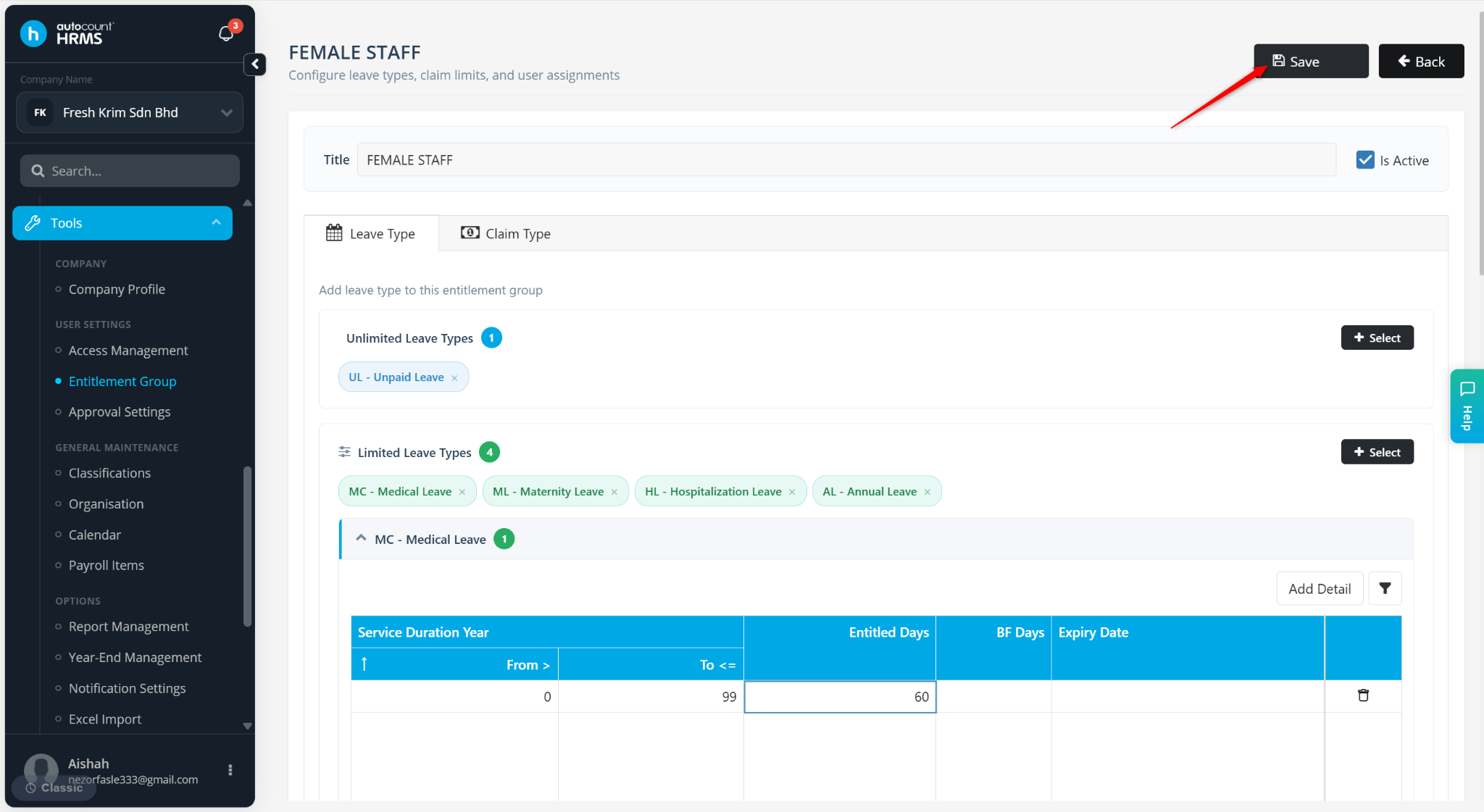
Users can update leave entitlement settings through the Entitlement Group configuration.
Steps to Change Leave Entitlement:
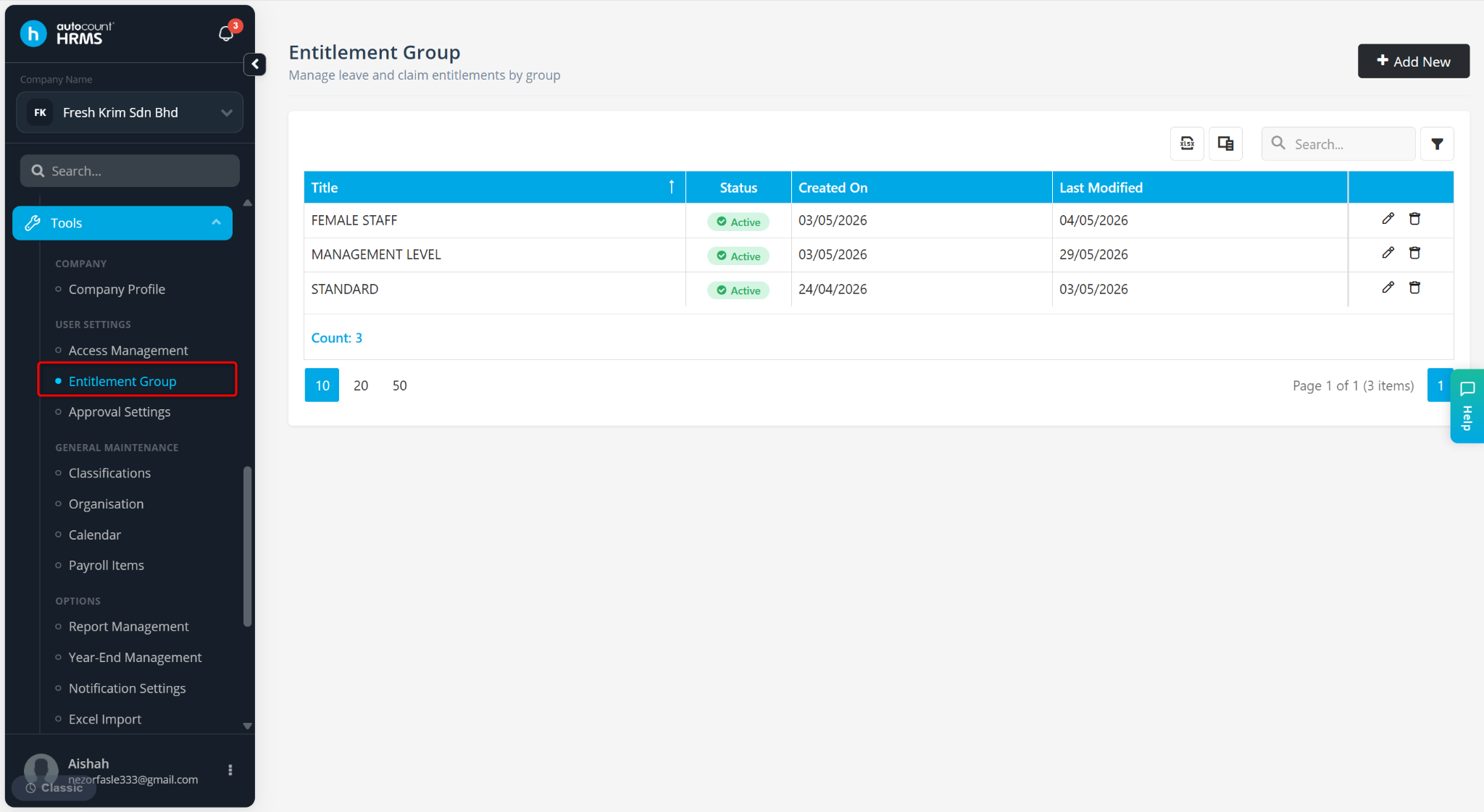
Go to Tools > Entitlement Group.
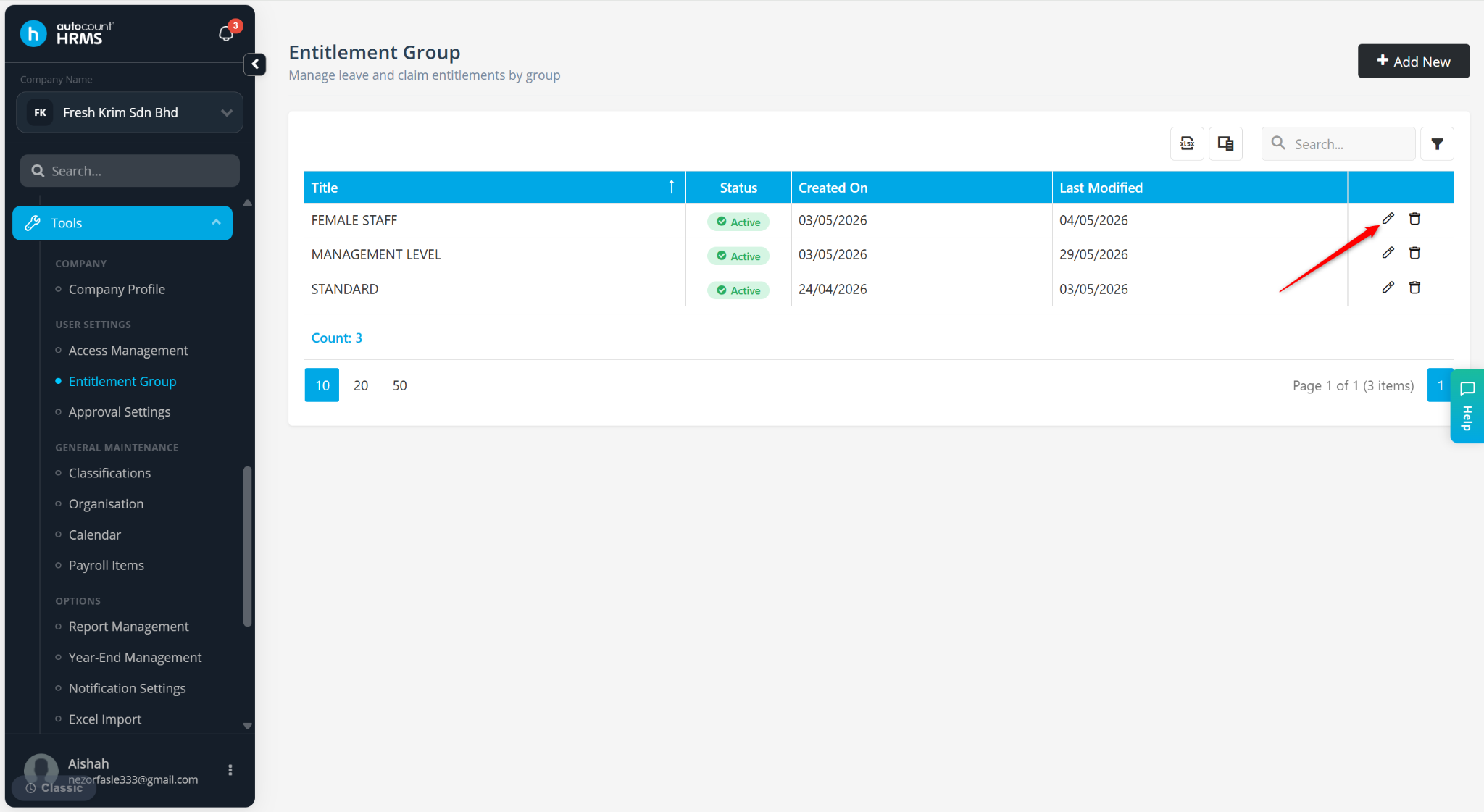
Locate the Entitlement Group and click the pencil icon.
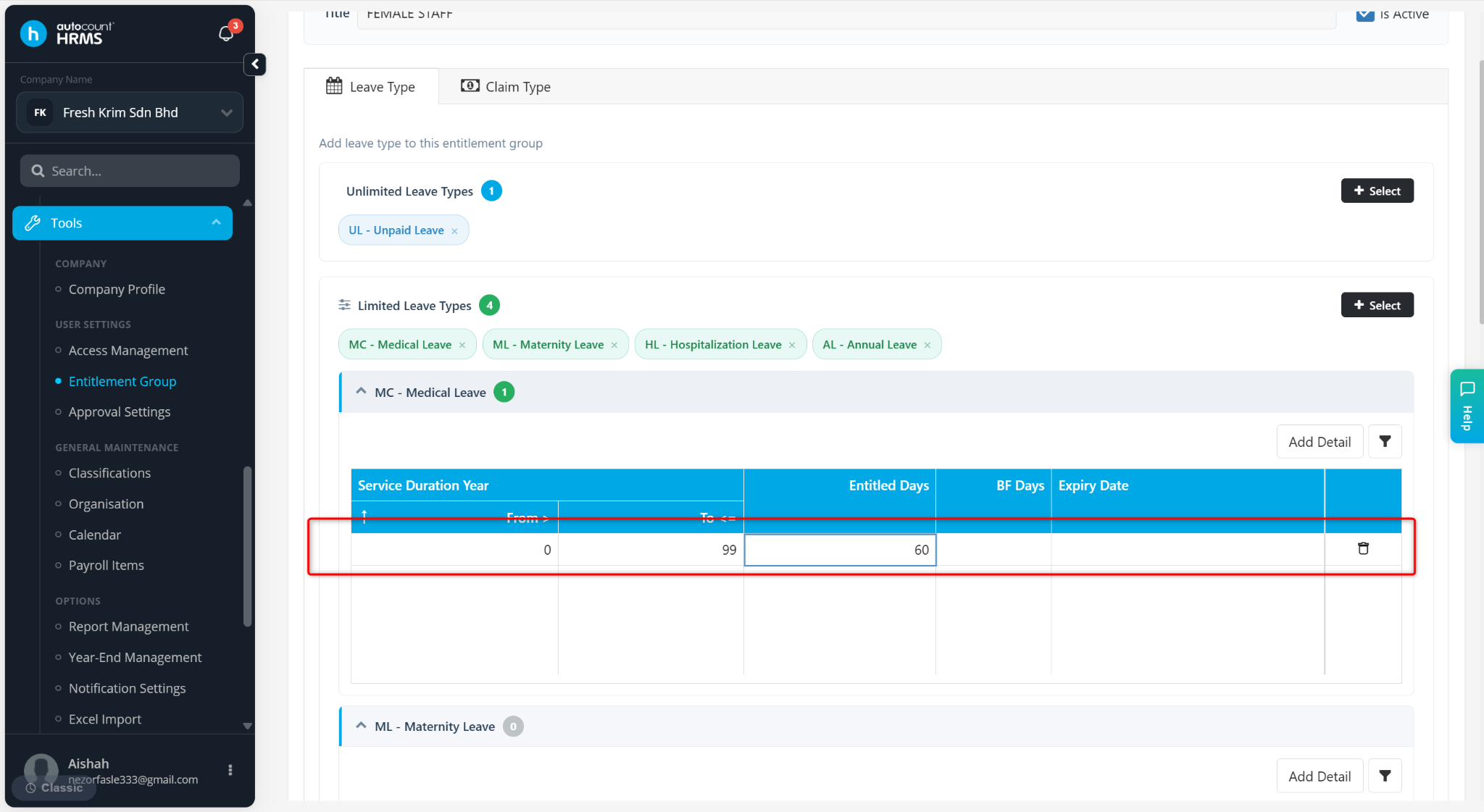
Under the leave type you wish to edit, click to enter the details at the table.
Change the Entitled Days figure and click Save.