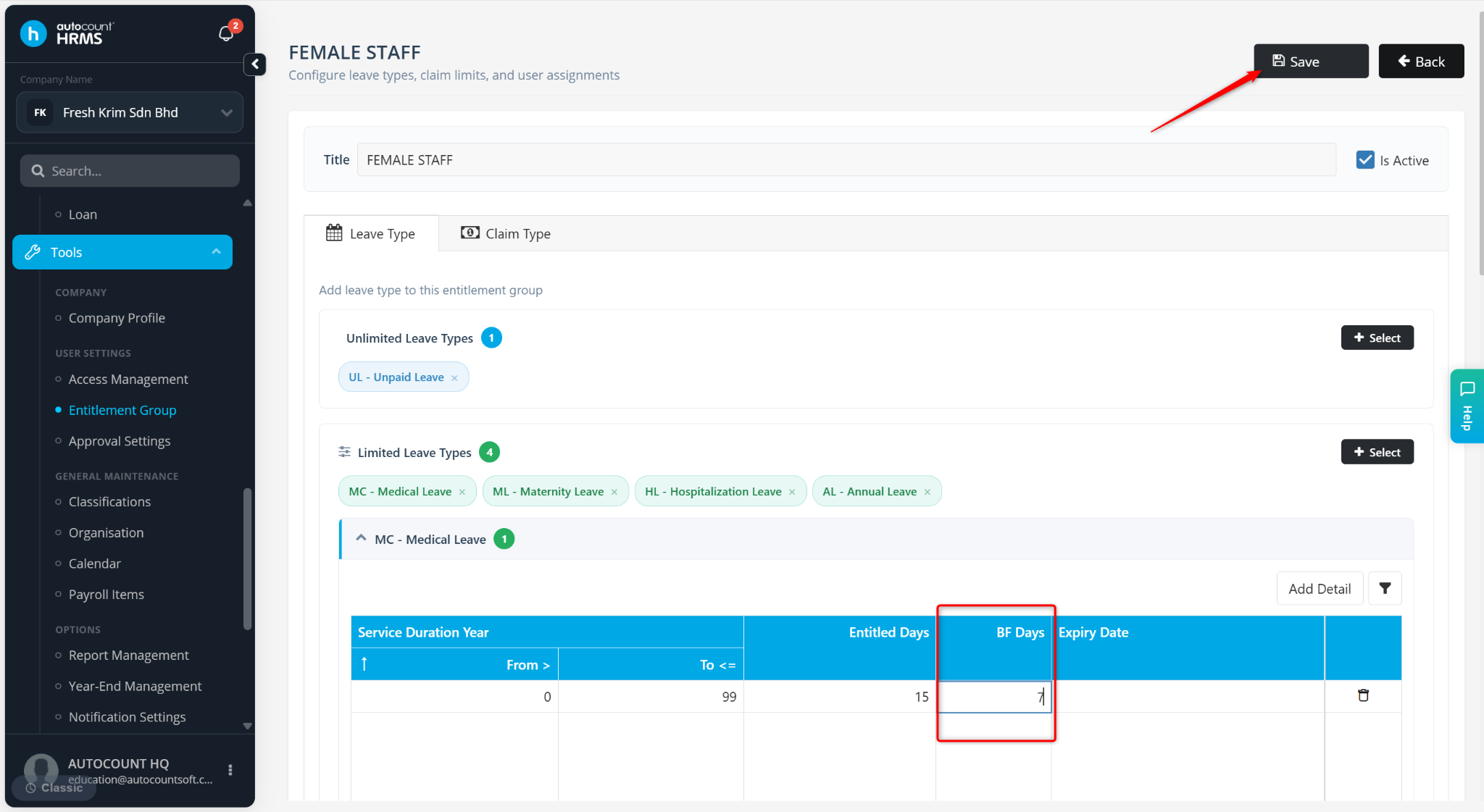
Users can force a recalculation of leave entitlement and balance by temporarily modifying and then restoring the entitlement values in the Entitlement Group.
Steps to Recalculate Leave Entitlement and Balance Forcefully:
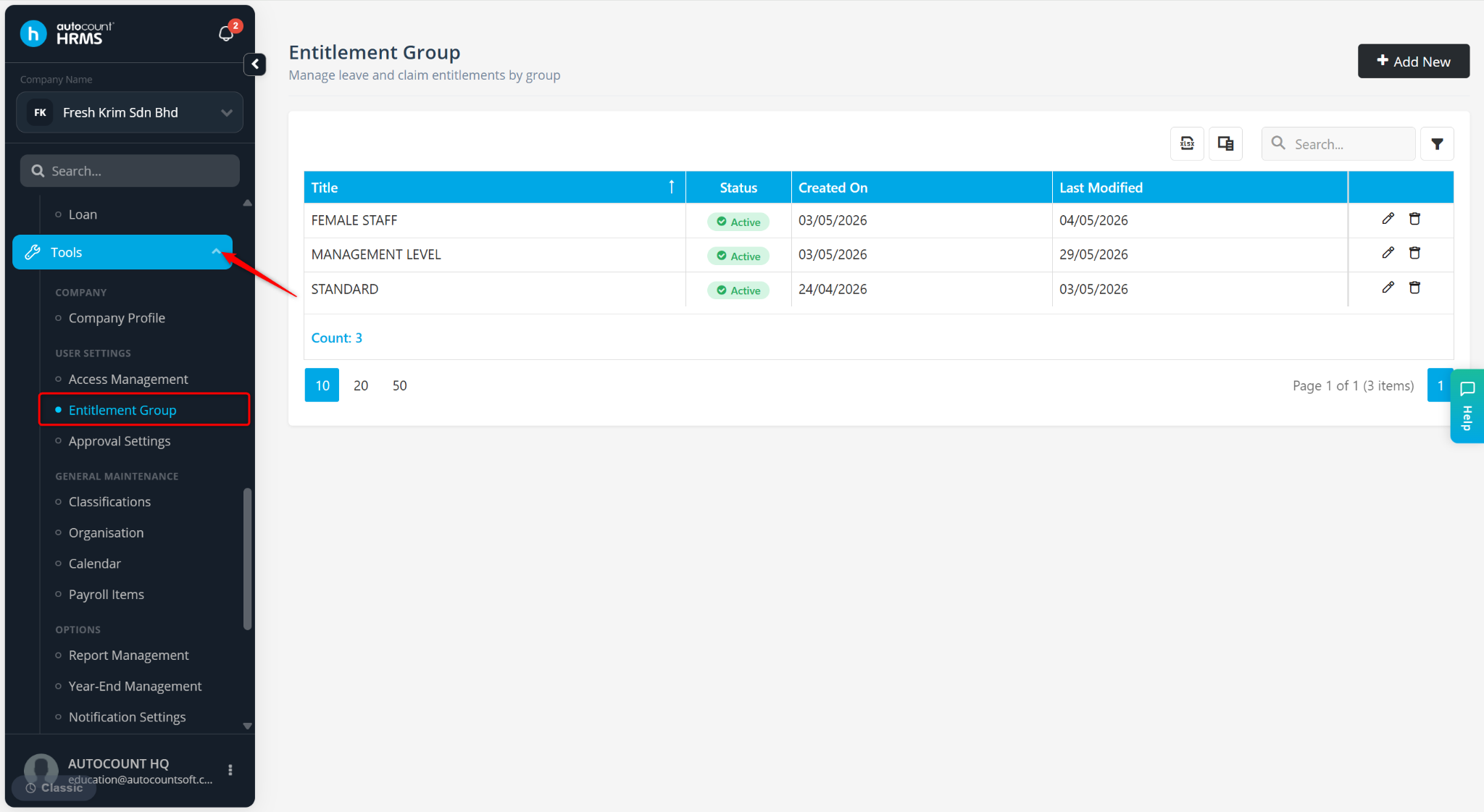
Go to Tools > Entitlement Group.
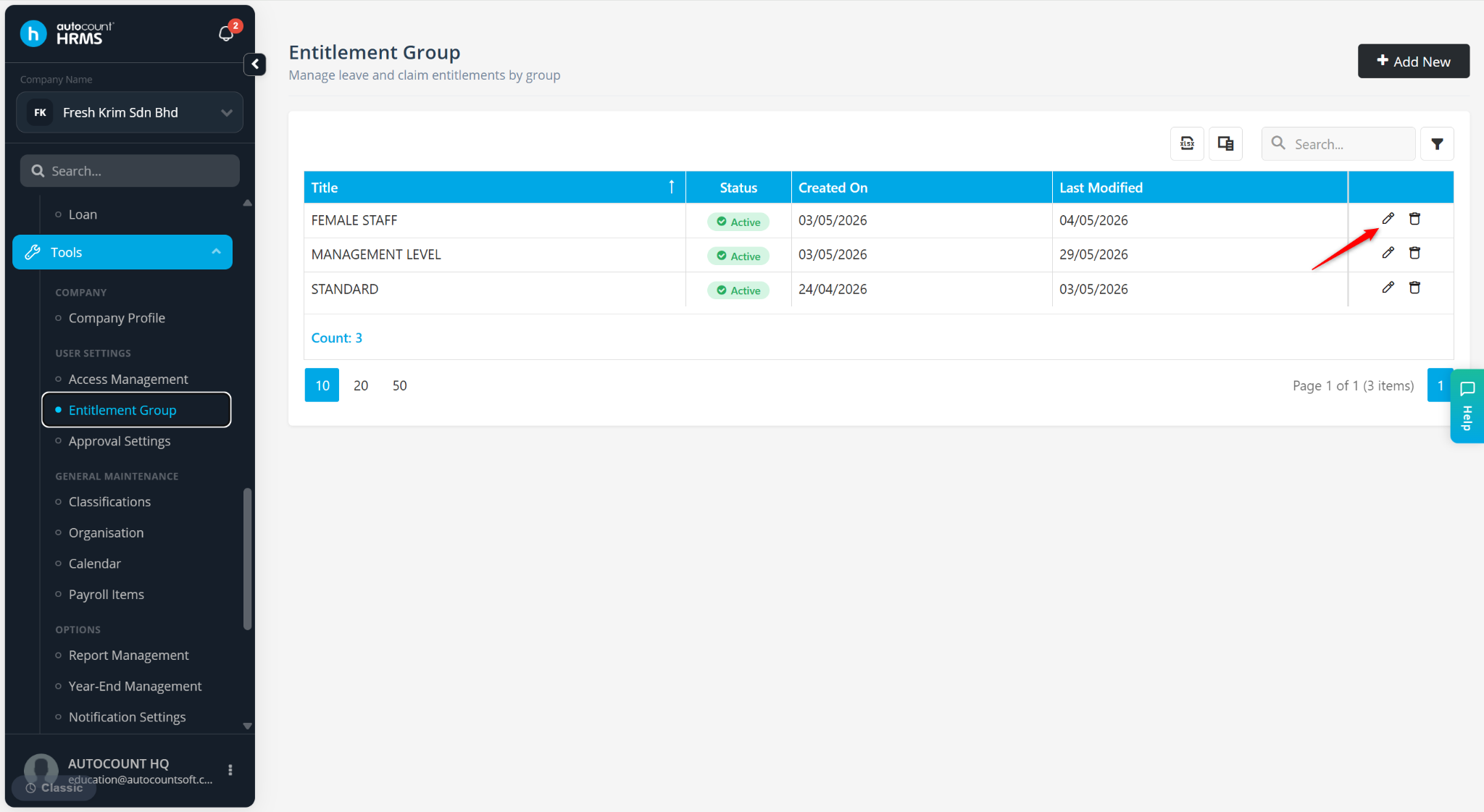
Locate the Entitlement Group and click the pencil icon.
Click the column at the table to edit the BF days.
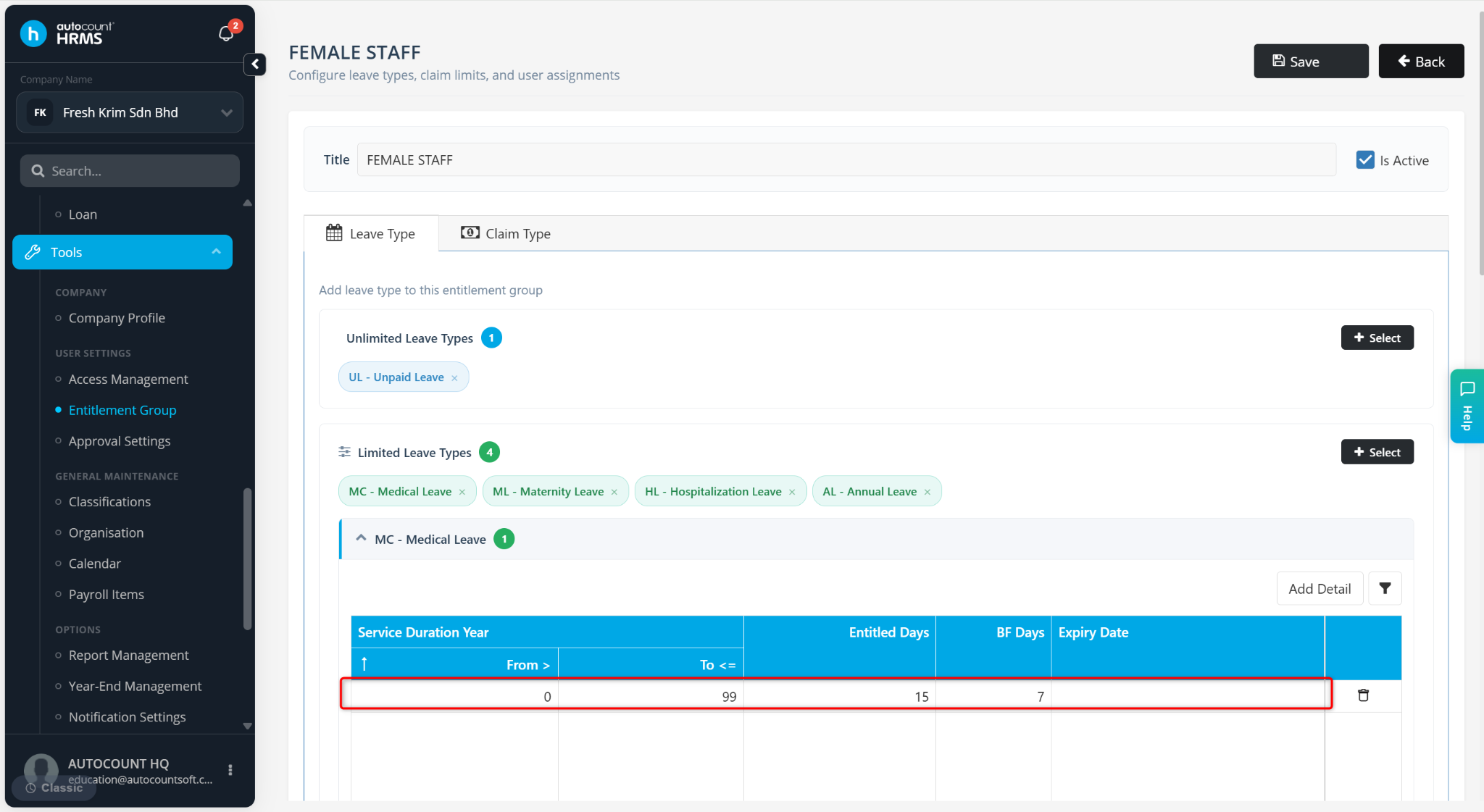
Click to edit again and change the figure back to the original figure.
Click Save.