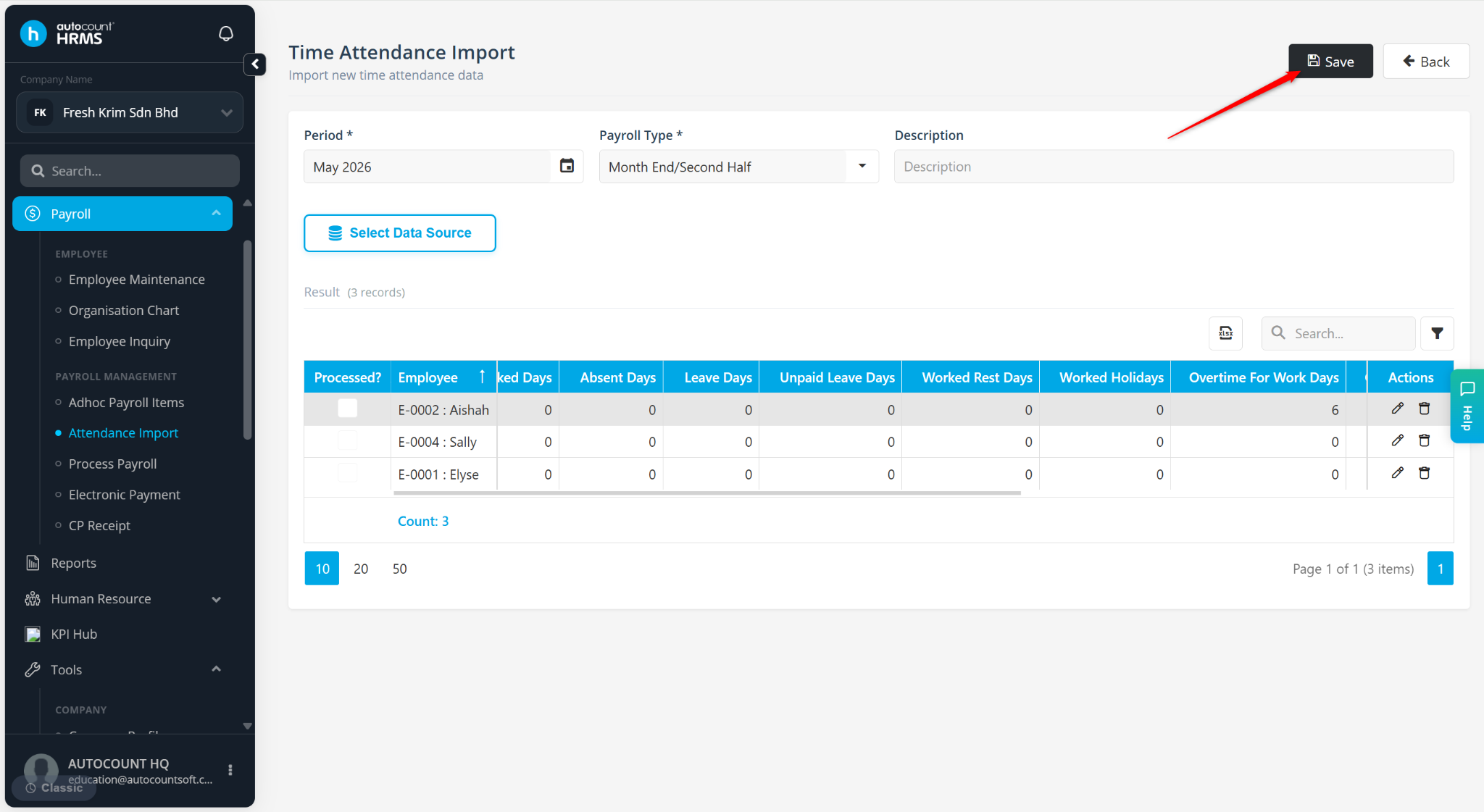
Users can include overtime (OT) worked in the previous month in the current month's payroll by importing the relevant attendance records during the Attendance Import process.
Steps to Extract Previous Month OT for Current Month Payroll:
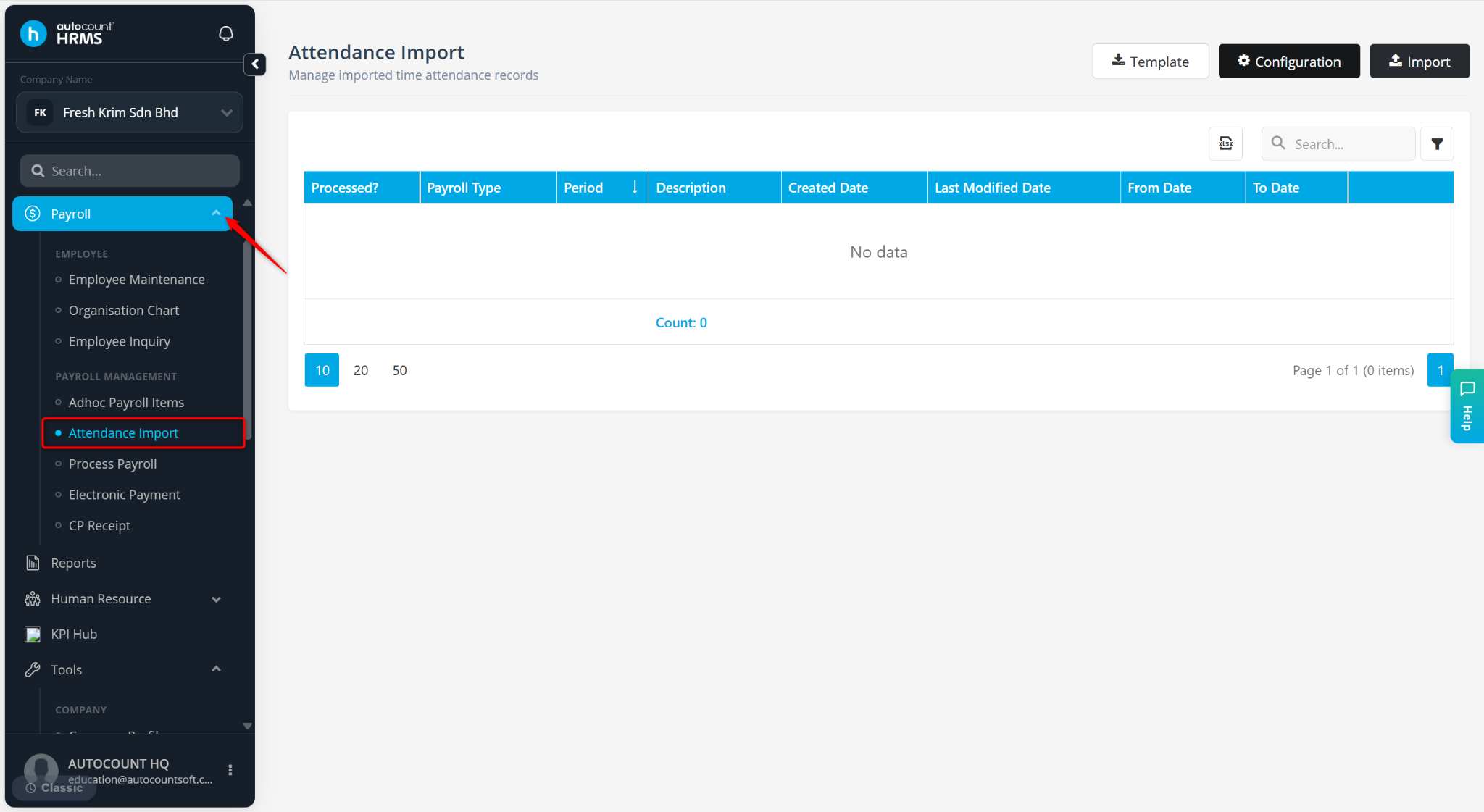
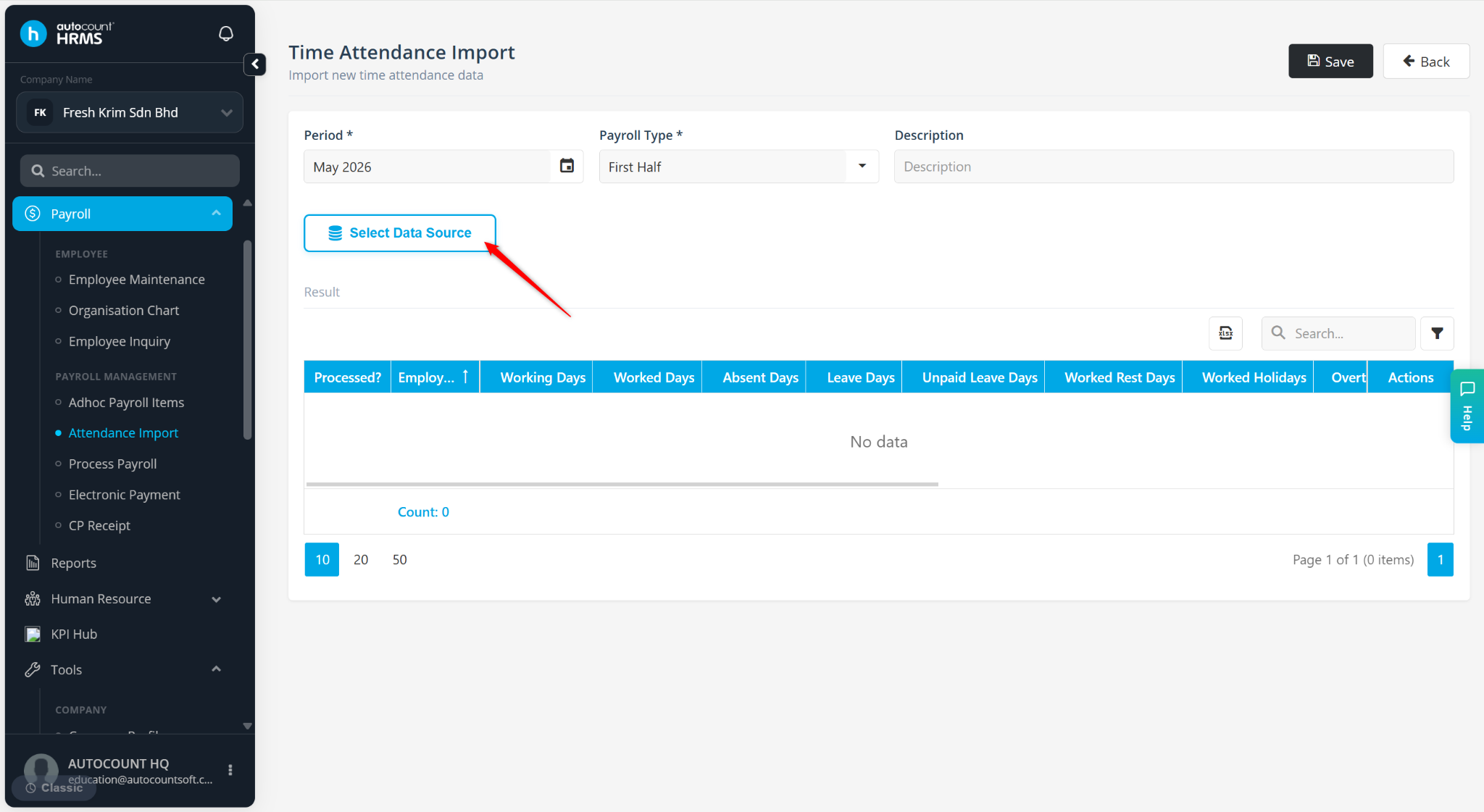
Go to Payroll > Attendance Import.
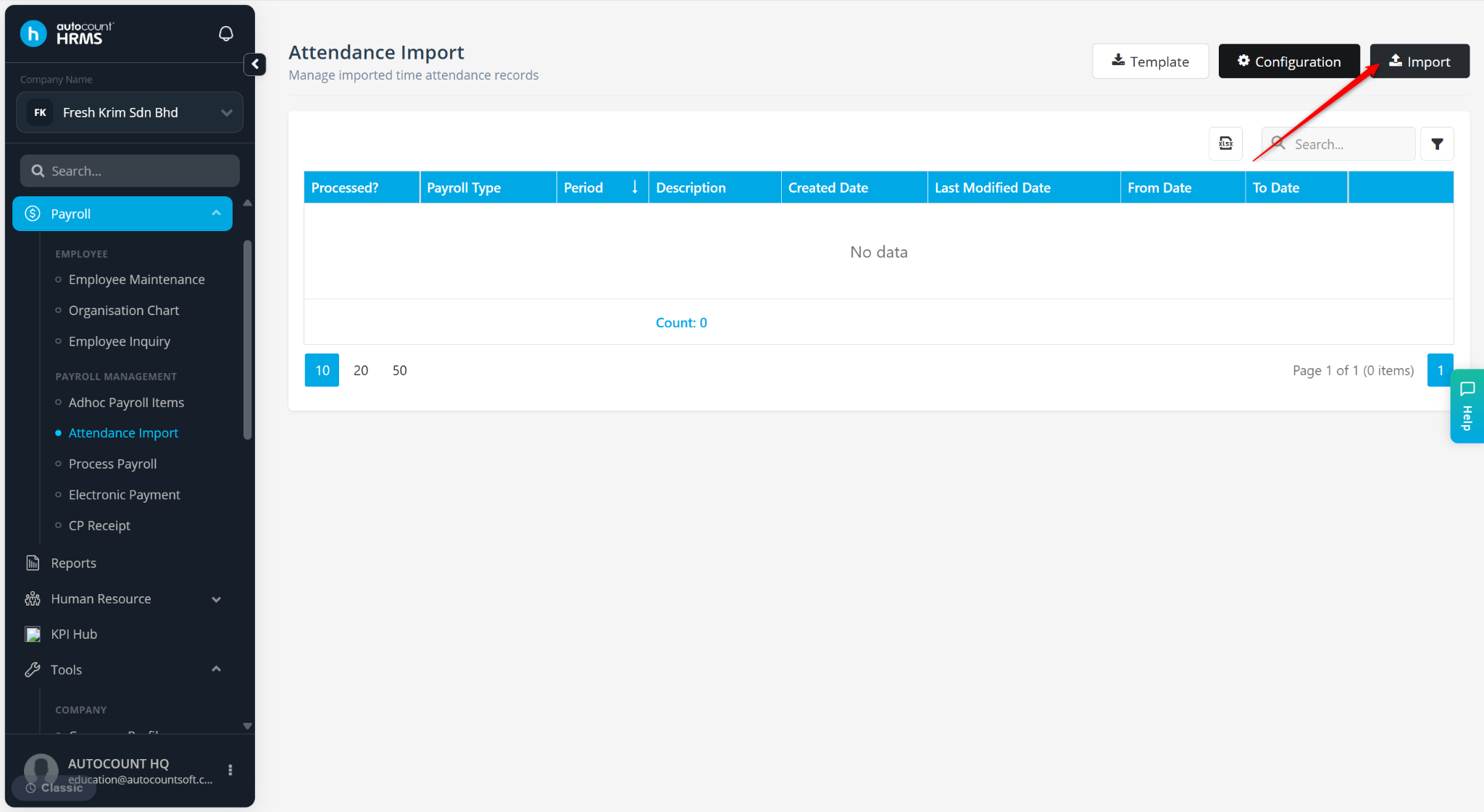
Click Import.
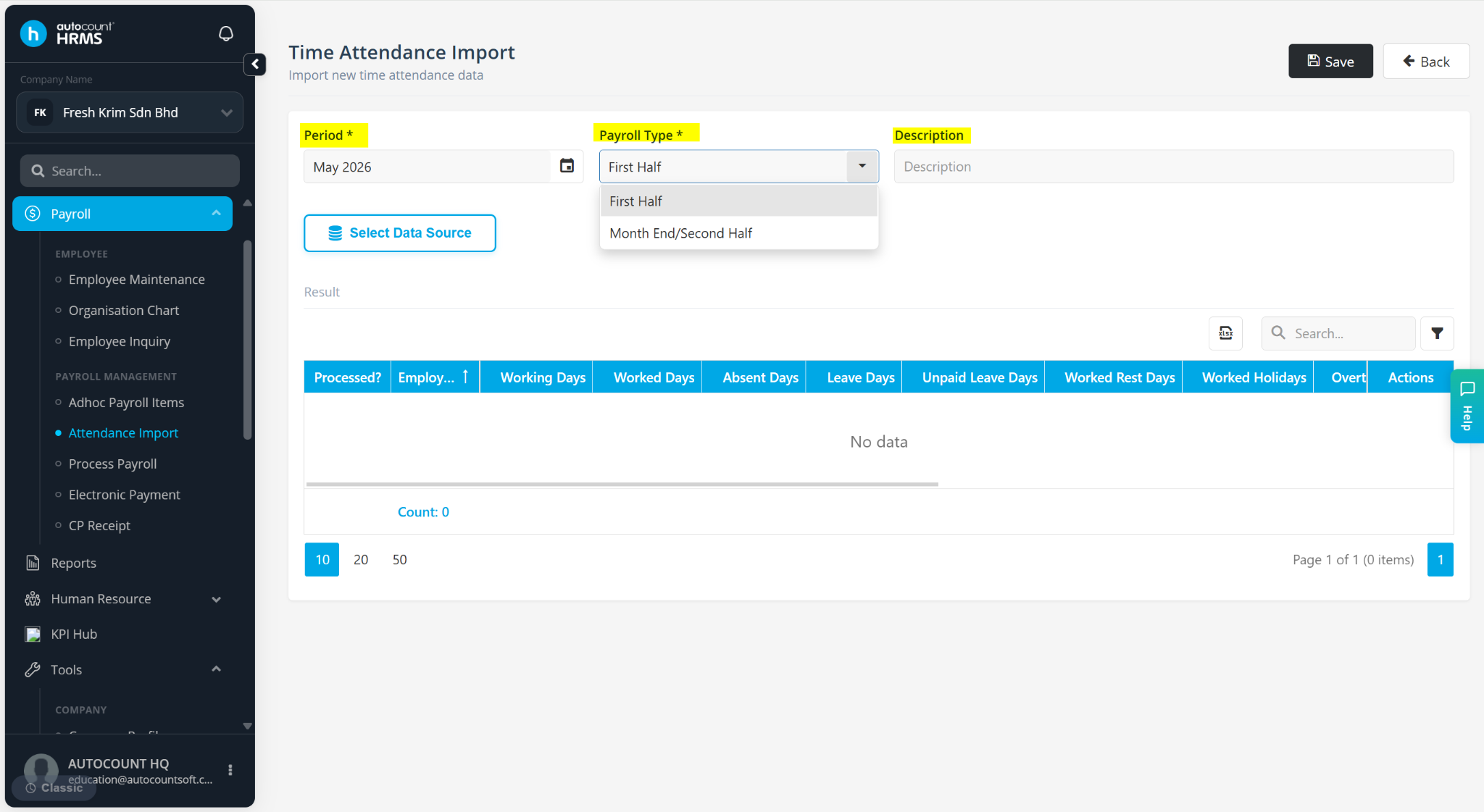
Enter the required details:
Period – Select the payroll month you want to import the time attendance data into.
Payroll Type – Select the payroll type where the time attendance data should be applied.
Description – Enter a short remark if required.
Click Select Data Source to retrieve the time attendance data.
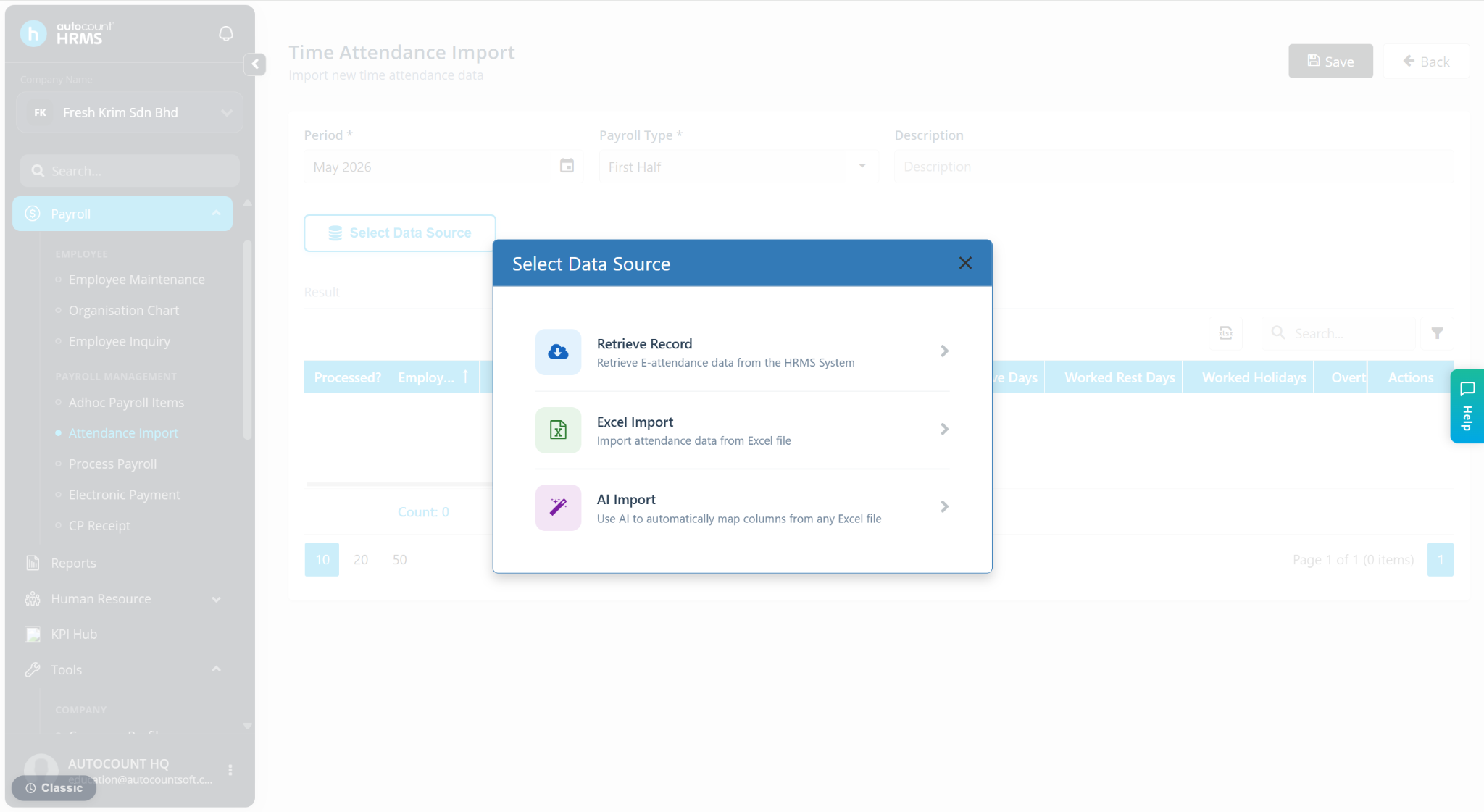
Select Retrieve Record at the Select Data Source panel.
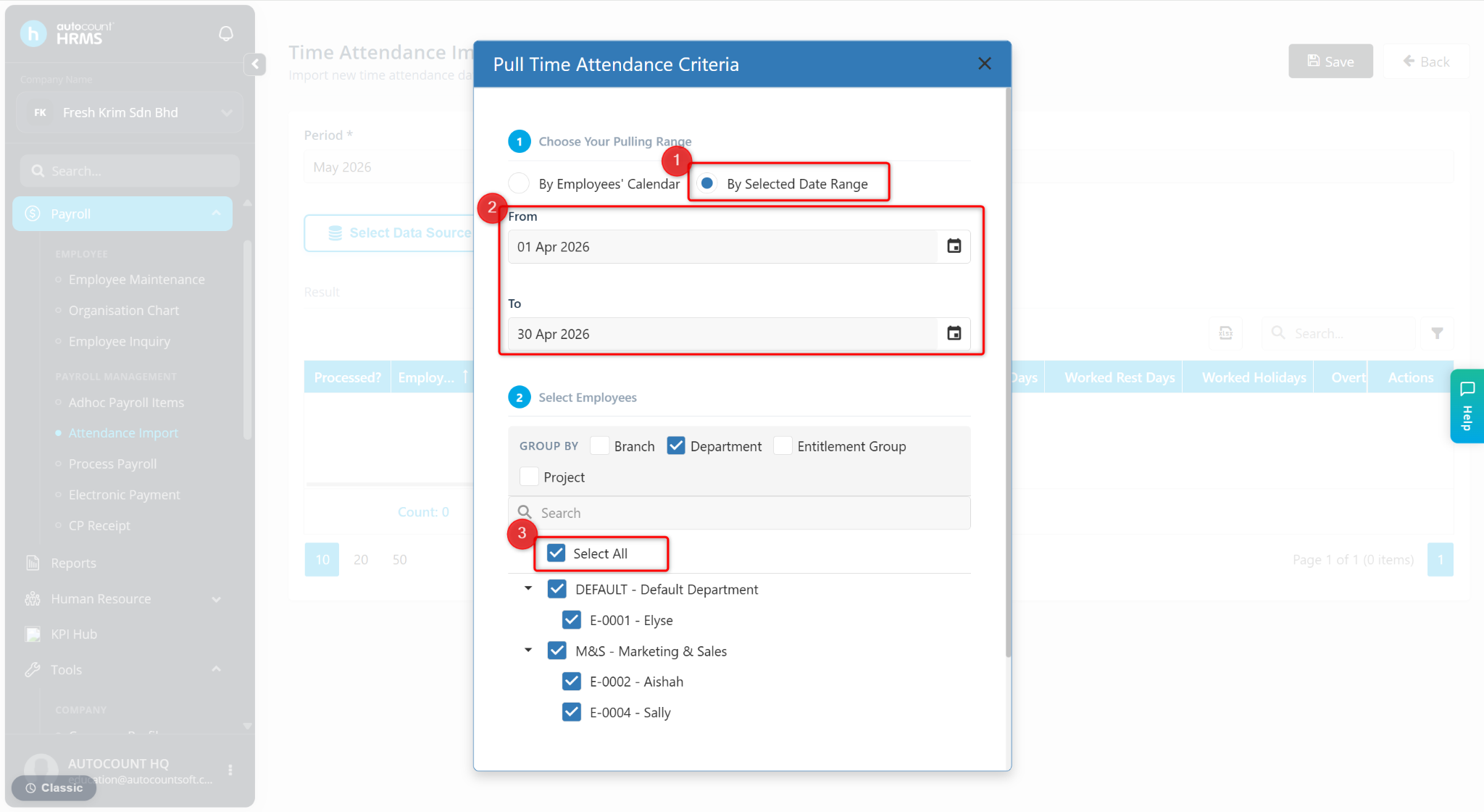
Click By Selected Date Range to manually select last month’s date to capture last month’s overtime.
Select the required employee(s).
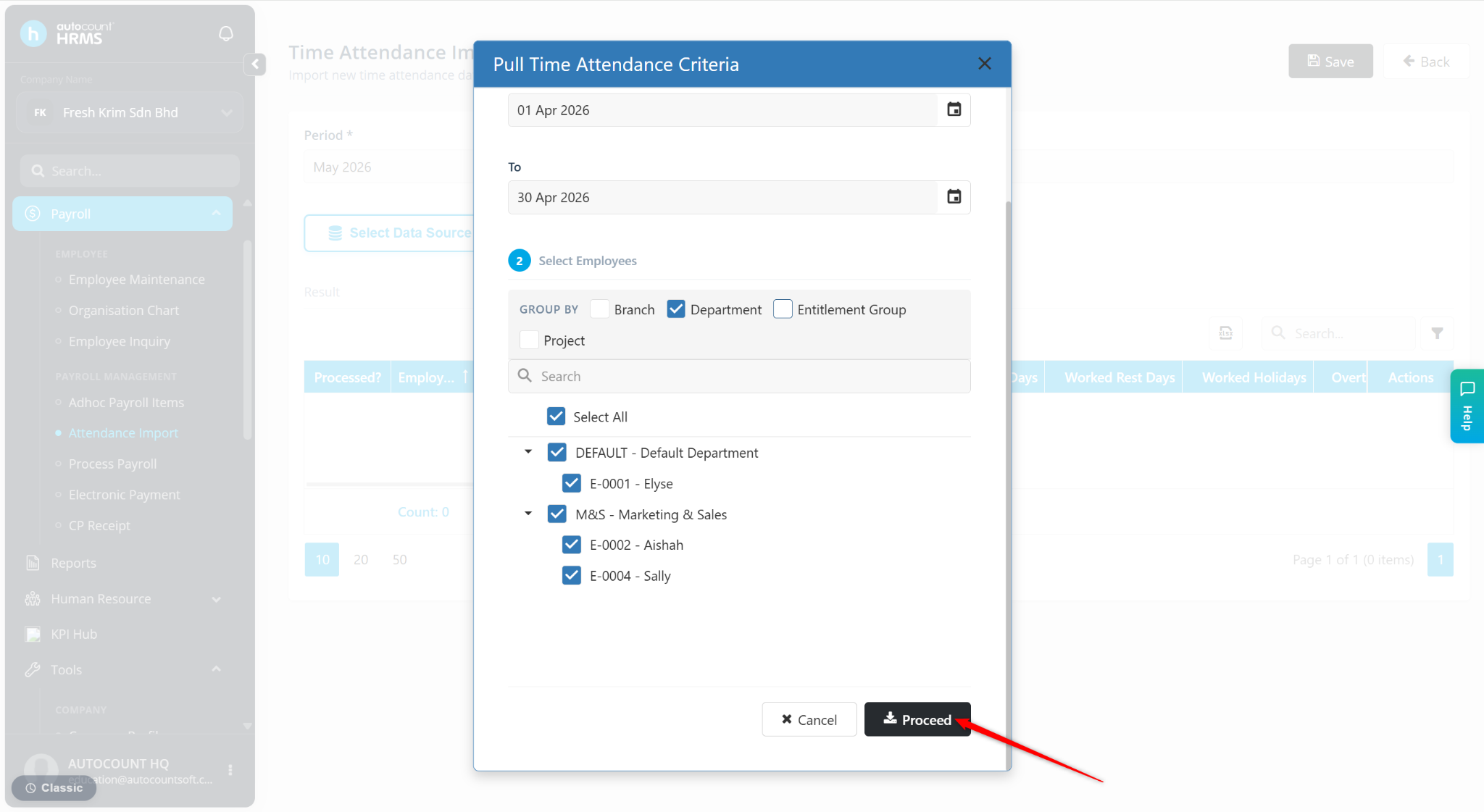
Click Proceed.
The data will be captured accordingly. Click the pencil icon if any adjustments are needed.
Click Save to apply the changes.