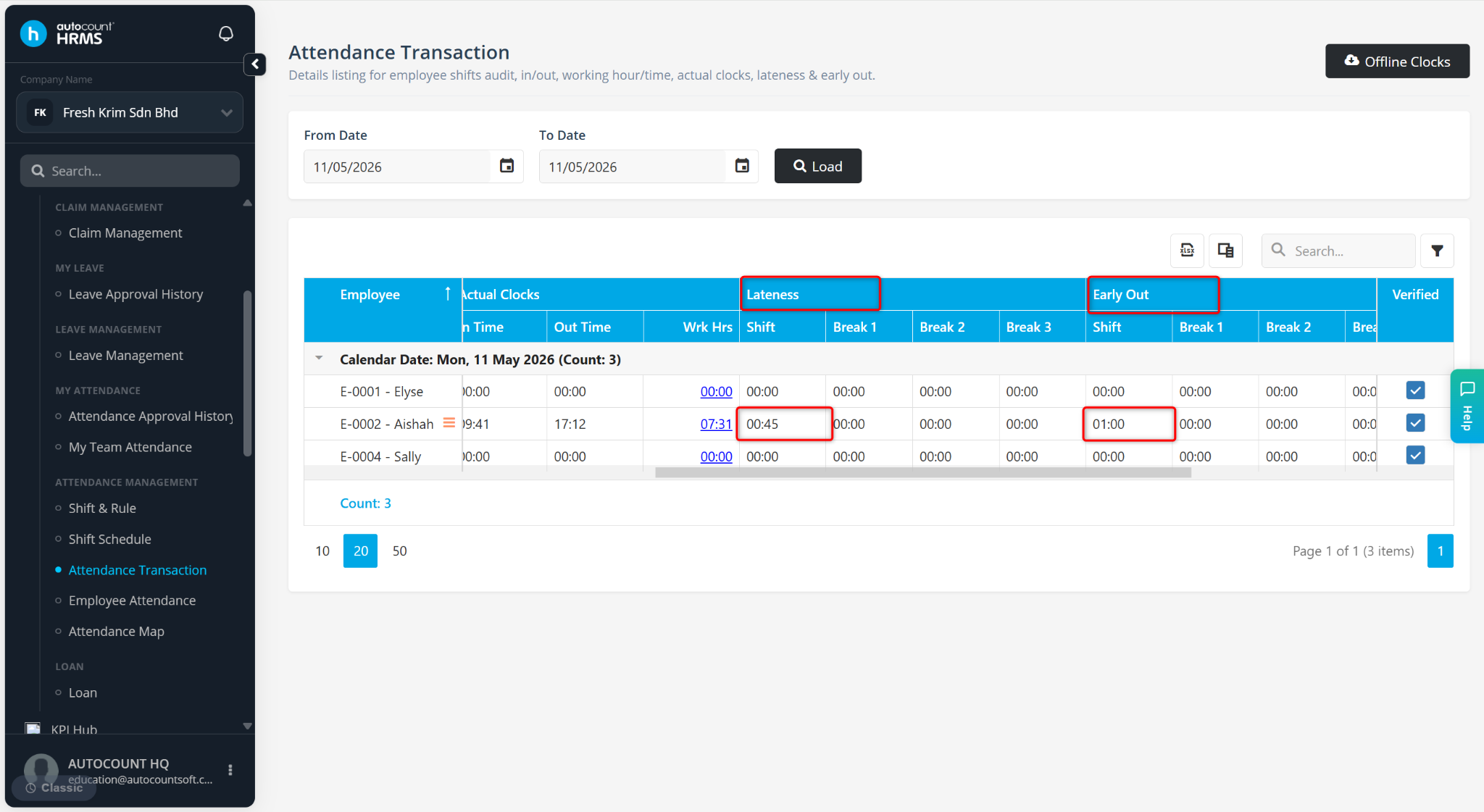
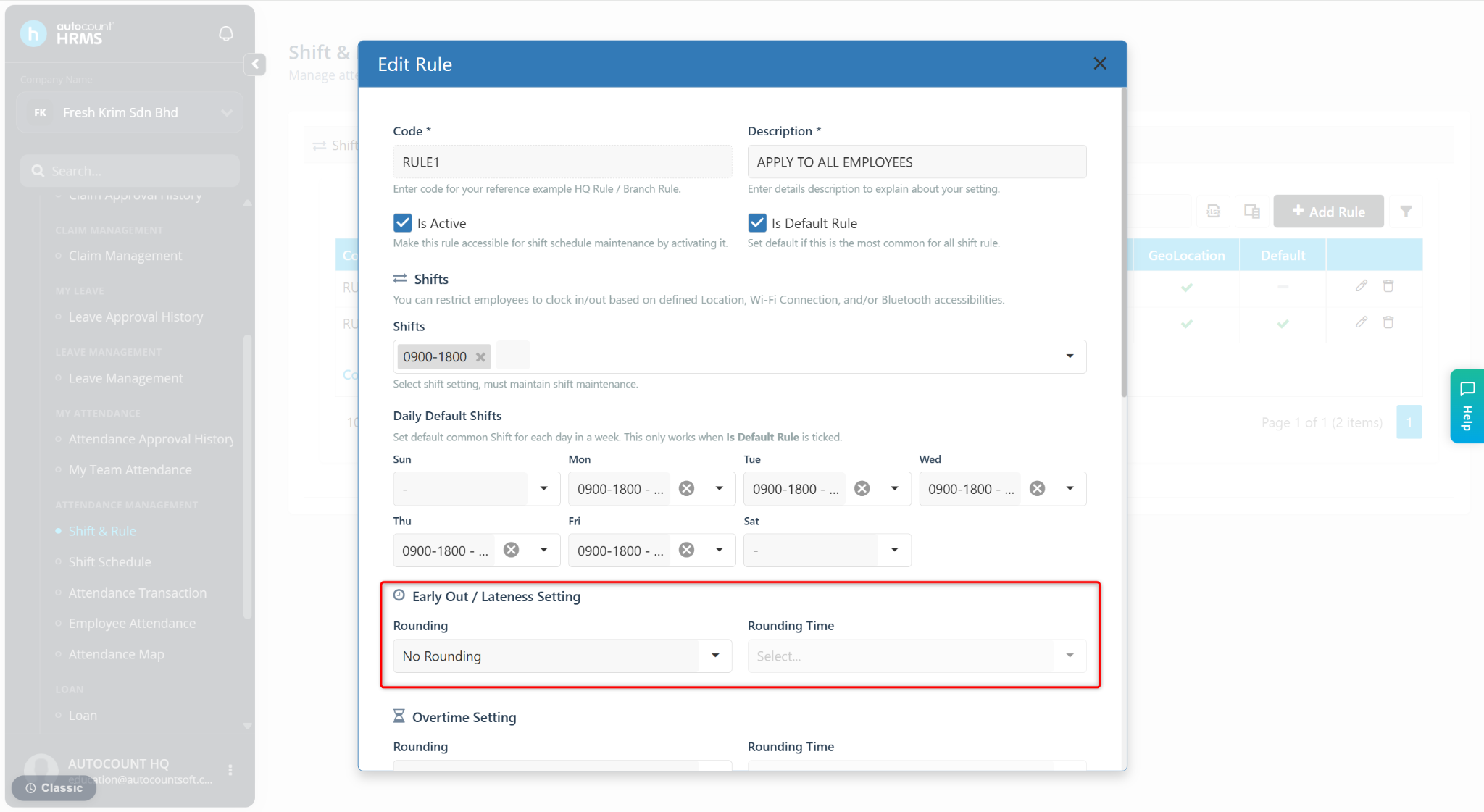
Early Out / Lateness Settings at Rule Maintenance allow users to apply round up settings for employee late arrivals or early departures. This helps standardise time calculations and ensures consistency in payroll and attendance reporting.
There are two available options:
No Rounding – Early out and lateness are recorded exactly based on actual clock-in and clock-out times.
Round Up – Early out and lateness values are rounded based on a selected time interval (5, 10, or 15 minutes).
Steps to Set Early Out or Lateness Setting:
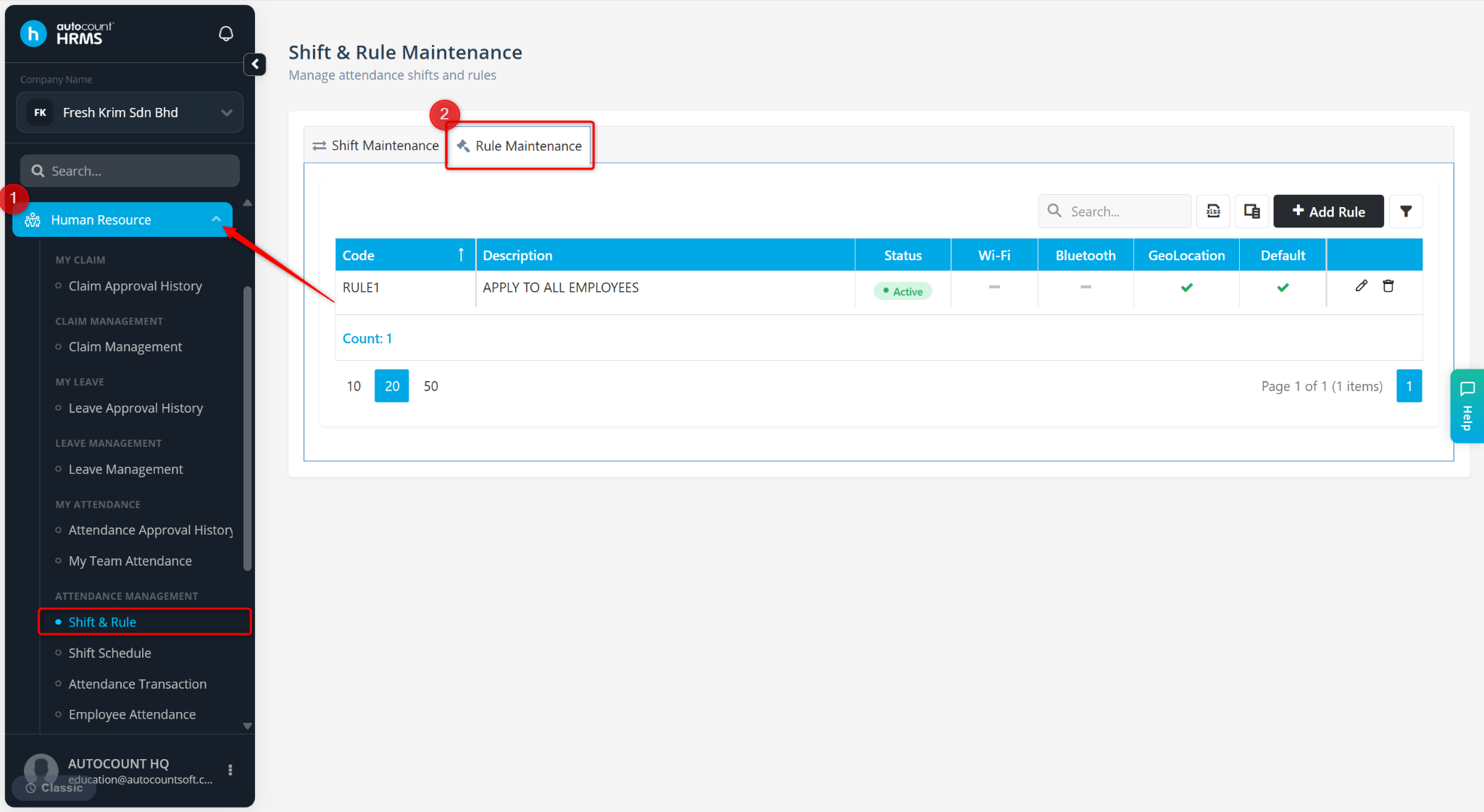
Go to Human Resources > Short & Rule.
Go to Rule Maintenance.
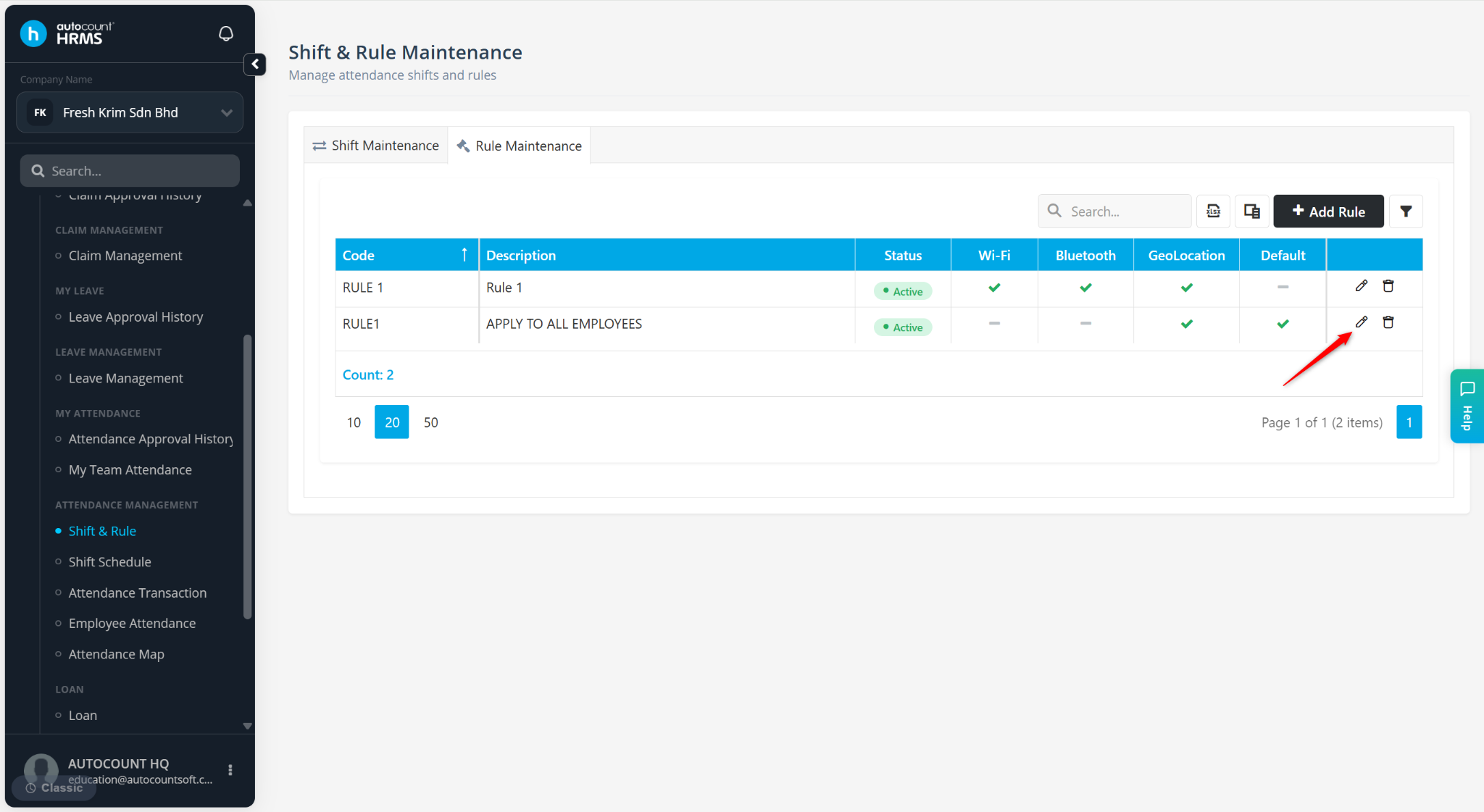
Locate the rule and click the pencil icon.
Scroll down to the Early Out / Lateness Settings section.
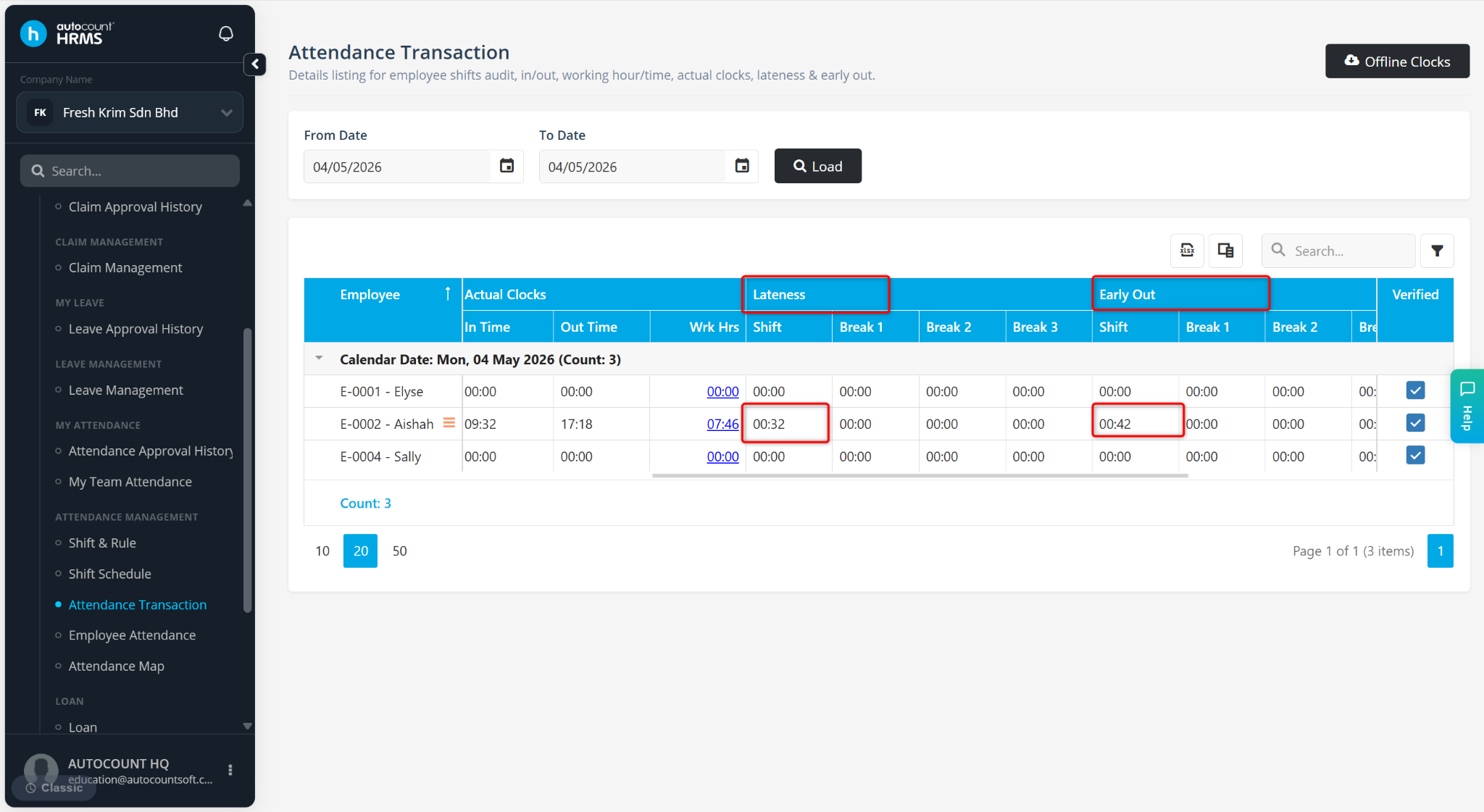
Scenario 1: No Rounding
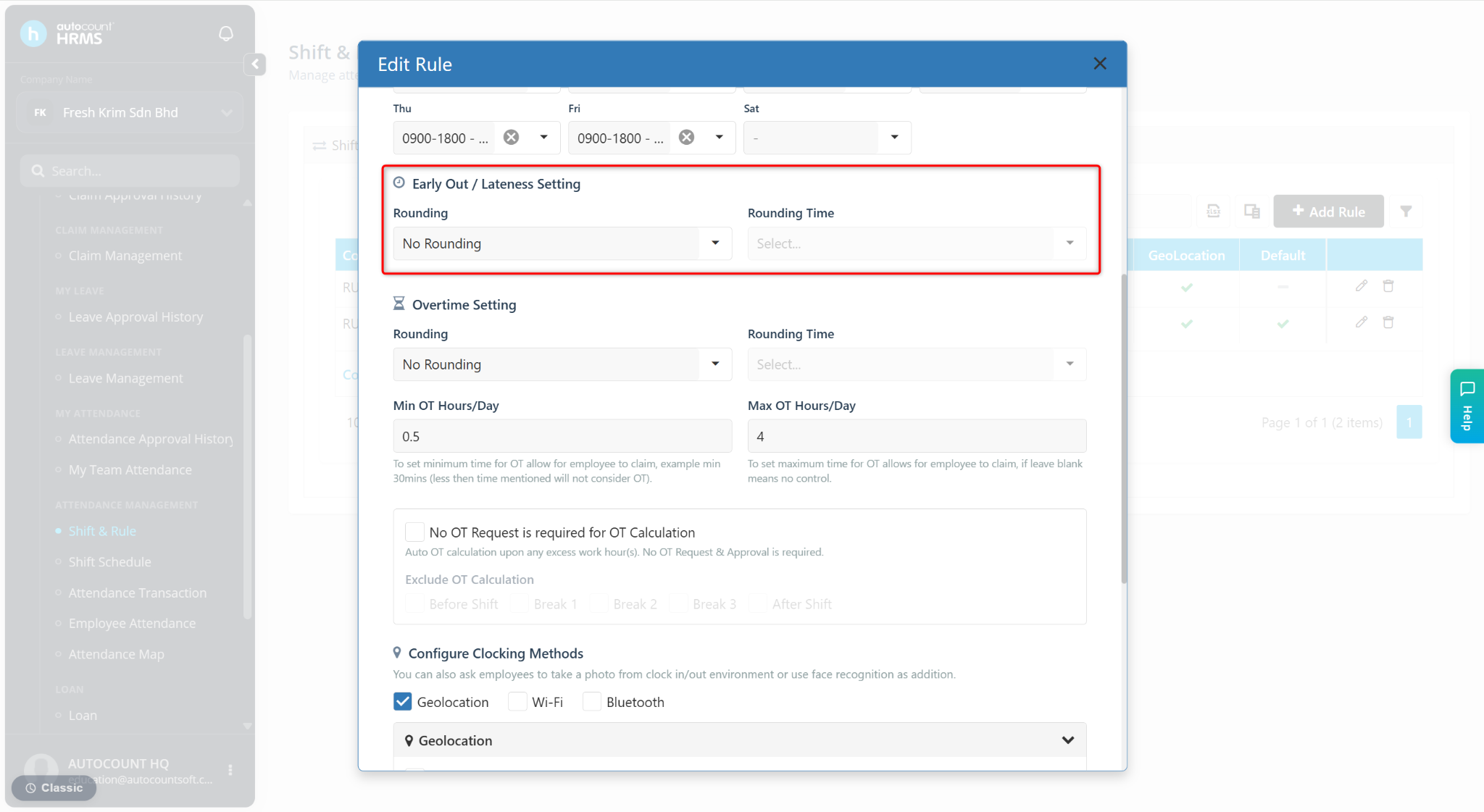
Actual Shift: 9:00 am - 6:00 pm
Clock In: 9:32 am
Clock Out: 5:18 pm
Results:
Lateness: 32 minutes (9:32 am - 9:00 am)
Early Out: 42 minutes (6:00 pm - 5:18 pm)
Scenario 2: Rounding 15 minutes
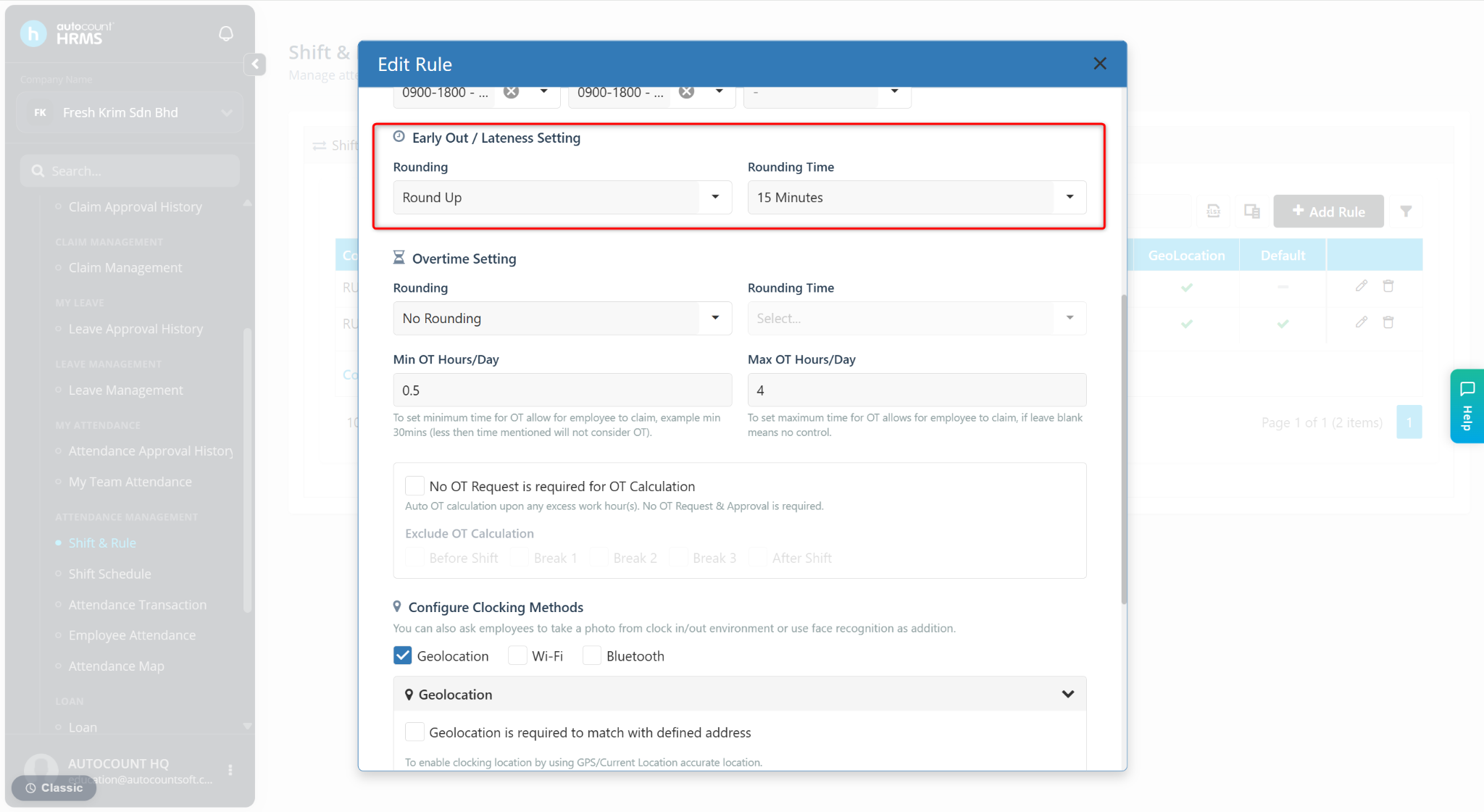
Actual Shift: 9:00 am - 6:00 pm
Clock In: 9:41 am
Clock Out: 5:12 pm
Results:
Lateness: (9:41 am - 9:00 am) ⇒ Round up 15 minutes ⇒ 45 minutes
Early Out: (6:00 pm - 5:12 pm) ⇒ Round up 15 minutes ⇒ 1 hour