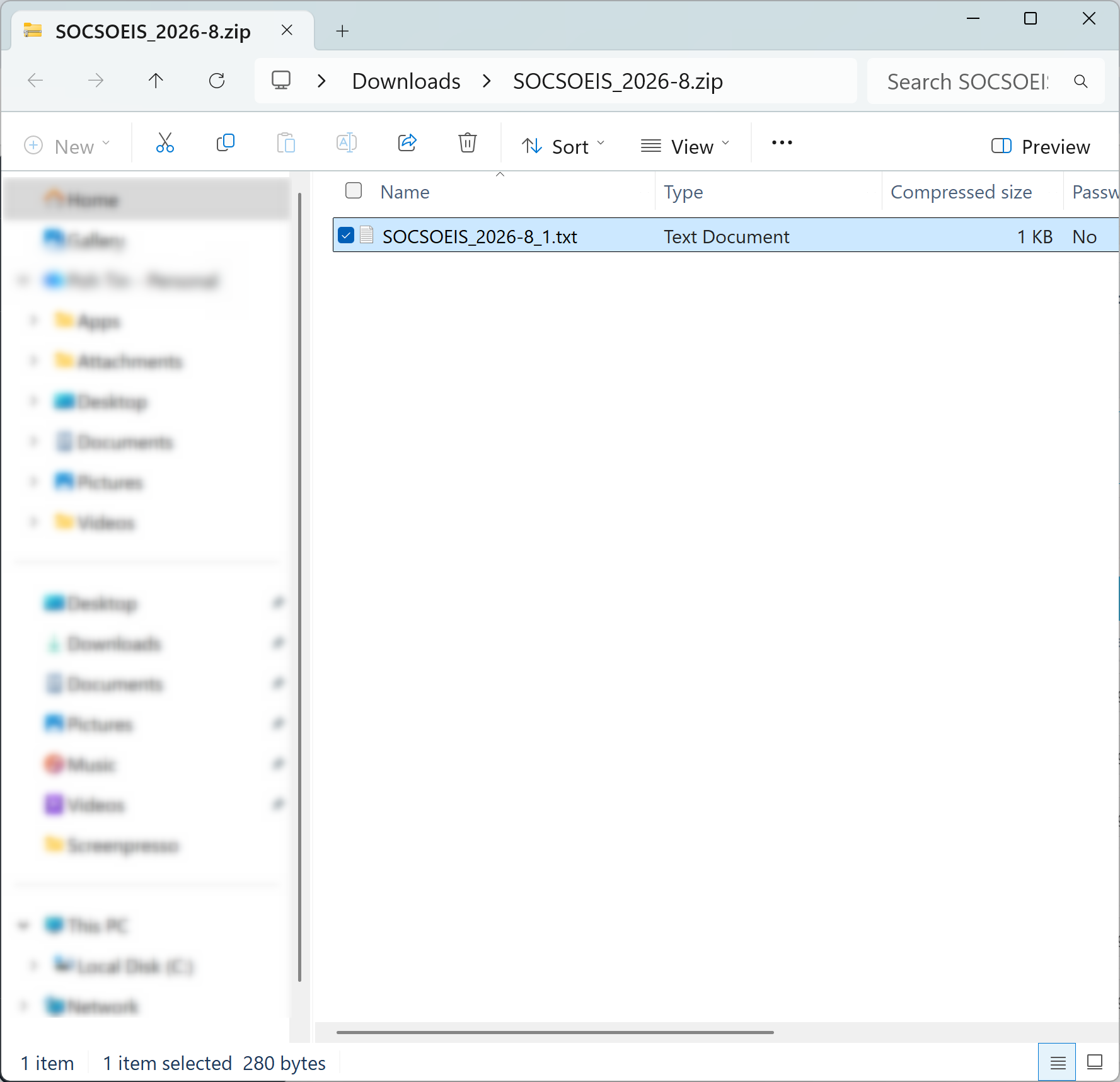
Users can download the SOCSO & EIS Text File through the Electronic Payment module.
Steps to Download the SOCSO & EIS Text File:
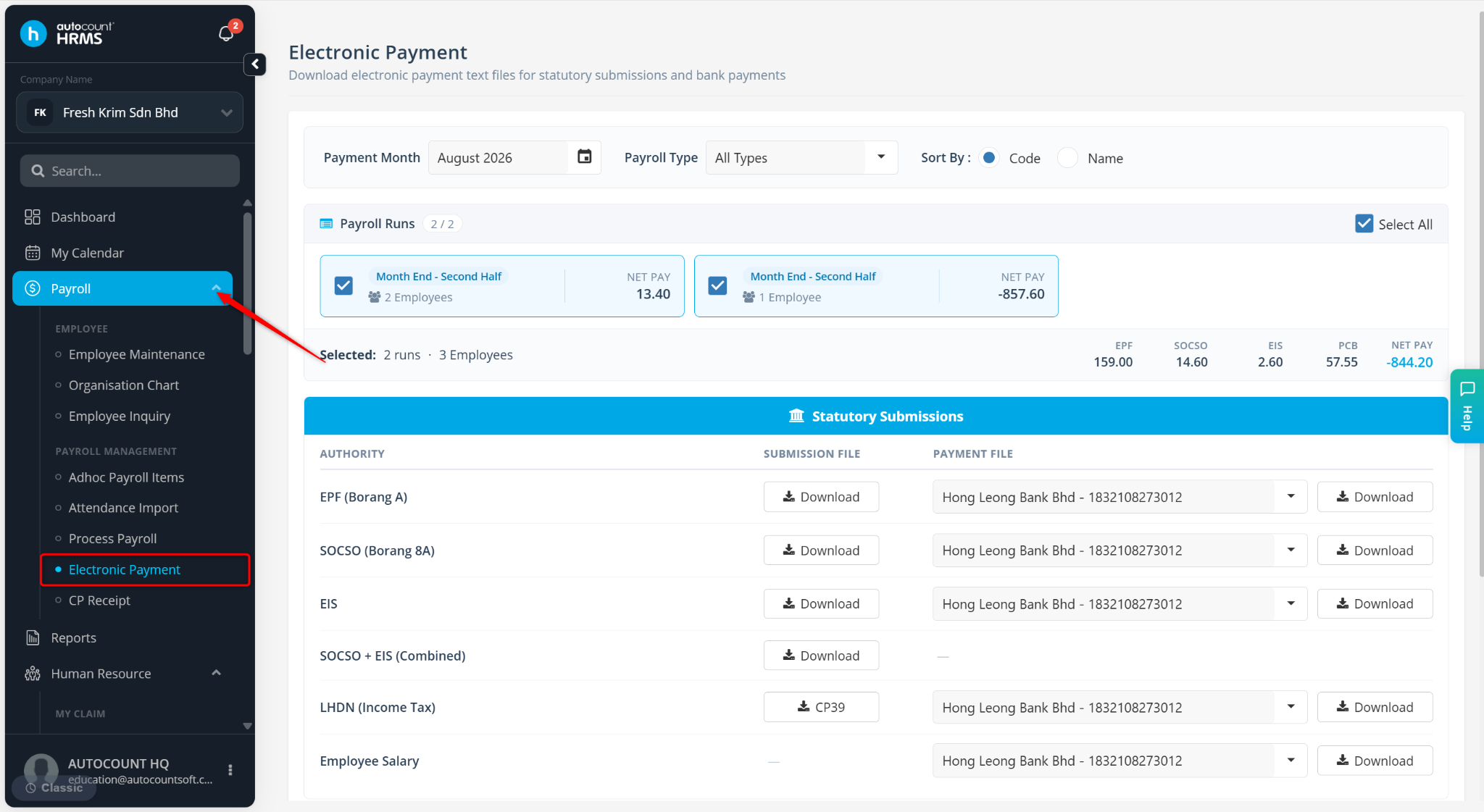
Go to Payroll > Electronic Payment.
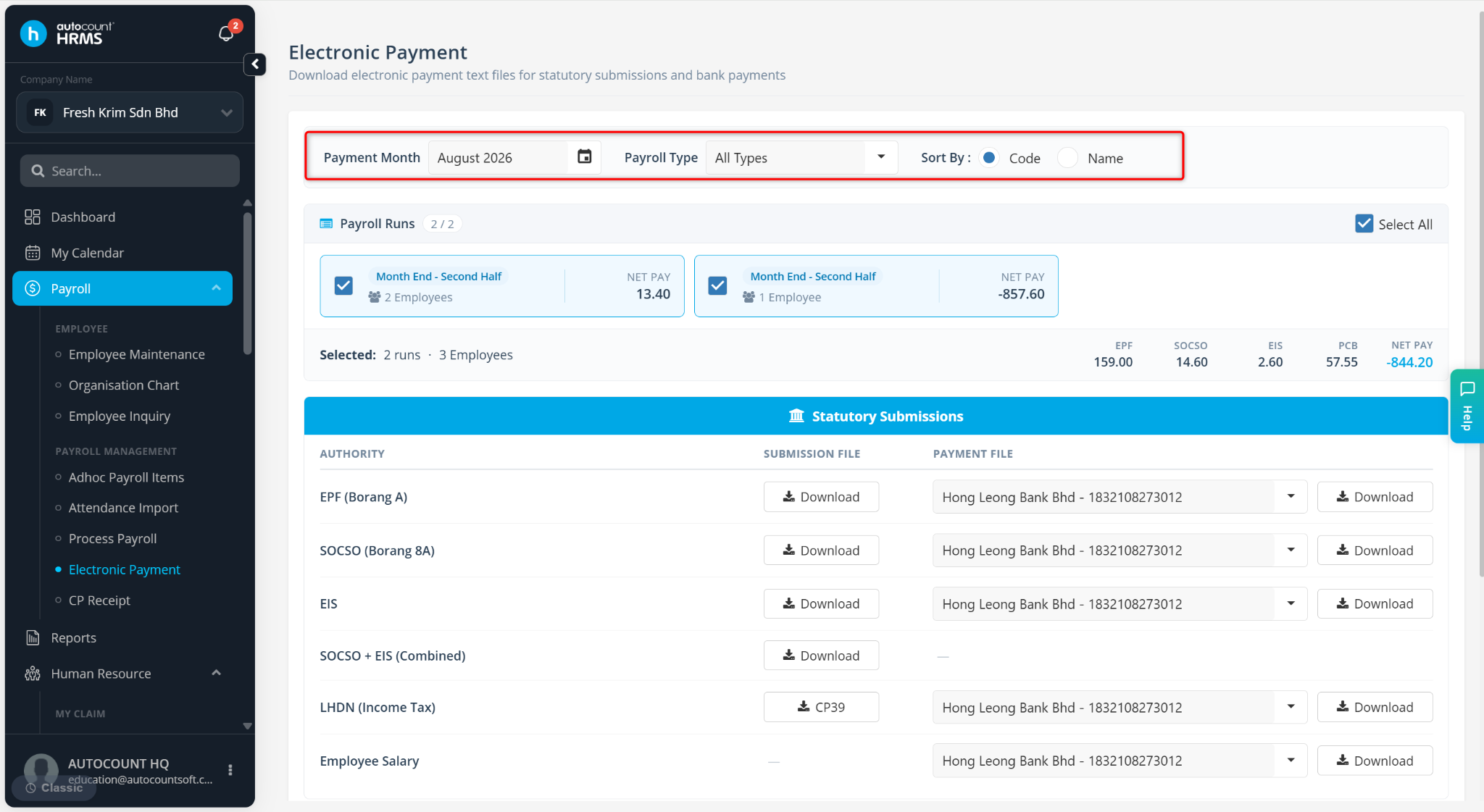
Select the correct payment month and the payroll process for which you wish to generate the SOCSO & EIS text file.
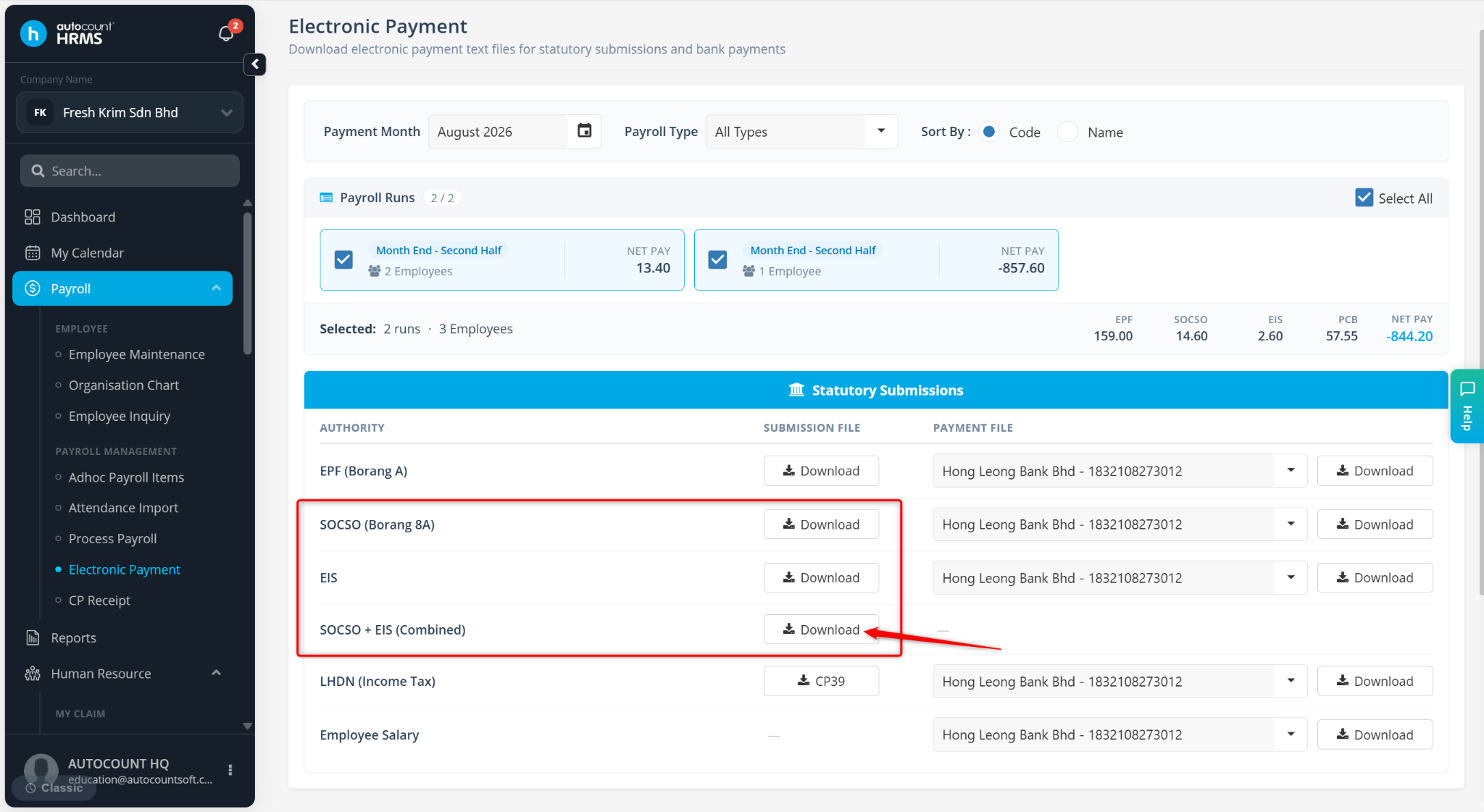
Locate the file and click Download.
The SOCSO & EIS text file will be generated and downloaded.