
There are several reasons why an employee may have zero PCB deductions despite having a high income:
Possible Causes:
Incorrect Tax Status
Tax Borne by Employer is enabled
Incorrect or missing Previous Employment Entry
Allowances are tax-exempt or not subject to PCB calculation
Steps to Check an Employee’s Tax Status:
Go to Payroll > Employee Maintenance.
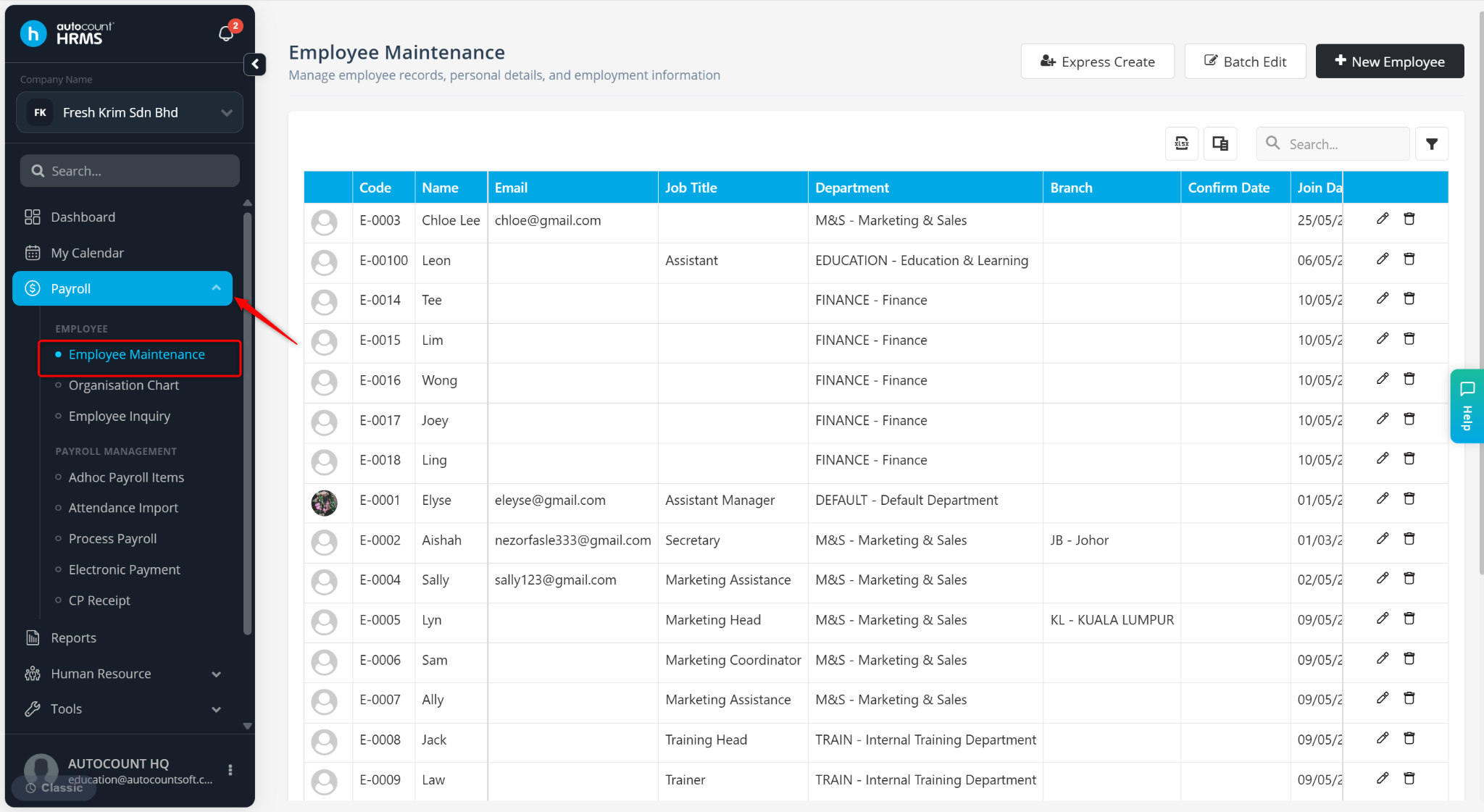
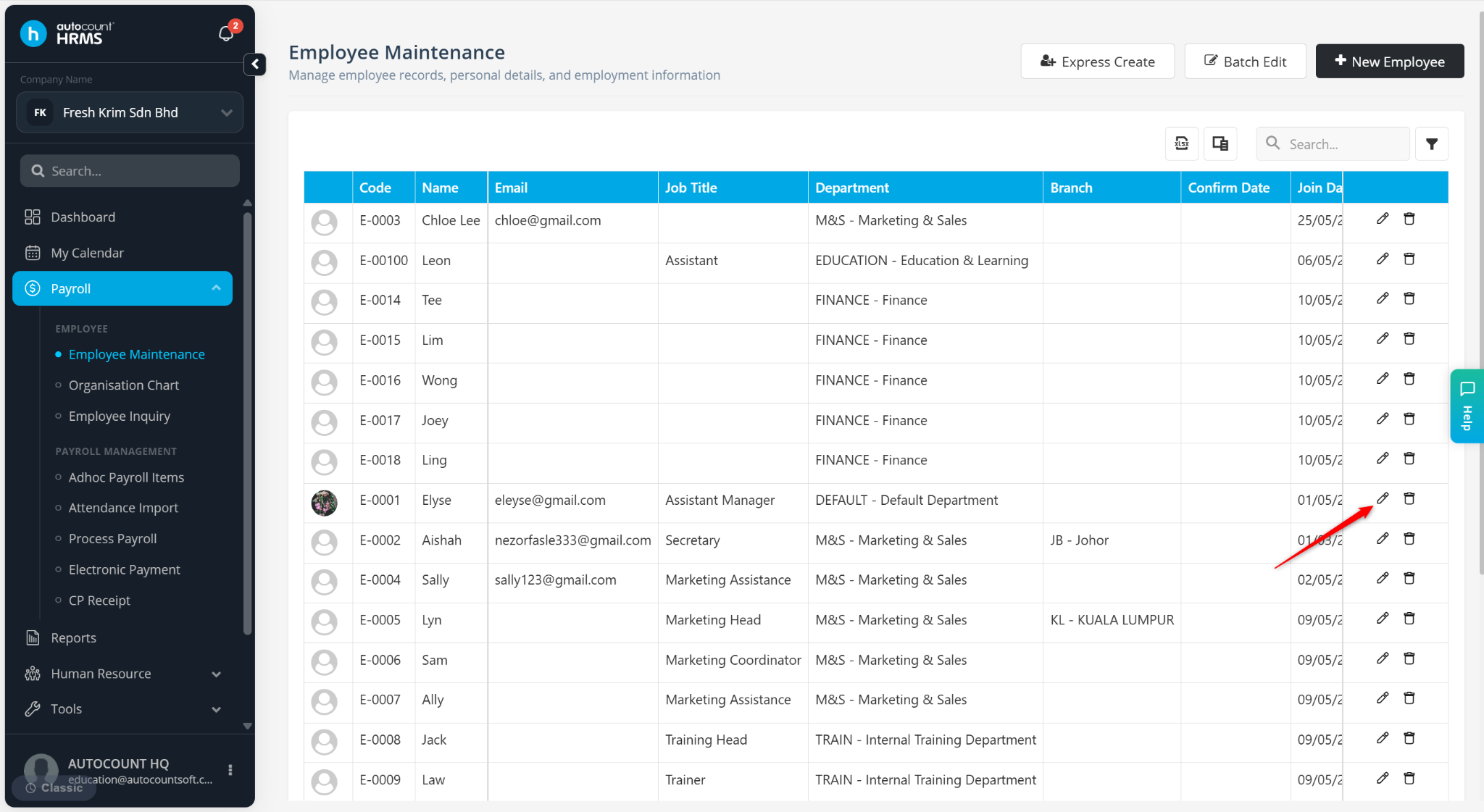
Locate the employee and click the pencil icon.
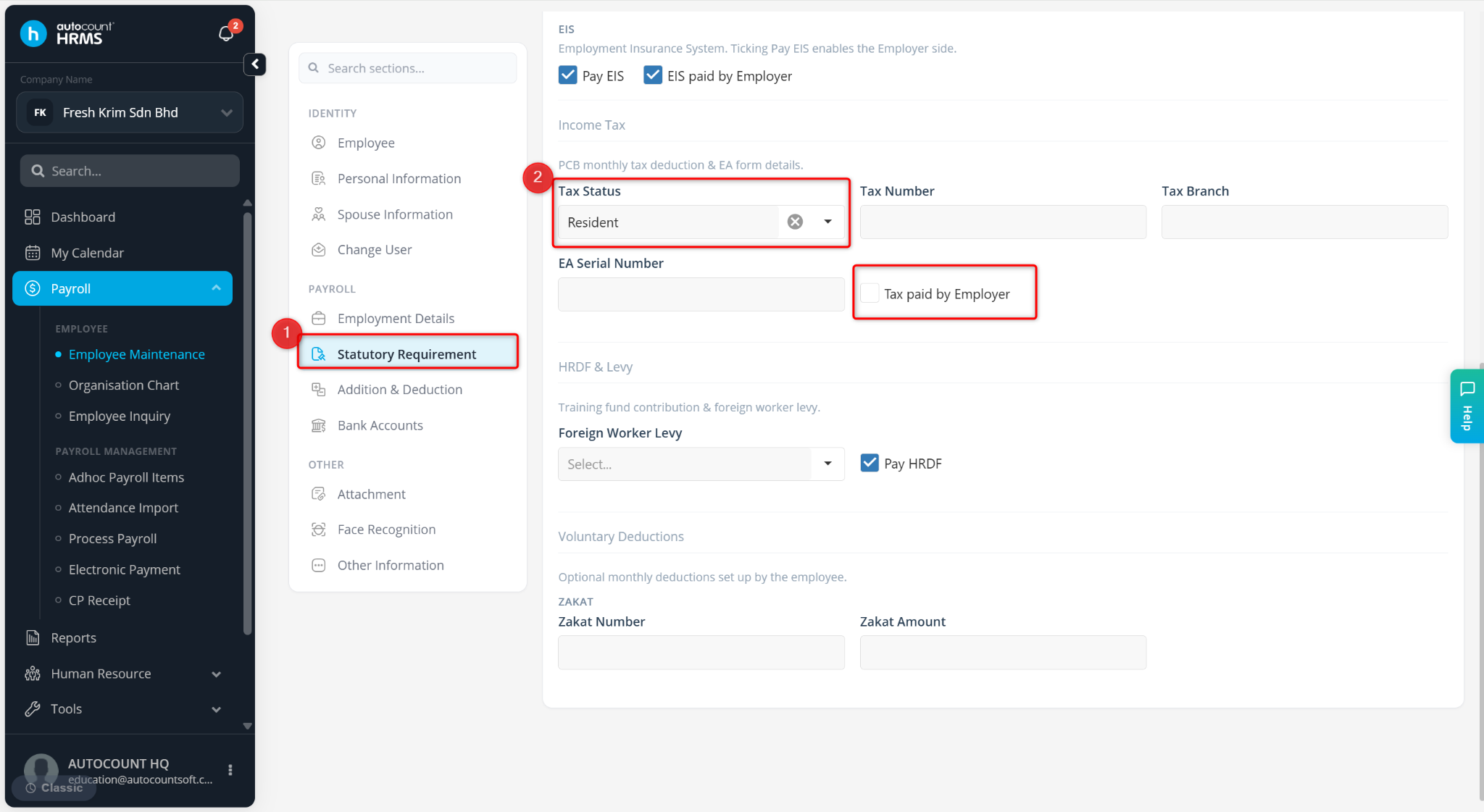
Go to Statutory Requirement and review the Tax Status settings. Ensure:
Tax Status is set to Resident.
Tax Borne by Employer is not enabled.
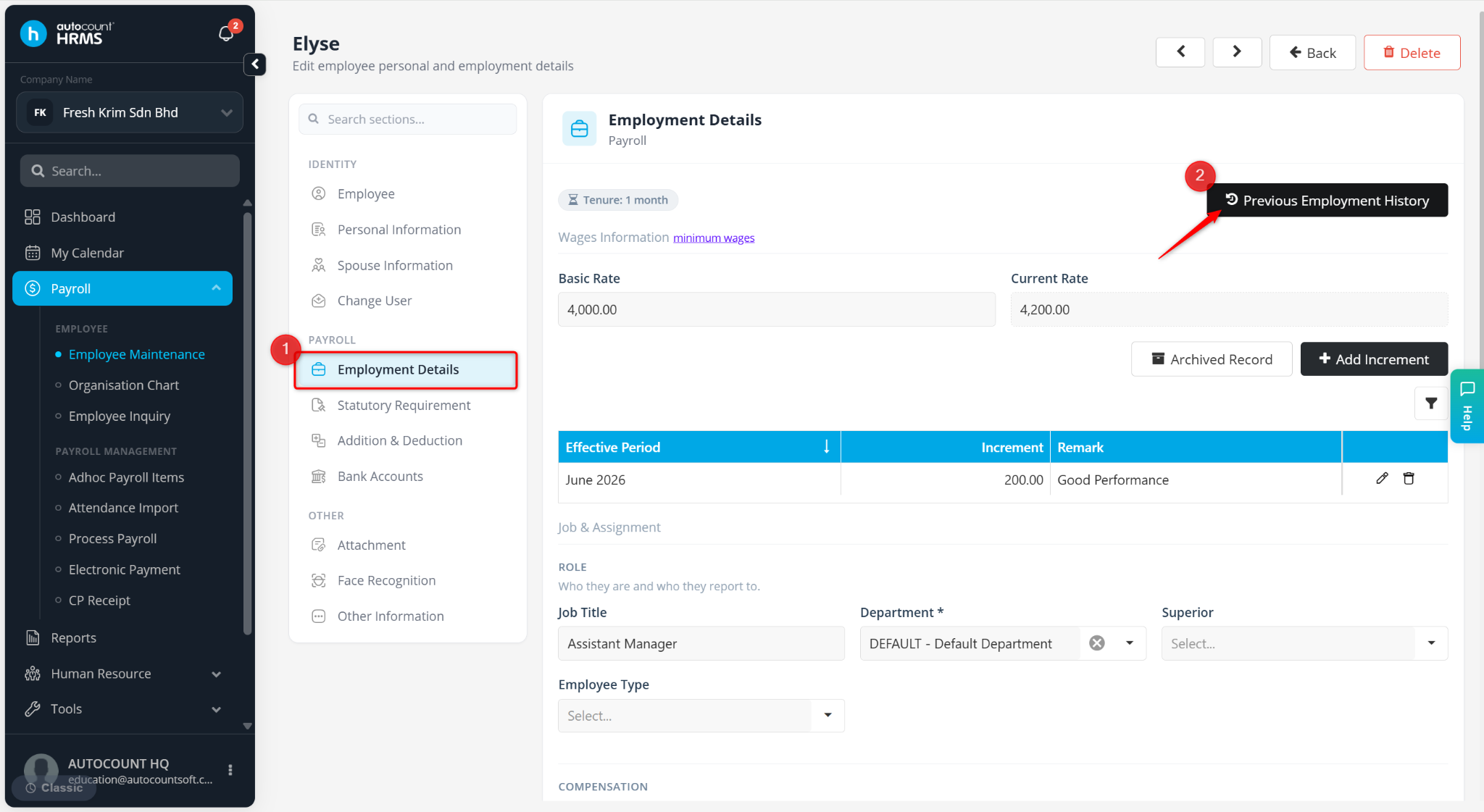
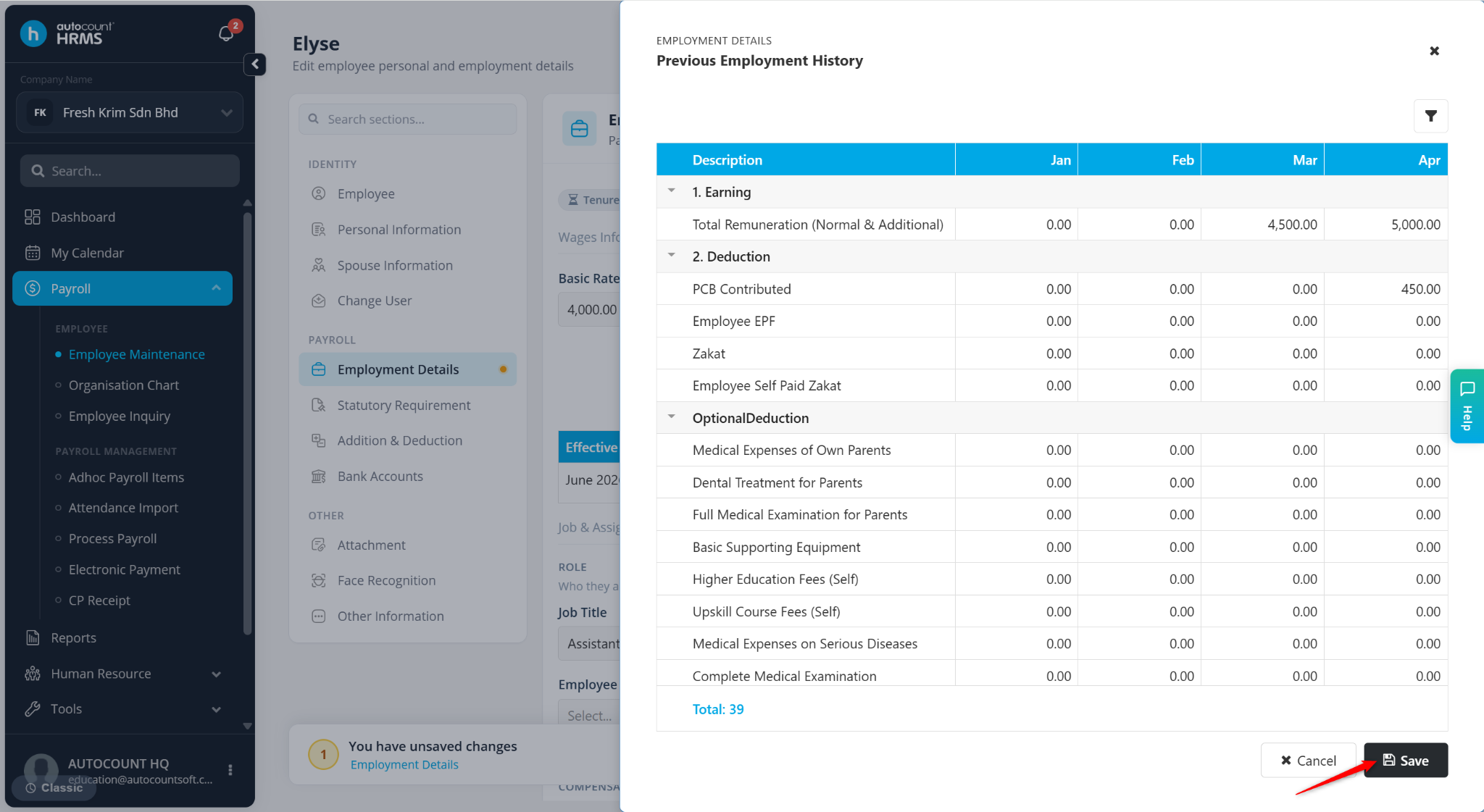
Go to Employment Details. Click Previous Employment Entry and verify that all information is maintained accurately. Update the details if required.
Click Save to save the Previous Employment Entry details.
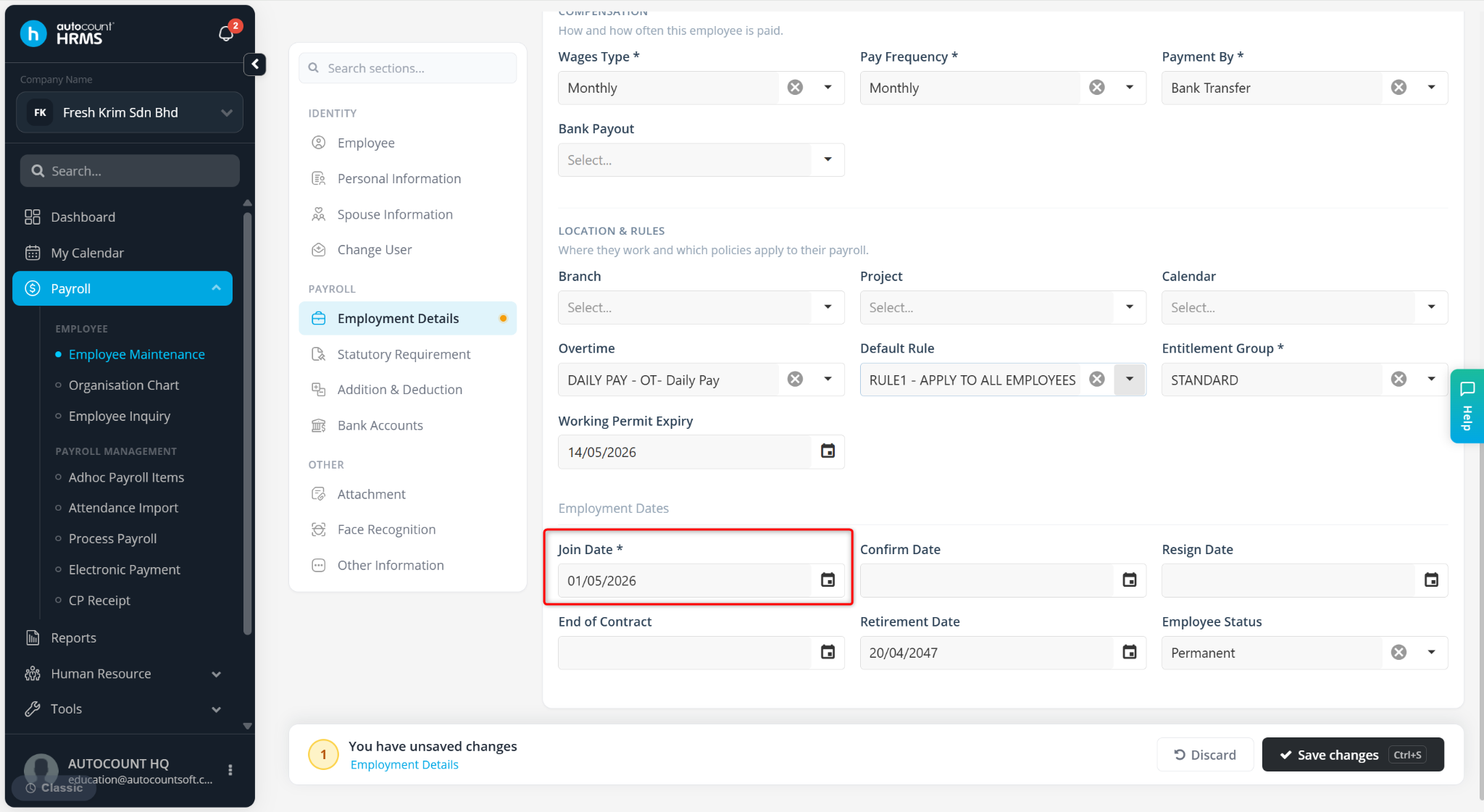
Ensure the employee's Join Date is correct. The Join Year should correspond to the current tax year when applicable.
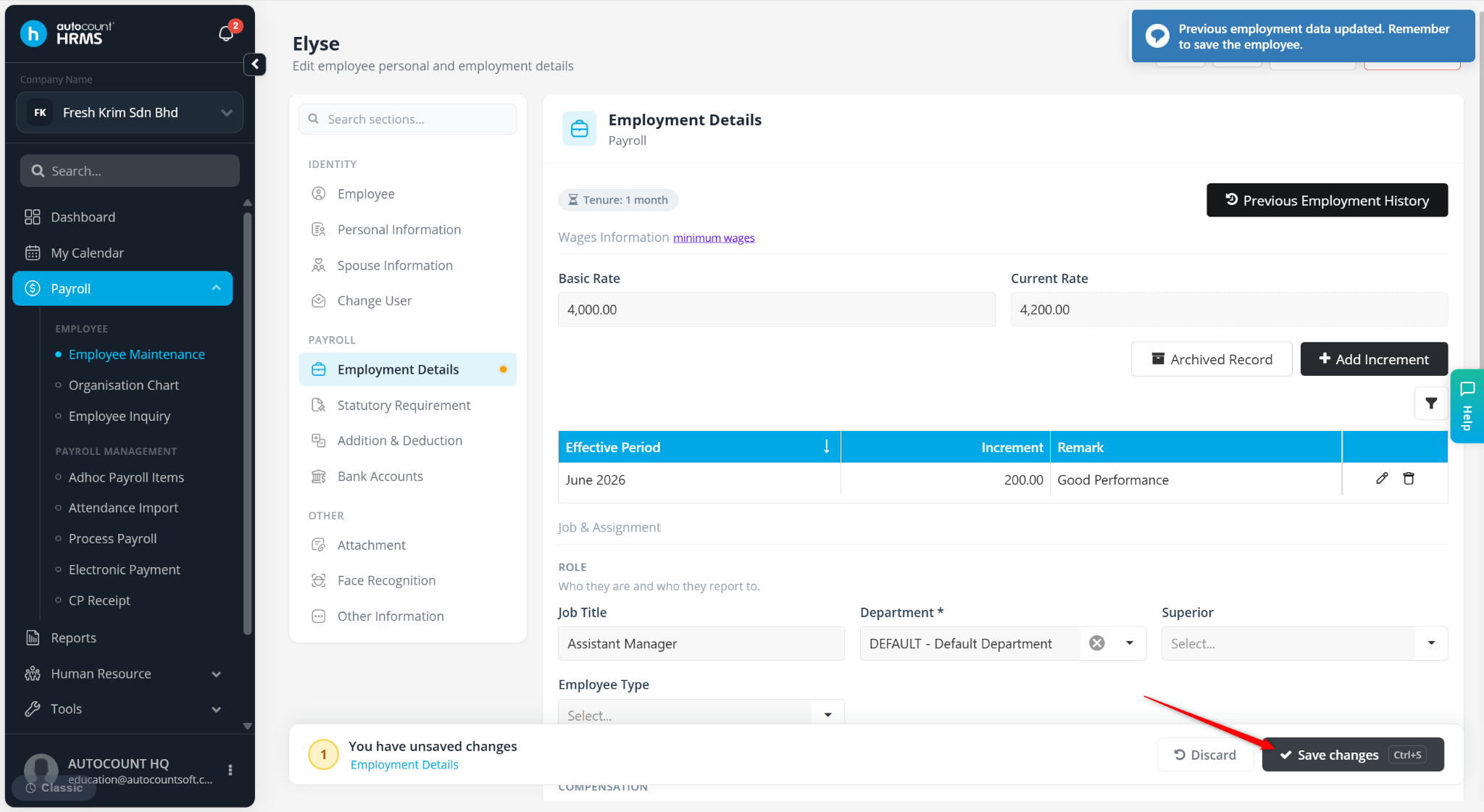
Click Save Changes.
Return to Process Payroll and reset/reprocess the employee's payroll to recalculate PCB.