Process Payroll is used to calculate and generate employee salaries for a payroll period. The system processes all payroll components, including basic salary, allowances, overtime, deductions, leave adjustments, claims, and statutory contributions, to determine each employee's final payable amount.
Payroll calculations are based on the employee's payroll settings, attendance records, leave transactions, and assigned payroll items.
Steps to Run Payroll:
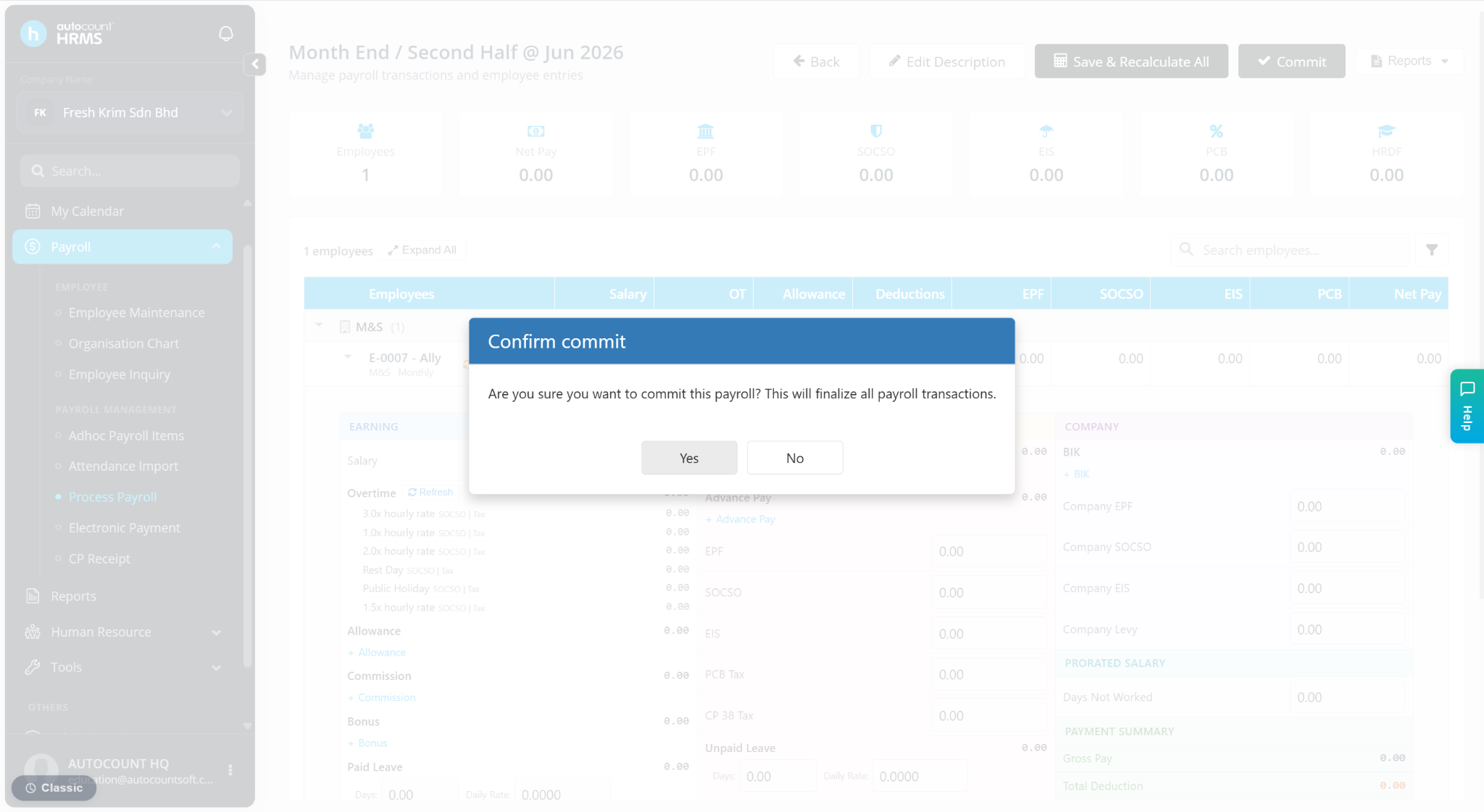
Go to Payroll > Process Payroll.
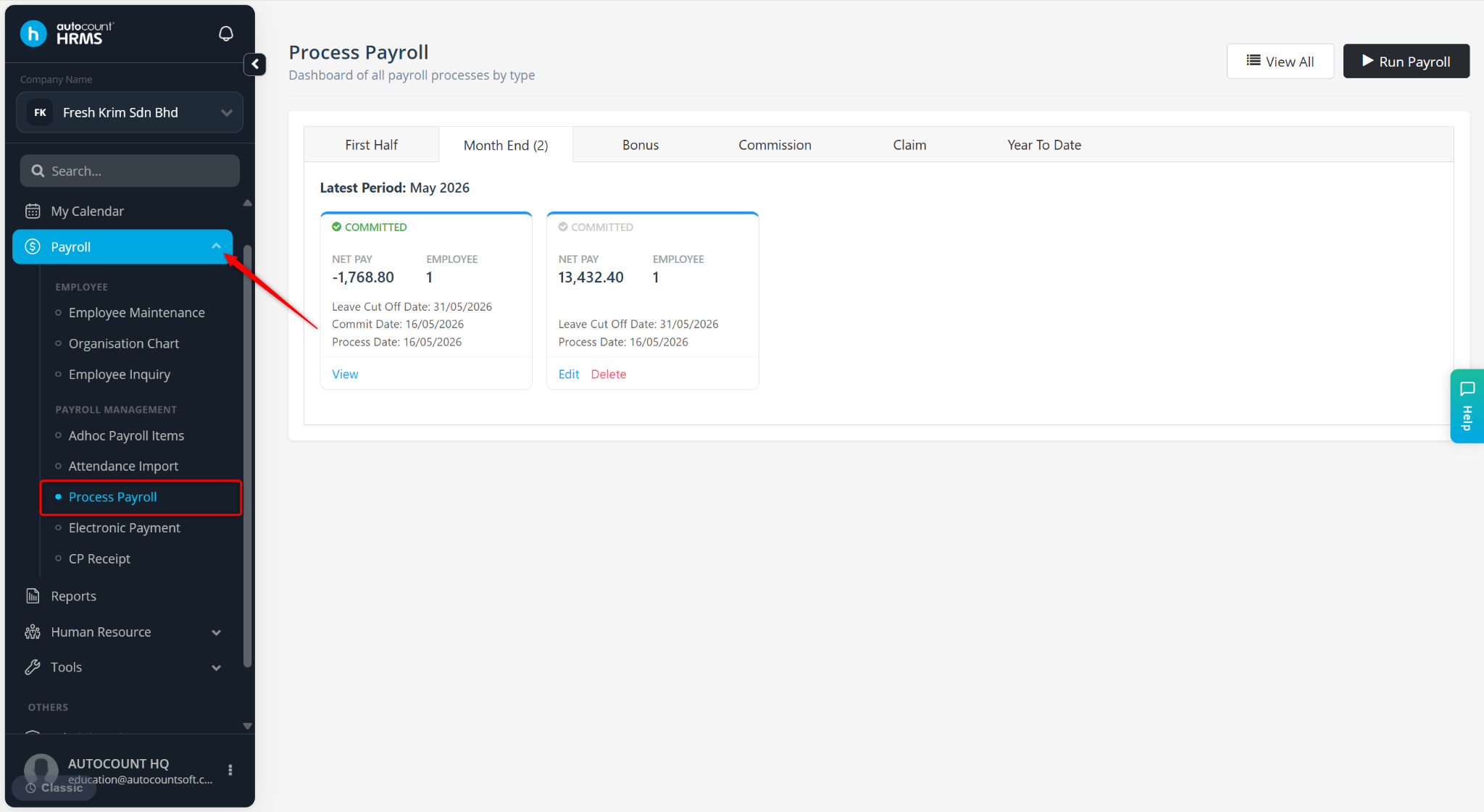
Click Run Payroll.
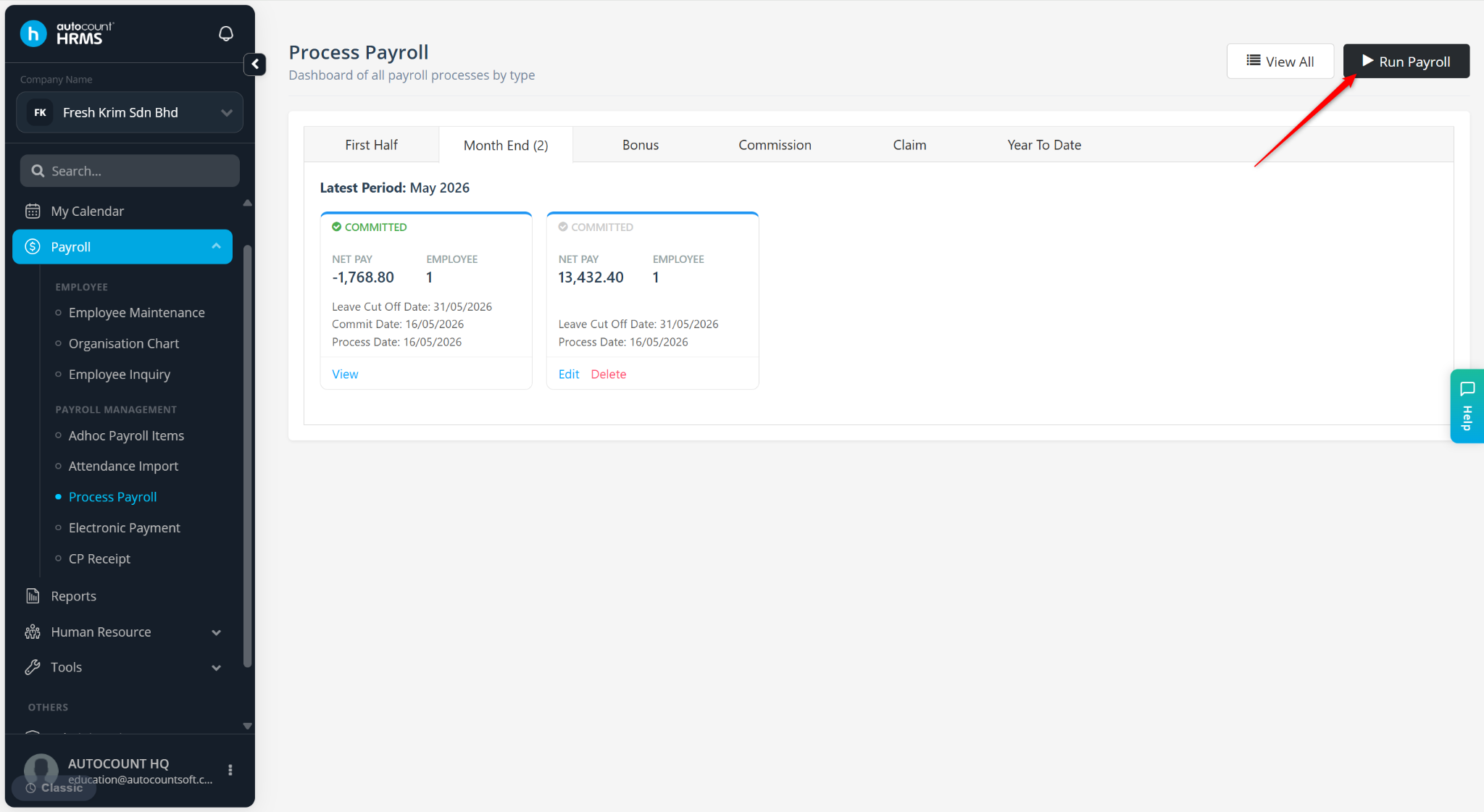
Select the Payroll Type, Payroll Period, Leave Cut-Off Day and Description (Optional).
Select the employees to be included in this payroll run.
Click Next.
Click Preview.
Click Process.
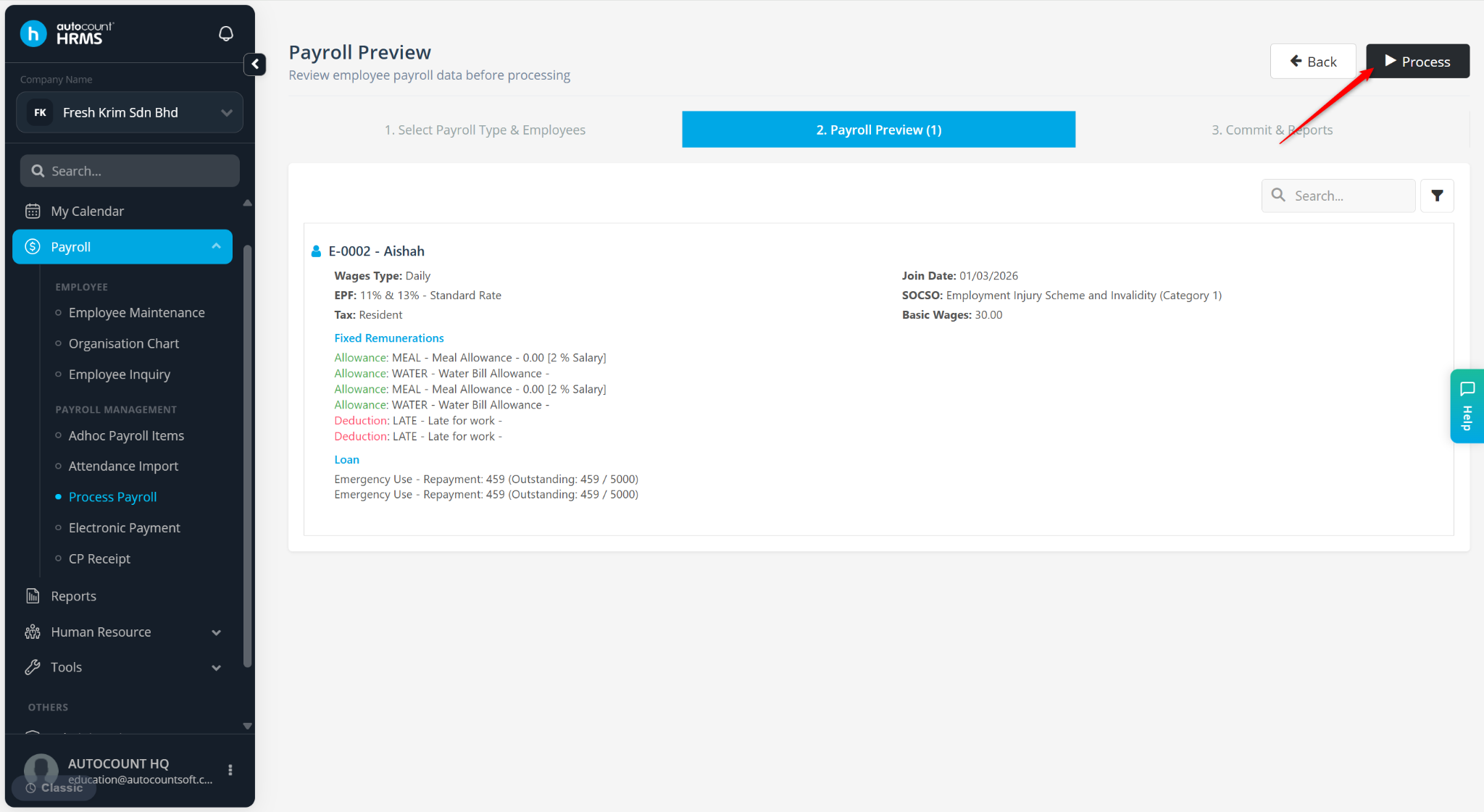
Review all the details.
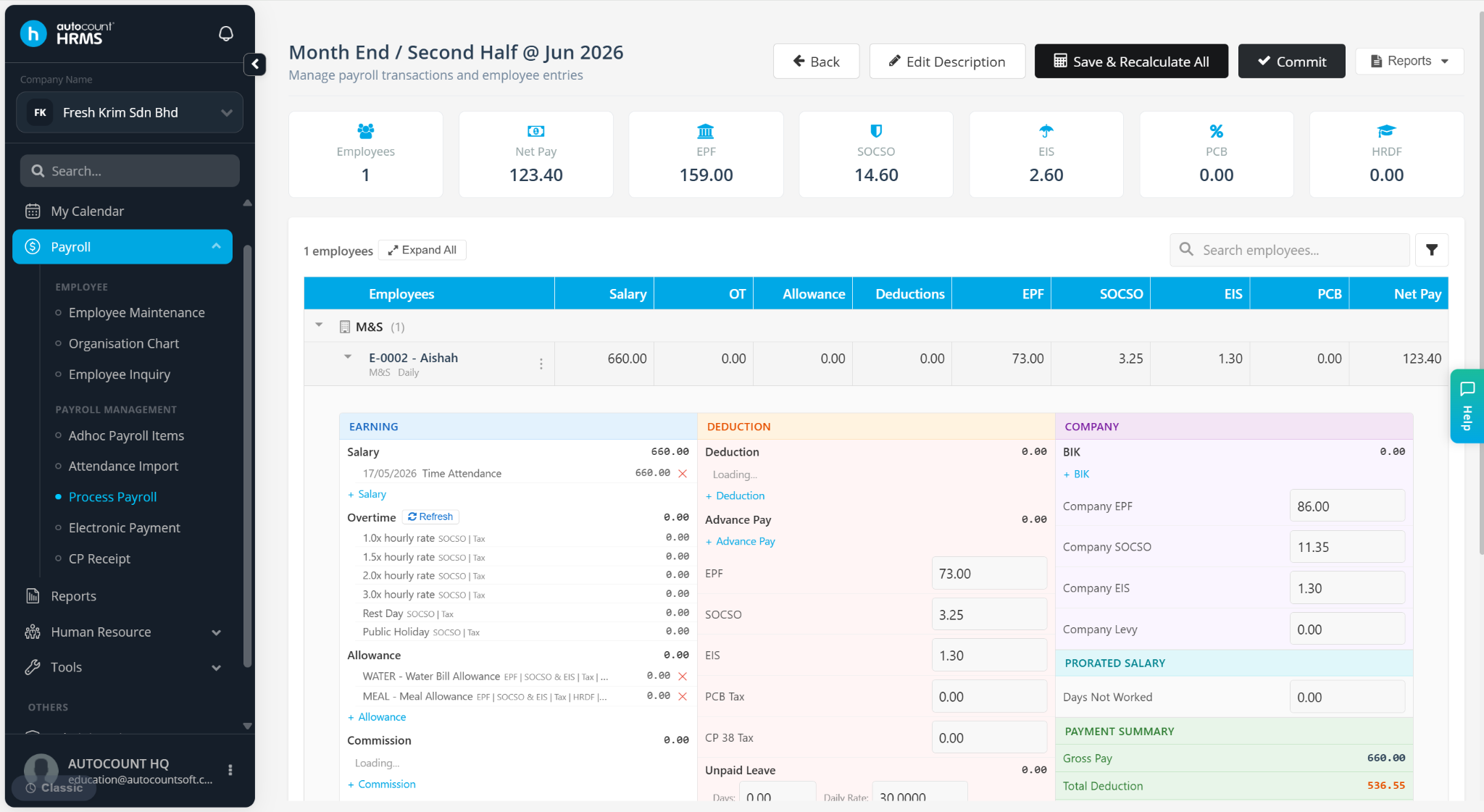
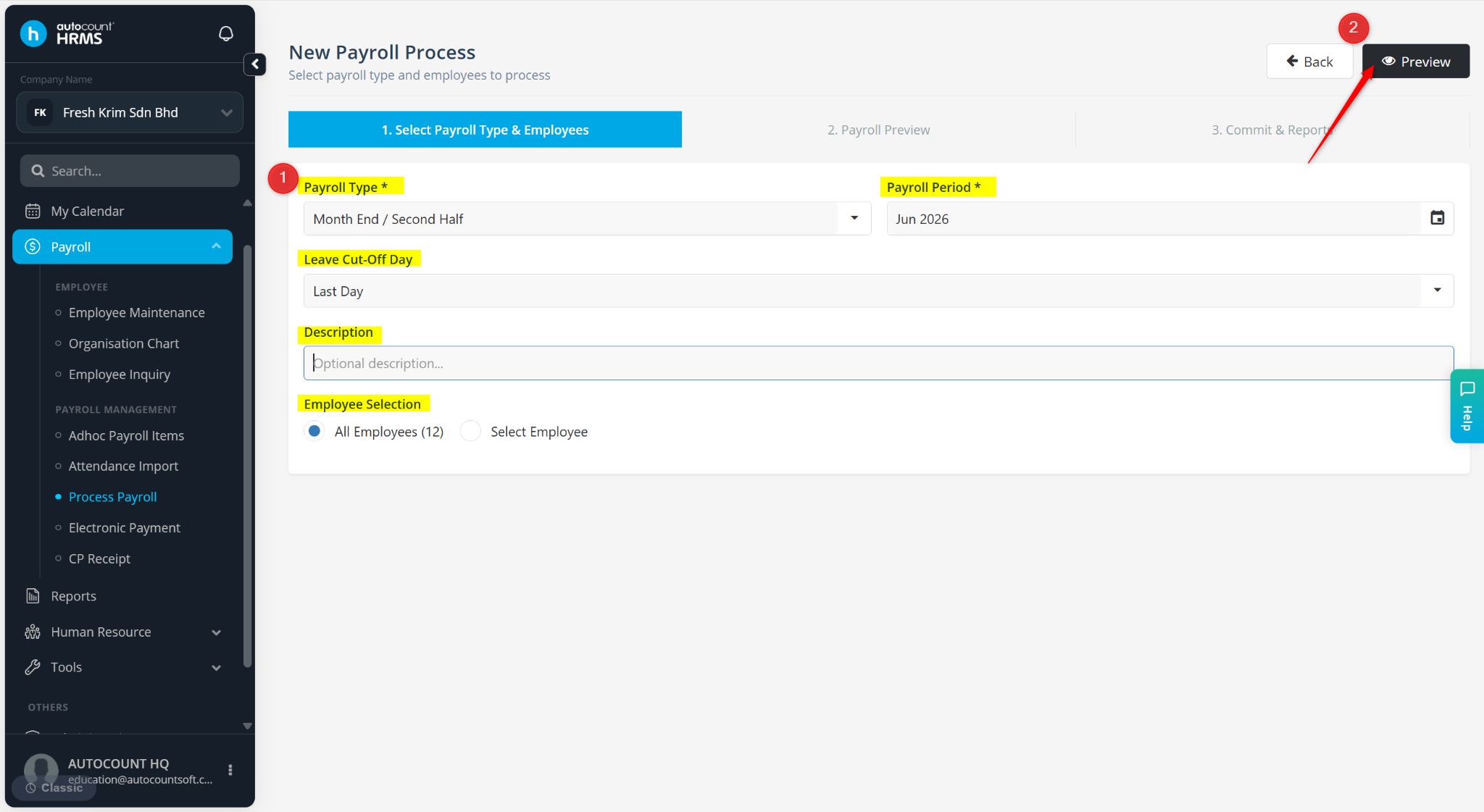
Click Commit.
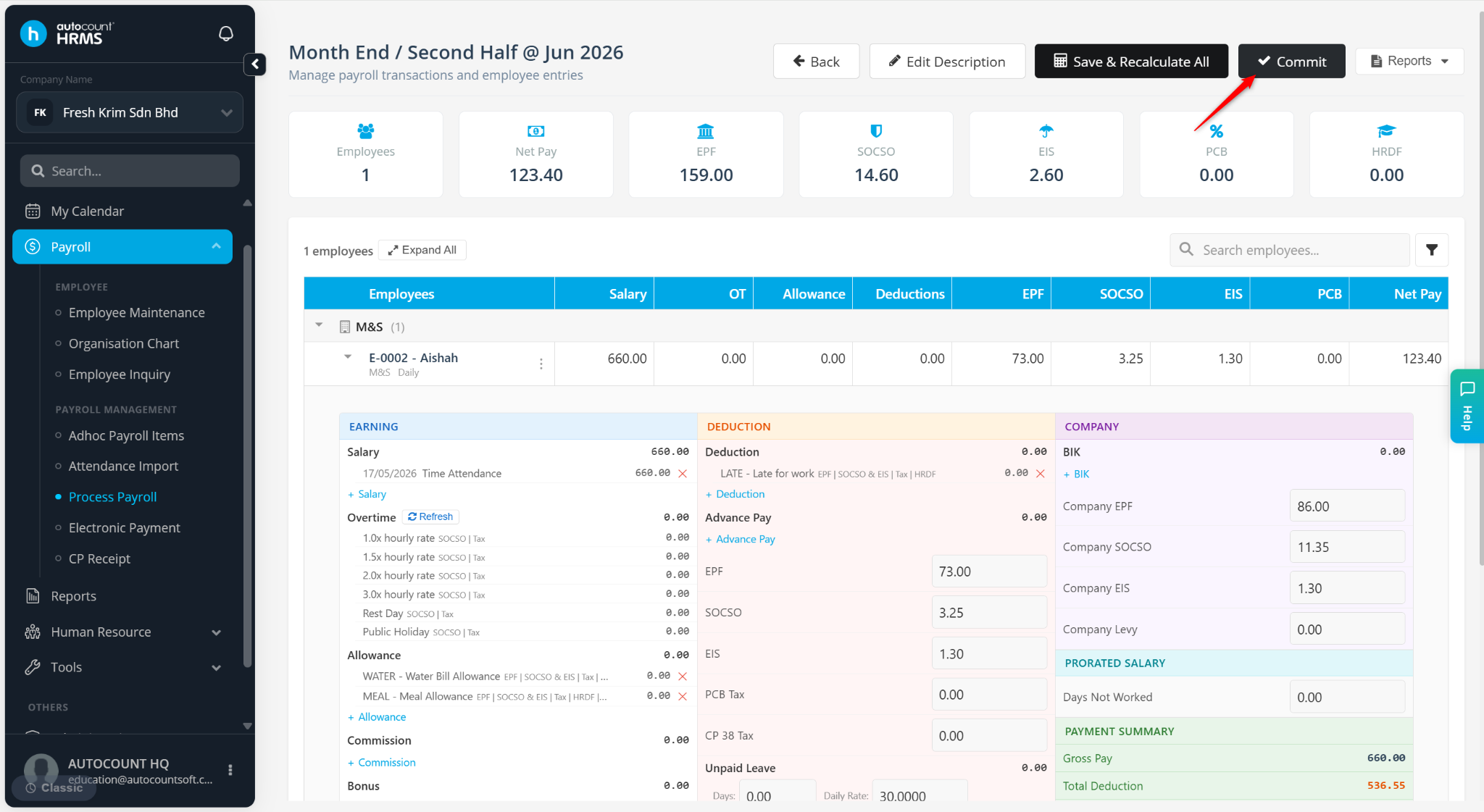
Click Yes to confirm. Editing will be restricted after commit.