
The most efficient way to configure the Attendance module is by using the Attendance Setup Wizard, which guides users through all the required settings step-by-step. This helps ensure that attendance rules, shifts, clocking methods, and related configurations are set up correctly.
Steps to Configure Attendance Module:
Go to Tools > Attendance Setup.
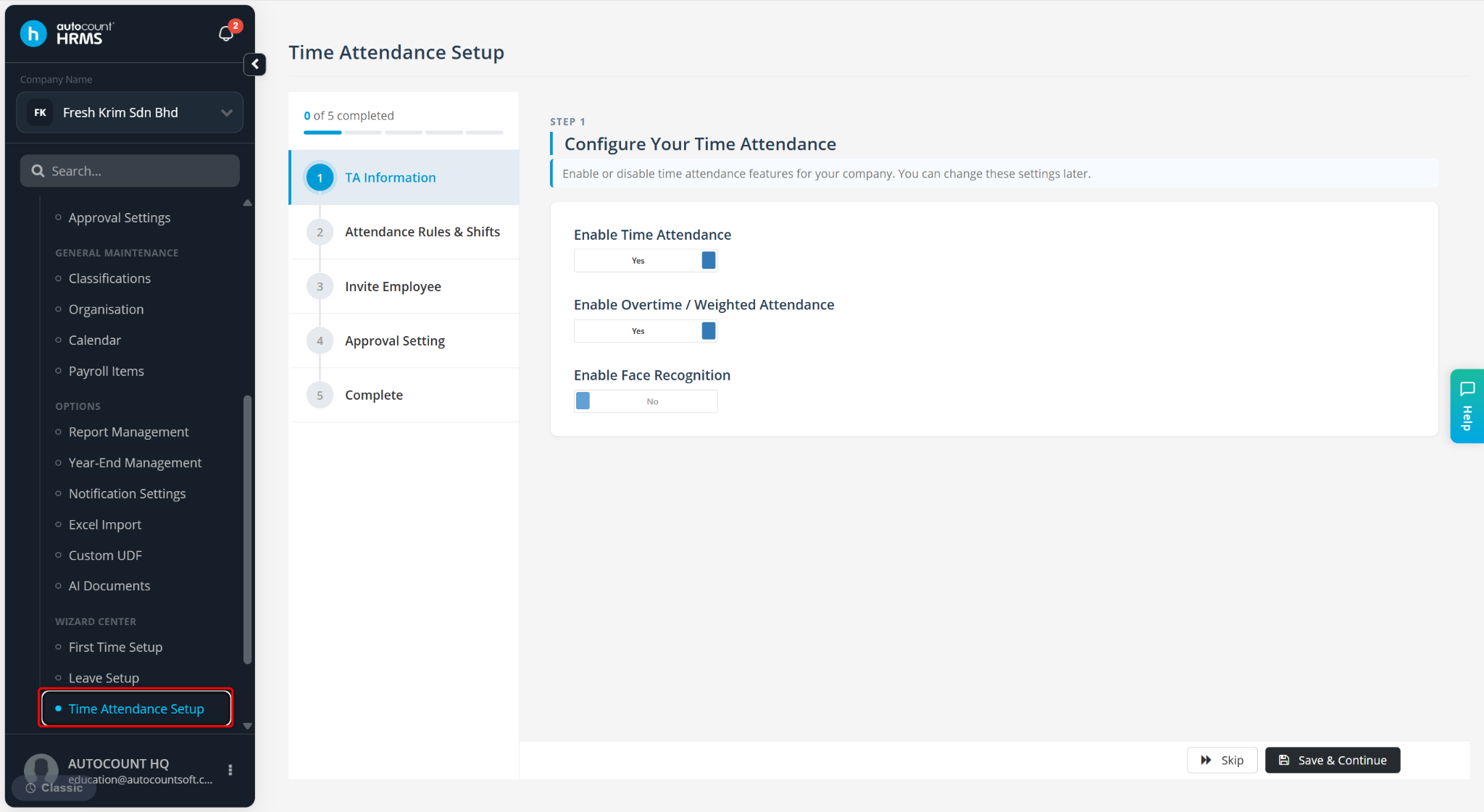
Follow the setup wizard and complete all required configurations according to the instructions provided.
Click Save & Continue to proceed to the next step of the wizard.
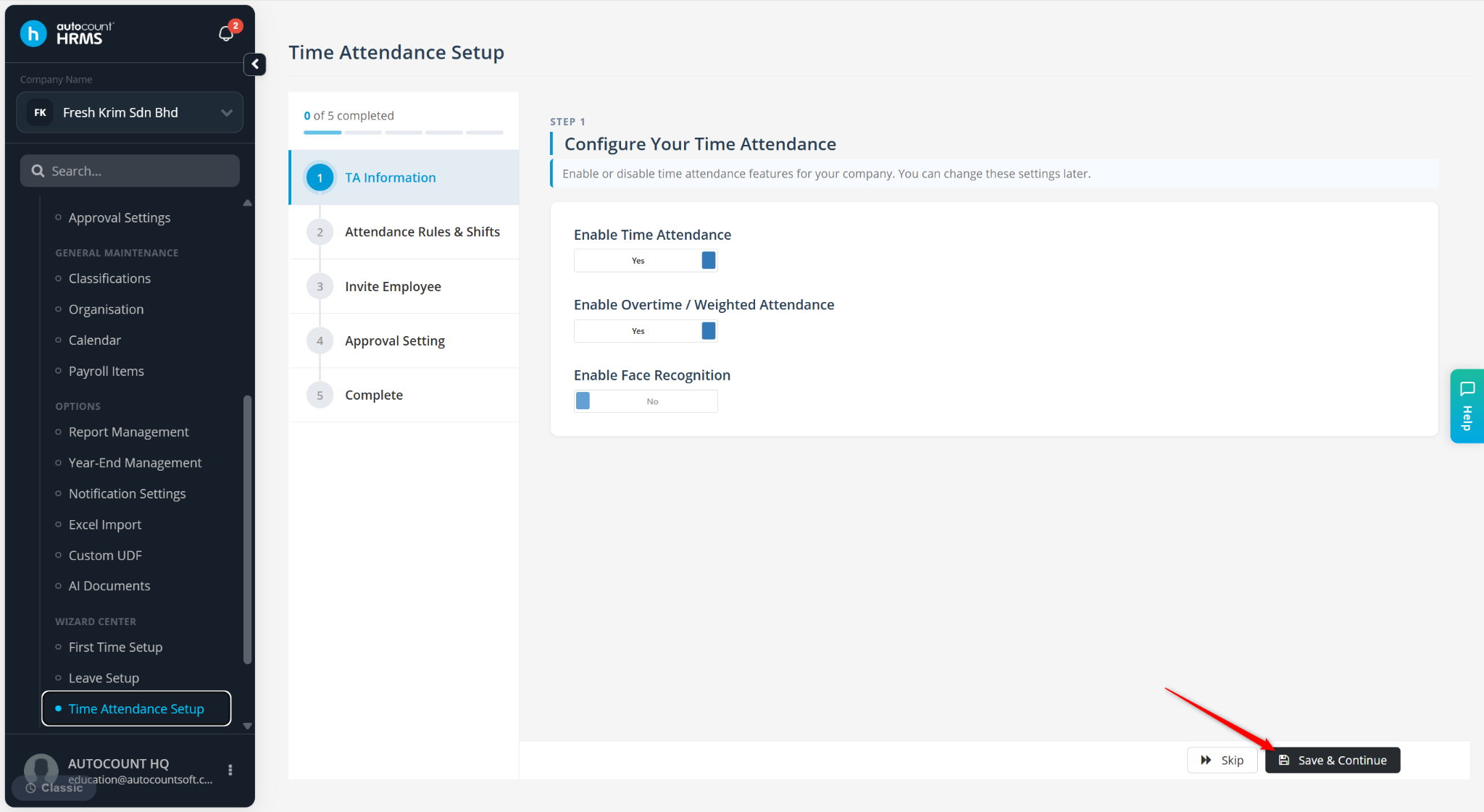
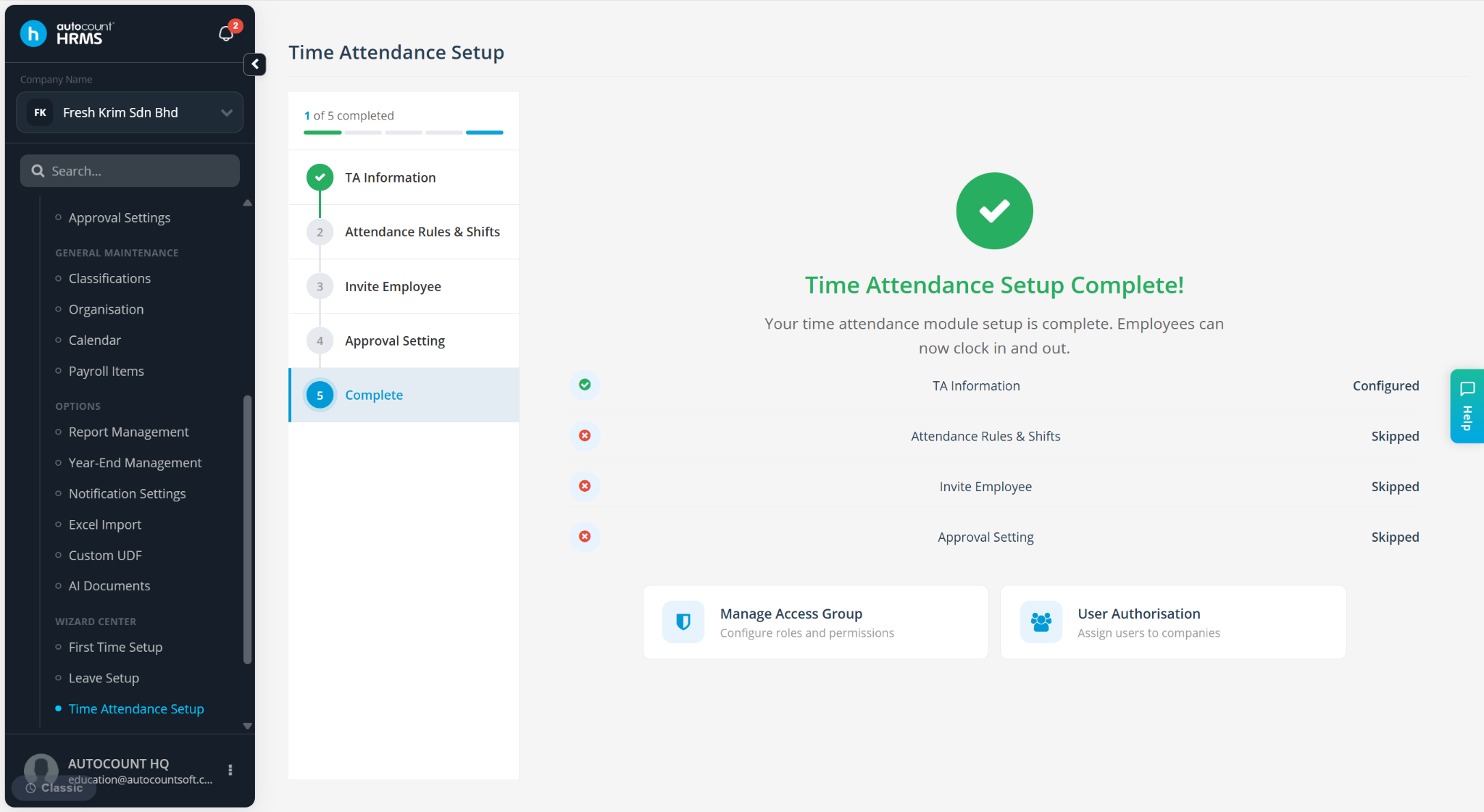
Repeat until all setup steps have been completed.
Written by: Azirah (20250620)