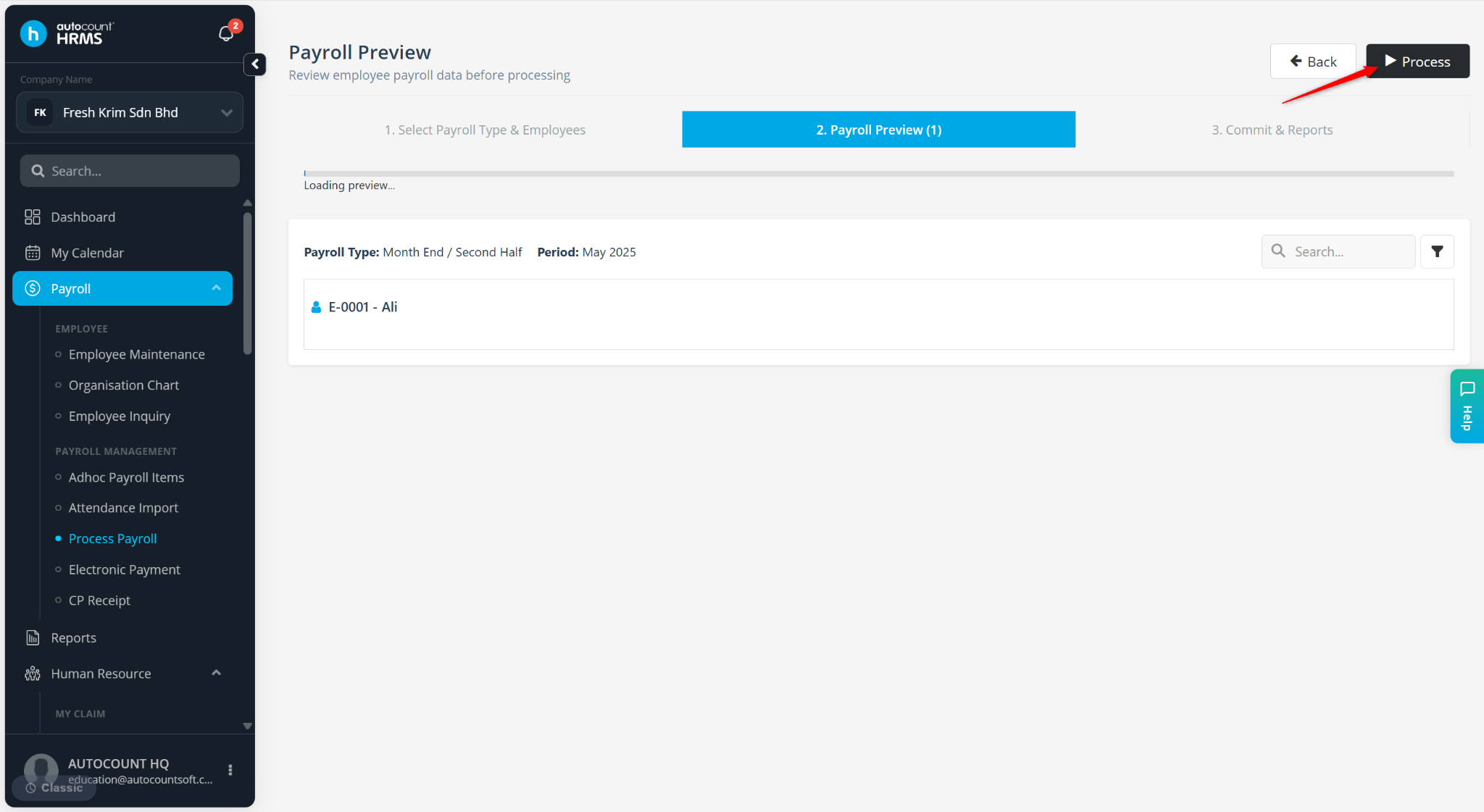
Before importing attendance, ensure the employee's Wage Type is set to Daily and the Basic Rate is maintained correctly in Employee Maintenance.
The employee's Basic Salary will be calculated by formula: Number of Days Worked × Daily Rate.
Steps to Calculate Worker’s Salary by Daily Rate using Excel Import:
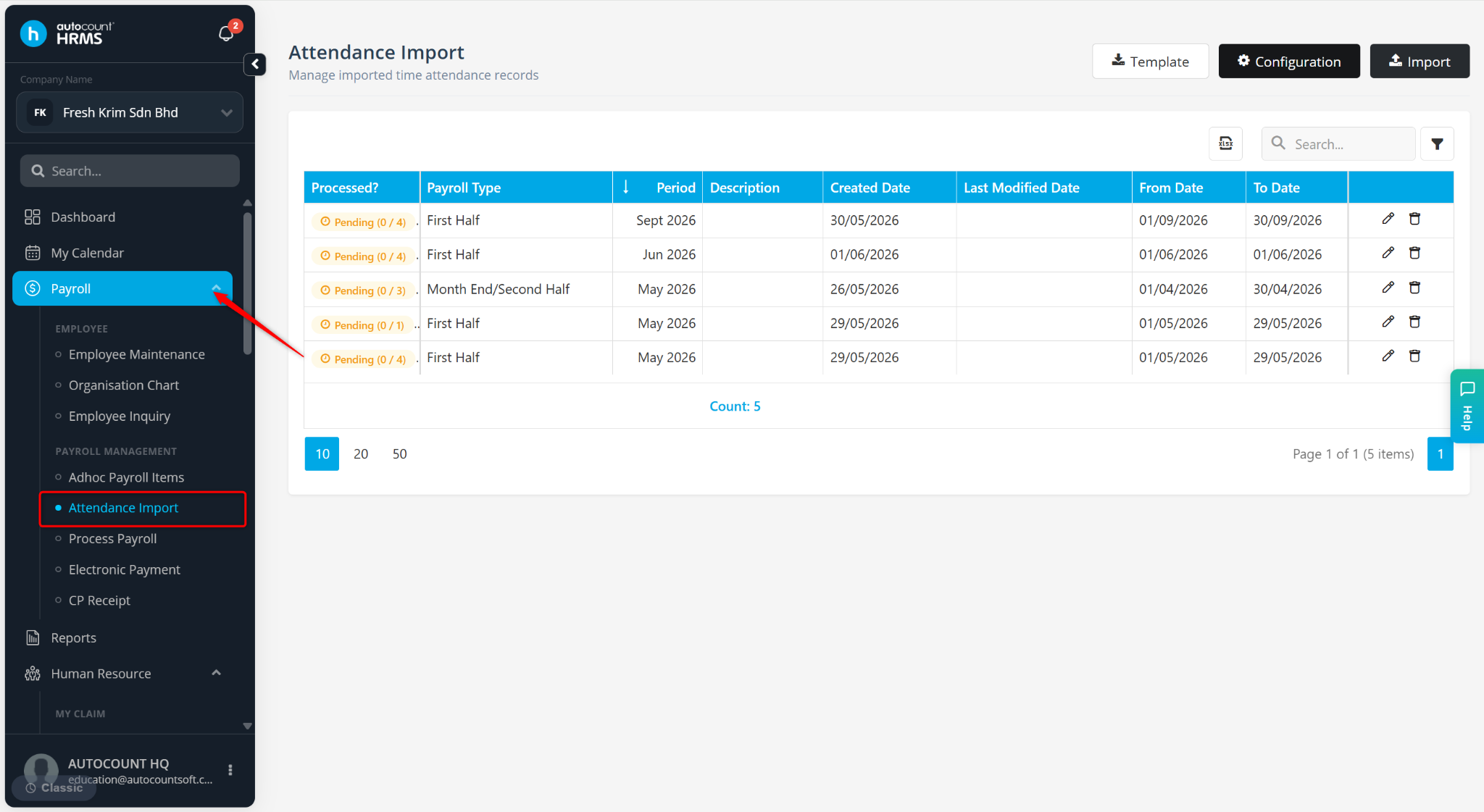
Go to Payroll > Attendance Import.
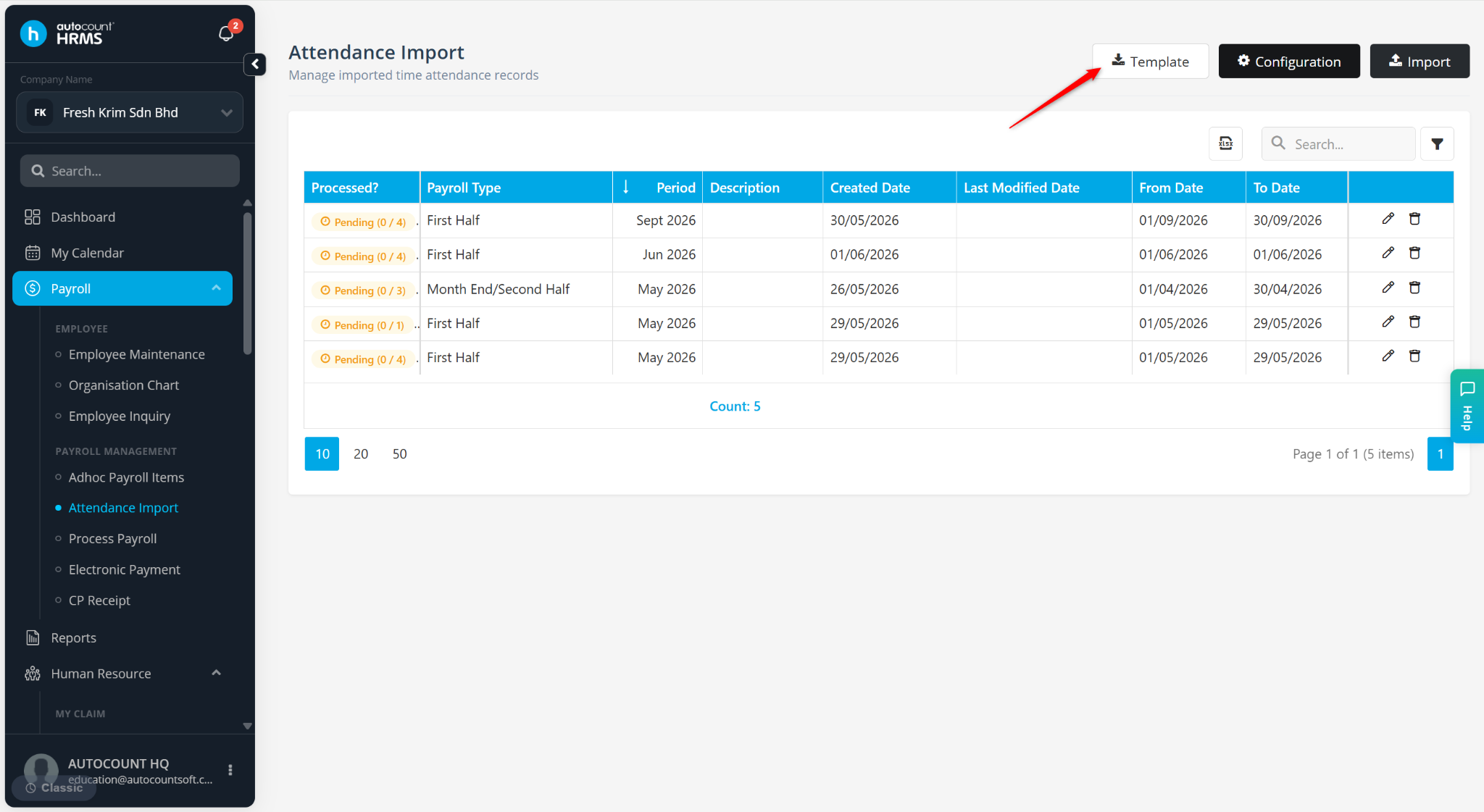
Click Template to download the Excel template.
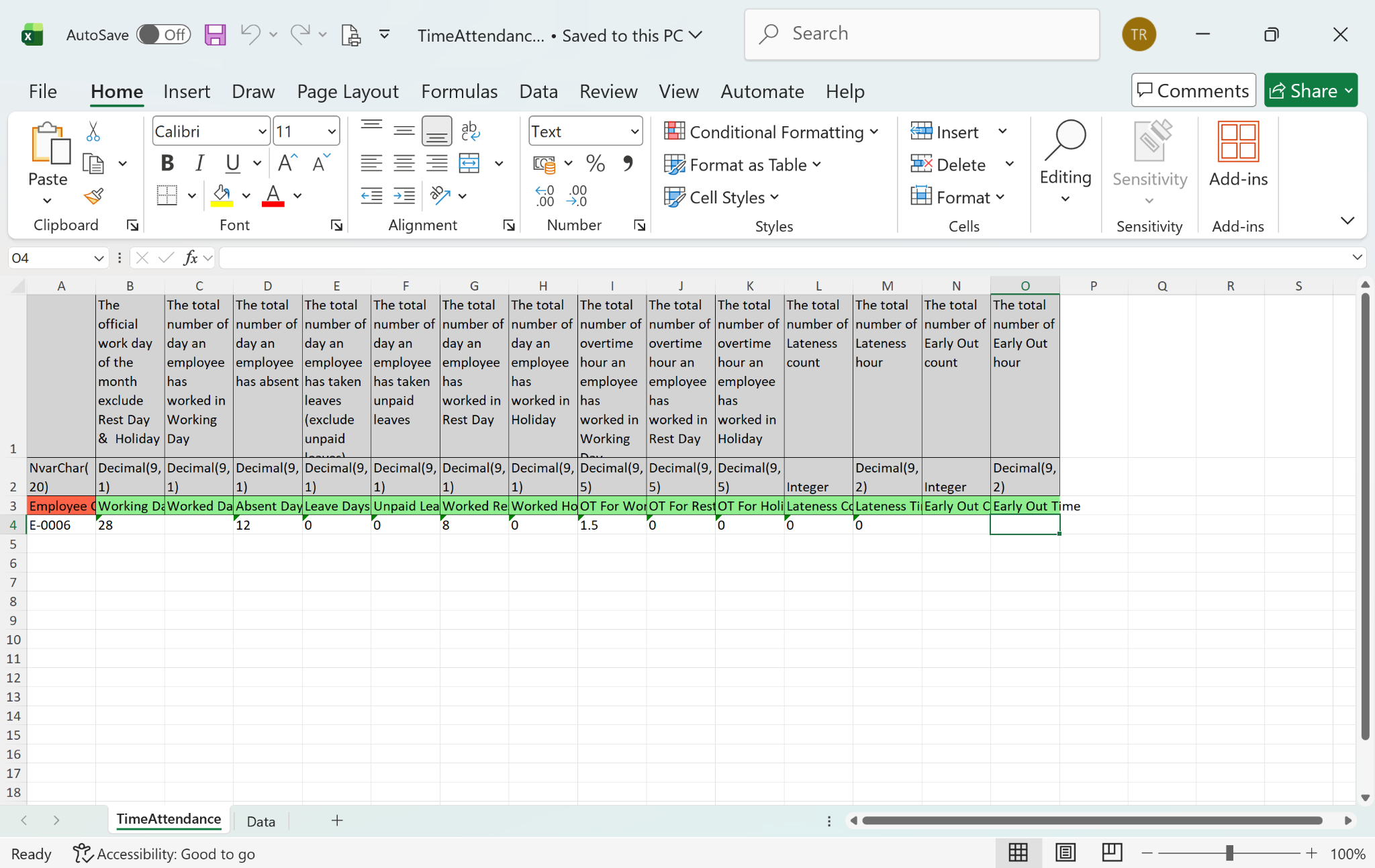
Open the template, enter the required attendance information, and save the file.
Return to the Attendance Import page.
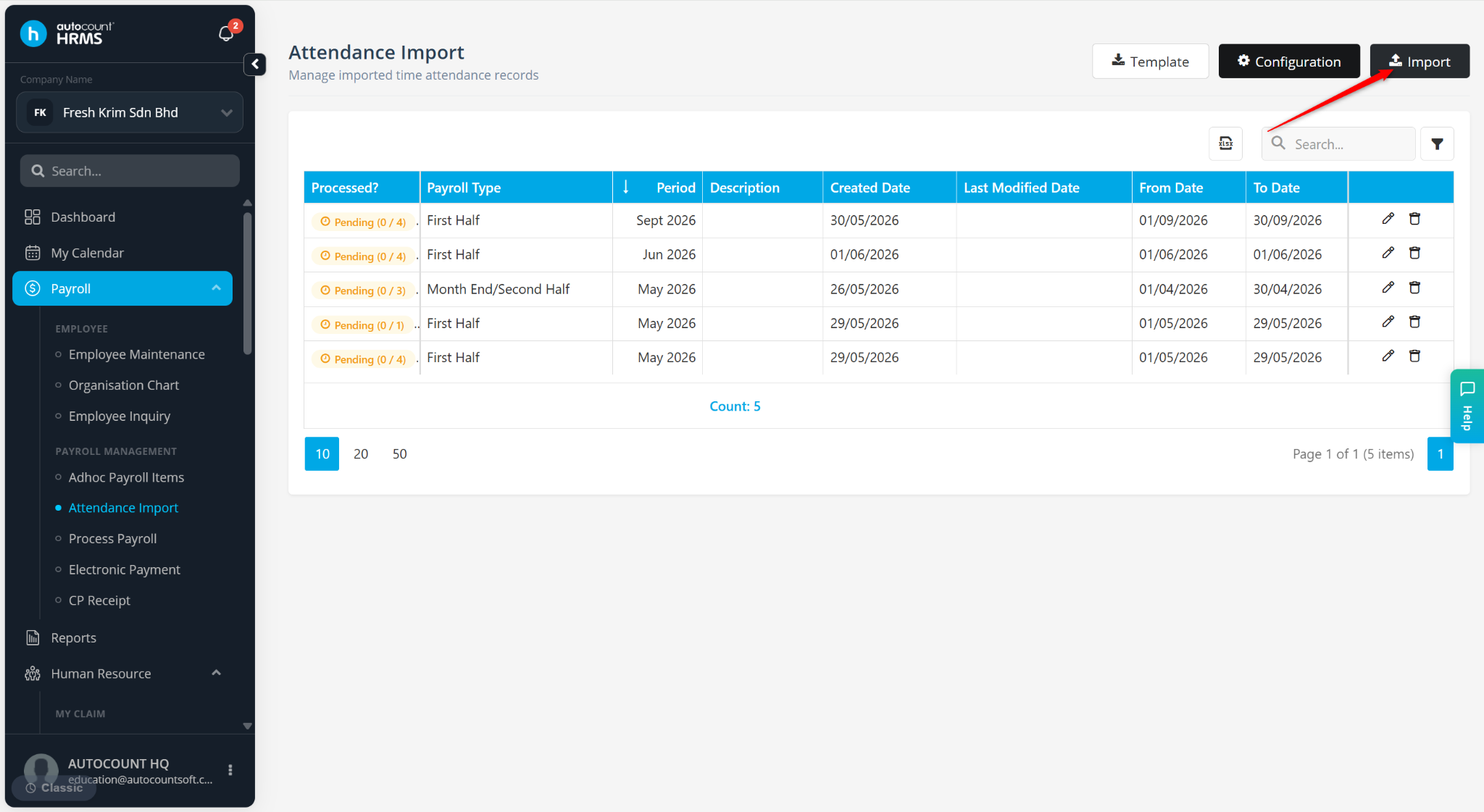
Click Import.
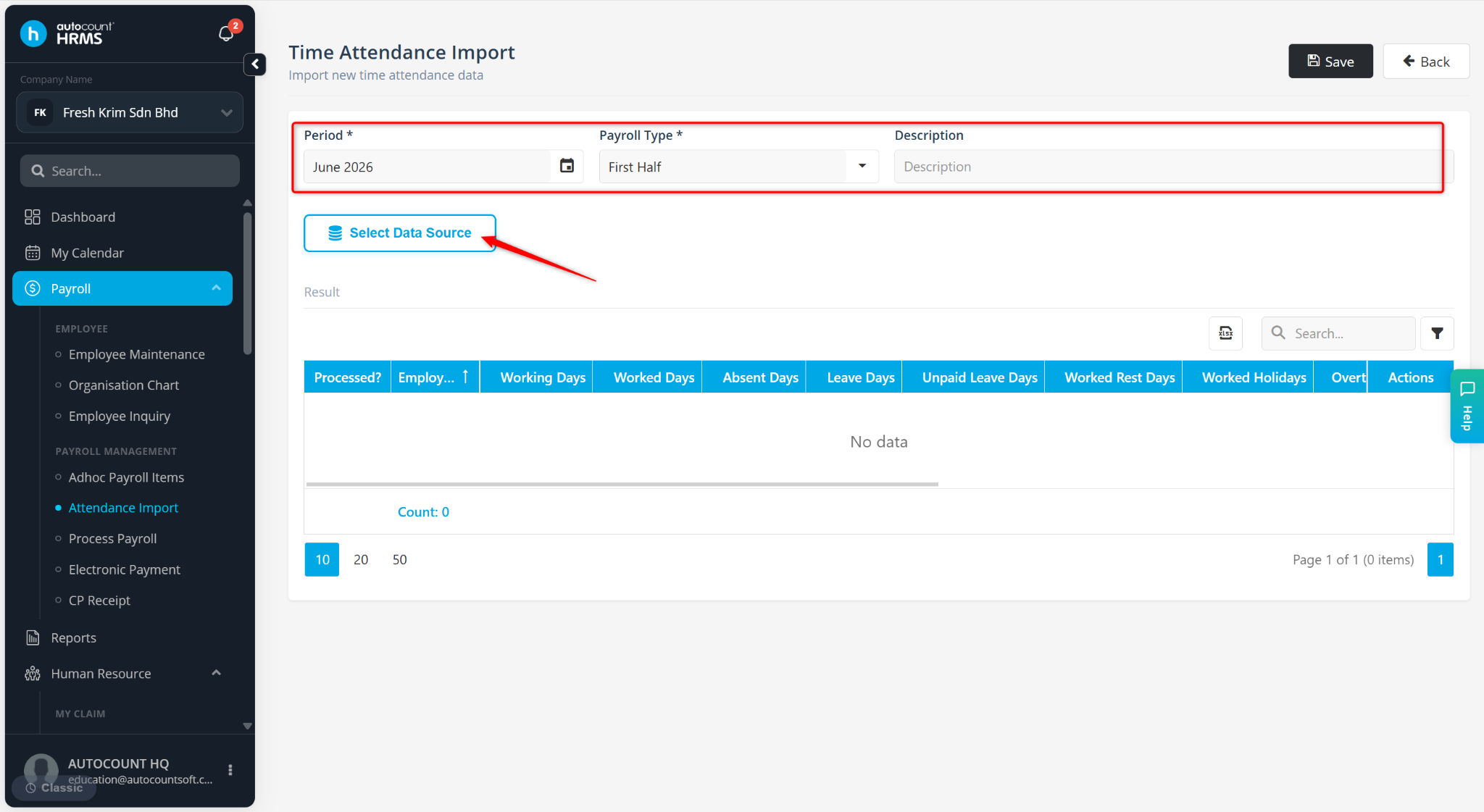
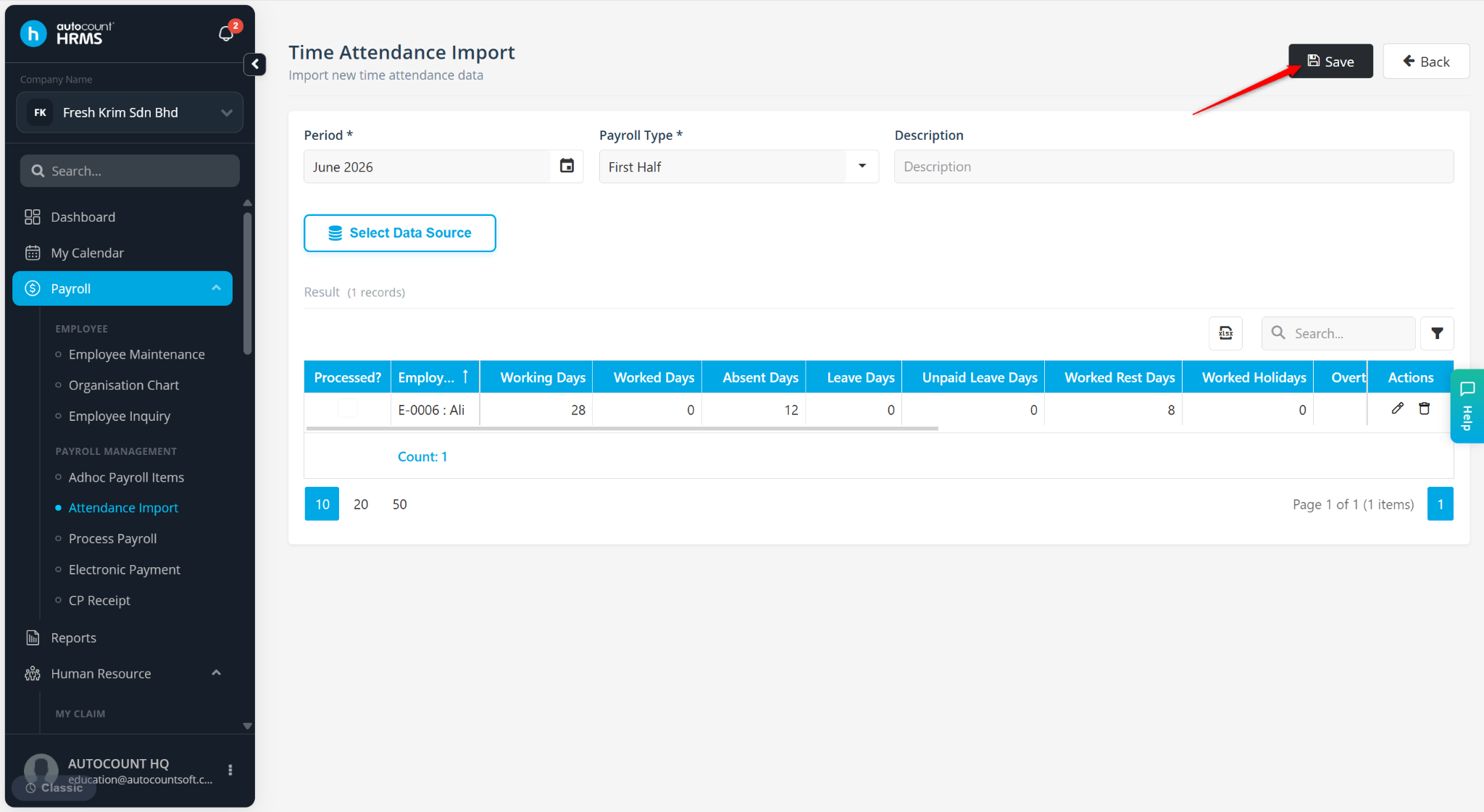
Select the Period and Payroll Type.
Click Select Data Source.
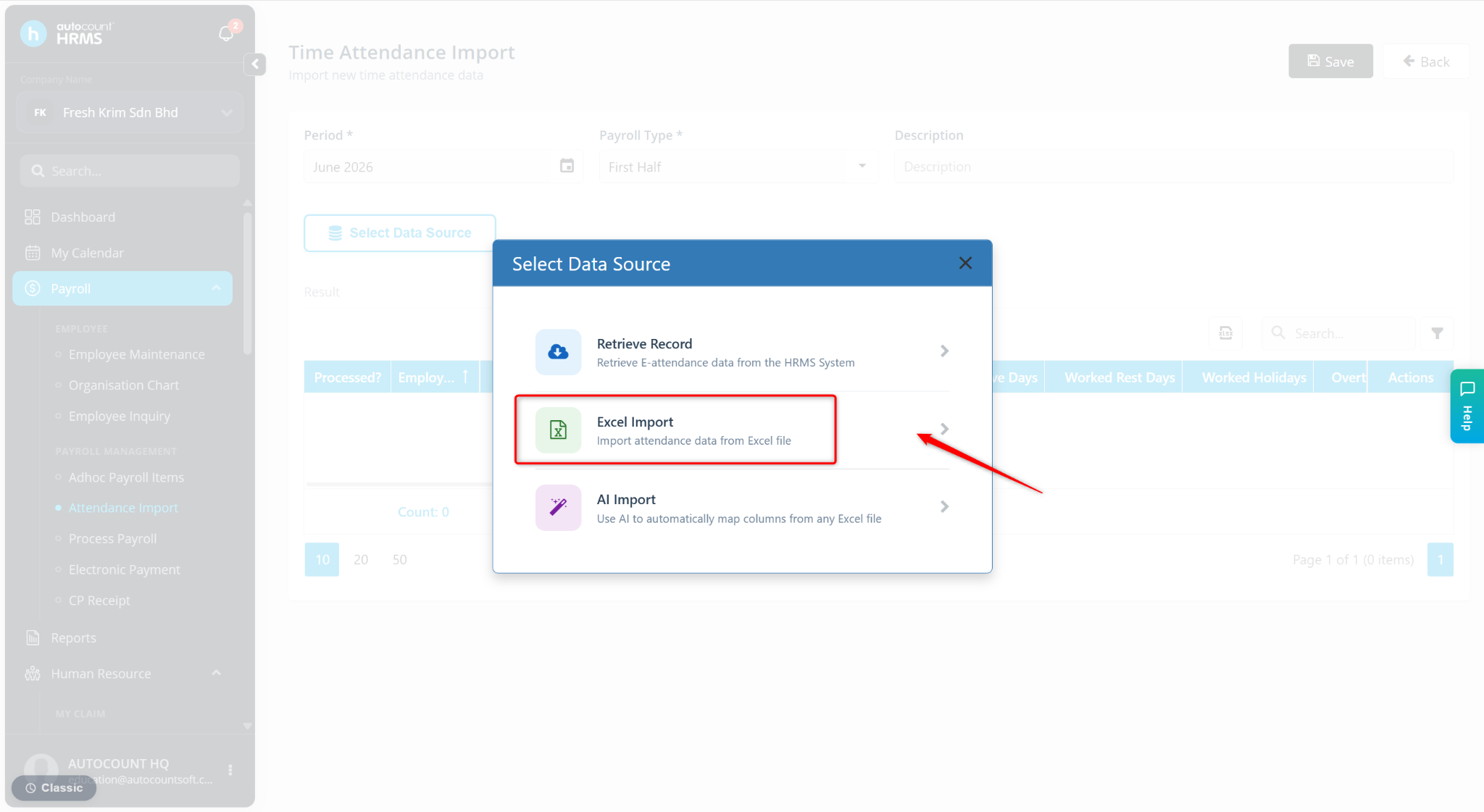
Select Excel Import.
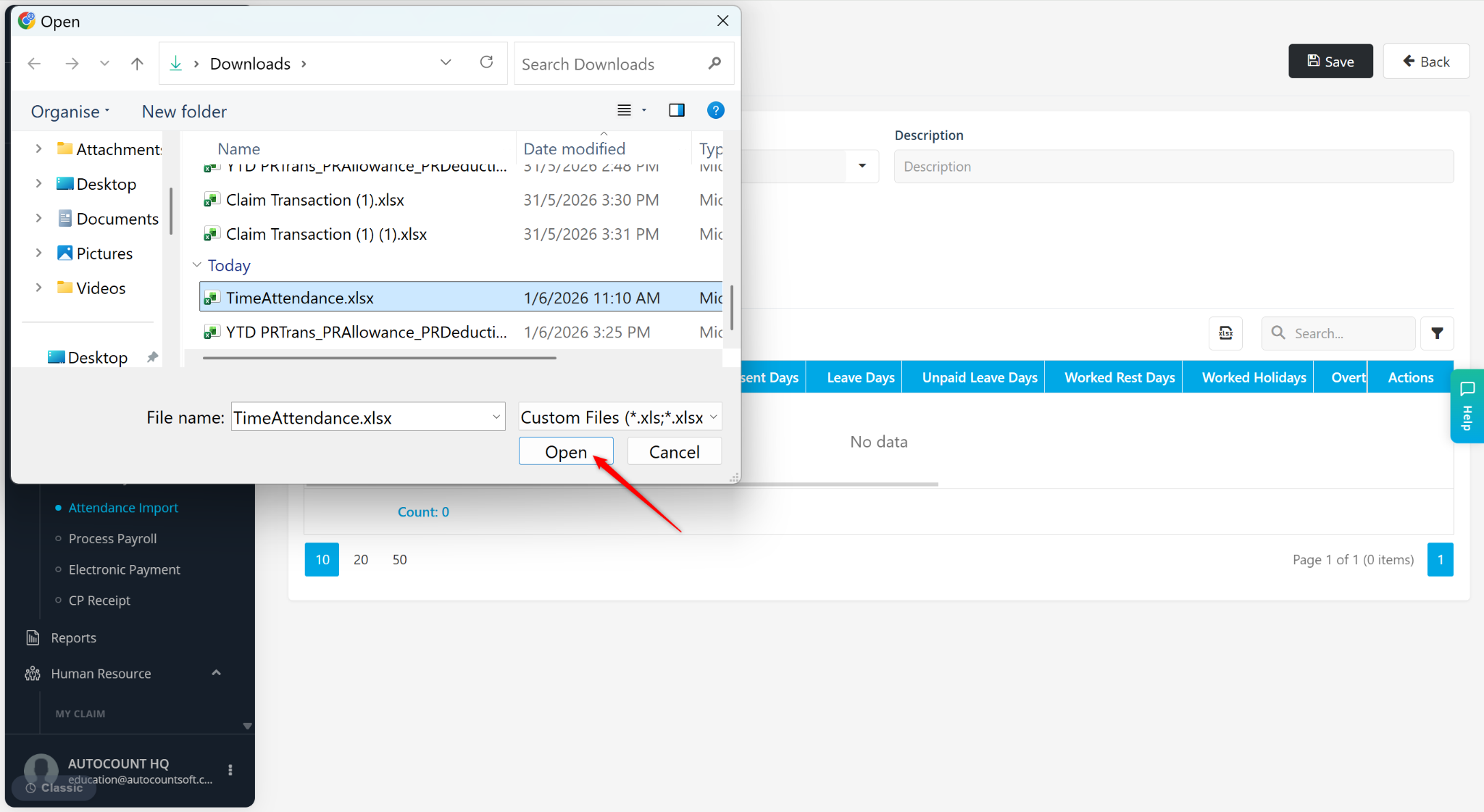
Choose the completed Excel file and click Open.
Click Save.
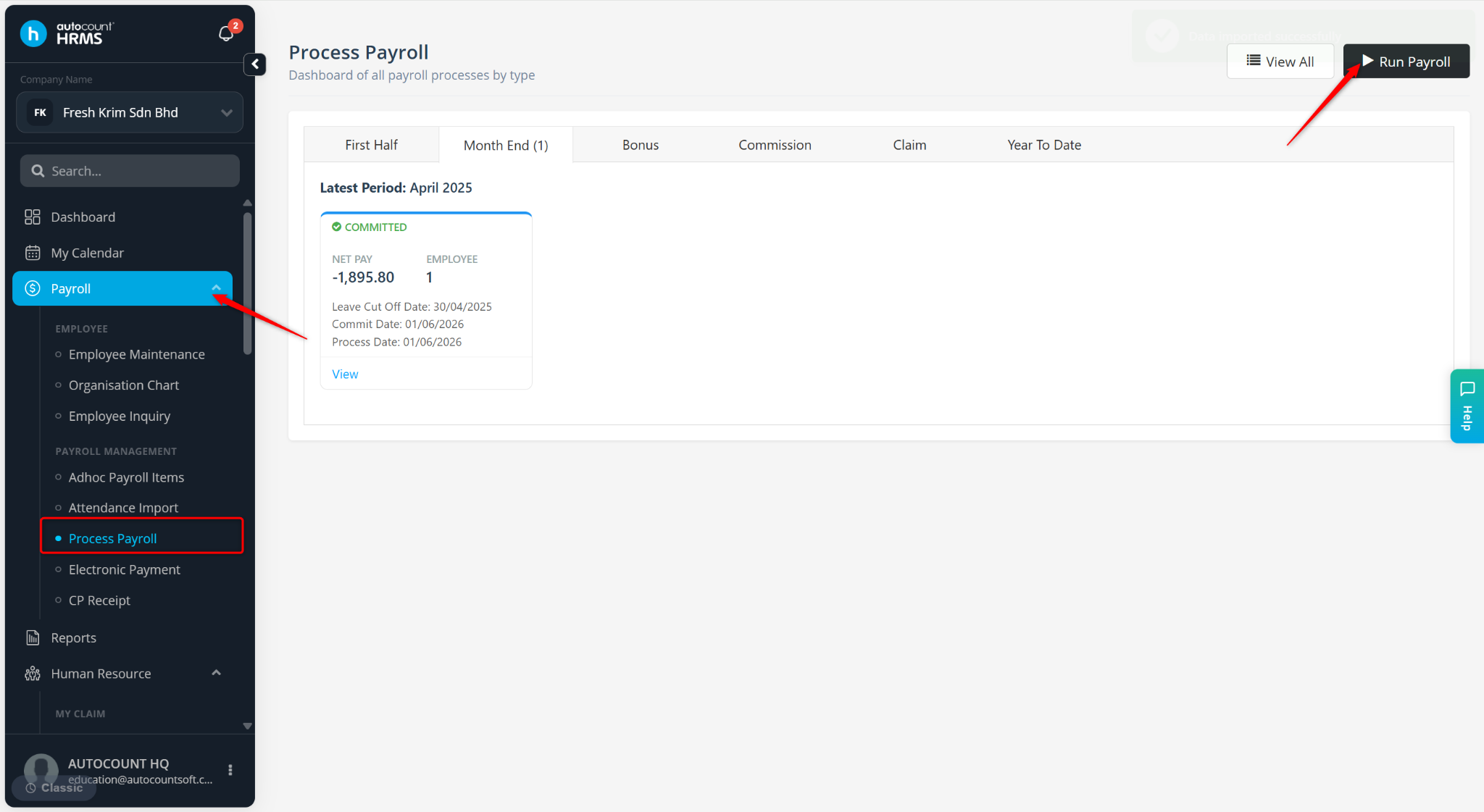
Go to Payroll > Process Payroll.
Click Run Payroll.
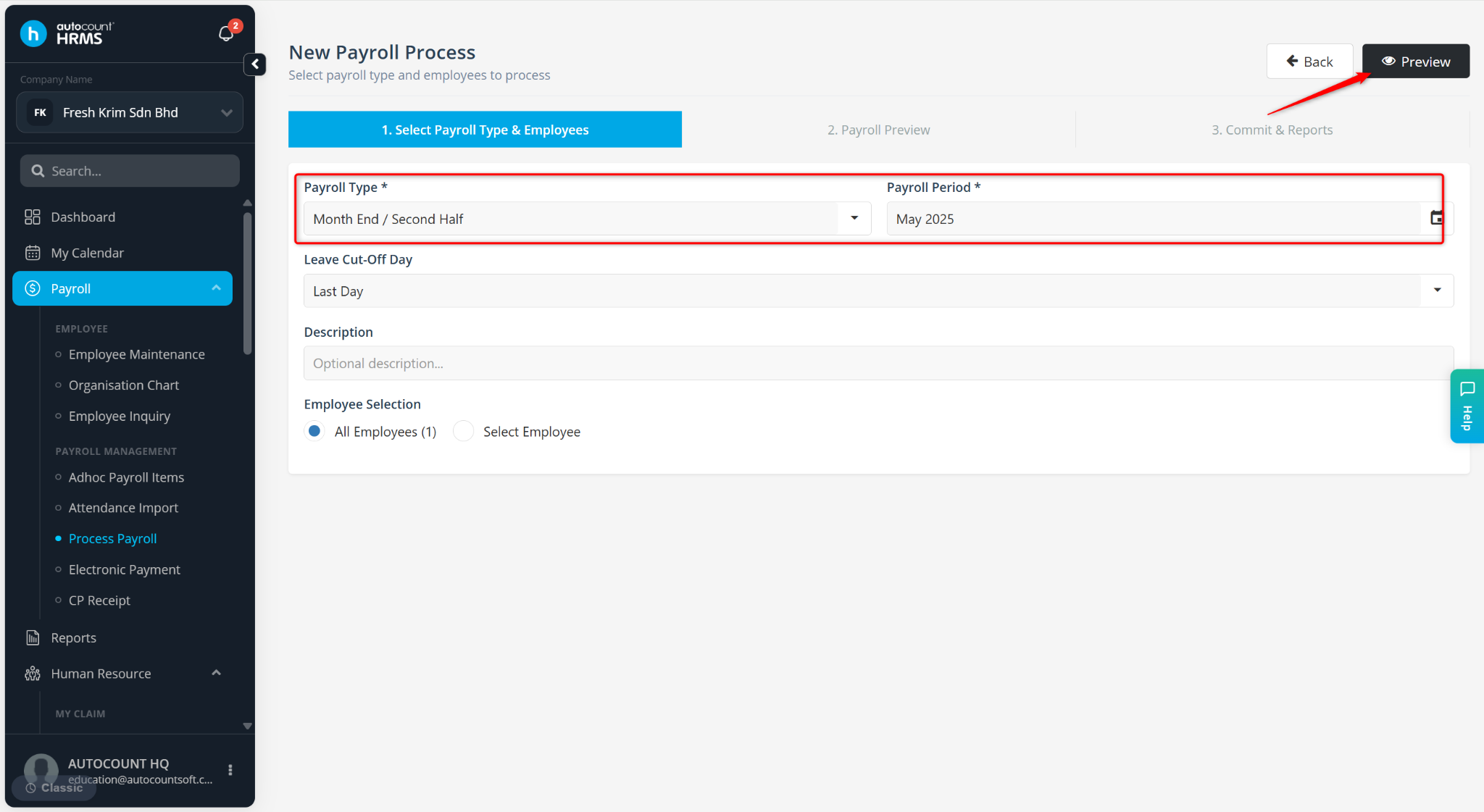
Select the Payroll Type, Payroll Period, and the relevant employee(s). Ensure the details match those used during the attendance import. Click Preview.
Click Process.