A Proforma Invoice may be voided if it is no longer required, contains incorrect information, or has been replaced by a new quotation. Voiding a Proforma Invoice prevents it from being used for payment processing.
Note: Only unpaid Proforma Invoices can be voided.
Steps to Void a Proforma Invoice:
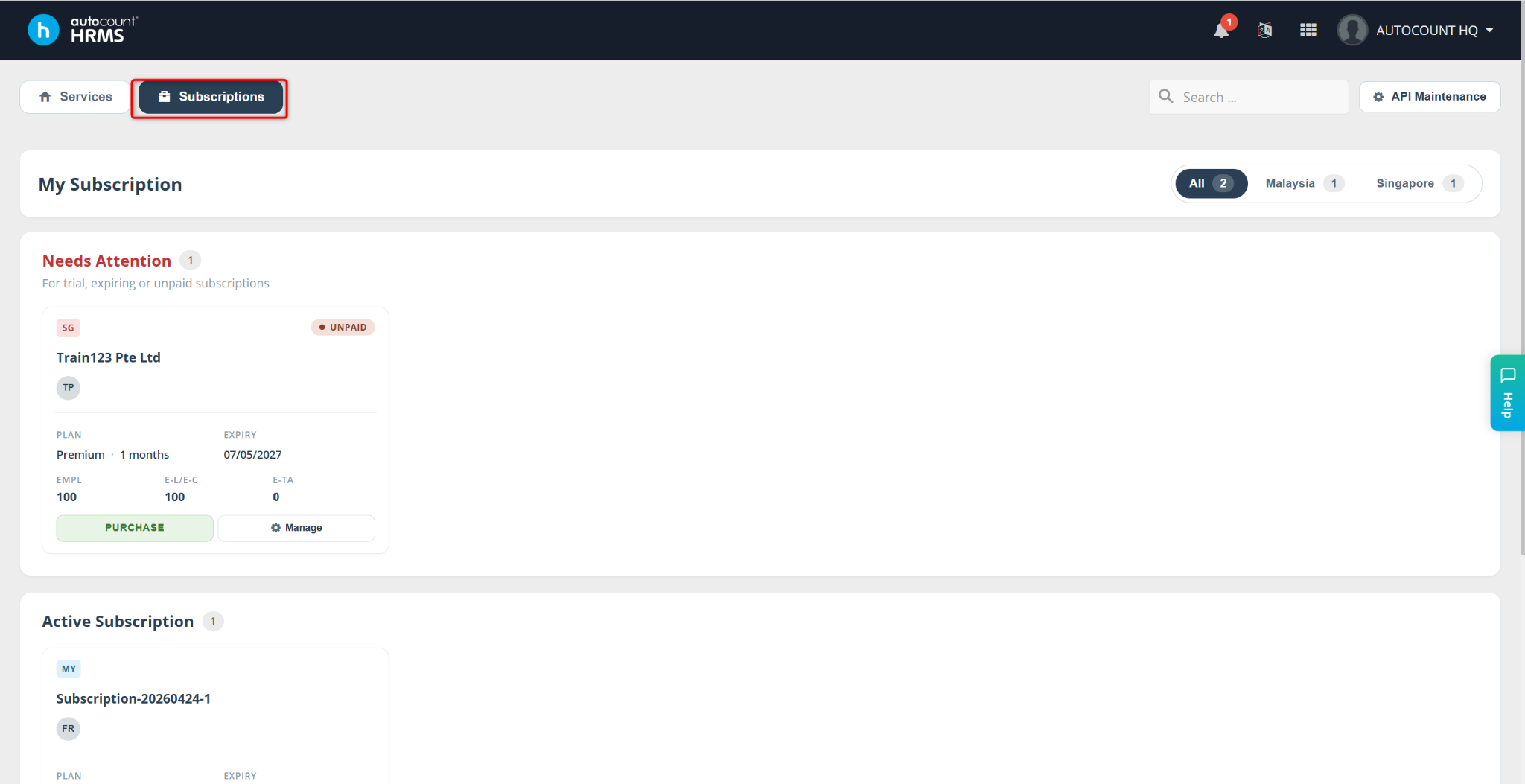
Go to Subscriptions.
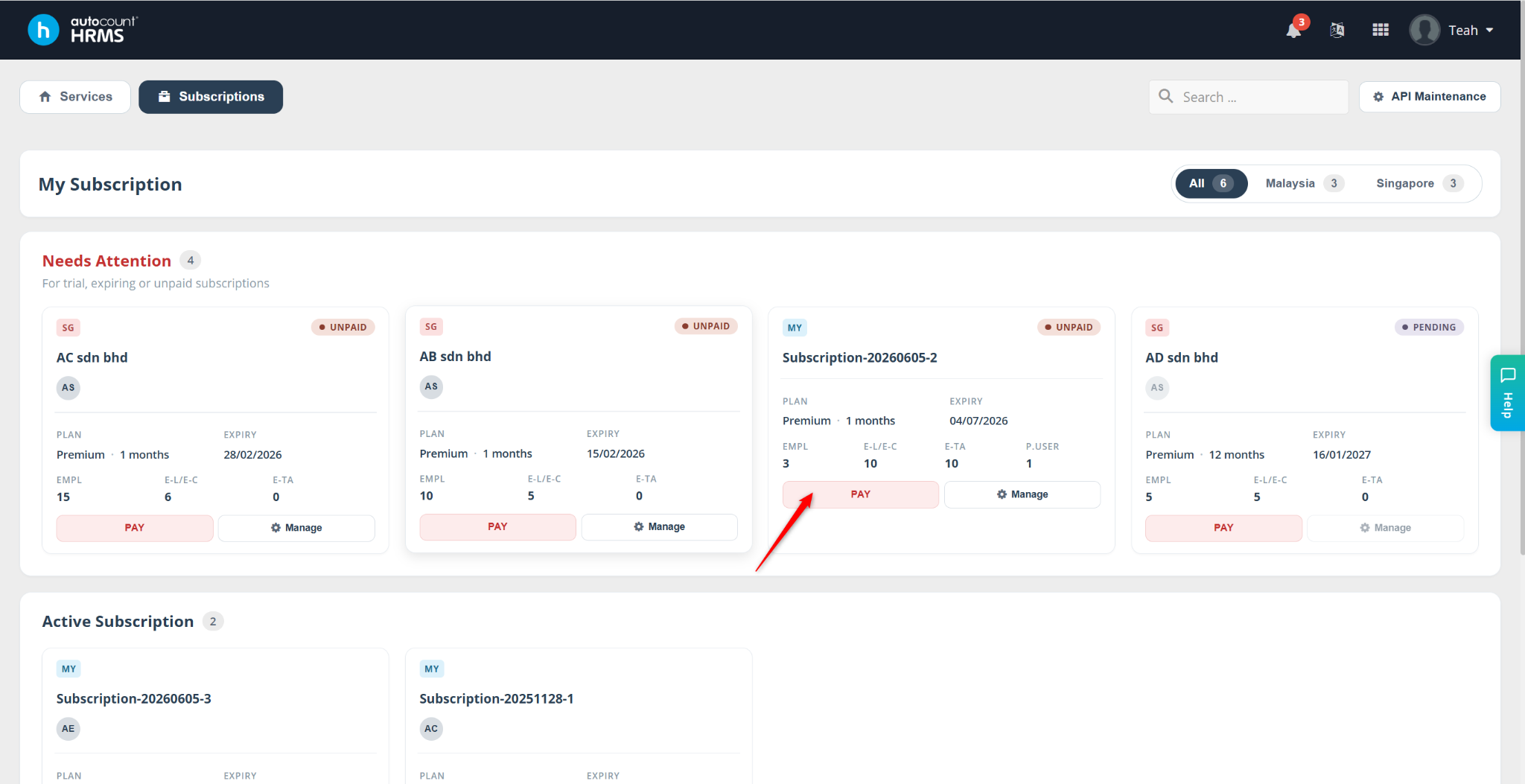
Locate the subscription where the proforma invoice was generated, then click Pay.
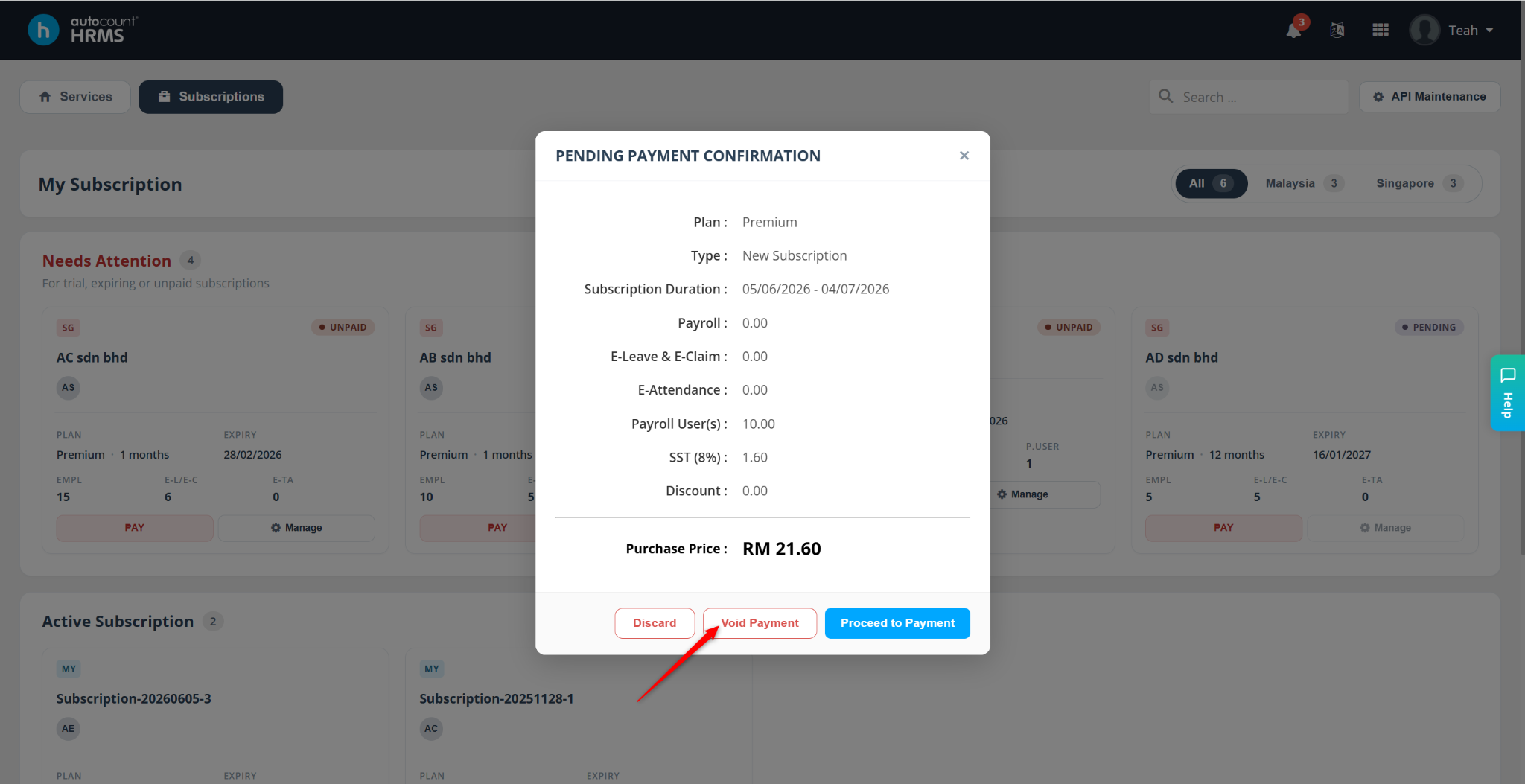
A Payment Confirmation tab will appear.
Click Void Payment to void the existing proforma invoice.
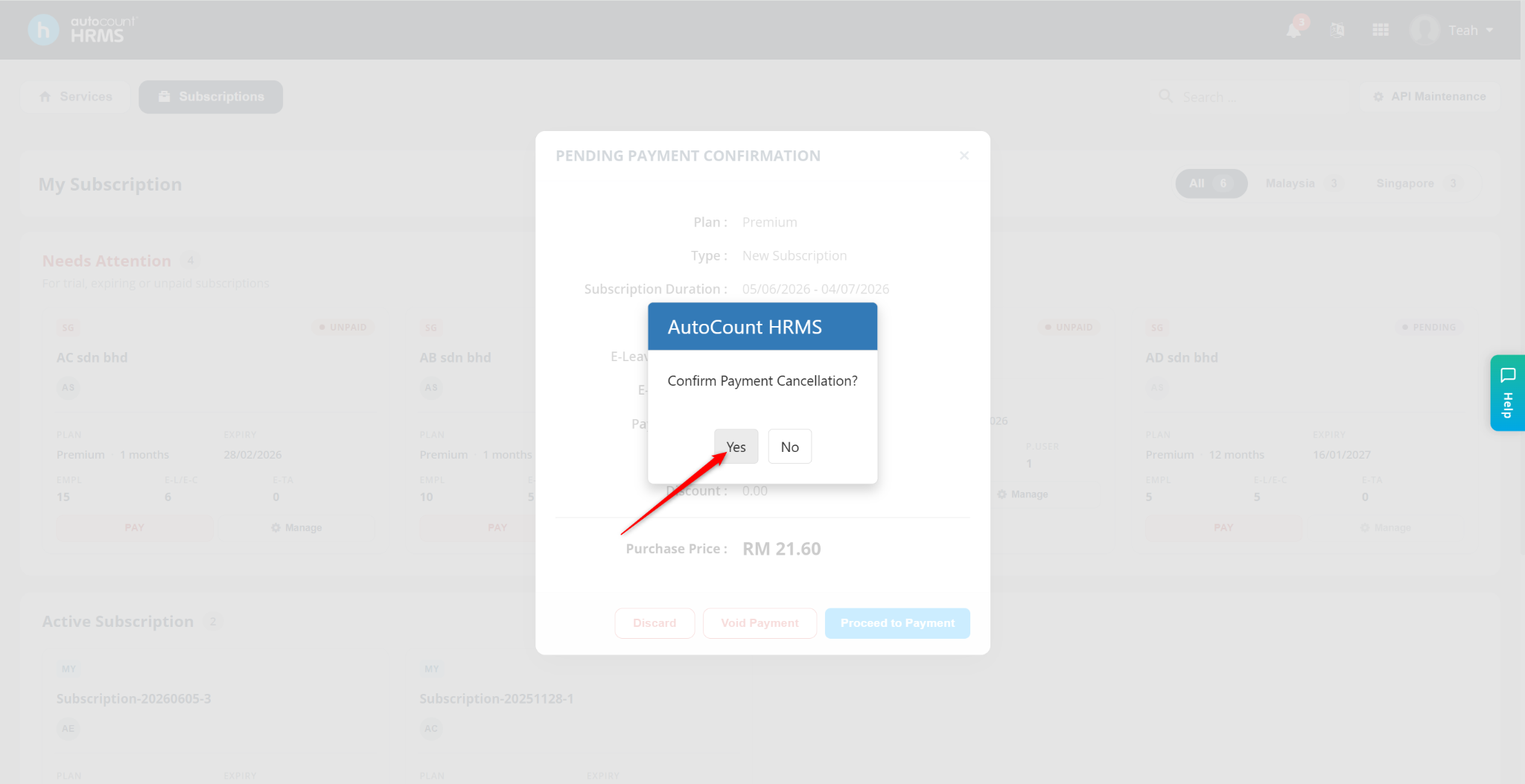
A confirmation message will appear. Click Yes to proceed.