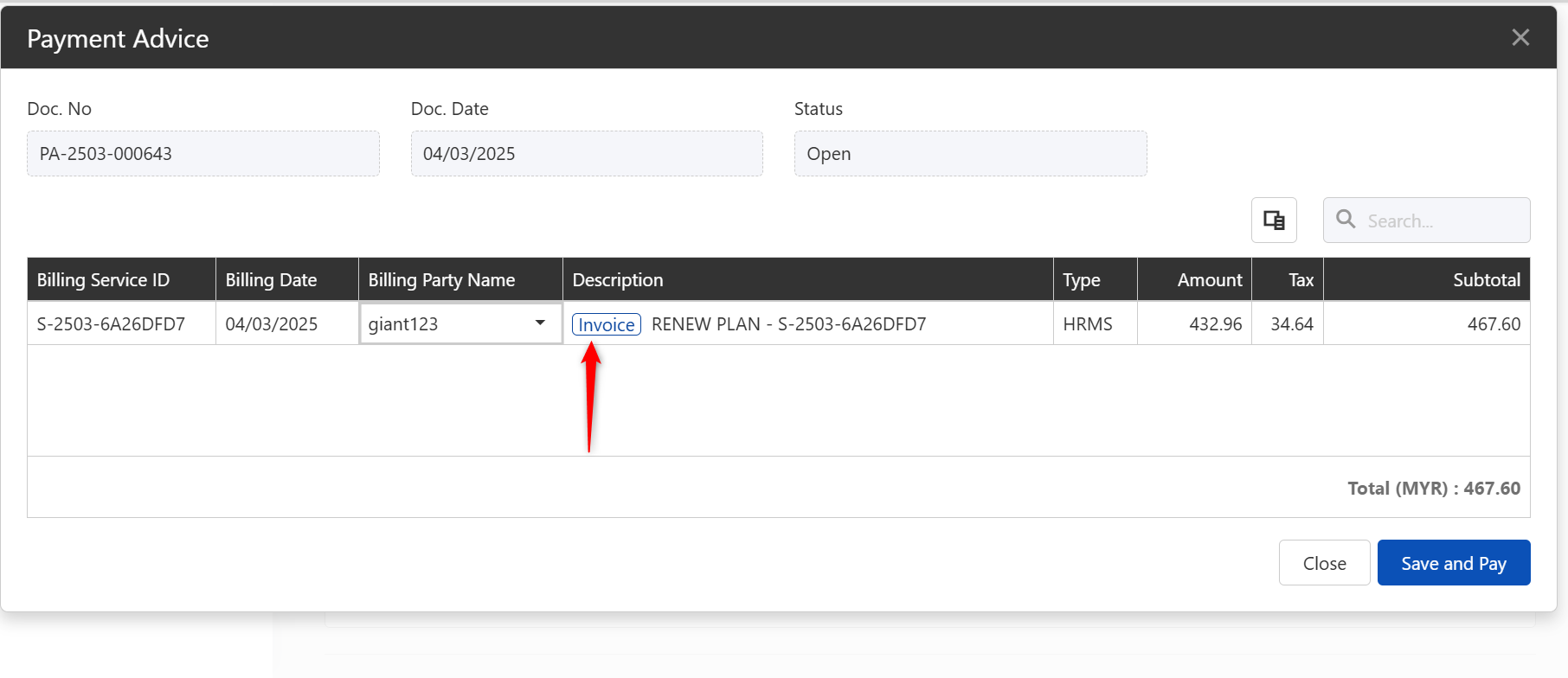
A Proforma Invoice is a preliminary invoice generated before payment is made. It functions similarly to a quotation and is used for reference, budgeting, or approval purposes when renewing a subscription.
The Proforma Invoice does not indicate that payment has been received or that the subscription renewal has been completed.
Steps to Generate a Proforma Invoice for Subscription Renewal:
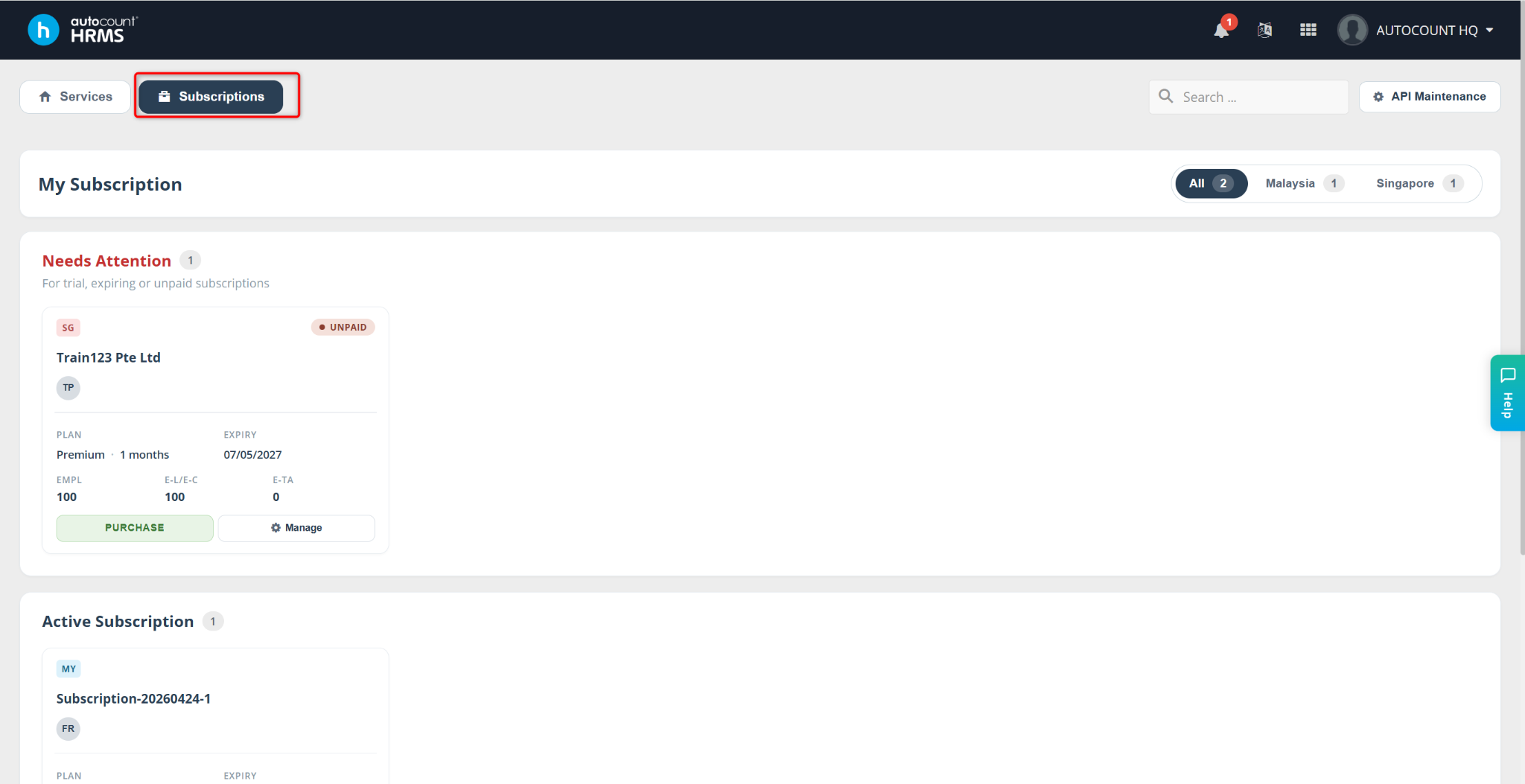
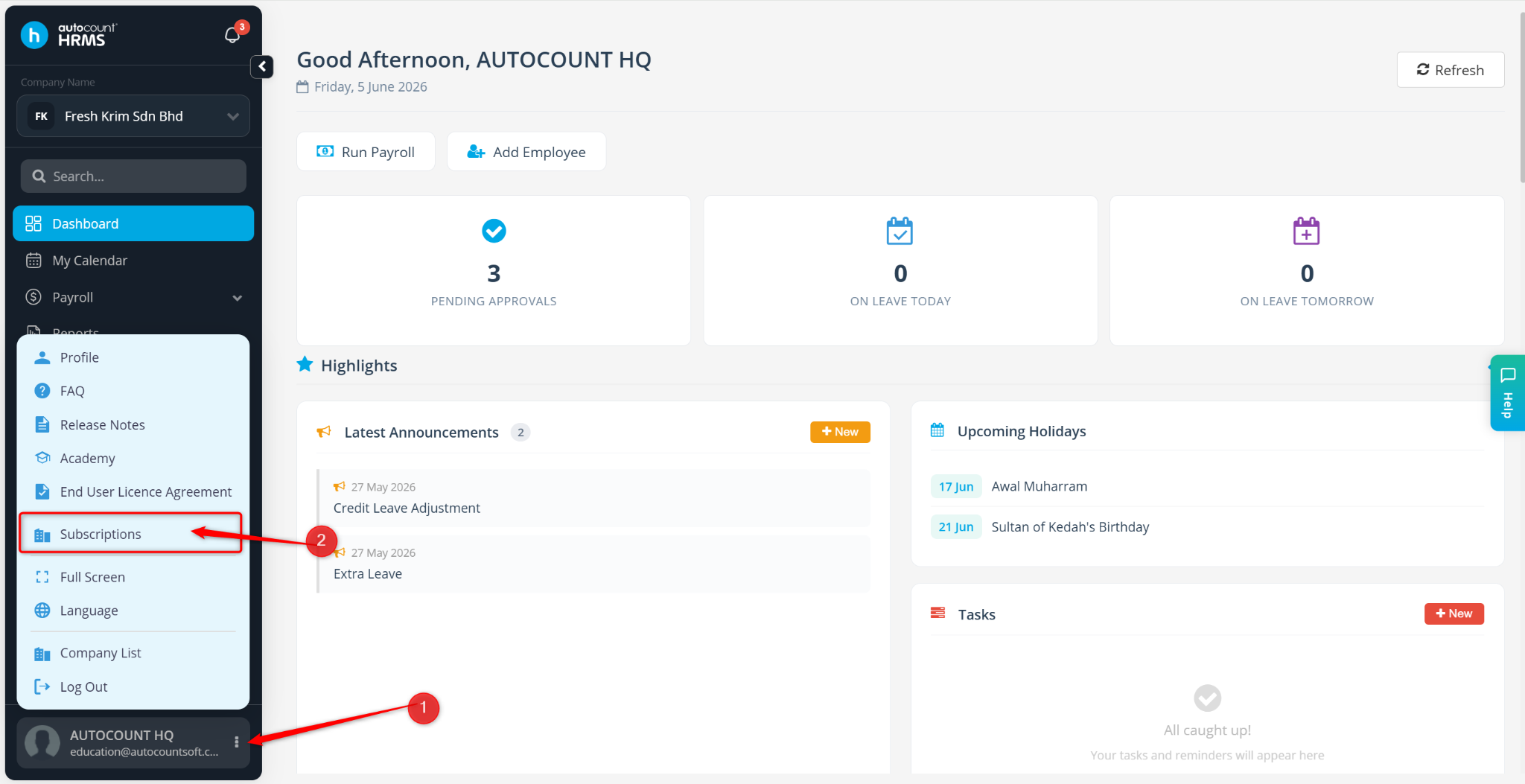
Go to Subscriptions.
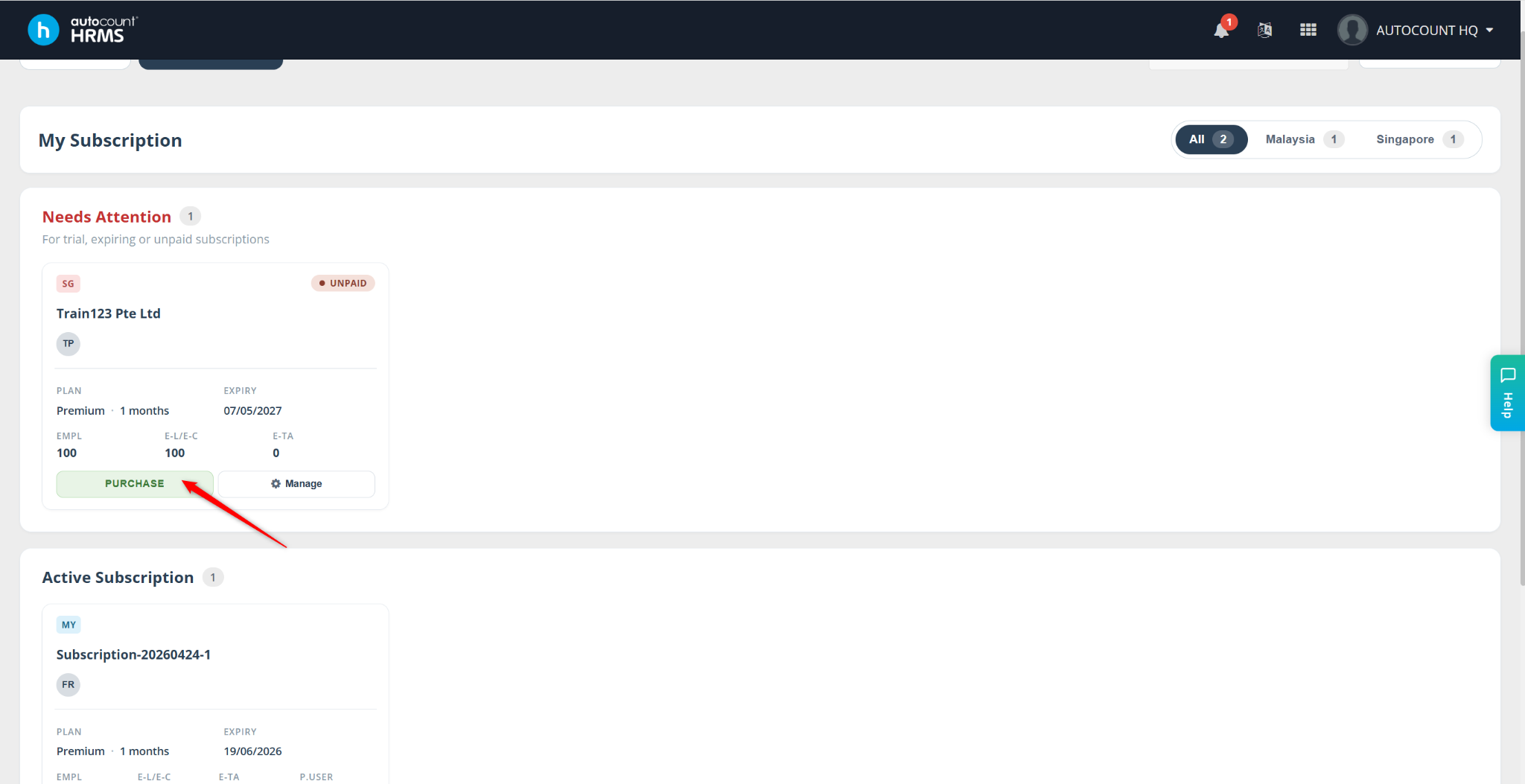
Locate the subscription you wish to renew and click Purchase.
A Plan Purchase page will appear.
If you want to increase or decrease headcounts, click Change Plan.
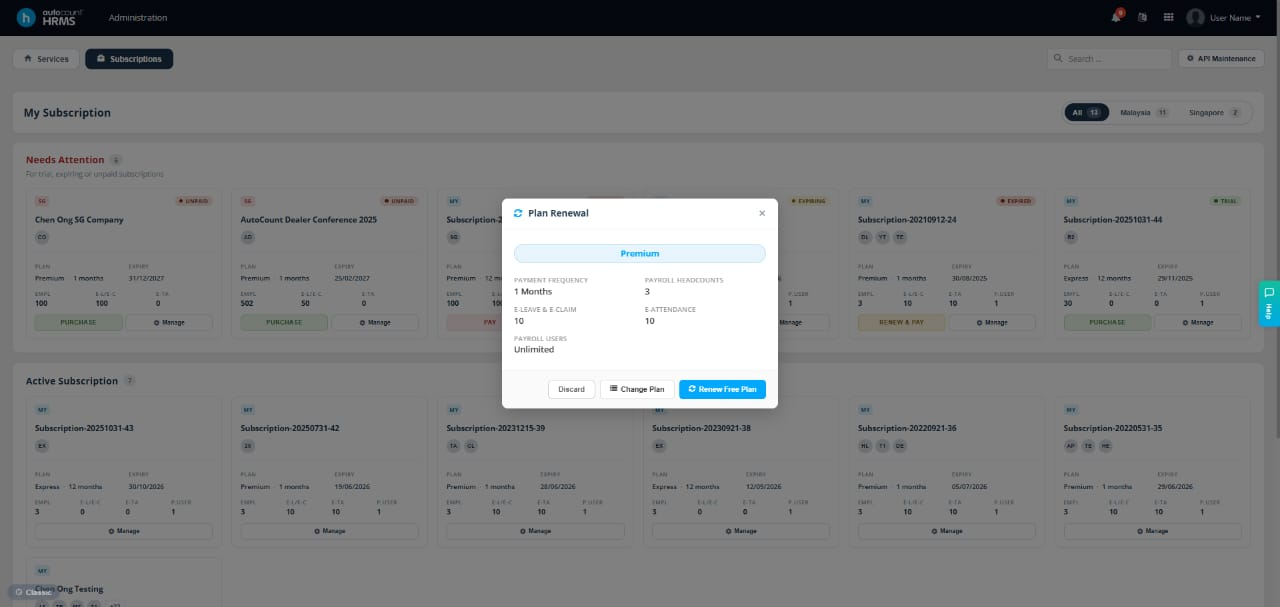
If no changes are needed, click Purchase Current Plan & Proceed to Payment.
A confirmation message will pop up. Click Yes to proceed.
Click Proceed to Payment to continue.
You will be redirected to the Subscription Portal to complete the process.
In the Subscription Portal, click Invoice to view the generated proforma invoice.