
Subscribers can view and download their subscription invoices through the Administration module.
Steps to Acquire Invoice via Administration:
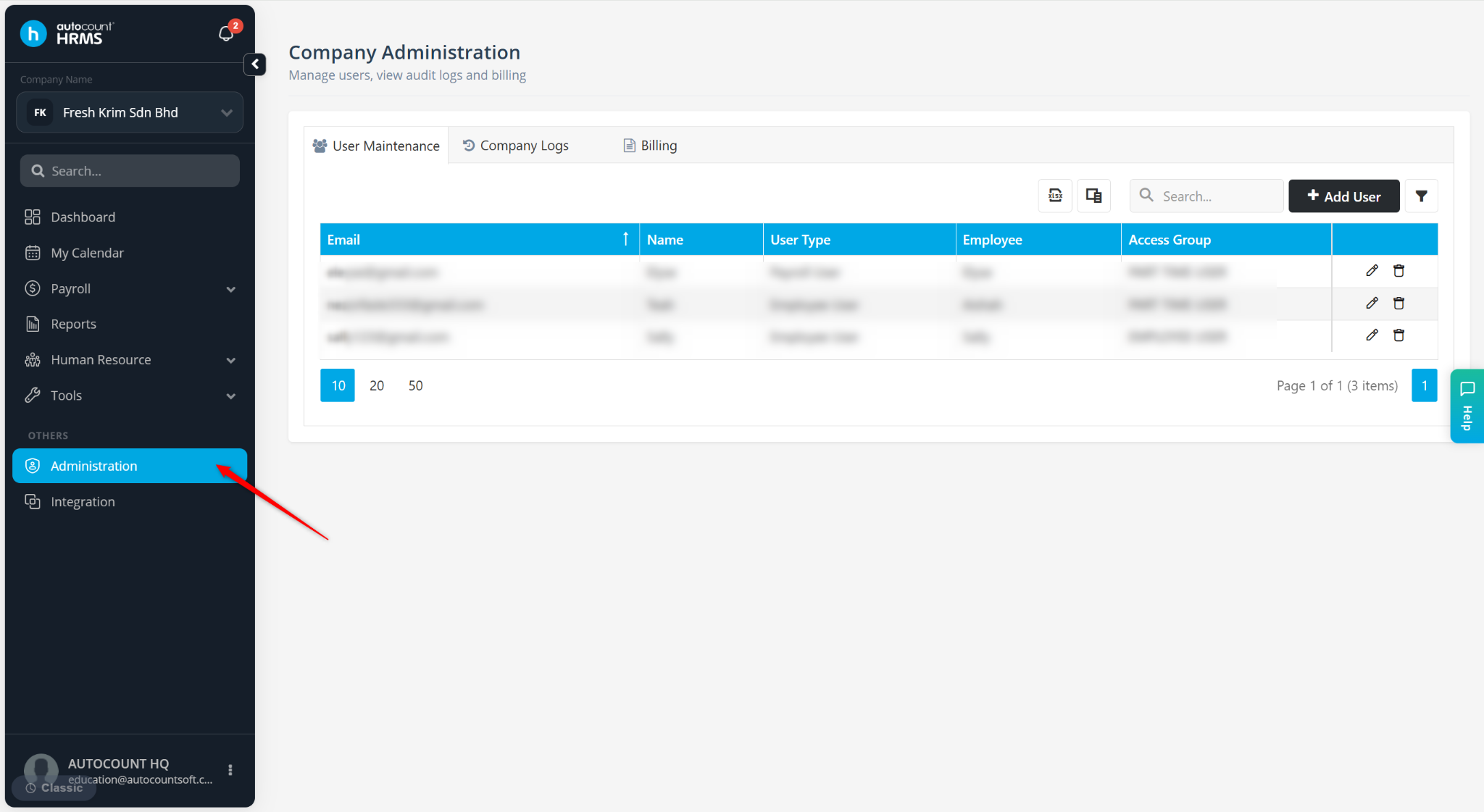
Go to Administration.
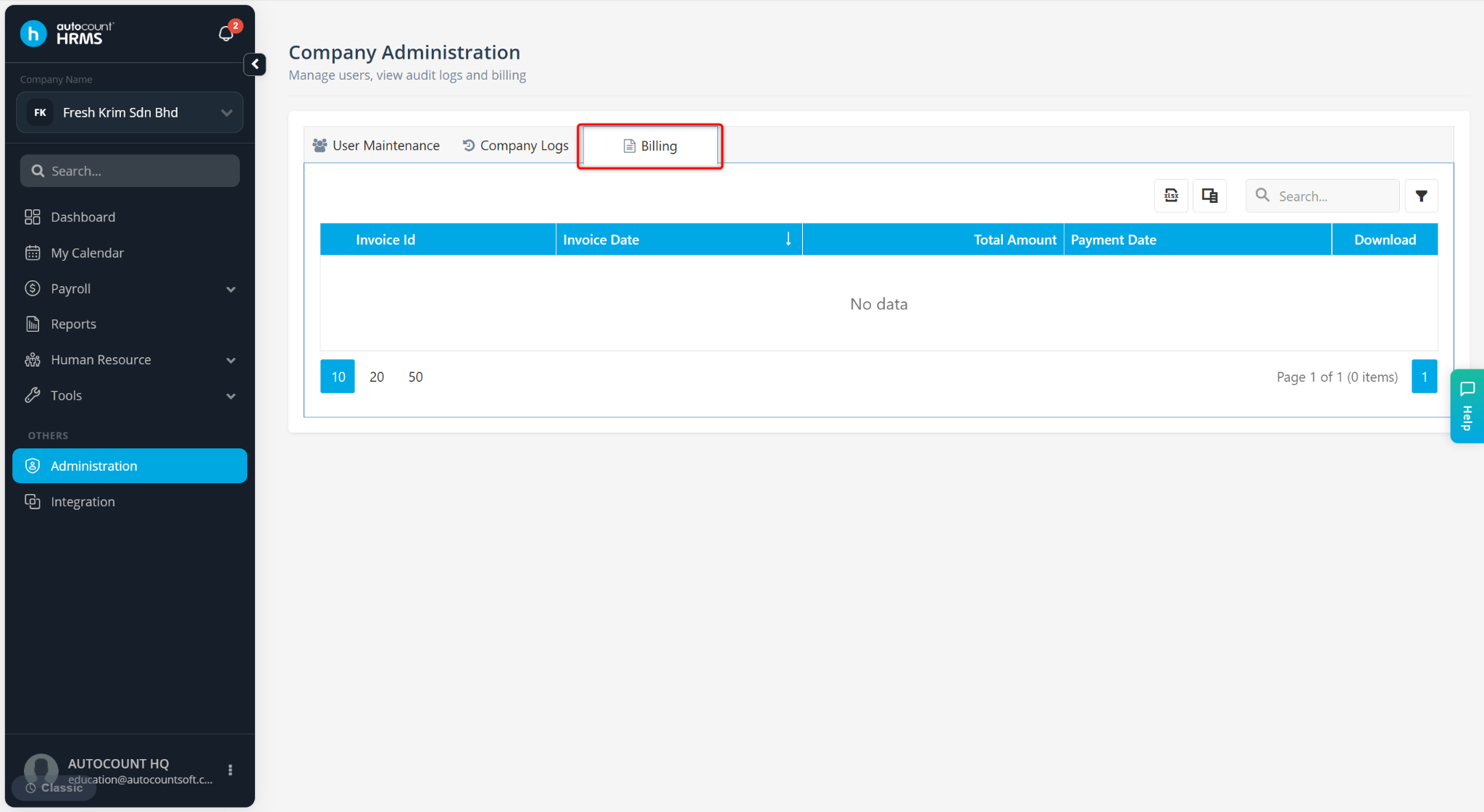
Go to Billing.
Locate the invoice you wish to download.
Click the PDF icon to download the invoice. For invoices issued before 2024, you may also click the Excel icon to download the invoice in Excel format.
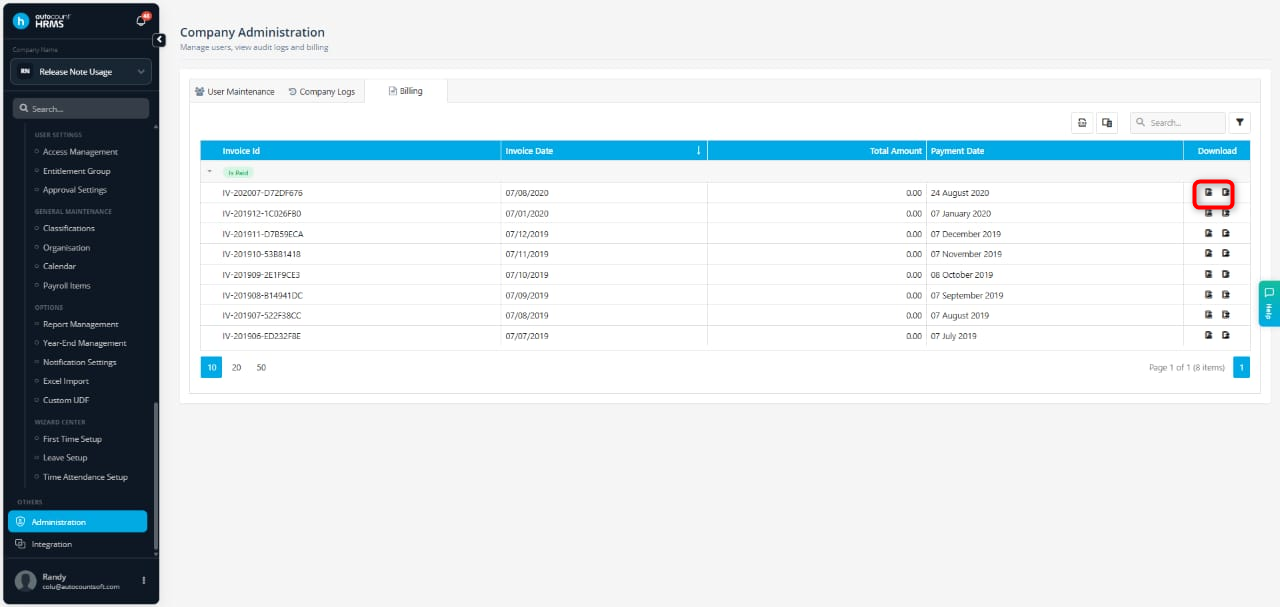
ℹ️Note: The Export Excel function is only available for invoices issued before 2024. For invoices issued from 2024 onwards, invoices are available in PDF format only, following the system's transition from a post-paid to a pre-paid billing model.