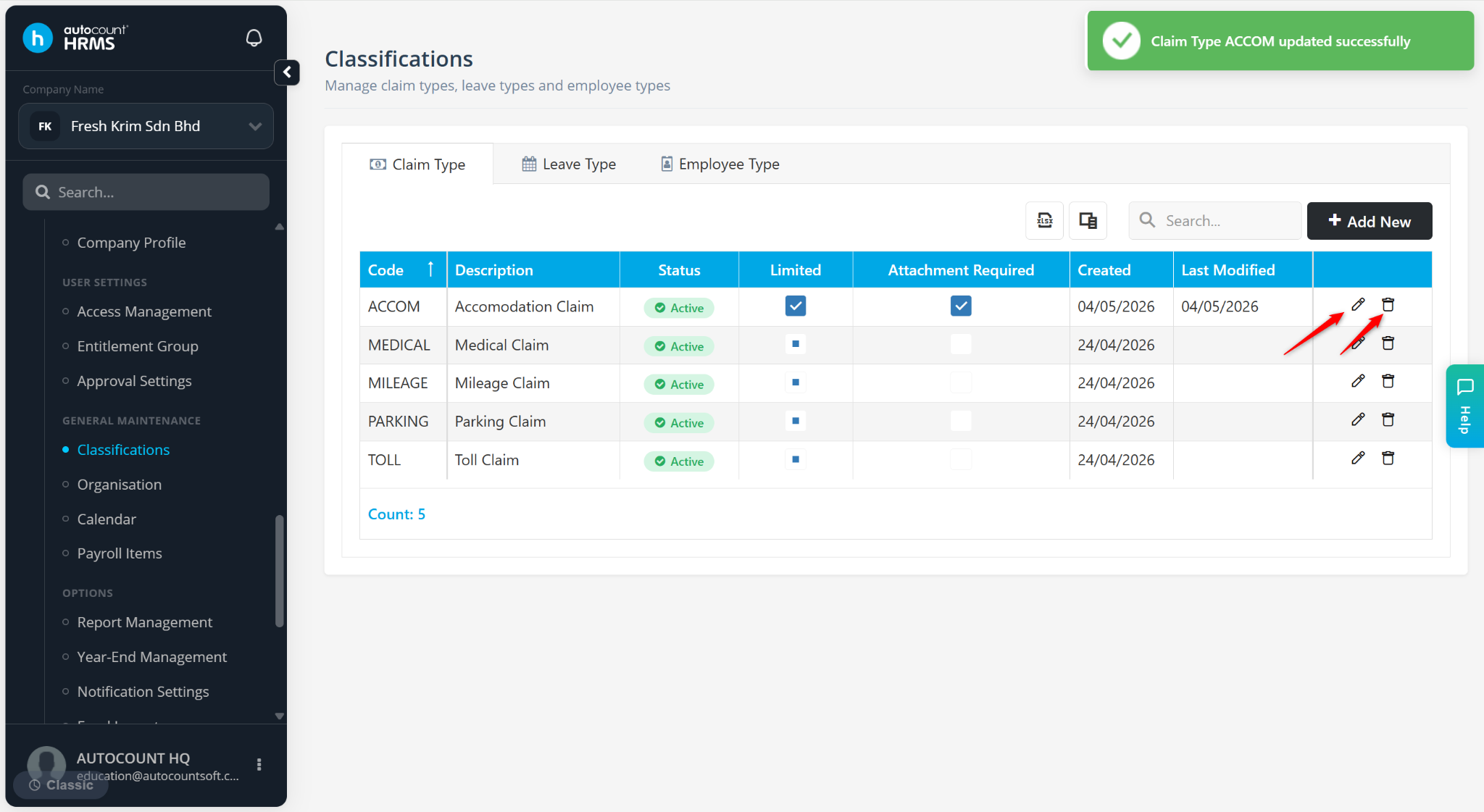
This section allows employers to define the categories of claim employees can apply for based on company policies and entitlement rules.
The system provides default claim types, including Medical Claim, Mileage Claim, Parking Claim and Toll Claim, which can be customised as needed.
Steps to Create a New Claim Type:
Go to Tools > Classification.
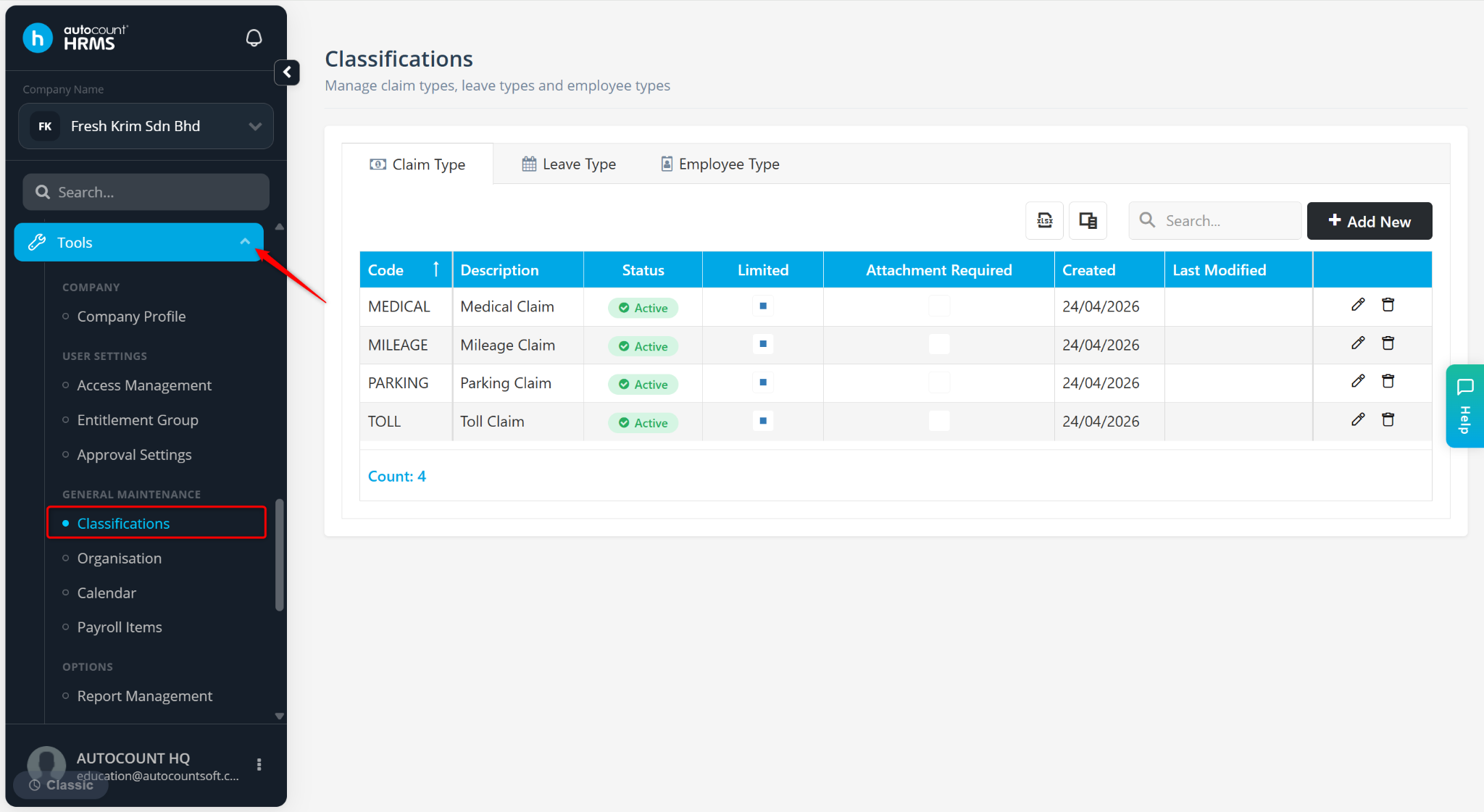
Go to the Claim Type tab.
Click Add New.
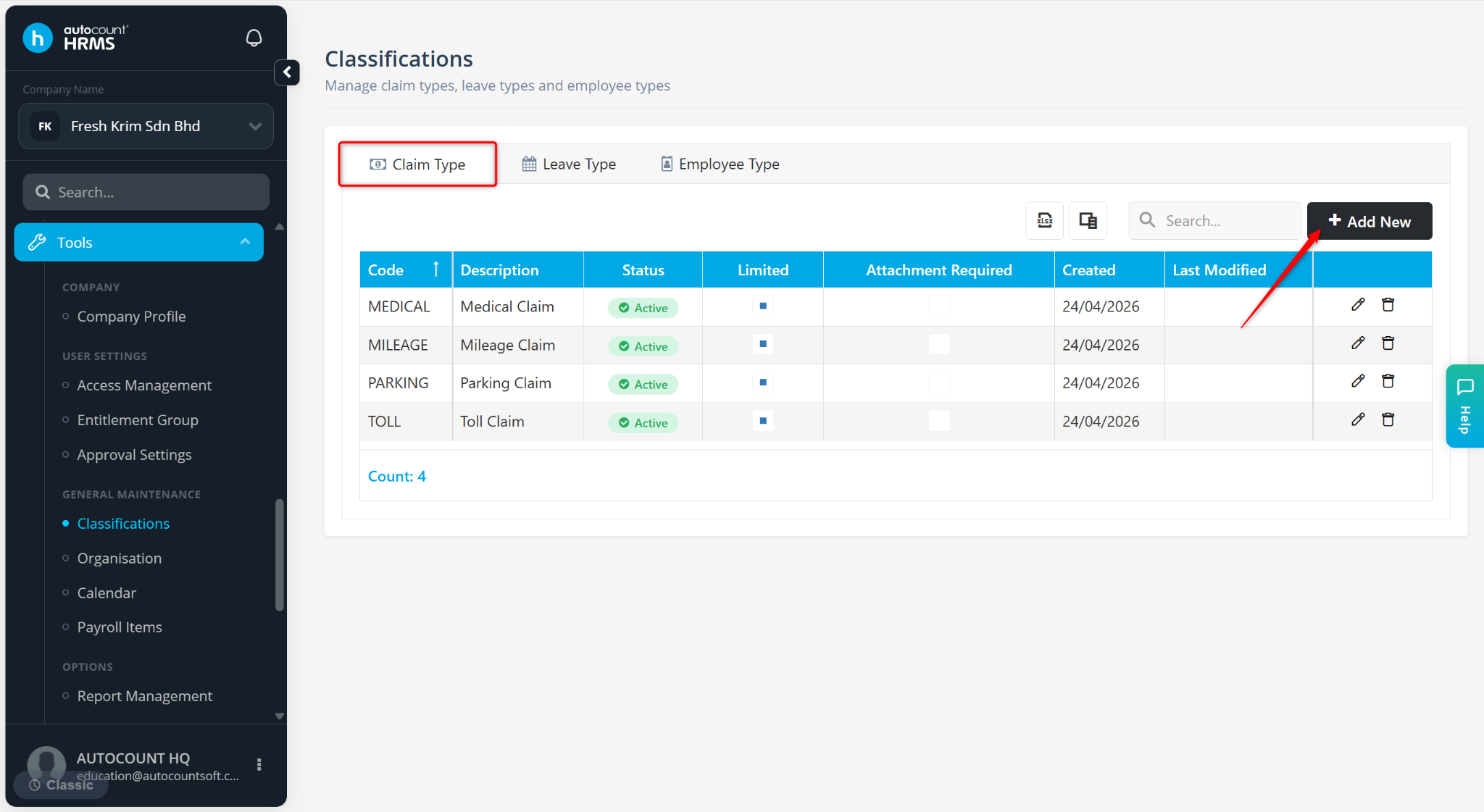
Enter the following details:
Code – Enter a code for the claim type.
Description – Enter the remark of the claim type.
Is Active – Ensure the box is ticked to use the claim type.
Limited – Check the box if the claim amount is limited.
Attachment Required – Check the box to require an attachment upon submission. An error message will appear upon submission if employees submit the claim without an attachment.
Click Add Field to create custom fields for the claim type.
Title – Enter the title of the field.
Field Type – Select the type of data to be captured:
Date – Date format (dd/mm/yyyy).
Number – Numeric values only.
String – Text input (letters, numbers, or both).
Boolean – True/False selection.
Required – Tick this option if the field must be completed during submission.
Default Value – Set a pre-filled value for the field (if applicable).
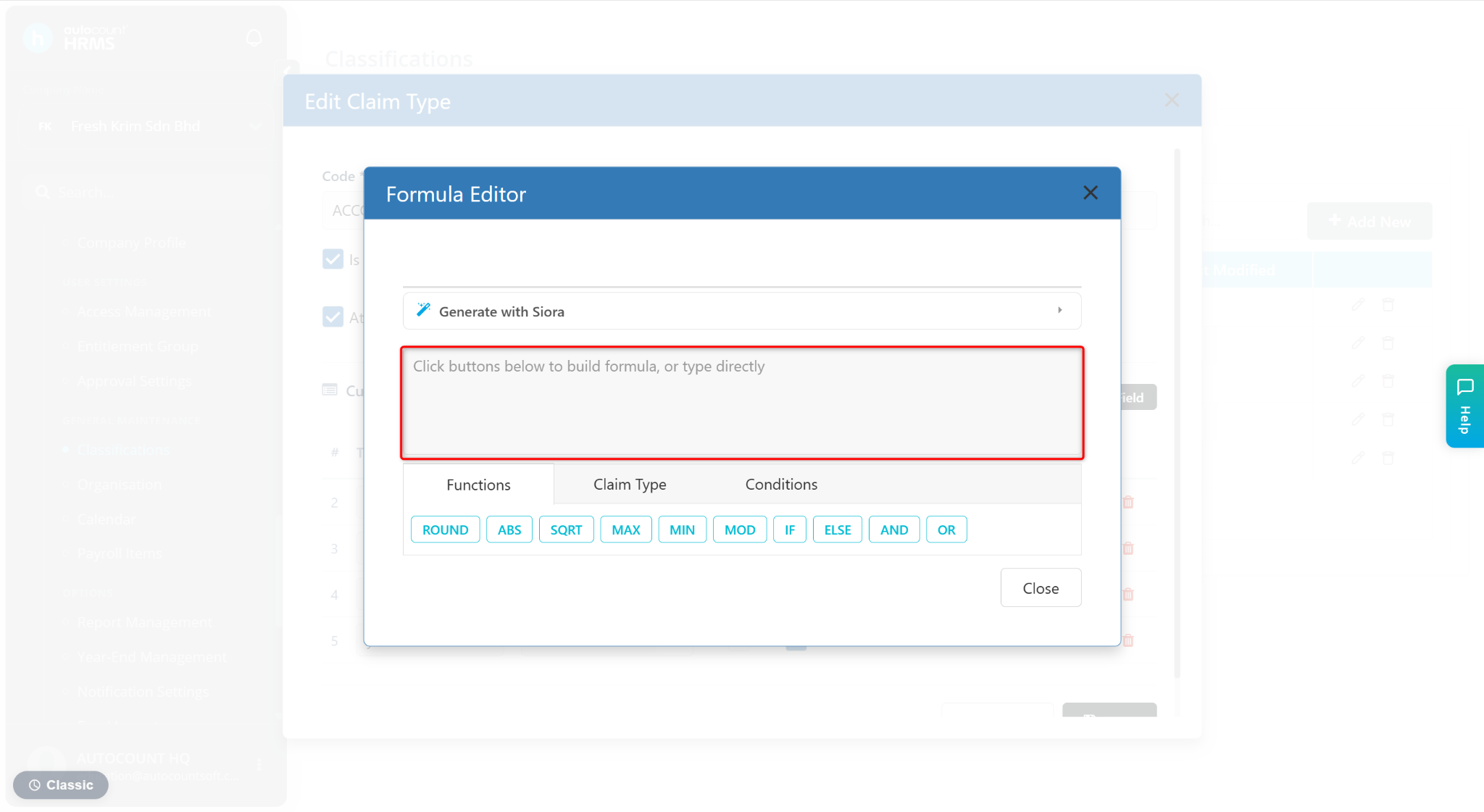
Amount (Formula) – Used to calculate values automatically during submission. Only applicable for Number field type.
Click Formula.
Enter the formula at the column.
Click Close.
6. Click Save.
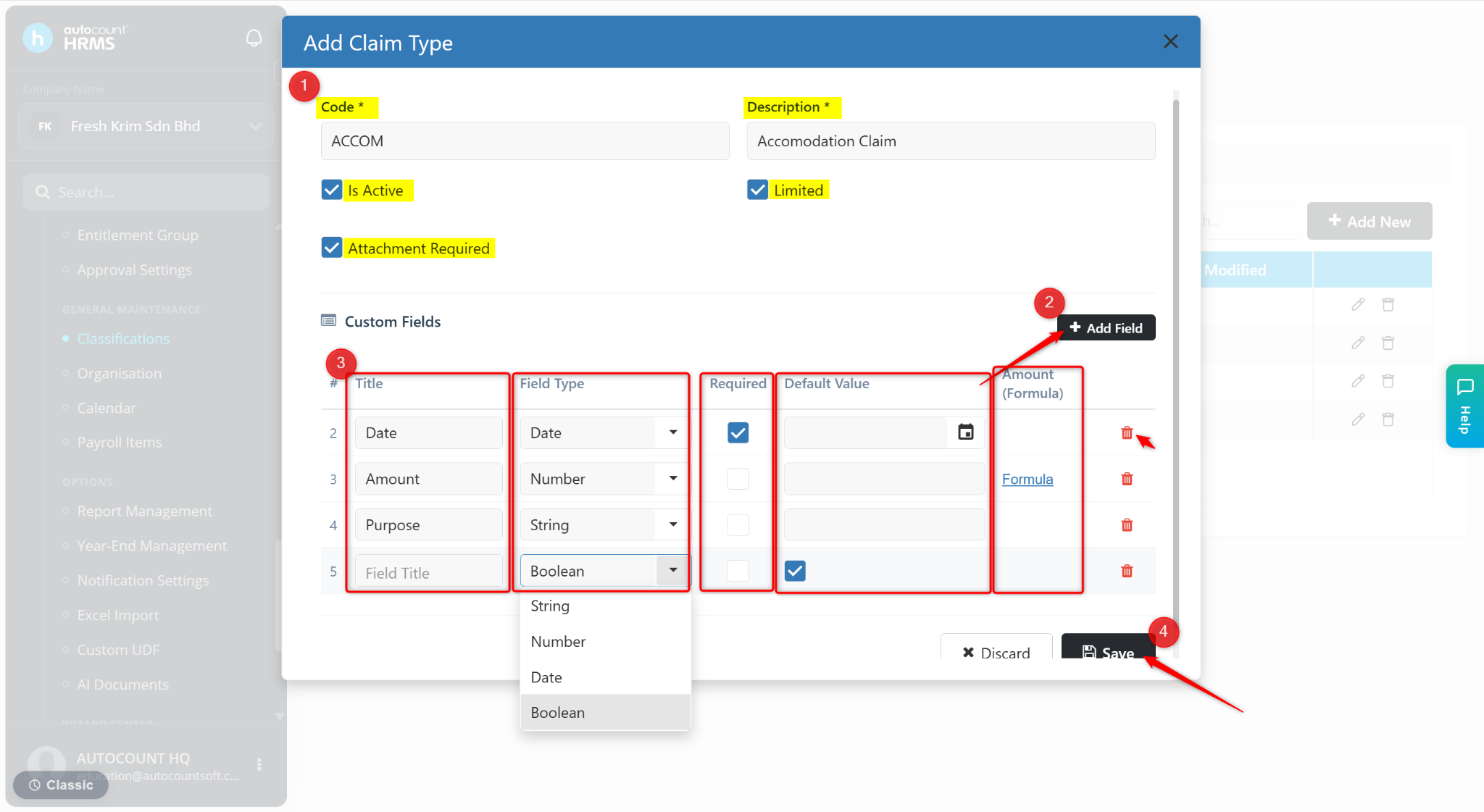
ℹ️ Tip:
Use the pencil icon to edit.
Use the trash bin icon to delete.