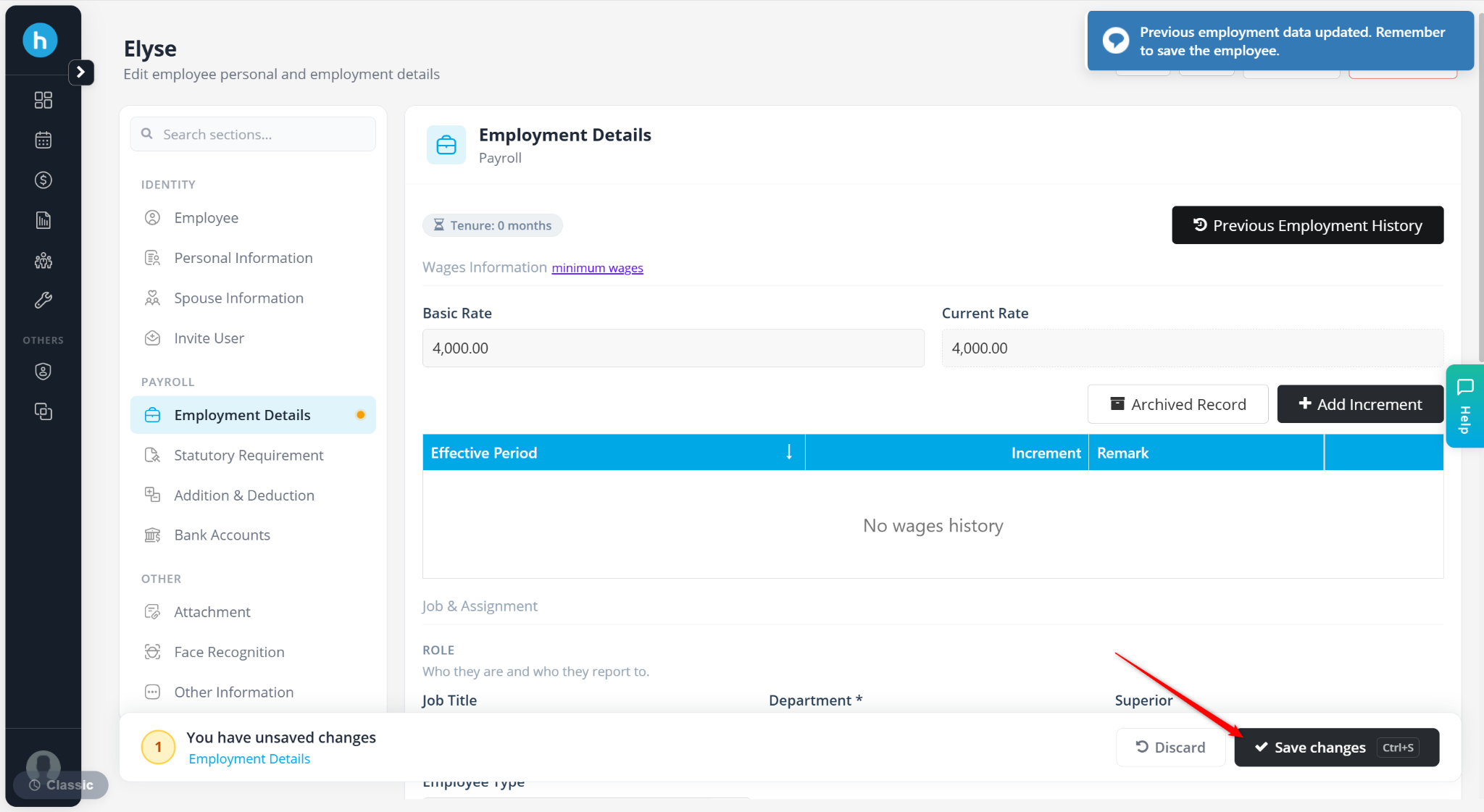
The Past Employment Entry feature allows users to record an employee's previous employment income and statutory contributions before joining the company.
This information is important for accurate PCB (Monthly Tax Deduction) calculations, especially when an employee joins the company partway through the year. Previous employment income, PCB paid, EPF contributions, and other remuneration may need to be considered when calculating the employee's tax liability for the current year.
Steps to Maintain an Employee’s Past Employment Entry:
Go to Payroll > Employee Maintenance.
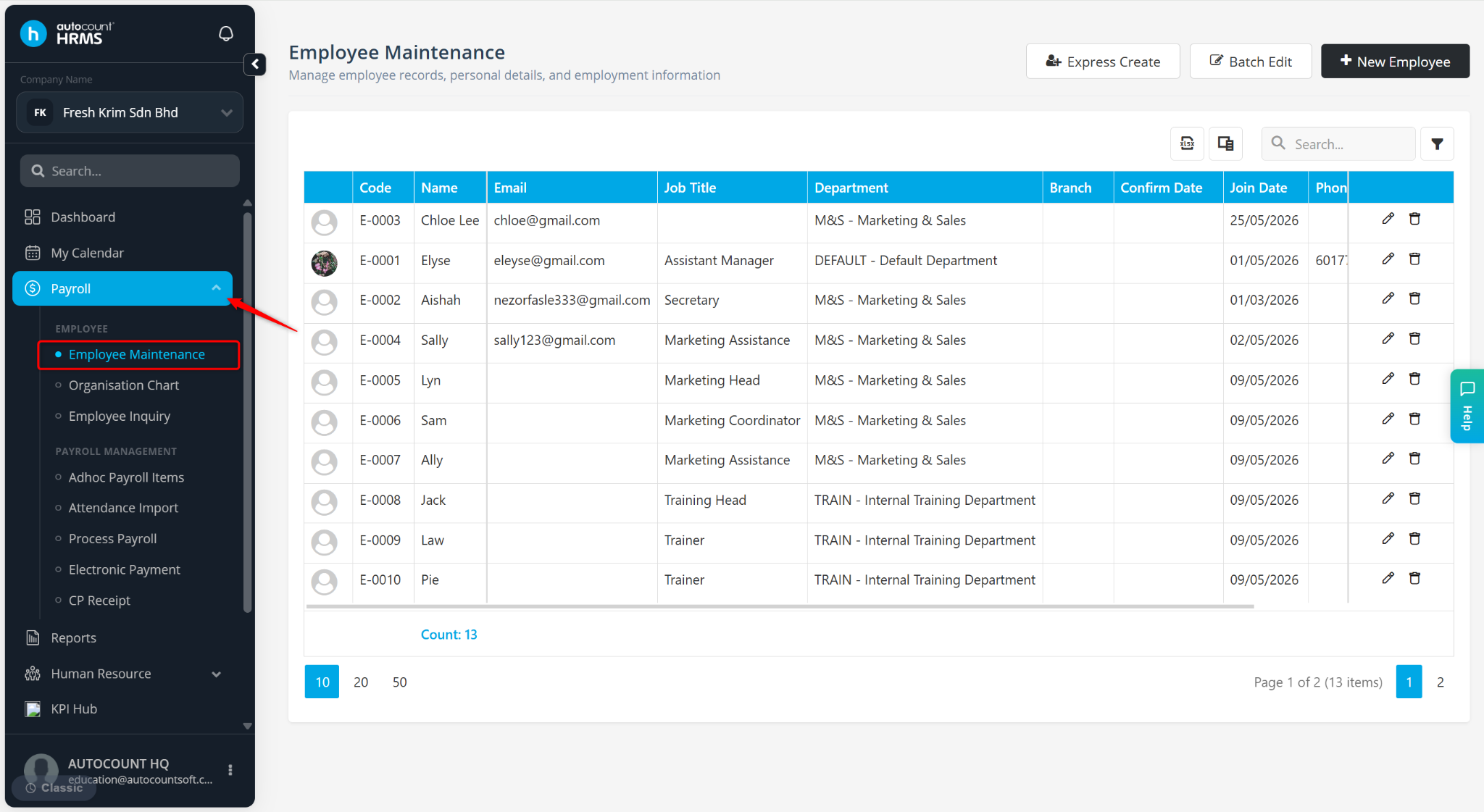
Locate the employee and click the pencil icon next to the employee.
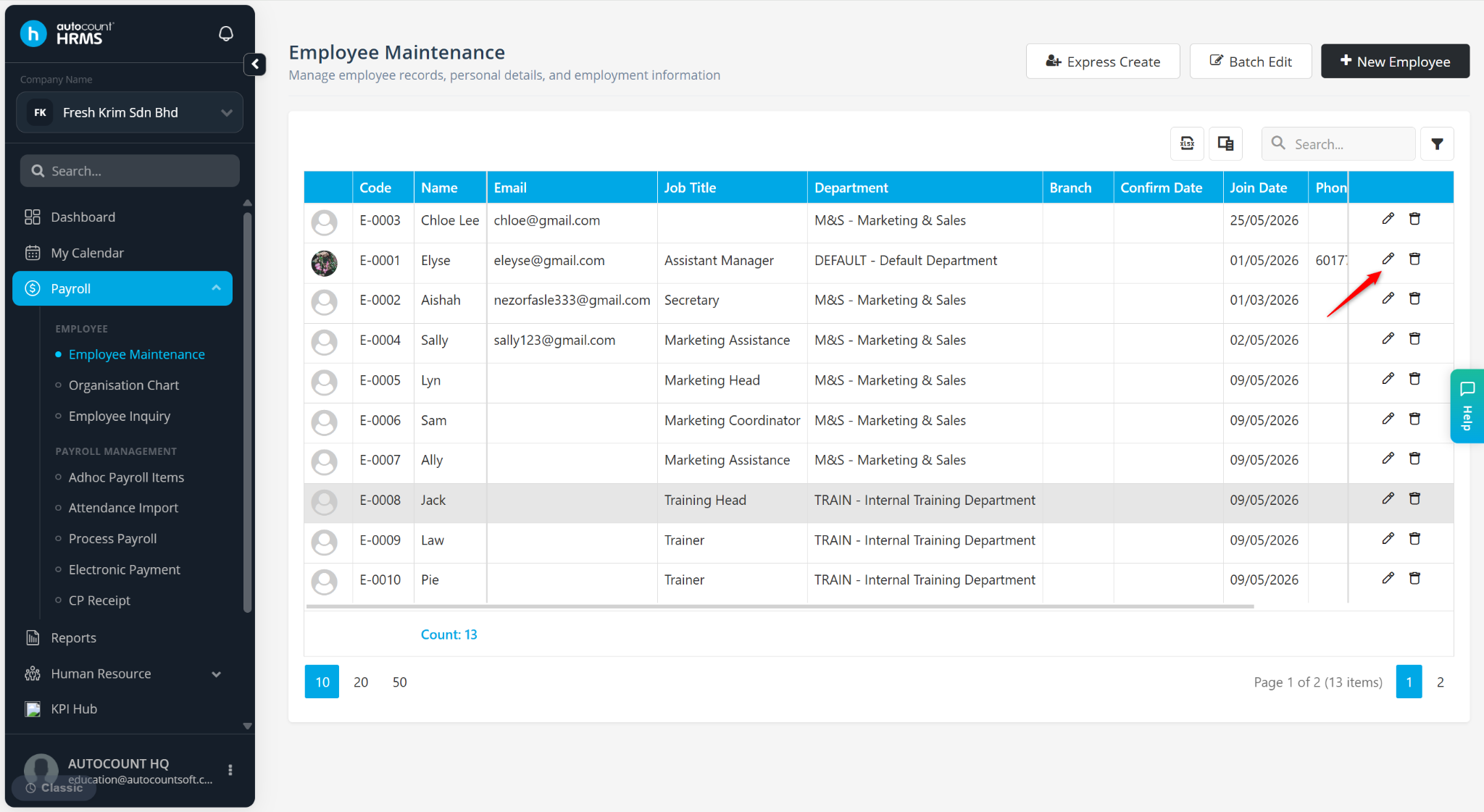
Go to Employment Details.
Click Previous Employment History.
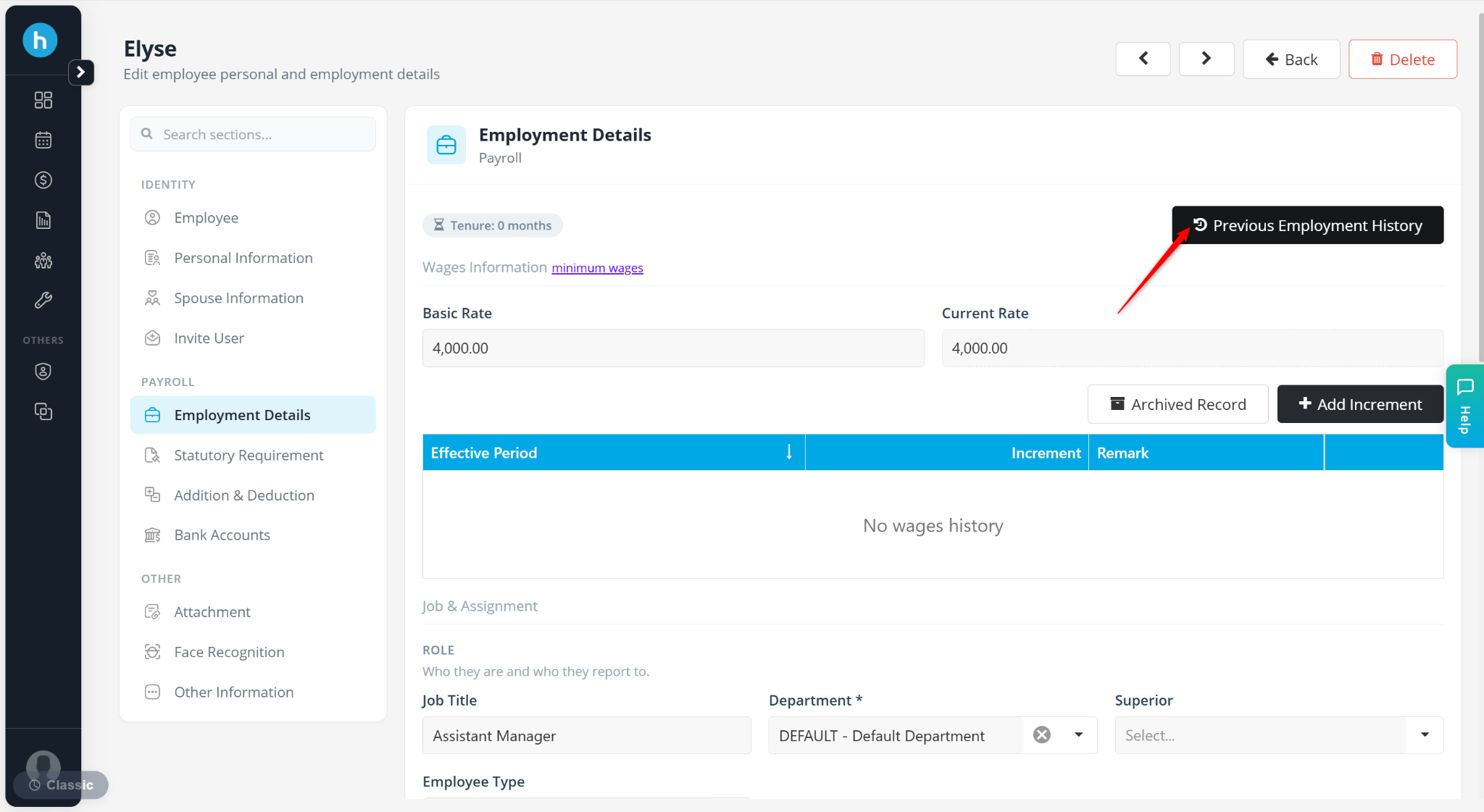
Enter the employee’s past employment and payment details, then click Save.
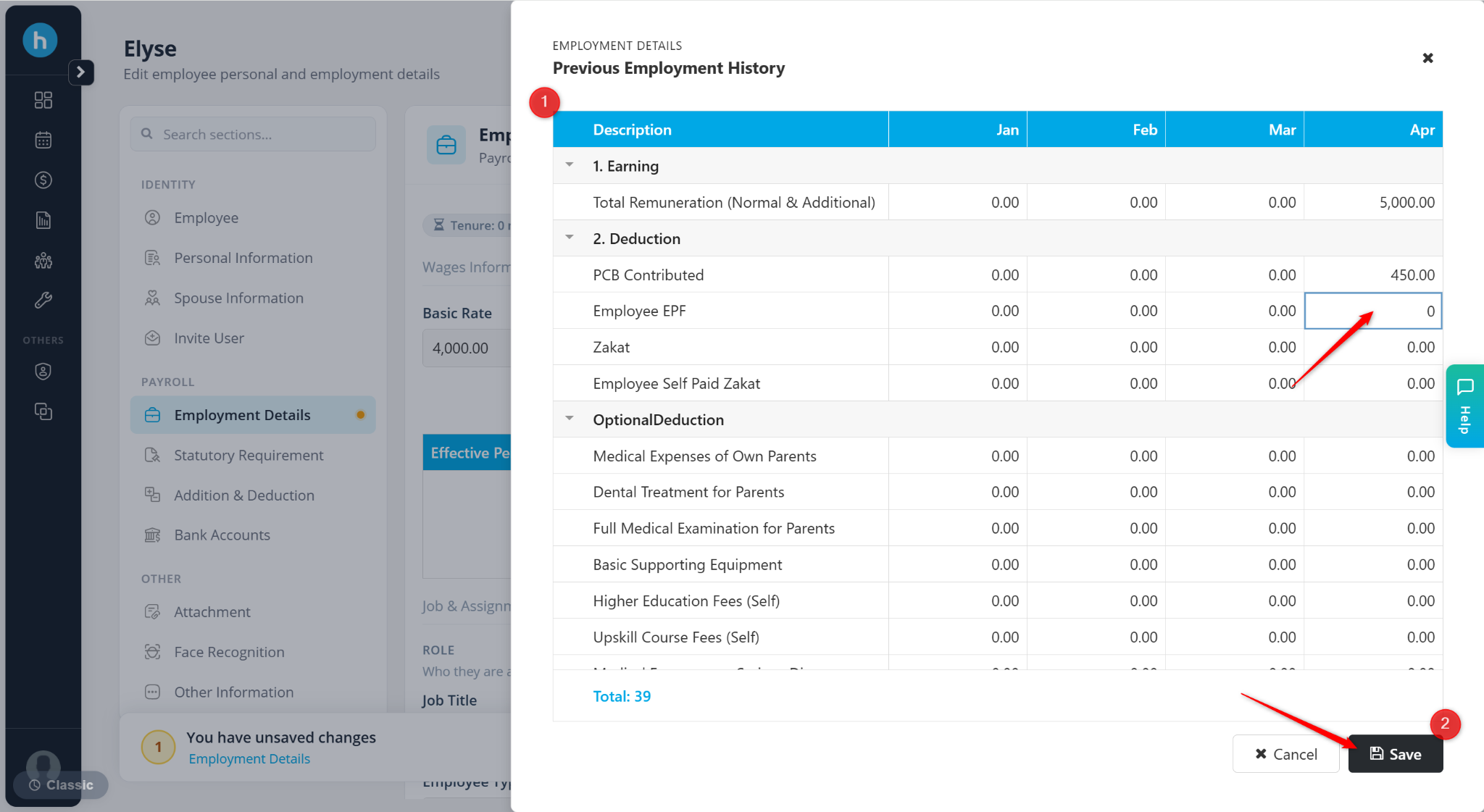
Click Save changes to apply.