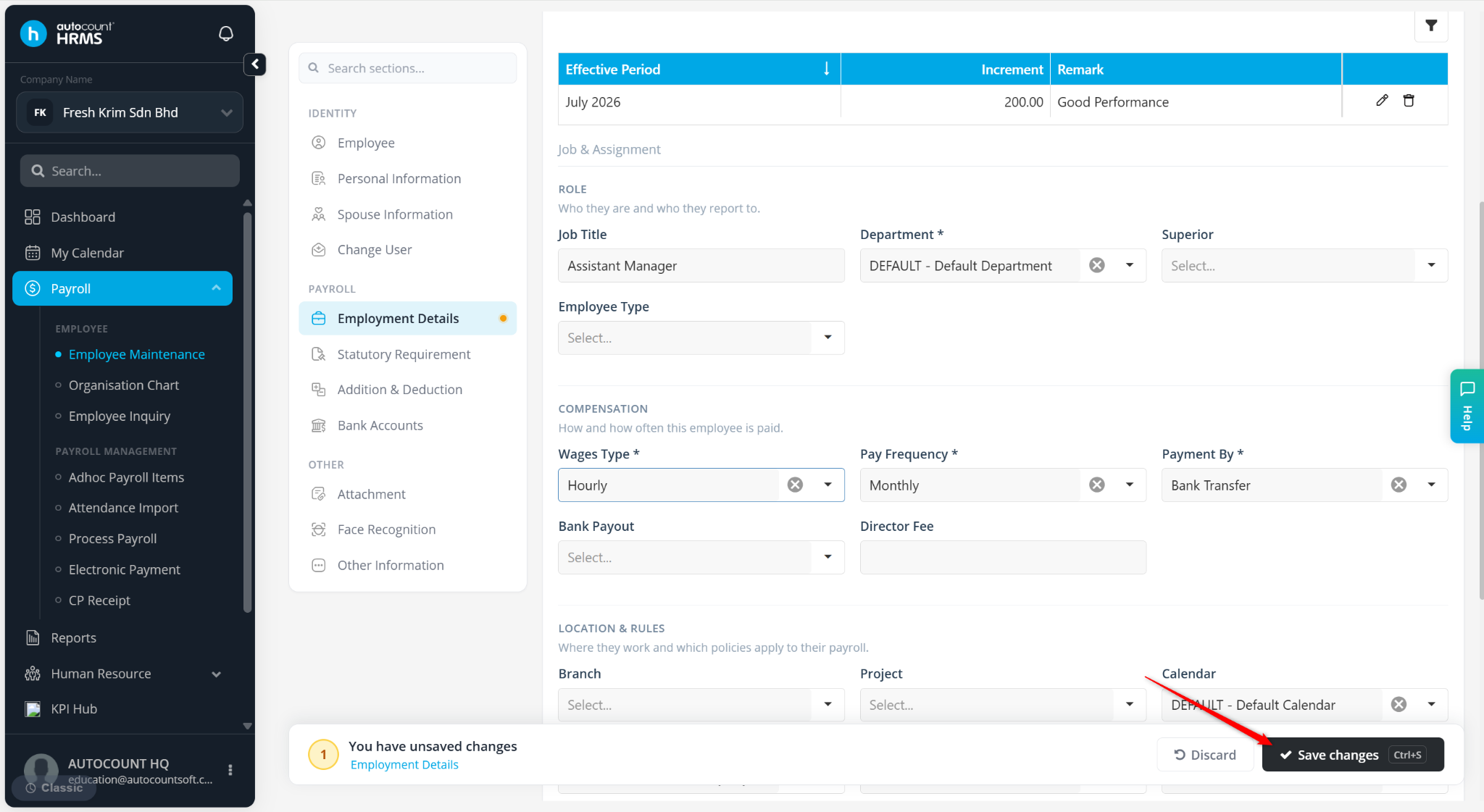
The Employee Calendar setting is used to assign a work calendar to an employee. The assigned calendar determines the employee's working days, rest days, and public holidays, which are used in attendance tracking, leave calculations, overtime calculations, and payroll processing.
Steps to Maintain Default Overtime Settings:
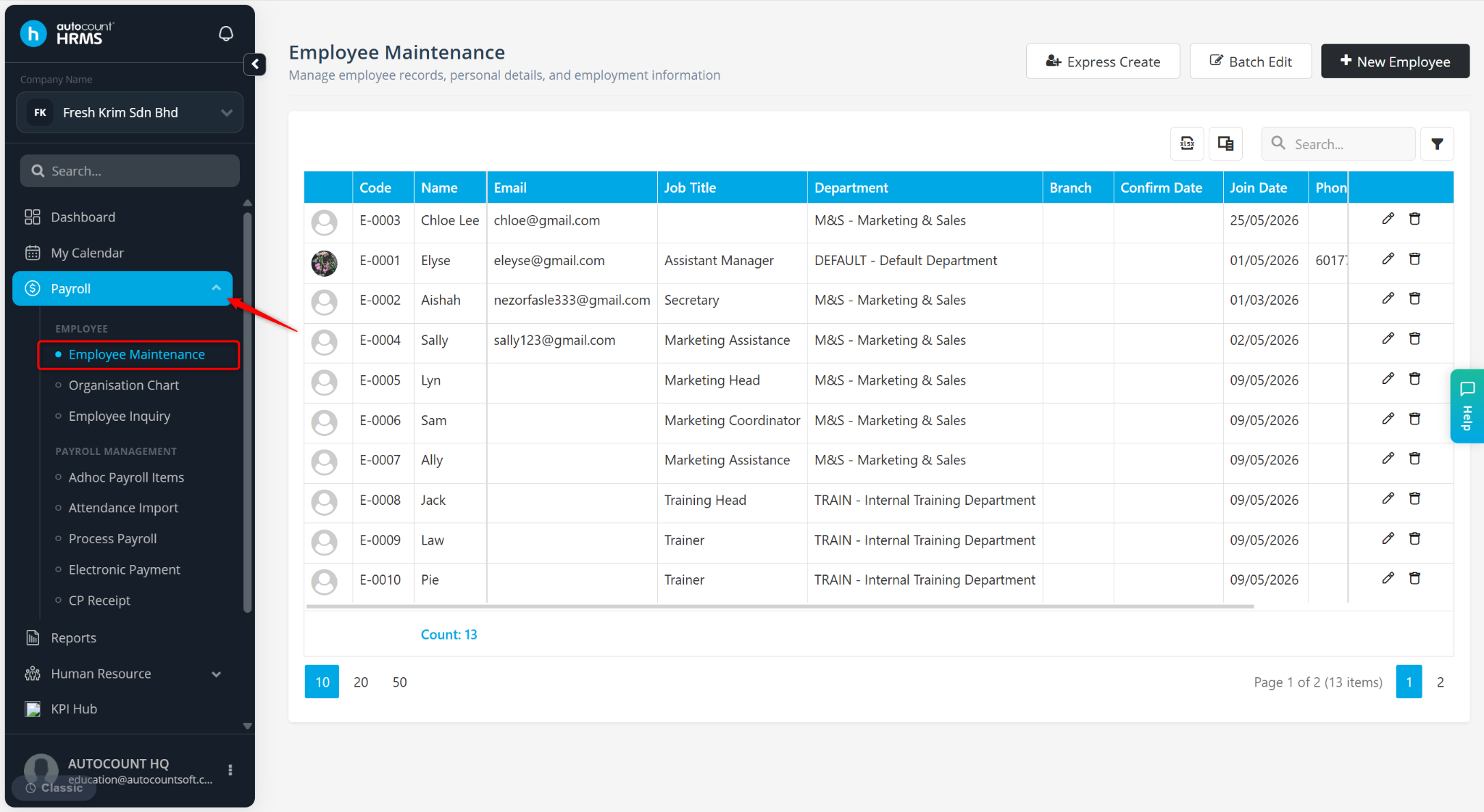
Go to Payroll > Employee Maintenance.
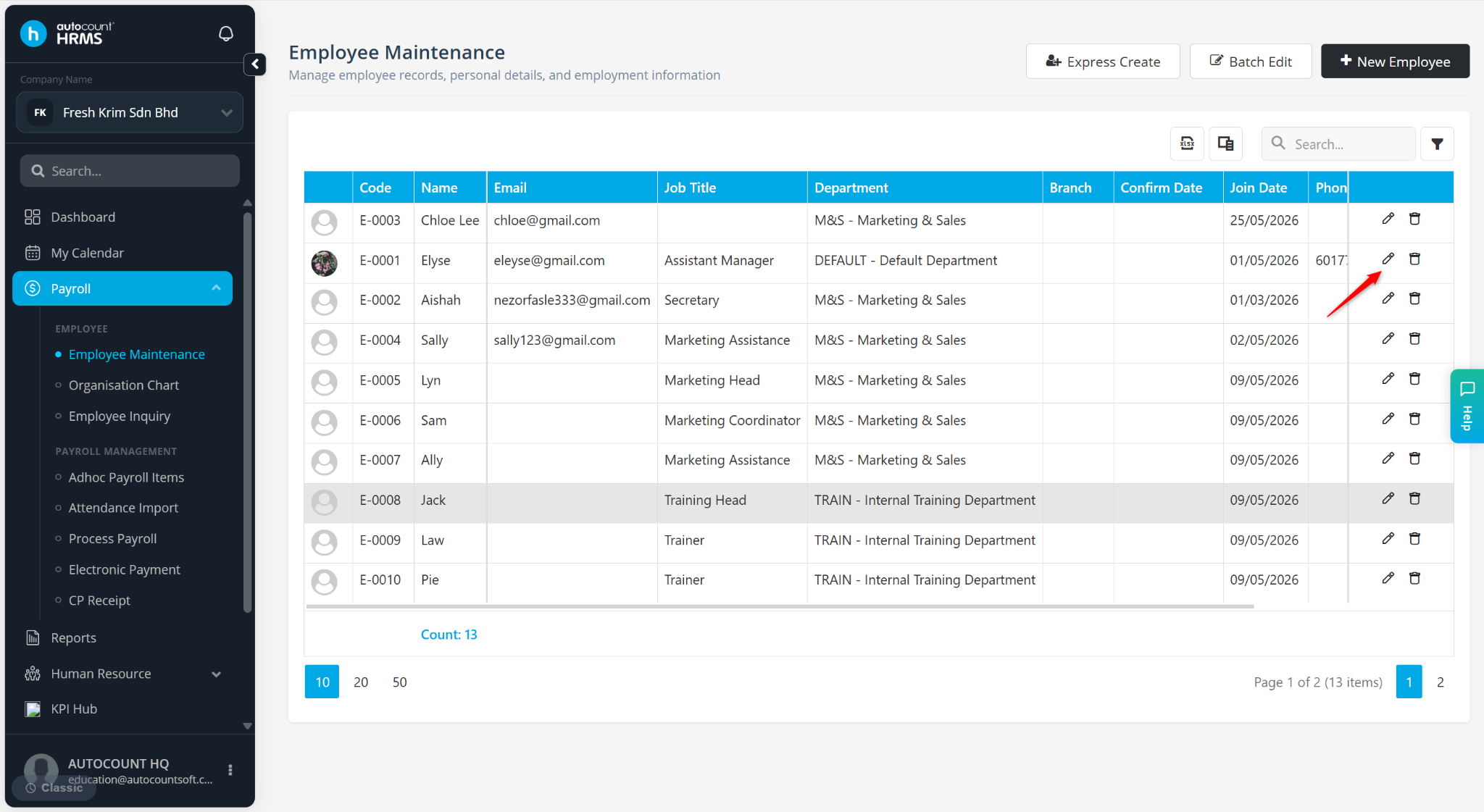
Locate the employee and click the pencil icon next to the employee.
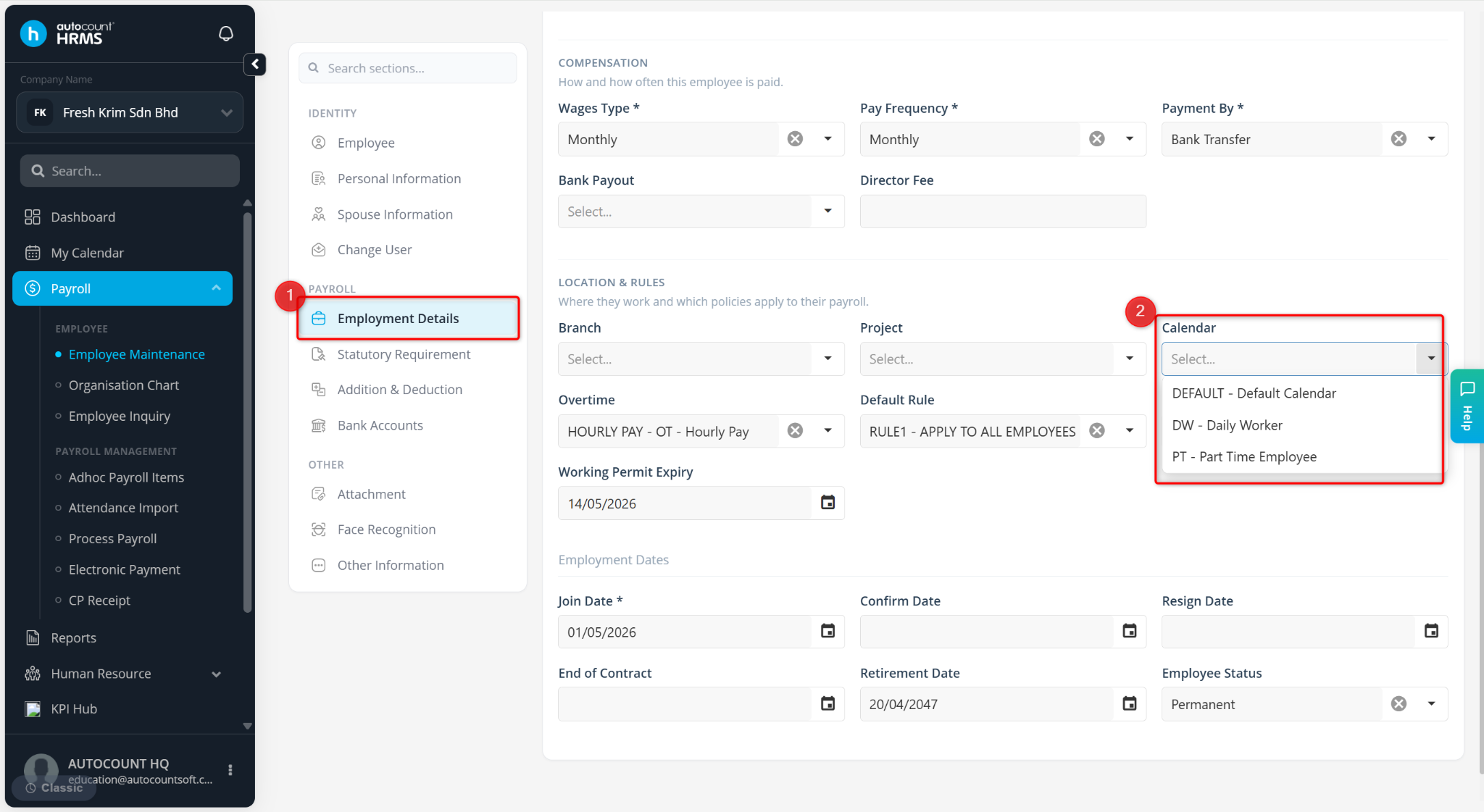
Go to Employment Details.
Select the appropriate Calendar. Calendars are maintained under Tools > Calendar.
Click Save changes to apply.