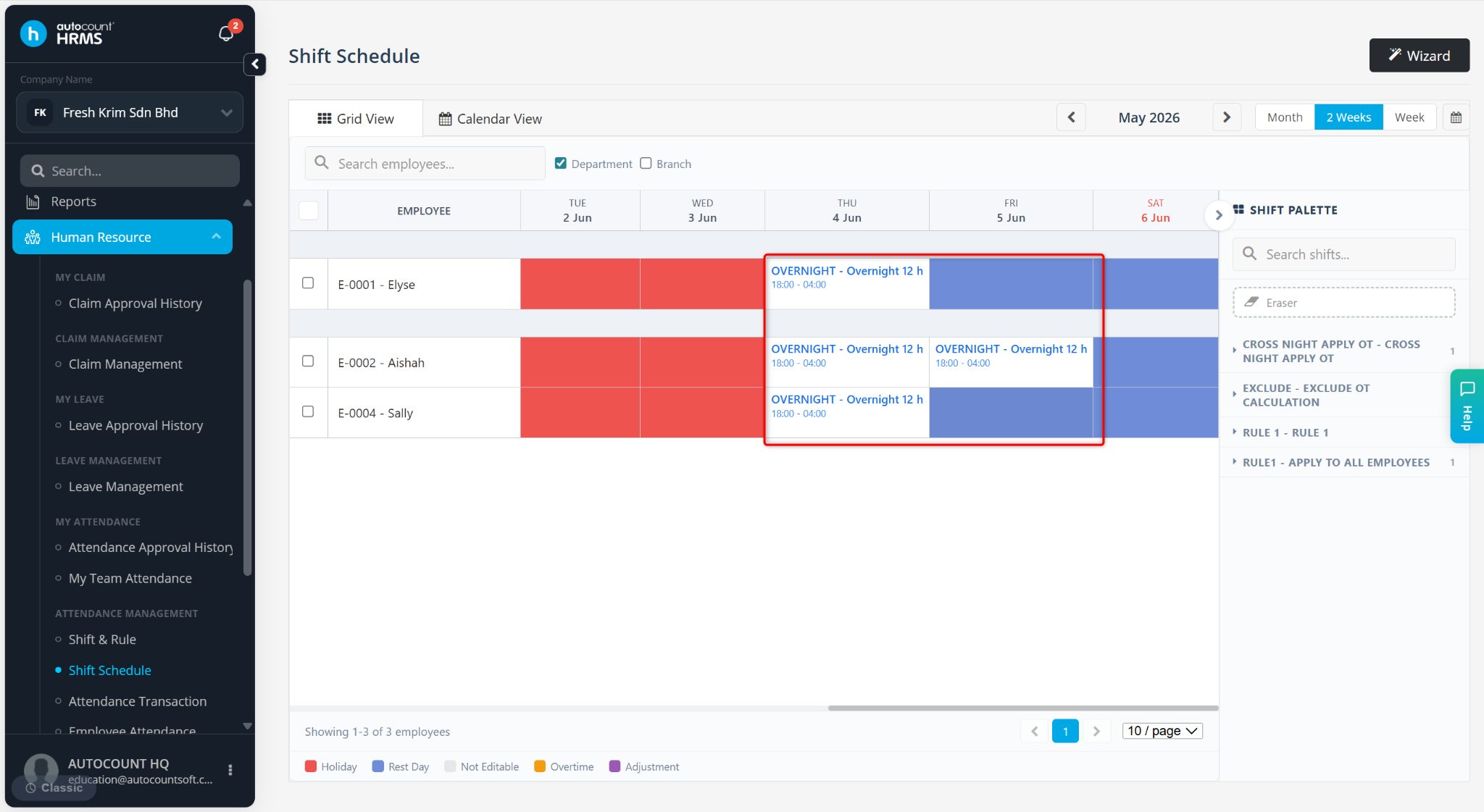
The Shift Schedule feature is used to assign and manage employees' working shifts within a specified period, typically by year. The assigned schedule is used by the system to calculate attendance-related information.
Ensure the required shift and attendance rule have been created before setting up a shift schedule. Refer to Shift Maintenance and Rule Maintenance detailed setup instructions.
Steps to Setup Shift Schedule:
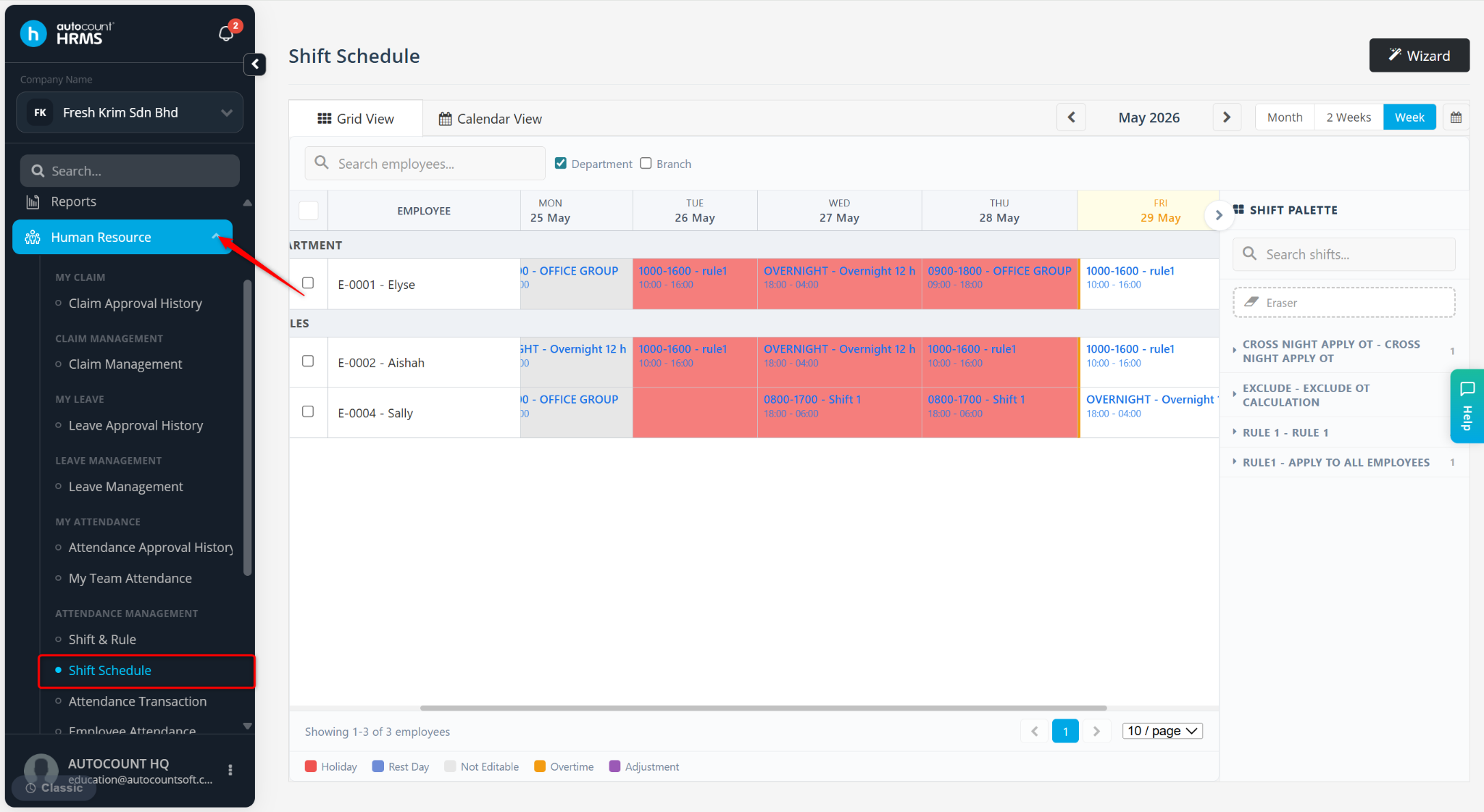
Go to Human Resources > Shift Schedule.
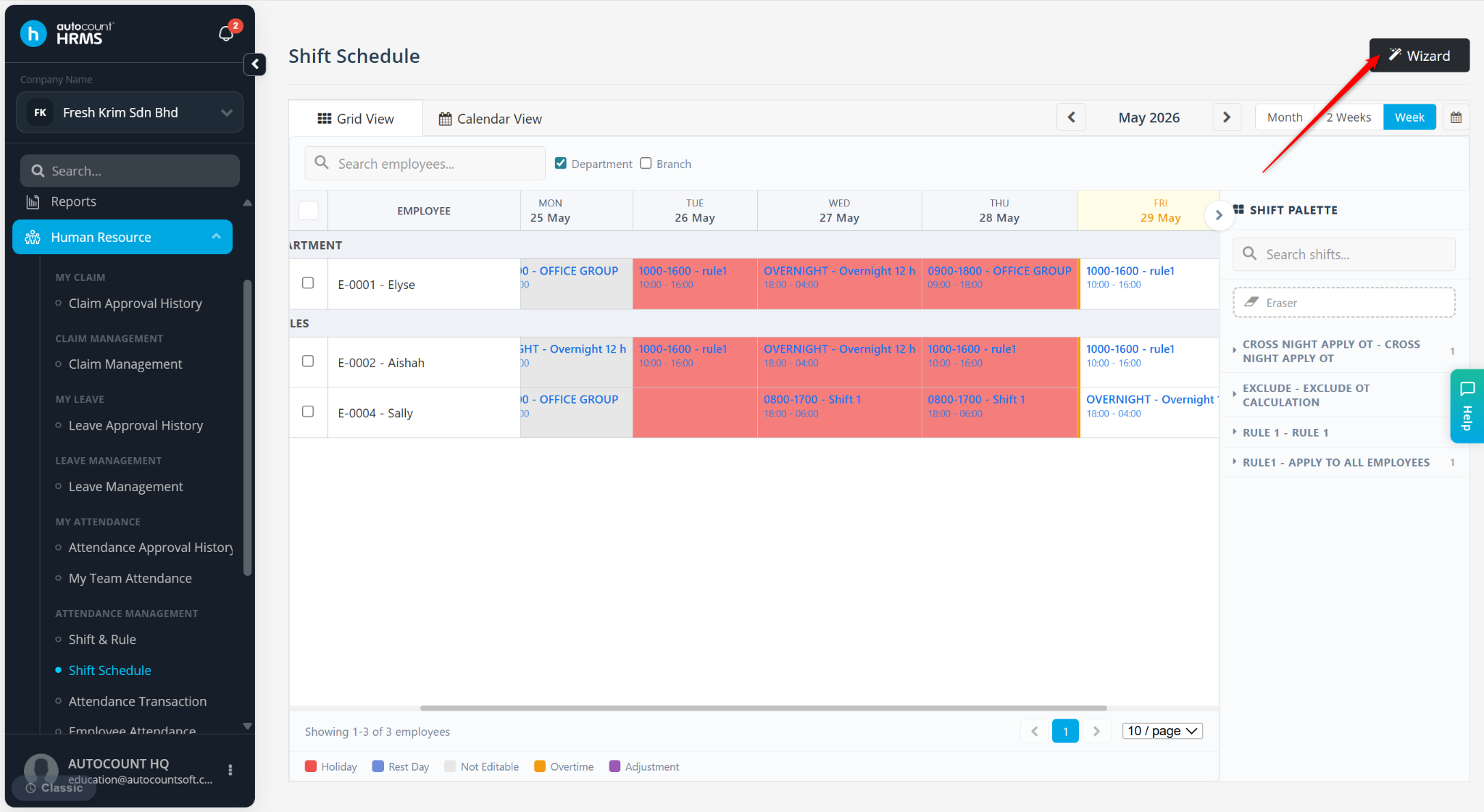
Click Wizard at the top right corner.
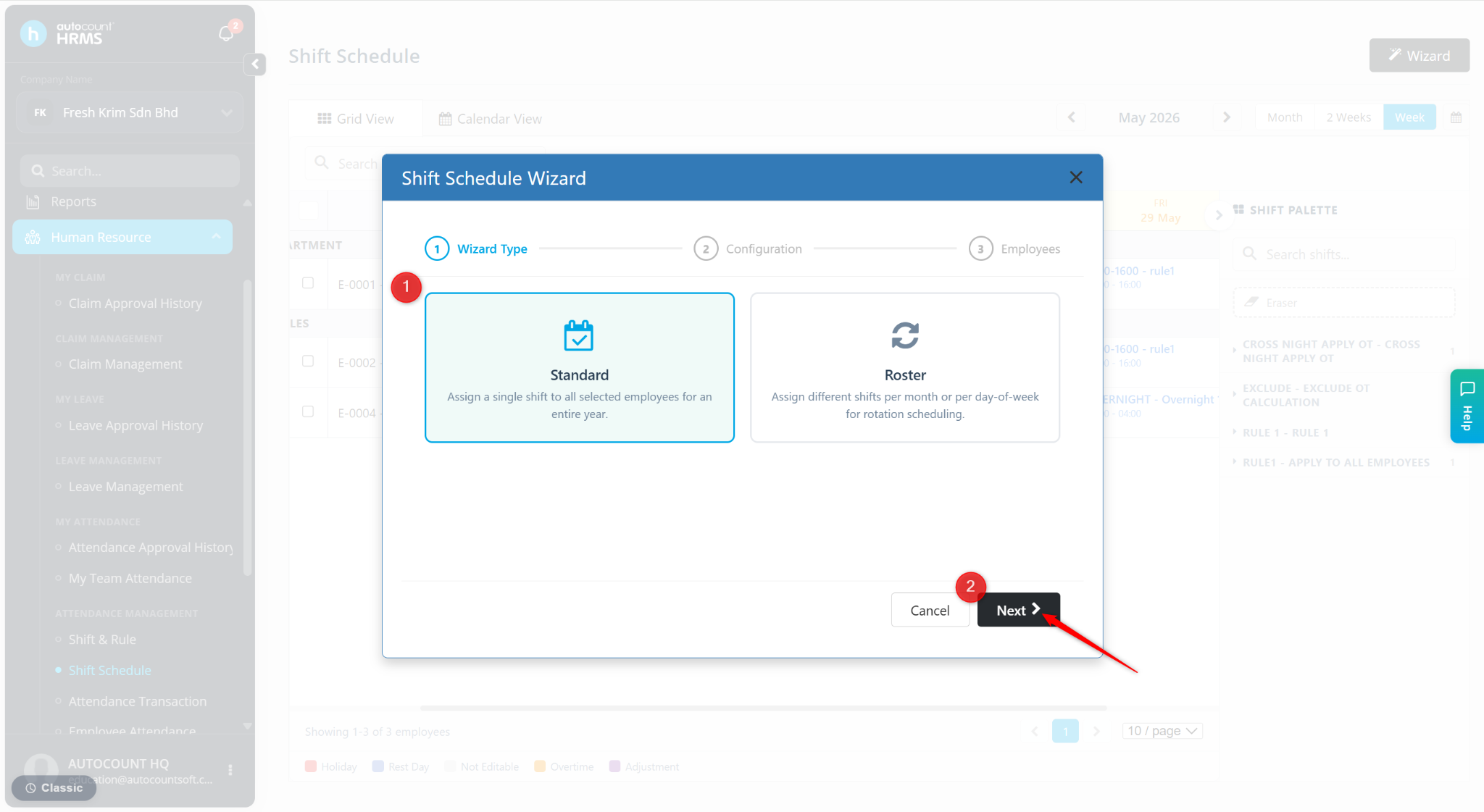
Select the preferred method for the shift to be assigned to the employee on the wizard page:
Standard – suitable for offices/companies with fixed schedules throughout the entire year.
Roster – Suitable for offices with contract workers or restaurants with alternating schedules on a monthly basis.
Click Next.
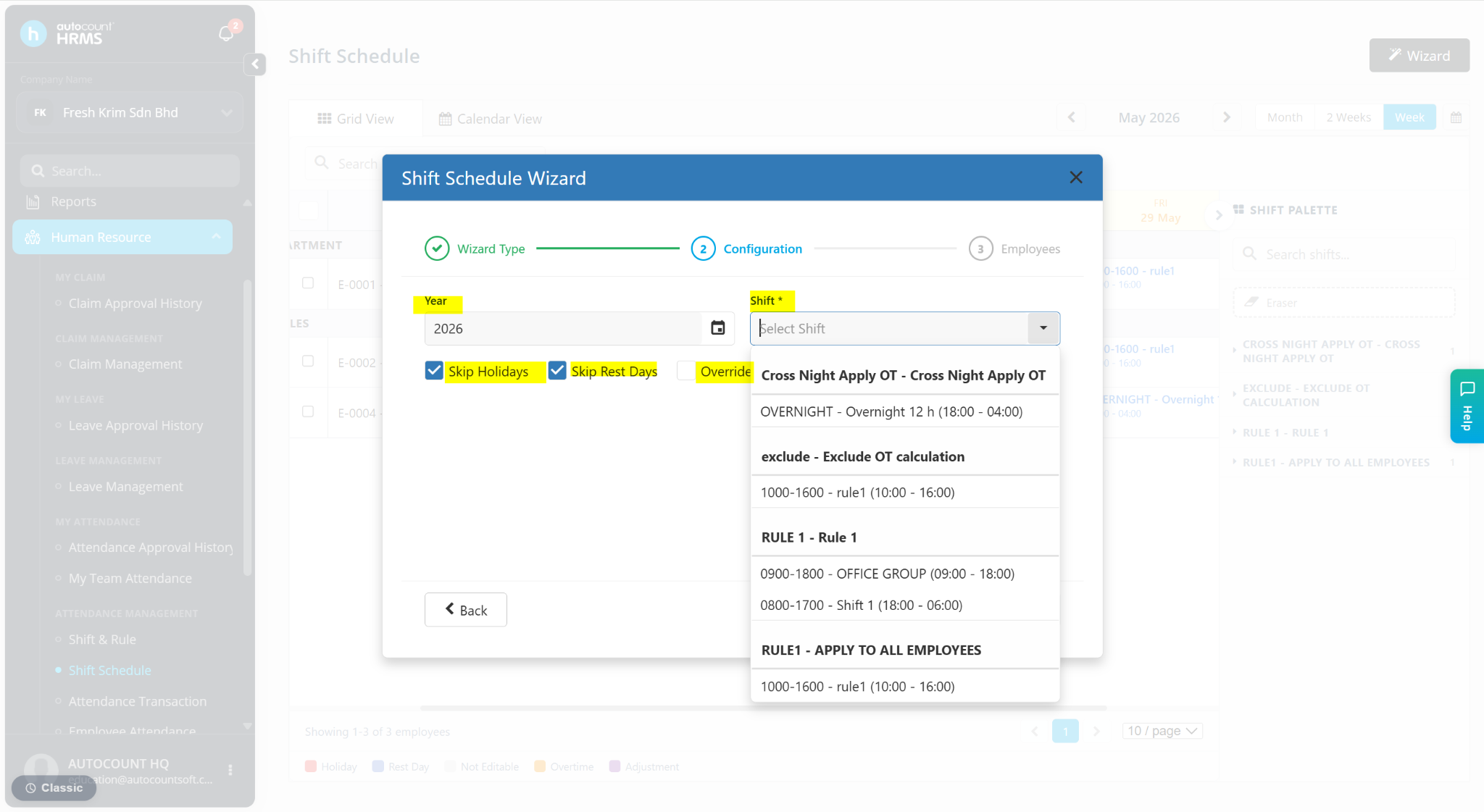
Enter the details:
Year – Select the year for the schedule
Shift – Select the shift created at Shift Maintenance.
Skip Holidays – Enable if applicable.
Ship Rest Days – Enable if applicable.
Override Existing – Enable if applicable.
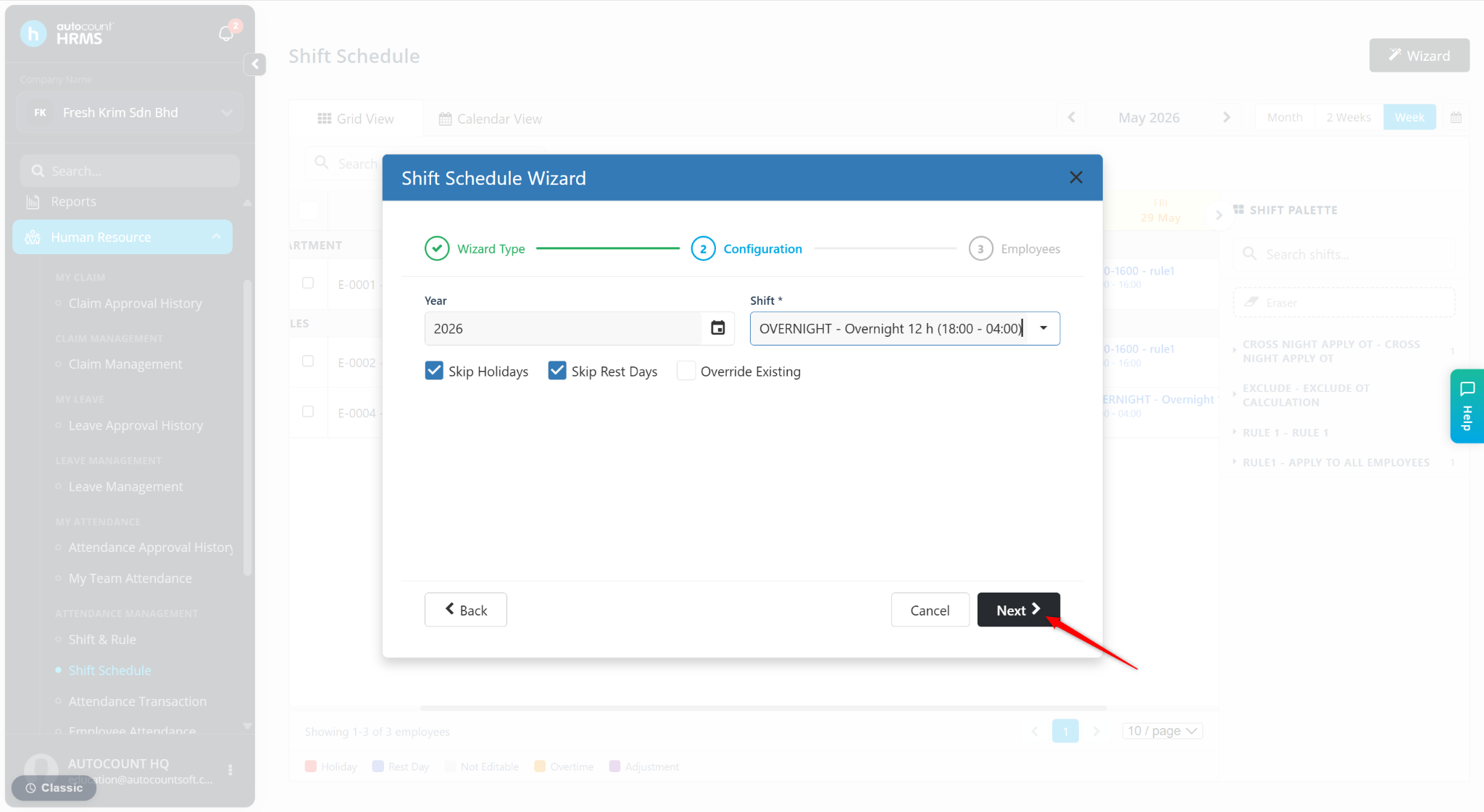
Click Next.
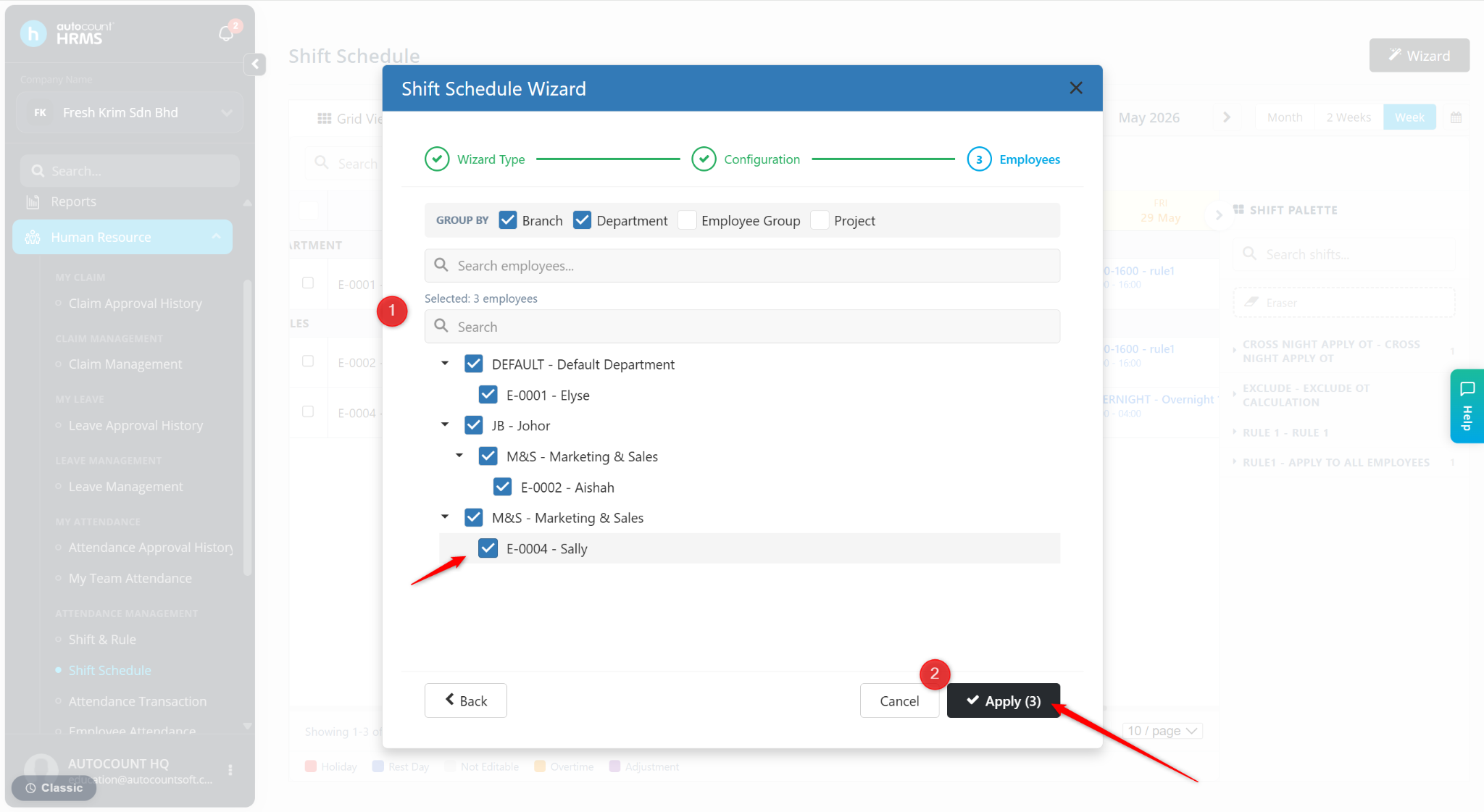
Select the employee(s) to be included in the schedule.
Click Apply.
The shift will be created.