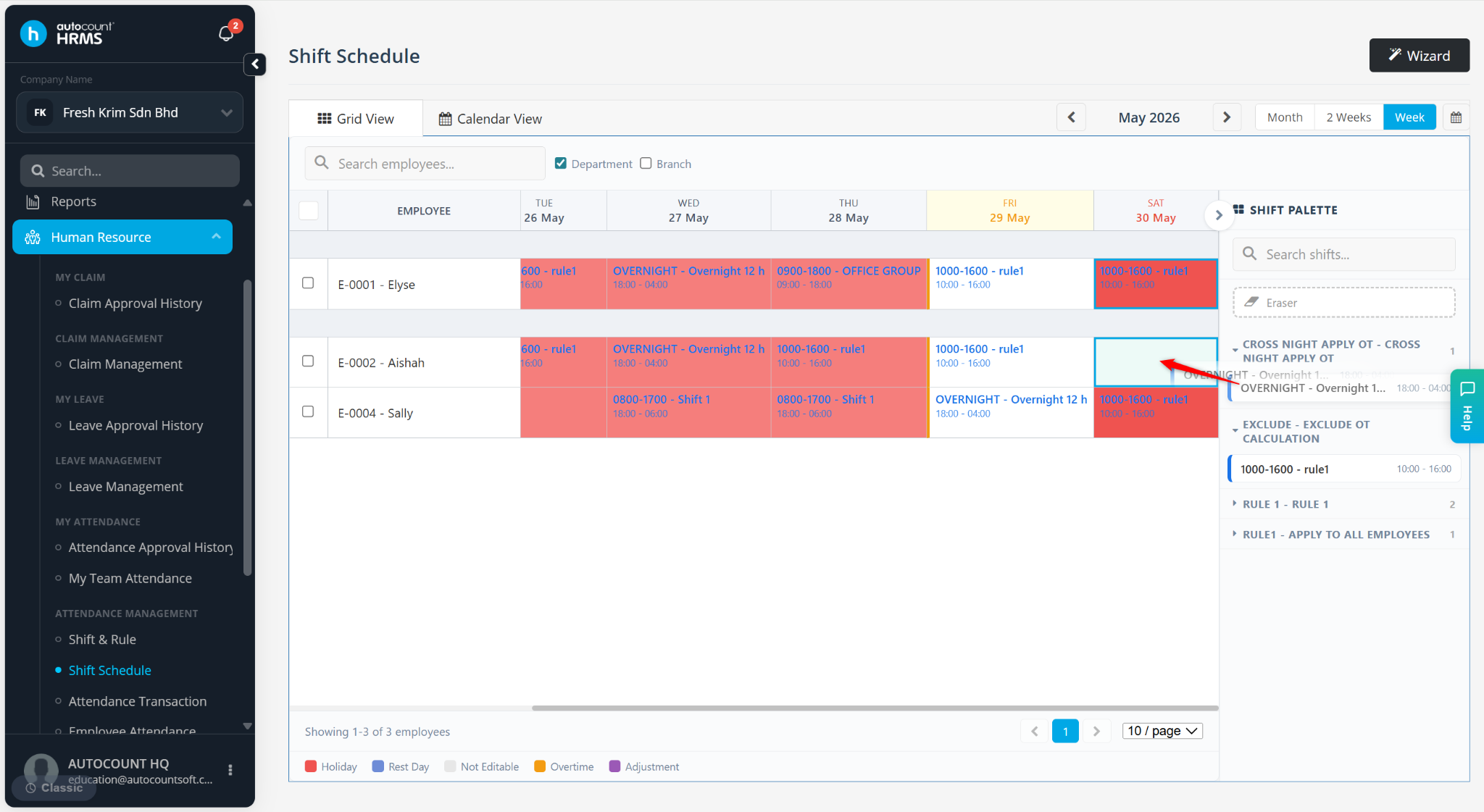
Users may update or change the assigned shift schedule for employees when there are changes in working arrangements or scheduling adjustments.
Steps to Change Assigned Shift Schedule:
Go to Human Resource > Shift Schedule.

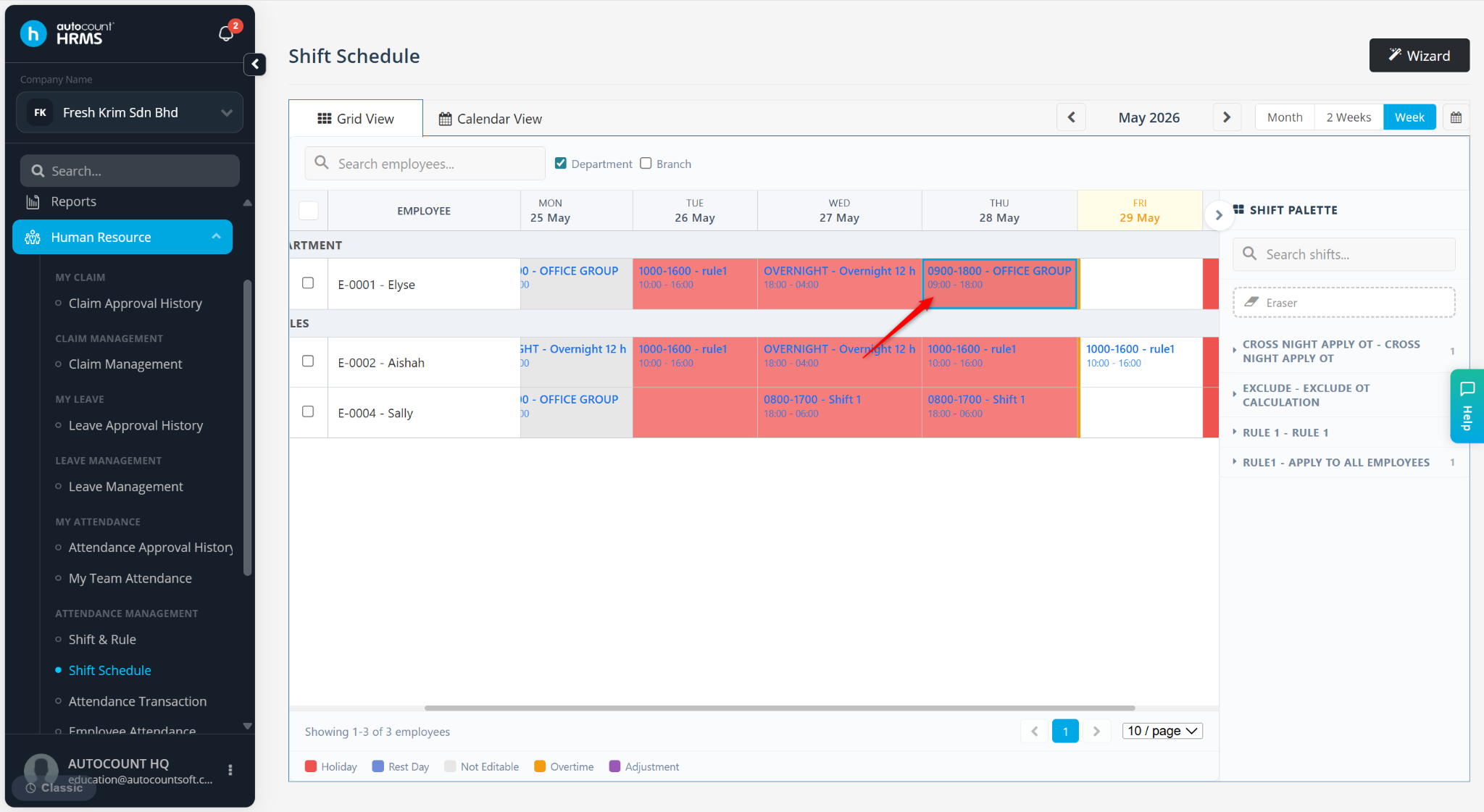
Locate the employee and click on the date where the shift needs to be changed.
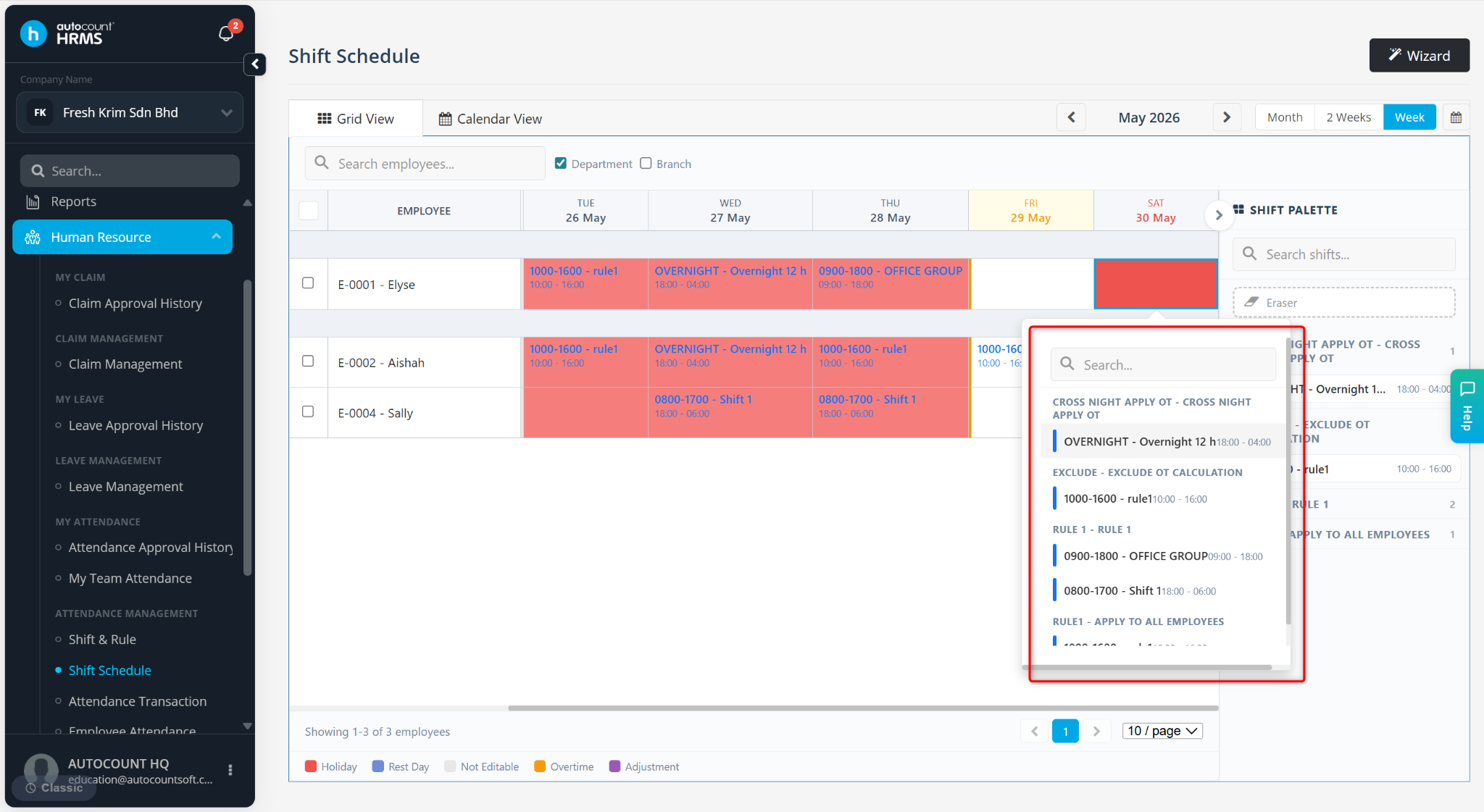
The list of available shift rules will be displayed. Select the relevant shift to update the schedule.
You may also drag and drop the rule from the list into the schedule.