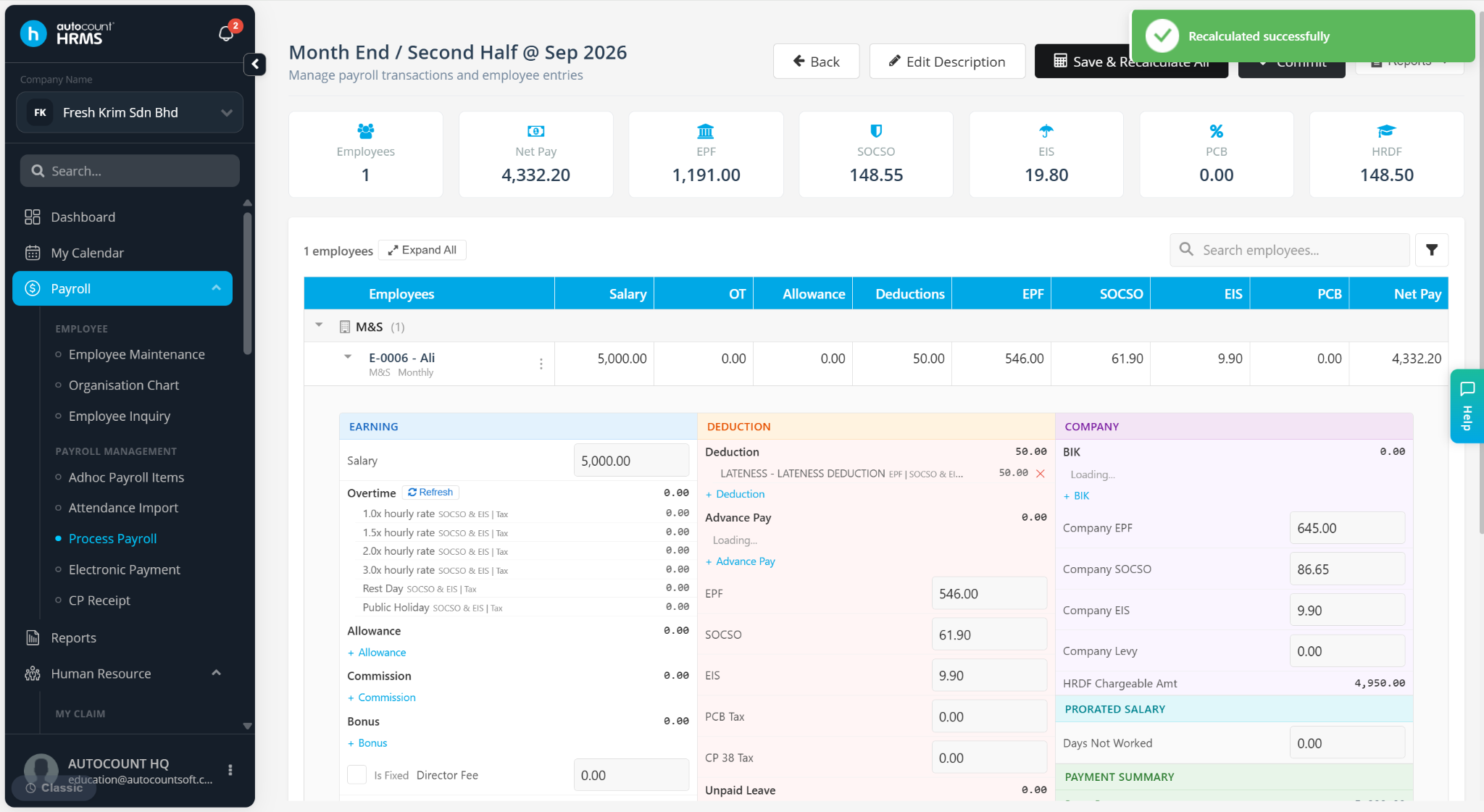
The Recalculate button appears next to an employee's name whenever manual changes are made to their payroll details after payroll has been processed. It is used to update and recalculate the payroll based on the latest changes, ensuring the revised amounts are captured correctly by the system.
Steps to Use the Recalculate Button:
Process payroll as usual.
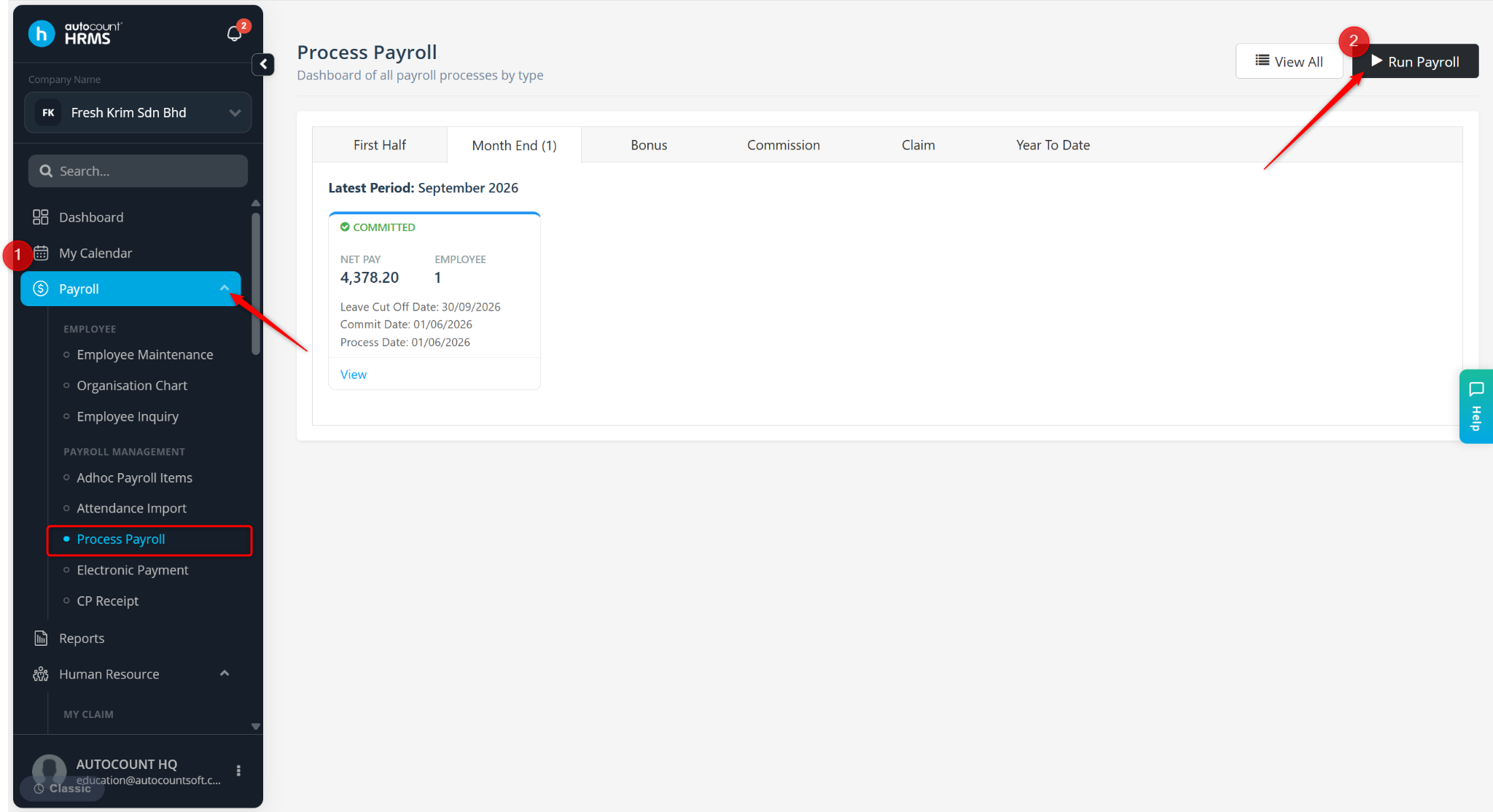
Make the necessary changes to the employee's payroll details.
Click Recalculate next to the employee's name.
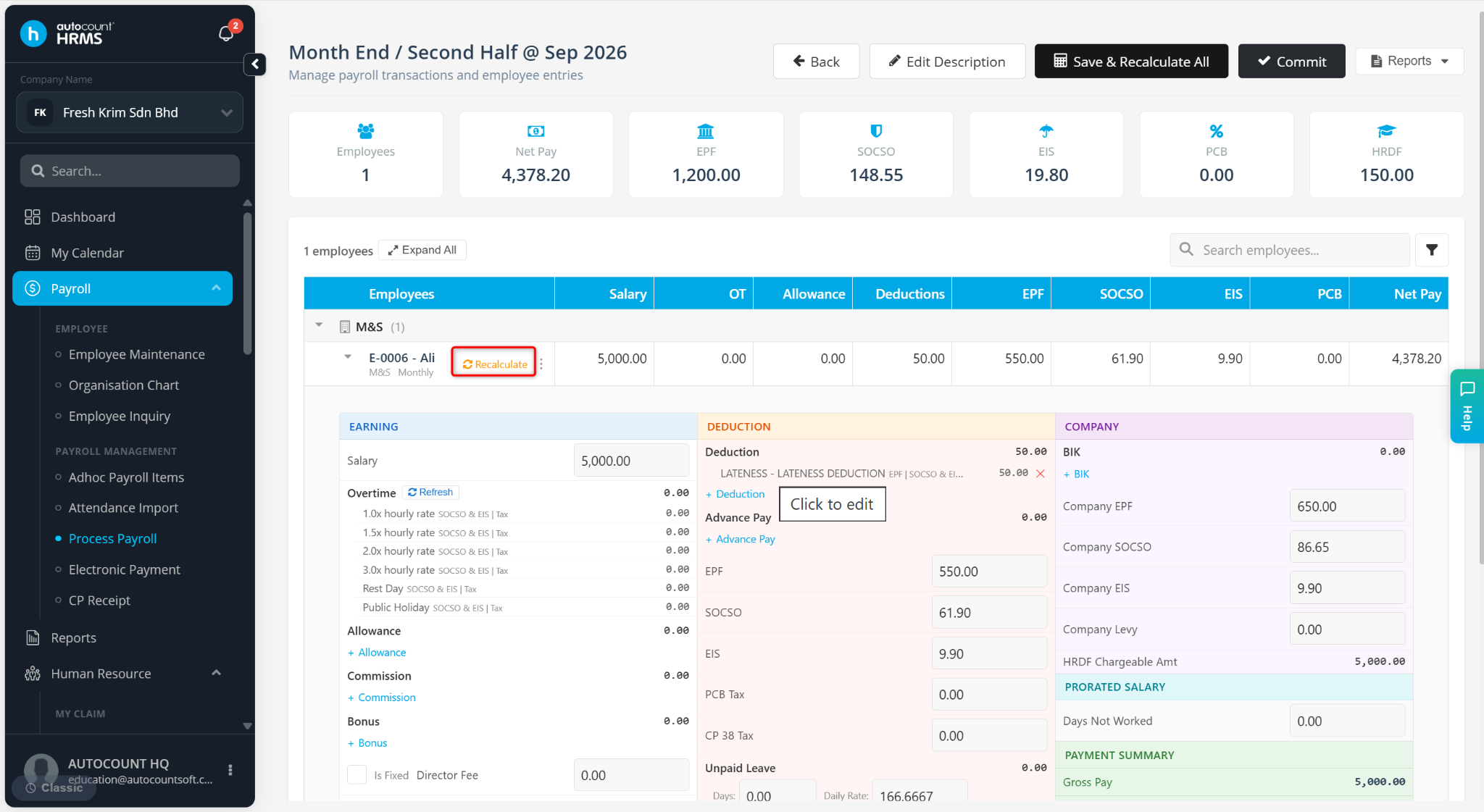
The system will recalculate the employee's payroll and update the payroll amounts based on the latest changes made.